# Prenly
> Prenly transforms your PDF into a modern e-paper. Publish newspapers, magazines, podcasts, digital editions, web news and interactive crosswords – all from one platform.
The full text of the public pages on this site, in the order of https://www.prenly.com/llms.txt. Each page starts with its URL. Generated 2026-11-11 10:42 UTC.
---
URL: https://www.prenly.com/
# Digital publishing for newspapers and magazines
> Prenly transforms your PDF into a modern e-paper. Publish newspapers, magazines, podcasts, digital editions, web news and interactive crosswords – all from one platform.
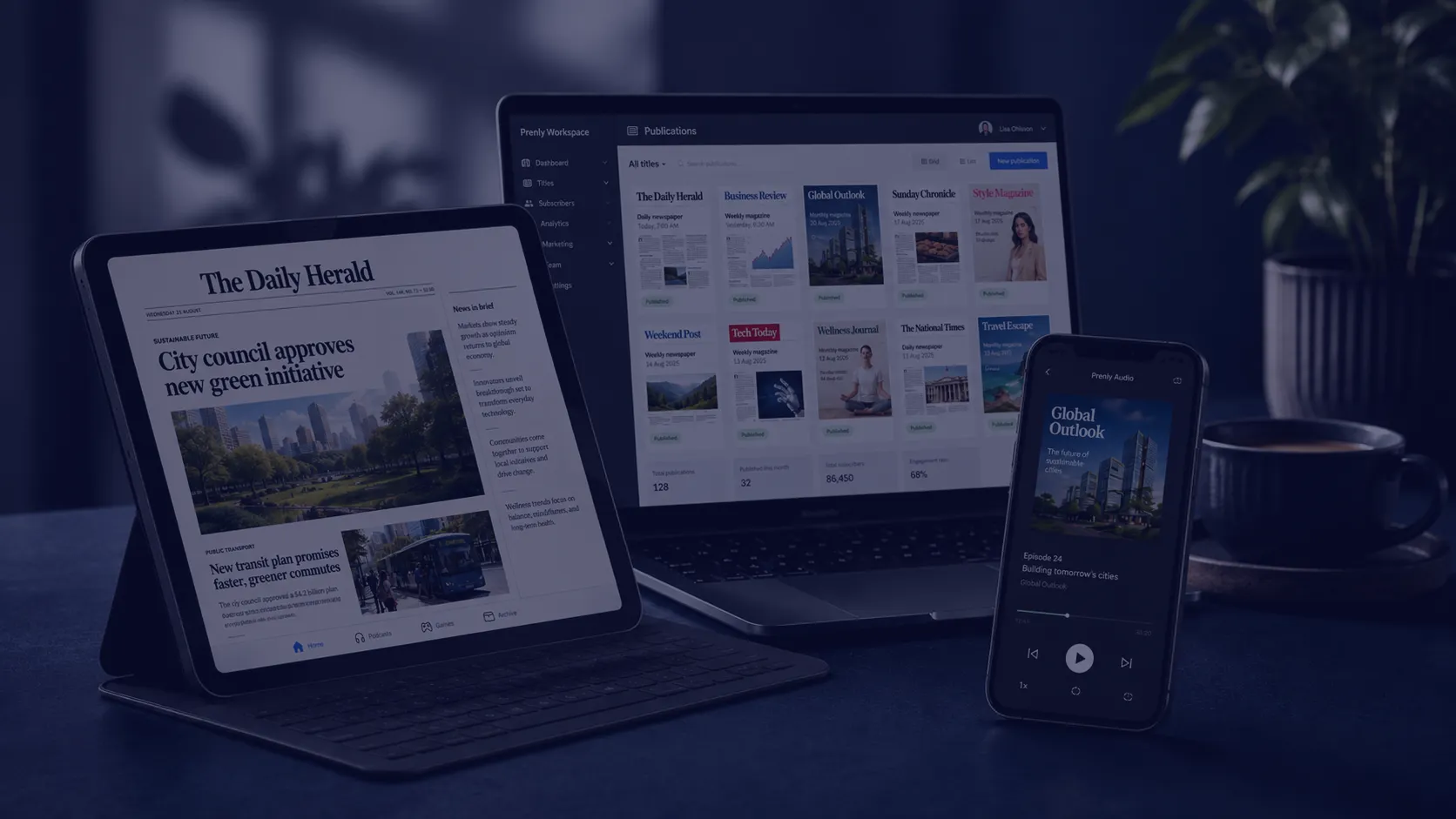
Prenly is a platform for creating, publishing and distributing e-papers, digital editions and other editorial content across apps and the web.
[Contact us](https://www.prenly.com/contact-us) [Book a meeting](https://www.prenly.com/book-demo)














For newspapers and magazines
## Everything in one platform
All you need to create, publish and grow your digital publications.
### Prenly Workspace
Bring your entire publishing workflow together in one place. Create, package and publish your content from a single workspace.
[Go to Prenly Workspace](https://www.prenly.com/prenly-workspace)
### Prenly Reader
Bring e-papers, articles, podcasts, games, crosswords and other content together in a modern, accessible reading experience across iOS, Android and the web.
[Go to Prenly Reader](https://www.prenly.com/prenly-reader)
### Prenly Engage
Give readers more reasons to return with games, polls, podcasts, events and local services – all built into the app they already use.
[Go to Prenly Engage](https://www.prenly.com/prenly-engage)
Customer story
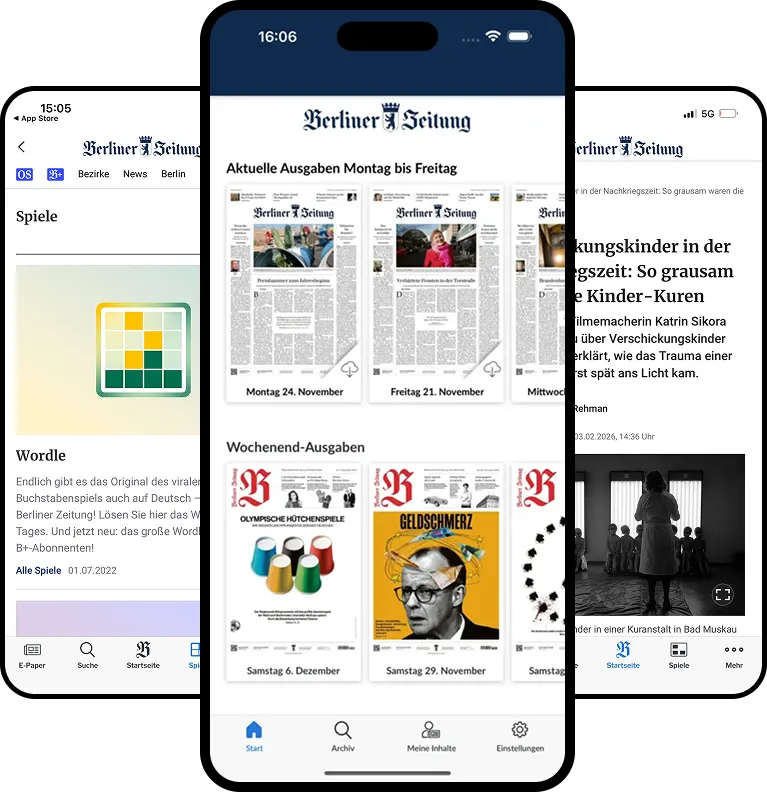
## Berliner Verlag migrated multiple newspapers to Prenly without disrupting daily publishing
Berliner Zeitung, Berliner Kurier and Weltbühne successfully transitioned to Prenly while maintaining existing workflows, subscriber access and daily production – creating the foundation for future growth across the publishing group.
- Rapid migration with no disruption to readers
- Existing subscriber logins and workflows preserved
- Flexible platform ready for future CMS and API integrations
[Read customer story](https://www.prenly.com/customer-stories/berliner-zeitung-epaper-migration)
## Built for the challenges publishers face every day
Prenly simplifies digital publishing, brings content together in one seamless reading experience, and works with the systems you already use.
Explore our [digital publishing platform for newspapers and magazines](https://www.prenly.com/digital-publishing-platform) and see how Prenly brings publishing, distribution, and reader experiences together.
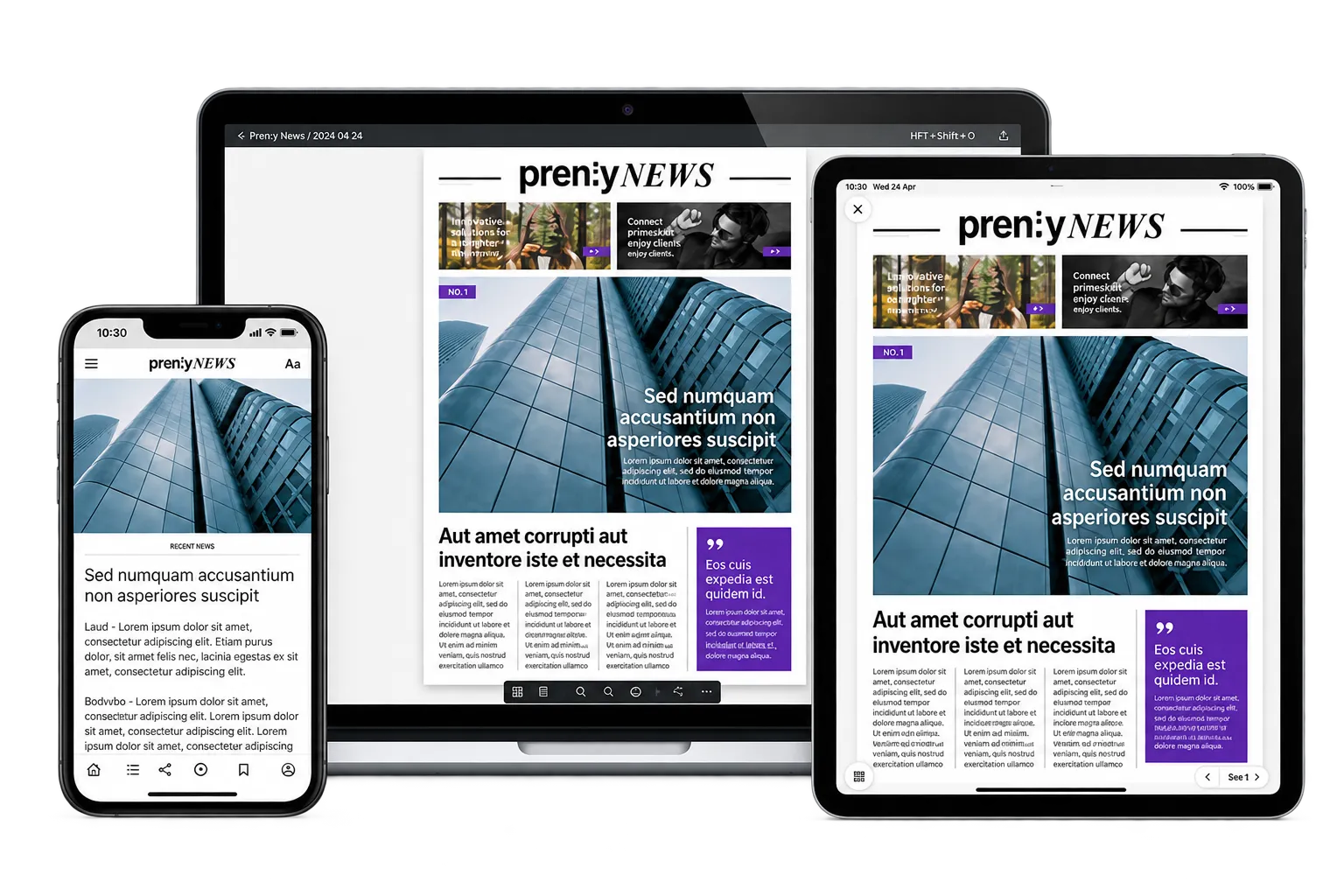
## Publish e-newspapers and digital editions with less manual work
With Prenly, newspapers, magazines and media groups can create, package and distribute e-newspapers and digital editions in one streamlined publishing workflow – from editorial content to app and web.
[Learn more about e-newspapers and digital editions](https://www.prenly.com/en/solutions)
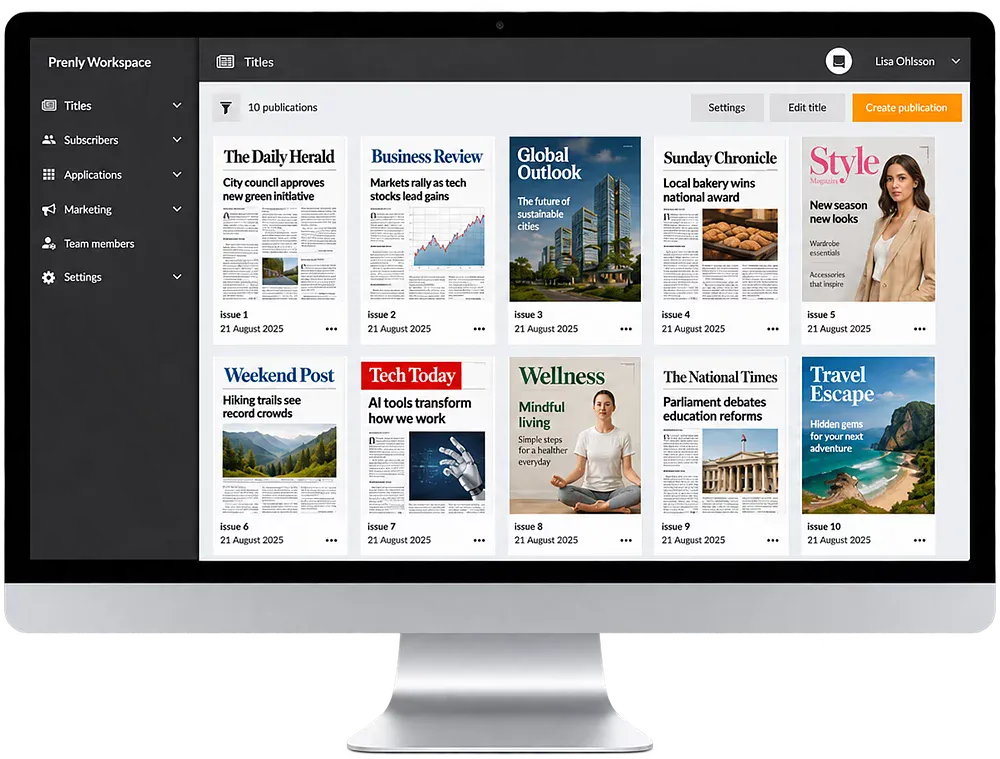
## Bring e-newspapers, articles, podcasts and games together in one reading experience
With Prenly Reader, you can bring e-newspapers, articles, podcasts, audio, games and crosswords together in one seamless digital reading experience for iOS, Android and the web.
[Learn more about Prenly Reader](https://www.prenly.com/prenly-reader)
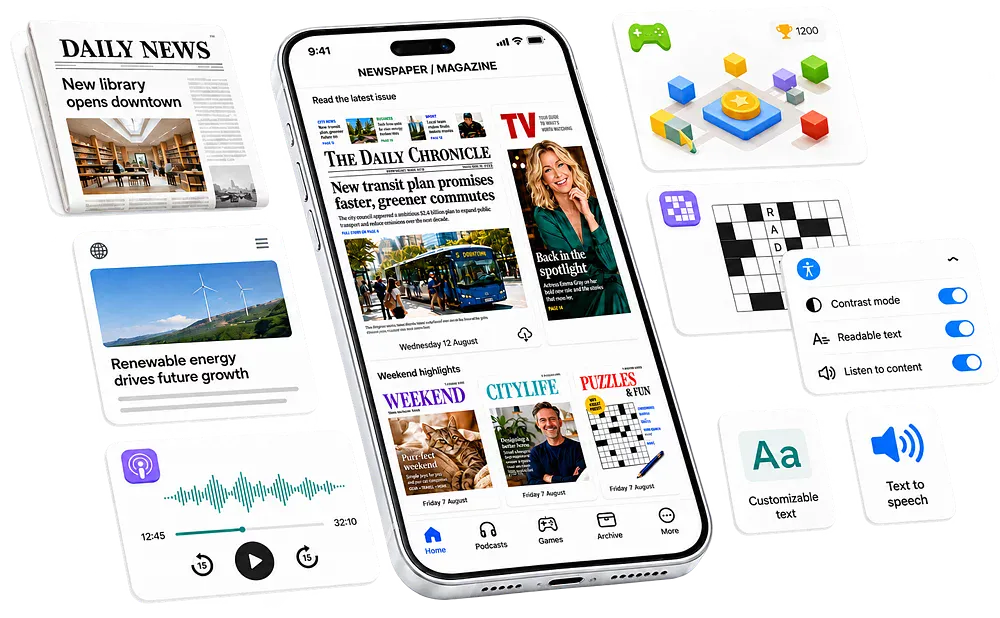
## Integrate Prenly with your existing systems
Connect your authentication system, collect user data, and forward it to your analytics tools. Streamline publishing with automatic imports from your editorial platform — Prenly is built for seamless integration with your current tech stack.
[Learn more about integrations](https://www.prenly.com/solutions)

### Newspapers
For local newspapers, regional newspapers, national titles and free newspapers. Make your newspaper digital. Simple and accessible.
[For newspapers](https://www.prenly.com/digital-publications/newspapers)
### Magazines
For consumer magazines, trade publications, special-interest magazines, customer magazines and membership publications.
[For magazines](https://www.prenly.com/digital-publications/magazines)
### Media groups
For media groups and publishing companies that need digital newsstands, standardisation, distribution, analytics, advertising and AI-powered tools.
[For media groups](https://www.prenly.com/digital-publications/media-groups)
## We’ve been developing digital newspapers since 1979
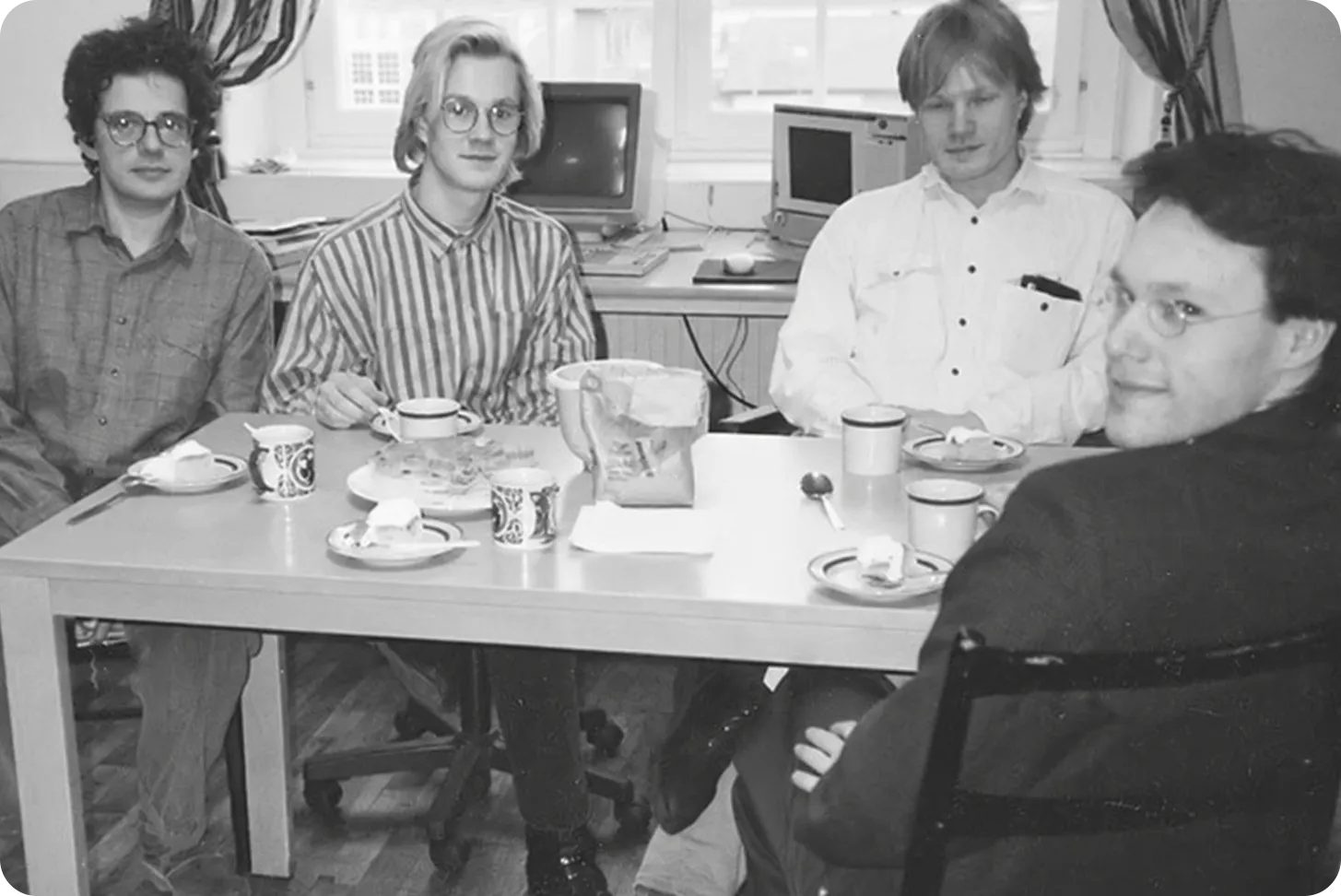
In 1979, Textalk, the company behind Prenly, created the world’s first digital newspaper for visually impaired readers. Since then, we’ve continued to develop new ways for newspapers to be published and read digitally.
Today, we bring more than 45 years of experience to developing the next generation of digital newspapers together with publishers.
[Read more about our history](https://www.prenly.com/about-us/)
## Want to see Prenly?
Tell us about your publication and current setup, and we’ll show you how Prenly could work for you.
[Book a meeting](https://www.prenly.com/book-demo/) [Contact us directly](https://www.prenly.com/contact-us)
---
URL: https://www.prenly.com/solutions
# Together, we’re shaping the next generation of newspapers
> Discover Prenly’s solutions for modern e-papers: publish across iOS, Android & web, grow revenue with ads & subscriptions, and understand your readers with smart analytics.
Our platform is dynamic, constantly evolving with new technology and customer needs. Explore the solutions you get with Prenly, or contact us to learn more.
[Book a meeting](https://www.prenly.com/book-demo) [Contact us directly](https://www.prenly.com/contact-us)
Explore our solutions
Reach more readers Build reader loyalty Create better reading experience Generate more revenue Understand your readers
## Solutions to reach more readers and subscribers
Prenly makes it easy to expand your reach – with tools that make your content digital, accessible, shareable, and readable to more people.
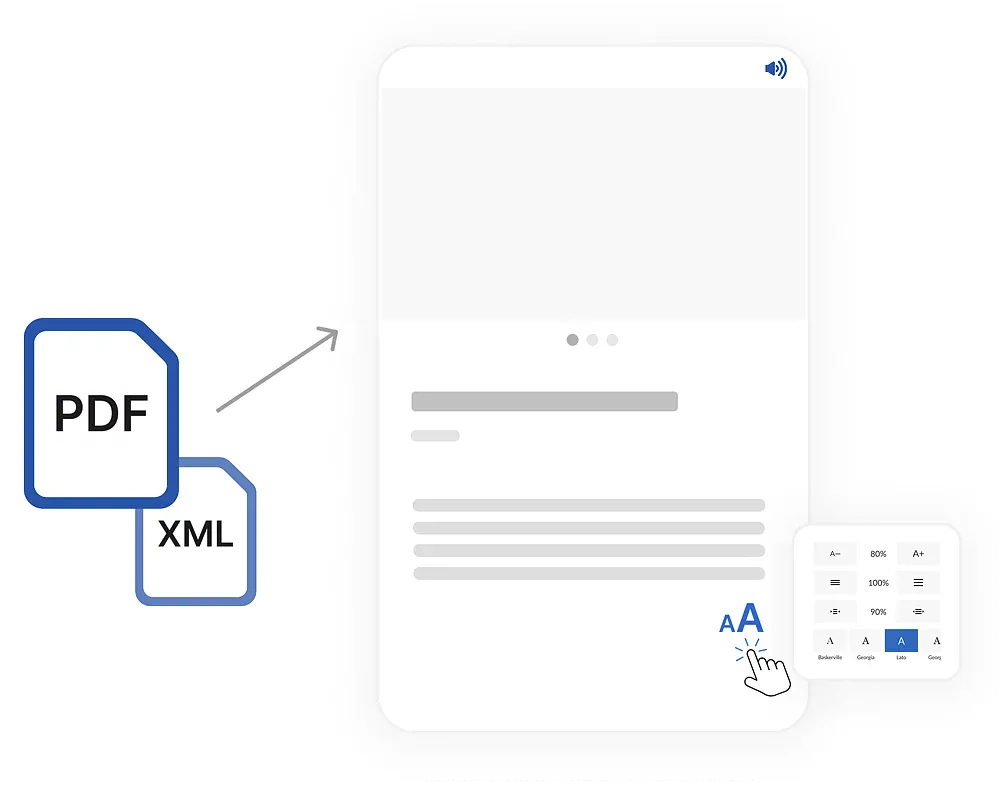
### Publish digitally in your own app
Create an automated publishing flow for print content – or build fully digital editions from scratch. You decide what gets published, when, and how it should be experienced.
### Free editions for the right audience
Give selected readers or advertisers free access to special issues – perfect for campaigns, partnerships, or specific occasions.
### Optimized readability for everyone
Whether you work with PDFs or editorial systems, you can create an accessible, adjustable reading mode that makes your journalism easier to engage with.
### Make sharing easy
Let your readers share articles on social media – helping your content reach even more people. The easier it is to share, the more new readers you'll get.
### Turn your text into audio
Offer a new way to consume your journalism. Prenly makes it easy to convert text into speech using the market’s best AI voices – ideal for commuters, multitaskers, and visually impaired users.
### Drive traffic from your channels
Display the latest cover on your website and link directly to the e-paper. Use deep links in newsletters and social media – they’ll open the content in the app, or in a browser if the app isn’t installed.
## Solutions for creating returning, loyal readers
Create an experience that keeps readers coming back – day after day. With features that provide control, familiarity, and relevance, you build stronger relationships right inside your app.
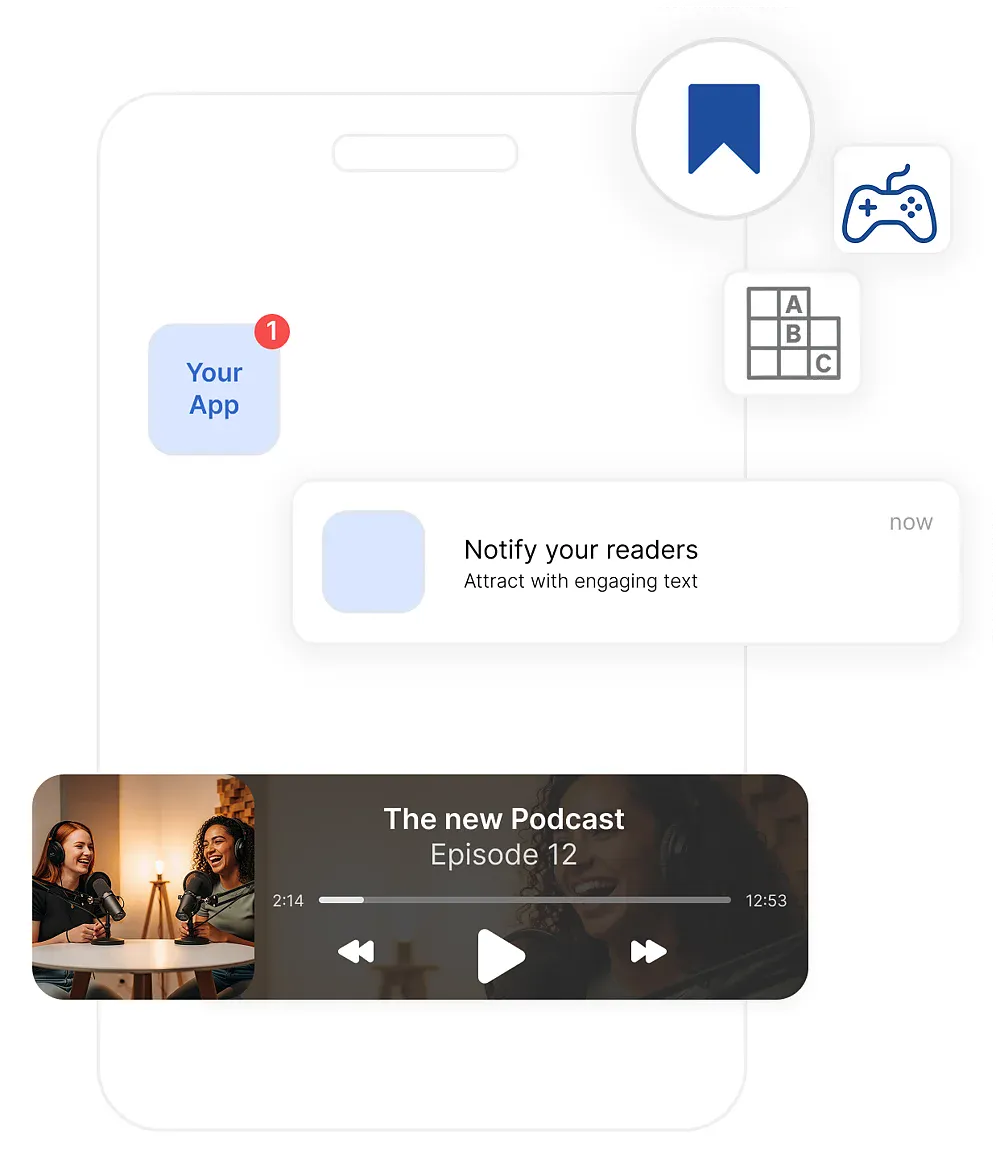
### Notifications on the reader’s terms
Send push notifications based on the user’s interests. You control the content – the reader decides what feels relevant.
### Display web news in the app
Embed your website as a tab in the app and send push notifications that lead directly to the news – seamless, fast, and relevant.
### Save to My Content
Readers can create their own collections of interesting content – whether it’s recipes, local news, or business information.
### Create more reading opportunities
Build reading habits by publishing regularly or in stages across different editions – for example, offer a preview the night before, followed by the full edition the next morning.
### Make it easier for your subscribers
Do you have multiple titles in the same app? Let users choose their favorites and display the latest editions right on the home screen.
### Offer more than just articles
Provide audio clips, podcasts, and games in the app – for a richer and more engaging experience.
## Solutions for creating the best digital newspaper app
With Prenly, you get the market’s best e-paper app. You have full control over structure, content, and design. Any changes you make in our app manager are instantly reflected in your iOS, Android, and web apps.
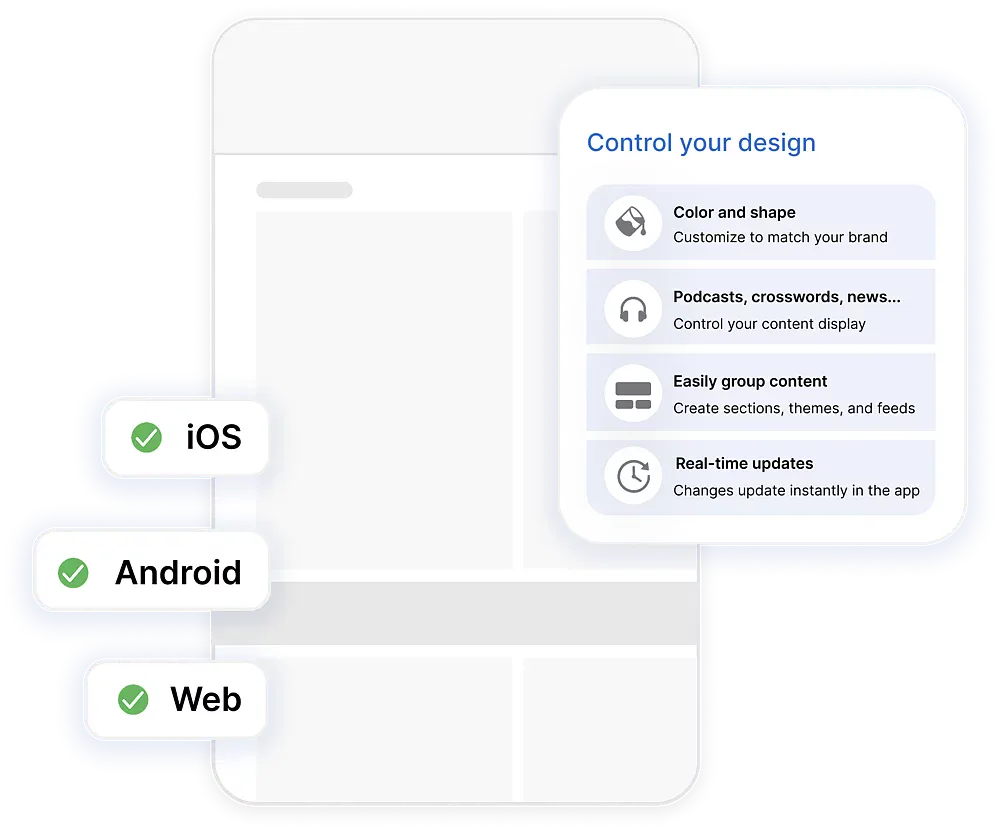
### Everything is controlled from the App Manager
Decide layout, content, and permissions – and see your changes instantly reflected in your apps for iOS, Android, and the web.
### Integrate your website – without compromises
Embed your web pages in the app and gain access to native features like the audio player. The reader stays logged in and enjoys a seamless experience across your full offering.
### Fits right into your tech ecosystem
Easily connect to user databases, editorial tools, or analytics platforms. You control what gets integrated and how the data flows.
### Build your own newsstand
Showcase multiple titles in a single app – perfect for media groups, partnerships, or niche initiatives. Readers get a unified experience, and you gain more revenue opportunities.
### Highlight what matters on the home screen
Turn your home screen into a space where you guide the experience based on editorial and commercial goals. Show the right content at the right time. Schedule what to promote – from banners to carousels with editions or archive material.
### Match your level of ambition
With Prenly, you decide how hands-on you want to be. Run fully automated or work editorially right in the tool. Whatever your level, you and your apps are ready for tomorrow’s publishing and reading experience.
## Solutions for generating more revenue
Prenly helps you develop new revenue streams – with a focus on ad formats, content monetization, and partnerships that strengthen your business.
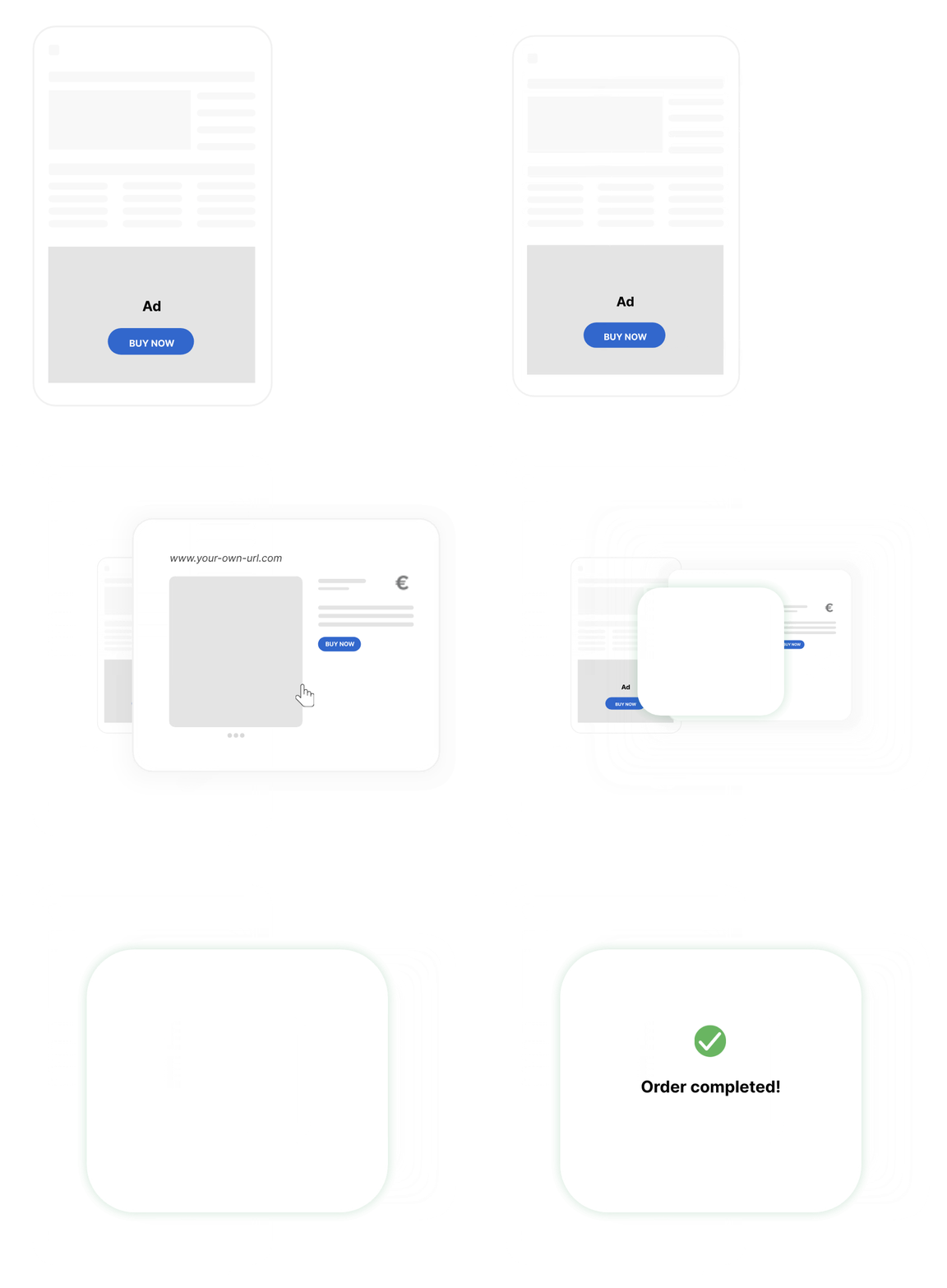
### Smart ad solutions
Add clickable buttons to print ads, create interactive inserts, and include extra ad pages – all without disrupting the reading experience.
### Sell single digital issues
Let readers purchase individual issues directly in the app – perfect for promotions, supplements, or special editions.
### Make podcasts part of your business
Unlock, highlight, or combine podcasts with advertising. Everything happens directly in the app, and you retain full control over the content and access. The more time users spend in your app, the more engaged they become.
### Collaborate with other media houses
Add external titles to your app, share distribution, and increase upselling opportunities – without losing control over your audience relationships.
### Publish digital customer inserts
Include digital customer inserts as a natural part of your e-paper. Publish them as one-offs or on a set schedule – weekly, monthly, or whenever you choose.
## Solutions to better understand your content and your readers
Gain a clearer picture of what engages – and why. Prenly provides the statistics you need to make smarter editorial and business decisions.
### Capture your most important statistics
Identify which articles, pages, and editions drive the most engagement. Discover what topics attract returning readers – and use those insights to shape your strategy.
### Customized data delivery
With Prenlytics, you have full control over how and where your data is delivered. Choose the format, recipients, and structure. We tailor it to fit your workflows and analytics tools.
### Track with consent
Prenly is built with reader privacy at its core. You decide when and how data is collected – always legally and with the user’s consent.
### Visualize in Looker Studio
Ready-made reports with your most important KPIs – updated in real time and presented in a clear, easy-to-understand interface.
## Curious about Prenly and want to know more?
Are you considering switching, or have you already decided? We’d be happy to show you how Prenly works. Book a meeting to see the platform live and how it can be tailored to your business.
[Book a meeting](https://www.prenly.com/book-demo/)
















---
URL: https://www.prenly.com/test
# test
> Schedule a personalized Prenly demo today. Choose your preferred time slot and discover how our platform can elevate your digital publishing needs.
## Prenly Demo
---
URL: https://www.prenly.com/digital-publications
# Prenly for different types of publications
> Prenly helps newspapers, magazines and media groups bring together e-papers, web content, audio and other digital content across app and web.
Prenly is used by newspapers, magazines and media groups that want to bring their digital publishing together in one modern solution and create a better reading experience across app and web.
[Book a meeting](https://www.prenly.com/book-demo/) [Contact us directly](https://www.prenly.com/contact-us)

















## Newspapers
### For local, regional, national, international and free newspapers
Get more from your editorial content by bringing together your e-paper, web articles, audio, podcasts, games and other digital formats in one reading experience. Prenly helps newspapers combine the strengths of the traditional newspaper with the possibilities of a modern app – while making content accessible to more readers.
[Learn more about Prenly for newspapers](https://www.prenly.com/digital-publications/newspapers)
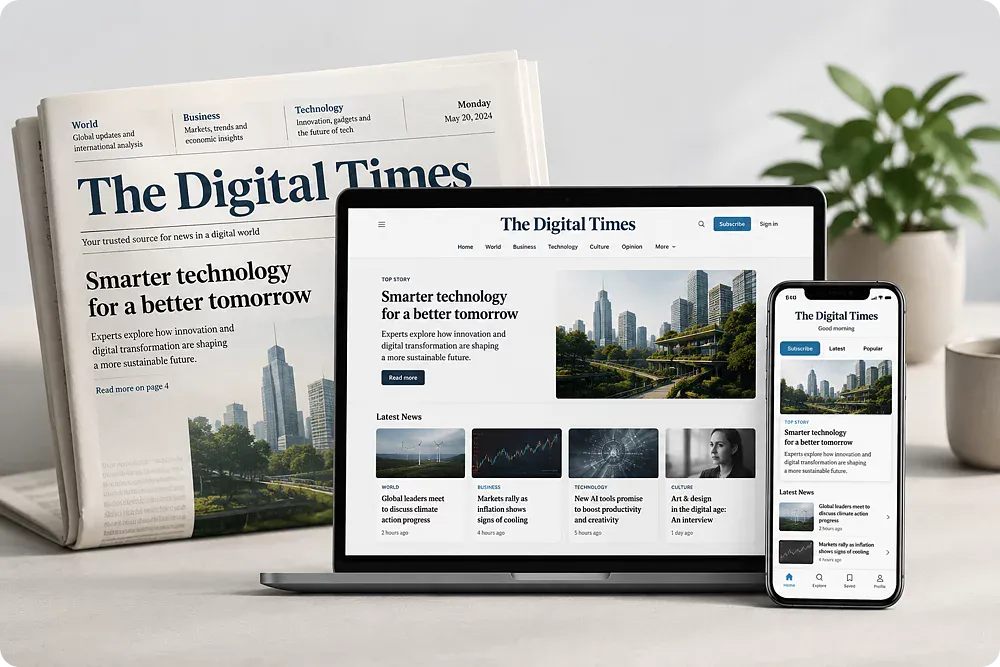
## Magazines
### Give your content a longer life between issues
For magazines, the digital experience is about more than making the print edition available on screen. With Prenly, you can bring magazines, articles, podcasts, archives, games and other content together in one place – giving readers more reasons to come back between issues.
Suitable for, among others:
- Consumer magazines
- Trade and professional magazines
- Special interest magazines
- Customer magazines
- Member magazines
[Learn more about Prenly for magazines](https://www.prenly.com/digital-publications/magazines/)

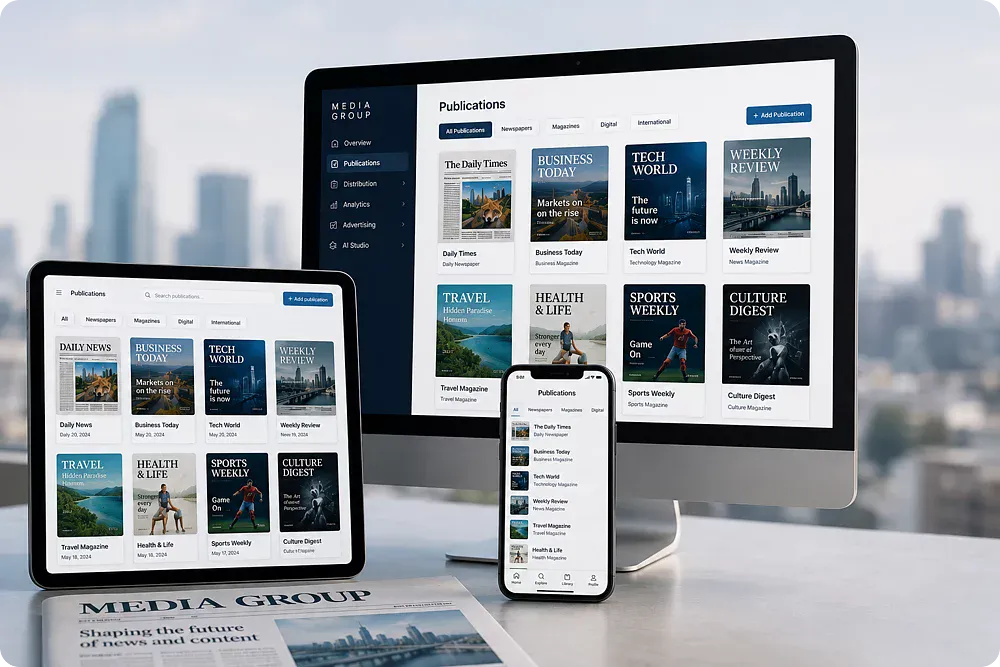
## Media Groups
### One platform for multiple titles and digital products
For media groups with multiple publications, structure, scalability and consistent workflows become especially important.
Prenly makes it possible to bring multiple titles and content types together in one shared technical platform, while allowing each brand to maintain its own identity and reader experience. Work more efficiently across publishing, distribution, analytics, advertising and new digital formats – without having to build every solution from scratch.
Prenly can be used for, among other things:
- Kiosk solutions
- Standardized publishing workflows
- Content distribution
- Analytics and insights
- Advertising and AI
- New publishing formats
[Learn more about Prenly for media groups](https://www.prenly.com/digital-publications/media-groups)
## See what Prenly can do for your publication
Whether you publish a newspaper, a magazine or manage multiple titles within a media group, Prenly can be adapted to your content, workflows and readers.
Book a meeting and we’ll show you how Prenly can work for you.
[Book a meeting](https://www.prenly.com/book-demo/) [Contact us directly](https://www.prenly.com/contact-us)
> “Textalk's robust and user-friendly Prenly platform allows us to maintain our editorial values while taking advantage of the opportunities of digital publishing.”
Svenska Dagbladet
---
URL: https://www.prenly.com/contact-us
# Contact us
> Contact Prenly to learn more about our digital publishing platform for newspapers, magazines and media groups. Send us a message and our team will get back to you.
Have questions about Prenly, want to learn more about our solutions, or curious about what we can offer? We’d love to hear from you.
## Contact form
Fill in your contact details and we’ll get back to you shortly.
## Want to talk to us directly? Feel free to get in touch.
-  Jens Halvarsson CEO & Co-founder
- [Email](mailto:jens@textalkgroup.com)
- [LinkedIn](https://www.linkedin.com/in/halvarssonjens/)
-  Magnus Lundh CRO & Co-founder
- [Email](mailto:magnus@textalkgroup.com)
- [LinkedIn](https://www.linkedin.com/in/magnus-lundh-21631228/)
-  Fredrik Schill CTO & Co-founder
- [Email](mailto:fredrik@textalkgroup.com)
- [LinkedIn](https://www.linkedin.com/in/fredrik-schill-28568b2/)
---
URL: https://www.prenly.com/about-us
# From the world’s first digital newspaper for the visually impaired in 1979
> Since 1979, Textalk has developed digital publishing solutions for publishers. Discover the story behind Prenly, digital newspapers, accessibility and innovation.

– to the next generation of newspapers for everyone. Prenly makes the newspaper modern, accessible, and complete.
[Contact us](https://www.prenly.com/contact-us/)
## Over 45 years of digital publishing
Prenly is part of Textalk Group, with over 45 years of experience in innovation across digital newspapers, accessibility and publishing technology. From the first digital solutions of the 1970s to today’s platform for publishers around the world.
Textalk founder Henryk Rubinstein develops the world’s first digital newspaper for visually impaired readers together with Göteborgs-Posten.
1979
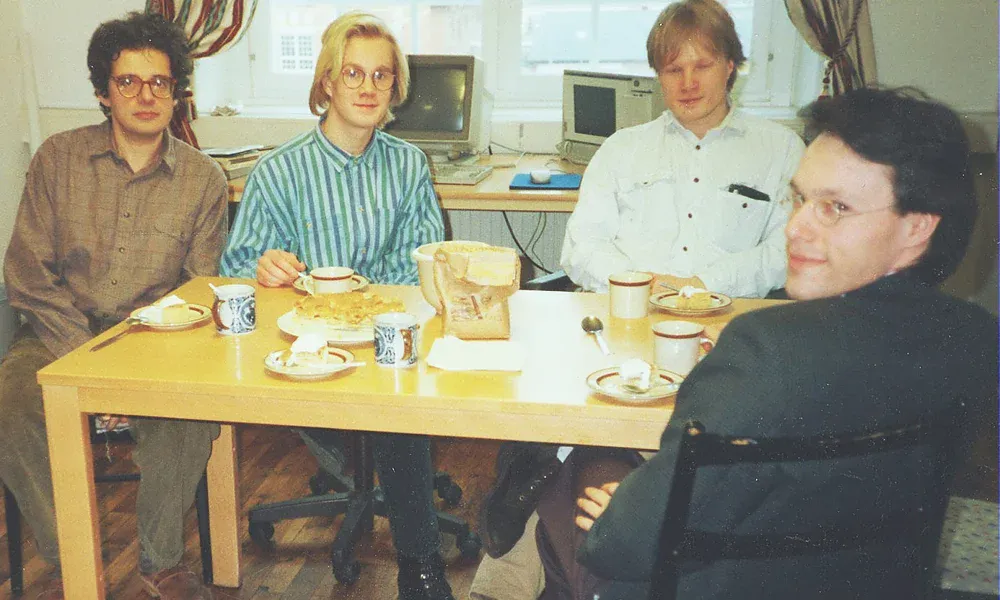
When Helsingborgs Dagblad decides to start publishing news digitally, Textalk develops the technology that makes it possible to publish Swedish daily newspapers on the web.
1995

WebNews is developed for digital school and association newspapers and becomes a leading tool for creating and publishing editorial content on the web.
2003
Textalk launches a text-to-speech service for news and articles and is commissioned to make Swedish daily newspapers accessible to people with visual impairments.
2012
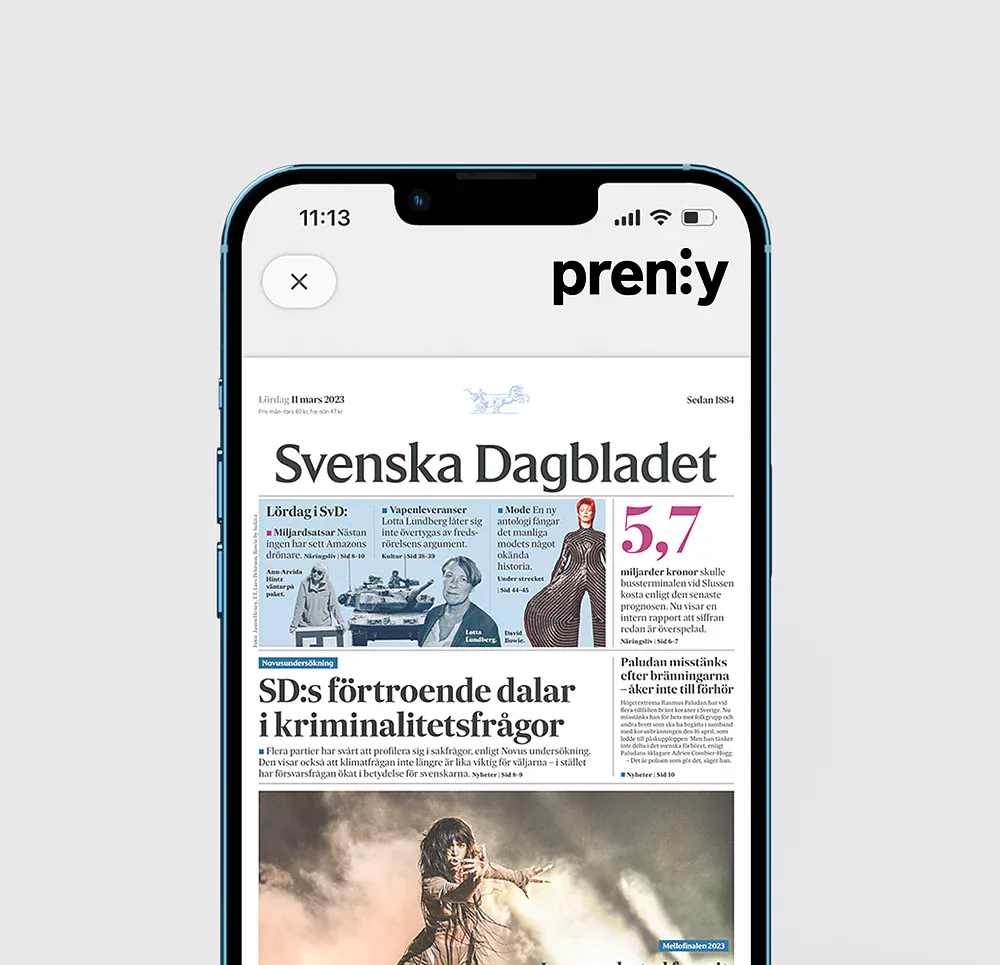
Prenly launches for the next generation of digital newspapers – a platform where publishers can develop and distribute their digital editions and create better reader experiences.
2014

Textalk is commissioned by Nota, part of the Royal Danish Library, to make Danish weekly publications accessible to people with visual impairments.
2022
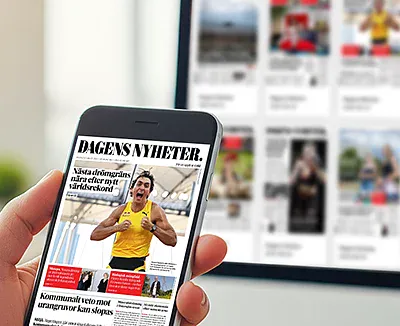
Today, Prenly is used by 100% of Sweden’s daily newspapers – the result of decades of close collaboration with publishers and continuous development in digital publishing.
2024
## It started with accessibility
It all began with Henryk Rubinstein and a vision to make information accessible to people with visual impairments. In 1979, the world’s first digital newspaper for visually impaired readers was developed.
What began as a solution to make content accessible to more people evolved into new technology for digital publishing and eventually became part of the foundation of what is now Prenly.
[Contact us](https://www.prenly.com/contact-us)

## Our love for the newspaper
We love the newspaper as a concept. For hundreds of years, it has looked almost the same, no matter where in the world you open it. Someone has selected the content for you, organized it page by page, giving you a coherent story about what’s happening in the world right now.
In a time when we all dig deeper into our own filters, the newspaper stands as a counterbalance – a common ground to gather around. It delivers what matters most, on a set day and time, creating rhythm in everyday life. When you close the last page, you’re done. Ready to face the world, talk with others, and join the conversations sparked by journalism.
This is the feeling we carry with us into the work on the next generation newspaper. A digital product that preserves the strength of tradition – the curation, the rhythm, the sense of wholeness – while at the same time using modern technology to become more accessible, more interactive, and more in tune with people’s lives today.

> “Working at Textalk means having both freedom and responsibility in one package – the freedom to explore, create and grow, while also carrying the responsibility of building something together that truly makes a difference.”
Fredrik Fastén Help Desk Manager at Textalk Group
## A solid foundation, with an eye to the future
Since our start in 1979, we’ve learned a lot. We stand on a strong foundation of organization, robust systems, and deep technical expertise. With curiosity and drive, we take on the challenges of tomorrow to keep creating solutions that truly make a difference.
[Contact us](https://www.prenly.com/contact-us)

## What we do today
Today, Prenly is used by newspaper publishers across the Nordics and Europe to create and distribute digital newspapers, magazines, and special editions.
We build systems for:
- Publishing: transforming PDFs into digital, readable, and accessible content.
- Accessibility: adjustable text size, text-to-speech, and other features that make newspapers accessible to more people.
- Experience: apps and web solutions that bring all parts of the newspaper together in a unified way.
In addition, we offer integrations with external systems to manage users, subscriptions, and authentication in a flexible way.
[Contact us](https://www.prenly.com/contact-us)

### Our way of working
Building Prenly is not about chasing quick wins or growing at any cost. For us, it’s more important to grow sustainably, with care and a long-term perspective.
We are a **remote-first company**, with colleagues in ten different countries. We are entirely self-financed and free from external owners, which means we set our own direction – without compromise.
What unites us is curiosity, lifelong learning, and the drive to create something meaningful for others. Here, there is room to follow your passion, to grow, and to contribute to something that truly makes a difference.
For us, Prenly is more than just work. It’s time well spent, together.
– Jens Halvarsson, CEO, Textalk Group
---
URL: https://www.prenly.com/prenly-workspace
# Create, organize, and publish with ease
> Discover Prenly Workspace, the central platform for publishers and editorial teams to easily create, organize, and publish content.
Prenly Workspace
Prenly Workspace is the tool for publishers, editors, and media teams. Here you can craft articles, add text and media, structure content into sections and categories – and publish when you’re ready.
[Book a demo](https://www.prenly.com/book-demo/) [Contact us directly](https://www.prenly.com/contact)
central hub for publishers and teams
## Everything in one place.
Prenly Workspace is the central hub for publishers and editorial teams. With built-in support for adjustable reading modes, text-to-speech, and workflows aligned with WCAG 2.1 and EN 301 549 standards.
### Create & edit content
Write articles, add images and video, and work smoothly with drag-and-drop in an intuitive workflow.
### Sections & categories
Organize your content into clear sections and categories for better navigation and control.
### Linked & related articles
Connect articles and editions with internal links for added context and smoother reading flows.
### Review & approval
Work with statuses like Draft, Approved, and On Hold to ensure quality before publishing.
### Schedule & publish
Set dates, times, and visibility, create previews – changes go live across all channels exactly when you want.
### Manage multiple titles (newsstand)
Show multiple titles in one app and give readers a unified experience – perfect for groups, collaborations, or niche publications.
### Roles & permissions
Invite your team, assign roles, and manage permissions for editors, marketers, and administrators.
### Tag-based access
Create flexible offers (e.g. weekend or weekday reading) and manage access rights directly in Workspace.
### Campaigns & free issues
Distribute free editions to selected audiences during campaigns, collaborations, or specific dates.
### Push & segmentation
Send targeted push notifications and link readers directly to the right article or edition.
### Integrations & Connect API
Connect user databases, editorial tools, and analytics – create secure deep links and manage data flows.
### PDF/XML in – digital out
Automate the flow from PDF/XML into accessible, readable digital content for app and web.
### Text-to-speech
Make articles listenable with the industry’s most advanced synthetic voices.
### Statistics & reports (Prenlytics)
Track engagement, collect events, and visualize key metrics in customizable dashboards.
> “We created the world’s first digital newspaper for the visually impaired in 1979. Sweden’s first online newspaper in 1995. Today, we’re building the fastest-growing platform for the next generation of publishing – with one clear goal: to make news accessible to everyone, in their own way.”

Jens Halvarsson CEO of Textalk Group
### Book a demo
Book a free demo and see how easy it is to publish and distribute your e-paper and e-magazine with Prenly.
[Choose a time here](https://www.prenly.com/book-demo)
### Prenly Reader
Brings your entire workflow together in one place. Create, package, and publish your content with ease.
[Go to Prenly Reader](https://www.prenly.com/prenly-reader)
### Customer stories
100% of Sweden’s daily newspapers have chosen Prenly as their e-paper solution.
[Why customers choose us](https://www.prenly.com/customer-stories)
## Contact us
Discover how Prenly can support your publishing workflow and create a better experience for your readers.
[Get in touch](https://www.prenly.com/contact-us)
---
URL: https://www.prenly.com/prenly-reader
# Give your readers the best experience
> Create engaging digital newspaper and e-paper apps with Prenly Reader. Publish across iOS, Android and web with audio, offline reading, push notifications and more.
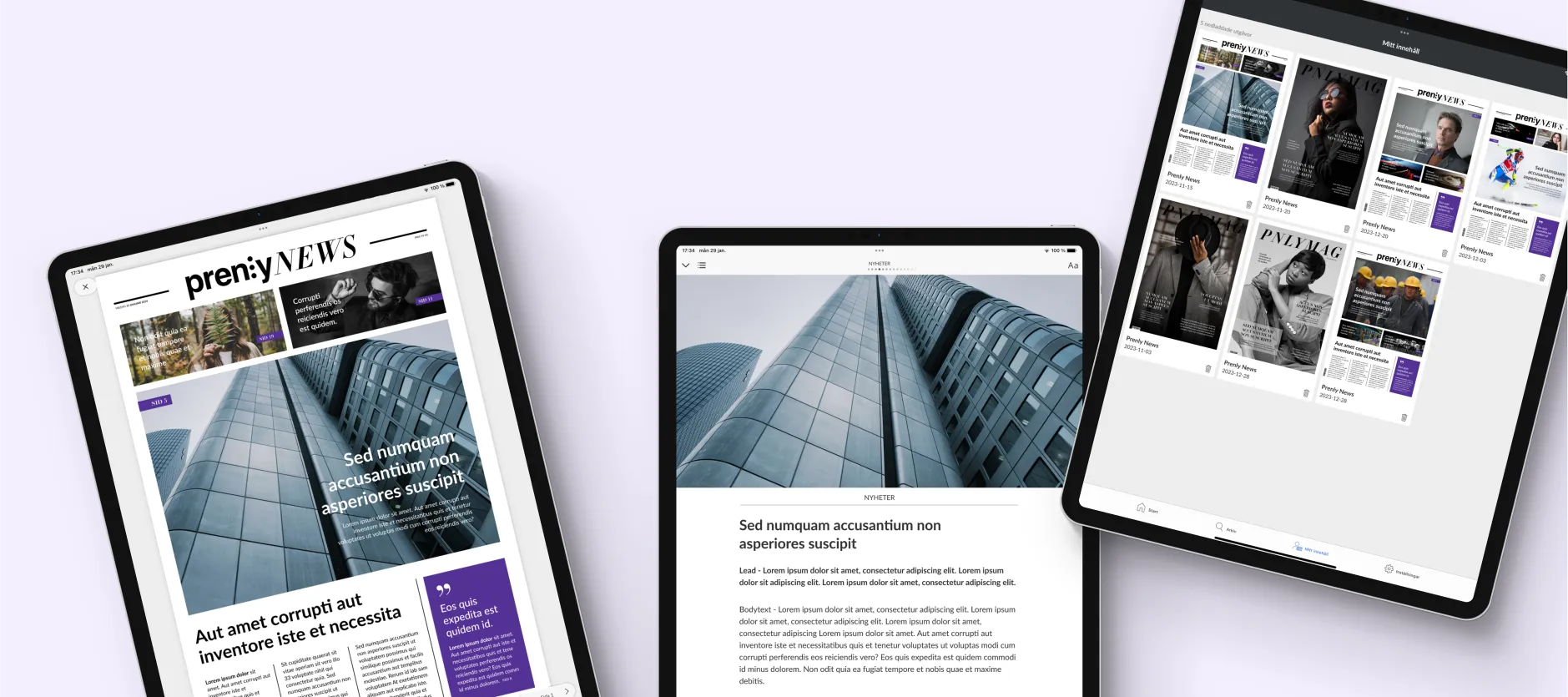
Prenly Reader
Prenly Reader is our app-based reading platform, designed to make digital newspapers and magazines more accessible, engaging and user-friendly – whether you publish daily papers or other curated works.
[Book demo](https://www.prenly.com/book-demo/)
## Better for readers. Better for publishers.
Offer your readers apps for iOS, Android, and the web, where content is presented in a curated, linear format – with the option to switch between classic PDF pages and a more interactive article view. Everything is seamlessly connected to [Prenly Workspace](https://prenly.txt.lk/prenly-workspace), where you control the entire experience: from content and layout to subscriptions, analytics, and app settings.
[Book demo](https://www.prenly.com/book-demo/) [Get in touch now](https://www.prenly.com/contact-us/)
### Adjustable reading mode
Readers can customize text size and layout for better readability.
### Text-to-speech with AI voices
Turn the newspaper into audio – perfect for commuters, multitaskers, or readers with visual impairments.
### iOS, Android & web
The app is easy to download for iOS, Android, and web – letting users switch seamlessly between platforms.
### Offline reading
Content can be saved and accessed without an internet connection.
### Segmented push notifications
Send personalized push notifications based on the user’s interests.
### My content
Users can save favorite content such as recipes, news, or feature stories.
### Audio clips, podcasts & games
The app offers features that keep users engaged and returning more often.
### Show multiple titles
A clear bookshelf view where users can easily discover new content, browse archives, and revisit favorites.
### Embedded web pages
Web pages can be embedded as tabs within the app – so users never have to leave the app to access news feeds and more.
### Real-time updates
Users instantly see when something new has been updated.
## Matilda explains
### Book a demo
Book a free demo and see how easy it is to publish and distribute your e-paper or e-magazine with Prenly.
[Choose a time here](https://www.prenly.com/en/book-demo/)
### Prenly Workspace
Brings your entire workflow together in one place. Create, package, and publish your content with ease.
[Go to Prenly Workspace](https://www.prenly.com/prenly-workspace)
### Customer stories
100% of Sweden’s daily newspapers have chosen Prenly as their e-paper solution.
[Read why customers choose us](https://www.prenly.com/en/customer-stories)
## Contact us
See how Prenly can simplify your publishing process and deliver a more engaging experience to your readers.
[Get in touch](https://www.prenly.com/contact-us)
---
URL: https://www.prenly.com/book-demo
# Talk to us
> Book a meeting with the Prenly team and tell us about your publication and current setup. We’ll show you how Prenly can support your digital publishing.
Want to learn more about Prenly or see how the platform could work for you? Book a meeting directly in the calendar or send us a message, and we’ll help you take the next step.
## Book a meeting with us
## Want to send a message instead?
Fill in your contact details and we’ll get back to you shortly.
## You’re also welcome to contact our team directly
-  Jens Halvarsson CEO & Co-founder
- [Email](mailto:jens@textalkgroup.com)
- [LinkedIn](https://www.linkedin.com/in/halvarssonjens/)
-  Magnus Lundh CRO & Co-founder
- [Email](mailto:magnus@textalkgroup.com)
- [LinkedIn](https://www.linkedin.com/in/magnus-lundh-21631228/)
-  Fredrik Schill CTO & Co-founder
- [Email](mailto:fredrik@textalkgroup.com)
- [LinkedIn](https://www.linkedin.com/in/fredrik-schill-28568b2/)
---
URL: https://www.prenly.com/wcag-guidelines
# Make content accessible to more people
> Prenly supports accessible e-paper and digital publishing, with adjustable reading modes and support for VoiceOver and TalkBack.
At Prenly, we believe that great content should reach everyone – regardless of their circumstances. That’s why accessibility isn’t an add-on for us. It’s a given.
## What is WCAG and why is it important?
WCAG (Web Content Accessibility Guidelines) are international guidelines for making digital content accessible to people with disabilities. The goal is to ensure that everyone – regardless of vision, hearing, mobility, or cognitive ability – can access content equally.

## Prenly works towards full accessibility compliance
With Prenly, you can feel confident that your publishing is designed to meet WCAG 2.1, EU directives, and Swedish accessibility legislation. We continuously work to align with applicable standards, striving to make our solution as accessible as possible. For us, accessibility is about more than regulations – it’s part of our mission: to make important information accessible to more people.
**[Accessibility statement for Prenly ->](https://www.prenly.com/support/about-prenly/accessibility-statement-for-prenly)**
### Structured code and semantics
Our platform is built on proper HTML and ARIA roles to ensure that screen readers and assistive technologies can interpret the content correctly.
### Contrast and colors
We ensure that default colors and contrast levels meet at least WCAG level AA – so that content remains readable even for users with visual impairments or color blindness.
### Customizable reading experience
Readers can adjust text size and color theme – and switch between different reading modes in the app. This creates a personalized and accessible experience.
### Keyboard navigation
Our solution works almost fully with keyboard navigation, which is essential for many users who cannot or prefer not to use a mouse or touchscreen.
### Accessible apps
Our iOS and Android apps follow the platforms' accessibility standards and are compatible with VoiceOver, TalkBack, and other assistive tools.
## Accessibility as a foundation, not a feature
Accessibility isn’t just a checkbox for us. It’s part of our core.
From the very beginning, we’ve built technology to include more people – from the world’s first digital newspaper for the visually impaired to today’s platforms. Prenly is built on this very principle: that what matters should be accessible at the right time, for everyone.

## Do you have questions about accessibility?
Would you like to know more about how we work with accessibility, or do you have specific needs in your publishing? Get in touch – we’re happy to help.
[Contact us](https://www.prenly.com/contact-us)
---
URL: https://www.prenly.com/upcoming-releases
# Upcoming releases
> Discover upcoming features like article bookmarking, custom folders, and AI-powered summaries. Contact our team today to learn how Prenly can help.

## Upcoming releases
- **Favourite marking and bookmarking of articles:** Readers can create their own folders with favourite marked articles from both web and e-paper
- **AI-brief:** Get an AI summary of an issue
### Got any questions?
We’re happy to help. Talk to our team about your needs, your setup or how Prenly could work for you.
[Contact us](https://www.prenly.com/contact-us)
---
URL: https://www.prenly.com/newsletter
# Stay ahead in digital publishing
> Subscribe to the Prenly newsletter for digital publishing insights, product updates, customer stories and ideas for better reader experiences.
Get useful insights, product news and ideas for creating better digital reading experiences – straight to your inbox.
## Sign up to our newsletter
Whether you work with newspapers, magazines or media groups, the Prenly newsletter keeps you updated on what’s happening in digital publishing and what’s new in Prenly.
---
URL: https://www.prenly.com/get-started-with-prenly
# Launch, migrate or modernize your digital publishing
> Get started with Prenly for your newspaper, magazine or media group. Launch or migrate your digital editions, apps and publishing workflows with our team.

Get started with Prenly
Whether you’re starting something new or moving from another publishing platform, we’ll help you get Prenly up and running around your content, readers and existing systems.
[Book a demo](https://www.prenly.com/book-demo/) [Contact us directly](https://www.prenly.com/contact-us/)
Trusted by publishers across the Nordics, Europe and the US
## Built for publishers. Proven in daily publishing.
Prenly is used by newspapers, magazines and media groups to publish digital editions, build reader experiences and manage content across apps and the web.
See it before you decide
## See what Prenly could look like for you
Want to get a better feel for Prenly? Let us show you how your publication, content and brand could work in the platform.
You’ll get a clearer picture of the reader experience and how Prenly could fit into your existing publishing setup before you take the next step.
[See Prenly with your content](https://www.prenly.com/book-demo)
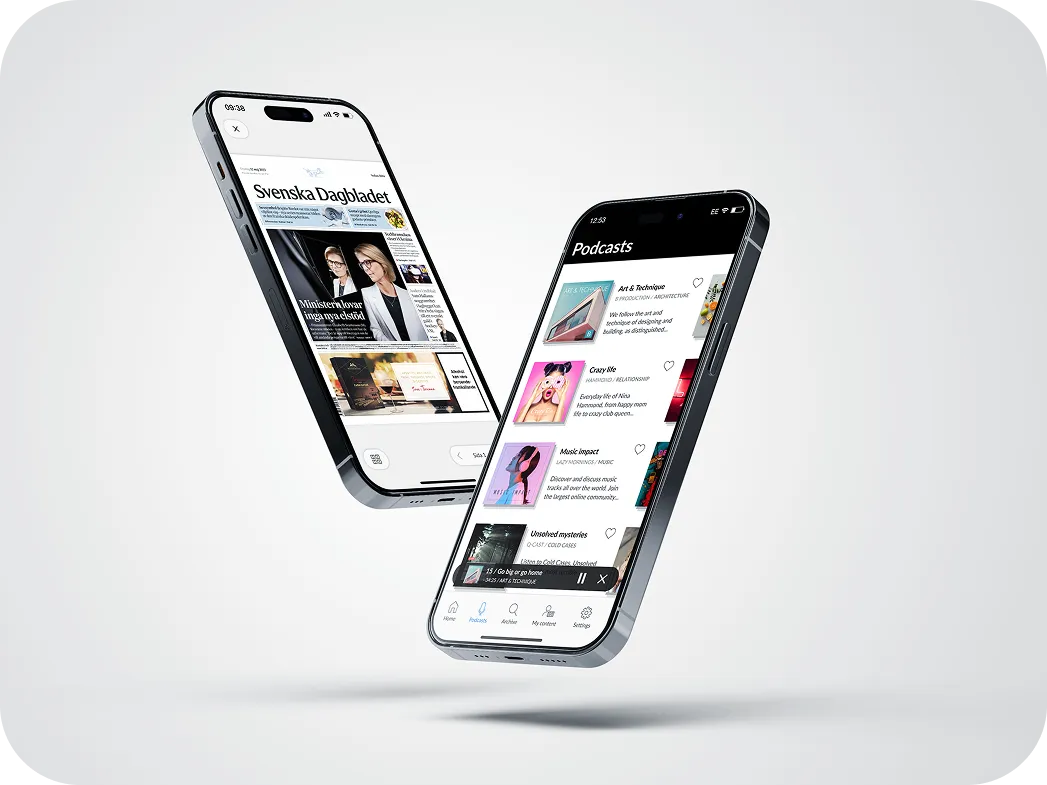
How it works
## From first conversation to launch
Every publisher is different. We adapt the onboarding process to your content, technical setup and publishing workflow.
### 1. We get to know your setup
We start with your publications, workflows, reader experience and existing systems to understand what you need from Prenly.
### 2. We prepare your solution
Together, we set up the content flows, integrations, titles, apps and other parts of Prenly that are relevant to your organisation.
### 3. We get your team ready
Your team gets the training and support needed to work confidently in Prenly from day one.
### 4. We launch together
Before launch, we make sure your content, apps, access and integrations are ready and stay close throughout the go-live.
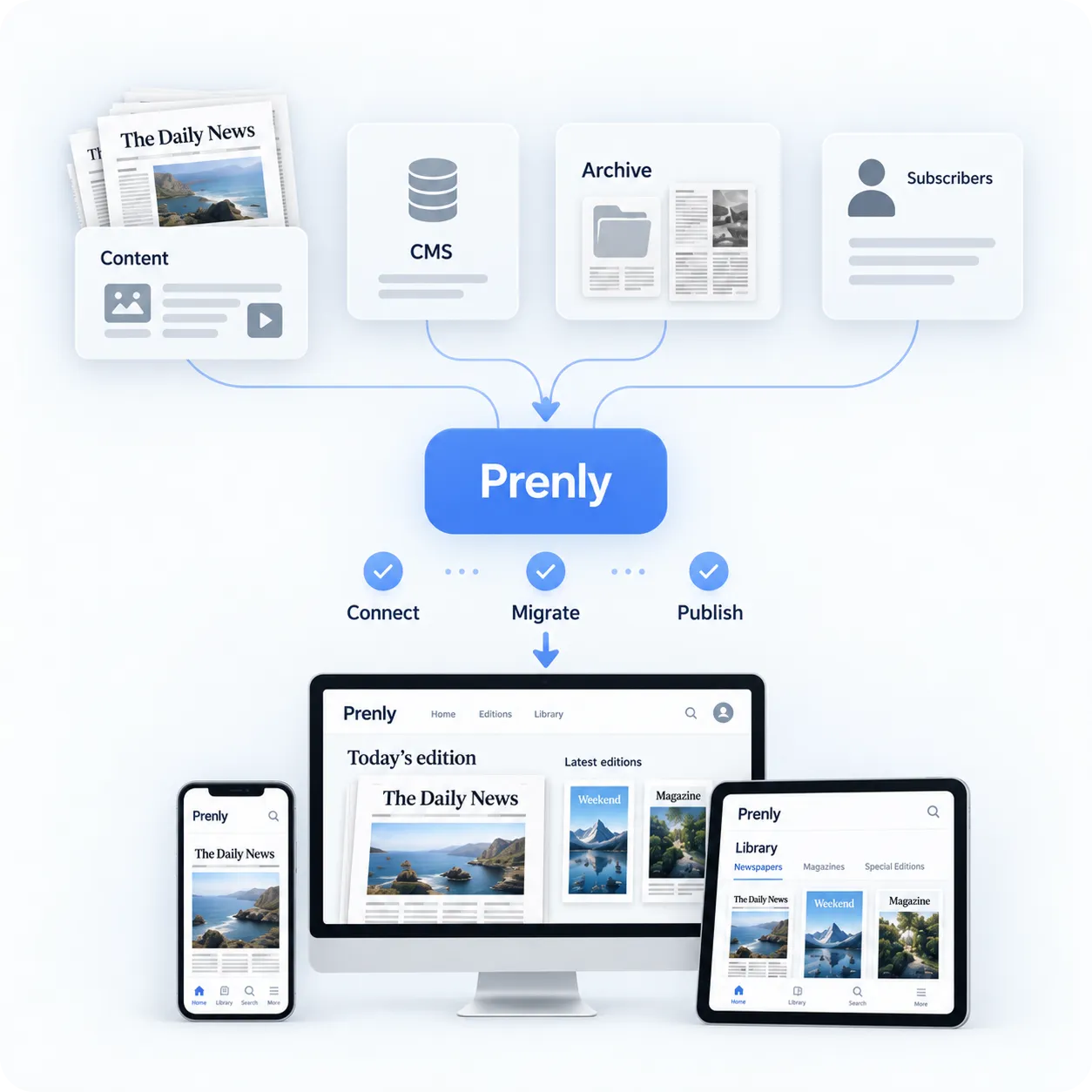
## Move to Prenly without starting over
**Already using another platform?** Switching digital publishing platforms doesn’t have to mean rebuilding everything from scratch.
We’ll help you plan the transition around your existing publishing setup. Depending on your solution, this can include digital editions, archives, apps, subscriber access, content flows and integrations.
Our goal is to make the move as smooth as possible for both your team and your readers.
[Talk to us about your migration](https://www.prenly.com/contact-us/)
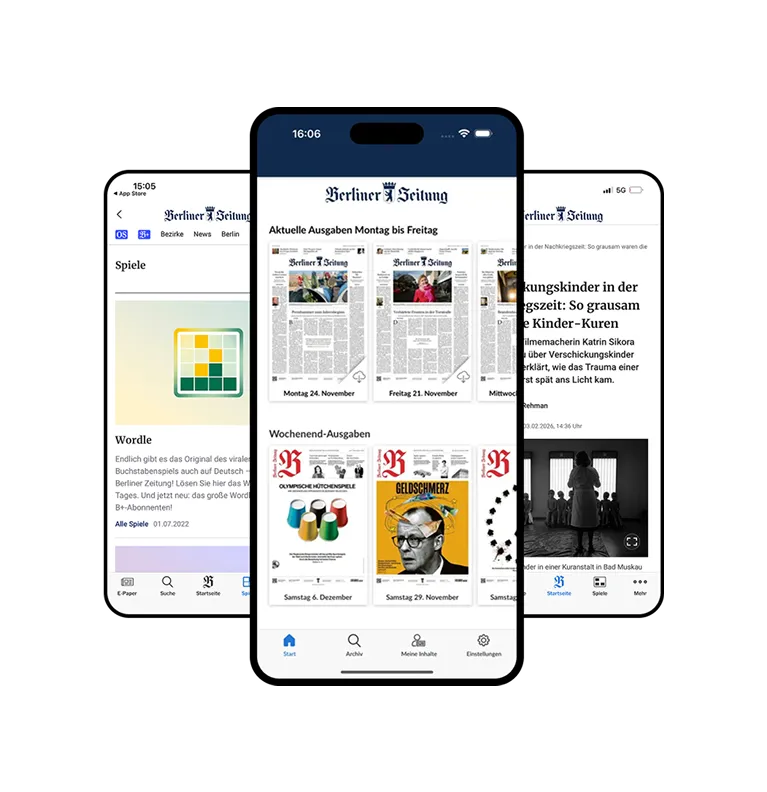
Customer story
## A smooth migration without disrupting daily publishing
Berliner Verlag moved Berliner Zeitung, Berliner Kurier and Weltbühne to Prenly while maintaining existing workflows and subscriber access.
The migration created a modern digital publishing foundation without interrupting the organisation’s daily production.
- Rapid migration with no disruption to readers
- Existing subscriber logins and workflows preserved
- Flexible setup for future CMS and API integrations
[Read the customer story →](https://www.prenly.com/customer-stories/berliner-zeitung-epaper-migration)
## Questions about getting started with Prenly
### How do we get started with Prenly?
The first step is usually a conversation or demo where we learn more about your publications, current setup and what you want to achieve. From there, we can recommend the right Prenly setup and plan the next steps together.
### Can we see Prenly with our own content before deciding?
Yes. We can show you how your publication, content and brand could work in Prenly, giving you a clearer picture of the reader experience before moving forward.
### Can we move from another e-paper or publishing platform?
Yes. Prenly supports publishers moving from existing digital publishing solutions. We plan the migration around your current setup and the content, apps, archives, integrations and reader flows that need to be considered.
### Can Prenly integrate with our existing CMS?
Prenly is designed to work with existing publishing environments and can integrate with editorial systems and other parts of your technology stack. The exact setup depends on the systems you use today.
### Can we keep our existing subscriber logins?
In many setups, existing authentication and subscriber flows can be integrated with Prenly. We review your current solution together and determine the best approach.
### Can our digital archive be moved to Prenly?
Archive content can be part of the migration. What can be transferred and how it should be structured depends on your existing archive and publishing setup.
### How long does it take to launch Prenly?
The timeline depends on the number of publications, integrations, apps and migration requirements involved. Once we understand your setup, we can provide a clear launch plan.
### What does Prenly cost?
Our pricing model is simple: you pay per application and title. Integrations are a one-time cost – after that, they’re available across all your applications. Perfect if you manage multiple brands.
Ready to get started?
## See what Prenly can do for your publication
Berliner Verlag moved Berliner Zeitung, Berliner Kurier and Weltbühne to Prenly while maintaining existing workflows and subscriber access.
The migration created a modern digital publishing foundation without interrupting the organisation’s daily production.
[Book your free demo](https://www.prenly.com/book-demo/) [Contact us directly](https://www.prenly.com/contact-us/)
---
URL: https://www.prenly.com/digital-publishing-software-for-publishers
# Create interactive ePapers quickly and easily
> Prenly turns your PDF into a modern digital newspaper. Publish newspapers, magazines, podcasts, digital editions, web news and interactive crosswords – all in one platform.
Create multimedia ePapers and digital publications in minutes – fully automated, scalable, and optimized for every channel.
[Contact us](https://www.prenly.com/contact-us)
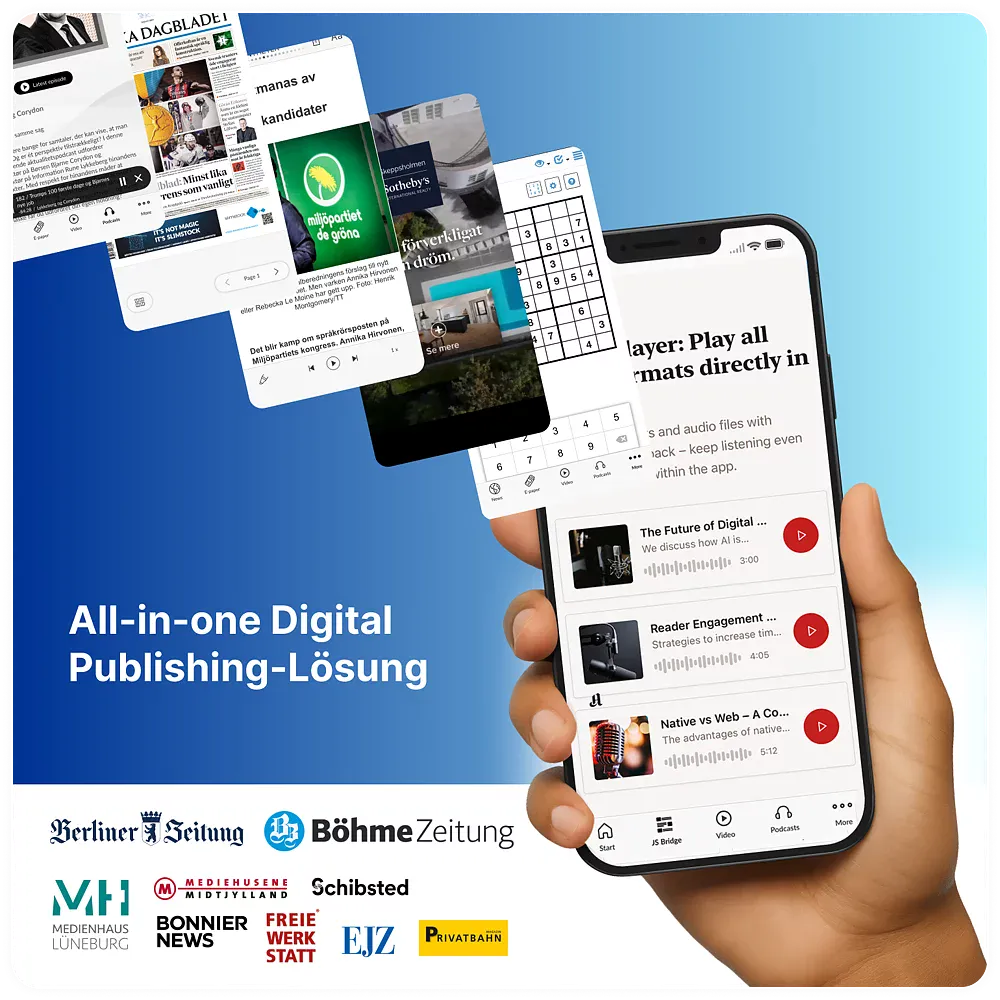


































> “Prenly structured the onboarding process well and understood our technical requirements from the very beginning. Adjustments were implemented quickly and pragmatically, and the collaboration between the teams was consistently professional and collaborative.”

Berliner Zeitung
## All-in-one publishing platform for media companies and publishers
Prenly is an all-in-one publishing platform for media houses that want more than just an ePaper. Distribute e-newspapers, web news, podcasts, and interactive formats in branded apps – all from a single tool.
**Prenly helps publishers and media companies:**
- reach more digital readers
- build stronger loyalty
- streamline production
- unlock new revenue opportunities
- make content accessible ✓ WCAG AA
Everything is managed centrally by you – with apps for iOS and Android, as well as browser access.
Prenly is built for both single titles and large media groups, supporting everything from 1 app to 300+ publications and 100+ apps.
[See how a platform migration works](https://www.prenly.com/get-started-with-prenly)
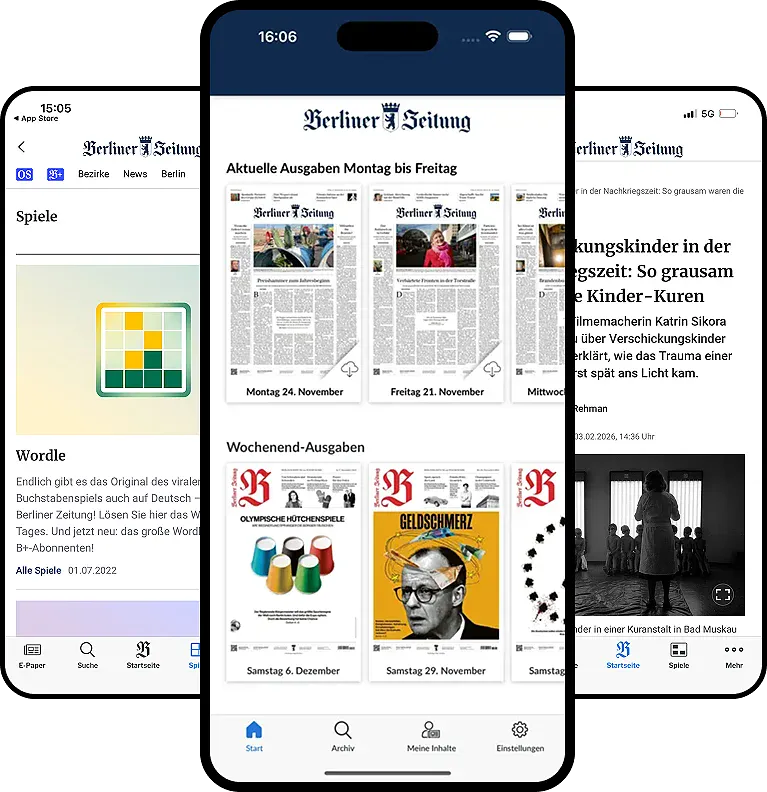
## Get started quickly and easily:
With Prenly, switching platforms is smooth and straightforward. We lead the onboarding with structure, control, and speed:
1. **Discovery:** Workflows, formats, accounts/subscriptions, archives, special content, and your target setup.
2. **Migration plan and transition setup:** We review what can run in parallel, what requires a freeze, and define a clear plan for testing and launch.
3. **Integrations:** Login/access management, content sources, and any connections to your existing systems.
4. **Content and quality:** Ensuring every edition is fully migrated – including the more complex elements.
5. **Accessibility and readability:** Structure, navigation, and reading experience are reviewed to ensure more people can access your content.
6. **Launch and follow-up:** A controlled release, close monitoring, and a clear roadmap for the next steps.
[Contact us to talk more](https://www.prenly.com/contact-us)
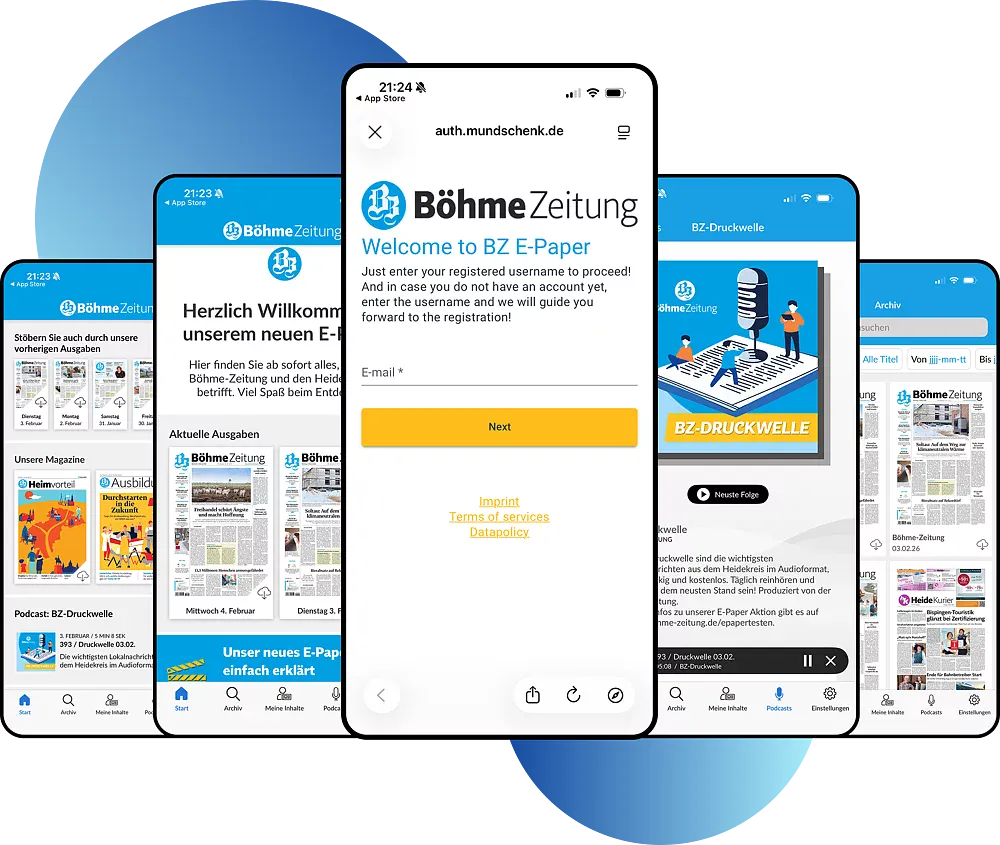
### Get started with your existing workflows
Most publishers rely on a mix of systems: print workflows, CMS, payments/subscriptions, web, audio, puzzles, CRM. With Prenly, you can get started using your current setup while keeping the freedom to evolve at your own pace.
### Keep your accounts and subscription logic (if you want)
Many publishers prefer to manage login and access control in their existing systems. Prenly can connect to your current setup, ensuring a smooth transition for subscribers while you stay in control.
### Manage your app content directly in Prenly Workspace
This is one of Prenly’s biggest everyday advantages: you decide what the app shows and how it is structured. Without any development effort, you can manage things like which sections are included (e.g. ePaper, news, podcasts, extra tabs), ordering and prioritisation, what is highlighted, and how it is presented.
### Combine web and native experiences
If you want to include web content or services in the app (such as puzzles, campaign pages, or loyalty features), they can be integrated seamlessly so users never feel like they are switching between different environments.
### Expand when you’re ready
Prenly is designed to help you launch quickly and reliably, then continuously improve and expand the experience over time — all within the same platform.
## Accessibility: Readable for everyone
Prenly has its roots in making news accessible to all. As early as 1979, we launched the world’s first digital newspaper for readers with visual impairments.
We are a trusted and stable partner, working with everyone from major media groups to smaller magazines. Let’s see what we can do for you!

## See what Prenly can do for your newspaper or magazine
Schedule a meeting or contact us directly.
[Book a meeting](https://www.prenly.com/book-demo/) [Contact us](https://www.prenly.com/contact-us)
## Related articles
- [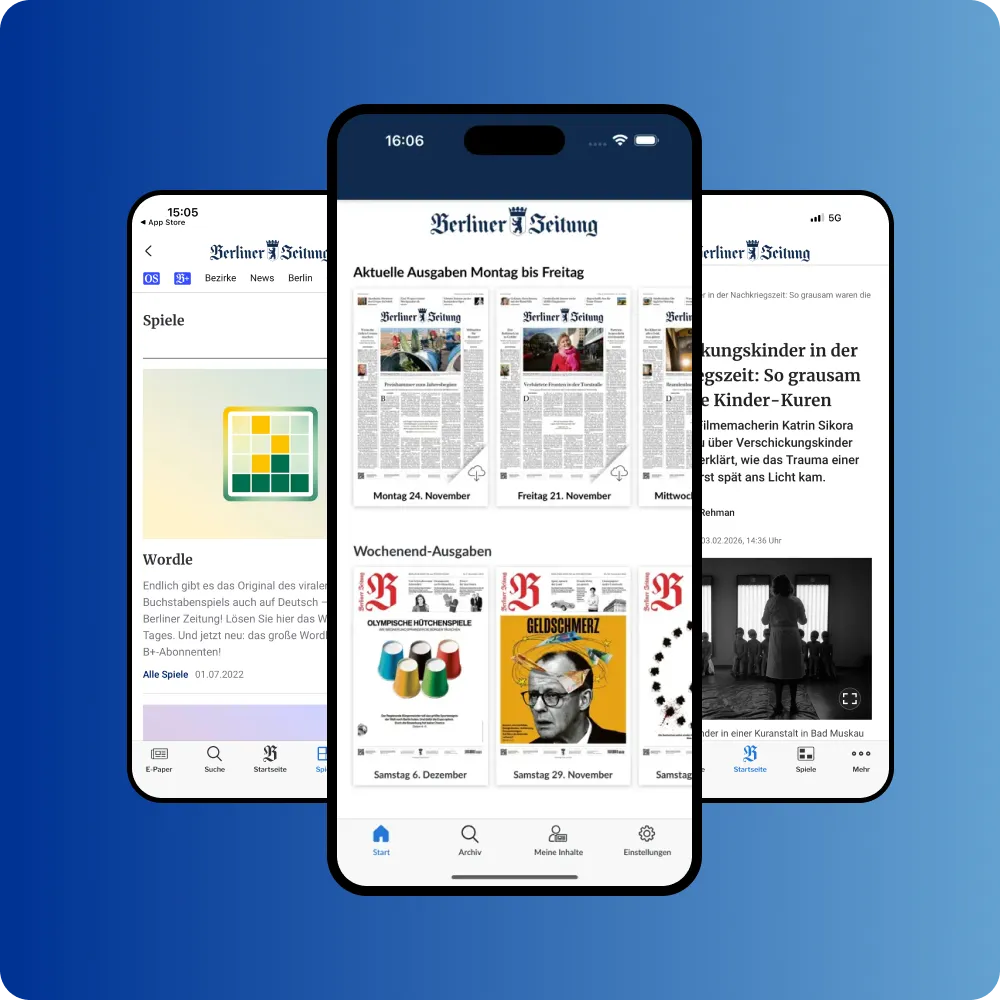 Berliner Zeitung: E-Paper Migration | Prenly](https://www.prenly.com/customer-stories/berliner-zeitung-epaper-migration)
---
URL: https://www.prenly.com/prenly-engage
# Give readers more reasons to come back
> Engage readers with games, polls, podcasts, events and local services built into your publication’s app. Give readers more reasons to open, interact and return.
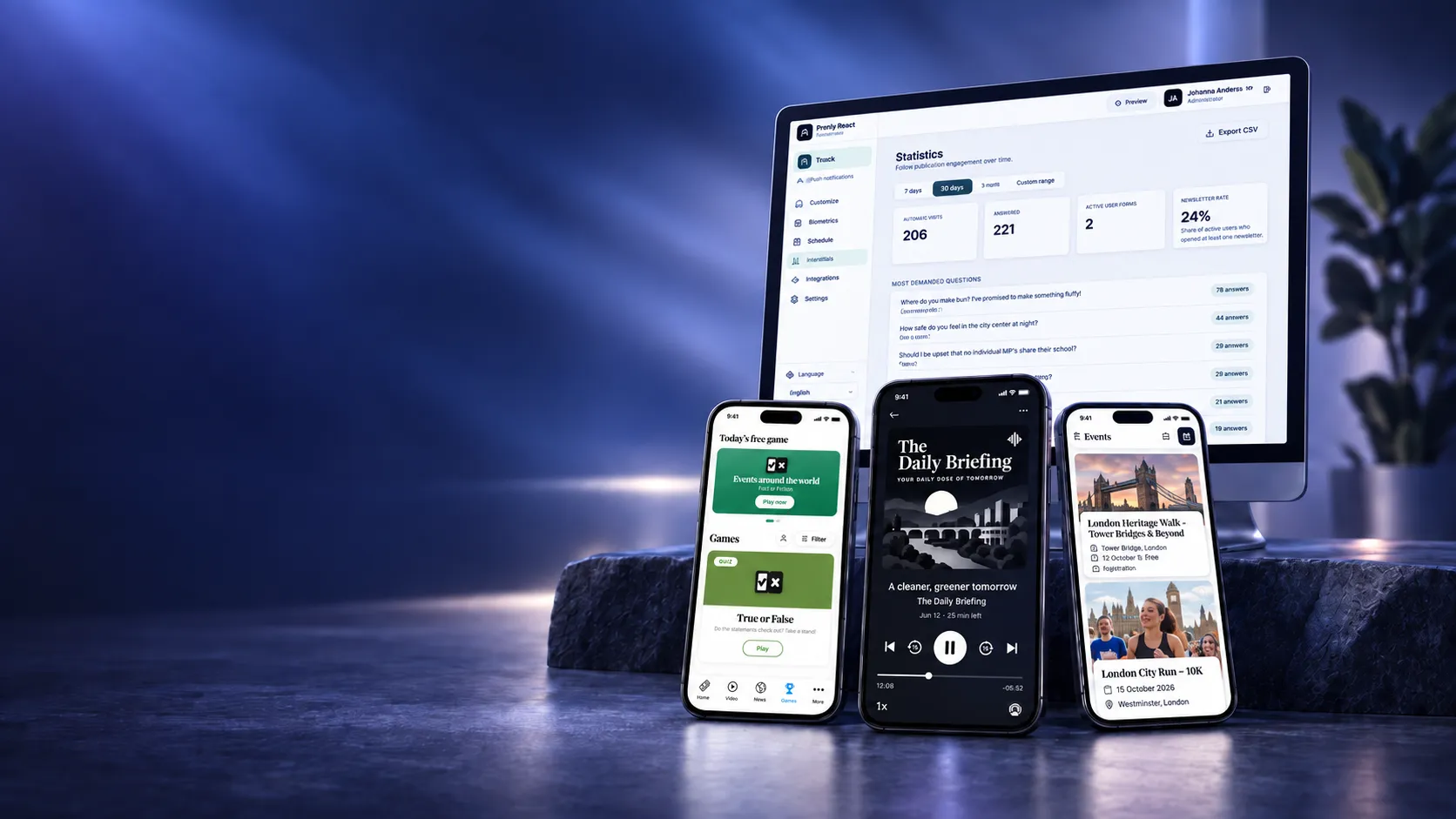
Prenly Engage
Prenly Engage adds games, polls, podcasts, events and local services to your publication’s existing app – giving readers more reasons to open, interact and return.
[Book a demo](https://www.prenly.com/book-demo)
## What is Prenly Engage?
Prenly Engage is a collection of reader engagement experiences for newspapers, magazines and media companies using Prenly. Add games, events, local information and interactive services directly to your digital reader experience – without building separate apps or platforms.
### Increase engagement
Create more opportunities for readers to play, discover, react and interact.
### Build stronger habits
Give readers useful and entertaining reasons to open your app more often.
### Add everyday value
Bring local information, events and services into the reader experience.
### Create new revenue opportunities
Open up new formats for sponsorships, local advertising and commercial partnerships.
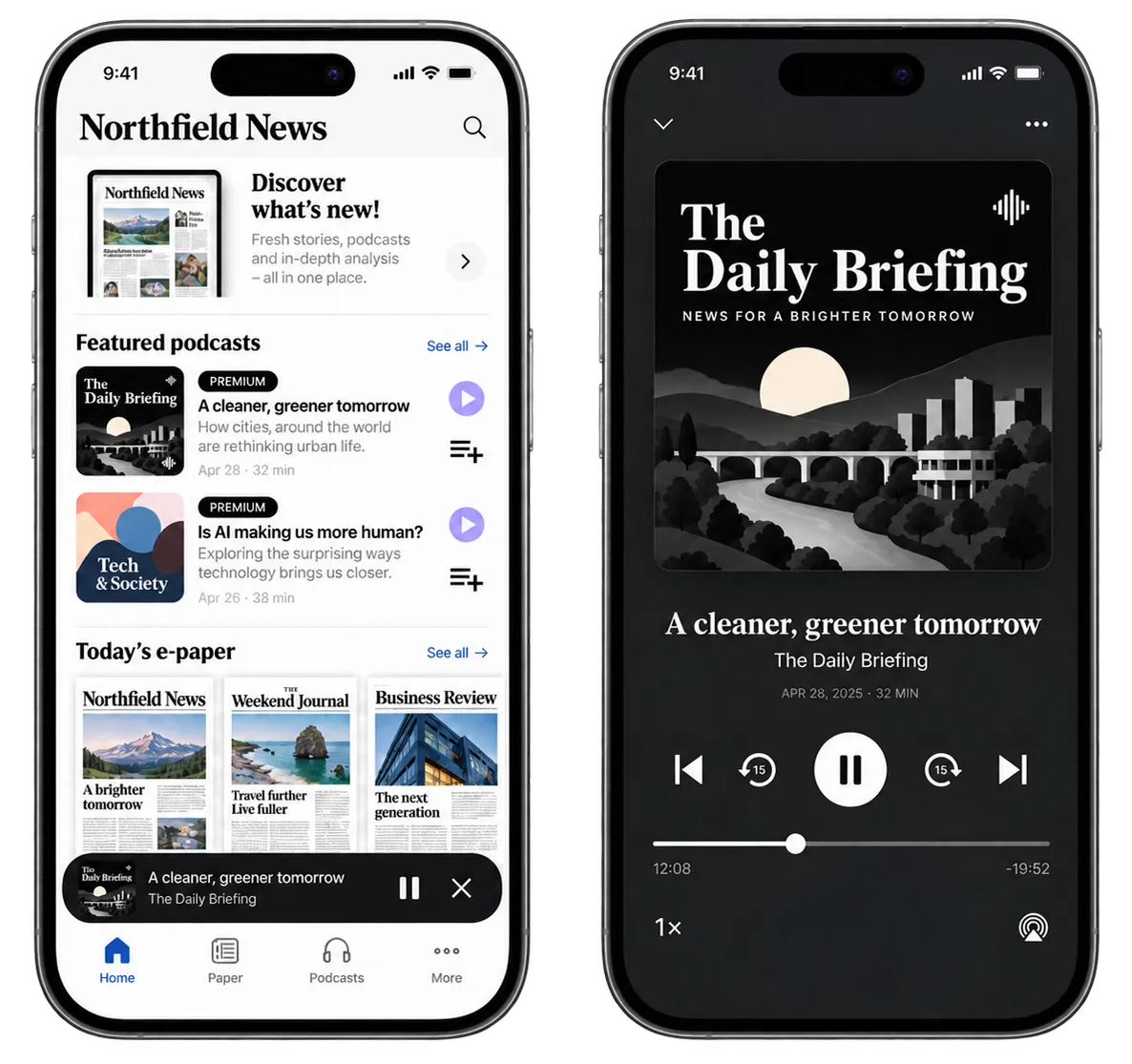
Podcasts
## Make podcasts part of your app
Let readers listen to podcasts directly in the app – and keep listening while they browse articles, read the e-paper or use other apps on their phone.
[Contact us for more info](https://www.prenly.com/contact-us) [Discover more audio solutions](https://www.prenly.com/solutions)
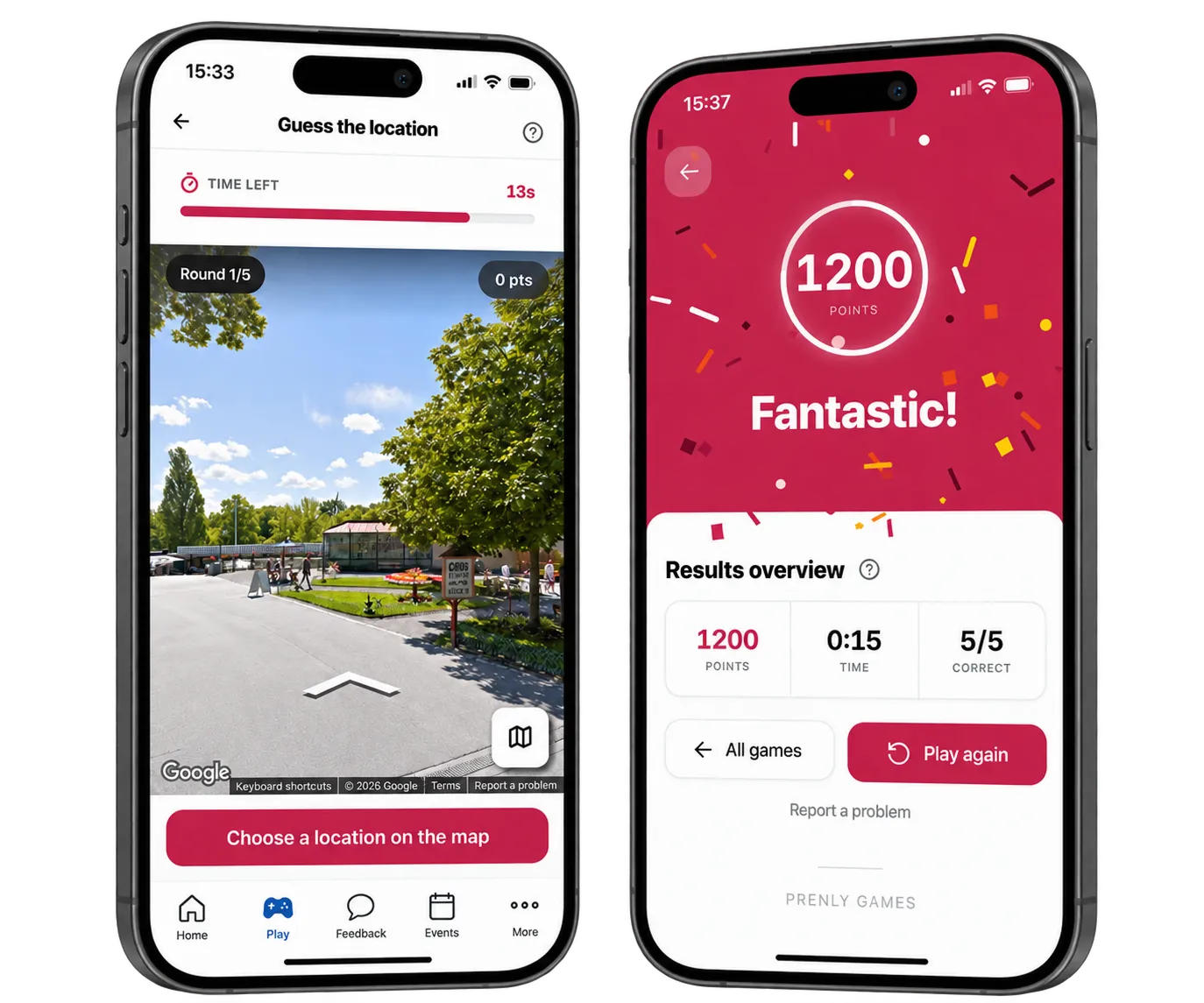
Prenly Games
## Bring games and quizzes into your app
Add daily games, quizzes and competitions that strengthen reader habits and create new sponsorship opportunities.
[More about Prenly Games](https://prenlygames.se/)
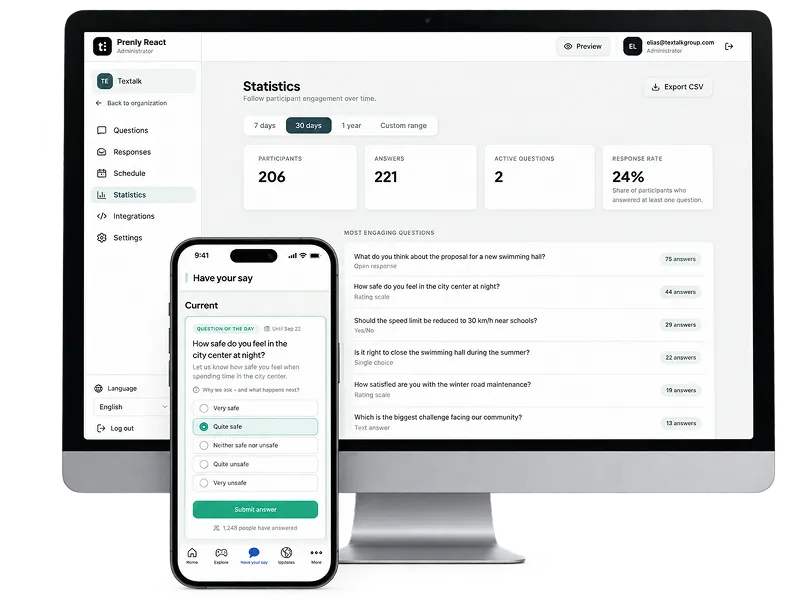
Prenly React
## Ask your readers and build the next story from their answers
Create questions, polls and reactions in just a few clicks. Readers respond directly in your app, articles or reader portal – giving you both stronger engagement and new editorial insights.
[Explore Prenly React](https://prenlyreact.com/)
Prenly Events
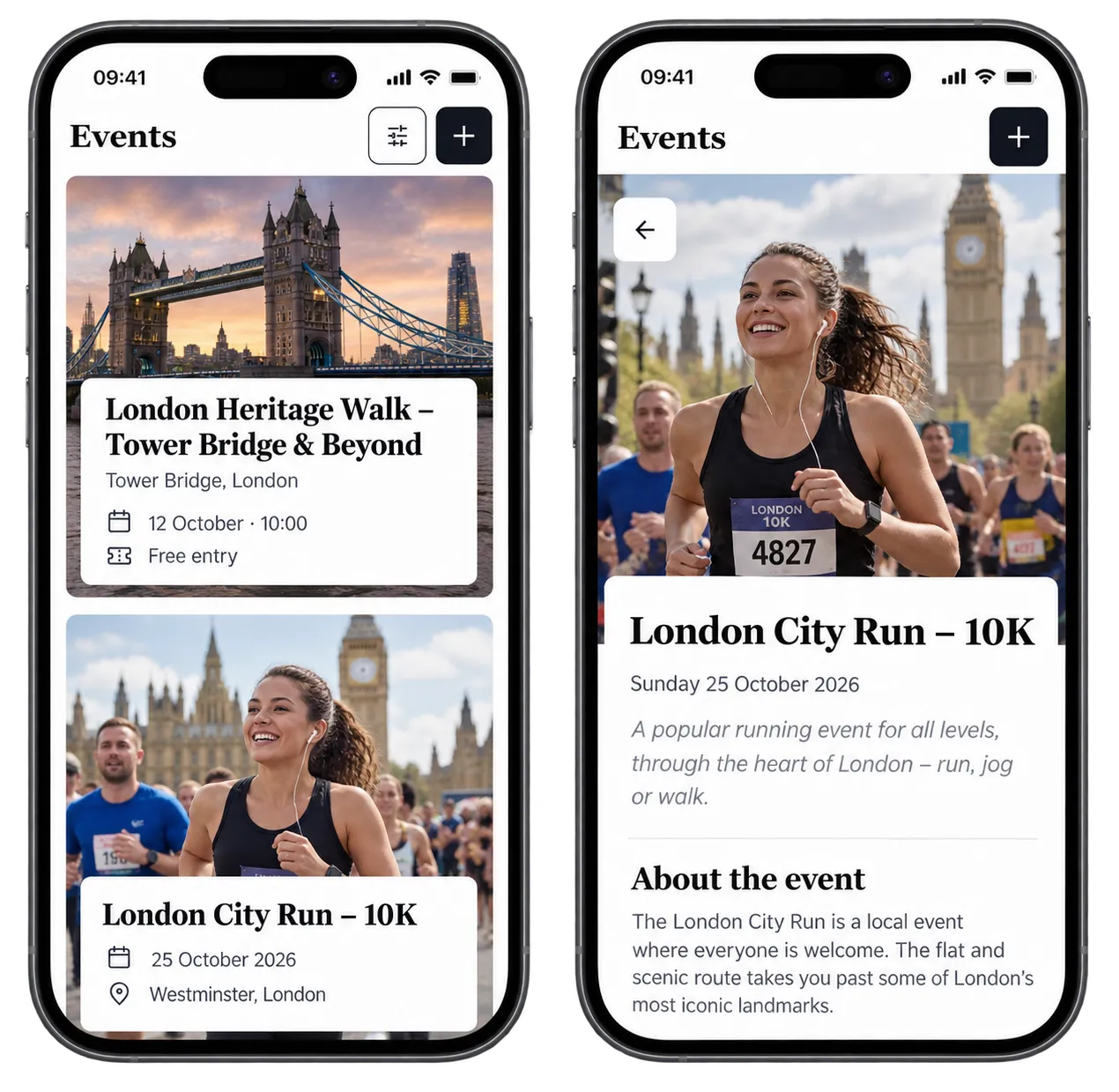
## Bring events into your app and site
Give readers one place to discover what’s happening nearby or within their interests – from concerts and markets to meetups and lectures.
[More about Prenly Events](http://prenlyevents.com/)
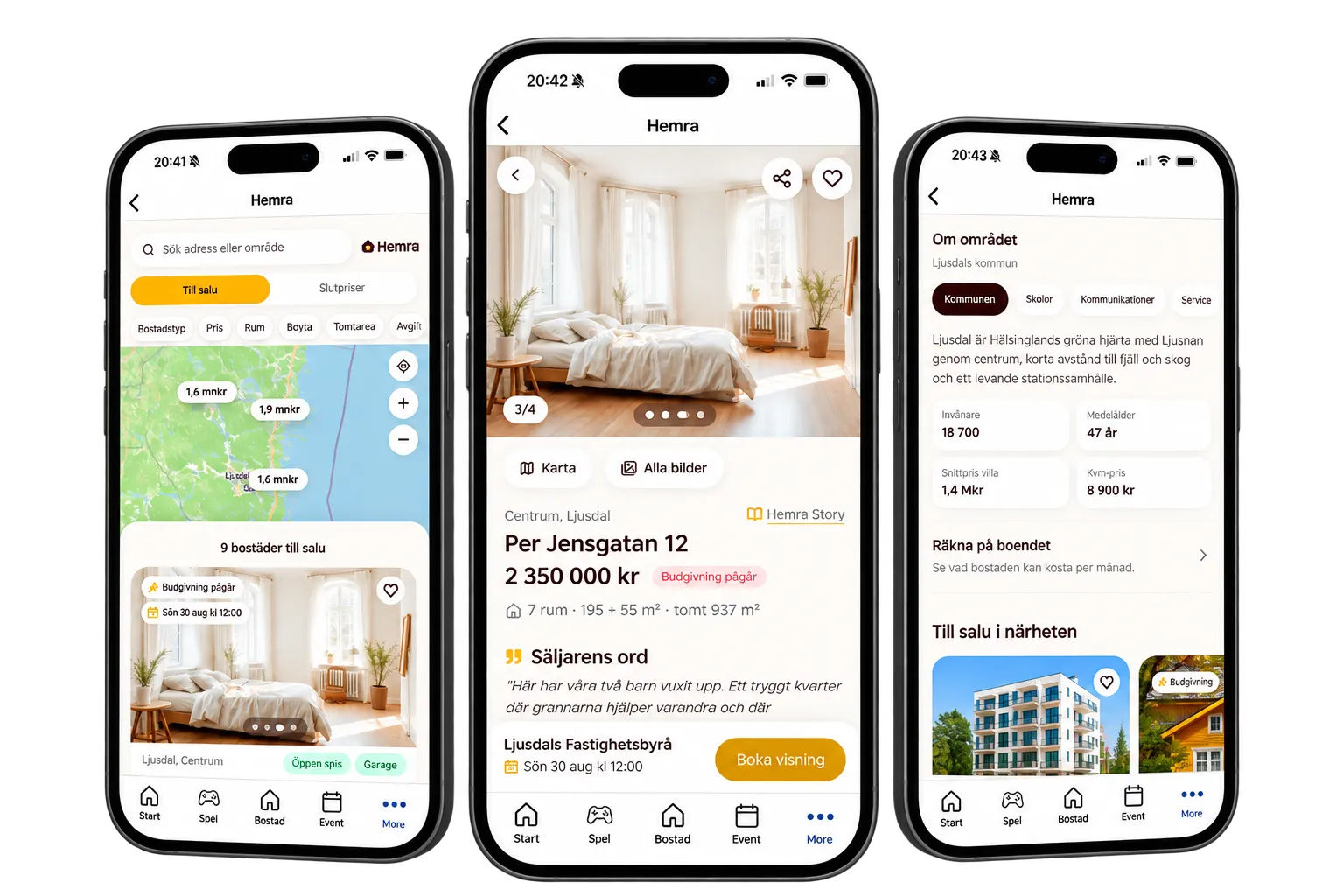
Hemra
## Property sales and title deeds directly in your newspaper
Let readers explore local property sales and title deeds directly in the app – with up-to-date prices, neighbourhood information and details that make the local property market more relevant and useful.
Currently available in Sweden 🇸🇪
[Contact us for more info](https://www.prenly.com/contact-us) [Or visit hemra.se (swedish)](https://hemra.se/)
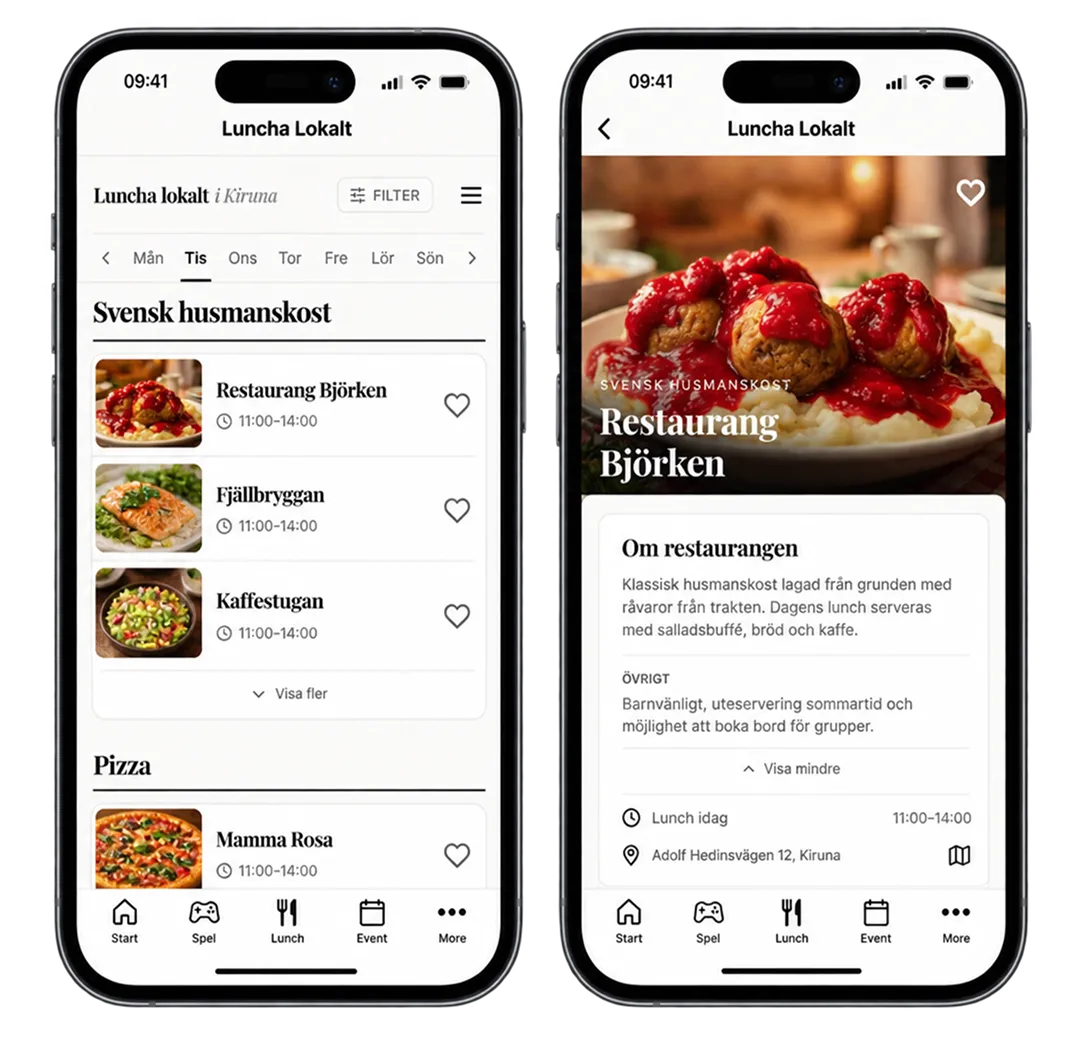
Ät lunch lokalt
## See today’s lunch directly in the app
Let readers explore today’s and upcoming lunch menus, highlight local offers, and create new revenue opportunities together with restaurants in the area.
Currently only available in Sweden 🇸🇪
[Explore Luncha Lokalt](https://lunchalokalt.se/)
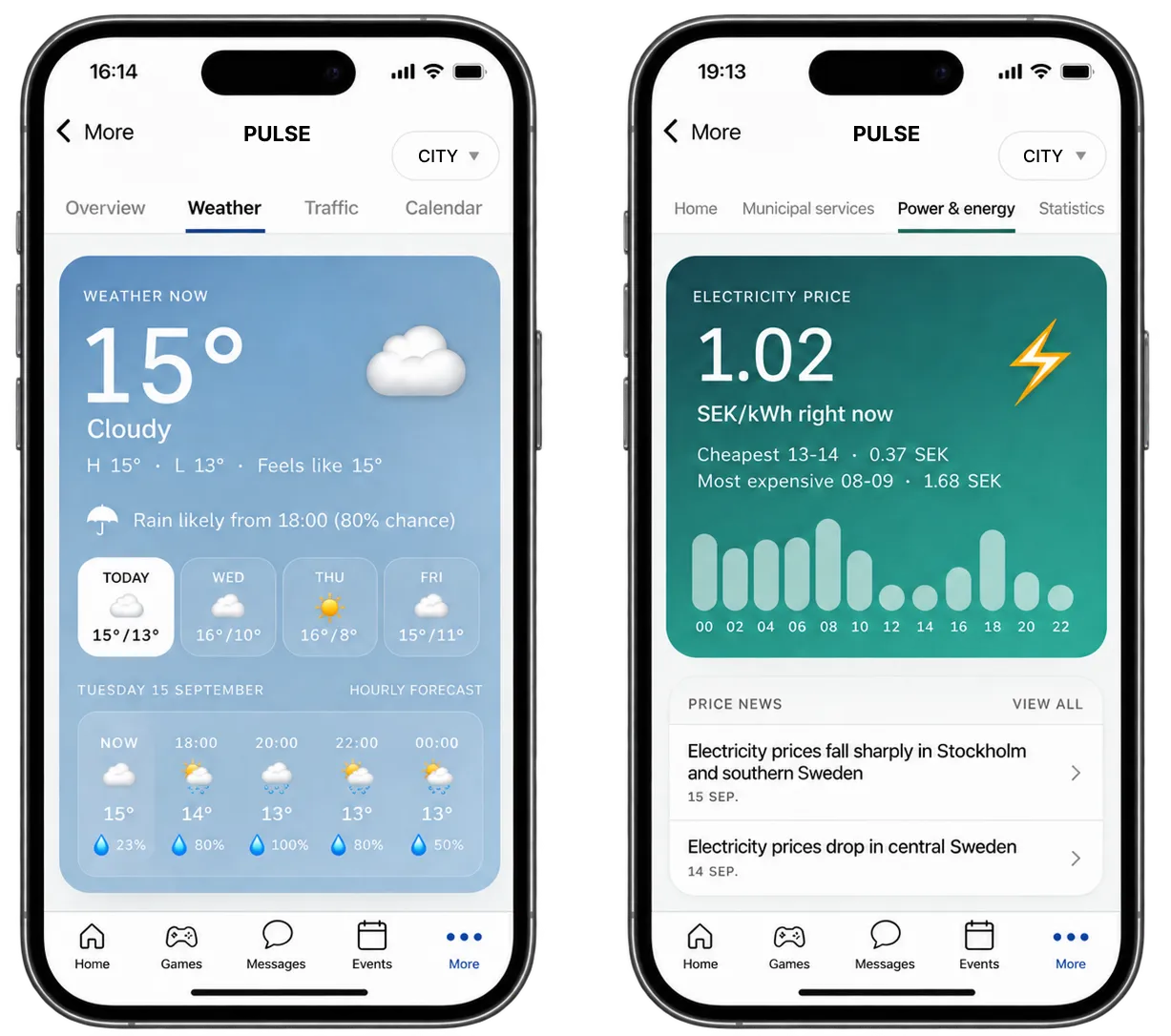
Prenly Pulse
## Local information, updated automatically
Give readers weather, traffic, crime, energy prices, statistics and other local information directly in the app. Content is updated automatically – with no extra work for your editorial team.
Currently only available in Sweden 🇸🇪
[Explore Prenly Pulse](https://prenlypulse.se/)
Built into the Prenly experience
## One app. More reasons to use it.
Prenly Engage works alongside your existing Prenly reader experience. Readers can move between editions, articles, games, events and services without leaving the app or switching to a separate platform.
### One reader experience
Keep journalism and additional services together.
### Your brand
Make each experience part of the publication readers already know.
### Built to grow
Start with one experience and add more as your strategy develops.
## Looking for more ways to extend Prenly?
### Audio & Listening
Podcasts, enhanced article sound and daily audio briefings.
### Revenue & Advertising
Advanced advertising, CTAs and new ways to monetise digital editions.
### Distribution & Access
Reach aggregators, institutions and new audiences with multi-channel publishing and flexible access.
## Frequently asked questions about Prenly Engage
### What is Prenly Engage?
Prenly Engage is an extension for publishers using Prenly. It brings together interactive experiences and services that give readers more reasons to open, return to and interact with your publication.
### Who is Prenly Engage for?
Prenly Engage is designed for publishers already using Prenly. It extends the existing Prenly reader experience with games, polls, events, podcasts and local services.
Not using Prenly yet? [Get in touch](https://www.prenly.com/contact-us) to see how Prenly can support your digital publishing.
### What can I add with Prenly Engage?
Depending on your market and setup, you can add experiences such as Prenly Games, Prenly React, Prenly Events, podcasts, Prenly Pulse, property content and local lunch information.
### Do readers need another app?
No. Prenly Engage is designed to work within the existing Prenly reader experience, so readers can access additional content and services without switching to a separate app.
### Can Prenly Engage help increase reader engagement?
Yes. Prenly Engage is designed to create more opportunities for readers to return, interact, listen, play and discover content beyond the traditional edition.
### Can Prenly Engage create new revenue opportunities?
Yes. Different Engage experiences can support sponsorships, local advertising, commercial partnerships and other new revenue opportunities.
### Is Prenly Engage available for newspapers and magazines?
Yes. Prenly Engage is designed for newspapers, magazines and media companies using Prenly. The most relevant experiences may differ depending on your publication and audience.
### Can we start with just one Engage service?
Yes. You can start with one service and expand your Prenly Engage setup over time as your needs grow.
### Is Prenly Engage available in every country?
Many Prenly Engage services are available internationally, while some local services are currently only available in Sweden. Availability varies by product and market.
Already using Prenly? Contact us to learn which Engage services are available for your publication.
---
URL: https://www.prenly.com/digital-publishing-platform
# Digital publishing platform for newspapers and magazines
> Looking for a digital publishing platform? Prenly brings e-paper, web editions and apps together while letting you keep your existing CMS and subscriber systems.
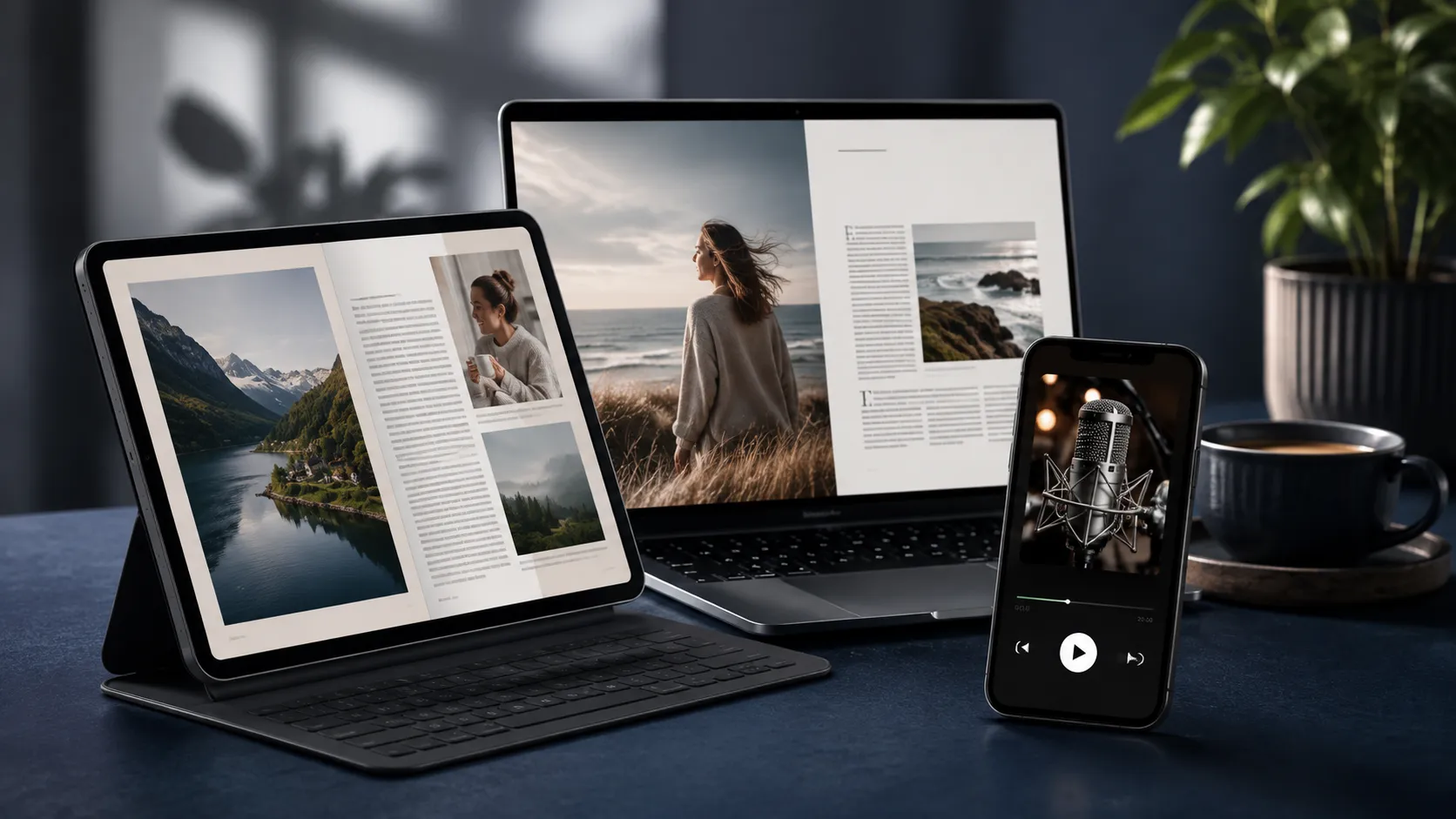
Create, publish and distribute digital editions across apps and web with Prenly – built for newspapers, magazines and media companies.
[Book demo](https://www.prenly.com/book-demo) [Contact us](https://www.prenly.com/contact-us)
## What is a digital publishing platform?
A digital publishing platform is software that helps publishers create, manage, distribute and analyse digital publications across web and mobile. For newspapers and magazines, this can include e-papers, digital editions, apps, articles, audio, accessibility features, analytics and integrations.
**Prenly is a digital publishing platform built for newspapers, magazines and media companies.** It brings publishing workflows, digital editions, apps, web content and reader experiences together in one platform.
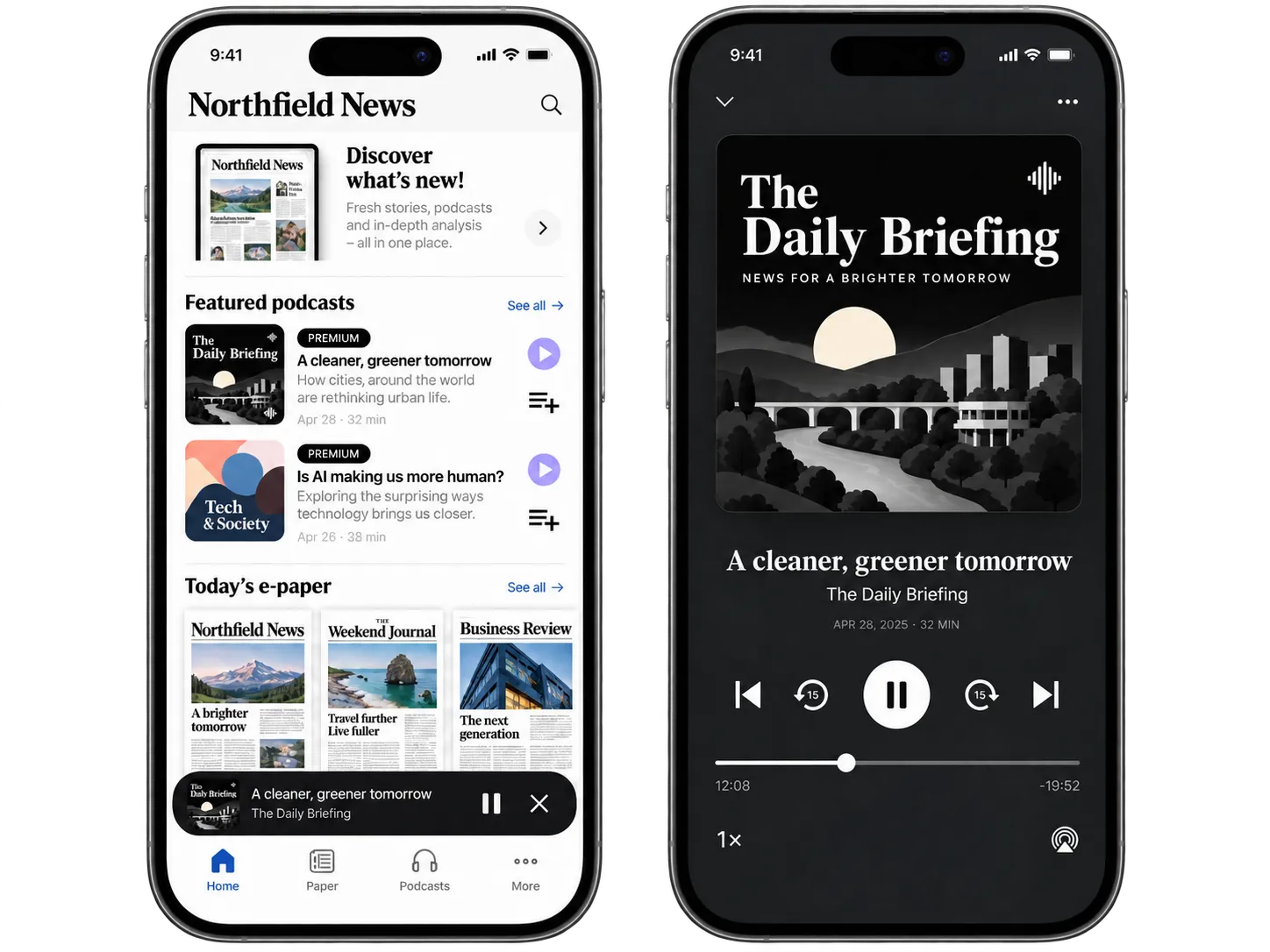
One platform for your digital publishing
## Prenly helps publishers bring those experiences together without replacing the systems and workflows that already work.
Digital publishing is no longer just about making a printed publication available as a PDF.
Readers expect to access content across devices, move between editions and articles, listen to content, receive updates and return to an experience that feels natural on both mobile and web.
### Create and manage
Organise publications, editions and content from one publishing workspace.
### Publish across app and web
Deliver digital editions and editorial content across iOS, Android and the web.
### Connect your existing systems
Integrate Prenly with your editorial system, authentication, subscriptions, analytics and other parts of your publishing environment.
### Build a better reader experience
Combine e-papers, articles, audio, podcasts, games and other content in one digital experience.
### Make content more accessible
Give readers flexible ways to consume content through features such as article view, text-to-speech and accessible digital reading experiences.
### Understand how readers engage
Connect publishing and reader data with the analytics tools your organisation already uses.
## From e-paper to a complete digital publishing experience
Many publishers already have a digital edition. The challenge is what comes next.
A digital publishing platform should make it possible to build on the publication you already have rather than forcing you to start again.
With Prenly, your digital edition can become part of a broader reader experience.
### Digital editions and e-papers
Publish the complete edition readers already know.
↓
### Articles and mobile reading
Make editorial content easy to read across different screen sizes and situations.
↓
### Apps and web
Create a consistent experience across iOS, Android and browsers.
↓
### Audio, podcasts, games and services
Give readers more reasons to open and return to your digital product.
↓
### Engagement and insights
Use notifications, analytics and reader behaviour to understand and strengthen the relationship with your audience.
Start with what you need today. Build from there.
You do not need to replace your entire publishing environment to modernise your digital publishing.
[Talk to us about your current setup](https://www.prenly.com/contact-us)
## What should a digital publishing platform include?
The right platform depends on what you publish, how your organisation works and how readers access your content.
For established newspapers and magazines, these are some of the most important capabilities to consider:
| Capability | Why it matters |
| --- | --- |
| Digital editions and e-paper | Preserve the complete publication and familiar edition experience. |
| Article-based reading | Make stories easier to consume on mobile and smaller screens. |
| iOS and Android apps | Build a direct relationship with readers on the devices they use every day. |
| Web publishing | Give subscribers access without requiring an app. |
| Content management | Organise publications, editions, sections and content efficiently. |
| Integrations | Connect existing CMS, authentication, subscription and analytics systems. |
| Push notifications | Bring readers back when relevant content is published. |
| Audio and text-to-speech | Give readers more ways to consume editorial content. |
| Accessibility | Create digital experiences that work for more readers. |
| Analytics | Understand how readers interact with your digital publications. |
| Advertising and monetisation | Support the commercial side of digital publishing. |
| Multiple publications | Manage several titles, brands or editions within the same environment. |
| Multi-channel publishing | Publish once and distribute content efficiently across apps, web and digital editions. |
**Prenly brings these parts together in one publishing environment.**
[Book a meeting or contact us here ->](https://www.prenly.com/contact-us)
## Digital publishing platform vs CMS vs e-paper software
The term *digital publishing platform* is used for several different types of software.
They are not necessarily the same thing.
| | | | |
| --- | --- | --- | --- |
| | **Full digital publishing platform** | **CMS** | **E-paper / flipbook software** |
| Manage editorial content | **✓** | **✓** | Limited |
| Publish digital editions | **✓** | Sometimes | **✓** |
| Newspaper and magazine apps | **✓** | Usually requires additional technology | Sometimes |
| Article-based reading | **✓** | **✓** | Limited |
| Reader experience | Core part of the platform | Primarily website-focused | Primarily edition-focused |
| Push notifications | **✓** | Often requires additional tools | Sometimes |
| Audio and accessibility | **✓** | Depends on setup | Depends on platform |
| Existing CMS integrations | **✓** | – | Sometimes |
| Multiple publications | **✓** | Depends on setup | Depends on platform |
| App + web + edition publishing | **✓** | Usually requires several systems | Usually edition-focused |
## A CMS and a digital publishing platform can work together
Publishers do not necessarily need to replace their CMS when introducing a digital publishing platform.
Your CMS can remain the source for editorial content while a publishing platform such as Prenly manages digital editions, apps, distribution and the reader experience.
That means publishers can modernise their digital product without rebuilding their entire editorial workflow.
[See Prenly integrations](https://www.prenly.com/solutions)

## Built for newspapers, magazines and media groups
### Newspapers
Publish digital newspapers across app and web while keeping the value of the complete edition. Bring together e-paper, article reading, audio, notifications and other reader services without replacing your existing editorial systems.
[Digital publishing for newspapers](https://www.prenly.com/digital-publications/newspapers)
### Magazines
Turn every issue into a digital reading experience that works across devices. Publish editions, articles and additional content while keeping your publication, brand and reader experience together.
[Digital publishing for magazines](https://www.prenly.com/digital-publications/magazines)
### Media groups
Manage multiple publications and digital products within one publishing environment. Standardise workflows where it makes sense while allowing individual titles to maintain their own brands and reader experiences.
[Digital publishing for media groups](https://www.prenly.com/digital-publications/media-groups)
## How digital publishing works with Prenly
**1. Connect your publishing workflow**
Keep the systems you already rely on.
Prenly can become part of your existing publishing environment and connect with editorial systems, authentication, subscriptions, analytics and other services.
**2. Manage publishing in Prenly Workspace**
Create, organise and publish digital editions and content from one workspace.
Manage publications, editions, sections, apps and publishing settings without spreading the workflow across multiple tools.
**3. Give readers a complete experience with Prenly Reader**
Bring your content together across app and web.
Readers can move between digital editions, articles, audio, podcasts and other services in a modern reading experience designed for newspapers and magazines.
[Explore Prenly Workspace](https://www.prenly.com/prenly-workspace) [Explore Prenly Reader](https://www.prenly.com/prenly-reader)
## Built for real publishing workflows
### More than 45 years of digital publishing
Prenly is developed by Textalk, a company that has worked with digital newspaper publishing since 1979. Today, Prenly supports newspapers, magazines and media companies publishing across the Nordics, Europe and the US.































CUSTOMER STORY
## Berliner Verlag moved multiple publications to Prenly
Berliner Verlag modernised its digital publishing setup with Prenly without disrupting daily production or replacing existing workflows and subscriber access.
The publishing group moved three publications to Prenly:
- Berliner Zeitung
- Berliner Kurier
- Weltbühne
[Read customer story](https://www.prenly.com/customer-stories/berliner-zeitung-epaper-migration)
## How to choose a digital publishing platform
Before choosing a platform, start with your publishing model rather than a feature checklist.
Consider these questions:
### What do you publish?
A newspaper publishing daily editions has different requirements from a monthly magazine, membership publication or multi-title media group.
### Where should readers access your content?
Consider whether you need web publishing, mobile apps, e-paper, article reading or a combination of them.
### What systems do you already use?
Look at your CMS, authentication, subscription platform, analytics and advertising setup. A new publishing platform should work with your existing environment wherever possible.
### How important is the app experience?
If apps are an important part of your reader relationship, consider more than simply displaying an edition. Think about notifications, navigation, article reading, audio, additional services and how frequently you want readers to return.
### What accessibility requirements do you have?
Digital publications should work for as many readers as possible. Look at article-based reading, text-to-speech, navigation, text settings and accessibility standards when evaluating platforms.
### What do you need to measure?
Decide which reader behaviours matter to your organisation and how publishing data should connect with your existing analytics setup.
### Will the platform grow with you?
Your requirements may change. Choose a platform that allows you to start with your current publishing needs and add new experiences, formats and services over time.
## Already using another publishing platform?
You don't have to start over.
Moving to a new digital publishing platform does not necessarily mean rebuilding your apps, workflows and publishing environment from scratch.
Tell us how you publish today and what you would like to improve.
We can show you how your publications and existing setup could work with Prenly.
[Book a free demo](https://www.prenly.com/book-demo) [Talk to us about your current setup](https://www.prenly.com/contact-us)
## Frequently asked questions about digital publishing platforms
### What is a digital publishing platform?
A digital publishing platform is software used to create, manage, publish and distribute digital content across channels such as web, mobile apps and digital editions. For newspapers and magazines, it can also support e-paper publishing, article reading, audio, accessibility, analytics and integrations with existing publishing systems.
### What is the difference between a digital publishing platform and a CMS?
A CMS primarily manages and publishes content, often to a website. A digital publishing platform can extend beyond the CMS by handling digital editions, apps, distribution and reader experiences.
Many publishers use both. Prenly can integrate with an existing editorial system rather than requiring publishers to replace it.
### What is the difference between an e-paper platform and a digital publishing platform?
An e-paper platform primarily focuses on making a newspaper or magazine edition available digitally.
A broader digital publishing platform can combine the edition with article-based reading, apps, web publishing, audio, notifications, analytics, accessibility features and additional reader services.
### Can Prenly integrate with an existing CMS?
Yes. Prenly is designed to work within existing publishing environments and can integrate with editorial systems and other parts of a publisher's technology stack. The exact integration depends on the systems and workflows used by the publisher.
### Can Prenly be used for newspapers?
Yes. Prenly is built for newspaper publishing and supports digital editions, apps, web publishing, article reading and additional reader services.
It can be used by local, regional and larger newspaper publishers.
### Can Prenly be used for magazines?
Yes. Magazine publishers can use Prenly to publish digital editions and create reading experiences across web, iOS and Android.
### Does Prenly support both apps and web publishing?
Yes. Prenly supports digital publishing and reader experiences across iOS, Android and the web.
### Can we keep our existing subscriber login?
In many publishing setups, existing authentication and subscriber systems can be integrated with Prenly. The appropriate solution depends on your current infrastructure.
### Does a publisher need to replace its existing systems to use Prenly?
Not necessarily.
Prenly is designed to integrate with existing publishing environments, allowing publishers to keep systems that already work while modernising the digital publishing and reader experience.
### Does Prenly support accessibility?
Prenly includes features designed to create more accessible digital reading experiences, including article-based reading and text-to-speech.
### How much does a digital publishing platform cost?
Pricing varies depending on the number of publications, applications, integrations and functionality required.
For Prenly, the best way to understand pricing is to tell us about your publishing setup so we can recommend an appropriate solution.
### How do I see if Prenly is right for my publication?
Book a demo and tell us how you publish today. We can show you how Prenly would work with your publication, content, existing systems and reader experience. [Book a demo with us ->](https://www.prenly.com/book-demo)
## See what Prenly could do for your publication
Tell us about your publication, current publishing setup and what you want to improve.
We'll show you how Prenly can work with your existing systems and help you create a stronger digital publishing experience for your readers.
[Book a demo](https://www.prenly.com/book-demo) [Contact us](https://www.prenly.com/contact-us)
---
URL: https://www.prenly.com/support
# How can we help you?
> Need help with Prenly? Explore our FAQ and help center for answers on publishing, apps, analytics, and more. Contact our us and book a demo today.
Prenly Support
[Configuring extensions](https://www.prenly.com/support/configuring-extensions): 8 articles
[How readers use the Prenly apps](https://www.prenly.com/support/how-readers-use-the-prenly-apps): 2 articles
[Manage Applications and Configure Settings Easily](https://www.prenly.com/support/manage-applications): 41 articles
[Manage Material](https://www.prenly.com/support/manage-material): 19 articles
[Manage subscribers](https://www.prenly.com/support/manage-subscribers): 4 articles
[Marketing](https://www.prenly.com/support/marketing): 7 articles
[Statistics](https://www.prenly.com/support/getting-started-with-statistics): 10 articles
[Using Prenly](https://www.prenly.com/support/using-prenly): 7 articles
[Using Webarch](https://www.prenly.com/support/using-webarch): 8 articles
[Your Prenly Onboarding](https://www.prenly.com/support/your-prenly-onboarding): 13 articles
## Frequently asked questions
### How quickly can we get started with Prenly?
We help you set up your publishing workflow, prepare apps and integrations, and make sure your team is ready for launch. A typical implementation takes around 2–4 weeks, depending on your setup and preferred timeline.
### Do we need to change our existing publishing workflow?
No. Prenly is designed to work with your existing publishing workflows and can integrate with editorial systems, subscription platforms and other parts of your technology stack.
### What do our readers need to do when we launch?
If the launch is handled as an update to your existing app, readers do not need to download a new one. They simply receive the new version through a regular app update.
### Can we analyse how readers use our content?
Yes. Prenly can connect to analytics tools such as Google Analytics, allowing you to track usage and engagement across your digital publications. The data and metrics available depend on your setup and chosen integrations.
### Is Prenly suitable for smaller editorial teams?
Yes. Prenly works for both smaller editorial teams and larger media groups. The platform can adapt to the way you work today and grow with your needs.
## Support Team
hello@prenly.com | +46 (0)31 388 47 40
Opening hours: Mon–Fri, 08:00–17:00 (CET/CEST)
[See holiday opening hours](https://www.prenly.com/support/using-prenly/opening-hours-support)
## Want to see Prenly?
Tell us about your publication and current setup, and we’ll show you how Prenly could work for you.
[Book a meeting](https://www.prenly.com/book-demo/) [Contact us directly](https://www.prenly.com/contact-us)
---
URL: https://www.prenly.com/support/manage-material
# Manage Material
> Discover how to efficiently manage digital publications, upload PDFs, edit articles, handle FTP, and use multi-channel publishing tools in Prenly.
## Manage Material
- [Multi-Channel Publishing](https://www.prenly.com/support/configuring-extensions/multi-channel-publishing): 23 Jul 2026 With Multi-Channel Publishing (MCP), a single publication can be prepared for delivery to multiple external systems.Once configured, the exports are generated automatically as part of the...
- [Uploading archive](https://www.prenly.com/support/your-prenly-onboarding/uploading-archive): 12 Feb 2026 Using an FTP client, an archive (of standard PDF files) can be uploaded to us. Here are some simple instructions. Note: If your archive is larger than 100 GB, please contact us before...
- [FTP Client](https://www.prenly.com/support/using-webarch/ftp-client): 24 Oct 2025 To access the FTP account, a downloaded FTP client is required. One suggestion is to download the free program FileZilla. Once the client/program has been downloaded, open it and fill in...
- [Annotate links in Adobe software](https://www.prenly.com/support/using-webarch/annotate-links-in-adobe-software): 24 Oct 2025 By following the easy guides below, you will get information on how annotations and links, as well as attachments, work in PDF. Links and attachments in PDF files In Adobe Acrobat 1....
- [Mark favourite](https://www.prenly.com/support/manage-material/mark-favourite): 24 Oct 2025 Bookmarking publications and/or applications in Prenly is easy. In Prenly Workspace, there is now a "drag-and-drop" menu on the left side. Go to Publications and Applications and you will...
- [Edit in Prenly](https://www.prenly.com/support/manage-material/edit-in-prenly): 24 Oct 2025 Do you need to make changes to a digital publication or a publication with article reading mode? You can do that in Prenly editor, but keep in mind that what you change in the article...
- [Create a digital publication](https://www.prenly.com/support/manage-material/create-a-digital-publication): 24 Oct 2025 Our digital e-magazine platform offers an efficient and engaging way to distribute content to your readers. Here we will guide you through how to create a digital publication in Prenly...
- [Unlock edition / Make edition public](https://www.prenly.com/support/manage-material/support-manage-material-unlock-edition): 24 Oct 2025 If a publication normally requires an active subscription, you can change its read permission at any time to make it publicly available. How to do it: Go to Titles and find the publication...
- [Delete page or spread](https://www.prenly.com/support/manage-material/delete-page-or-spread): 24 Oct 2025 You can choose to delete a page or spread from the uploaded PDF. Delete the page (you need to repeat the process to delete the spread) by following these steps: 1. Select the three-dots...
- [PDF upload](https://www.prenly.com/support/manage-material/pdf-upload): 24 Oct 2025 A PDF for only replica reading mode can be uploaded directly in Prenly Workspace. Regardless of what you want to write, you first need to select a publication to host your PDF. Select the...
- [Retract publication](https://www.prenly.com/support/manage-material/retract-publication): 24 Oct 2025 If you want to delete the latest version of a publication and show the previous one for your readers it's easily done via Prenly Workspace. Here we show you how to do it. 1. Go to your...
- [Marketing link](https://www.prenly.com/support/manage-material/marketing-link): 24 Oct 2025 Create a sharing link for a specific publication. This is perfect for newsletters, social media campaigns, or “try it out” promotions. Please note that the marketing links can only be...
- [Add fact boxes to an article](https://www.prenly.com/support/manage-material/add-fact-boxes-to-an-article): 24 Oct 2025 Preparations Start by logging into Prenly Workspace. Select a title in the left menu and click Settings (a gray square or gear icon) in the upper right corner. Now you see a list. Click on...
- [Re-publish](https://www.prenly.com/support/manage-material/re-publish): 24 Oct 2025 Re-publish the publication in order to let the readers receive the changes. Follow these simple steps to re-publish your publication: 1. Select "Publish...". Select "Publish..." to...
- [Write in Prenly](https://www.prenly.com/support/manage-material/write-in-prenly): 24 Oct 2025 Regardless of what you want to say, it is easy to say it with Prenly! To write in Prenly is as simple as creating a new article and starting writing in a selected publication. Select...
- [Annotate link in Prenly](https://www.prenly.com/support/manage-material/annotate-link-in-prenly): 24 Oct 2025 Adding a URL link to an article is easy. Let us show you how! 1. Log in to Prenly Workspace; https://content.textalk.se 2. In the Titles menu, select the issue you want to edit. 3. Inside...
- [Link Boxes Directly in Prenly Workspace](https://www.prenly.com/support/manage-material/link-boxes-directly-in-prenly-workspace): 24 Oct 2025 How to Do It 1. Select a title Go to the "Titles" menu and choose the title you want to work with. 2. Open the desired page Under the "Pages" tab, select the page where you want to add a...
- [Delete publications](https://www.prenly.com/support/manage-material/delete-publications): 24 Oct 2025 If you need to delete an unwanted publication, it is very easy to do it yourself via Prenly Workspace. Here we show how to do it. 1. Go to your Titles and select the relevant title....
- [Add video to article](https://www.prenly.com/support/manage-material/add-video-to-article): 24 Oct 2025 Here's how to add a video to an article in Prenly Workspace. 1. Log in to Prenly Workspace 2. Select an existing publication (that contains articles) or create a new article 3. Choose to...
---
URL: https://www.prenly.com/support/manage-material/link-boxes-directly-in-prenly-workspace
# Link Boxes Directly in Prenly Workspace
> Learn how to easily add link boxes, URLs, borders, and custom CTA buttons directly to your pages inside the Prenly Workspace.
2 min read
[By Sofie. 24 Oct 2025](https://www.prenly.com/author/78)
## How to Do It
**1. Select a title**
Go to the "Titles" menu and choose the title you want to work with.
**2. Open the desired page**
Under the "Pages" tab, select the page where you want to add a link box.
**3. Open the menu**
Click the three dots in the top-right corner of the page.
**4. Add a link box**
Select "Add URL box to page X" (where X is the page number).
**5. Position the box**
Drag the edges of the box to adjust its size and placement. Use the small handles on the corners.
**6. Confirm position**
Click "Done" once you’re happy with the placement.
**7. Enter the link**
Fill in the URL where the user should be directed upon clicking the box.
**8. Choose border style**
Decide if the box should:
a) have a border
b) have no border
c) have a fading border
**9. Set border color (optional)**
If you chose a border, you can specify its color.
**10. Add a CTA button (optional)**
Enable a Call to Action (CTA) button if needed. You can customize:
a) text
b) icon
c) size
d) color
e) position
**11. Save**
Click "Save" to complete the process.
**Tip!**
You can also add link boxes by [editing the PDF before importing the page into your issue](https://www.prenly.com/support/possibilities-in-webarch/annotate-links-in-adobe-software/).
---
URL: https://www.prenly.com/support/manage-material/delete-publications
# Delete publications
> Learn how to easily delete unwanted publications yourself in Prenly Workspace with our simple step-by-step guide. Remove titles quickly today.
1 min read
[By David. 24 Oct 2025](https://www.prenly.com/author/77)
If you need to delete an unwanted publication, it is very easy to do it yourself via Prenly Workspace. Here we show how to do it.
1. Go to your **Titles** and select the relevant title.
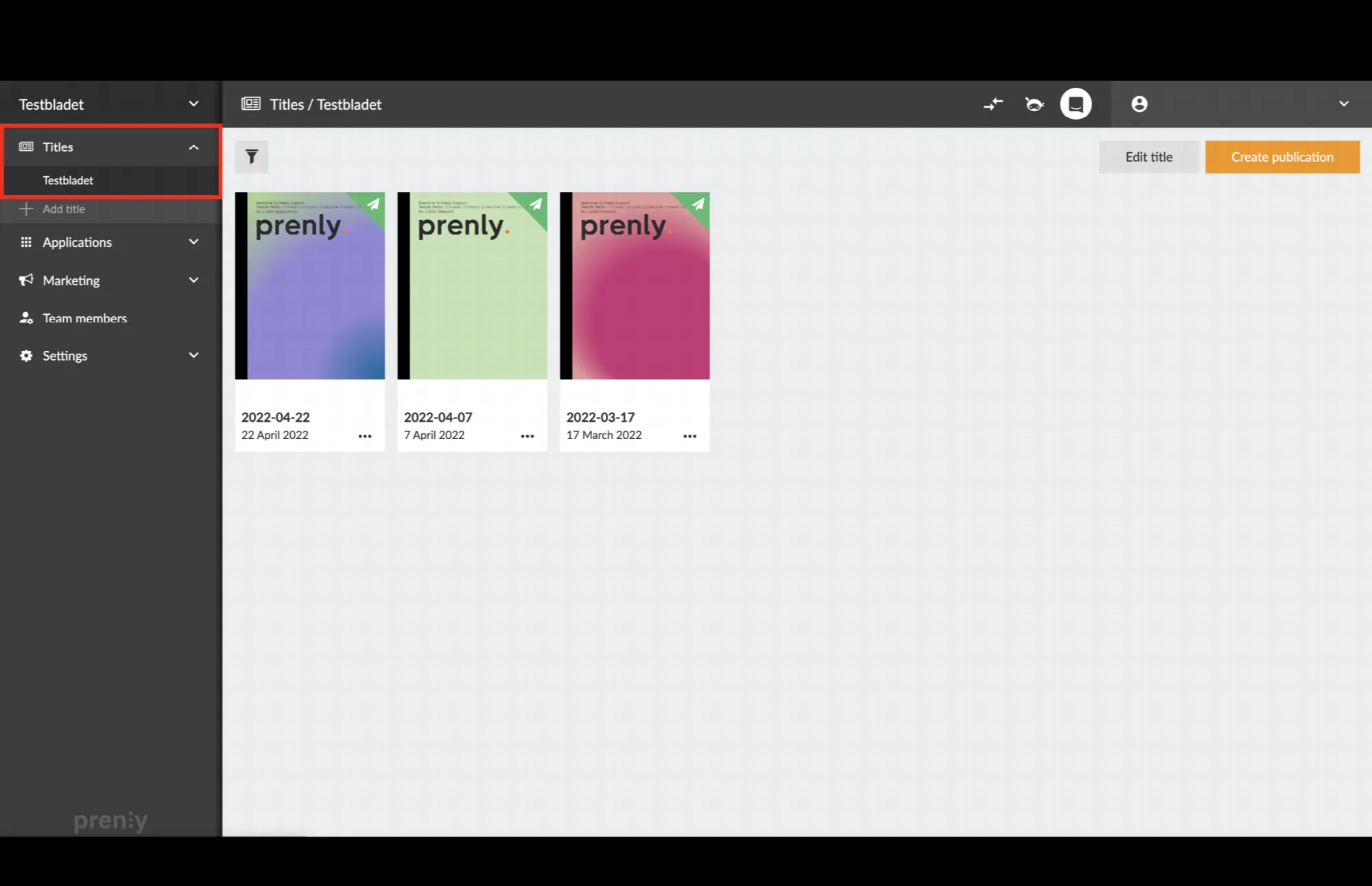 Navigate to the title that contains the publication you wish to delete.
2. Select the three-dot menu and then select "**Delete**".
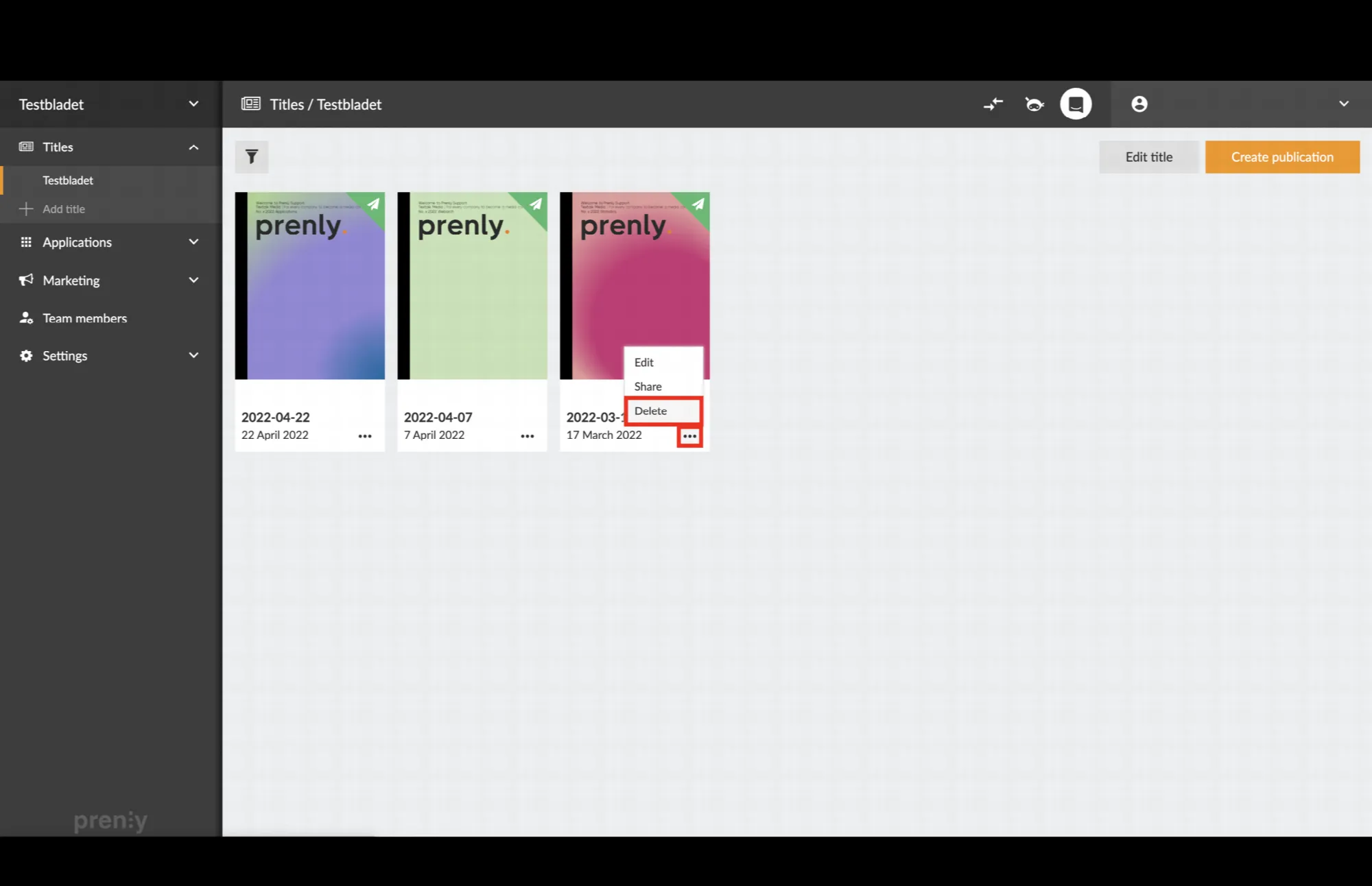 Click on the three-dot menu and then "Delete".
3. Confirm that you want to delete the publication by clicking "**Delete**".
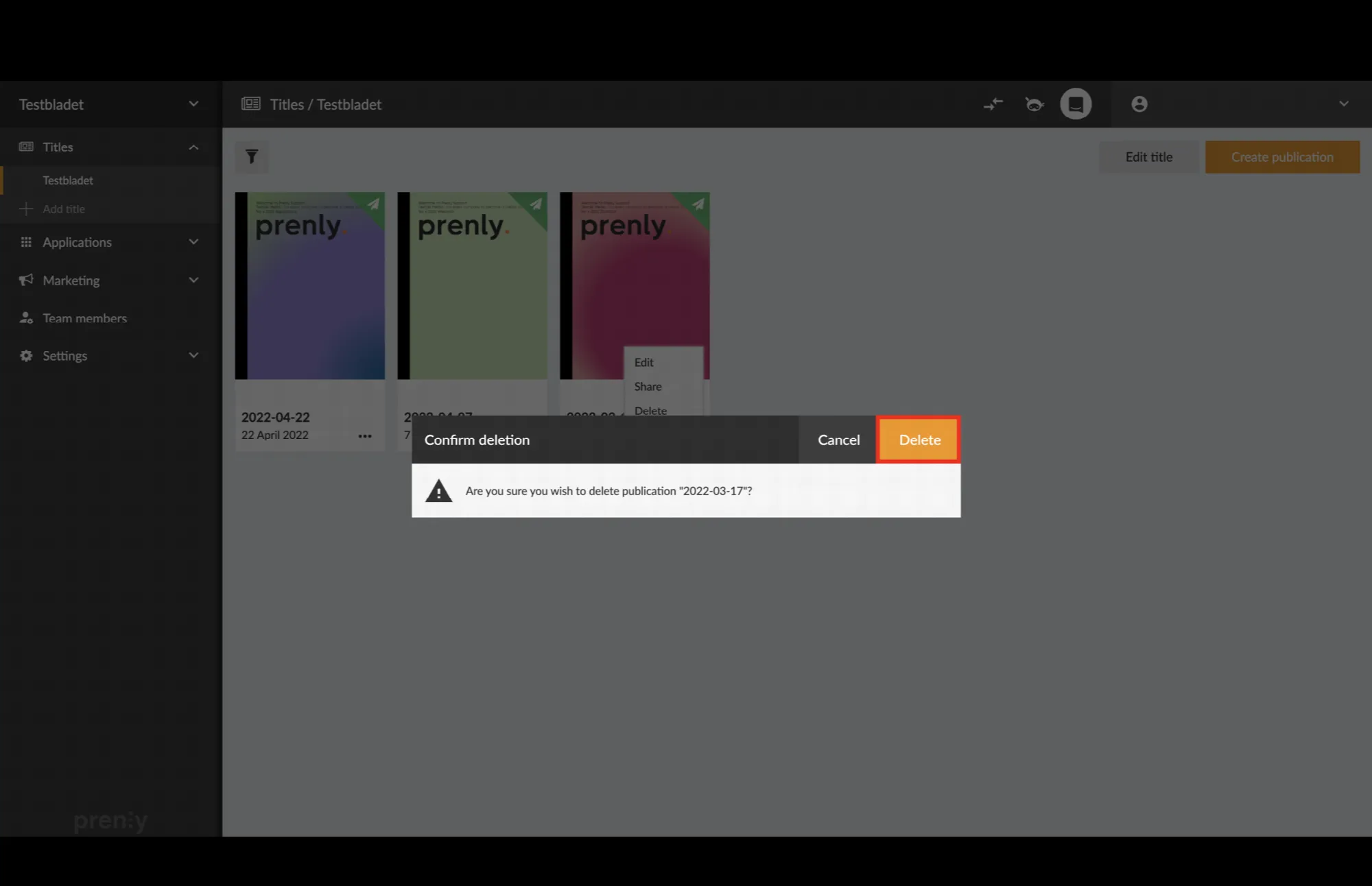 Confirm the deletion by clicking on "Delete".
4. The publication has now been removed!
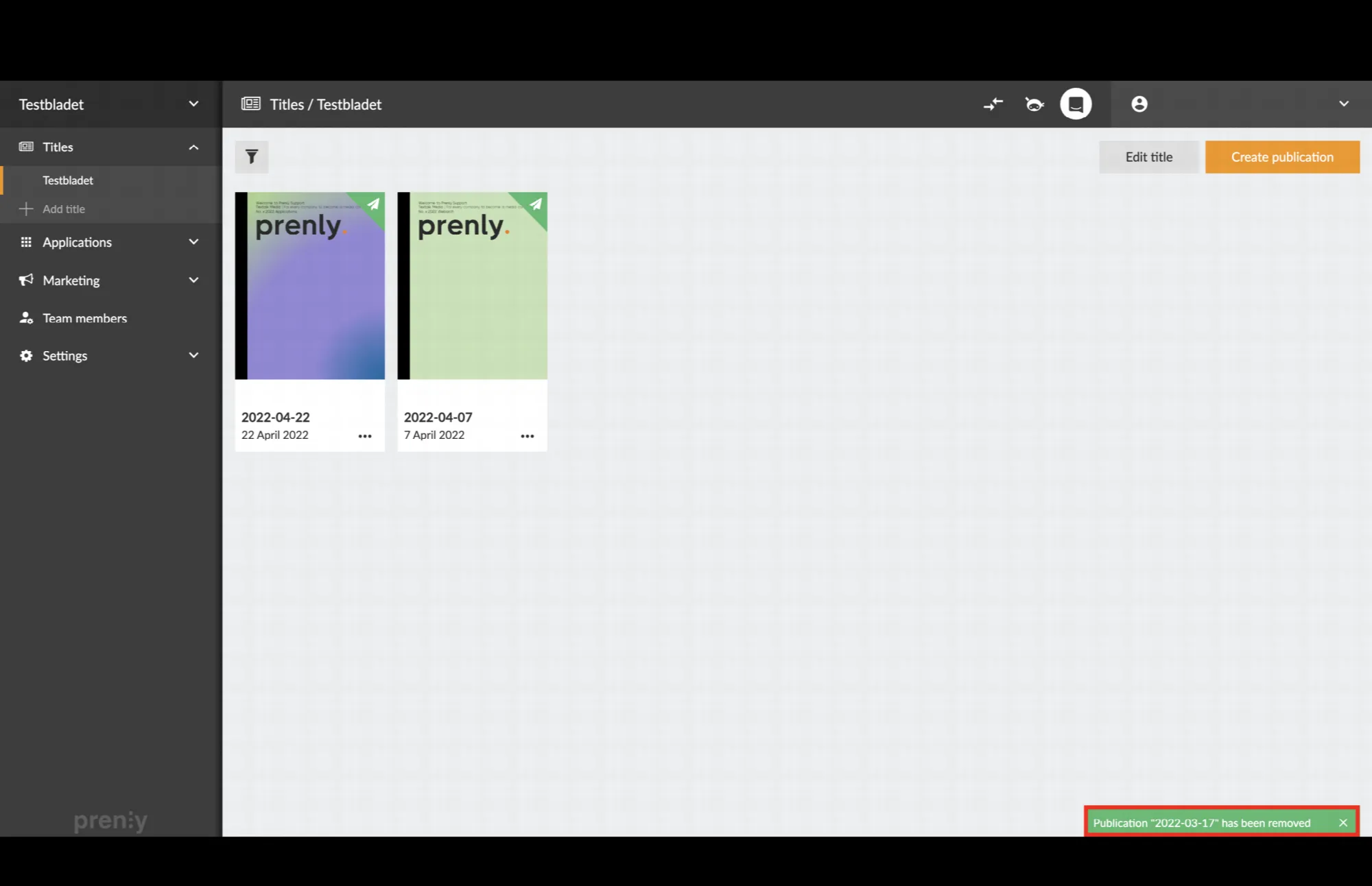 The green box in the lower right corner confirms that the removal was successful.
---
URL: https://www.prenly.com/support/manage-material/add-video-to-article
# Add video to article
> Learn how to easily add videos and YouTube clips to your articles in Prenly Workspace with our simple step-by-step guide.
1 min read
[By Lena. 24 Oct 2025](https://www.prenly.com/author/76)
Here's how to add a video to an article in Prenly Workspace.
1. Log in to [Prenly Workspace](https://content.textalk.se/)
2. Select an existing publication (that contains articles) or [create a new article](https://www.prenly.com/support/manage-material/create-a-digital-publication)
3. Choose to [edit an existing article](https://www.prenly.com/support/manage-material/edit-in-prenly) or [create a new one](https://www.prenly.com/support/manage-material/write-in-prenly)
4. Create a new paragraph and click the video icon ▶️ (see image).
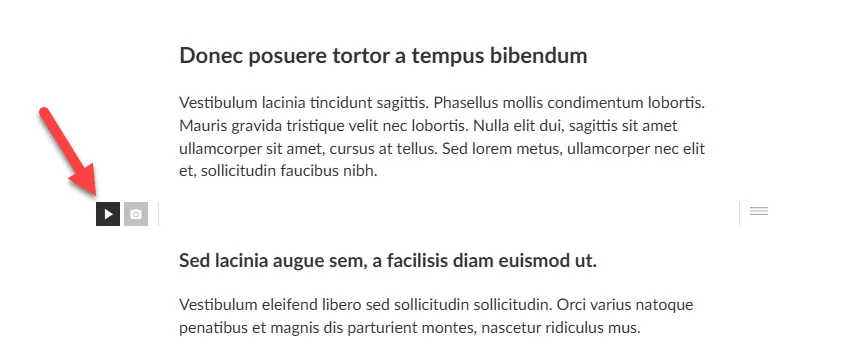 Click on the video icon
5. Paste the Youtube URL in the field for the video you want to add. In some cases, you can also paste an embed code.
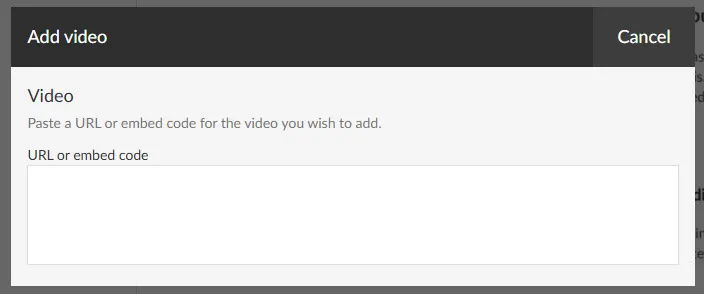
If you use Youtube Shorts, for example, there is no option to copy an embed code by default. However, there is a workaround so that you can generate such a code.
Just replace the word **shorts** in the link with **watch**. Then go to the link to find the embed code as on regular Youtube clips.
For example
https://www.youtube.com/**shorts**/{video-id} will then become https://www.youtube.com/**watch**/{video-id}
If everything works, you should see your video rendered in the article like the example video below. You can adjust the width via the icons above the video.
Good luck!
---
URL: https://www.prenly.com/support/manage-material/annotate-link-in-prenly
# Annotate link in Prenly
> Learn how to easily add and annotate clickable URL links in your articles within Prenly Workspace with this simple step-by-step guide.
1 min read
[By Henrik. 24 Oct 2025](https://www.prenly.com/author/75)
Adding a URL link to an article is easy. Let us show you how!
1. **Log in** to Prenly Workspace; [https://content.textalk.se](https://content.textalk.se/)
2. In the **Titles** menu, select the issue you want to edit.
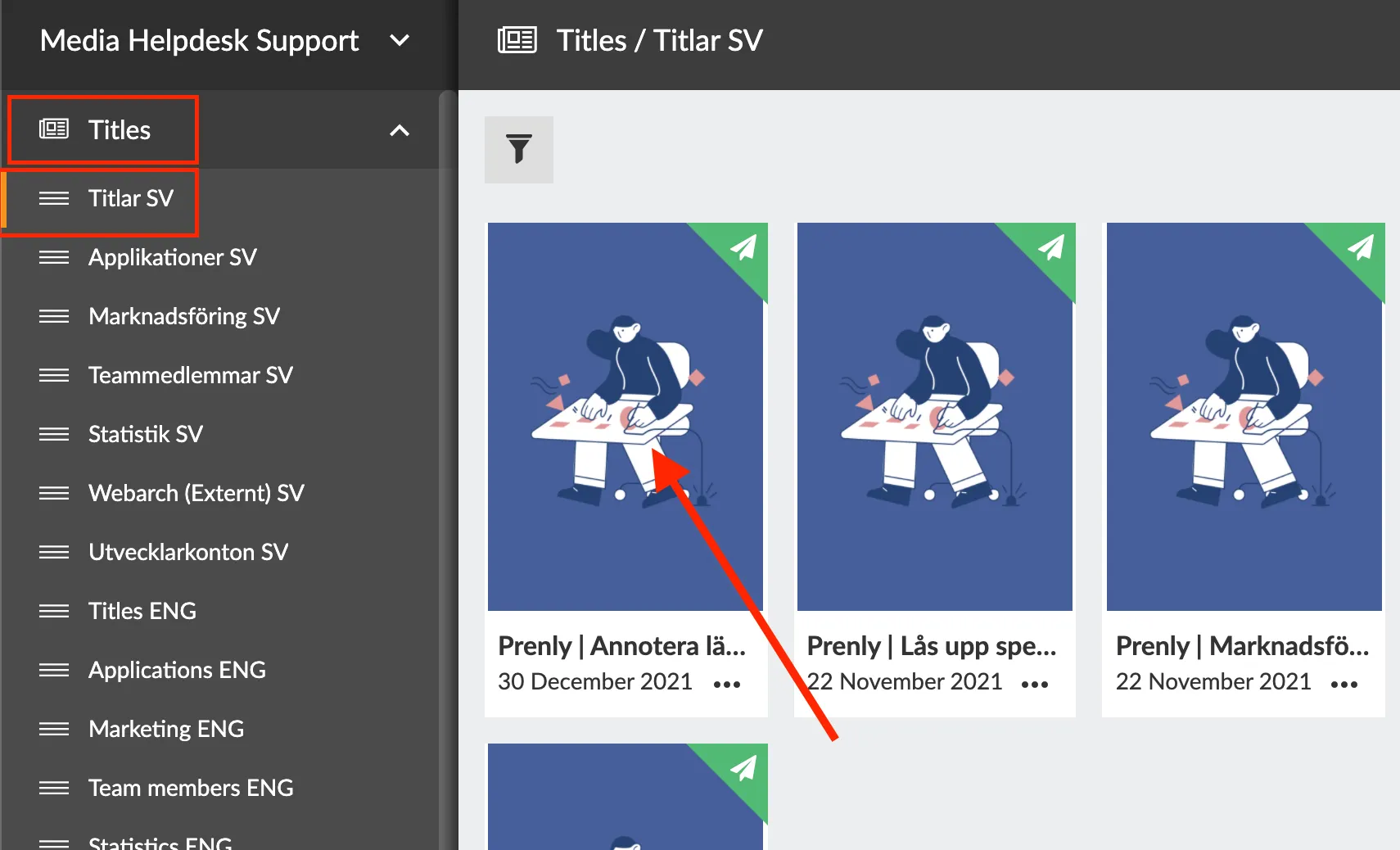
3. Inside the issue, make sure that you have selected **Articles** in the menu on the left and *not* **Pages**.
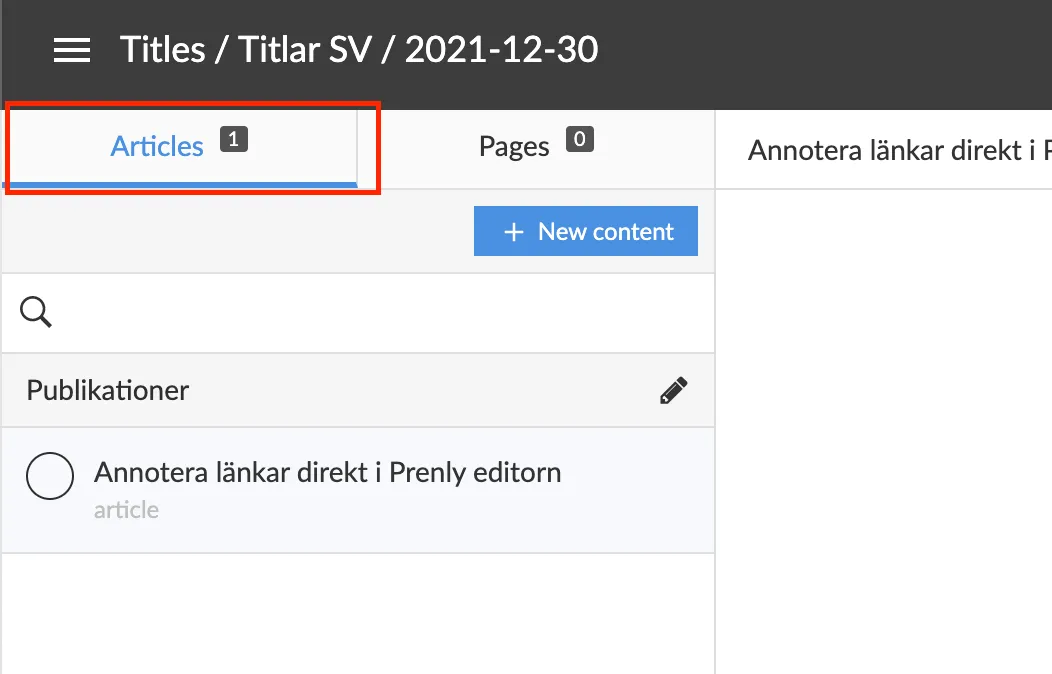
4. In the menu on the right, change the edition from **Approved** to **Draft**.
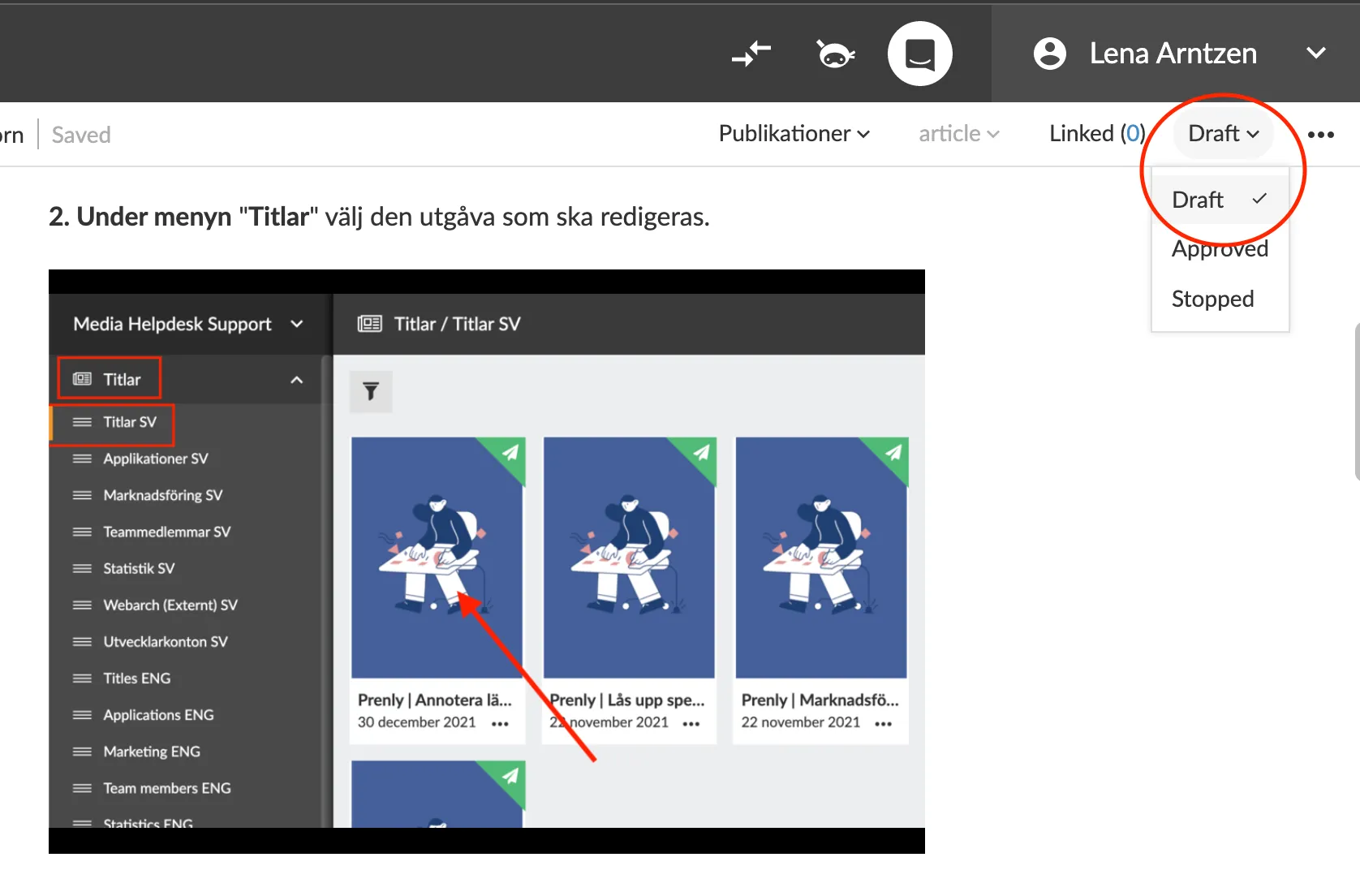
5. Select the text, sentence or URL link to be annotated and then right-click and a new menu will appear above the text. Click on the **chain icon**.
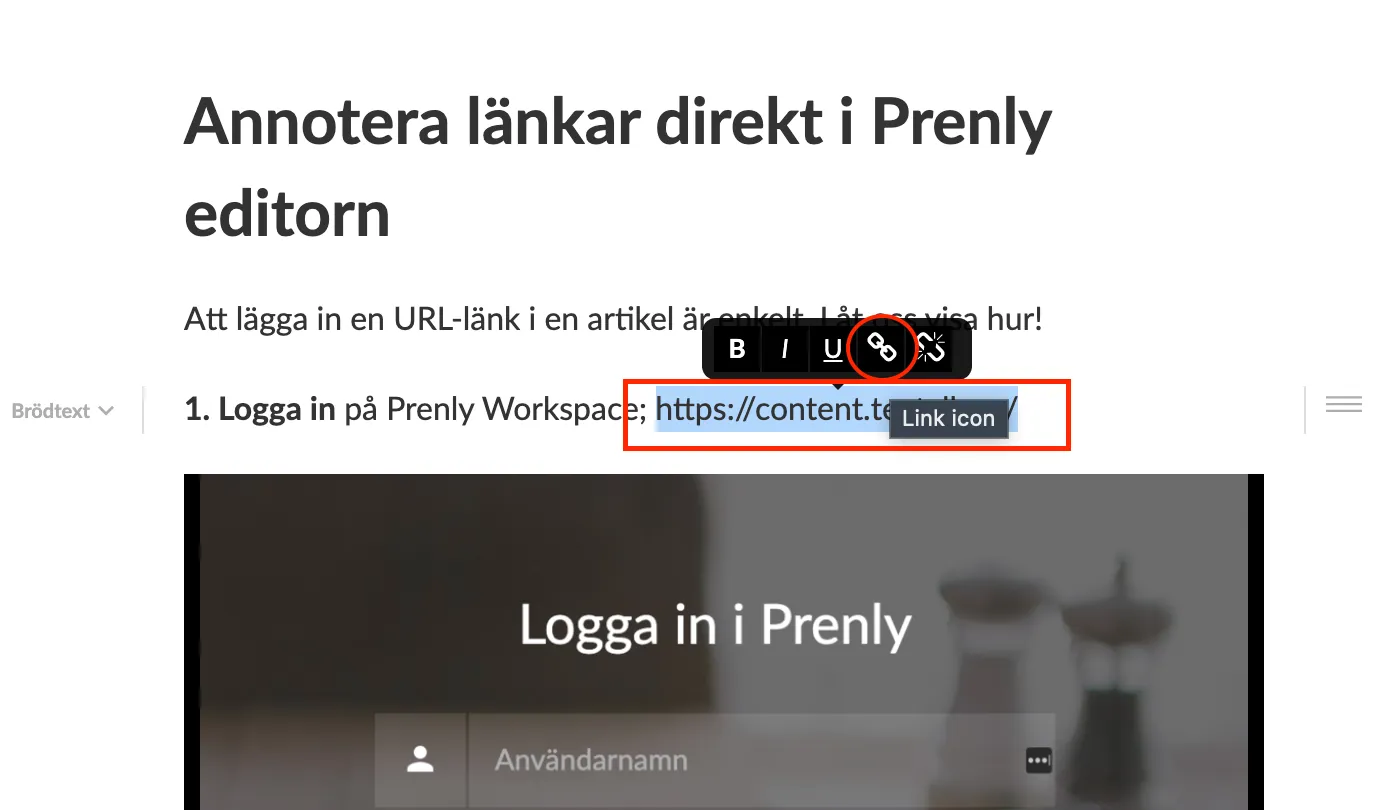
6. In the box **Link** under the **URL** menu, insert the link you want to annotate. To save, click **OK**.
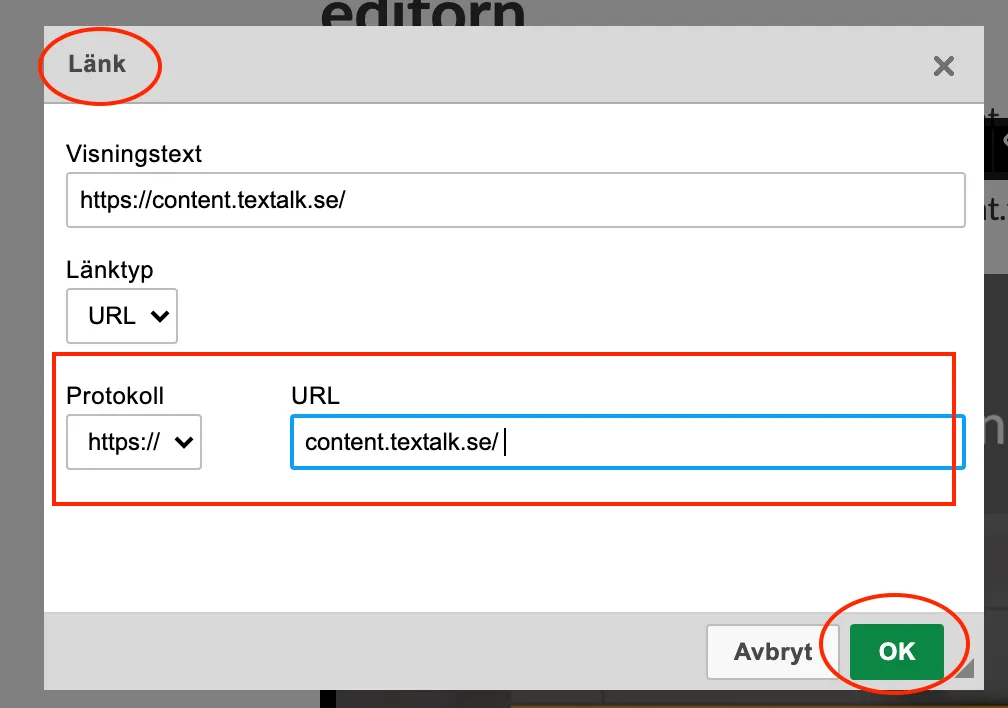
7. When you have saved the text, sentence or link you annotated, it will change colour to blue, which is the correct behaviour.
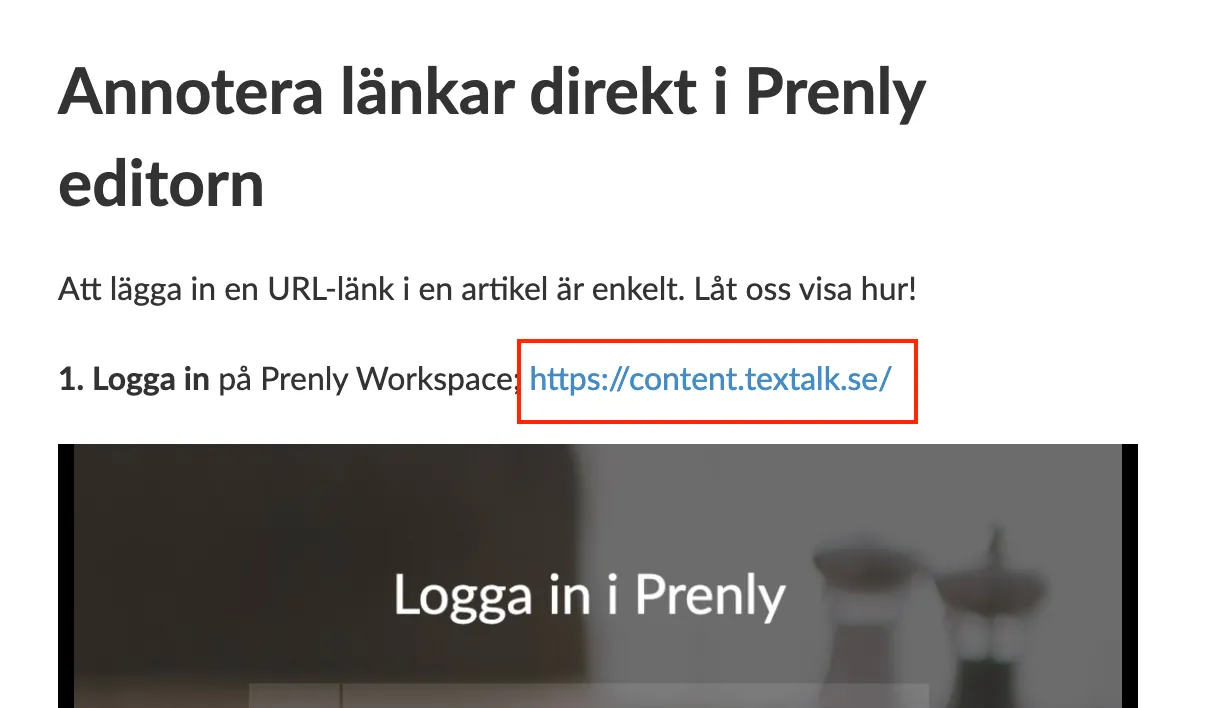 Ps. When you annotate in the Prenly editor, the links become clickable in "article reading mode" and not in PDF mode.
8. And as the last step, do not forget to change the article to **Approved** instead of **Draft** and then click on the green button to publish or schedule publication! ?
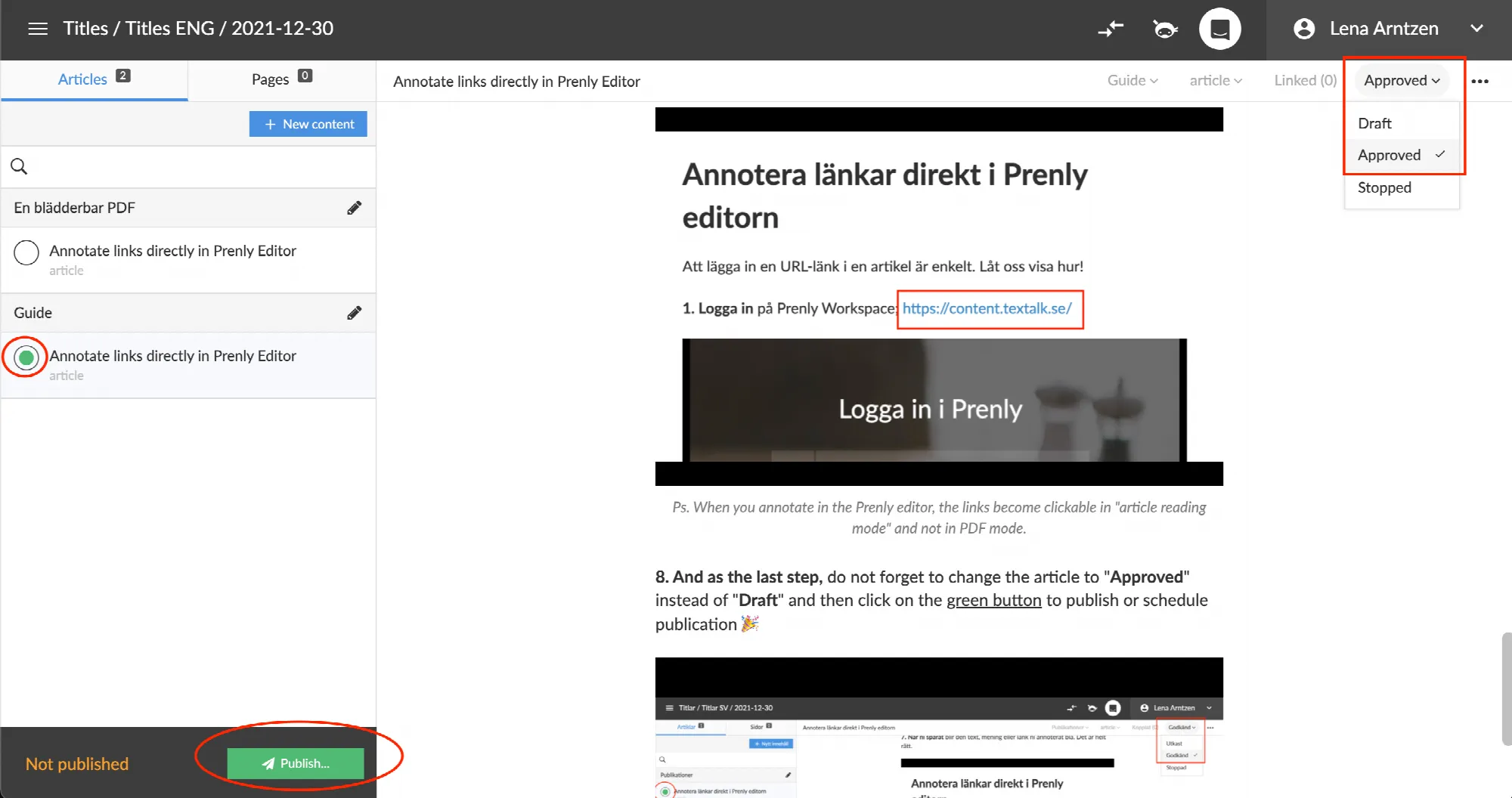
---
URL: https://www.prenly.com/support/manage-material/add-fact-boxes-to-an-article
# Add fact boxes to an article
> Learn how to easily create and link fact boxes to your articles in Prenly Workspace with this step-by-step guide for better content publishing.
2 min read
[By jens. 24 Oct 2025](https://www.prenly.com/author/62)
## Preparations
Start by logging into Prenly Workspace.
Select a title in the left menu and click **Settings** (a gray square or gear icon) in the upper right corner.
Now you see a list.
Click on **Article categories**.
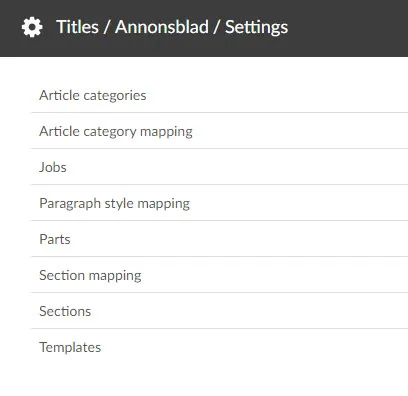 Settings
Click on the button **Add Artice Category**
Give your article part a name (for example "Factbox") and set **Article type** to **Article part**.
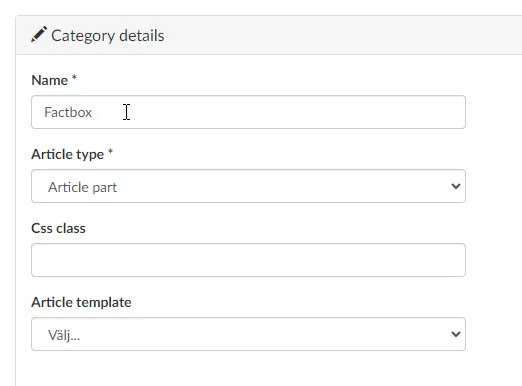 Creating an article part
Click **Create**
## Create or locate the article to have a fact box
Navigate again to the title where you want to create your fact box.
Open the issue where this article is to be placed or is placed.
The fact box will now be created separately, and then linked to the article where you want it to appear.
## Create the Fact Box
Click on **New Content** and **New Article** in theIn the **Articles**-tab.
Create the content for your fact box, i.e. write the title, text and/or add media files.
At the top right is a menu/drop-down. Click on it and select your new article part (in the example it was named 'Factbox').
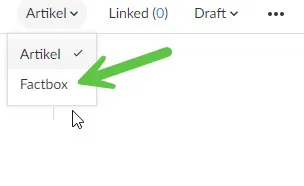 Select article part
When the fact box is ready, navigate back to the article that will receive the fact box. Make sure the article has a **Draft** status, if not, change it to this.
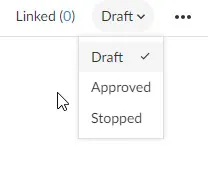 Draft
Then click Linked. Here you can expand the section that you named, for example, "Factbox" and select your newly created factbox by clicking on the + (plus sign).
Once that's done, you can close the modal.
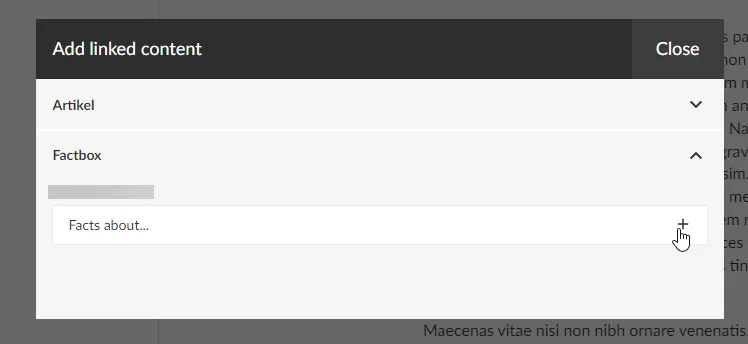 Linked content
In the menu item **Linked** you should now be able to see a one **(1)** and when you click on the arrow you can see your fact box. Click on the pen if you want to edit your fact box.
Change the status from **Draft** to **Approved** and publish the article. Navigate to the article in your application, and when you open the article, you can see your fact box.
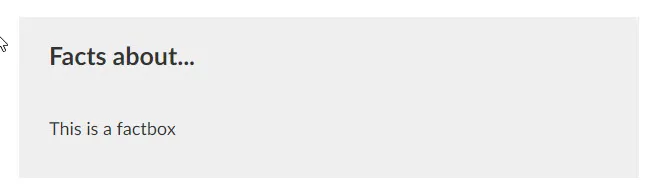 A factbox!
---
URL: https://www.prenly.com/support/manage-material/re-publish
# Re-publish
> Learn how to easily re-publish your publications and reschedule planned issues with this step-by-step guide to ensure readers get your latest updates.
2 min read
[By David. 24 Oct 2025](https://www.prenly.com/author/77)
Re-publish the publication in order to let the readers receive the changes.
Follow these simple steps to re-publish your publication:
1. Select "Publish...".
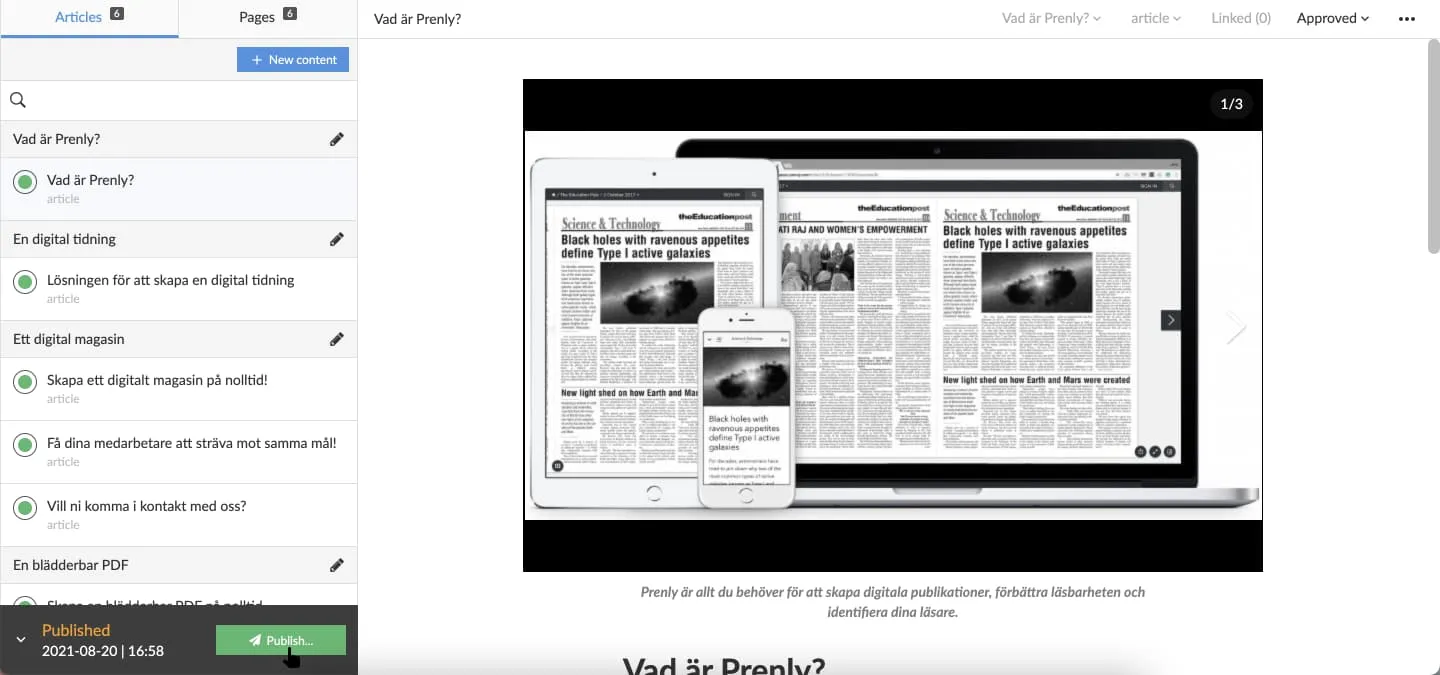 Select "Publish..." to initiate a new publication version.
2. Select "Publish now" to publish the changes without reviewing the publish settings. If you want to review the settings, see the next step.
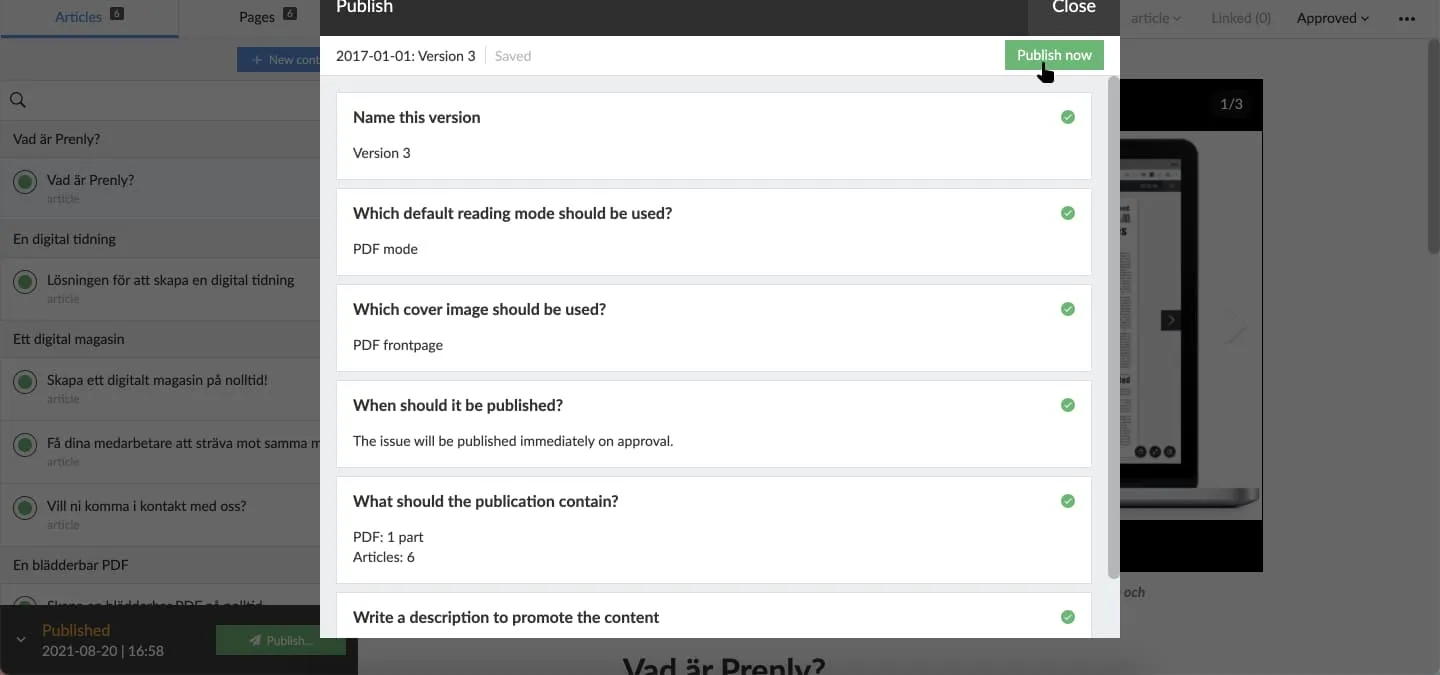 Select "Publish now" to publish a new version with the standard publish settings.
3. Select a publish setting section to review the current settings.
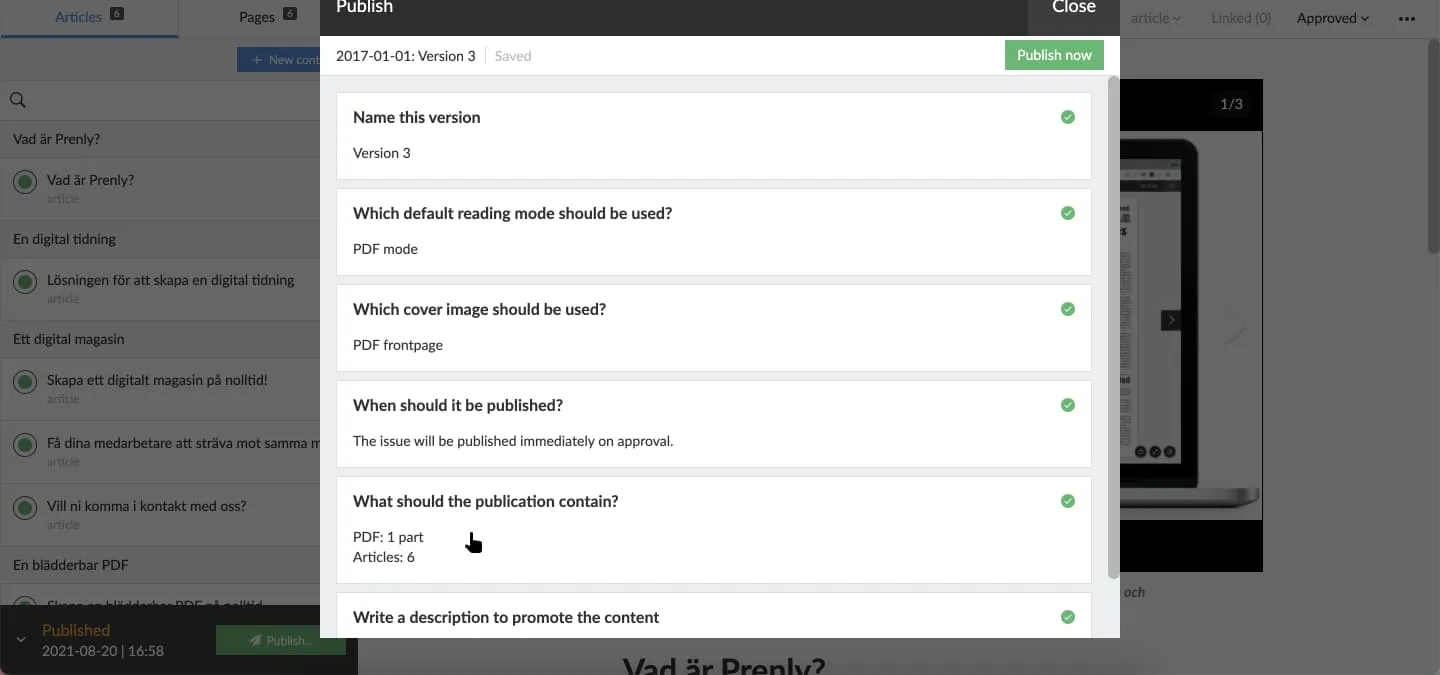 Select "What should the publication contain?" to select which articles to keep in the new publication version.
Select *which* articles among the approved-for-publish articles you want to keep in the new publication version.
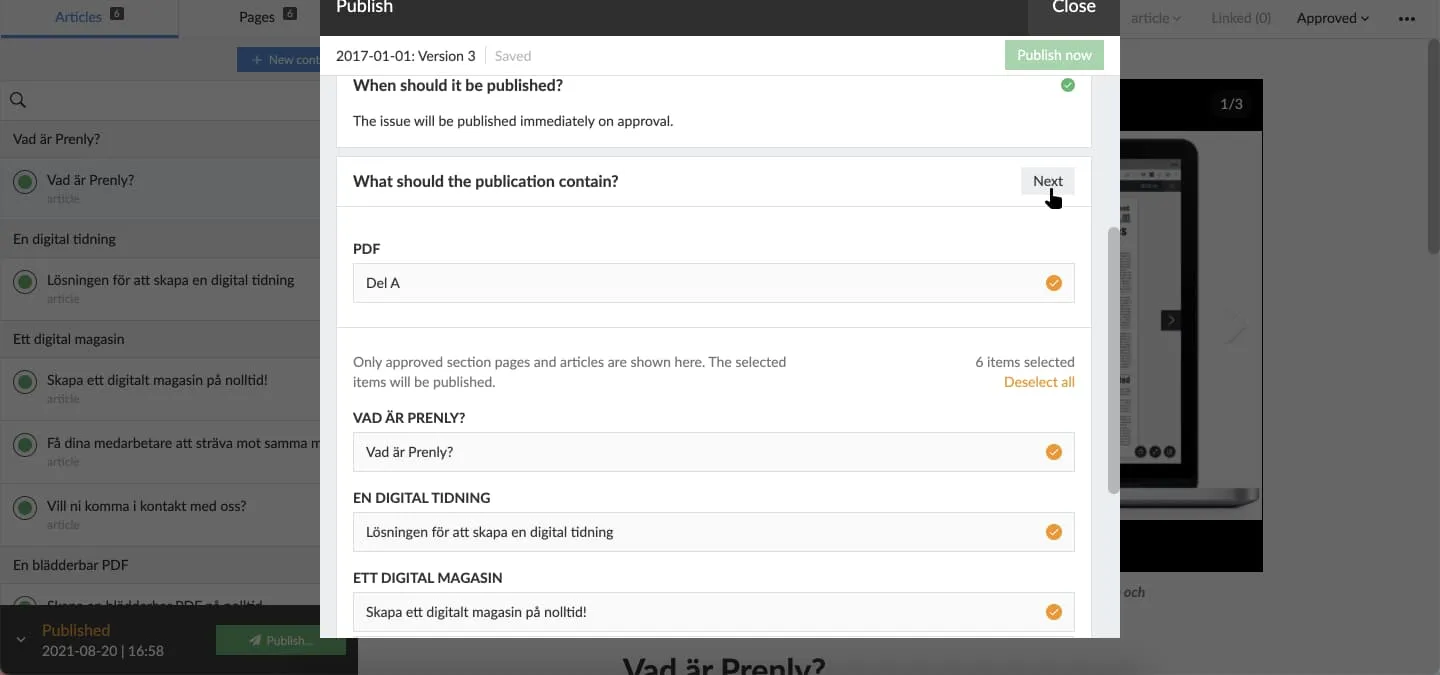 Select "Next" to approve the current settings for the section.
4. The graphical interface will update when the publication has been re-published.
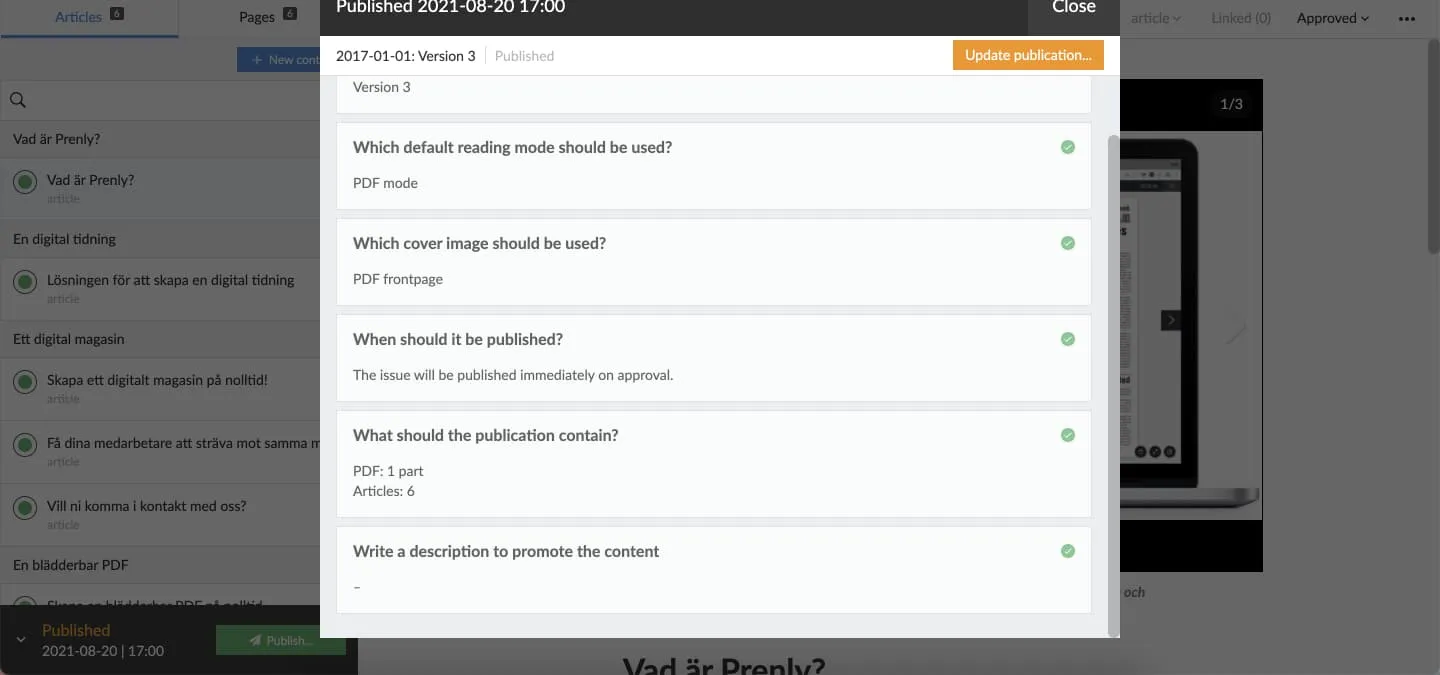
## Re-publish a scheduled issue
If an issue is already scheduled for publication and you want to make changes, you need to reschedule it.
You can see that an issue is scheduled by the yellow indicator in the top-right corner (see image).
1. Make your edits, then select "Publish...".
2. In the "When should it be published?" section, choose the new date and time, then click Next.
3. Select which articles the publication should contain, then click Next.
4. You don't need to enter a description. Simply click Done.
5. Then select "Schedule for publishing".
6. Done
---
URL: https://www.prenly.com/support/manage-material/delete-page-or-spread
# Delete page or spread
> Learn how to easily delete individual pages or spreads from your uploaded PDF in Prenly with this simple step-by-step guide.
1 min read
[By Alina. 24 Oct 2025](https://www.prenly.com/author/73)
You can choose to delete a page or spread from the uploaded PDF.
Delete the page (you need to repeat the process to delete the spread) by following these steps:
1. Select the three-dots menu and select "Delete page".
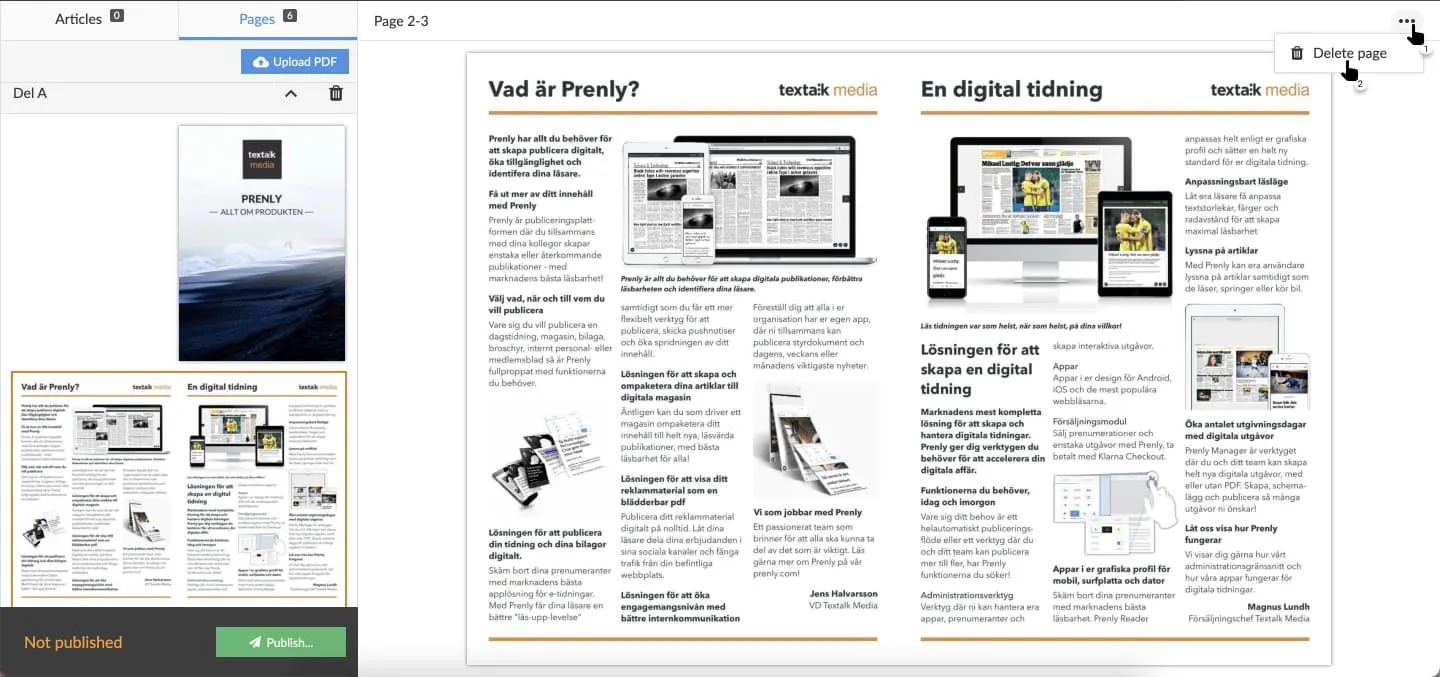 Select "Delete page" to delete page or spread.
2. Select the page you want to delete and then select "Delete" to delete the page. Repeat this step to delete the spread by selecting the *other* page; you can only delete one page at a time.
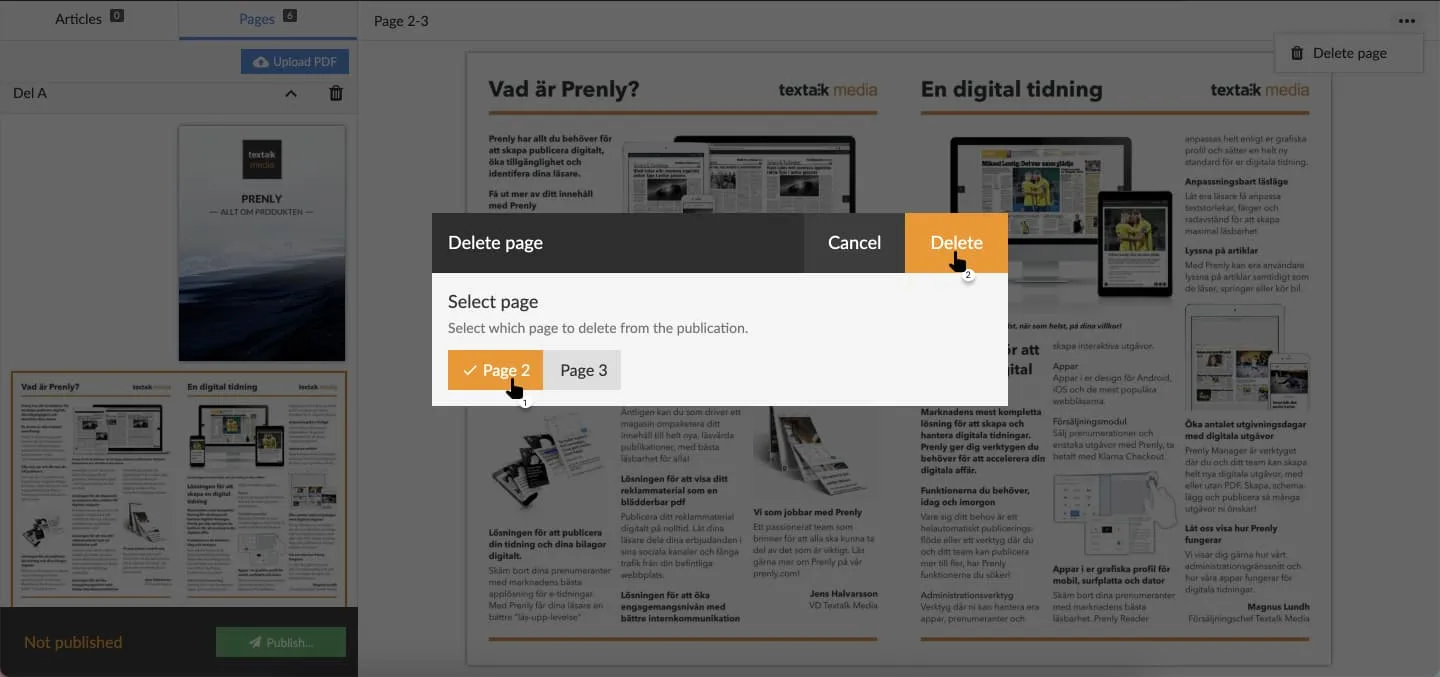 Select the page you want to delete and then "Delete page".
3. Confirm the page deletion.
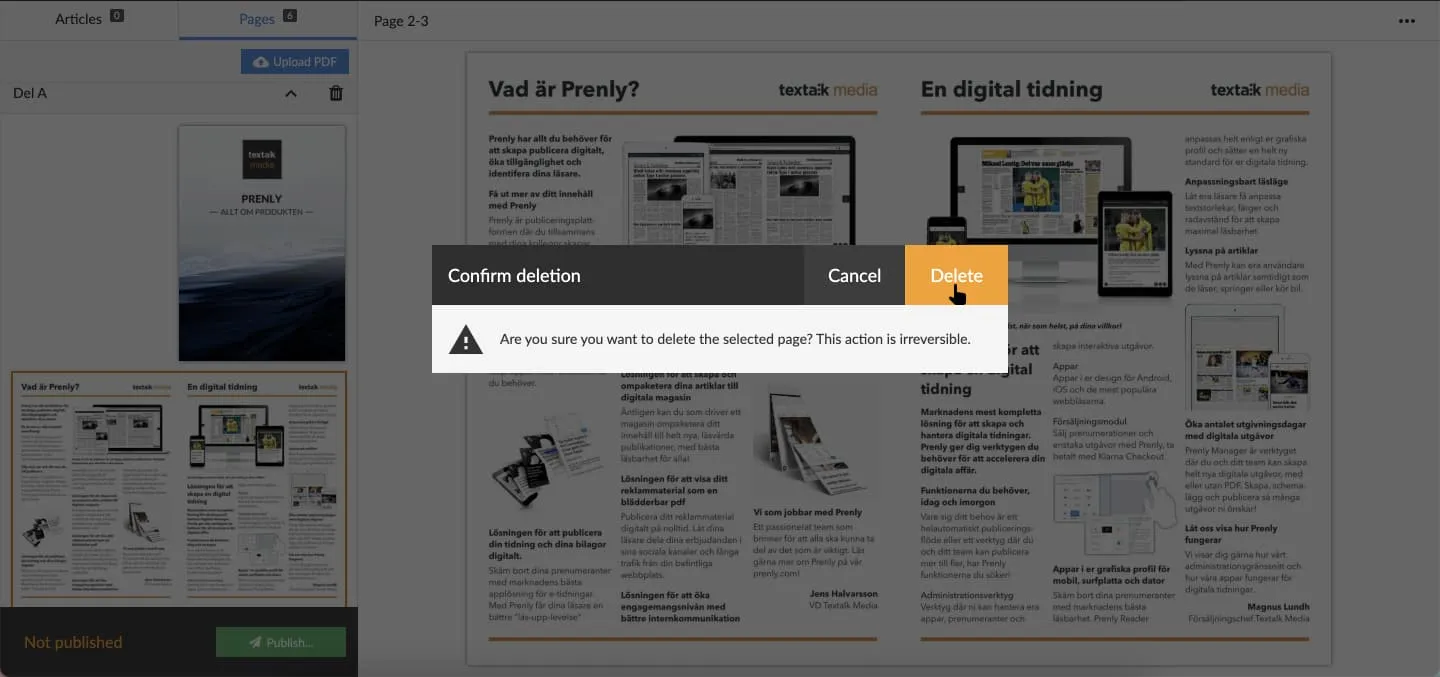 Confirm the deletion of the page by selecting "Delete".
Prenly will delete the chosen page and present the result.
In order for the readers to get the same result, i.e. the page removed, you need to publish a new version of your publication.
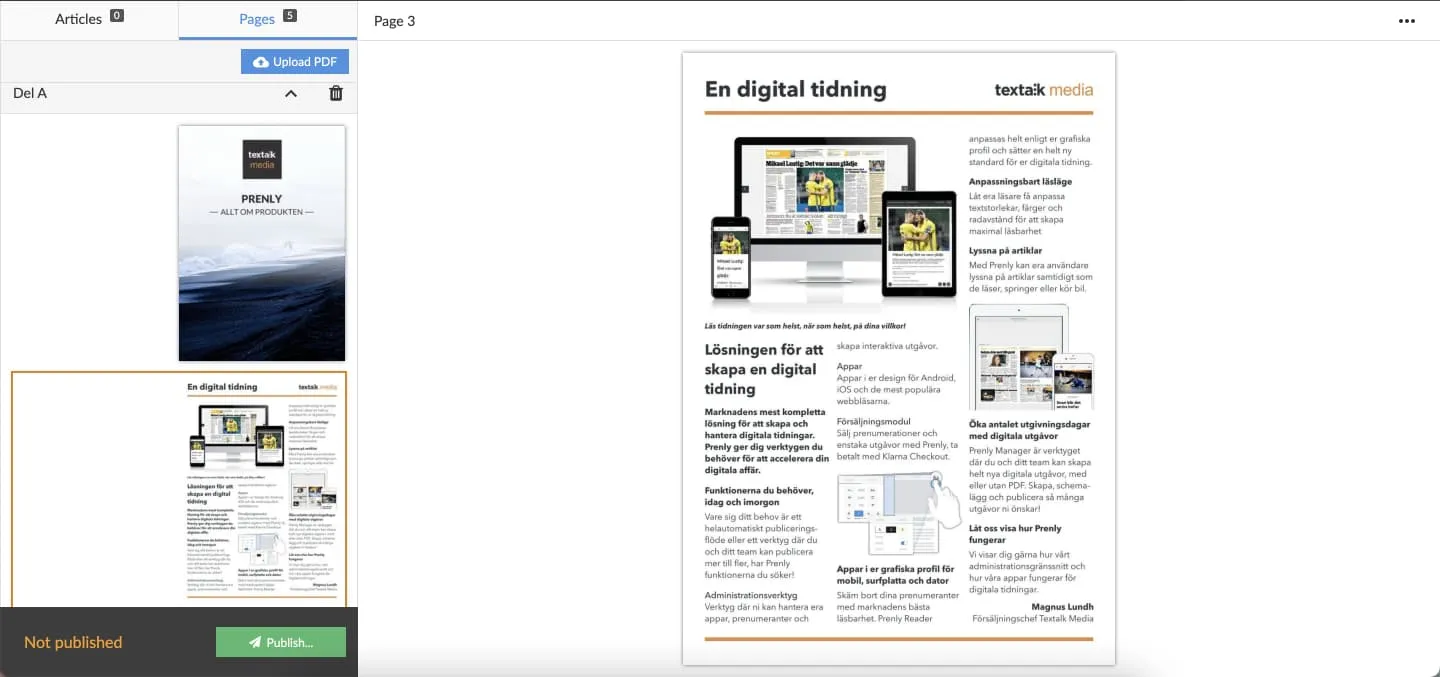 Result after page deletion.
Select the video below to see how to delete a page as a video guide.
---
URL: https://www.prenly.com/support/manage-material/write-in-prenly
# Write in Prenly
> Learn how to write and format articles in Prenly Editor. Discover step-by-step instructions for adding text, images, videos, and managing publications.
9 min read
[By Sofie. 24 Oct 2025](https://www.prenly.com/author/78)
Regardless of what you want to say, it is easy to say it with Prenly! To write in Prenly is as simple as creating a new article and starting writing in a selected publication.
## Select publication
Regardless of what you want to write, you need to select a publication to host your article. Select the publication of the Prenly title of your choice by clicking the publication card either on the cover image or name field.
If the publication does not exist, select the button "Create publication" to create a new publication on the selected Prenly title. Enter a delivery date and name. Select whether the publication should be public or "Same as title" to use the title's general read permissions settings. Once you are happy with the configuration, select "Create" to create your new publication. Prenly will, by default, use your chosen delivery date as the publication name when Prenly automatically creates a new publication; but you are free to select whatever name you would like.
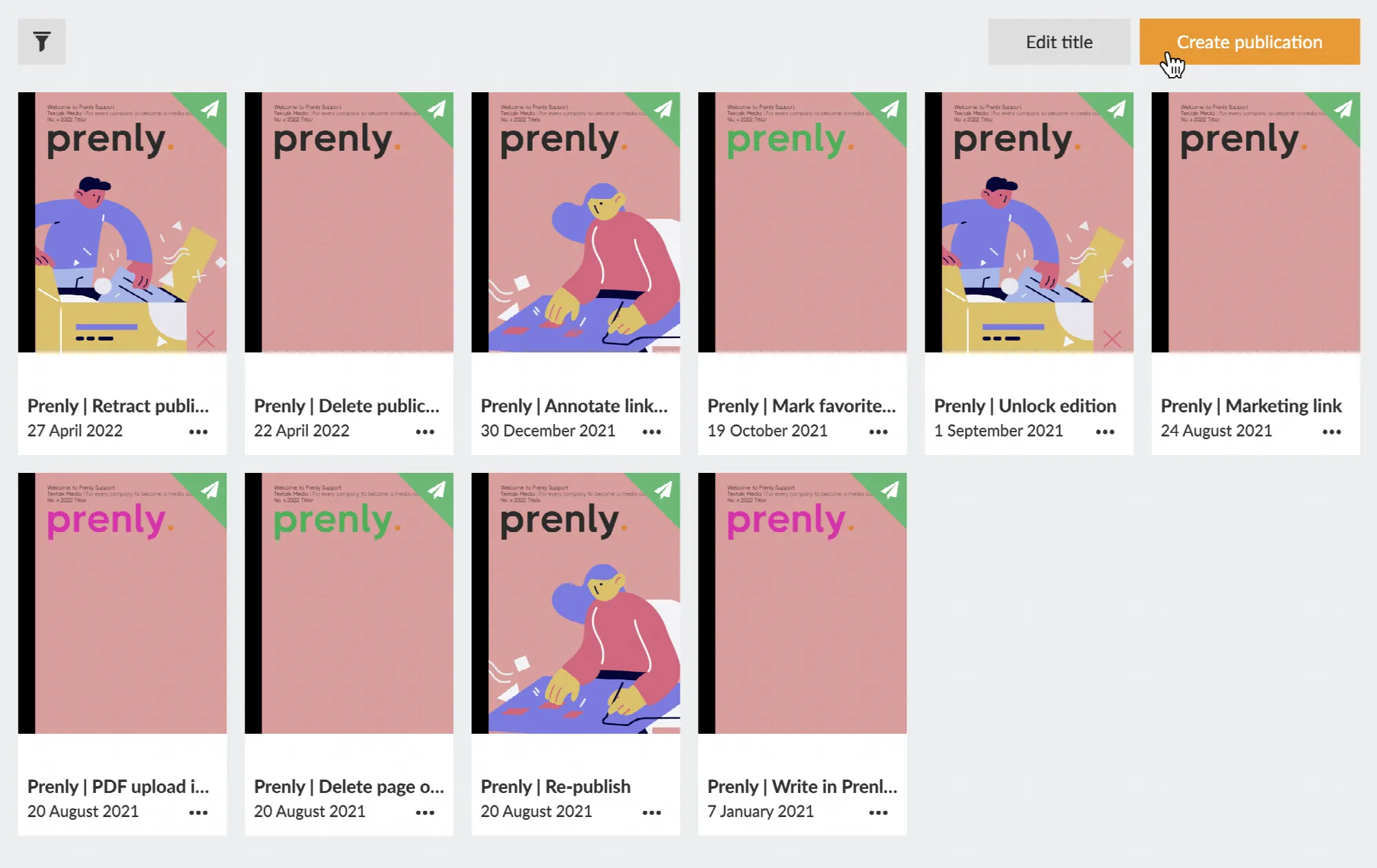 Select "Create publication" to create a new publication.
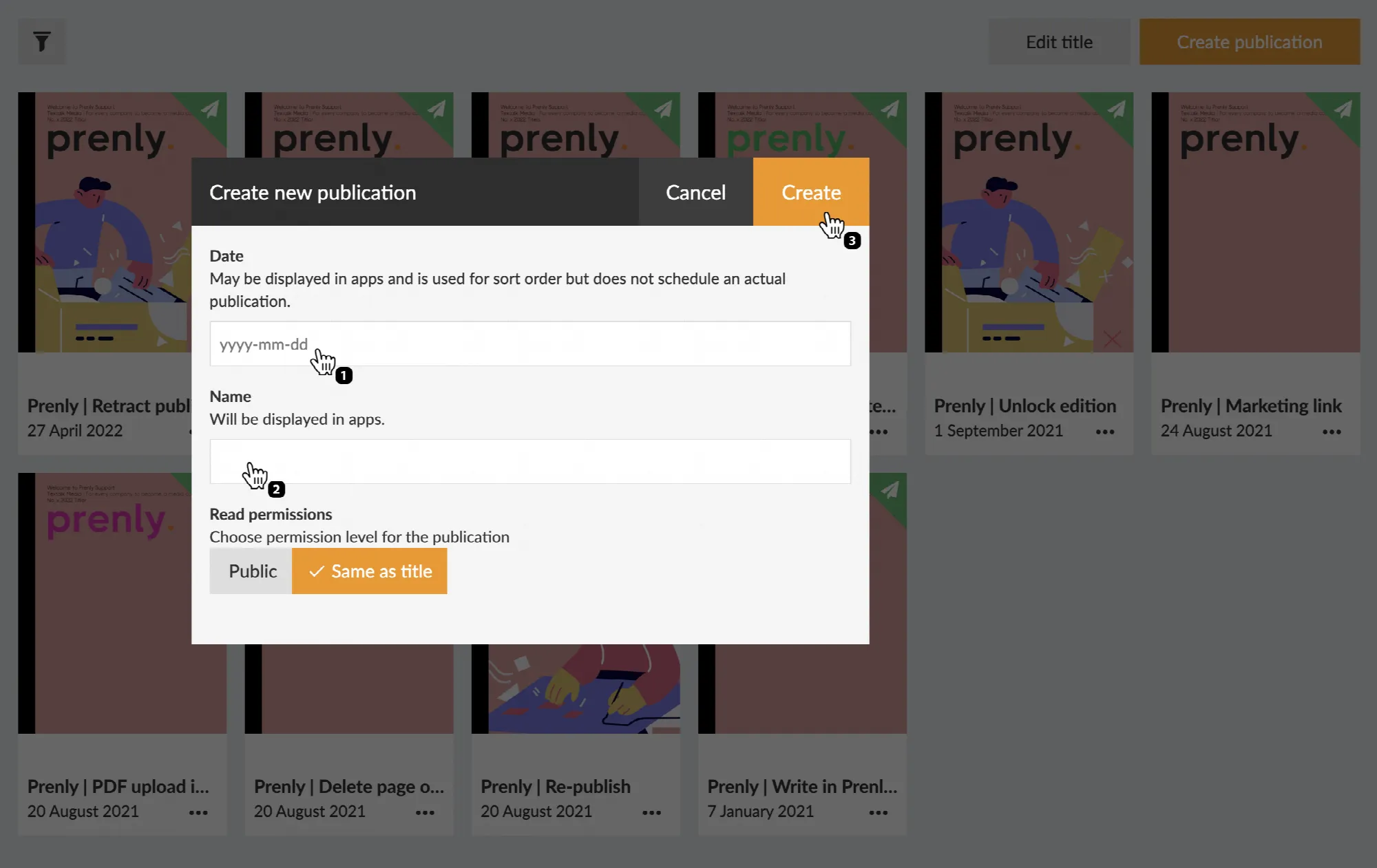 Configure your new publication by entering a delivery date and a name prior to creating it by selecting the button "Create".
You will enter *Prenly Editor o*nce you have selected a publication.
## Prenly Editor
Select the panel "Articles" if it is not already selected.
Create your first article by selecting the button "Create new article". Prenly will create a new blank article and you can immediately start to fill it with your content.
Select the button labelled "+ New content" and then select "New article" from the drop-down menu to create a new article if you have articles from before.
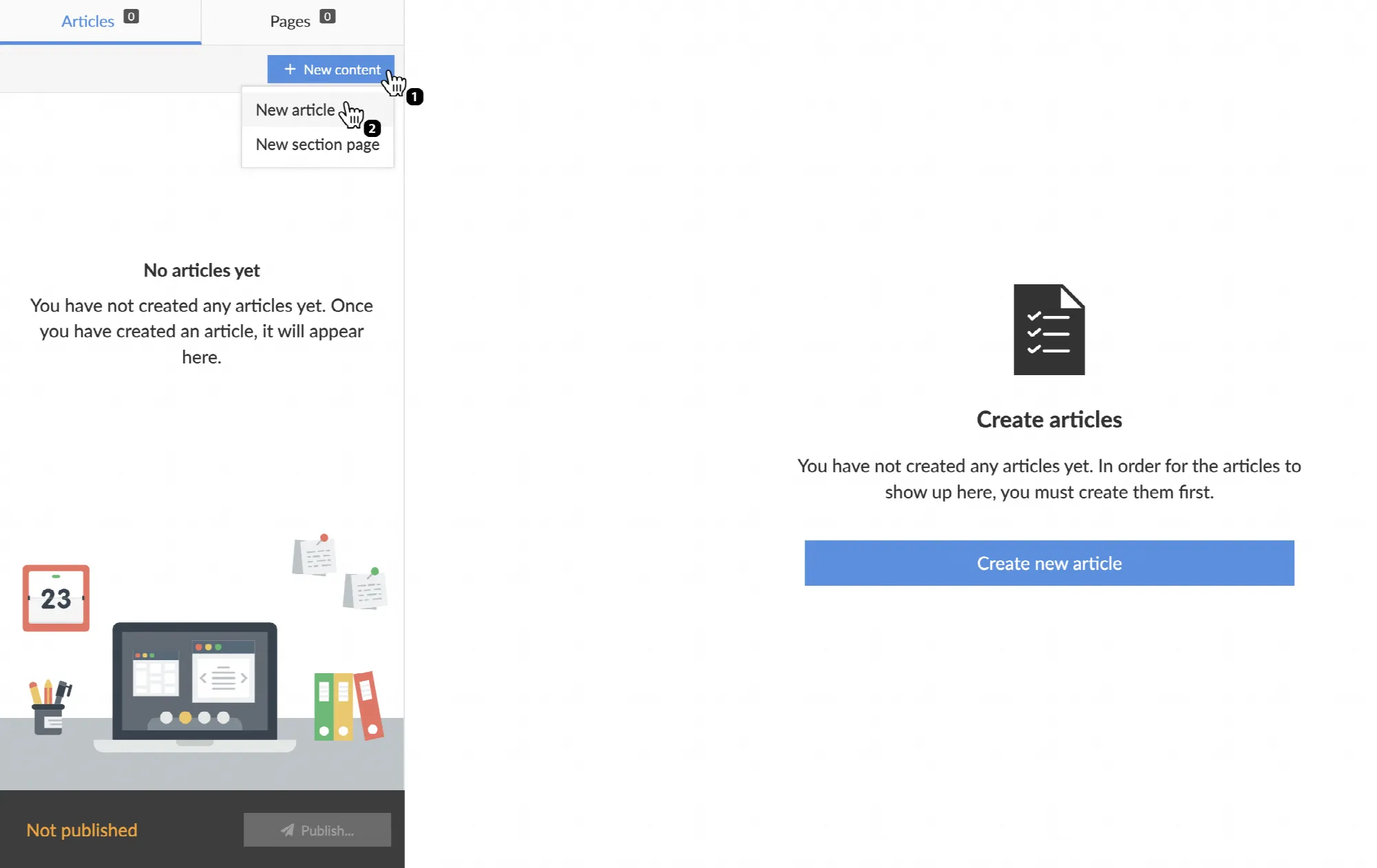 Select "+ New content" and then "New article" to create a new article.
## Content fragments
All content disregarding type in Prenly exists as content fragments. There are two top-level fragment types; media, and text. Select the top-level fragment of your choice:
* Select *video* to add a media container for a video;
* Select *image* to add a new media container for an image;
* Select *text* by writing a text of your choice;
You can re-arrange the order of your content fragment once it has been created. You re-arrange it by selecting the three-line anchor on the right-hand side of the context fragment and then dragging it to the new position.
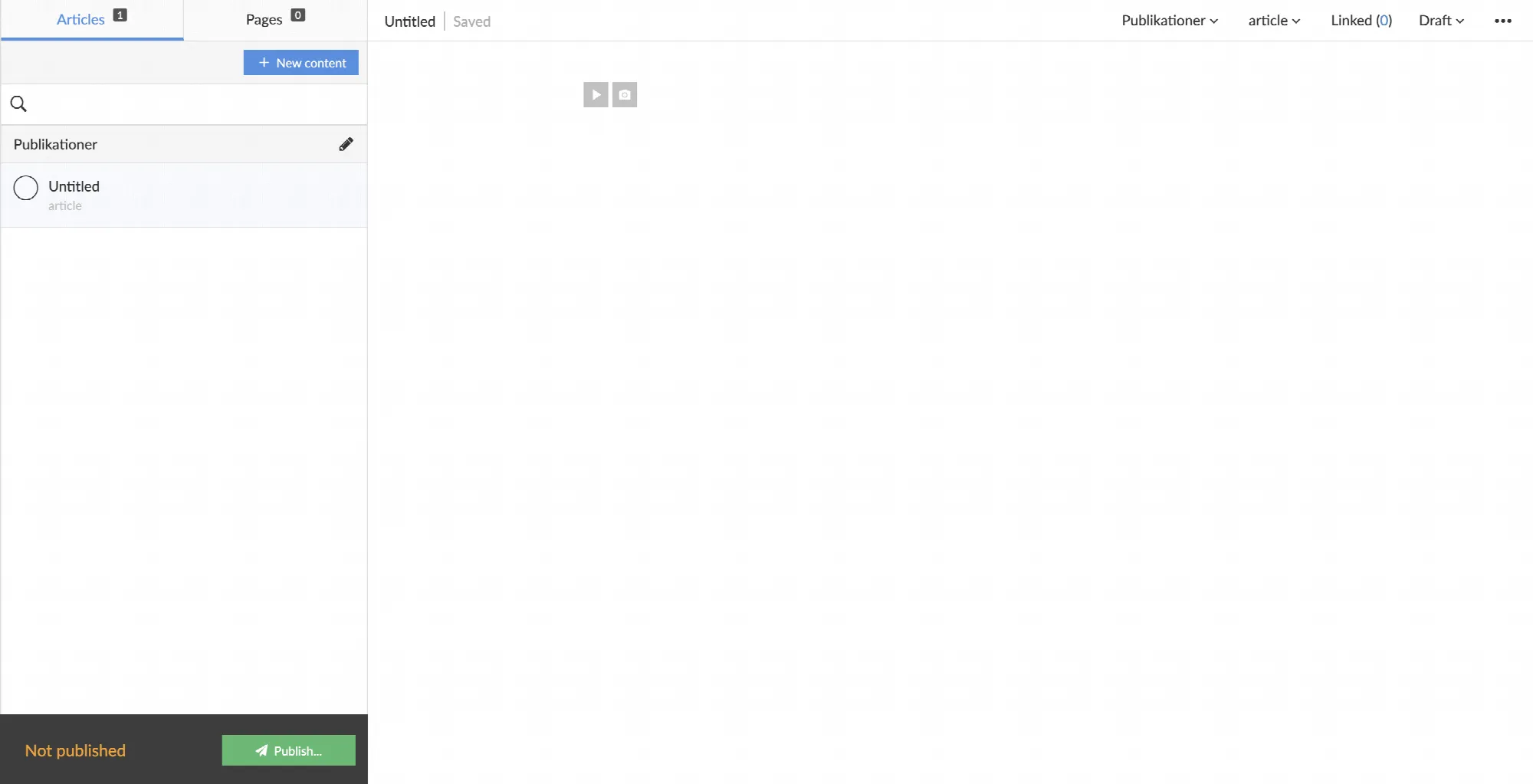 View over a newly created unnamed article.
## New content fragment
Create a new content fragment by selecting the previous content fragment, and create a new content fragment by selecting the ENTER key on your keyboard.
You can delete a content fragment by selecting it and then BACKSPACE till the content fragment is empty. Prenly will automatically delete the content fragment on the final BACKSPACE on the active content fragment.
## Media container
Each media container, whether if you add video or image, will let you add more media content, re-arrange the order if more than one media is added, set media description, and remove media content.
You can adjust the size of the media container by setting the width. Select the container and then select an inline or full-width size. Prenly will, by default, select the full-width size on media container creation.
Prenly will automatically display a media carousel of your media container if it contains more than one media. Your readers can then select the *next* or *previous* media content by the pagination arrows.
## Video
Once in the media container, create a new video fragment by entering a URL to an embedded video player, e.g. YouTube.
Prenly will detect what type of video host you have selected and do some setup in the background. Once it has been completed, select the button "Add" to add your new embedded video as a new video container fragment or select "Cancel" to abort.
Prenly will extract a description text from your video but, if you want, you can edit the text by selecting the description under the video.
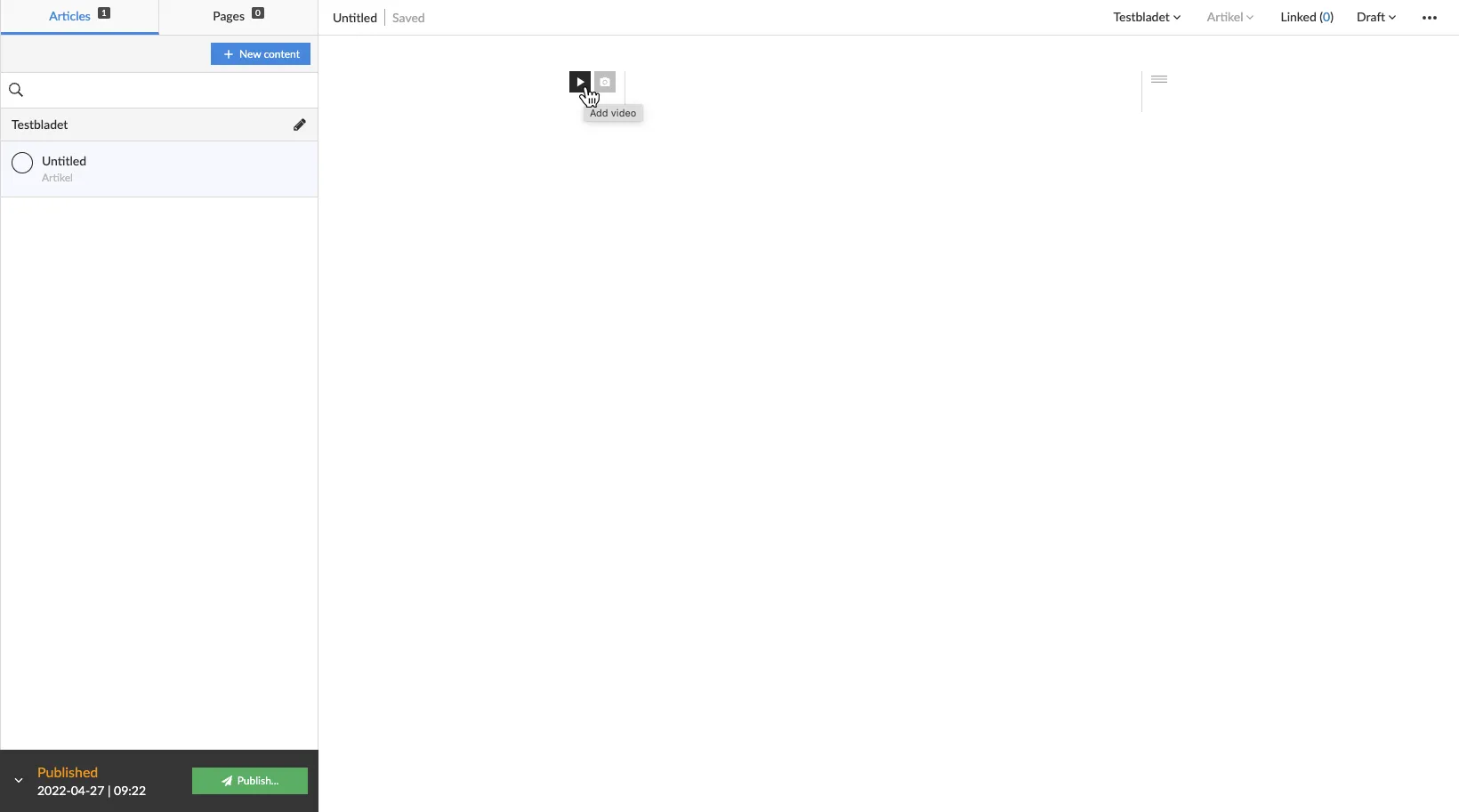 Select "Add Video" to add a new video media container.
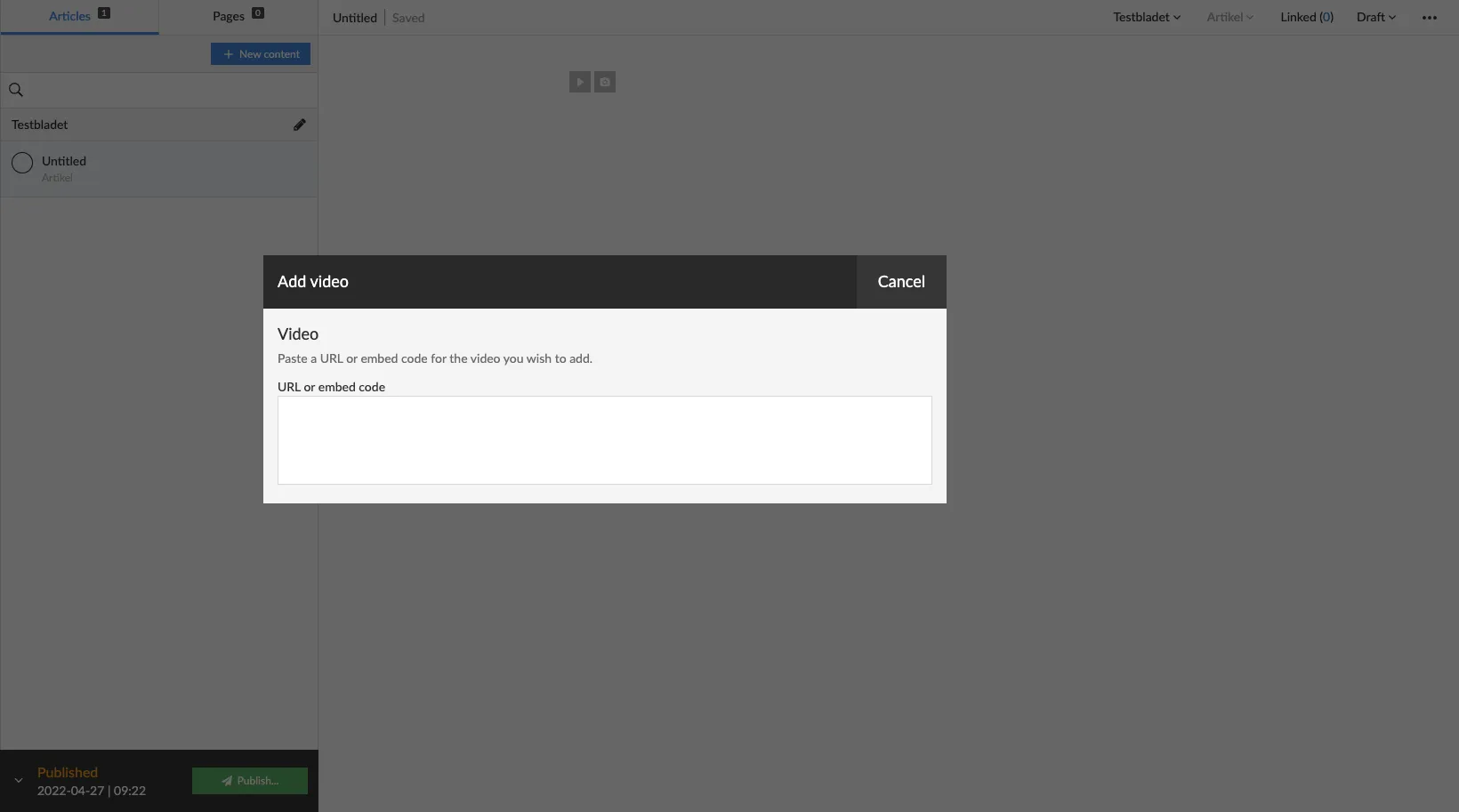 Enter a video URL, e.g. a YouTube-URL.
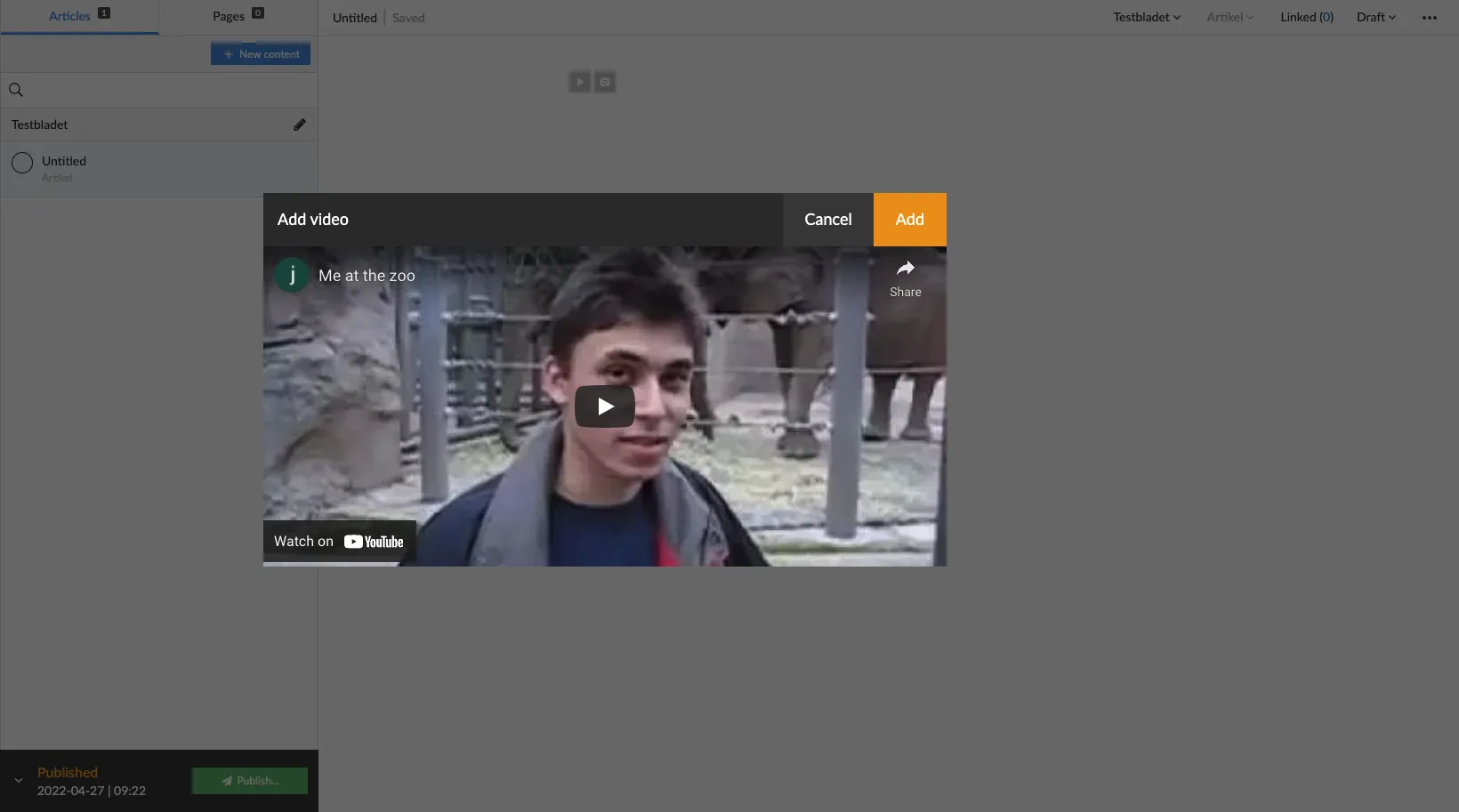 View over completed background setup. Select "Add" to add the video.
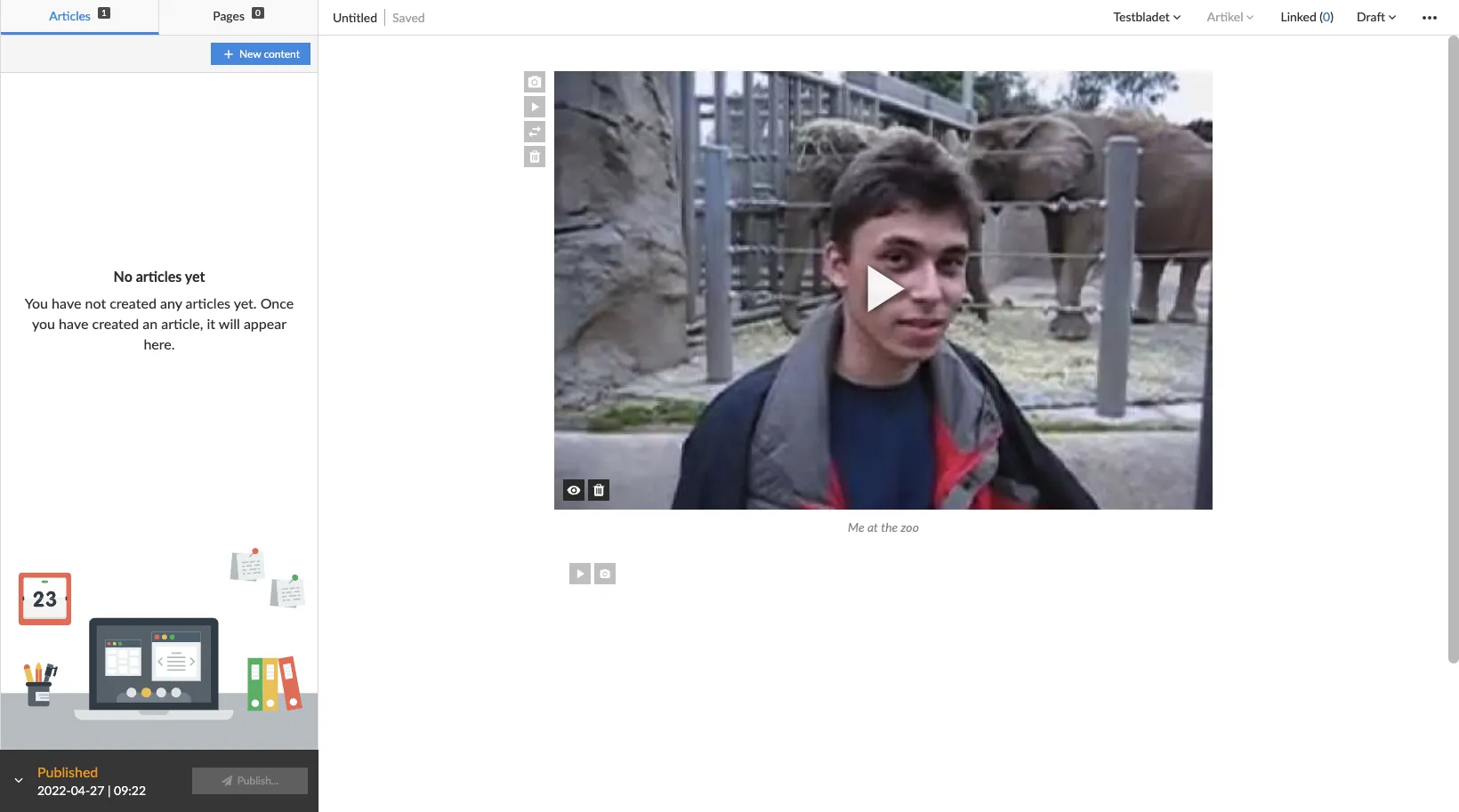 View over a new video media container added to the article.
## Image
Once in the media container, to upload new images select "Browse" to open a file-handler on your local device or select images on your local file-handler and drag-and-drop them to the designated area. After you have selected your new image Prenly will close the media modal and add your new image to the image container.
To add an image description, select the description area under the image by touching the area immediately underneath and start entering your image description.
You may also re-add previously added images to the article or publication by selecting "Article images" or "Issue images" in the mini-menu in the image media modal. Prenly will assume you want to add new images and automatically select the mini-menu option to "Upload images".
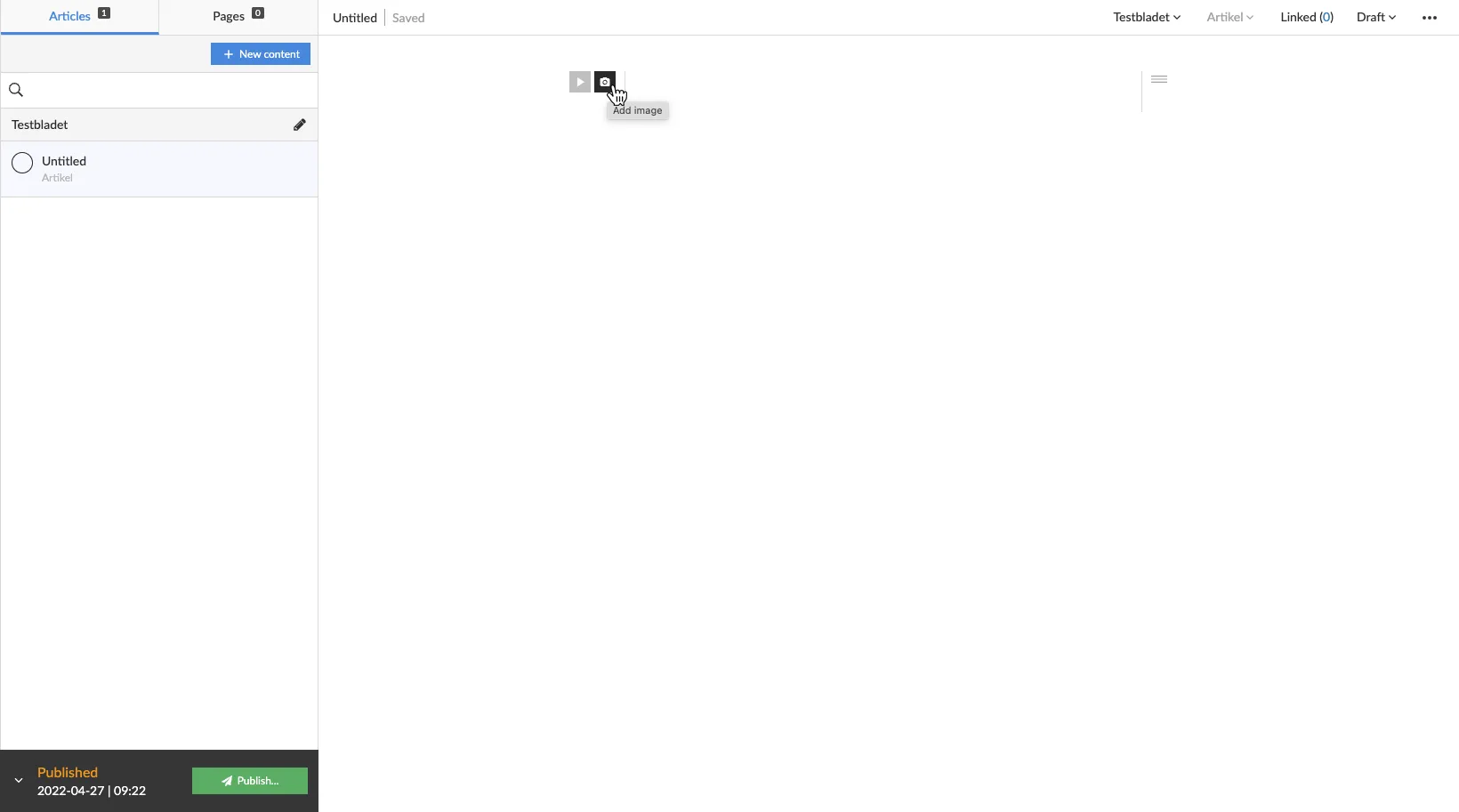 Select "Add image" to add a new image media container.
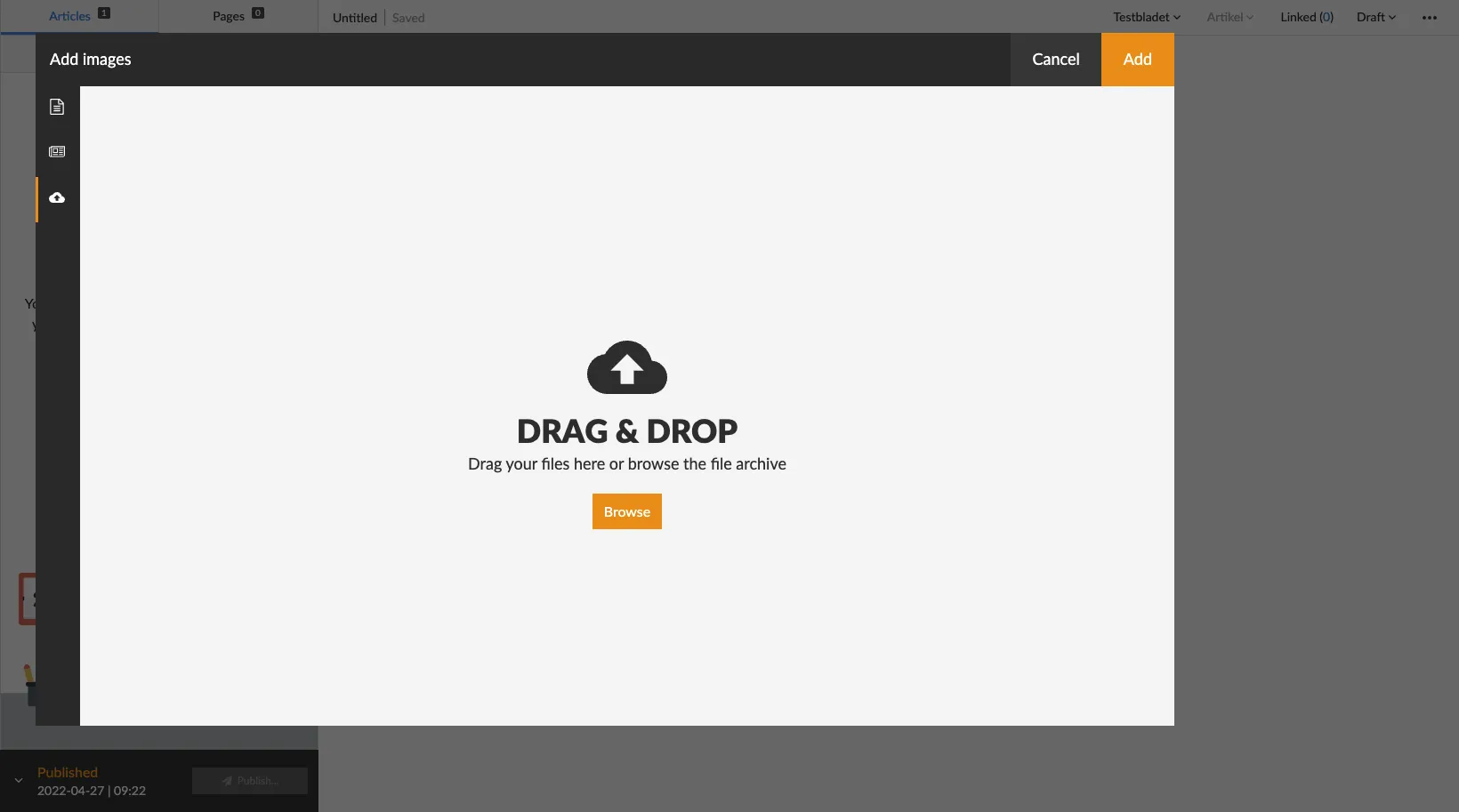 Drag-and-drop an image to add it, or select "Browse" to open a local file-handler on your device.
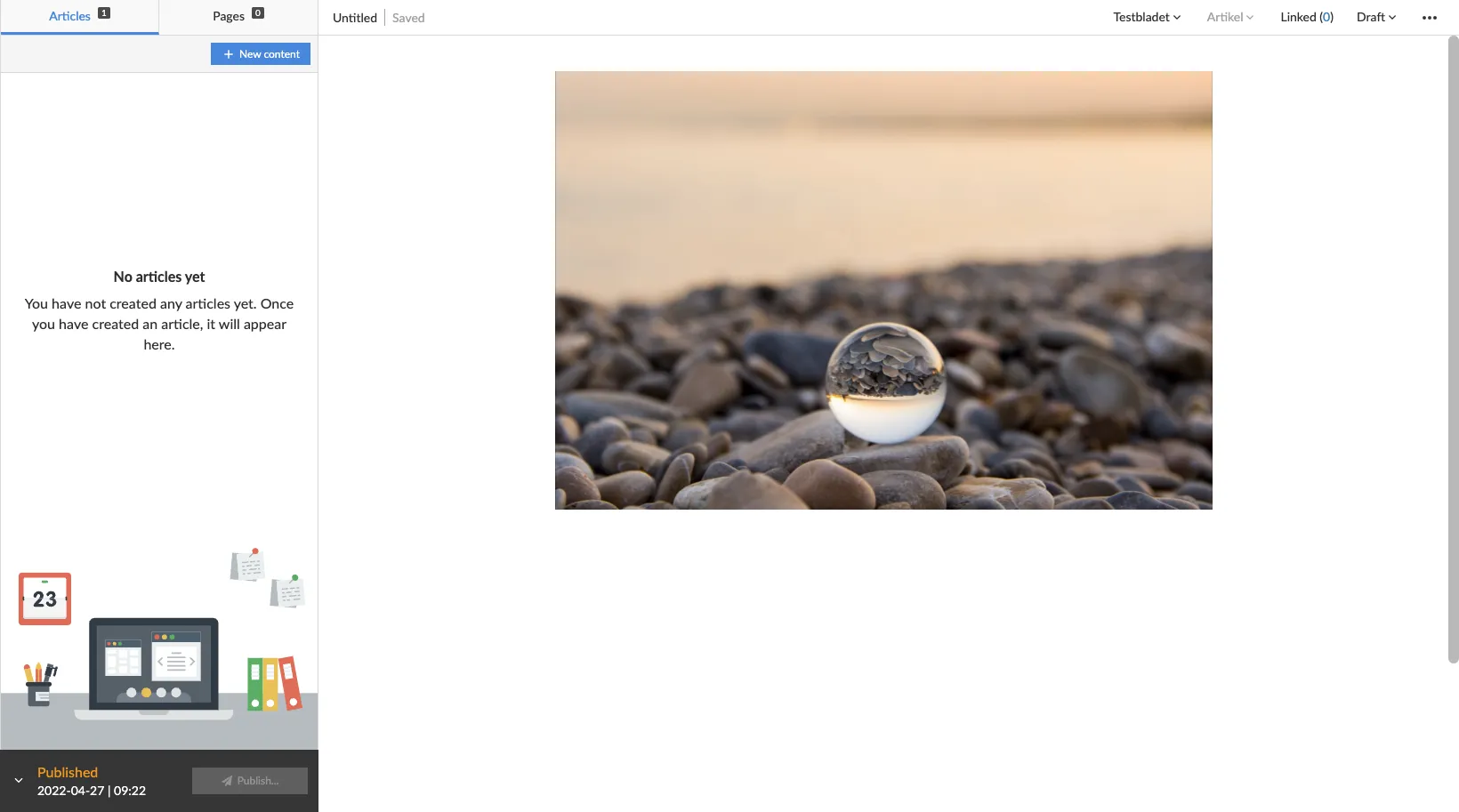 View over a new image media container added to the article.
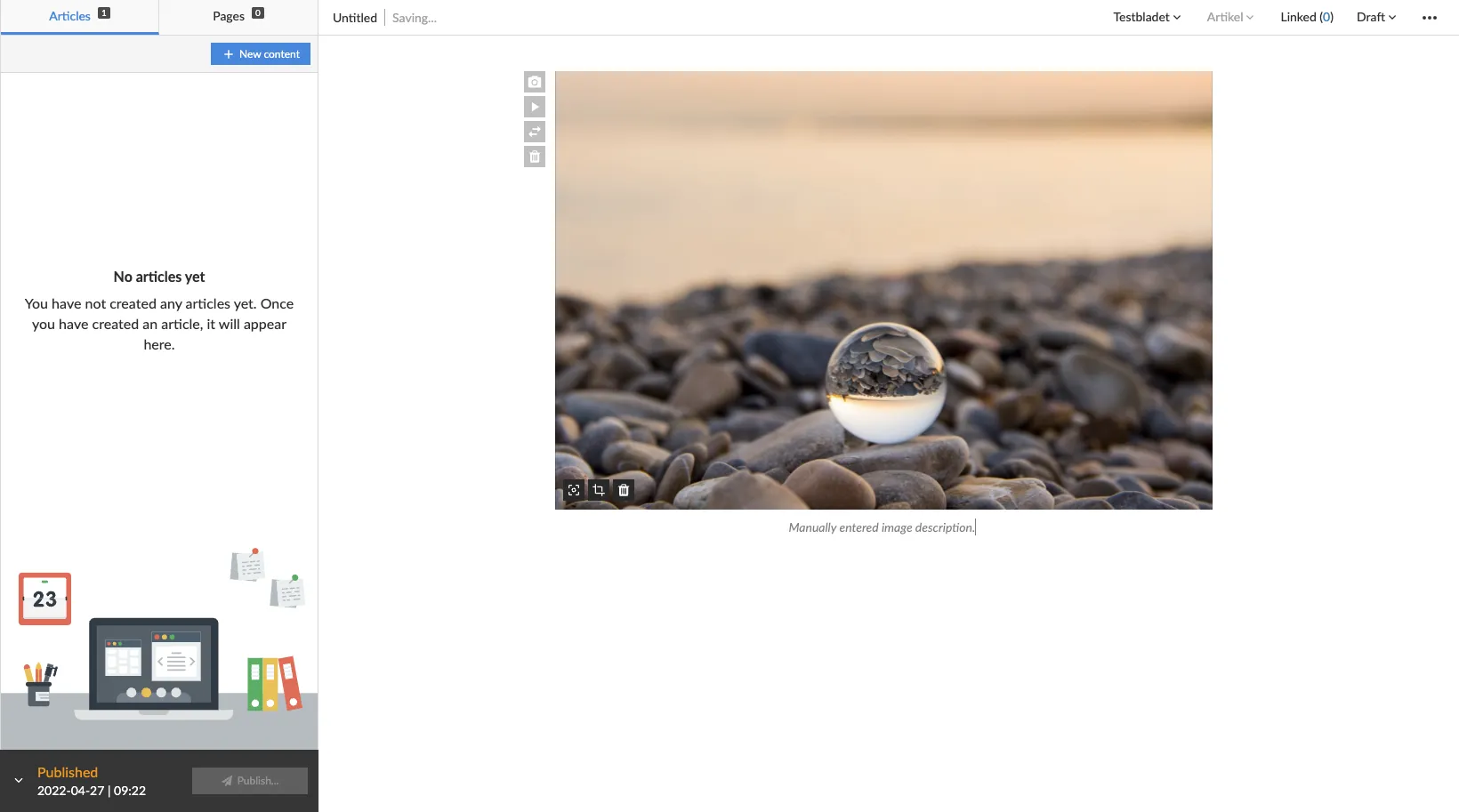 View over added image description to the current image within the added image media container.
## Text
Enter text to create a new text fragment. Once a text fragment has been created you can change its type by selecting a new type in the left-hand drop-down menu. By default, Prenly will assume that your text fragment is an article body.
Prenly supports the following text fragments:
* Vignette;
* Heading 1;
* Heading 2;
* Heading 3;
* Heading 4;
* Heading 5;
* Heading 6;
* Lead;
* Body;
* Quote;
* Byline;
"Heading 1" is the largest headline often usable as the article primary headline. Heading 2 to Heading 6 is sub-headings.
## Section
When you write an article Prenly will place it in a *section*. By default, Prenly will use the default section – which is named as the current selected Prenly title.
Change the section the article belongs to by selecting the section in the article status bar and selecting the new section.
You can create a new section by selecting the section in the status bar and create a new section by selecting "+ New section". You will be asked to set a name for your new section. You can also set section colours, which is an optional attribute. The section colours will be displayed in the article reading mode in the Prenly Android, iOS, and Web Reader. The article will automatically be transferred to the new section. If the GUI does not reflect the change immediately, please reload.
## Article category
By default, your new article will be created as an *Article* category. If you have more types available to select from, you can select a new type from the article status bar.
To add a new article category you have to be an *owner* of your Prenly Workspace and add new article types to the Prenly title.
Common article content types are *Article*, *Teaser, and Article part (e.g. sidebars or notes).* Any article part can be further added as linked article content.
## Linked content
You can add linked content to your article by selecting *Linked* in the status bar. A new modal will appear where you can select the content to add as linked content.
Select the content you want to link. Your content will be sorted into article category type and thereafter article section; unfold the drop-down menu of the desired article category and select the content from the desired section by touching the content's name or the "+" symbol.
When a linked content is added it will be removed from the article list and added as linked content to the parent article. The status bar will update to reflect that you have added new linked content to the active article. To edit the linked content, select the *Linked* in the status bar and from the drop-down menu select the linked article you want to edit.
To remove a linked content select the *Linked* status bar and from the drop-down menu select "X" adjacent to the linked article content. If the removed linked content is no longer linked content to any articles within the publication it will return to the article list.
## Approve article to be available to publish
To be able to publish your article you will have to *approve* it to be publishable.
By standard, when an article is first created, its *status* is set to "Draft". Prenly supports three statuses; "Draft", "Approved", and "Stopped". You are free to change an article's status via the status bar by selecting the drop-down menu for it.
An article set as "Draft" is editable. If you want to edit an article you must first set it in "Draft".
An article set as "Stopped" is uneditable and not publishable.
An article set as "Approved" is uneditable and able to be published. To publish the current version of the article, however, you need to create a new publication version by selecting to publish your currently active version.
## Article versions
Prenly Editor will show the currently selected version of your selected article by default. You may select an older version (or a newer version) by selecting the three-dot menu in the status bar and in the drop-down menu select "History" followed by the version you want to set as the *active* article version.
When you select to publish a new publication version, only the *approved* articles' current versions will be available for publishing. If you want to change which article is published you will first have to select in the article's History which version to publish, by selecting which article version is the *current* version.
---
URL: https://www.prenly.com/support/manage-material/pdf-upload
# PDF upload
> Learn how to easily upload, configure, and publish a PDF for replica reading mode directly within Prenly Workspace with this step-by-step guide.
3 min read
[By Maria. 24 Oct 2025](https://www.prenly.com/author/61)
A PDF for only replica reading mode can be uploaded directly in Prenly Workspace.
Regardless of what you want to write, you first need to select a publication to host your PDF. Select the publication of the Prenly title of your choice by touching the publication card either on the cover image or name field.
If the publication does not exist, select the button "Create publication" to create a new publication on the selected Prenly title.
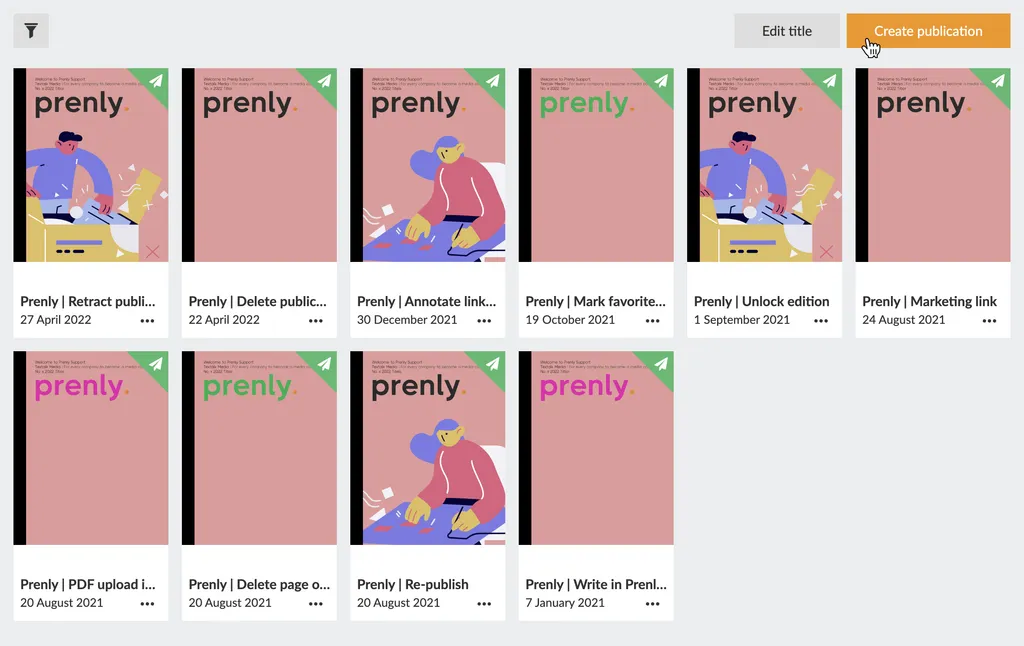 Select "Create publication" to create a new publication.
Enter a delivery date and name. Select whether the publication should be public or "Same as title" to use the title's general read permissions settings.
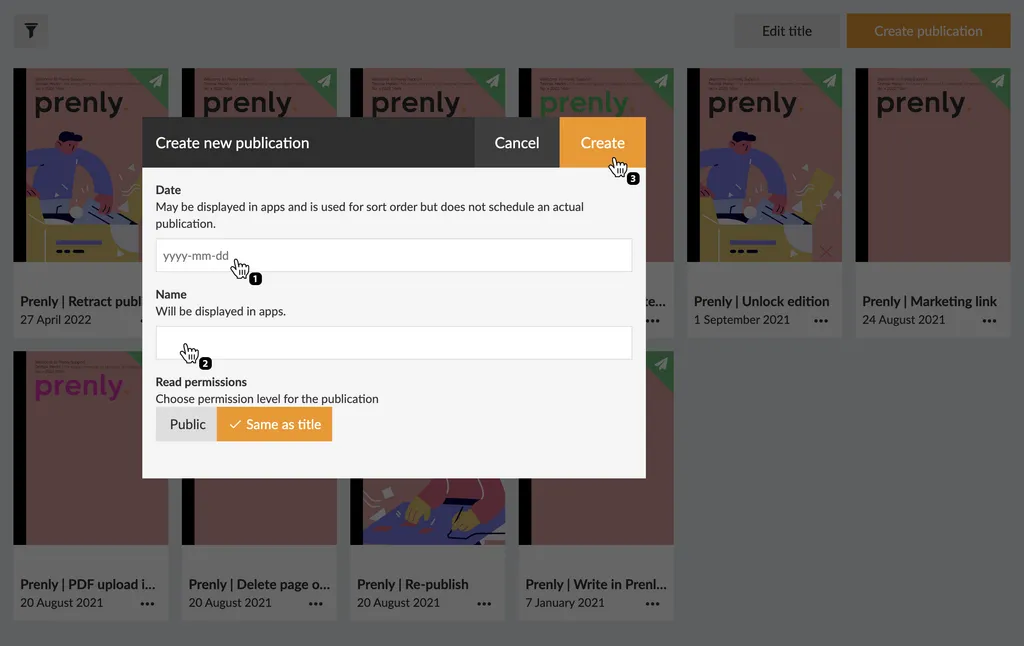 Configure your new publication by entering a delivery date and a name prior to creating it by selecting the button "Create".
Once you are happy with the configuration, select "Create" to create your new publication. Prenly will, by default, use your chosen delivery date as the publication name when Prenly automatically creates a new publication; but you are free to select whatever name you would like.
Now follow these simple steps to upload your PDF:
1. Select the target publication.
2. Select the tab "Pages".
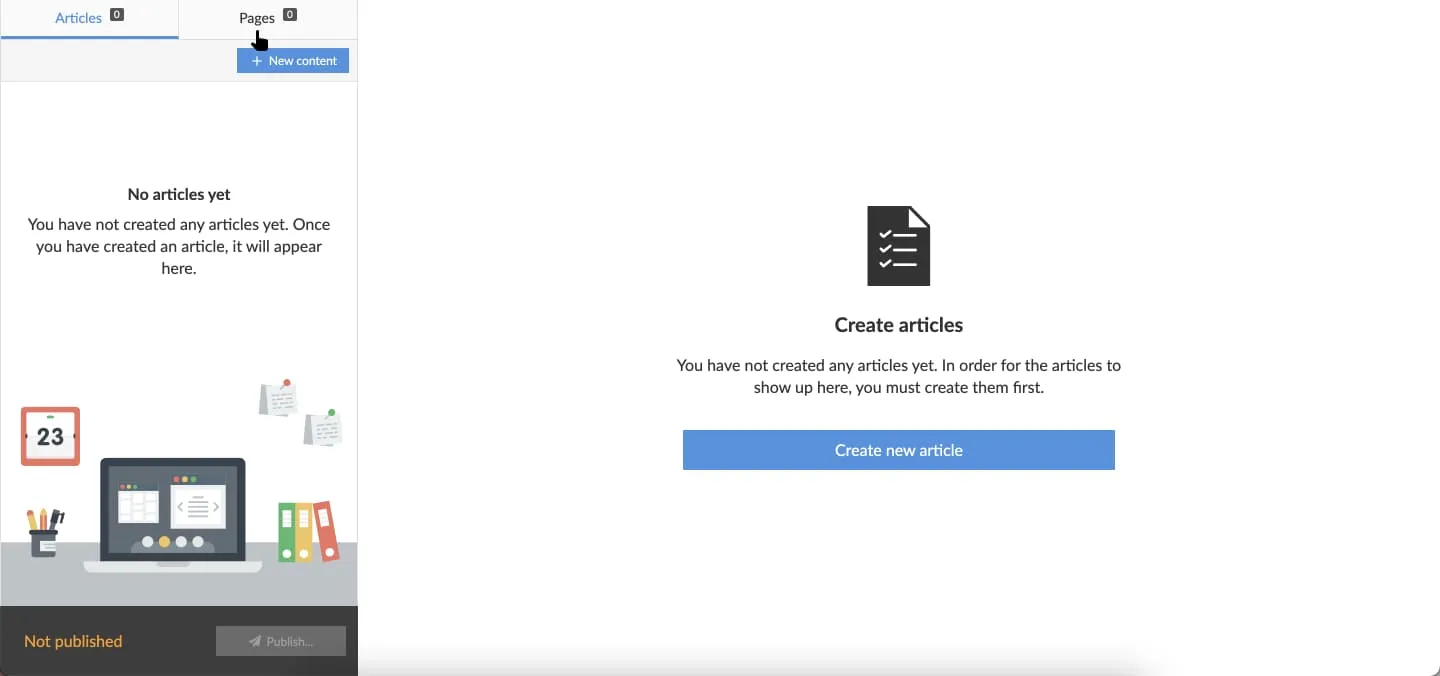 Select pages to upload your PDF to the publication.
3. Select Upload PDF.
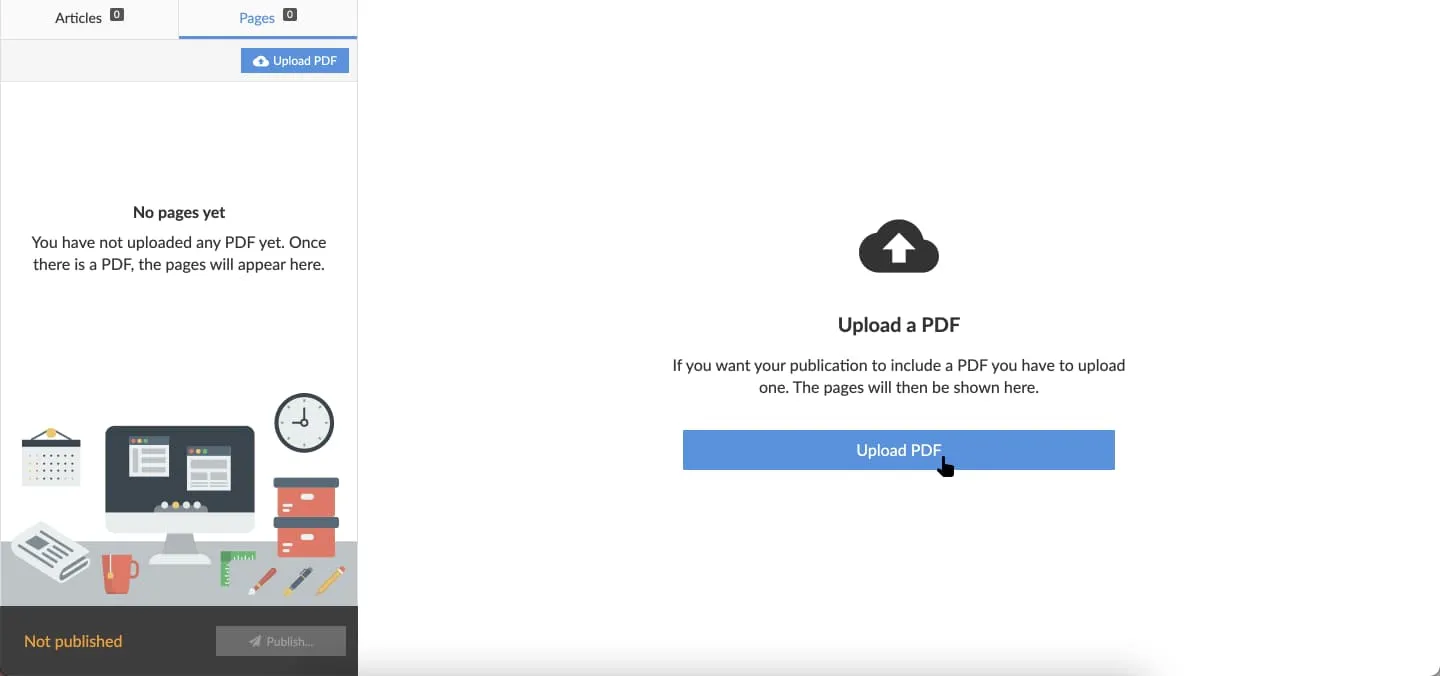 Select "Upload PDF" to upload your PDF to the publication.
4. To upload the PDF you need to select which part of the publication it represent. Choose between existing parts currently available, by selecting "Existing part" or creating a new part, by selecting "Create new part" and enter your desired part name.
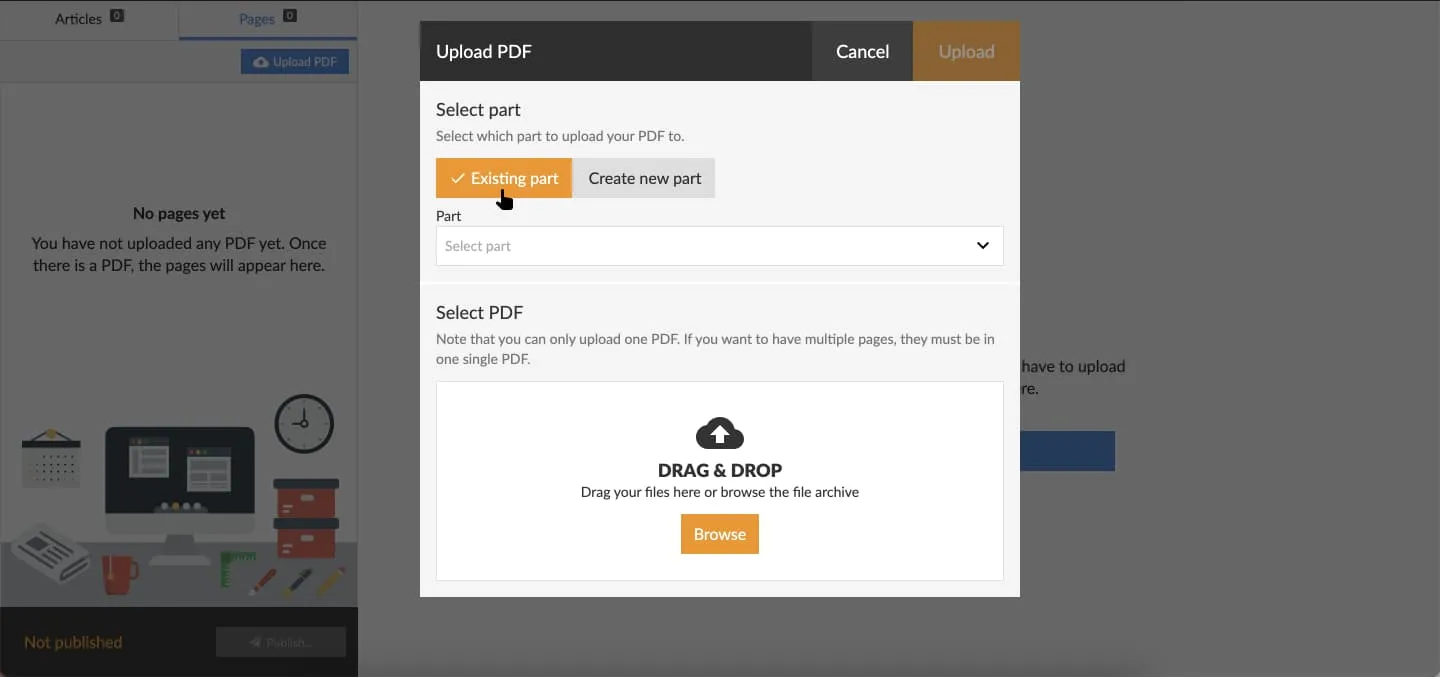 Select "Existing part" to upload the PDF to an existing part. 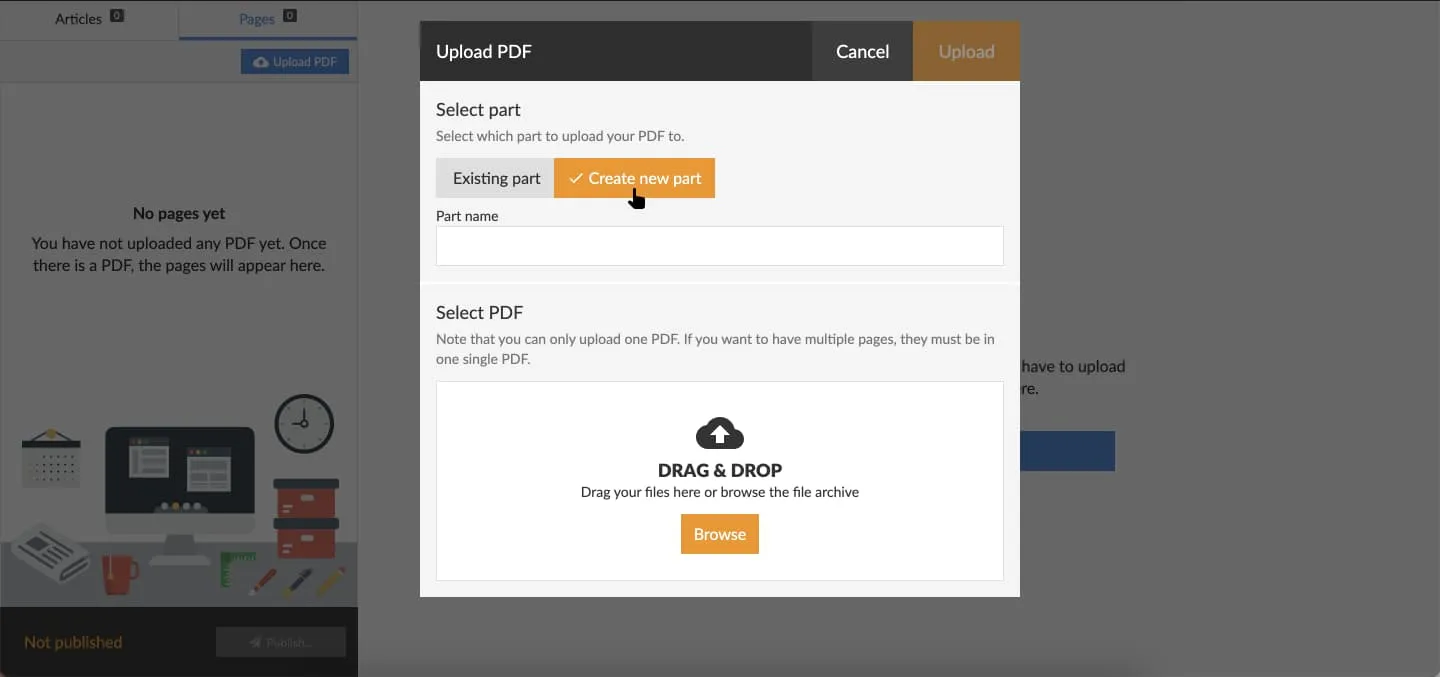 Select "Create new part" to upload the PDF to a new part.
If you chose "Existing part", select an existing part in the drop-down menu.
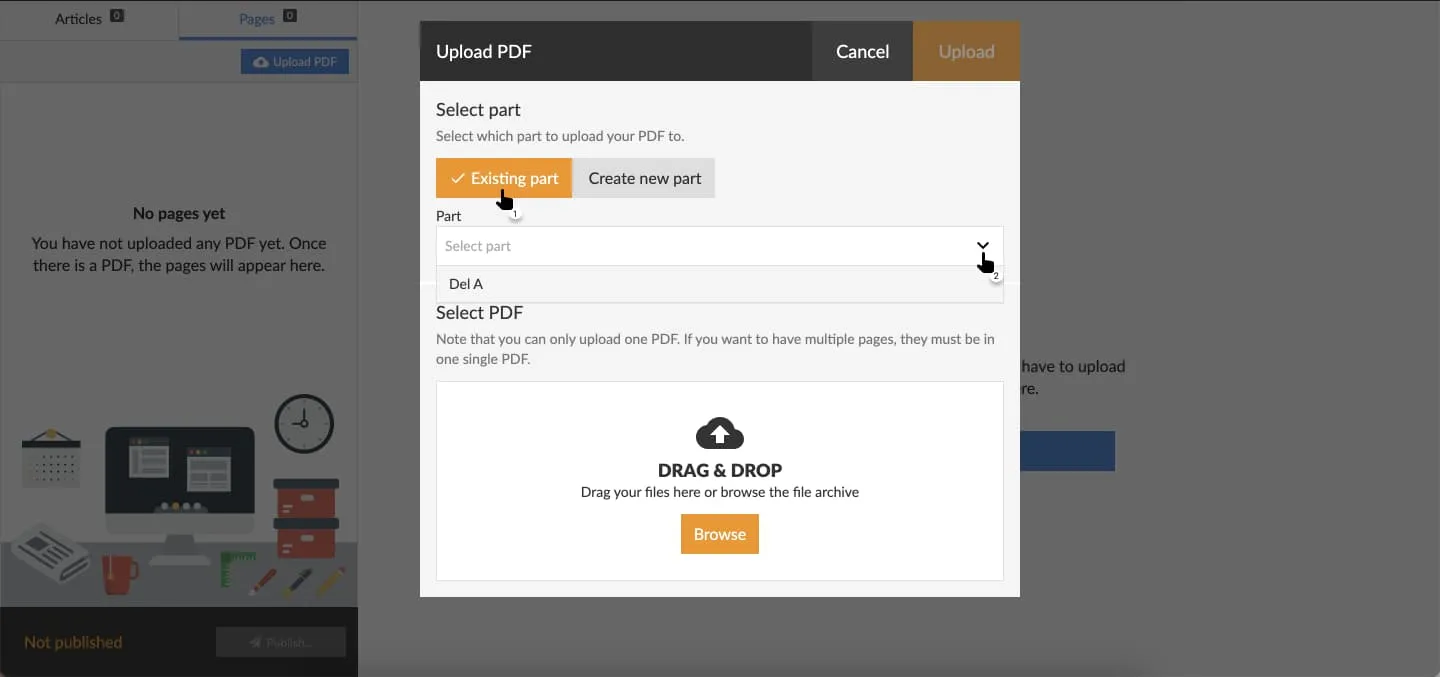 In the drop-down menu, select the part you would like to use.
5. Select "Browse" in the section "Select PDF" to open a file-selector on your local device. Select the PDF you want to upload. Prenly will render a preview of the PDF prior to it being uploaded. To initiate the actual upload, select "Upload".
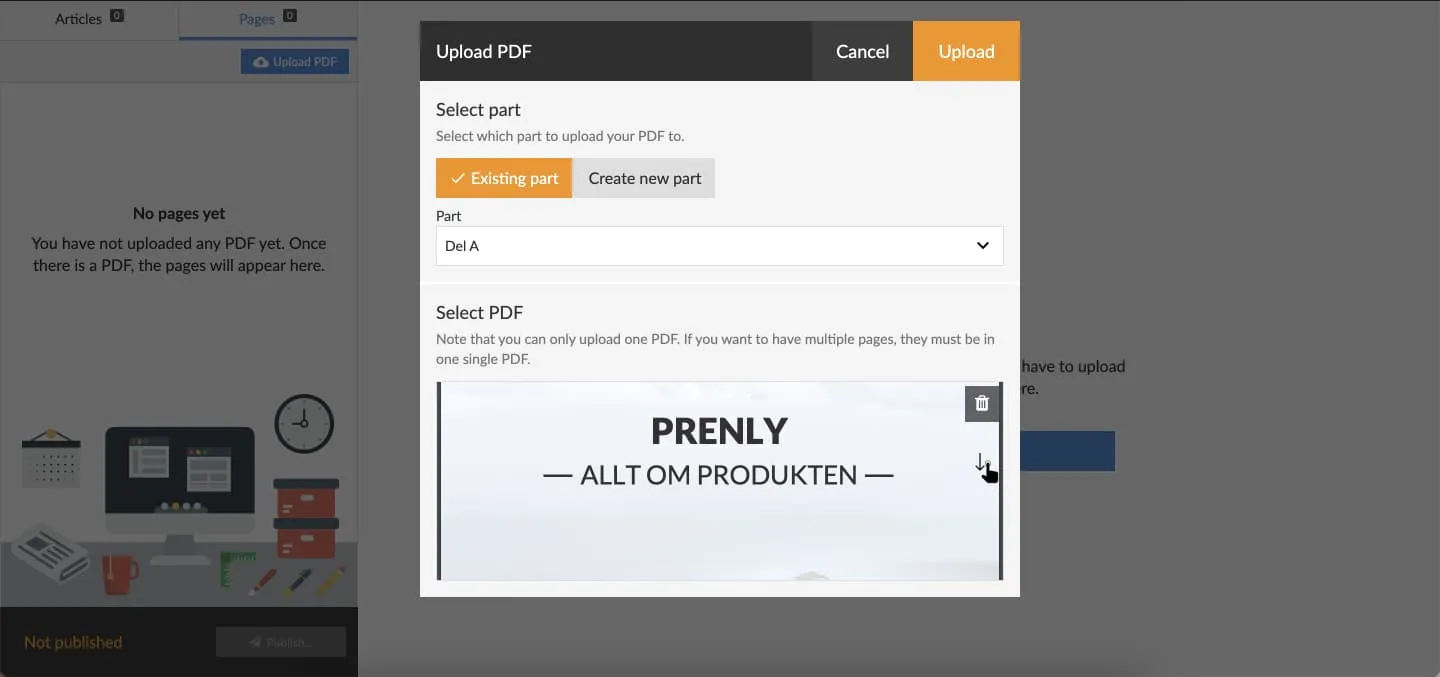 Preview the PDF by swiping downwards.
The upload process can take a couple of minutes to complete. The graphical interface will reload once the process has been completed.
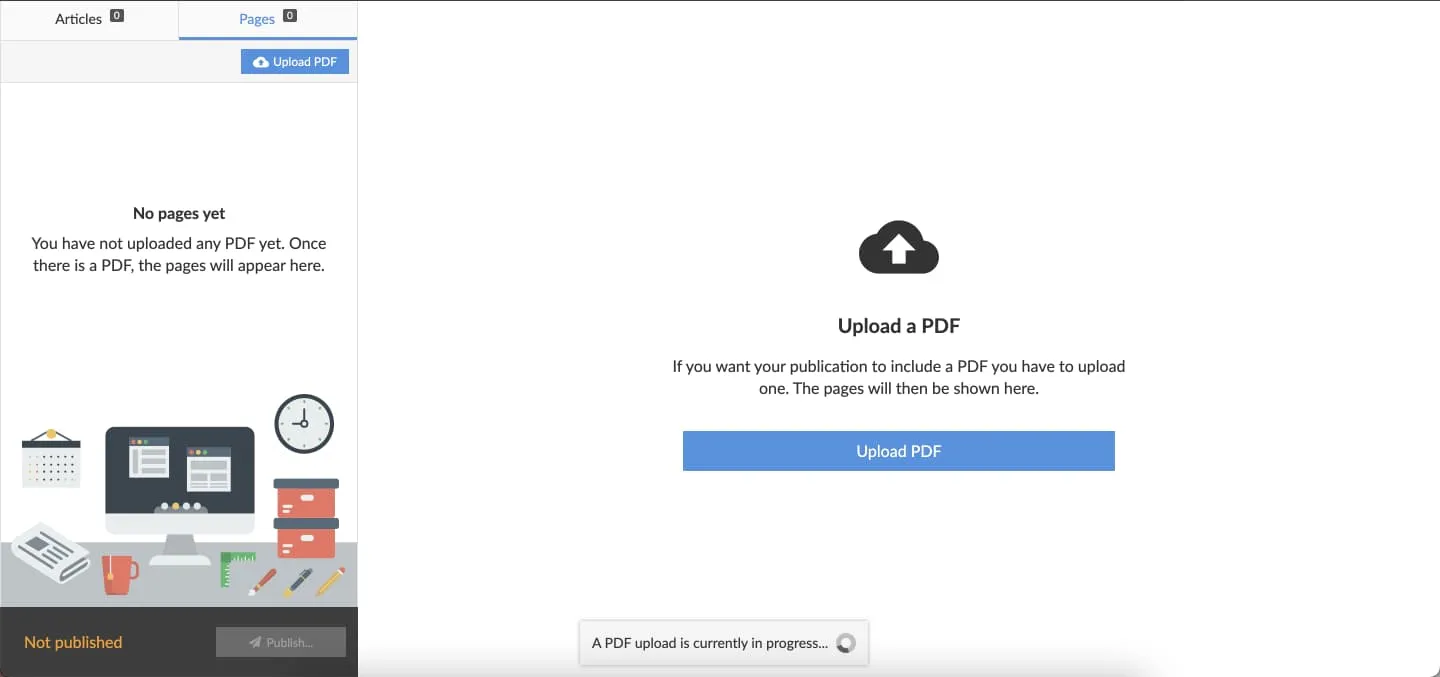 While Prenly is processing your PDF you can either wait for the process to complete, or continue with other tasks within Prenly Workspace. The graphical interfaces will reload when the PDF has been uploaded.
6. You can see the result of uploading your PDF when the upload process has been completed.
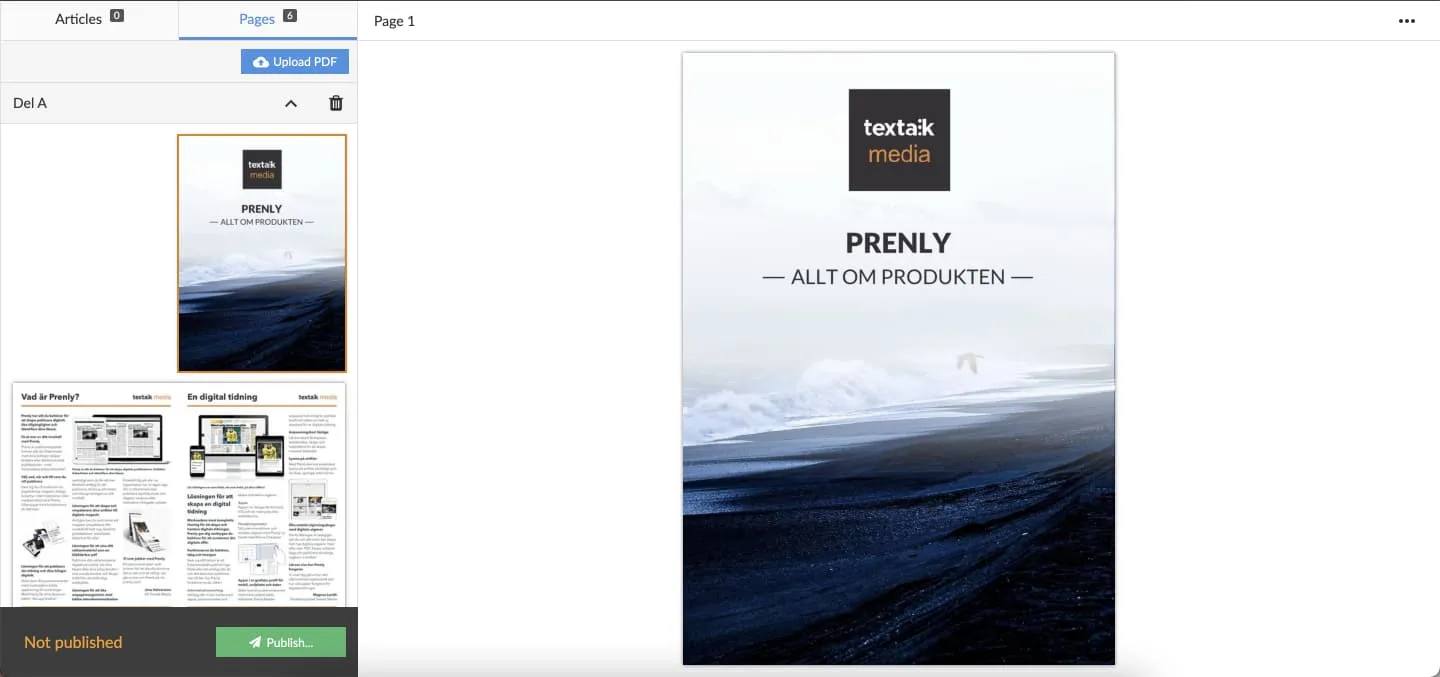 See the upload result. Share the result with the readers by publish a new version of the publication.
If you like the result then select "Publish..." if you want your readers to also see the result.
You can also select the video below to see "how to upload a PDF" as a video guide. Remember to first create a publication to host the PDF as described above.
---
URL: https://www.prenly.com/support/manage-material/retract-publication
# Retract publication
> Learn how to easily retract the latest publication version in Prenly Workspace and restore the previous version for your readers in a few simple steps.
1 min read
[By David. 24 Oct 2025](https://www.prenly.com/author/77)
If you want to delete the latest version of a publication and show the previous one for your readers it's easily done via Prenly Workspace. Here we show you how to do it.
1. Go to your **Titles**, choose the relevant title and click the publication you want to change.
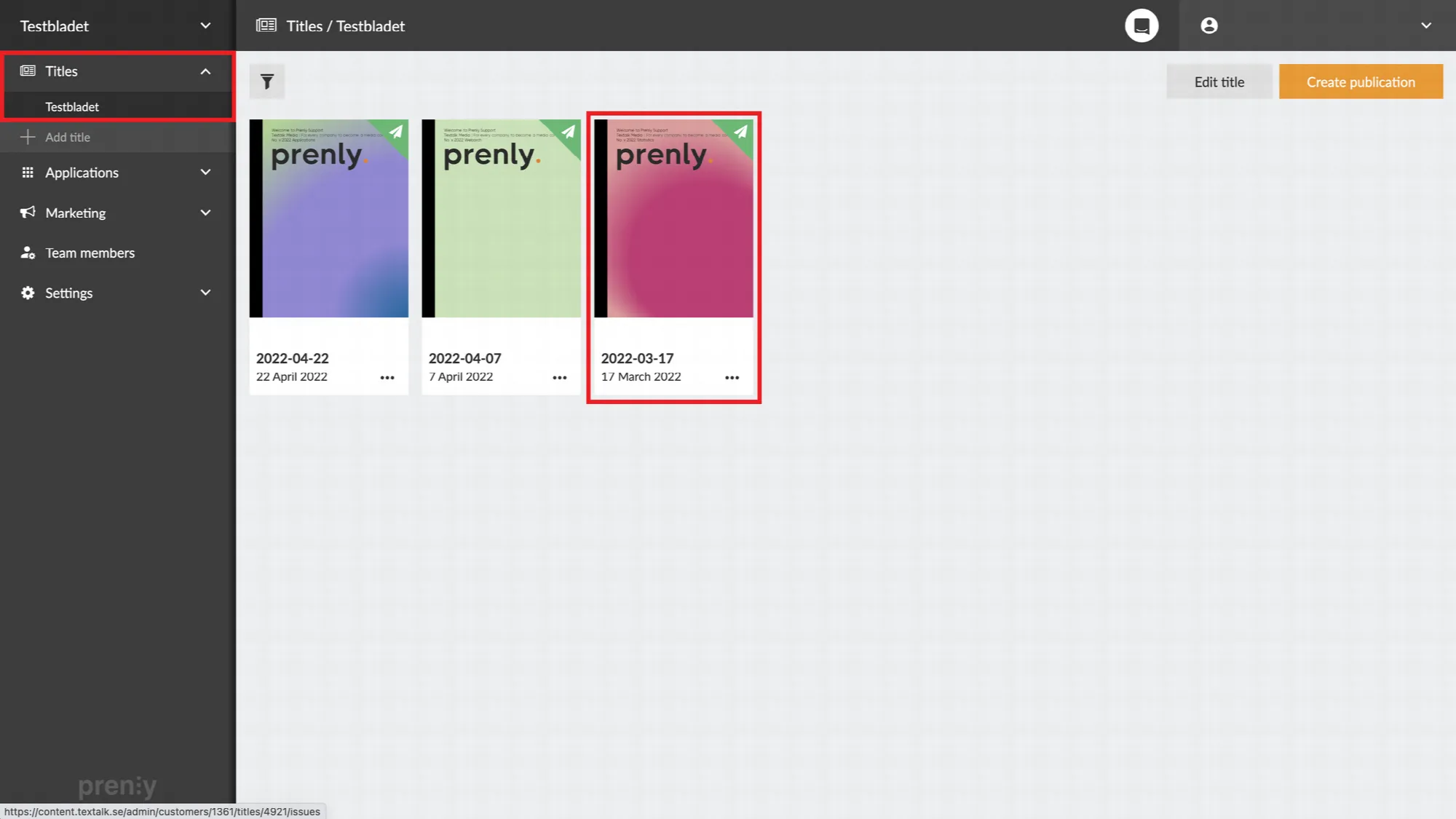 Navigate to the title and publication you wish to change.
2. Click the publishing date (or the little arrow next to it) to show all versions of the publication.
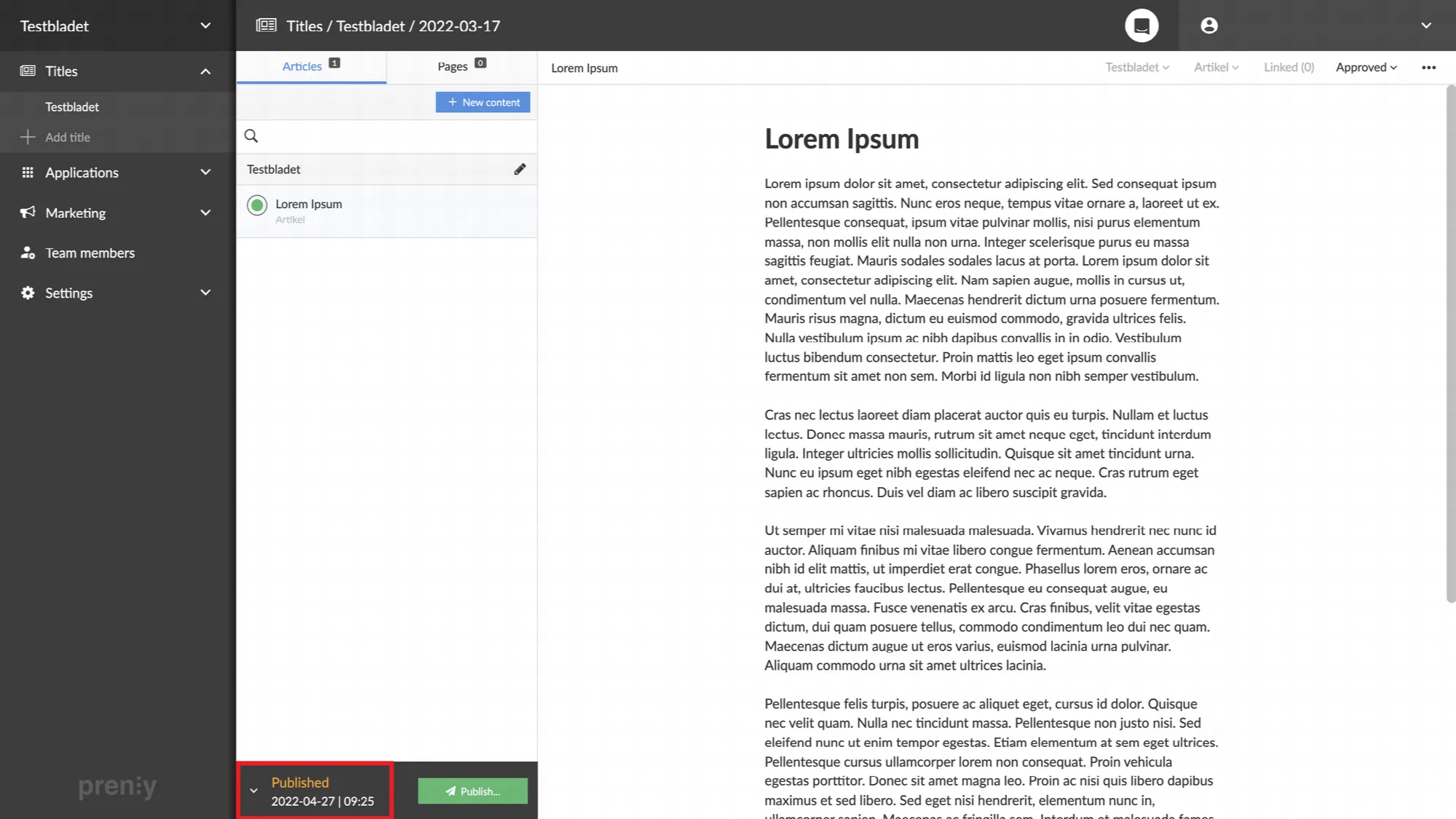 Click the publication date to show the publication's version history.
3. Click the small trash can to delete the desired version of the publication.
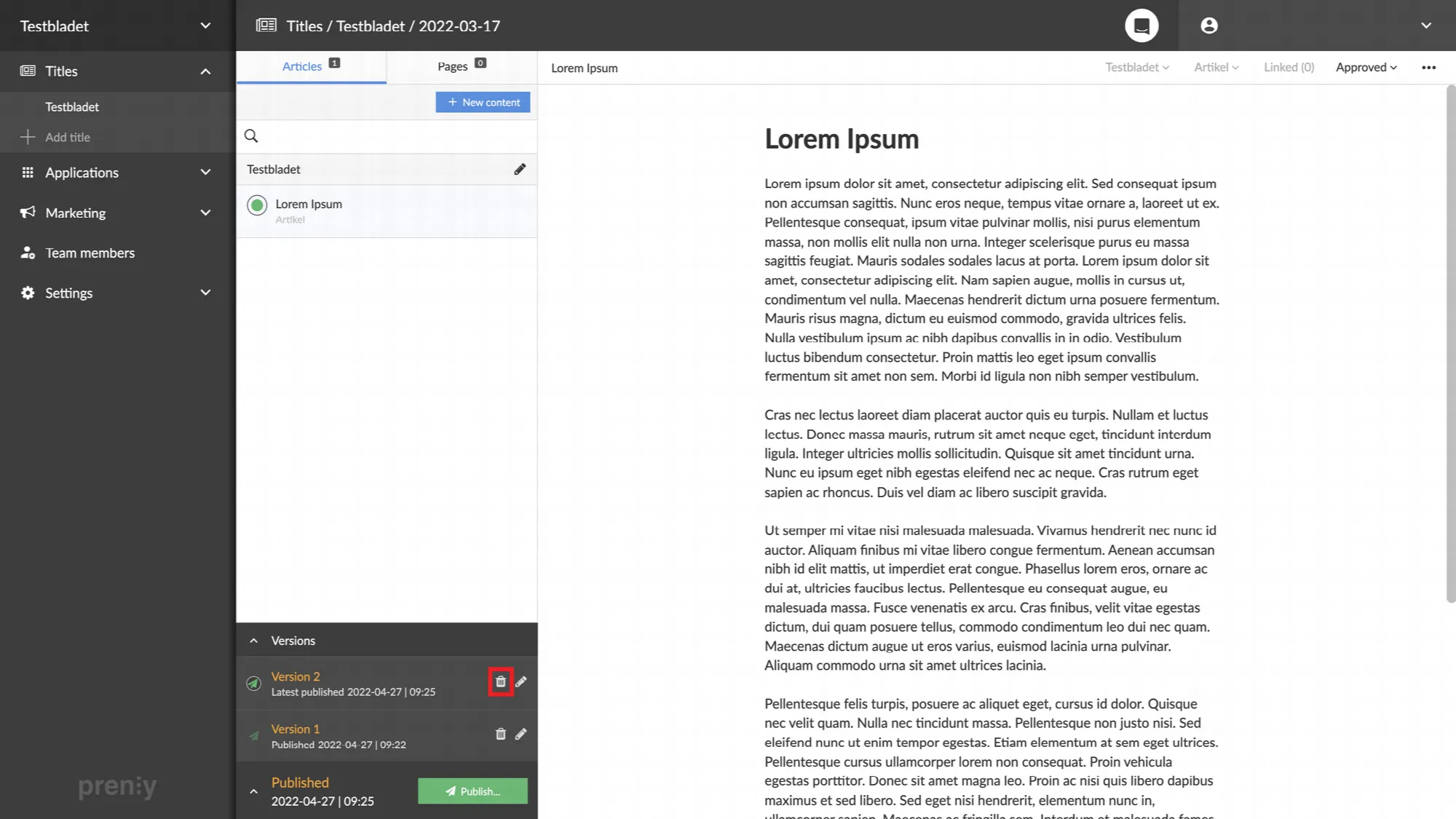 Delete the unwanted version by clicking the trash can.
4. Confirm that you want to delete the chosen version by clicking "**Delete**".
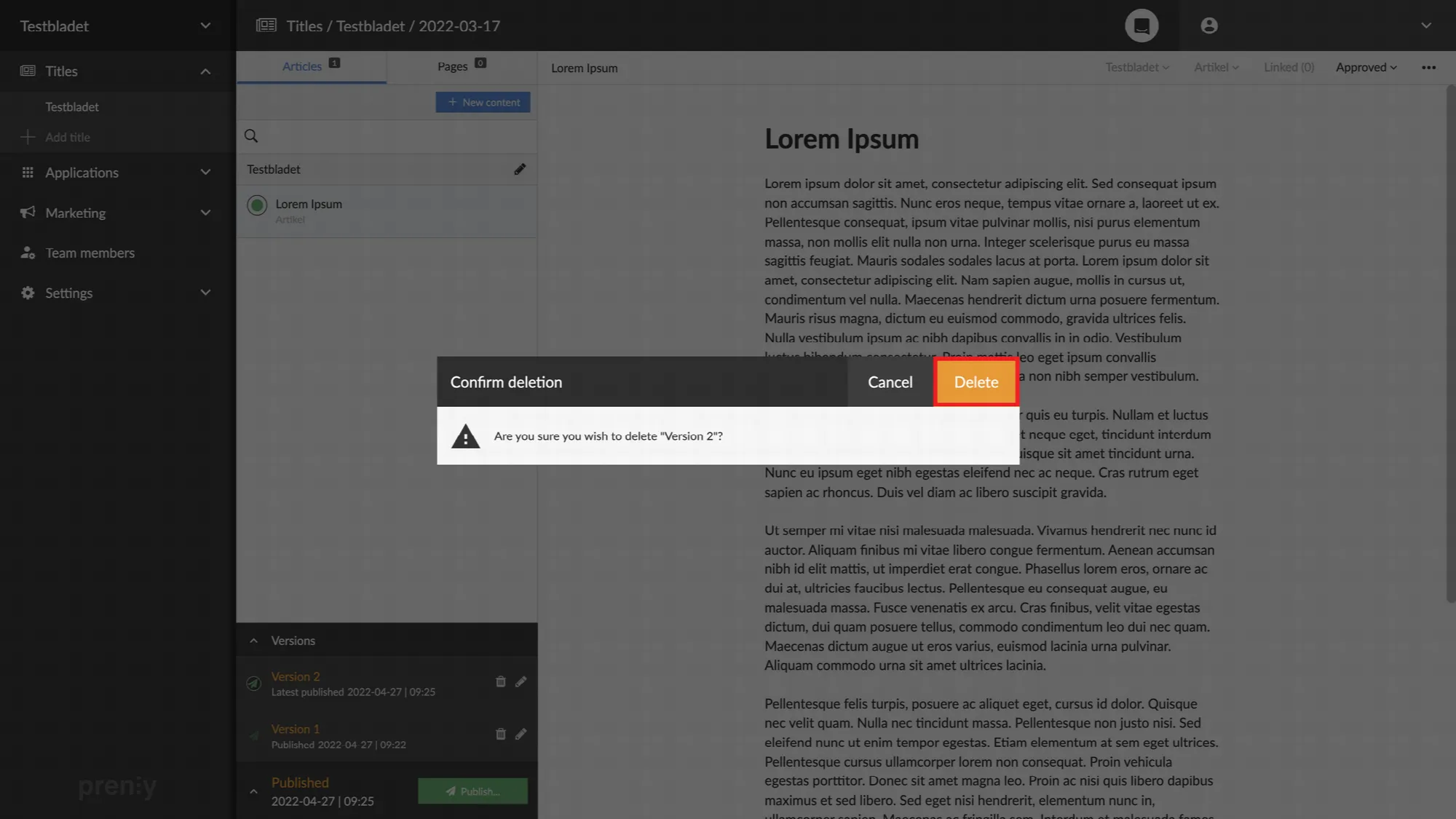 Confirm the deletion by clicking "Delete".
5. Done! The version is now retracted and instead the previous one is published.
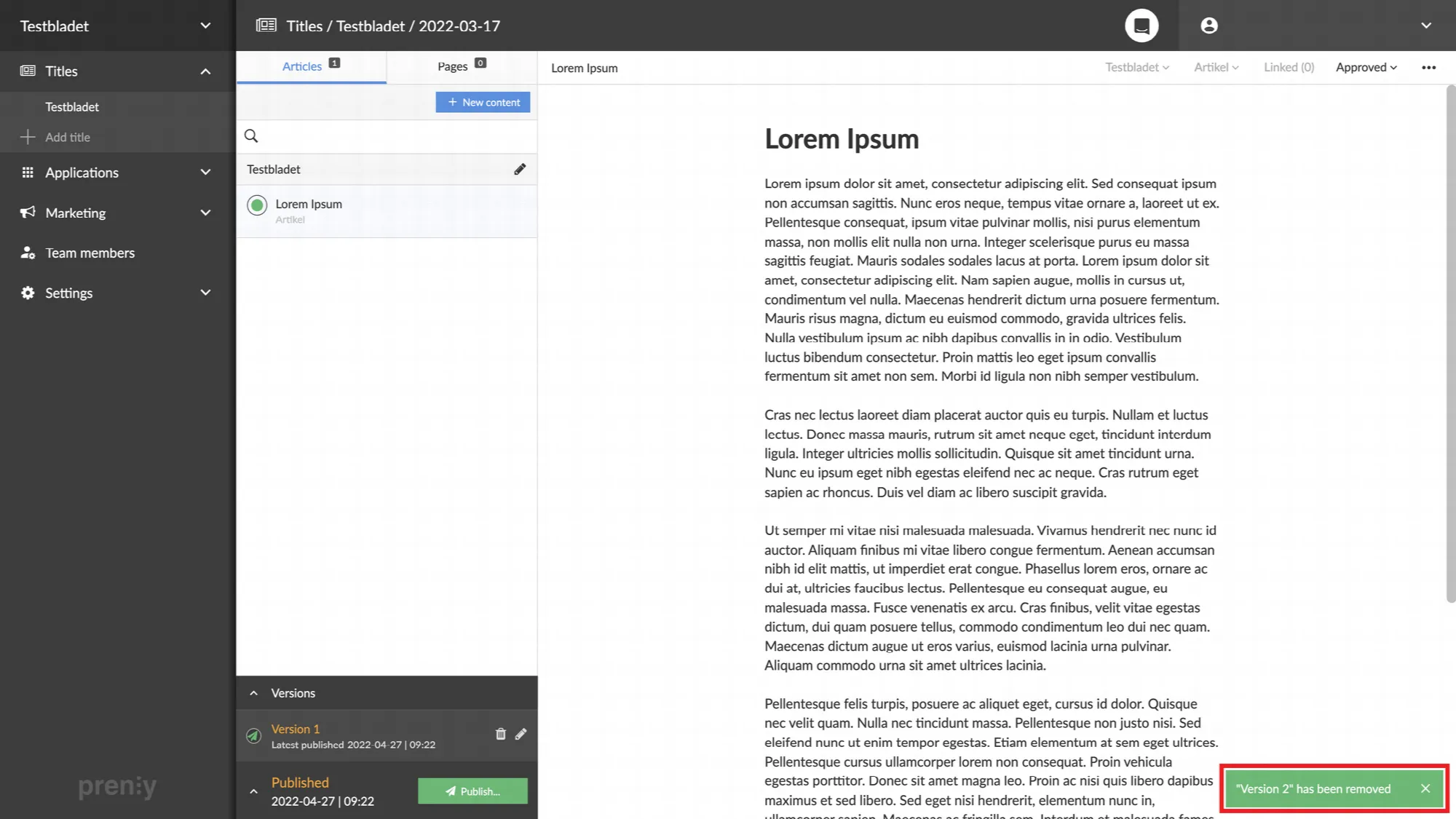 The green box in the lower right corner confirms that the removal was successful.
---
URL: https://www.prenly.com/support/manage-material/marketing-link
# Marketing link
> Learn how to create and manage marketing links for your publications. Perfect for newsletters and campaigns to share or provide free access.
2 min read
[By Fastén. 24 Oct 2025](https://www.prenly.com/author/68)
Create a sharing link for a specific publication. This is perfect for newsletters, social media campaigns, or “try it out” promotions.
*Please note that the marketing links can only be openend in the web app.*
**How to do it:**
Go to Titles and find the publication you want to share. Click the three dots next to it and select Share.
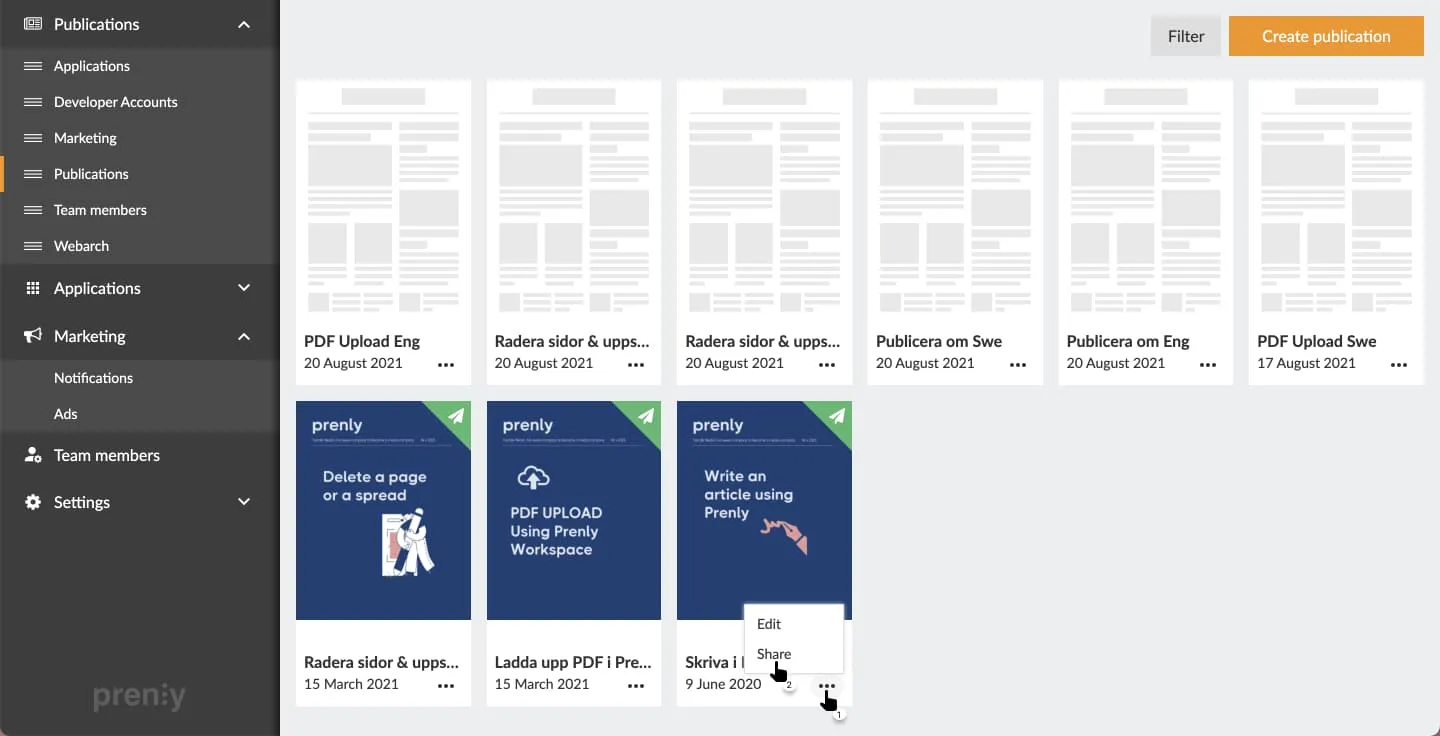 Market the publication by selecting "..." and thereafter "Share".
You’ll see two options: The first option *Market publication* can be used to copy the web address (URL) to the publication, even if it has not yet been published. This option can be for instance used to prepare a newsletter, or create a QR code for an upcoming event.
*Note: This link does not give free access to users without a subscription.*
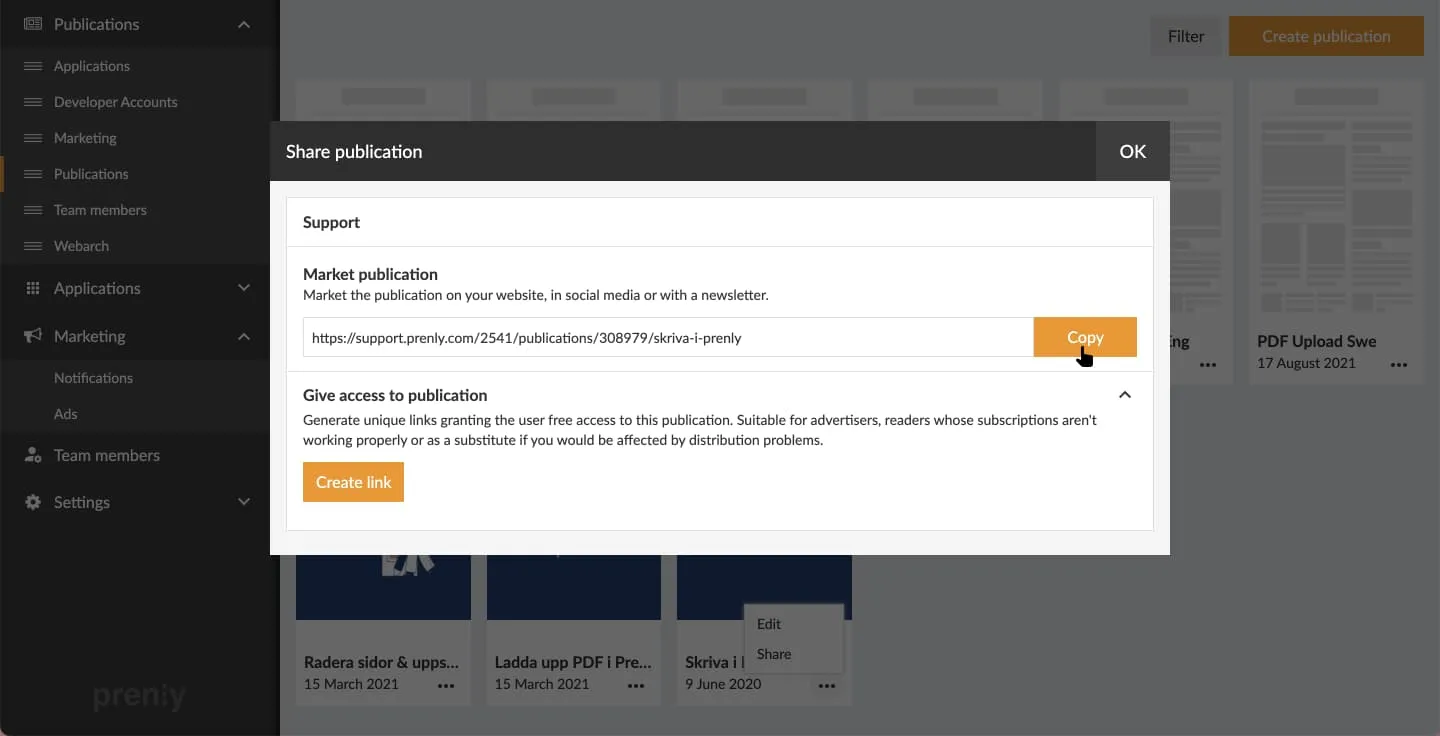 Select "Copy" to copy the publication's public URL.
To give free access, use the second option *Give access to publication* and click Create link.
It is possible to rename links so they are easy to distinguish —e.g. Christmas gift campaign 2025.
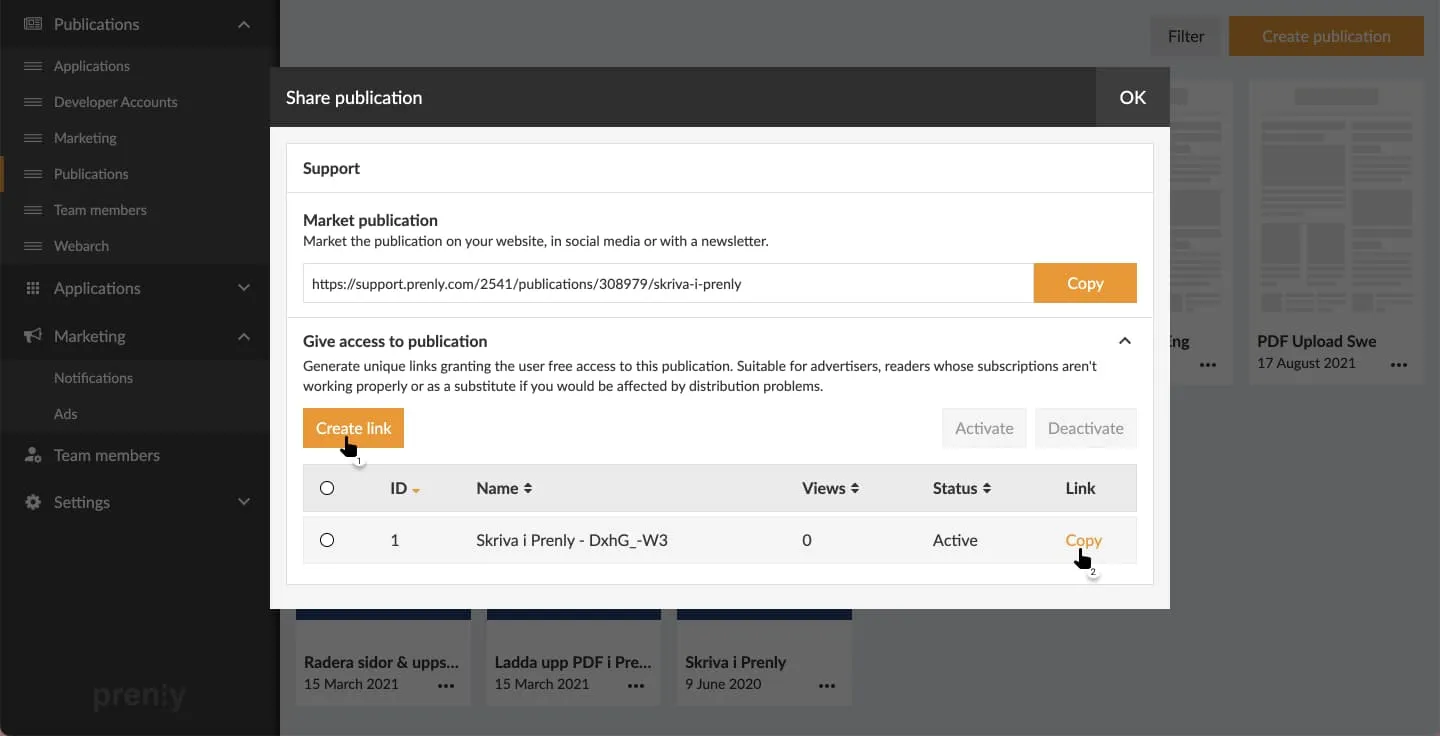
Simply select *copy* and share the link with your readers (newsletter, social media, direct messages, etc.).
You can deactivate the link anytime, for example when the campaign ends. See what *status* the link is in (be it *active* or *inactive*) in the column "Status" in the tabular view.
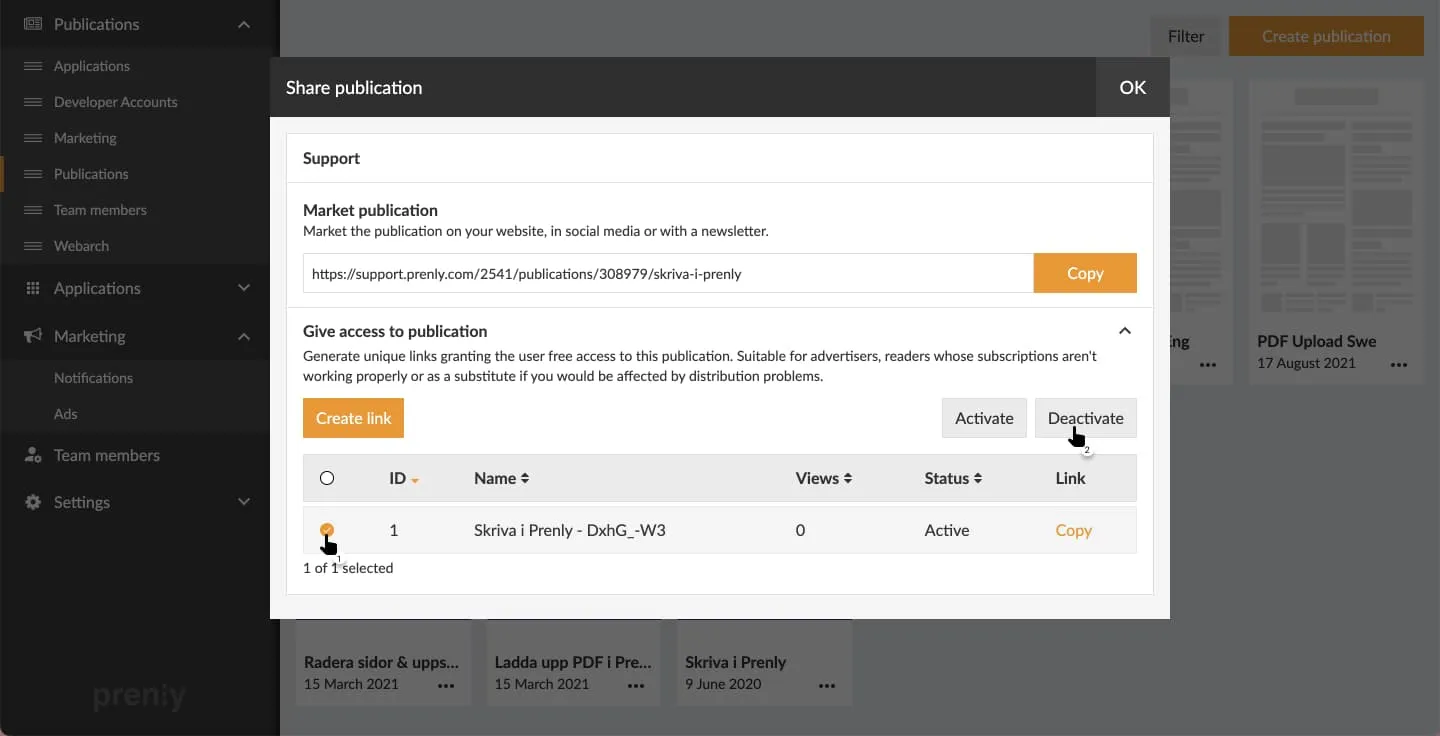 Select the link to deactivate and then "Deactivate" to deactivate the link.
Below you can see a deactivated link. Readers who used to be able to access the publication without subscription via the link will now require a subscription to read the publication again.
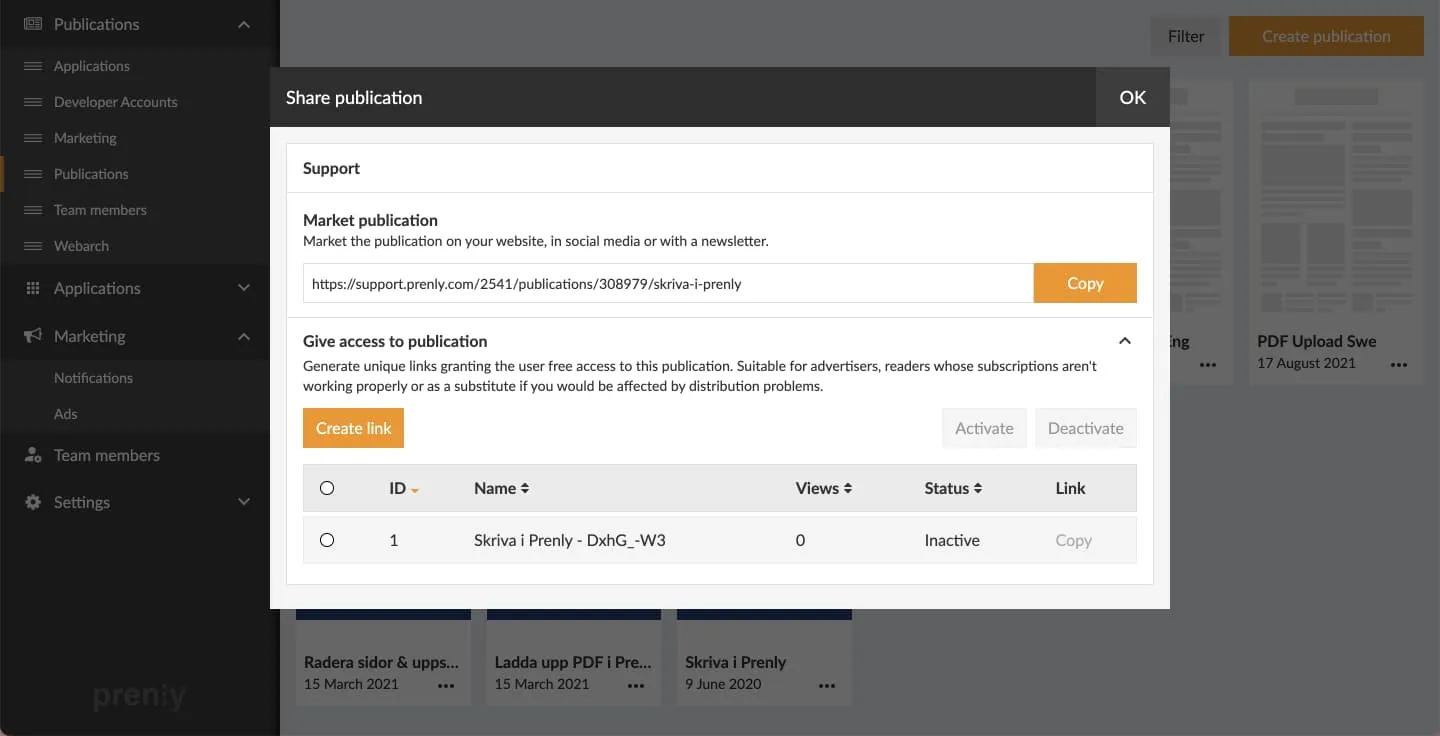 A deactivated link can not be further used to bypass the subscription requirement of the publication.
---
URL: https://www.prenly.com/support/manage-material/edit-in-prenly
# Edit in Prenly
> Learn how to edit digital publications in Prenly. Update article text, add hyperlinks, manage media containers, change article status, and publish changes.
4 min read
[By jens. 24 Oct 2025](https://www.prenly.com/author/62)
Do you need to make changes to a digital publication or a publication with article reading mode? You can do that in Prenly editor, but keep in mind that what you change in the article reading mode does not affect the content in your PDF pages.
## Choose the publication you would like to update
Choose the publication in your selected Prenly title by clicking the publication card either on the cover image or name field.
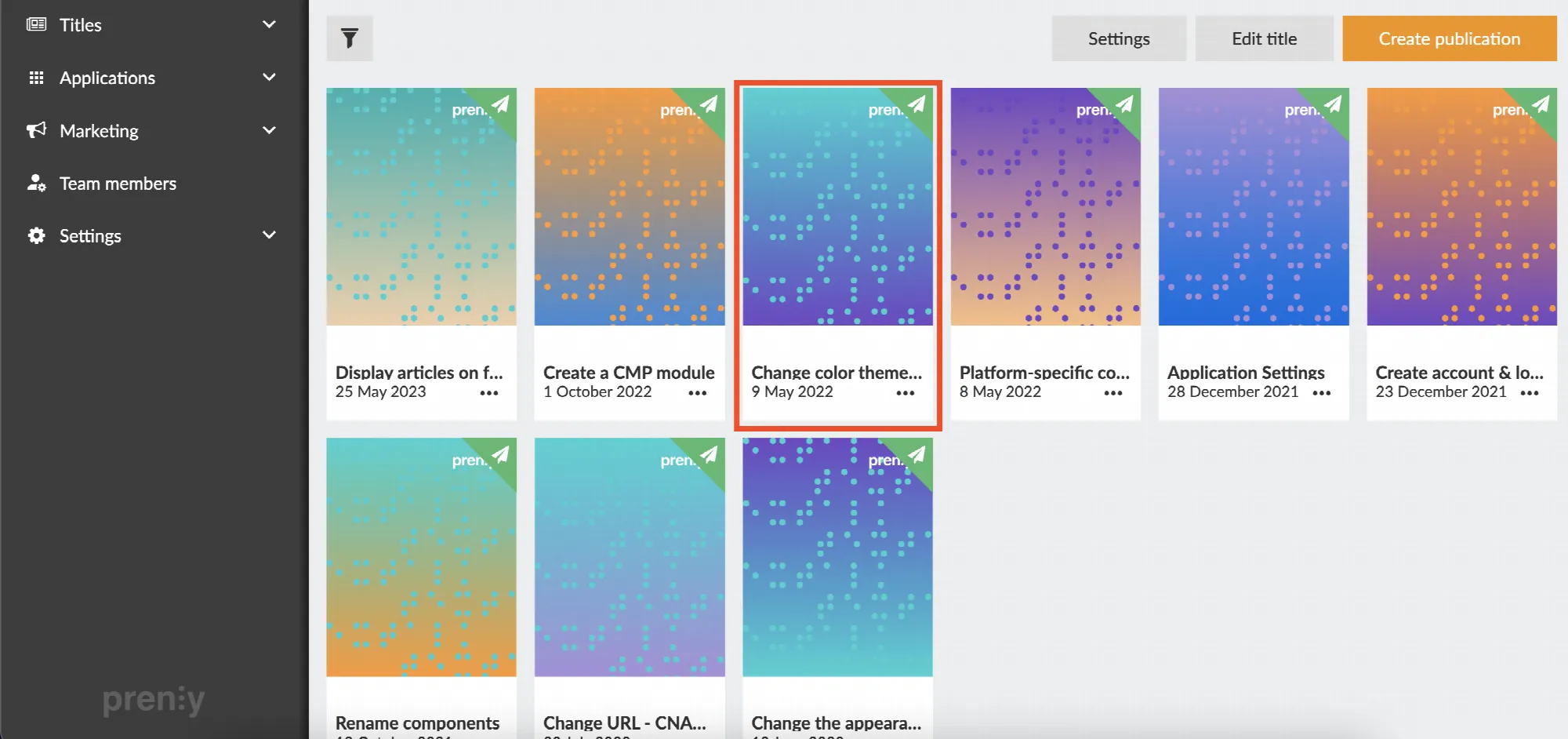 Click on a publication under the menu Titles
You will enter the *Prenly Editor* when you have chosen a publication.
## Prenly Editor
Make sure that you are in the tab "Articles".
Find your article in the list, you can search for the article headline by the magnifying glass.
Each article has a circle to the left in the article list, this shows the status of the article - it's either shown as an empty circle, or filled with a green or red bullet.
##### Green bullet - *the article is Approved to be published*
##### Red bullet - *the article is Stopped* *and will not be able to publish until this bullet has been changed*
##### Empty circle - *the article is in Draft and not approved to be published, in this state you are able to edit the article*
You can change the article status, a green bullet or empty circle can be clicked - then it will change between Approved and Draft. A red bullet needs to be handled from the menu in the top right corner.
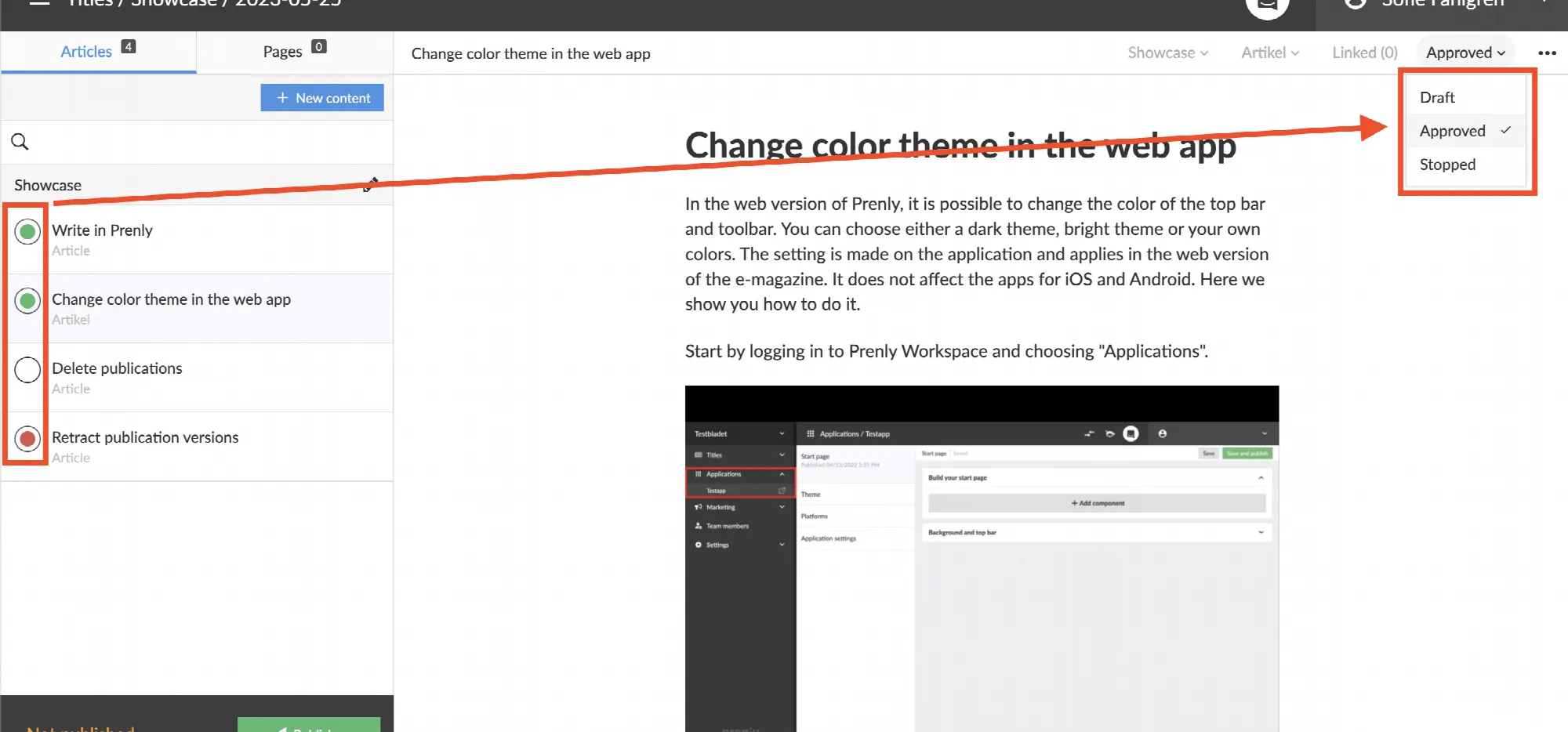 Click in the circle or the menu in the top right corner to update the articled status between Approved, Draft or Stopped
##### When an article is in draft you are able to update the content of an article. Here are a few examples of what can be done:
**1.** Update the text, write, add or remove text.
Create a new content fragment by selecting the previous content fragment, and tap the ENTER key on your keyboard. You can change levels of the fragments in the drop-down-menu to the left of your content fragment.
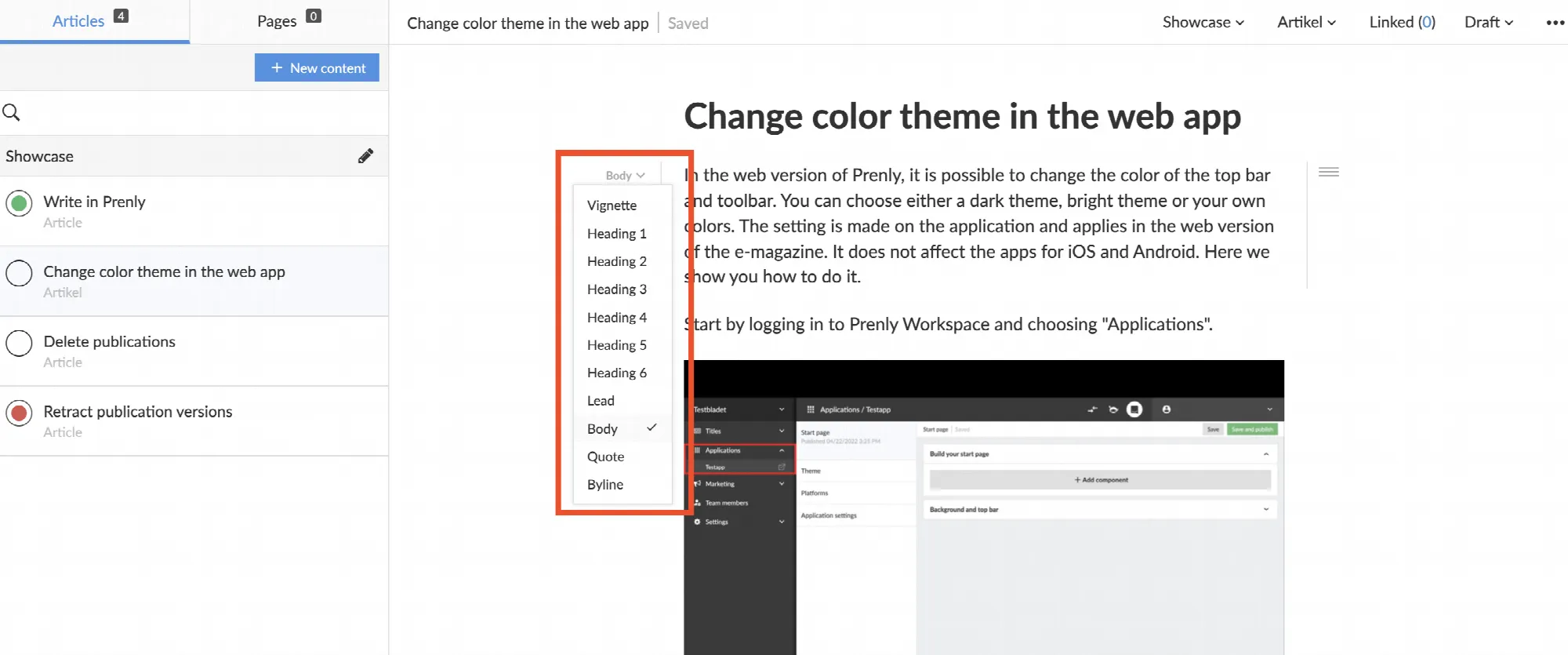 Here, for example, you can decide whether the fragment should be of the type Body, Ingress, Vignette or a headline of a certain Heading level
**2.** Add hyperlinks.
Mark the text that should be clickable, in the bubble that appears you click on the link icon to add a URL or a mail-to-link.
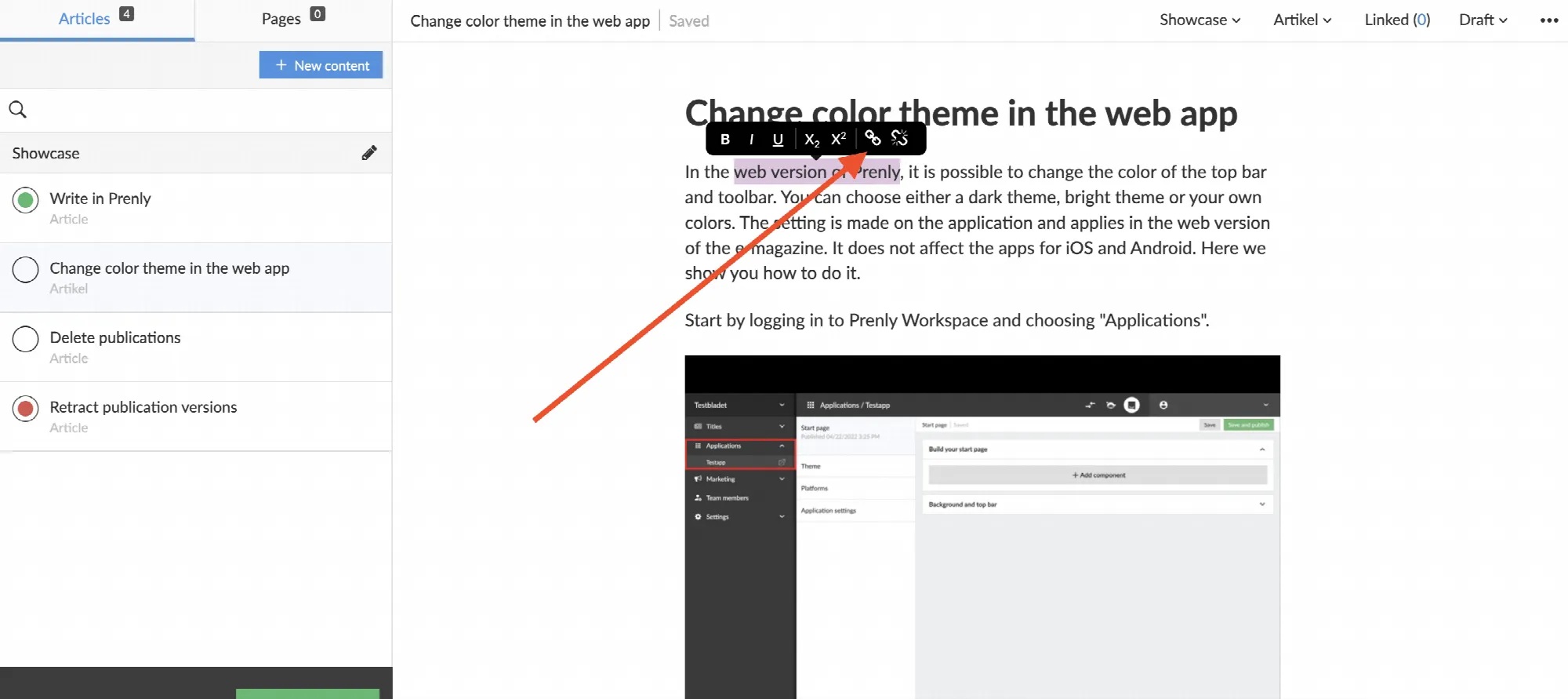 Click the link icon to add a hyperlink. The broken link on the right removes an existing link
**3.** Handle the content in a *media container*.
On the icons to the left of your media container you can
• add images from your article, publication or from your computer.
• add videos by pasting a video URL or embed code.
• sort the order of the content in your media container by clicking and dragging them in order.
• delete your entire media container.
You can also crop and delete single images from a media container by browsing to the image you would like to remove, and click on either of the icons in the lower left corner of the media container.
To create a new media container you make a new content fragment by selecting the previous content fragment, and tap the ENTER key on your keyboard, you will then get a camera icon and a play button that you can click on - this can be done anywhere in the article.
##### Approve your changes
When you are done editing you will need to make sure that the status of the articles you have edited are marked as Approved.
Click the circle or the menu in the top right corner to change the articles status to Approved - the circle by the article in the list should be marked with a green bullet to be approved.
## Don't forget to publish your changes
You can read about how to publish your changes in our guide
**[Re-publish](https://www.prenly.com/support/manage-material/re-publish)**<- click here to get there.
Good luck! ?
---
URL: https://www.prenly.com/support/manage-material/support-manage-material-unlock-edition
# Unlock edition / Make edition public
> Learn how to easily unlock a subscription-based digital edition and make it publicly available for all readers without requiring a login.
1 min read
[By Alina. 24 Oct 2025](https://www.prenly.com/author/73)
If a publication normally requires an active subscription, you can change its read permission at any time to make it publicly available.
**How to do it:**
Go to *Titles* and find the publication that contains the issue you want to open. Click the three dots and choose *Edit*.
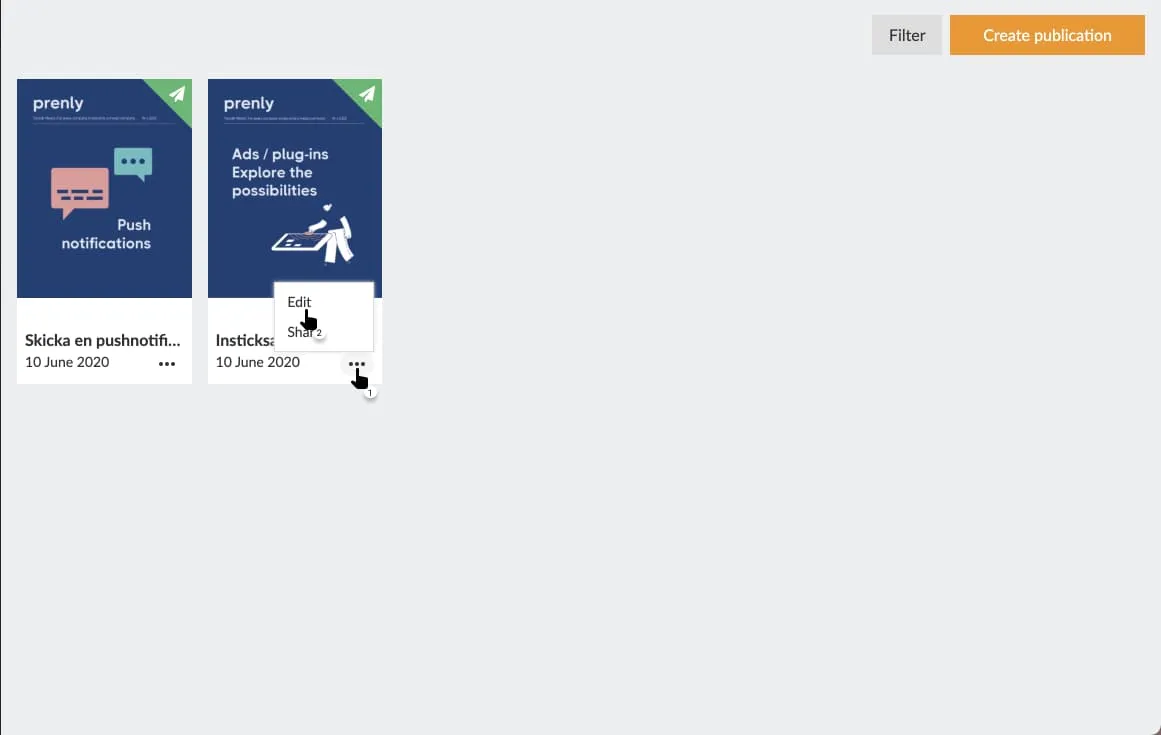
Change the *Read permissions* for that issue to *Public*.
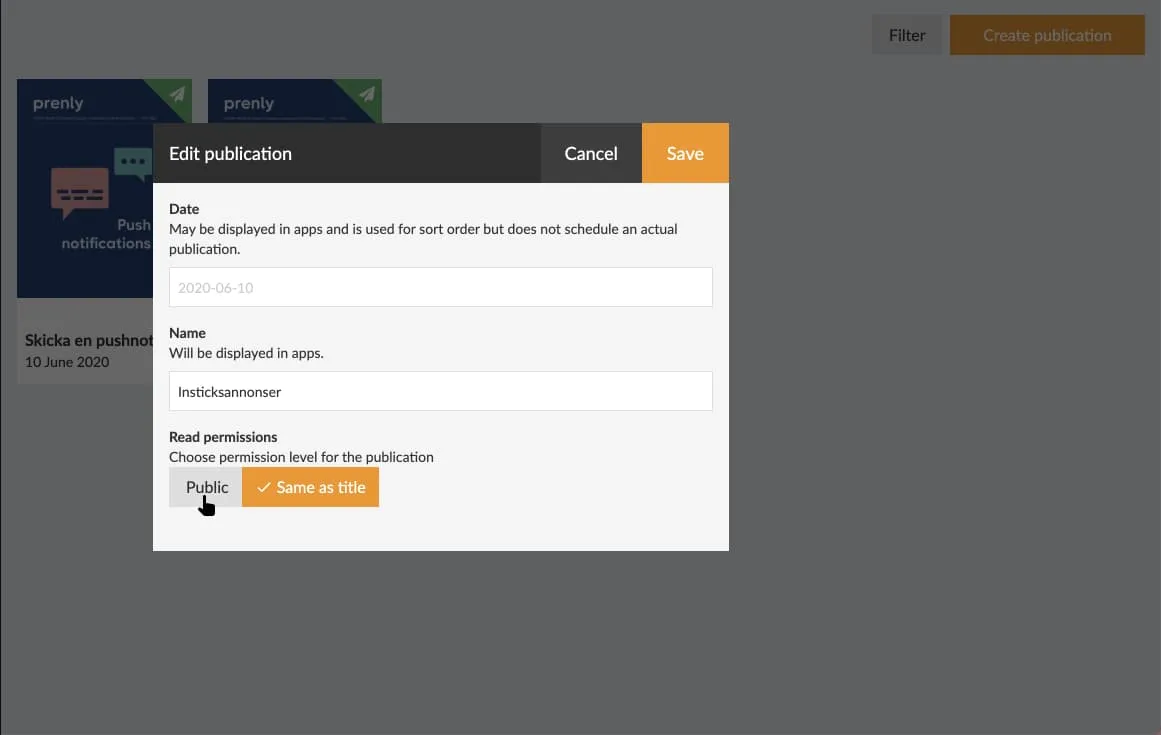
Save your changes. Your setting will immediately take effect in the apps with access to the publication.
Make sure to highlight public issues on your start page for your readers to find.
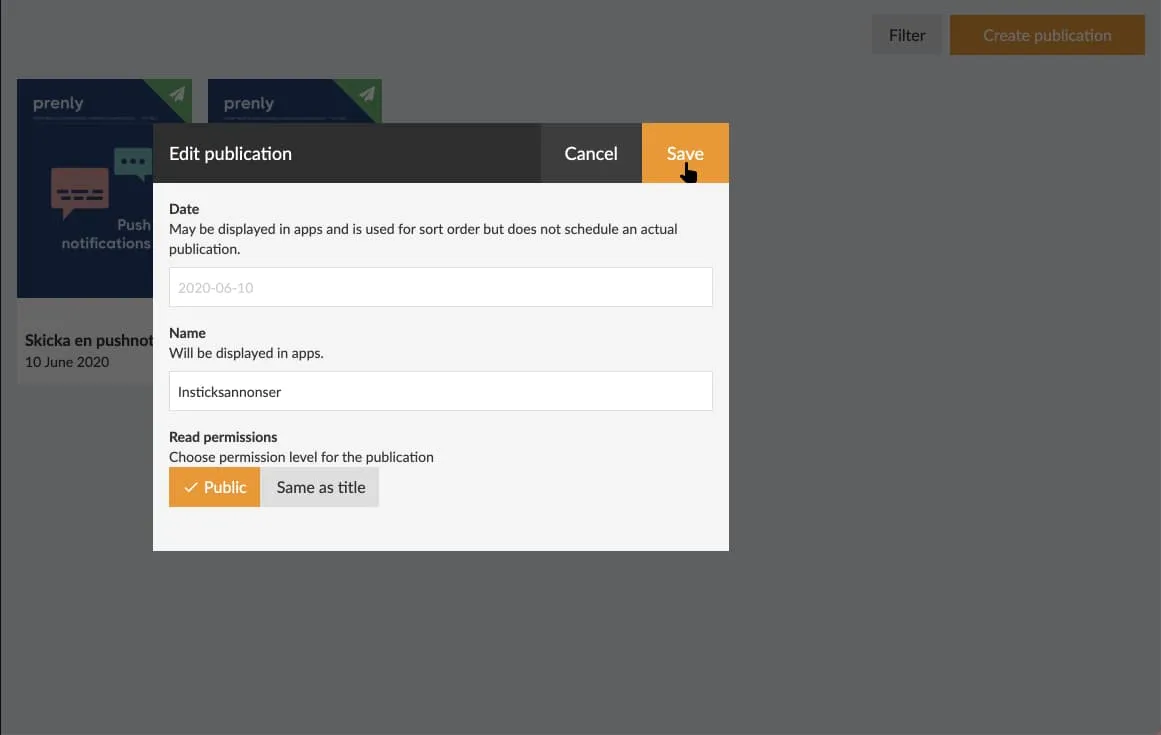
---
URL: https://www.prenly.com/support/manage-material/create-a-digital-publication
# Create a digital publication
> Learn how to create a digital publication in Prenly from scratch. Follow our step-by-step guide to add articles, set up section pages, and publish.
4 min read
[By Henrik. 24 Oct 2025](https://www.prenly.com/author/75)
Our digital e-magazine platform offers an efficient and engaging way to distribute content to your readers.
Here we will guide you through how to create a digital publication in Prenly from scratch.
## 1. Log in
First of all, you need to have an account with editor role in Prenly Workspace. Then log in via this page: [https://content.textalk.se](https://content.textalk.se)
## 2. Start creating
- From the left menu select "Titles" followed by the title you wish to create your new publication.
Contact support if you need help creating a brand new digital title.
- Then select the orange *Create Publication* button to start creating your digital publication. If you are on a smaller device, select "+".
 Create publication
Enter a name for your new publication, a publication date, and the required read permissions.
Tags are used for special packages, read more about how it works [here](https://www.prenly.com/support/configuring-extensions/tags-and-permissions).
Click *Create*.
## 3. Adding articles
Now is the time to start filling our new digital publication with articles. You can either create brand new articles or copy from existing publications using article mode.
**Create new article**
- Select the articles tab and click the button New Content > New Article
- Enter the title and text and add any images or videos. Format text paragraphs by clicking the format selector to the left of the text block.
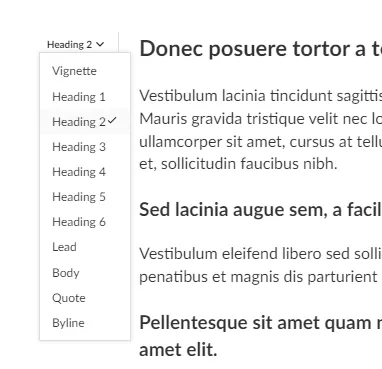 Format text
[See also this guide that describes more about how to write in Prenly](https://www.prenly.com/support/manage-material/write-in-prenly).
- When you are finished with your article, you need to change the status from *Draft* to *Approved* in the menu in the upper right corner. It is also possible to click in the empty circle to the left of the article's name in the articles tab so that it turns green, which also sets the article to approved status.
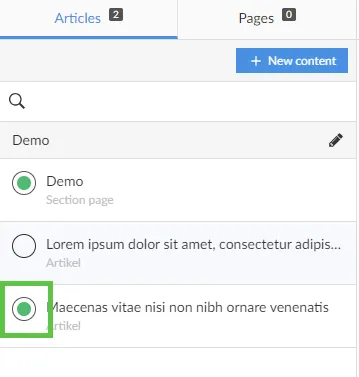 Approved
**Copy an article from an existing publication**
- Select a publication that contains the article you want to copy to your digital publication.
- In the Articles tab, highlight the article by clicking on it.
*Keep in mind that not all releases need to have articles.*
- Click on the three-dot menu in the upper right corner and select *Copy*.
- Select the title you want to copy this article to, in this case our supplement "Extra digital". Also choose which edition and section. If all choices are filled in and the article can be copied, the *Copy* button will appear.
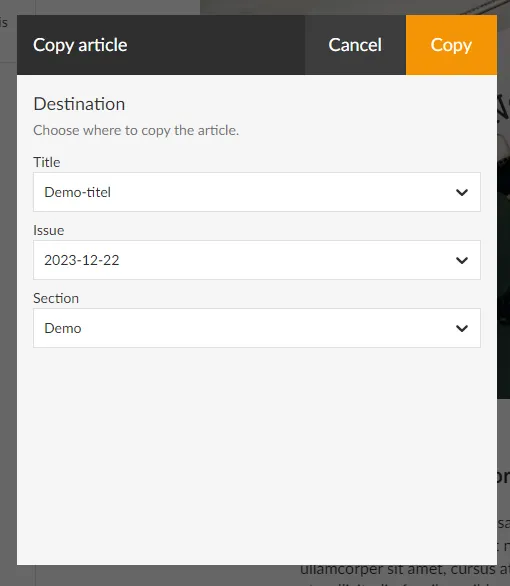 Copy an article
## 4. Create section page
Under the articles tab and the blue *New Content* button, you can also choose to create a section page. It is a selection of templates for a layout page with different numbers of columns and rows in blocks that you can use, for example, to create a front page.
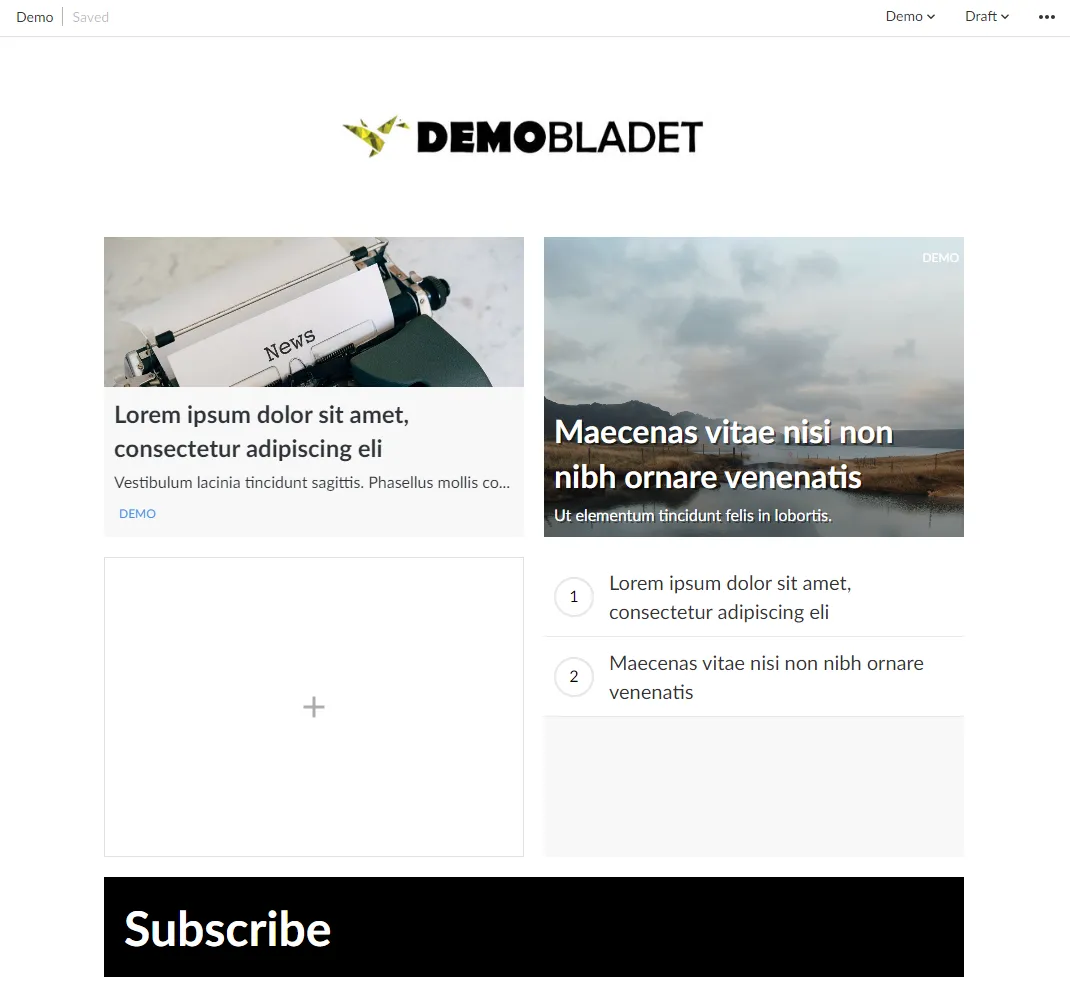 Layout
You can upload a logo, change colors, create puffs, display dates, etc
When you are finished with your section page, set it as approved according to previous instructions.
## 5. Publish edition
Now is the time to publish this new publication. Click the green *Publish* button below the articles and go through all the steps:
**Name version:** Ex version 1
**Choose cover image**: Choose between standard image (a blank front page), a section page (if you created one) or upload an image for your own cover.
**Enter publication date and time:** Choose between Now or schedule
**What should the publication contain:** Mark the articles to be included by marking the circle so that it turns orange.
**Write a description:** Optional. This text becomes visible if you use a so-called notice or hero component to display the publication on the start page.
When all the steps above are clearly marked, you are also ready to publish - click the green button *Publish now*.
If you have chosen a date further in the future, click on *Schedule for publication*.
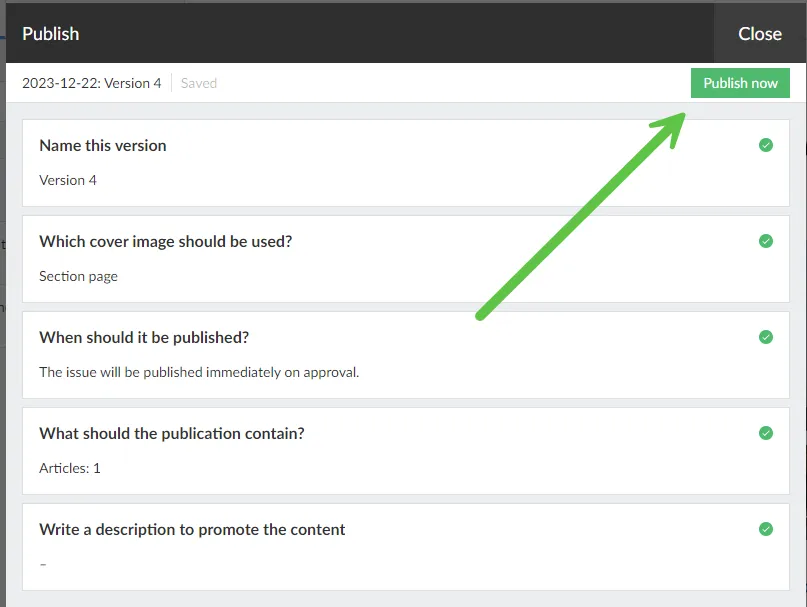 Publish now
## 6. Add the publication to your homepage
The last thing we do is present our new publication on our home page so it becomes available to all readers.
Click on your application in the menu and go to application settings. Add the new title. [See also our application settings guide](https://www.prenly.com/support/manage-applications/application-settings).
Open the home page and create a new block with, for example, a Carousel or Hero to display the publication. [Read more in our guide on how to build your startpage](https://www.prenly.com/support/manage-applications/create-a-startpage-for-your-application)[.](https://support.prenly.com/p/applications/create-a-startpage-for-your-application/a/create-a-startpage-for-your-application/2539/309245/41405253)
Save and publish!
---
URL: https://www.prenly.com/support/manage-material/mark-favourite
# Mark favourite
> Learn how to easily bookmark and organize your favorite publications and applications in Prenly Workspace with our simple guide and video.
1 min read
[By Sofie. 24 Oct 2025](https://www.prenly.com/author/78)
Bookmarking publications and/or applications in Prenly is easy.
In Prenly Workspace, there is now a "*drag-and-drop*" menu on the left side. Go to **Publications** and **Applications** and you will see it.
To change the order, select the three dashes to the left of the publication name and then drag the title in the order you want.
To select a favourite (*mark a title with a* ⭐), just click on the transparent star to the right of the title name. Remember that all settings are individual, and will not affect other team members' Prenly Workspace.
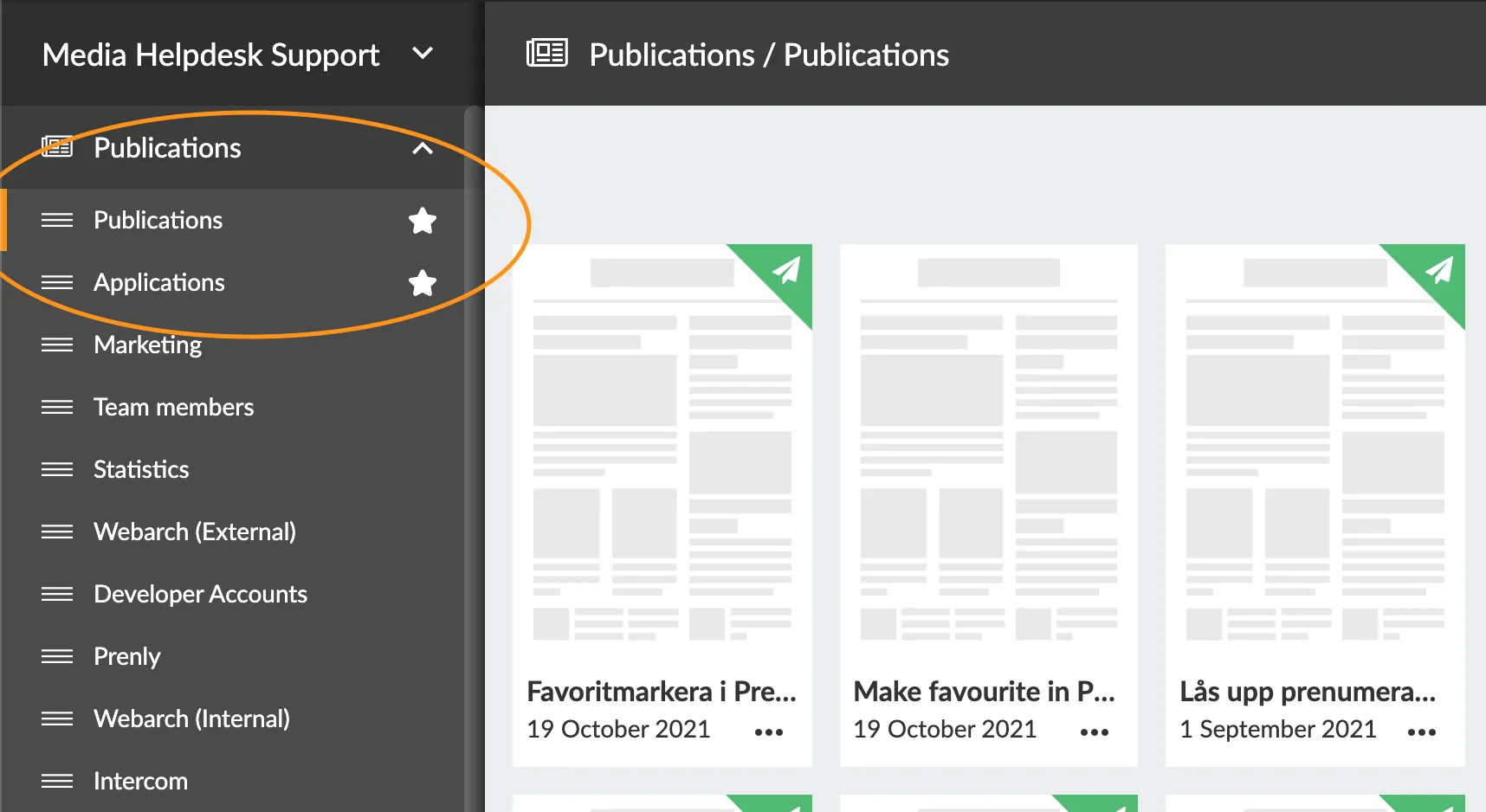
You can also see how to bookmark a publication and/or application in the video guide below.
---
URL: https://www.prenly.com/support/manage-subscribers
# Manage subscribers
> Manage subscribers efficiently in Prenly Workspace with access to free days, CSV management, login tools, and a powerful remote API.
## Manage subscribers
- [Free days access](https://www.prenly.com/support/manage-subscribers/free-days-access): 18 Feb 2026 What is it? The Free Days access allows you to give interested readers free access to the content of your app for a limited number of days. This is ideal for potential subscribers who want...
- [LOGIN | CSV](https://www.prenly.com/support/your-prenly-onboarding/login/login-csv): 12 Feb 2026 A common way to lock material behind a login procedure is to use a CSV file. When a reader tries to log in, a check is made against the registry (CSV file) which determines whether access...
- [Manage subscribers in Prenly Workspace](https://www.prenly.com/support/manage-subscribers/manage-subscribers-in-prenly-workspace): 24 Oct 2025 There might be several reasons why a subscriber should be deleted, for example, GDPR. Regardless of the reason here is how you can delete an individual subscriber. Requirements. To delete...
- [Remote API](https://www.prenly.com/support/manage-subscribers/remote-api): 24 Oct 2025 The purpose of this document is to explain: 1. ...how the Prenly ecosystem allows user authentication and authorization to be handled by a technical infrastructure owned by the publisher...
---
URL: https://www.prenly.com/support/manage-subscribers/manage-subscribers-in-prenly-workspace
# Manage subscribers in Prenly Workspace
> Learn how to easily delete and manage individual subscribers in Prenly Workspace step by step for GDPR compliance.
2 min read
[By jens. 24 Oct 2025](https://www.prenly.com/author/62)
There might be several reasons why a subscriber should be deleted, for example, GDPR. Regardless of the reason here is how you can delete an individual subscriber.
**Requirements**. To delete a subscriber you need to have the ***Subscriber manager*** team membership role on your team membership account.
**Step 1**. Log in to Prenly Workspace.
**Step 2**. In the left-hand menu select **Subscribers** and the desired subscriber directory which represents Prenly's version of your subscribers' information from your subscription system of choice.
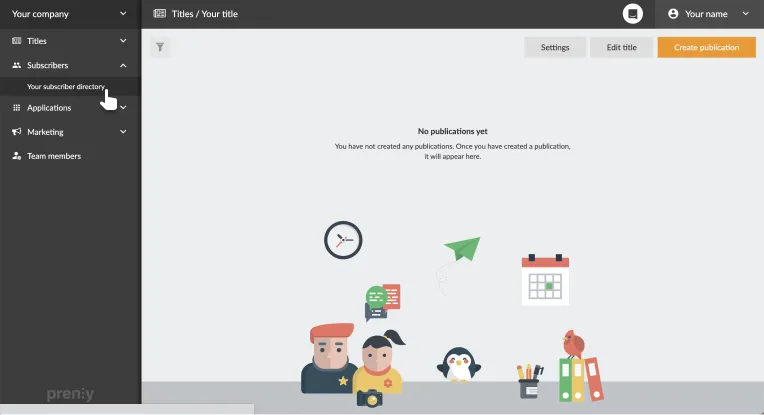 Select the subscriber directory.
**Step 3**. Locate the subscriber you would like to delete from the list of subscribers. You can either find the subscriber in the tabular view or filter the result by selecting the ***Search*** field and entering search values.
**Step 4**. Select the subscriber's subscription account from the subscriber overview to enter the detailed subscriber information view allowing you to administer the subscriber.
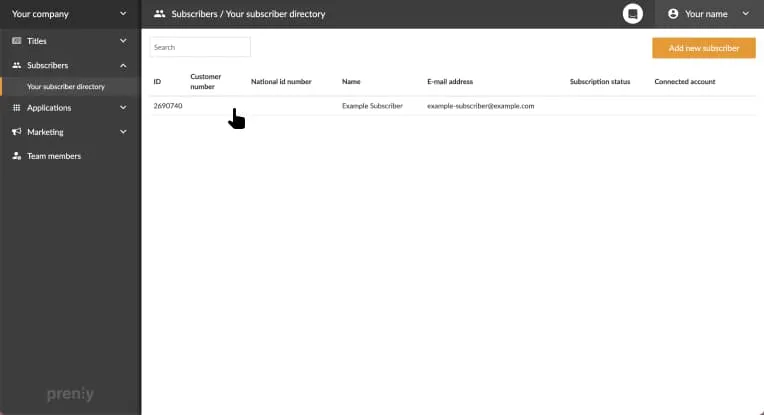 Select the subscriber's subscription account.
**Step 5**. In the top-right corner, towards the right of the Subscriber information, select **Delete subscriber**.
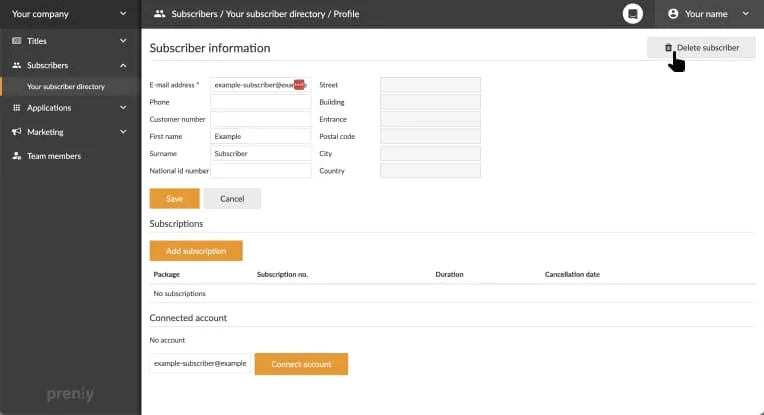 Select "Delete subscriber" to delete the subscriber.
**Step 6.** Confirm the subscriber deletion by selecting **Delete**. Please note that you cannot undo the deletion of a subscriber once you have selected the Delete button.
If you want to abort select ***Cancel***.
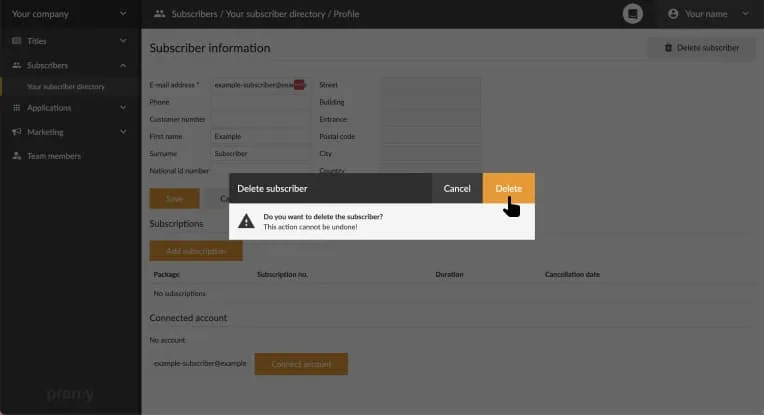 Confirm the subscription account deletion to delete the subscriber. 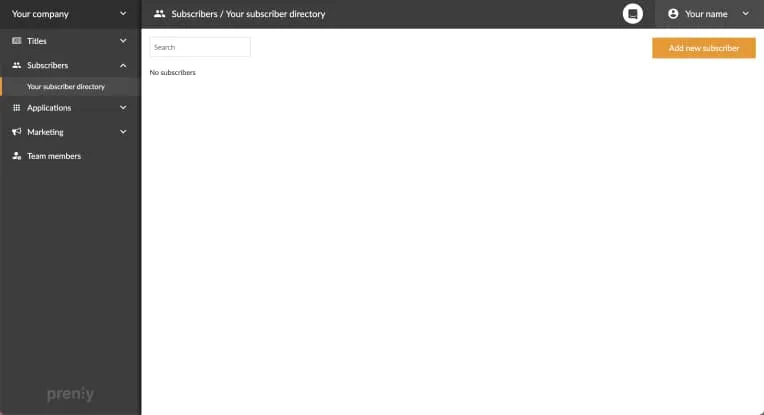 The subscriber's subscription account has been deleted.
**Note**. If the subscriber directory is associated with an integration or an active import, the subscription account *may* be automatically recreated based on the import/integration response and information. It is a good idea to verify that the subscriber has been deleted from your subscription system.
### What about the user's login account?
The user's separate login account needs to be deleted by the user.
The user initiates the process by appending "/user/delete-account" to the web app's URL.
**Example**. Given the web app is available on https://example.com/ then the user visits https://example.com**/user/delete-account** to initiate the process to delete their login account.
---
URL: https://www.prenly.com/support/manage-subscribers/remote-api
# Remote API
> Learn how to implement the Prenly Remote API to handle custom user authentication and authorization for your e-paper applications seamlessly.
11 min read
[By Sofie. 24 Oct 2025](https://www.prenly.com/author/78)
The purpose of this document is to explain:
1. ...how the Prenly ecosystem allows user authentication and authorization to be handled by a technical infrastructure owned by the publisher or a third party.
2. ...how a technical implementation can be done by building a modest REST API that follows the “Prenly Remote authority API” specification.
## Contact
Please contact us by e-mail at [hello@prenly.com](mailto:hello@prenly.com) or by phone at +46-31-3884740 for questions or issues regarding this API.
## Definitions
**Authentication** is the process of verifying someone’s, or something’s, identity, as in whether they are who they say they are, before granting access to protected data. Normally, this is done by providing some credentials such as a username and a password. Given that the credentials match a stored record, the user is “verified” (authenticated) by applying the principle that the user knew something only the “real” user would know.
**Authorization** is the process of deciding what resources a user has access to, i.e. what data the user has permission to access as in what the user may or may not do. For Prenly, this is determining what publications the user can see and open to read.
An API (**A**pplication **P**rogram **I**nterface) is a set of routines, protocols and tools to handle the interaction between different systems or parts of systems, dictating system-to-system communication.
In Prenly, an **authority** is a technical implementation deciding how authentication and authorization are handled by a Prenly application within Prenly’s backend.
### Introduction
The Prenly Remote authority API introduces the ability to replace Prenly’s authorization and/or authentication handling by implementing API endpoints that follow an API specification, which enables a Prenly customer to authenticate and authorize according to their system, requirements and needs.
At the core, this enables the Prenly application’s authority to authorize and/or authenticate users as they engage with the Prenly application, i.e. when they read publications within an app, by proxy of the Prenly Remote authority API.
The Prenly authority will mediate authentication and authorization requests between users and Prenly where no direct communication is allowed between users and the API implementation. Instead, the API implementation informs the Prenly authority how to act upon the users’ authentication and authorization requests.
## Implement your API
### Understand how the user consumes the Prenly application
#### Prenly applications
Prenly serves the end user with applications mainly used for reading publications and articles. The application is either a native mobile app on the Android or iOS platform, or our responsive web-based e-reader. These two application types offer a similar user experience.
The application may contain published publications that are public for everyone, as well as protected content that needs some kind of permission to be consumed. For native apps, it is also possible to allow any non-logged-in user to consume some publications for free before login is required.
#### Navigating the application
By using the application, a user can normally see the start page containing components displaying published publications. Public publications can be opened and read by selecting the publication. But when the user tries to open a protected publication, the application will require the user to log in (*authentication*).
After logging in, Prenly will decide whether the requested publication is readable for that user (*authorization*). If so, the publication will be opened, ready to be consumed. If the user does not have read access, the user will be notified within the app. The protected content will not be shown, but the user will still be logged in.
In some cases, an application will require the user to log in to display certain publications, especially when not all published publications can be seen by just anyone. For example, publications accessible via a subscription where other non-subscribed published publications should be hidden.
### Setup an API environment
#### Trusting Prenly requests
Prenly sends a pre-defined secret key in all authentication and authorization requests. The key is known only by Prenly and your system. You should check that the provided key matches the expected key for all API requests.
You may also open up your API endpoints for certain IP addresses only for extra security. Please contact us for an up-to-date list of IPs Prenly will use in requests if you would like this extra security.
#### Encrypt the traffic
We strongly recommend disallowing any unencrypted HTTP traffic to your API. Use HTTPS!
#### Allow for a RESTish behaviour
< p> Currently, requests are made with HTTP POST, but the API should not be limited to using any HTTP methods for future endpoint expansion. Please see the current API specification for more details, as the API specification has the final say in any discrepancies with this documentation.
In API responses, HTTP status codes are used to inform Prenly about the result. You must be able to respond with different HTTP status codes, for successful requests as well as for data errors, runtime errors and unexpected server errors.
Request parameters are currently passed as JSON in the request body.
All endpoints are currently responding with JSON in the response body.
### Get acquainted with OpenAPI 3.0
The API specification is documented in a yaml file according to the OpenAPI 3.0 standard (formerly Swagger), stating the technical aspects and requirements of the API and each endpoint, including all request and response data objects.
Auto-generated documentation is provided at [https://apidoc.prenly.com/remote-api/](https://apidoc.prenly.com/remote-api/) and the specification file is available at [https://apidoc.prenly.com/remote-api/spec/v1.3-specification.yaml](https://apidoc.prenly.com/remote-api/spec/v1.3-specification.yaml).
Feel free to make a copy of the specification file and modify it to your API endpoints (URLs) as the auto-generated specification contains generic named endpoints as a reference. With this file, you can easily build a testing environment with ready-made tools provided at [https://openapi.tools/](https://openapi.tools/) (see the section “Testing).
Read more about OpenAPI, including the specification, at [https://www.openapis.org/](https://www.openapis.org/).
### Build the authentication endpoint
See the API specification at [https://apidoc.prenly.com/remote-api/](https://apidoc.prenly.com/remote-api/) for the authentication endpoint(s). You can choose the endpoint URL exactly as you wish; however, the endpoint must follow the API specification.
#### Request parameters
Request parameters are part of the request body as JSON and are sent by Prenly for each request.
#### Response on success
A successful login must respond with HTTP status code 200 and a JSON response with the unique identifier of the user that was authenticated.
#### Response on failure
Known errors that depend on the given request parameters must respond with one of the HTTP status codes 401, 403 or 412 as specified in the API documentation. These errors must include a JSON response following the **Error** data model, which you can find specified at the bottom of [https://apidoc.prenly.com/remote-api/](https://apidoc.prenly.com/remote-api/).
You can choose to either provide an **Error** *or* an empty JSON object. Currently, only the "message" property is required if providing an Error. It is, however, recommended to also provide a "code" property.
We highly recommend that you provide a “message” property value in English that represents the error in some way. If your software has some kind of internal codes, it is suitable to use them here if future mutual troubleshooting will be needed. Do not include personal data that is not needed, such as personal names! Unique IDs are good enough to troubleshoot.
This information is never shown to the end user but can be logged in Prenly to simplify troubleshooting.
### Build the authorization endpoint
See the API specification at [https://apidoc.prenly.com/remote-api/](https://apidoc.prenly.com/remote-api/) for the authorization endpoint(s). You can choose the endpoint URL exactly as you wish; however, the endpoint must follow the API specification.
#### Request parameters
Request parameters are part of the request body as JSON and are sent by Prenly for each request.
#### Response on success
A successful fetch of the user information must respond with HTTP status code 200 and a JSON response according to the **UserSummary** data model as described in the specification.
Fields in this data object are explained at the bottom of [https://apidoc.prenly.com/remote-api/](https://apidoc.prenly.com/remote-api/).
#### What properties are used to
The only property that currently cannot be left blank is “uid”. The other properties can be omitted; however, we recommend that you specify a “productCodes” property to better control if Prenly should or should not grant read permission to publications. Currently, Prenly will treat a missing “productCodes” property as an empty list.
#### Response on failure
Known errors that depend on the given request parameters must respond with one of the HTTP status codes 403, 404 or 412 as specified in the API documentation. These errors must include a JSON response following the **Error** data model as described above.
### Testing
It is important to test your implementation for the authentication and authorization endpoints. Refer to [https://docs.google.com/document/d/1UxmvDs7_Z0GwGbwCHXr4Ojpb9HaZif1nJ8YRMmztzeo/](https://docs.google.com/document/d/1UxmvDs7_Z0GwGbwCHXr4Ojpb9HaZif1nJ8YRMmztzeo/) for more information regarding testing your endpoints.
## What happens in Prenly?
### When the user logs in (authentication + authorization)
When the user requests to log in and submits the login form, the credentials are sent to Prenly’s authority (encrypted with SSL). From there, the authority handles how to use these credentials to authenticate the user. For the Remote authority API, this means that the credentials are sent to the remote endpoint according to the specification.
Prenly will process the API response and handle both successful and failed authentication requests, where the user will see an error depending on the failure response HTTP status code. See below for more details.
#### If authentication succeeded...
A successful login will trigger a separate authorization request to the authorization remote API endpoint to fetch the user’s information, which is cached in Prenly for a limited set of time.
The application will also reflect that someone is logged in, with the name or email based on what user data was returned within the user information.
Note. If the immediate authorization request responds with HTTP 401 directly after the successful authentication request, Prenly will treat it as an implementation error, log out the user, and inform the user that their login credentials were wrong. To prevent this, it is recommended to use the token concept found within the *UserIdentification* schema in case you want to support logging out the user remotely.
#### If credentials were wrong…
If the request was technically successful, but the credentials were wrong, the Prenly authority will notify the application, and a message about wrong credentials will be presented to the user.
#### If something failed...
Other client- or server-based errors, or network errors, are caught and logged by Prenly. The application will be served with a suitable error message to present to the user.
### When the user keeps reading
#### Caching for repeating requests
Caching a successful authorization response data (the user’s information) eliminates the need for repeated requests to the remote API to fetch user data that seldom changes. Each Prenly customer can choose the cache expiration time; we recommend setting 30 minutes, where the minimum allowed cache expiration time is 20 minutes.
#### Re-authorization
Prenly will use the cached result for each authorization request as long as the cache has not expired. If the cache has expired, then Prenly will trigger a new authorization request to the authorization endpoint in the remote API. This will update the user’s data, such as product availability, as well as the cached data.
#### Failure handling
If a server error (5xx HTTP code) occurs when re-authorization is triggered, the cache expiration time is extended by five minutes. Prenly does this to avoid users being logged out for temporary network or server errors; the user will continue reading as if nothing happens, and after five minutes, a new re-authorization attempt is made. This behaviour lasts as long as the server problem persists. Prenly will log such technical problems and try to reach the customer if this happens.
## Going live
When you think that the API is ready to go live (you are done developing and testing your implementation), contact us to take the last steps.
Prenly will require information from you to set up your implementation in Prenly. The information will be evaluated, and if everything is up to par, your implementation can be used in Prenly for your chosen e-paper Prenly applications.
### Setting up Prenly
Before your implementation of the remote API can be used in Prenly, you must provide:
• Your chosen secret key for the authentication and authorization endpoints
• Your chosen API endpoints
• A list of products that should grant read permissions and for which Prenly title (only Prenly-known products within the product codes list from the authorization endpoint can grant read permission)
• Your desired cache expiration time
• A URL where a new user can create an account
• A URL where a user can delete their account
• A URL where a user can reset their password (in case they forgot their password)
• We recommend that you also provide a URL where an authorized user without any Prenly-known product codes may activate a product (i.e. purchase a subscription)
• User credentials (username and password) for the test user, where the user is shared by Textalk, Apple, and Google (if you have native apps), and at least one product code must remain active as long as the remote API is used by your e-paper’s Prenly authority
---
URL: https://www.prenly.com/support/manage-subscribers/free-days-access
# Free days access
> Give potential subscribers free access to your app content for a limited time. Learn how to set up free trial days and configure packages in PWS.
2 min read
[By Alina. 18 Feb 2026](https://www.prenly.com/author/73)
## What is it?
The Free Days access allows you to give interested readers free access to the content of your app for a limited number of days.
This is ideal for potential subscribers who want to try your app before subscribing. You decide how many days the free trial period will last.
When a user opens the app, their device is automatically registered. The registration starts the timer for the free trial. The user will then have access to the selected content for the number of days you have set.
## How to set it up?
To enable free trial days authorization, please contact us, so we can activate the function for you. Please include the following:
1. number of free trial days: specify the number of days the free trial will be valid.
2. Package slug: If you create the package yourself in PWS, do it as described below and enter the slug of the package to be accessed.
**How to set up a package in PWS?**
This step can be skipped if the package and service are already set up.
You need to create a service and a package to support the publishing tags.
- In Workspace, go to Settings -> Package Management.
- Click on "Services" -> "New".
- Add a name for the service and select the title(s) you want to give access to.
Then create a new package and link it to the service you just created.
- Click on "Services" -> "New"
- Add a name to the service, give it a slug and select the service you just created.
Send us the selected slug by email.
If you need help configuring this, we will be happy to help you.
## Good to know
- Currently, only one package can be connected to the authorizer.
- The free days authorizer only works in the native apps (iOS and Android).
- The free trial period starts when the app is opened and the device is registered.
---
URL: https://www.prenly.com/support/manage-applications
# Manage Applications and Configure Settings Easily
> Explore comprehensive guides for configuring app settings, managing developer accounts, setting up IP access, and customizing your Prenly experience.
## Manage Applications and Configure Settings Easily
[iOS & Android](https://www.prenly.com/support/manage-applications/ios-android): 19 articles
- [Google | Trader status](https://www.prenly.com/support/manage-applications/ios-android/google-trader-status): 5 Nov 2026 Google Play requires developers to declare whether they act as a trader or non-trader by 1 February 2027. Only the developer account owner can complete this declaration in Google Play...
- [How to Change the Logo on Your Prenly Web Application](https://www.prenly.com/support/manage-applications/how-to-change-the-logo-on-your-prenly-web-application): 3 Nov 2026 You can easily change the logo displayed in the top-left corner of your Prenly web application directly from Prenly Workspace.
- [APPLE & GOOGLE | Handle extra document requests for developer accounts](https://www.prenly.com/support/your-prenly-onboarding/apple-google-handle-extra-document-requests-for-developer-accounts): 21 Oct 2026 If your association, foundation or other organisation is asked for extra documents during account creation, use the matching case below. Only some cases may apply to you.
- [JS Bridge in Prenly – Embed Interactive Web Content](https://www.prenly.com/support/manage-applications/integrating-interactive-web-content-on-the-prenly-start-page-using-the-js-bridge): 18 Sep 2026 This guide explains how to embed your own interactive web content (like puzzles, forms, or custom dashboards) onto your app's start page and have it communicate with the native Prenly app...
- [Set up IP Access for Location-Based Reading](https://www.prenly.com/support/configuring-extensions/set-up-ip-access-for-location-based-reading): 27 Jul 2026 An IP-based subscription allows readers to access your content without logging in, as long as they are connected to a predefined IP address or IP range. Instead of verifying a user...
- [Possibilities within menu settings for the app (custom tabs)](https://www.prenly.com/support/manage-applications/possibilities-within-menu-settings-for-the-app-custom-tabs): 30 Mar 2026 Read more about some of the possibilities in custom tabs to find out which option is best for you. The possibilities are compared below: Regular website/landing page Single page...
- [Generate a Privacy Policy](https://www.prenly.com/support/manage-applications/ios-android/generate-a-privacy-policy): 27 Nov 2025 If you do not have an existing Privacy Policy, you can create and host your Privacy Policy page directly in Prenly. In Prenly Workspace in the left-hand menu, click Applications and select...
- [Google | Validate Account](https://www.prenly.com/support/your-prenly-onboarding/google-validate-account): 24 Oct 2025 Before you start: Ask your IT team or website agency whether your website is already verified in Google Search Console. If it is, skip the DNS steps below and go to Verify in Google Play...
- [Apple | Renew membership](https://www.prenly.com/support/manage-applications/ios-android/apple-renew-membership): 24 Oct 2025 An active membership grants you access to all resources. An expired Apple Developer Program membership will have the published apps automatically deactivated from App Store by Apple, so...
- [Google | Create a Play Console Payments Profile - to manage and track your app sales](https://www.prenly.com/support/manage-applications/ios-android/google-create-a-play-console-payments-profile-to-manage-and-track-your-app-sales): 24 Oct 2025 1. Sign in to Play Console. 2. Go to the Payments settings page (Setup > Payments profile). 3. Click Create payments profile. Make sure to have your business information available. 4....
- [Apple | Request Access to AppStore Connect API](https://www.prenly.com/support/manage-applications/ios-android/apple-request-access-to-appstore-connect-api): 24 Oct 2025 To provide your customers with the best possible reading experience, we want to continuously improve and update your mobile apps. In order for us to do so, please follow the instructions...
- [Apple | Updated agreements](https://www.prenly.com/support/manage-applications/ios-android/apple-updated-agreements): 24 Oct 2025 Apple regularly updates their agreements to use its App Store platform. Apple usually updates the agreements several times a year. Each time Apple updates the agreements it will be up to...
- [Apple | Activate Speech synthesis](https://www.prenly.com/support/manage-applications/ios-android/apple-activate-speech-synthesis): 24 Oct 2025 Prenly supports speech synthesis of articles in the simplified article reading mode. This can be used to have the iOS app read the article content out loud. You can at any time in the...
- [Google | Activate Speech synthesis](https://www.prenly.com/support/manage-applications/ios-android/google-activate-speech-synthesis): 24 Oct 2025 Prenly supports speech synthesis of articles in the simplified article reading mode. This can be used to have the Android app read the article content out loud. You can at any time in the...
- [Apple | Create deployment key](https://www.prenly.com/support/manage-applications/ios-android/apple-create-deployment-key): 24 Oct 2025 This guide will guide you through easy-to-follow instructions to create a deployment key for the iOS-application within Prenly. You need to sign in as the account holder to follow these...
- [Apple | Create Developer Account](https://www.prenly.com/support/your-prenly-onboarding/apple-create-developer-account): 24 Oct 2025 In order to publish an iOS app on the App Store, you need a company developer account, which requires a DUNS number and an Apple Account. If you do not have this already, it is created via...
- [Google | Create an Android Developer Account](https://www.prenly.com/support/your-prenly-onboarding/google-create-an-android-developer-account): 24 Oct 2025 To publish an Android app on Google Play, you need a Google Play Console developer account. Before creating the account, you will need a Google Account and a D-U-N-S number. Before you...
- [Apple | Digital Services Act](https://www.prenly.com/support/manage-applications/ios-android/apple-digital-services-act): 24 Oct 2025 Apple has decided to act on the European Union (EU) Digital Services Act (DSA) legislation. All Apple developer account holders must specify their trader status according to the Digital...
- [Apple | Change account holder](https://www.prenly.com/support/manage-applications/ios-android/apple-change-account-holder): 24 Oct 2025 Here's a simple step-by-step guide on how to change "Account Holder" on Apple's Developer Account. As the current account holder 1. Sign in to https://developer.apple.com/account as the...
- [Privacy Policy](https://www.prenly.com/support/manage-applications/ios-android/privacy-policy): 24 Oct 2025 According to Swedish data protection legislation and the GDPR (General Data Protection Regulation), you, as the data controller, are required to provide a valid privacy policy. If you also...
- [Google | Change Account Owner](https://www.prenly.com/support/manage-applications/ios-android/google-change-account-owner): 24 Oct 2025 Currently, Google does not permit changing the account owner for the Play developer account. The developer account will always be associated with the Google account used when the Play...
- [Apple/Google | Get started reading in the app!](https://www.prenly.com/support/manage-applications/ios-android/apple-google-get-started-reading-in-the-app): 24 Oct 2025 Getting started reading the e-newspaper is easy! Start by downloading the app from the App Store or Google Play Store. The first thing you'll see are some simple instructions on how to...
- [App icons](https://www.prenly.com/support/manage-applications/ios-android/app-icons): 24 Oct 2025 What do we need to get started? To update your app icons, we need new image files in 1024 × 1024 px (SVG). The app icon must not contain an alpha channel/transparency, while the splash...
- [Application Settings](https://www.prenly.com/support/manage-applications/application-settings): 24 Oct 2025 This guide walks you through the Application Settings you can set for each of your titles in Prenly. These settings let you control how a title behaves in your app — for example whether...
- [Change width of startpage](https://www.prenly.com/support/manage-applications/change-width-of-startpage): 24 Oct 2025 Now you can change the width of the homepage content for Prenly Web Reader. 1. Log in at https://content.textalk.se/ 2. Select the application for which you want to change the width. 3....
- [Schedule a component](https://www.prenly.com/support/manage-applications/schedule-a-component): 24 Oct 2025 Did you know you can schedule a component on the home page? Perfect when you need to prepare a banner, carousel or similar to be displayed on a specific date. Or maybe you just want to...
- [Change URL - CNAME](https://www.prenly.com/support/manage-applications/change-url-cname): 24 Oct 2025 In this guide, we'll walk you through how to create a CNAME record for your domain, so that your Prenly e-magazine can be accessed through its own URL, such as epaper.example.com. By...
- [Display articles on front page](https://www.prenly.com/support/manage-applications/display-articles-on-front-page): 24 Oct 2025 The article component allows you to show the visitor more content from the newspaper, giving your visitors the opportunity to discover articles in more ways than by browsing the e-paper....
- [Custom tabs and JS Bridge](https://www.prenly.com/support/manage-applications/custom-tabs-and-js-bridge): 24 Oct 2025 A common problem when adding a custom tab—an embedded webpage with a single designated URL available in the Android or iOS app—with externally sourced content is that this content is...
- [Menu settings for the web application](https://www.prenly.com/support/manage-applications/menu-settings-for-the-web-application): 24 Oct 2025 It is now possible to create your own menu in the Web app, you can e.g. add external links, cookie and privacy policies and choose from a number of different icons for your menu items....
- [Change color theme in the web app](https://www.prenly.com/support/manage-applications/change-color-theme-in-the-web-app): 24 Oct 2025 Easily adjust the color theme to match your brand on both web and mobile (iOS & Android), for both light and dark mode. You configure your colors in Prenly Workspace in two places: Color...
- [Platform-specific components](https://www.prenly.com/support/manage-applications/platform-specific-components): 24 Oct 2025 You can decide on which platforms a component should be displayed. For example, if you want to create a special component that only appears in the web version of the e-magazine, and...
- [Menu settings for the app (custom tabs)](https://www.prenly.com/support/manage-applications/menu-settings-for-the-app-custom-tabs): 24 Oct 2025 You can create your own menu in your app. It is possible, for example, to add external links, cookie and privacy policies. For each menu item, you can choose from a number of different...
- [Create a CMP module](https://www.prenly.com/support/manage-applications/create-a-cmp-module): 24 Oct 2025 According to new digital laws all web pages and Android / iOS apps must have a consent dialog for the collection of cookies and other personal data. This is easily done using a CMP...
- [Add and play podcasts in your apps](https://www.prenly.com/support/manage-applications/add-and-play-podcasts-in-your-apps): 24 Oct 2025 Display and play podcast episodes directly in your apps, so users can browse and listen without leaving the app. This keeps users in one place and gives them another reason to come back...
- [Digital Accessibility Guidelines in Prenly Workspace](https://www.prenly.com/support/manage-applications/accessibility): 24 Oct 2025 Digital accessibility is important from several perspectives, and many people benefit from applications being as accessible as possible. This can include situations when you use tools such...
- [Rename components](https://www.prenly.com/support/manage-applications/rename-components): 24 Oct 2025 You can easily give your components individual names in Prenly Workspace. Under the Applications menu, select which application to edit. Then in the Home menu, click on the three-dot menu...
- [Create deep links to open the app](https://www.prenly.com/support/manage-applications/create-deep-links-to-open-the-app): 24 Oct 2025 To drive traffic to your iOS and Android apps, you can send out links that automatically open the app when the user clicks on them on a mobile device. These types of links are often...
- [Using time zones in Prenly](https://www.prenly.com/support/manage-applications/using-time-zones-in-prenly): 24 Oct 2025 You can set your current time zone to make scheduling jobs in Prenly easier. The setting is made per account and applies everywhere where time is specified in Prenly Workspace. Unless you...
- [Add a banner component to your application today](https://www.prenly.com/support/manage-applications/add-a-banner-component): 24 Oct 2025 Have you discovered our banner component? It can be used for a number of different purposes: - Advertising banner - Promote a special issue - Link to an information page/FAQ Here's how to...
- [Create a startpage for your application](https://www.prenly.com/support/manage-applications/create-a-startpage-for-your-application): 24 Oct 2025 The start page is where everything in your app comes together. From here, you can guide them to your latest publication, older issues, articles, the latest podcast episode, or the content...
---
URL: https://www.prenly.com/support/manage-applications/ios-android
# iOS & Android
> Easily manage your Apple and Google developer accounts, set up privacy policies, create keys, update agreements, and configure app settings in one place.
## iOS & Android
- [Google | Trader status](https://www.prenly.com/support/manage-applications/ios-android/google-trader-status): 5 Nov 2026 Google Play requires developers to declare whether they act as a trader or non-trader by 1 February 2027. Only the developer account owner can complete this declaration in Google Play...
- [APPLE & GOOGLE | Handle extra document requests for developer accounts](https://www.prenly.com/support/your-prenly-onboarding/apple-google-handle-extra-document-requests-for-developer-accounts): 21 Oct 2026 If your association, foundation or other organisation is asked for extra documents during account creation, use the matching case below. Only some cases may apply to you.
- [Generate a Privacy Policy](https://www.prenly.com/support/manage-applications/ios-android/generate-a-privacy-policy): 27 Nov 2025 If you do not have an existing Privacy Policy, you can create and host your Privacy Policy page directly in Prenly. In Prenly Workspace in the left-hand menu, click Applications and select...
- [Apple | Request Access to AppStore Connect API](https://www.prenly.com/support/manage-applications/ios-android/apple-request-access-to-appstore-connect-api): 24 Oct 2025 To provide your customers with the best possible reading experience, we want to continuously improve and update your mobile apps. In order for us to do so, please follow the instructions...
- [Google | Create a Play Console Payments Profile - to manage and track your app sales](https://www.prenly.com/support/manage-applications/ios-android/google-create-a-play-console-payments-profile-to-manage-and-track-your-app-sales): 24 Oct 2025 1. Sign in to Play Console. 2. Go to the Payments settings page (Setup > Payments profile). 3. Click Create payments profile. Make sure to have your business information available. 4....
- [Apple | Renew membership](https://www.prenly.com/support/manage-applications/ios-android/apple-renew-membership): 24 Oct 2025 An active membership grants you access to all resources. An expired Apple Developer Program membership will have the published apps automatically deactivated from App Store by Apple, so...
- [Apple | Activate Speech synthesis](https://www.prenly.com/support/manage-applications/ios-android/apple-activate-speech-synthesis): 24 Oct 2025 Prenly supports speech synthesis of articles in the simplified article reading mode. This can be used to have the iOS app read the article content out loud. You can at any time in the...
- [Google | Validate Account](https://www.prenly.com/support/your-prenly-onboarding/google-validate-account): 24 Oct 2025 Before you start: Ask your IT team or website agency whether your website is already verified in Google Search Console. If it is, skip the DNS steps below and go to Verify in Google Play...
- [Apple | Updated agreements](https://www.prenly.com/support/manage-applications/ios-android/apple-updated-agreements): 24 Oct 2025 Apple regularly updates their agreements to use its App Store platform. Apple usually updates the agreements several times a year. Each time Apple updates the agreements it will be up to...
- [Google | Create an Android Developer Account](https://www.prenly.com/support/your-prenly-onboarding/google-create-an-android-developer-account): 24 Oct 2025 To publish an Android app on Google Play, you need a Google Play Console developer account. Before creating the account, you will need a Google Account and a D-U-N-S number. Before you...
- [Apple | Digital Services Act](https://www.prenly.com/support/manage-applications/ios-android/apple-digital-services-act): 24 Oct 2025 Apple has decided to act on the European Union (EU) Digital Services Act (DSA) legislation. All Apple developer account holders must specify their trader status according to the Digital...
- [Apple | Change account holder](https://www.prenly.com/support/manage-applications/ios-android/apple-change-account-holder): 24 Oct 2025 Here's a simple step-by-step guide on how to change "Account Holder" on Apple's Developer Account. As the current account holder 1. Sign in to https://developer.apple.com/account as the...
- [Privacy Policy](https://www.prenly.com/support/manage-applications/ios-android/privacy-policy): 24 Oct 2025 According to Swedish data protection legislation and the GDPR (General Data Protection Regulation), you, as the data controller, are required to provide a valid privacy policy. If you also...
- [Google | Change Account Owner](https://www.prenly.com/support/manage-applications/ios-android/google-change-account-owner): 24 Oct 2025 Currently, Google does not permit changing the account owner for the Play developer account. The developer account will always be associated with the Google account used when the Play...
- [Apple/Google | Get started reading in the app!](https://www.prenly.com/support/manage-applications/ios-android/apple-google-get-started-reading-in-the-app): 24 Oct 2025 Getting started reading the e-newspaper is easy! Start by downloading the app from the App Store or Google Play Store. The first thing you'll see are some simple instructions on how to...
- [Google | Activate Speech synthesis](https://www.prenly.com/support/manage-applications/ios-android/google-activate-speech-synthesis): 24 Oct 2025 Prenly supports speech synthesis of articles in the simplified article reading mode. This can be used to have the Android app read the article content out loud. You can at any time in the...
- [Apple | Create Developer Account](https://www.prenly.com/support/your-prenly-onboarding/apple-create-developer-account): 24 Oct 2025 In order to publish an iOS app on the App Store, you need a company developer account, which requires a DUNS number and an Apple Account. If you do not have this already, it is created via...
- [Apple | Create deployment key](https://www.prenly.com/support/manage-applications/ios-android/apple-create-deployment-key): 24 Oct 2025 This guide will guide you through easy-to-follow instructions to create a deployment key for the iOS-application within Prenly. You need to sign in as the account holder to follow these...
- [App icons](https://www.prenly.com/support/manage-applications/ios-android/app-icons): 24 Oct 2025 What do we need to get started? To update your app icons, we need new image files in 1024 × 1024 px (SVG). The app icon must not contain an alpha channel/transparency, while the splash...
---
URL: https://www.prenly.com/support/manage-applications/ios-android/app-icons
# App icons
> Learn about the image formats and specifications required to create and submit new app icons, notification icons, and splash icons to Prenly.
2 min read
[By Alina. 24 Oct 2025](https://www.prenly.com/author/73)
### What do we need to get started?
To update your app icons, we need new image files in 1024 × 1024 px (SVG).
The app icon must not contain an alpha channel/transparency, while the splash icon may have transparency. For Android, we also need a separate, simplified notification icon with an alpha channel.
## App icon
The app icon is displayed on the user's device when the app is installed and on the app's app store page (both Apple's App Store and Google's Play Store).
The app icon is transformed and sourced from a 1024x1024 px image without an alpha channel (transparent background).
 App icon on Android  App icon on iOS
### Android
If the app icon does not "fit" in the app icon container then it will be colour padded with a single colour commonly extracted from one of the icon corners.
## Notification icon
This only applies for Android.
The notification icon is displayed on an Android device when it receives a notification.
The notification has a solid colour and an alpha channel. The notification is sourced from a 1024x1024 px image.
The colour for the solid colour (the single colour) is rendered in a greyish tone on Android.
All other colours should be set to 100% opacity in an alpha channel, where the alpha channel is rendered as white on Android.
Given how Android renders the notification icon it is not recommended to have an "advanced" icon. Imagine the icon as a traditional favicon where the icon shape is set either via the alpha channel or with the solid colour.
An icon with multiple colours or lack of an alpha channel can be rendered as completely whiteish, greyish, or with an unexpected icon "shape".
iOS displays the app icon when iOS devices receives a notification.
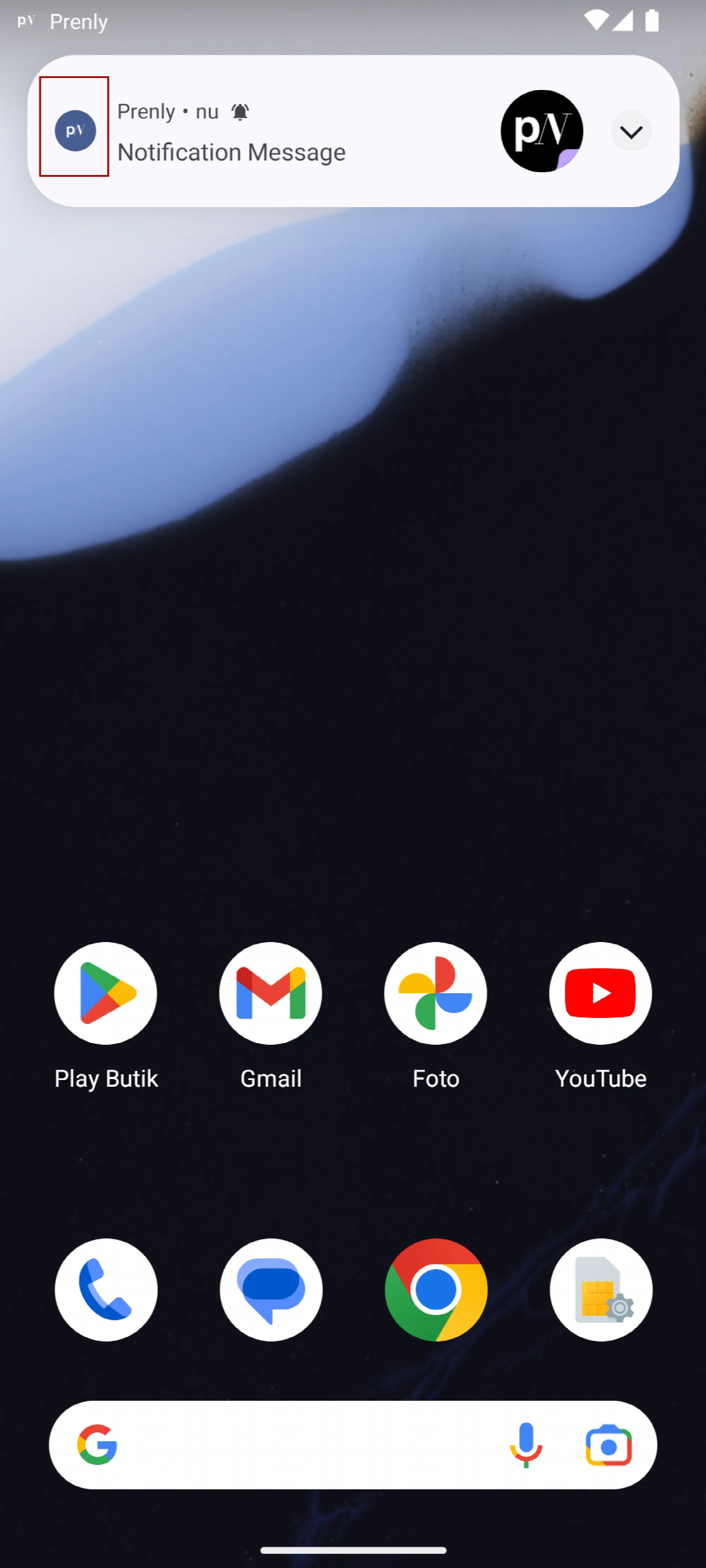 Notification on Android – 1 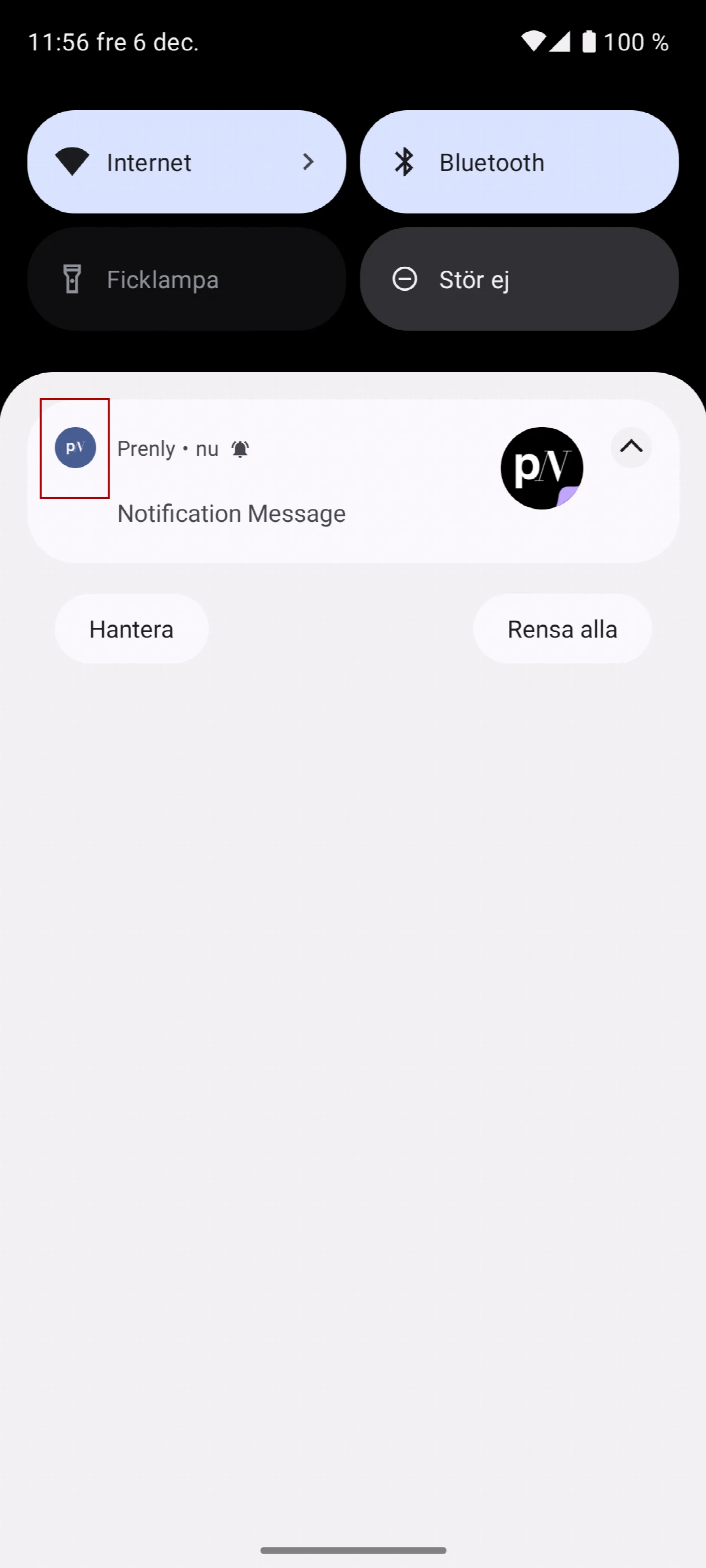 Notification on Android – 2 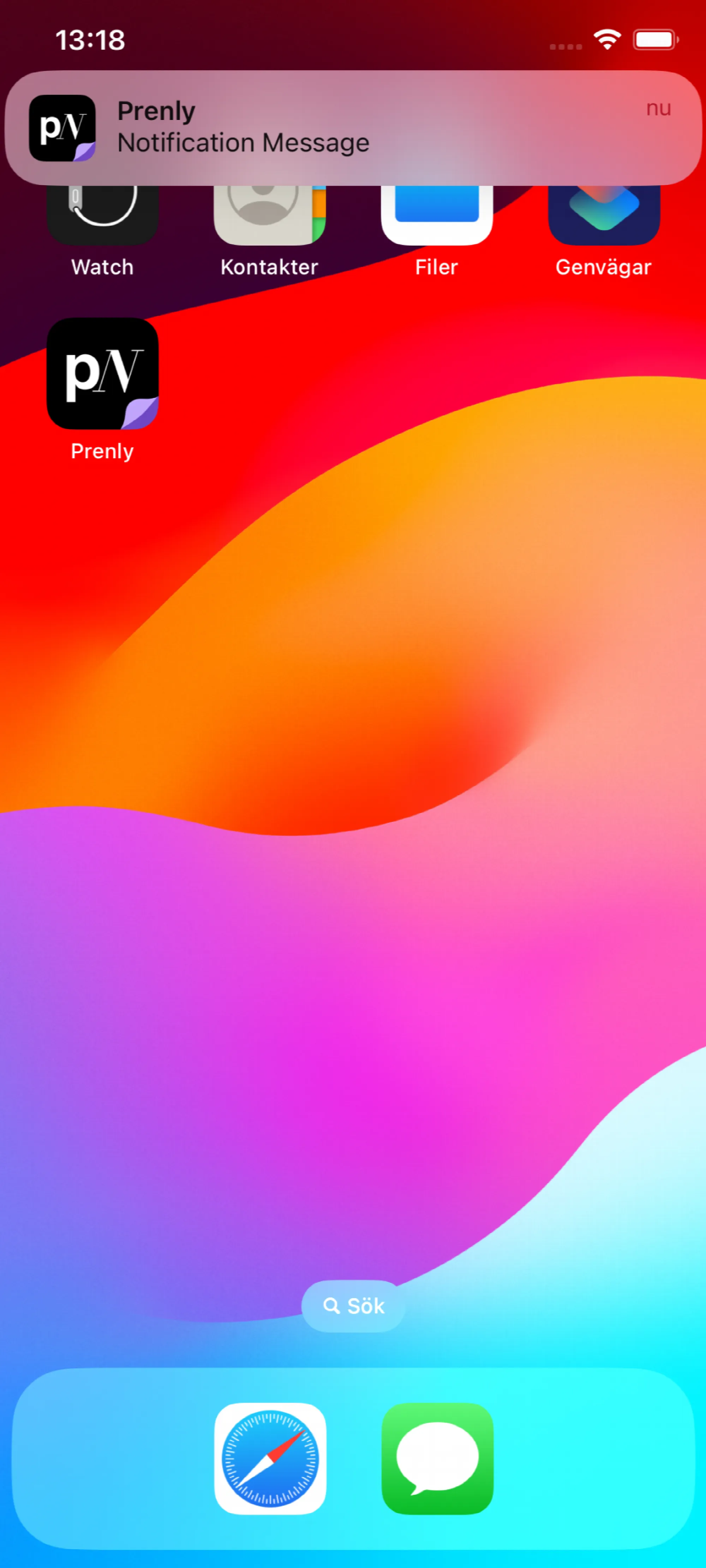 Notification on iOS
## Splash icon
The splash icon is displayed when the user has selected the app and is loading before the app is ready to display the content.
The splash icon is sourced from a 1024x1024 px image and it can take an alpha channel.
 Splash on Android  Splash on iOS
## Delivery
Please provide the icons to Prenly's helpdesk by sending an e-mail to hello@prenly.com.
---
URL: https://www.prenly.com/support/manage-applications/ios-android/apple-create-deployment-key
# Apple | Create deployment key
> Learn how to easily create and set up a deployment key for your iOS application in Prenly by following this step-by-step developer account guide.
1 min read
[By Henrik. 24 Oct 2025](https://www.prenly.com/author/75)
This guide will guide you through easy-to-follow instructions to create a deployment key for the iOS-application within Prenly.
*You need to sign in as the account holder to follow these steps.*
**Step 1**. Sign in to your Apple developer account as the **account holder** by visiting [https://developer.apple.com/account/](https://developer.apple.com/account/)
Select **Users and Access** in the section **Program resources**.
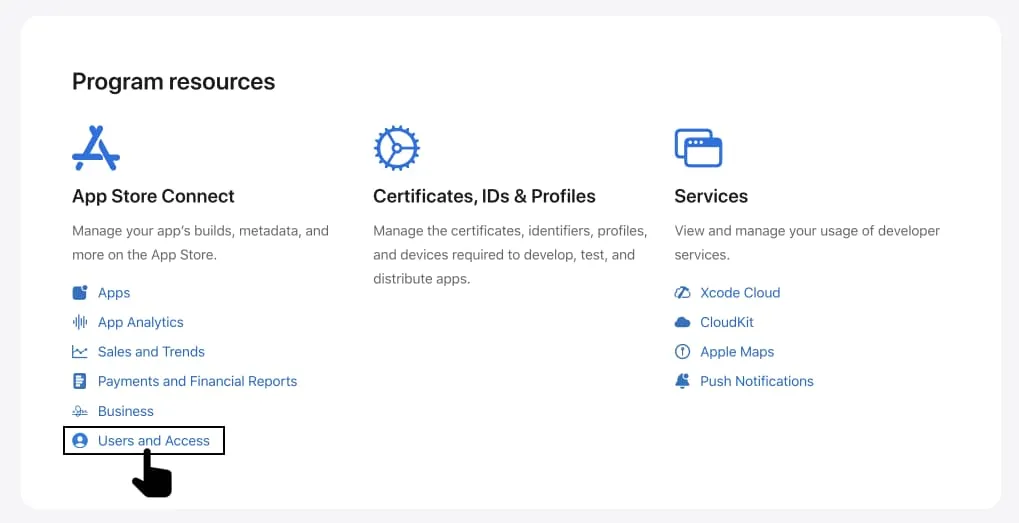 Log in to Developer account and select "Users and Access".
**Step 2.** Select **Integrations**.
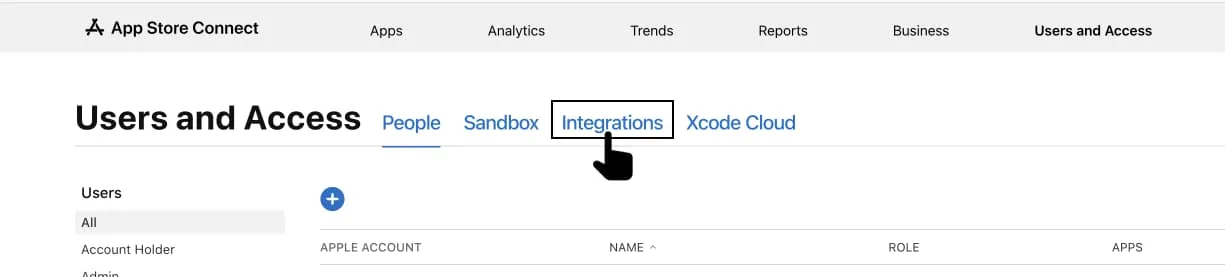 Select "Integrations".
**Step 3**. Select **Request Access** to enable the *App Store Connect API*.
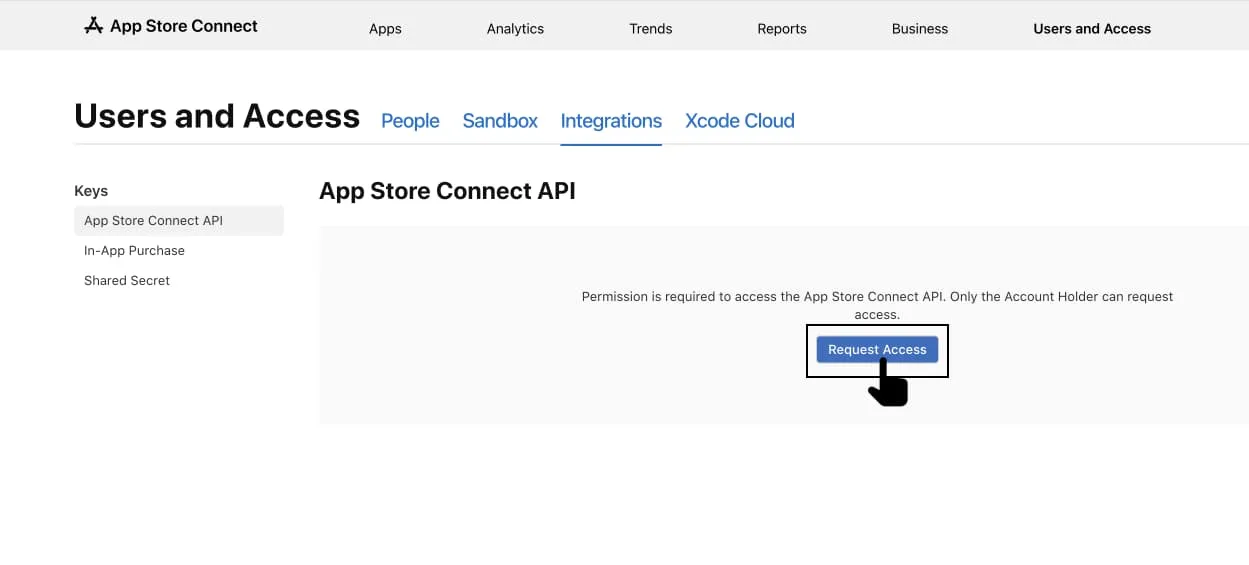 Select "Request Access".
**Step 4.** Read through the request, check the confirmation box and then select **Submit**.
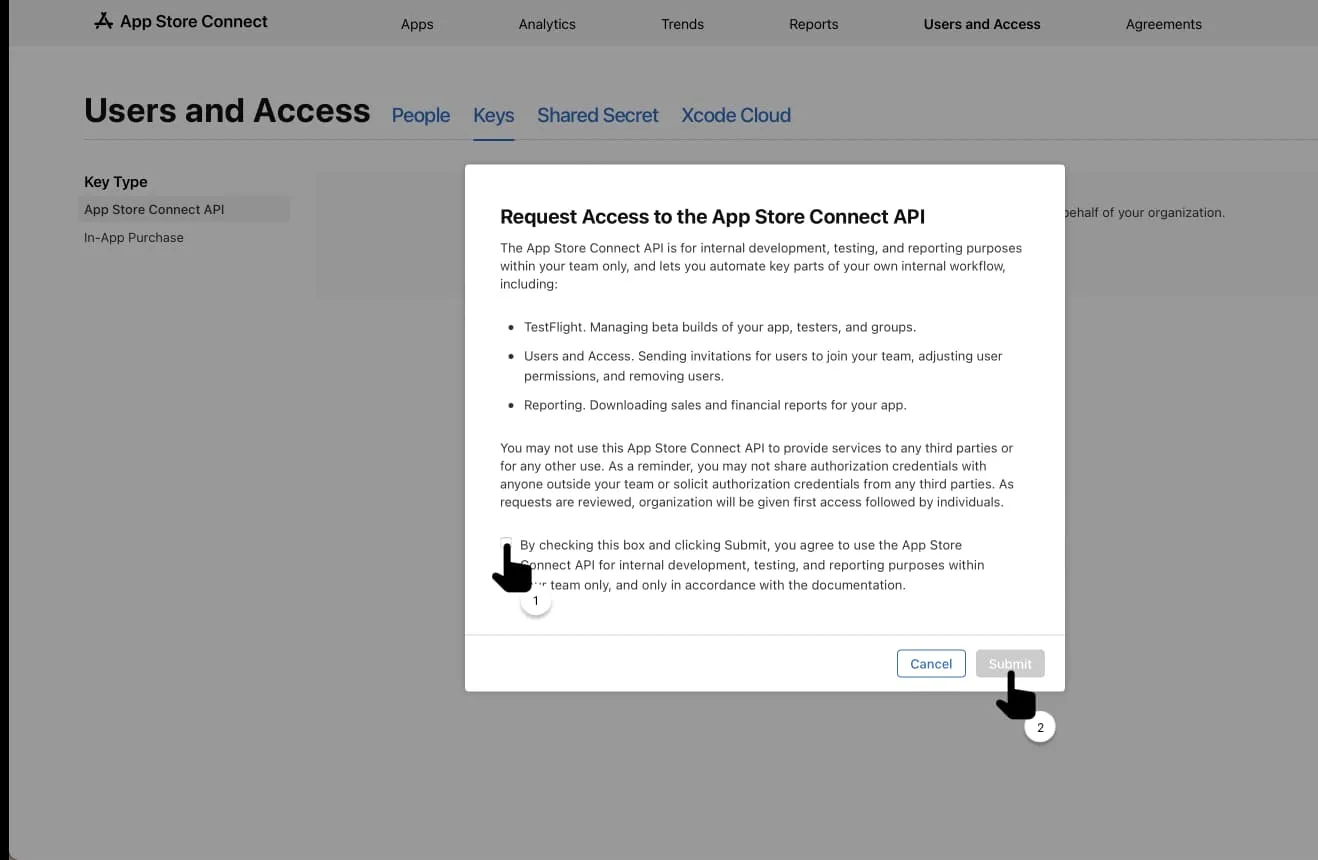 Accept the agreement and request API access.
**Step 5**.Notify Prenly that you are done by sending an e-mail to hello@prenly.com.
---
URL: https://www.prenly.com/support/manage-applications/ios-android/apple-digital-services-act
# Apple | Digital Services Act
> Learn how developers can comply with Apple requirements under the Digital Services Act by registering their account as a trader.
3 min read
[By Alina. 24 Oct 2025](https://www.prenly.com/author/73)
Apple has decided to act on the European Union (EU) Digital Services Act (DSA) legislation.
All Apple developer account holders must specify their trader status according to the Digital Services Act.
If the account holder does not provide nor verify information regarding their developer account then a) the iOS app cannot be updated; b) in-app payments may be delayed; c) Apple might decide to remove the iOS app from being available in certain countries or regions.
### Am I a trader?
The account holder will be asked by Apple if they have a "trader provider account" or a "non-trader provider account", or, more simply: Are you a trader?
The definition of a "trader" is loosely defined, but in short it is any business acting for purpose relating to the trade or profession. In short, anyone who can gain financial gain by the iOS app or the content within.
For a Prenly app, the term "trader" is summarised as *anyone whose content is not fully publicly available is considered a trader*. If all your publications (regardless of which Prenly title they belong to) are freely available then you may not be a trader. If at least one publication requires login/subscription then you are a trader.
If you are not a trader, the account holder may select the option to inform Apple that the account is a non-trader provider account. However, since the term for a trader is loosely defined and Apple might have their own interpretation, it is recommended for any iOS account holder to specify the account as a trader-provider account to reduce complications moving forward.
This manual will assume that the account holder wants to specify the developer account as a trader-provider account.
### Comply with Apple's requirement regarding the Digital Services Act
You will be asked to provide a phone number and e-mail address to comply with the requirements according to this manual and to provide and verify information regarding your developer account for Apple and the Digital Services Act.
Apple will publish this information publicly on the App Store in certain countries or regions.
**Step 1 - Login to your Apple Developer Account as the account holder**
Link that leads directly to the correct page [https://appstoreconnect.apple.com/business/](https://appstoreconnect.apple.com/business/)
**Step 2 - Click Complete Compliance Requirements for** *your account name*
 Select the link starting with "Complete Compliance Requirements".
**Step 3 - Click Complete Compliance Requirements** (new page)
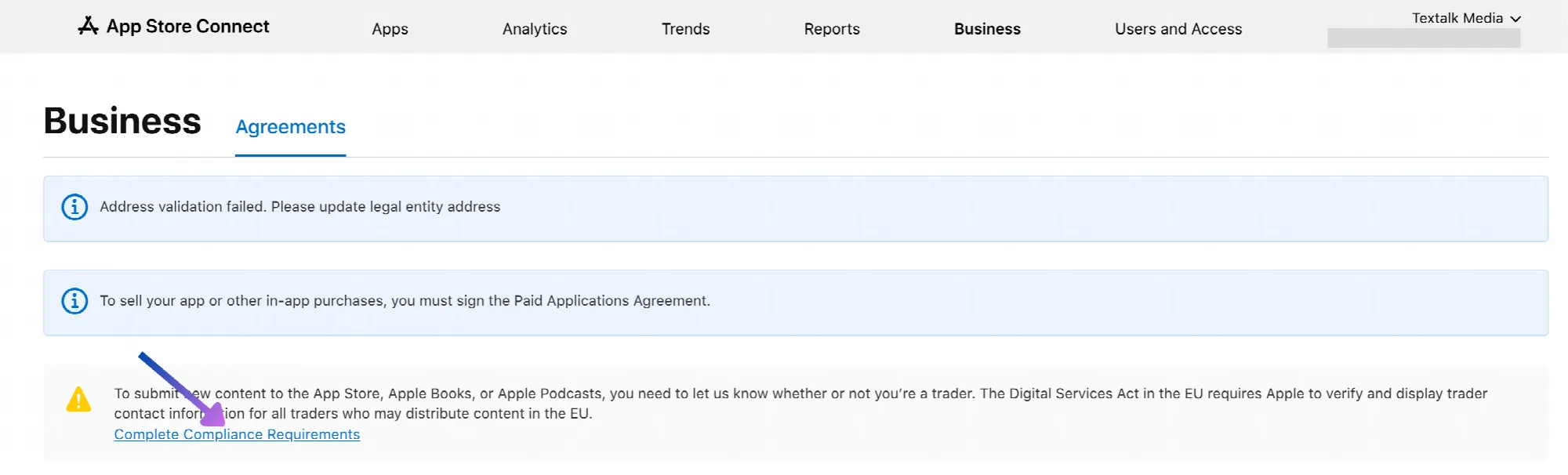 Select the link "Complete Compliance Requirements".
**Step 4 - Select "This is a trader provider account"** and then click **Next**
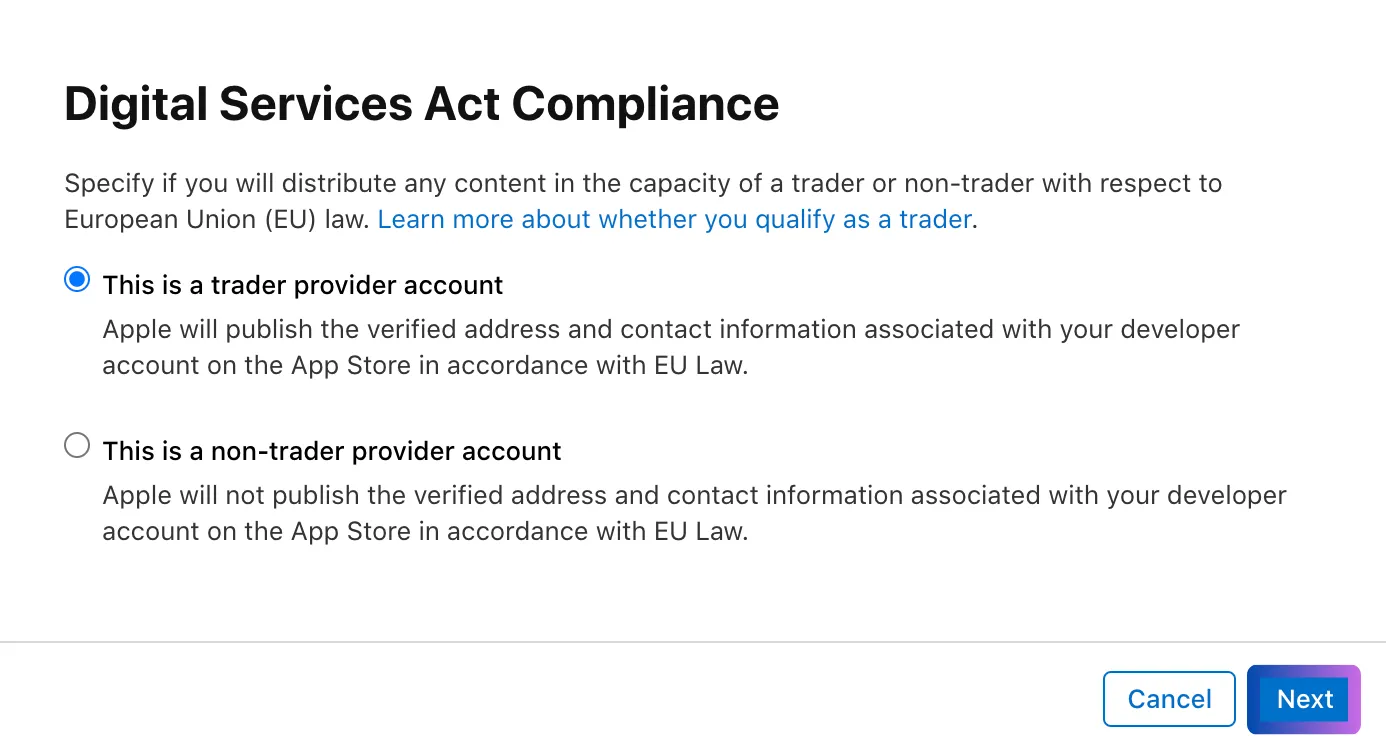 Select the option "This is a trader provider account".
**Step 5 - Enter your phone number and email address**
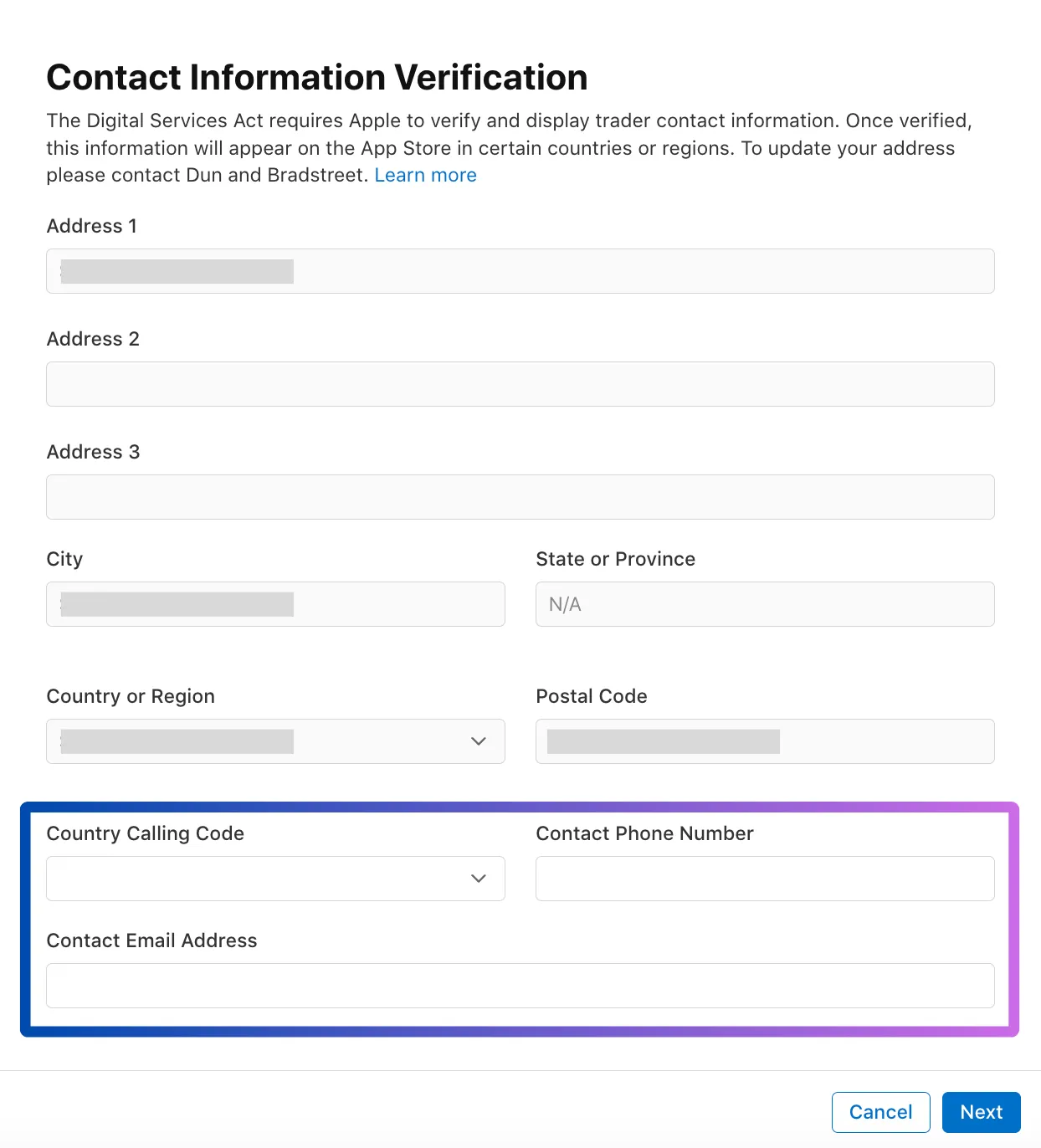 Enter your organisation's public contact information.
**Step 6 - You will now be asked to verify your phone number and email address**
*Check your e-mail inbox for the e-mail from Apple and SMS from Apple.*
**Step 7 - Read through the information,** and then click **Confirm**
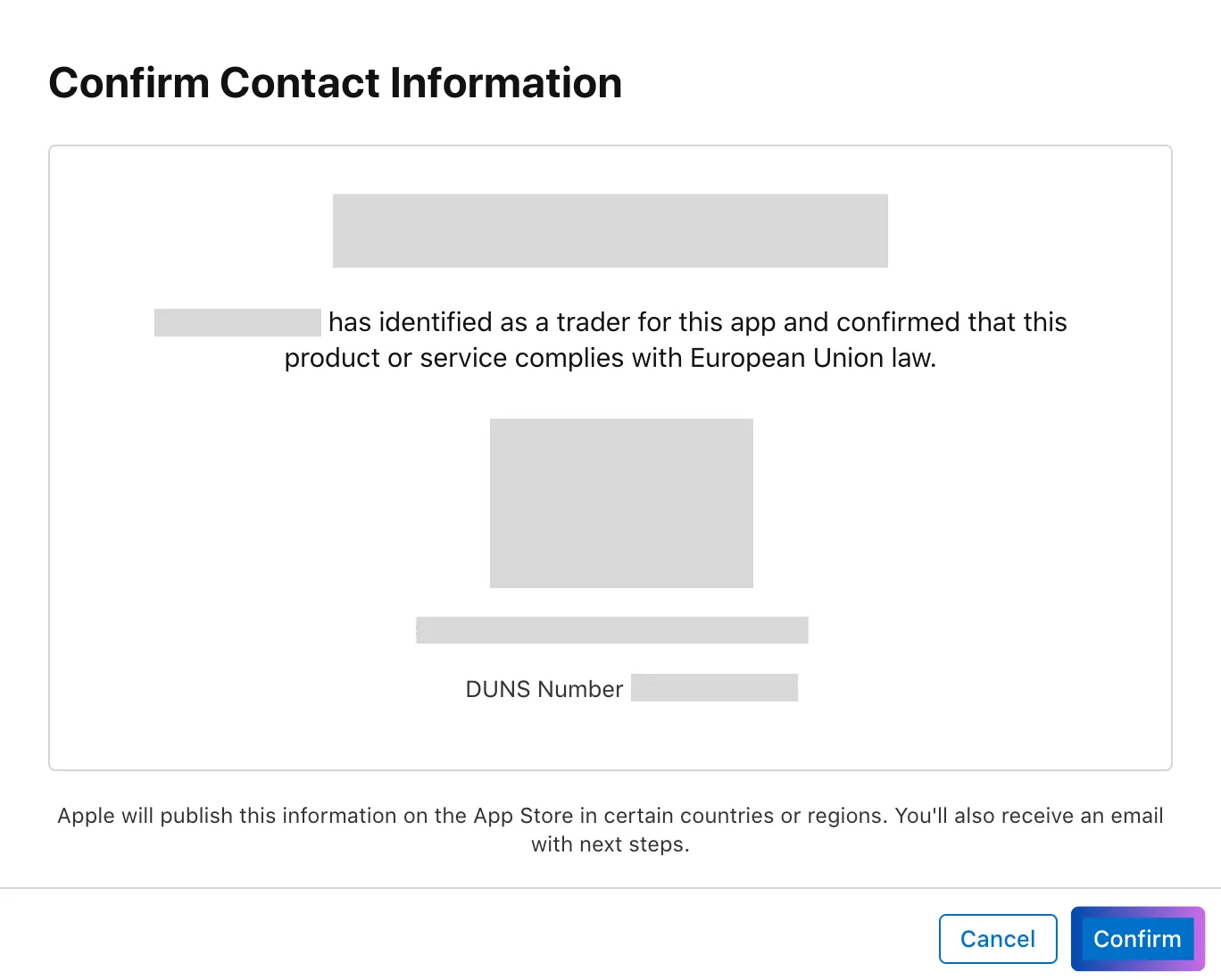 Verify the information and select "Confirm" to complete.
---
URL: https://www.prenly.com/support/manage-applications/ios-android/apple-change-account-holder
# Apple | Change account holder
> Learn how to easily change the account holder for your Apple Developer Account with this clear, step-by-step guide for current and new owners.
2 min read
[By Maria. 24 Oct 2025](https://www.prenly.com/author/61)
##### Here's a simple step-by-step guide on how to change "Account Holder" on Apple's Developer Account.
### As the current account holder
**1**. Sign in to [https://developer.apple.com/account](https://developer.apple.com/account) as the current account holder.
**2.** Select the icon **Membership details** or swipe down manually to the section for *Membership details*.
**3**. Select **Update your information**.
**4**. Select the **Transfer Account Holder role** and select **Choose a candidate**.
**5**. From the drop-down select the new account holder.
***Note***. If you cannot find the new account holder in the list you must first invite the new account holder as an ***admin*** user on your developer account.
**6**. Read through the **Account Holder Transferor Agreement** and select **Agree** to agree to Apple's terms.
### As the new account holder
*You must have two-factor authentication activated on your AppleID to complete these steps.*
*If you are asked to verify your identity, please see [https://developer.apple.com/support/app-account#verify](https://developer.apple.com/support/app-account#verify) to start the process to let Apple verify your AppleID. Note that this might take some time for Apple to complete.*
**1**. Wait for the current account holder to complete the steps above.
**2**. Sign in to [https://developer.apple.com/account](https://developer.apple.com/account) with your AppleID.
**3**. Above the section **Program resources** you should see a notification bar regarding pending agreements.
**4**. Review the agreement **Account Holder Transferee Agreement** and agree to the agreement by toggling the checkbox at the bottom and selecting **Agree**.
---
URL: https://www.prenly.com/support/manage-applications/ios-android/privacy-policy
# Privacy Policy
> Learn about the requirements for a valid privacy policy for apps and websites according to GDPR and Google and Apple guidelines.
3 min read
[By Fastén. 24 Oct 2025](https://www.prenly.com/author/68)
According to Swedish data protection legislation and the GDPR (General Data Protection Regulation), you, as the data controller, are required to provide a valid privacy policy.
If you also have an Android or iOS app, you are required to provide a valid privacy policy in accordance with Google's and Apple's guidelines.
If you do not have your privacy policy, you can refer to [Generate a Privacy Policy](https://www.prenly.com/support/ios-android/generate-a-privacy-policy).
It's important to keep in mind that your privacy policy must clearly outline how you, as the data controller, collect, use, and potentially share user data.
You are not allowed to process user data that is not specified in your privacy policy.
## User Data
Personal and sensitive user data includes any information that can be directly or indirectly linked to a specific (natural) person.
- Personal identity number
- Contact information, such as email address and phone number
- Payment information or other financial details
- Authentication details (i.e. login credentials)
- Authorization details (i.e. subscription information)
- Health-related information, including sexual orientation
In other words, any information that can identify a specific user from among all available users when using the service/product.
## Google's requirements
Your privacy policy must...
1. ...describe what data the app can access or collect about the user.
2. ...explain how the data [1] is used and/or shared.
3. ...not be combined with other disclosures that are unrelated to the collection of personal and/or sensitive user data.
4. ...the term "Privacy Policy" must appear somewhere in the text. Google will translate the information into English, and if their translation tool cannot find the phrase "Privacy Policy," the policy will be rejected.
5. ...be directly accessible via a URL (web address) without a paywall, and the page must not be editable. A linked PDF is not allowed.
6. ...cannot be partial. The full policy must be accessible via the URL and cannot link to external resources such as "read more".
### Sources
- [https://support.google.com/googleplay/android-developer/answer/10144311?hl=en&sjid=13395122270323995155-EU](https://support.google.com/googleplay/android-developer/answer/10144311?hl=en&sjid=13395122270323995155-EU)
## Frequently Asked Questions
Do I need a privacy policy? Yes, if you have an e-paper, you are required to have a privacy policy. Can I place my privacy policy behind a login? No. The privacy policy must be publicly accessible in full via a website. It may not be provided as a downloadable document, such as a PDF or MS Word file. Can I include my privacy policy in my e-magazine? Yes, that's possible. You can include it as an article in an open digital publication via Prenly Workspace, and the article can serve as a webpage for your privacy policy.
---
URL: https://www.prenly.com/support/manage-applications/ios-android/google-change-account-owner
# Google | Change Account Owner
> Learn how to handle Google Play developer account owner changes, update your email address, or transfer your Android apps to a new account easily.
1 min read
[By Henrik. 24 Oct 2025](https://www.prenly.com/author/75)
Currently, Google does not permit changing the account owner for the Play developer account. The developer account will always be associated with the Google account used when the Play developer account was created.
In some circumstances, you can change the e-mail address associated with the Google account. For details, see Google's manual [Change the email address for your account](https://support.google.com/accounts/answer/19870?hl=en).
Alternatively, you can create a new Play developer account with a different Google account and then make an app transfer of the selected app.
## Transfer app to a different developer account
If you have apps that you want to transfer to a different Google Play developer account, you can submit a transfer request. For details, see Google's manual [Transfer apps to a different developer account](https://support.google.com/googleplay/android-developer/answer/6230247?hl=en).
---
URL: https://www.prenly.com/support/manage-applications/ios-android/apple-google-get-started-reading-in-the-app
# Apple/Google | Get started reading in the app!
> Learn how to easily download, navigate, and read the e-newspaper app with our simple guide covering text settings, offline reading, and login steps.
2 min read
[By Fastén. 24 Oct 2025](https://www.prenly.com/author/68)
Getting started reading the e-newspaper is easy! Start by downloading the app from **the App Store** or **Google Play Store**.
The first thing you'll see are some simple instructions on how to read the app.
**1**. **Navigate the page view** - Scroll through the newspaper by dragging the pages to the right or left. Single-tap the overview icon in the bottom left corner to access the overview.
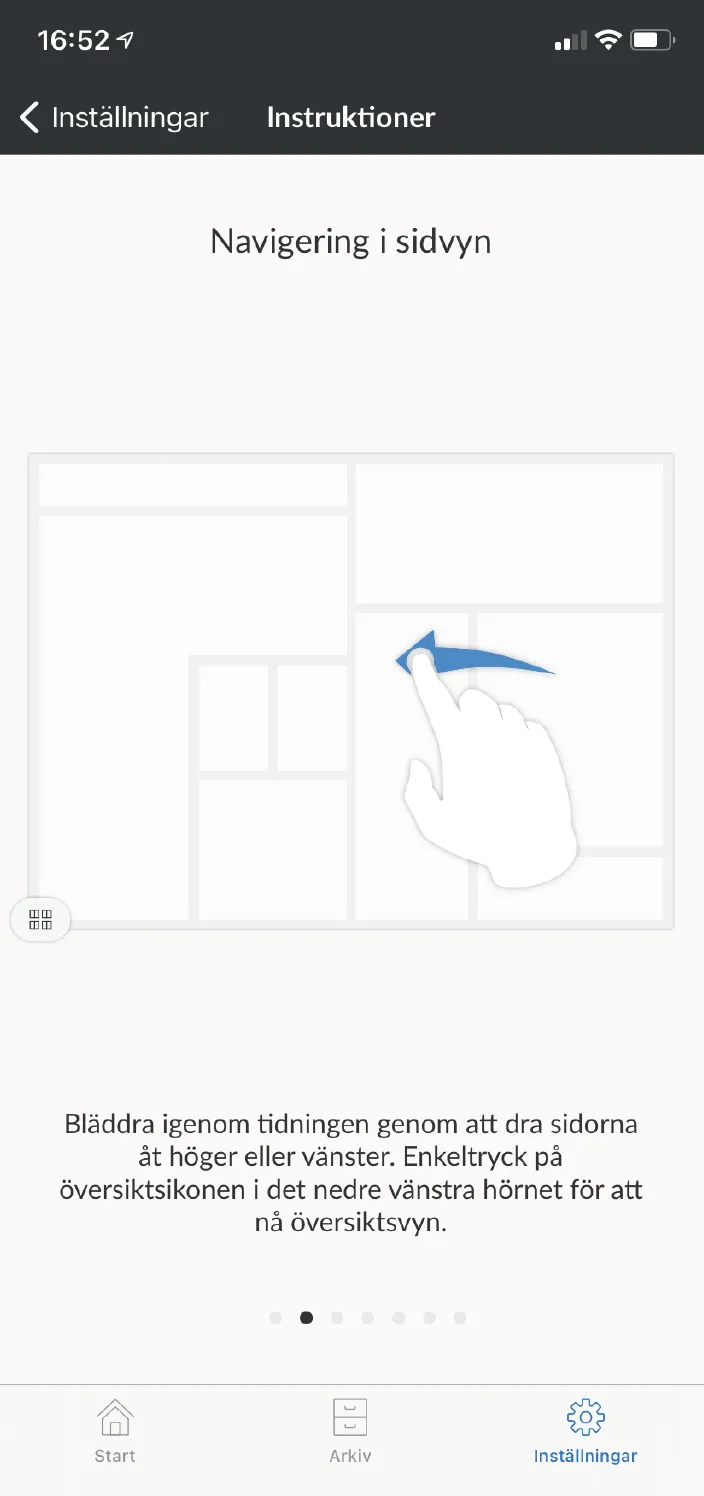
**2. Page view overview** - Get a quick overview of all the pages of the newspaper by scrolling up and down the overview. Single tap on any page to open it.
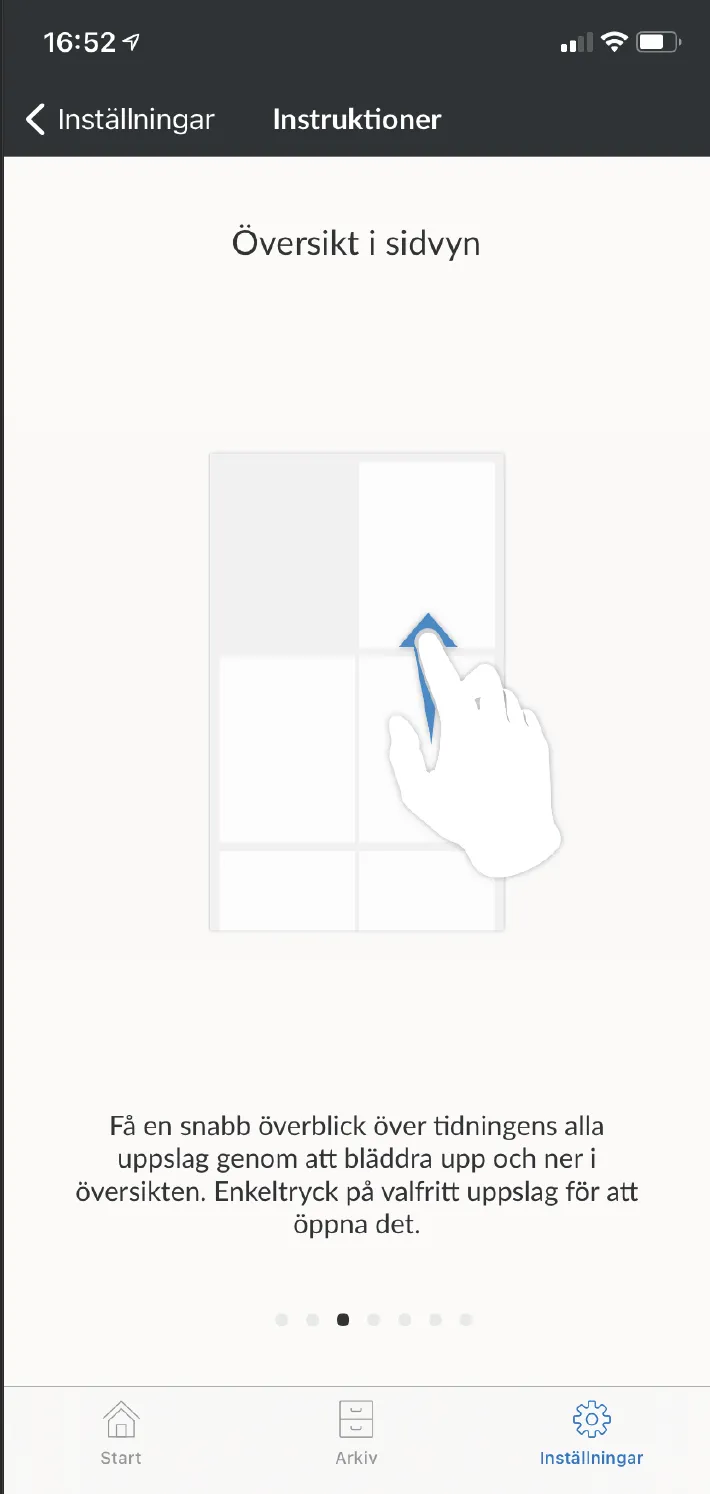
**3. Read in customized reading mode** - Open an article in reading mode by tapping on the article in the newspaper.
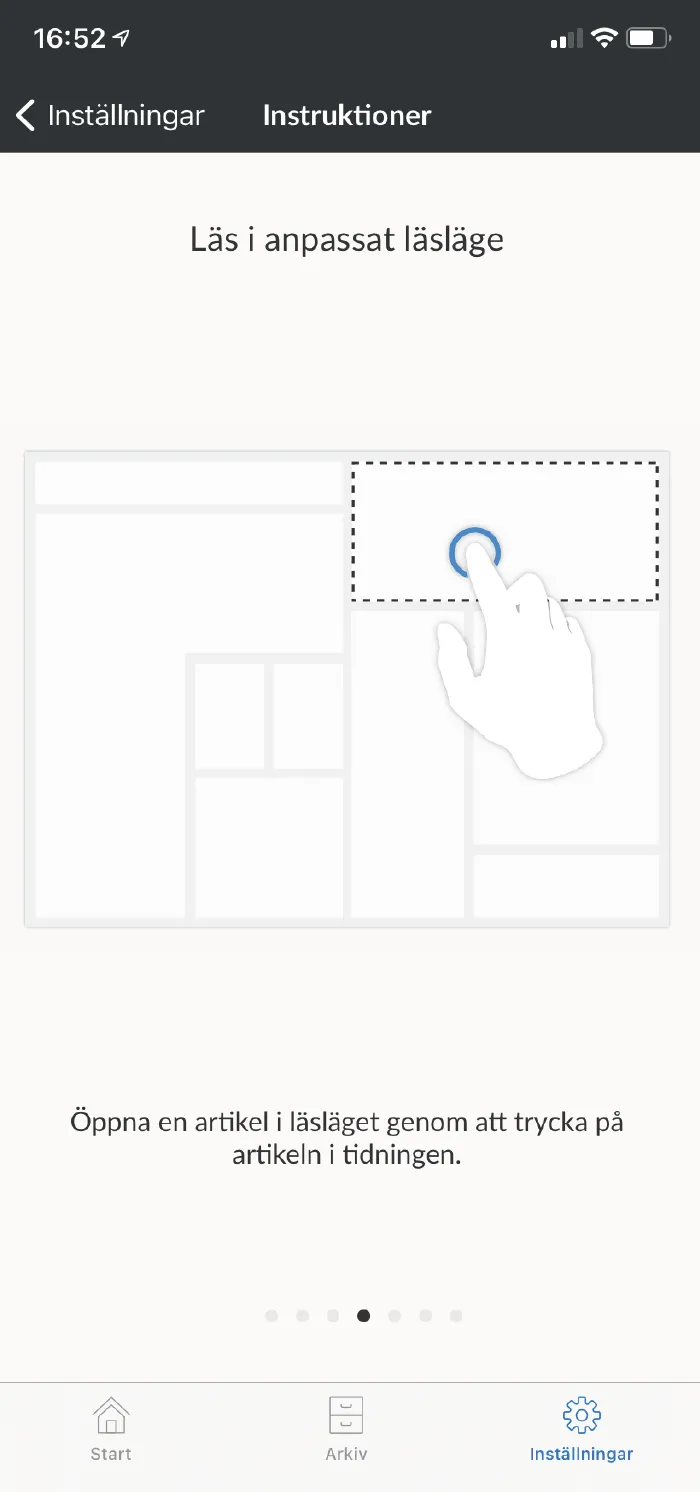
**4. Text settings** - Adjust the size, shape and background color of the text and turn the speech synthesis on and off by clicking on the text icon in the top right corner.
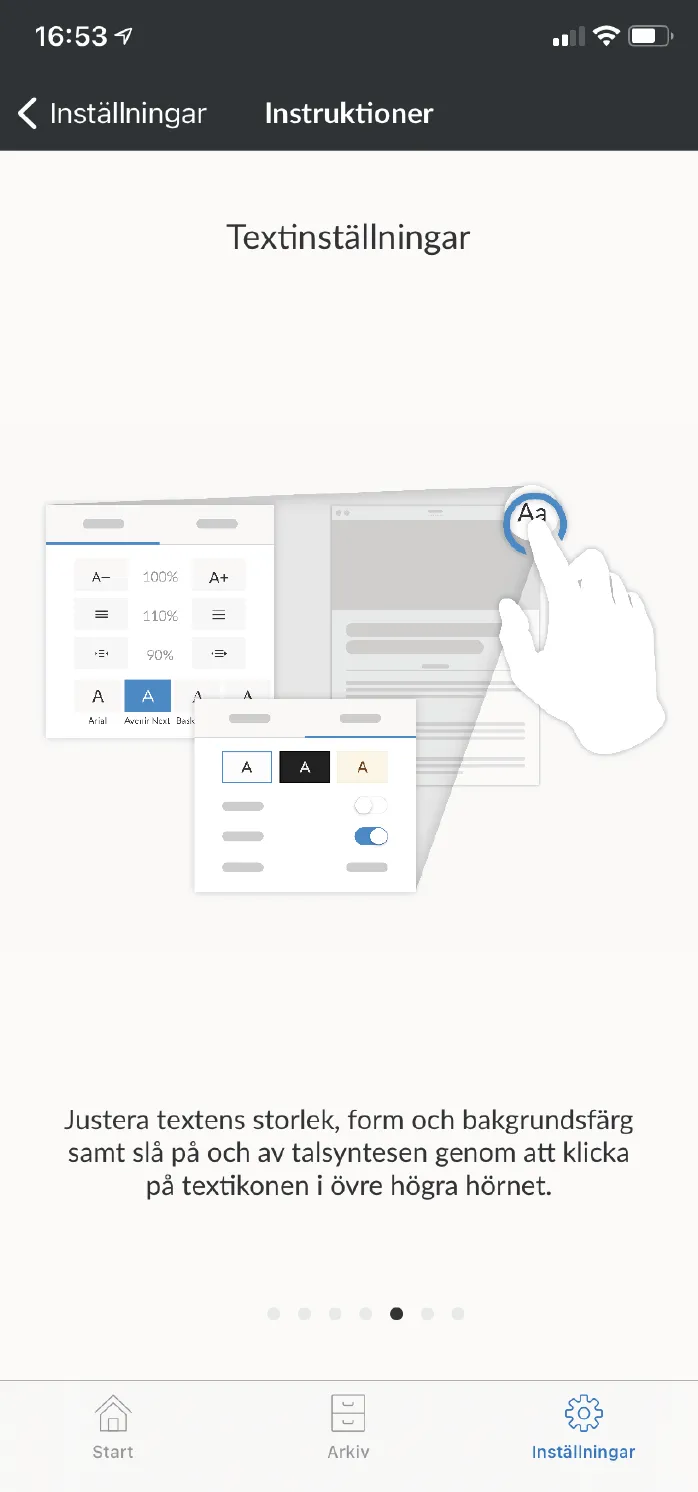
**5. Article list** - Get an overview of all the articles in the magazine via the article list, which can be accessed via the list icon in the top left corner.
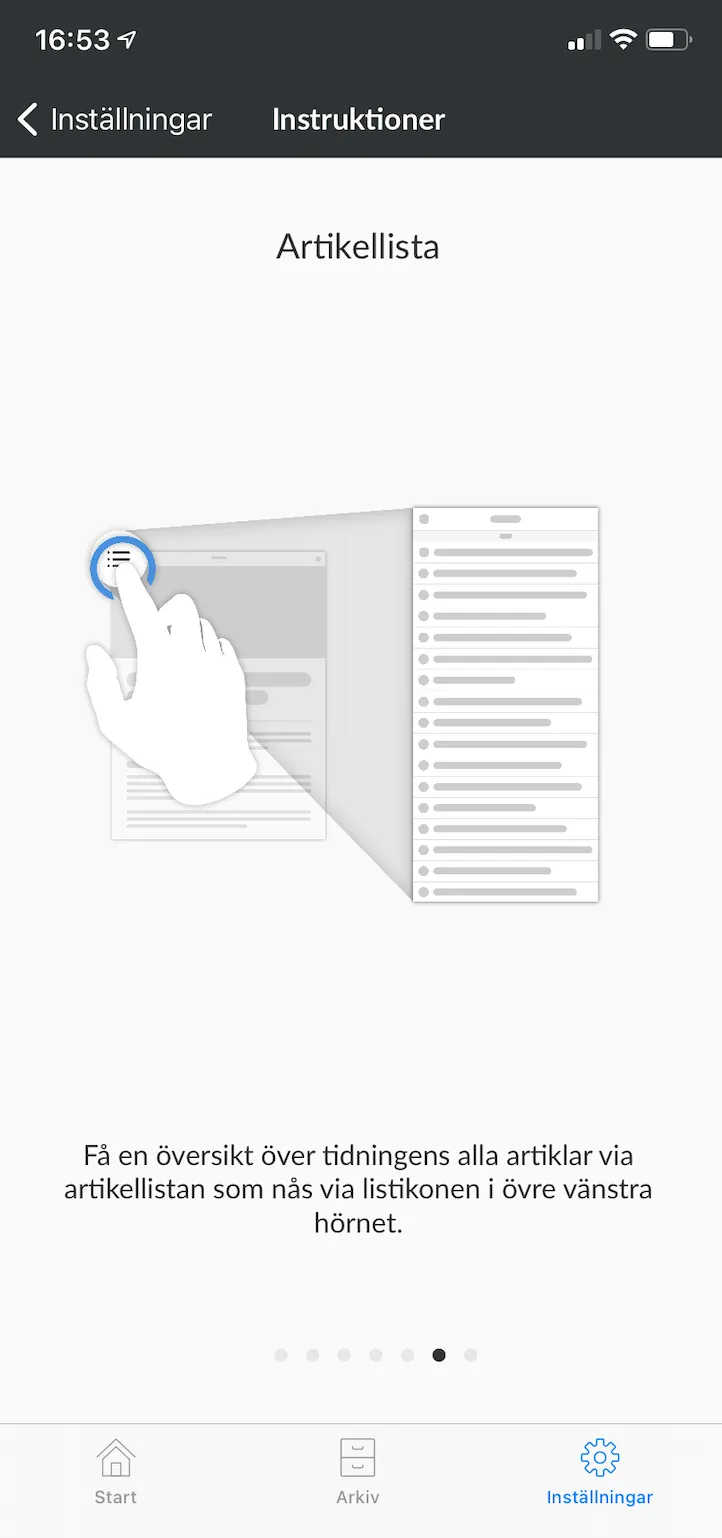
**6. Available offline** - Press the magazine download button to save offline. Saved material can be found under My Content.
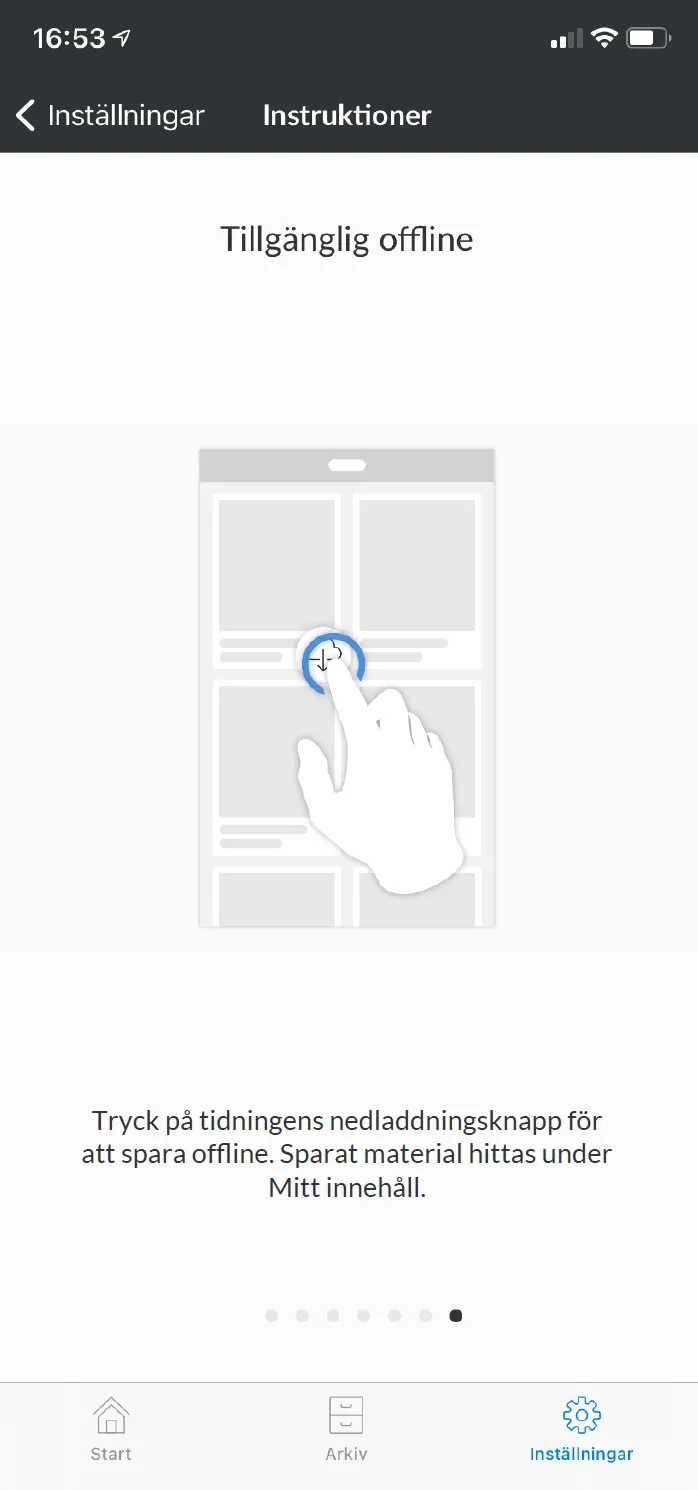
**7. Search the archive** - Search the archive to find what you are looking for and use the download button to save offline. Saved material can be found under My Content.
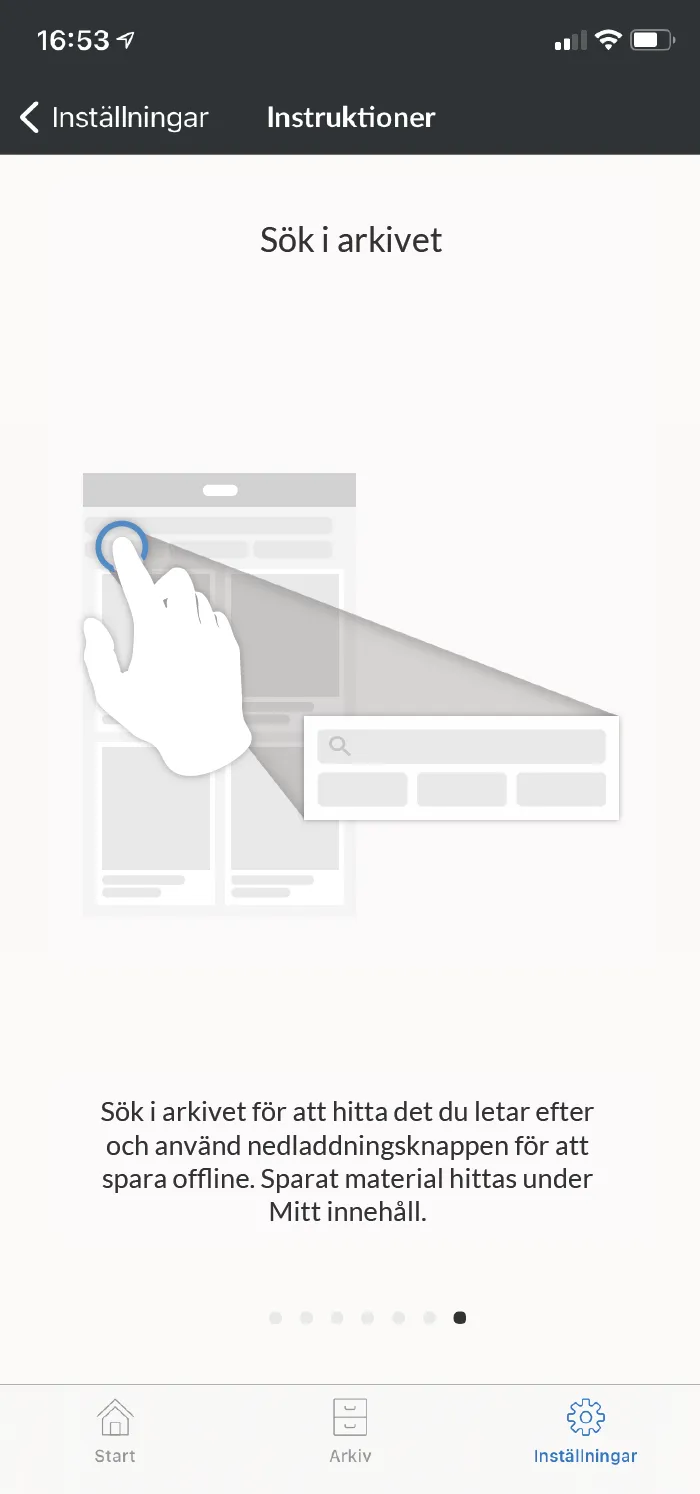
**8. log in to the app** - Now it's time to start reading! Click on settings in the bottom right corner and then "Log in".
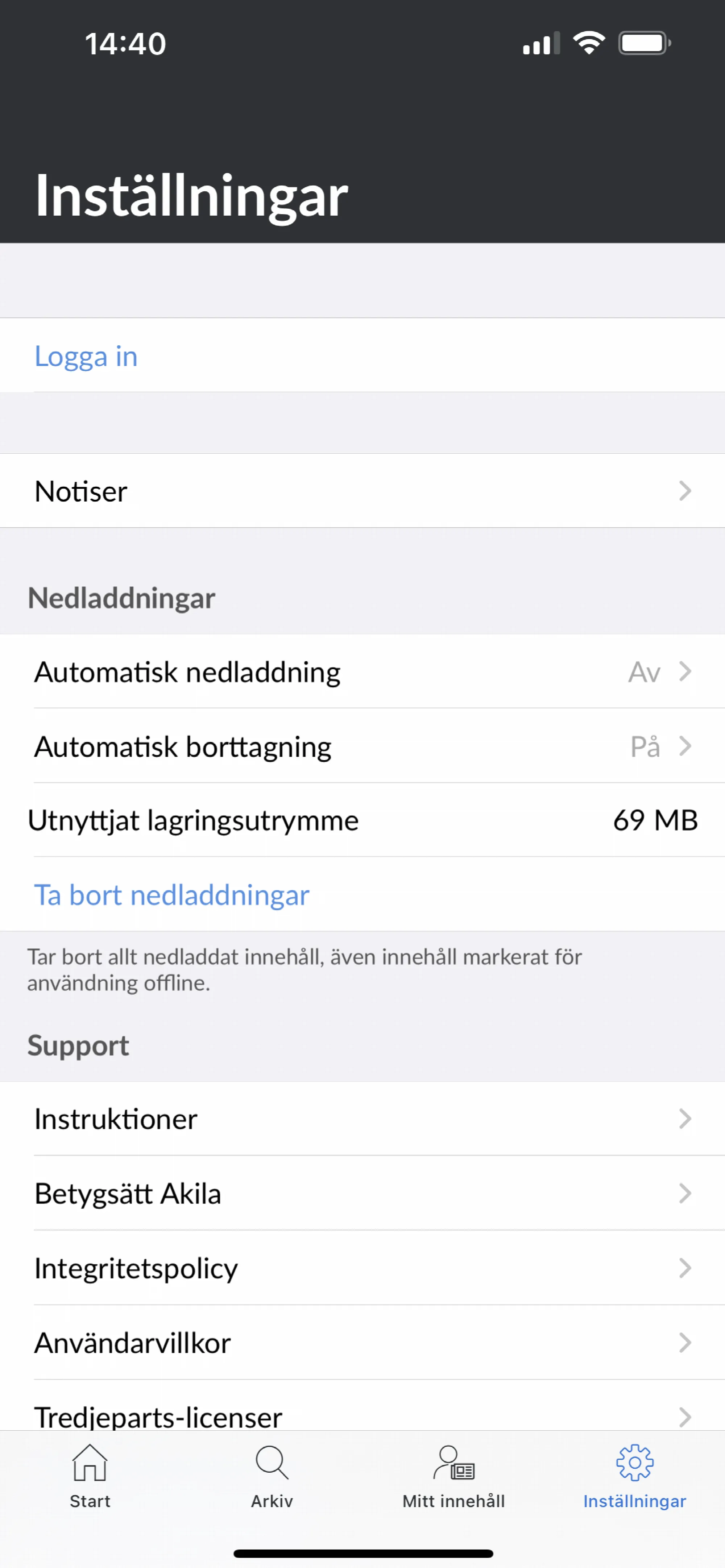
**9**. **Log in with your Digital Account** - Here you log in with your digital account, username and password. Then it is ready!
---
URL: https://www.prenly.com/support/manage-applications/ios-android/google-activate-speech-synthesis
# Google | Activate Speech synthesis
> Learn how to activate and use speech synthesis in Prenly to have your articles read aloud in the Android app. Follow this simple guide to get started.
2 min read
[By Maria. 24 Oct 2025](https://www.prenly.com/author/61)
Prenly supports speech synthesis of articles in the simplified article reading mode. This can be used to have the Android app read the article content out loud.
You can at any time in the article reading mode choose to activate or deactivate the speech synthesis functionality.
1. Select an article in the article reading mode. If your publication opens to a replica, select an article from the replica to open in the simplified article reading mode.
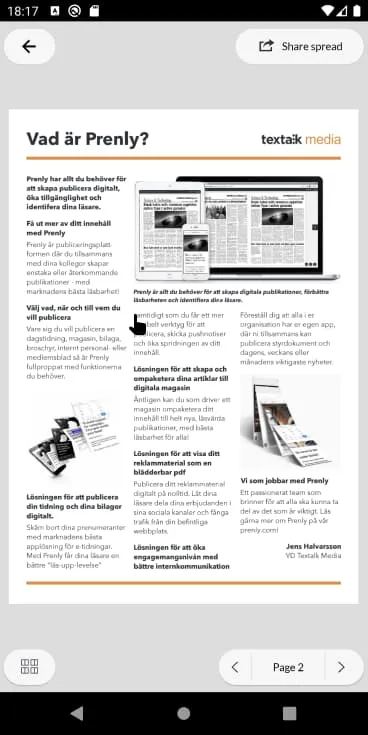 Open the article mode.
2. Activate the speech synthesis functionality by selecting "Aa" in the top-right corner. The article reading mode's settings will appear. Select the panel "Theme & Speech" and then toggle the switch for *Speech synthesis*. The toggle will change to colour to indicate that the speech synthesis function shall activate.
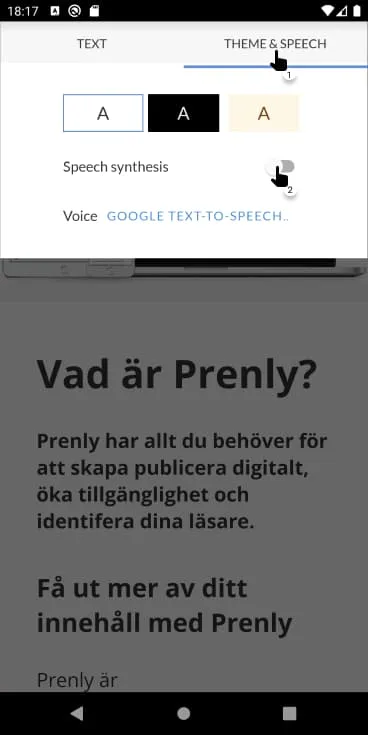 Activate the speech synthesis functionality within the Aa-menu and the panel "Theme & Speech". 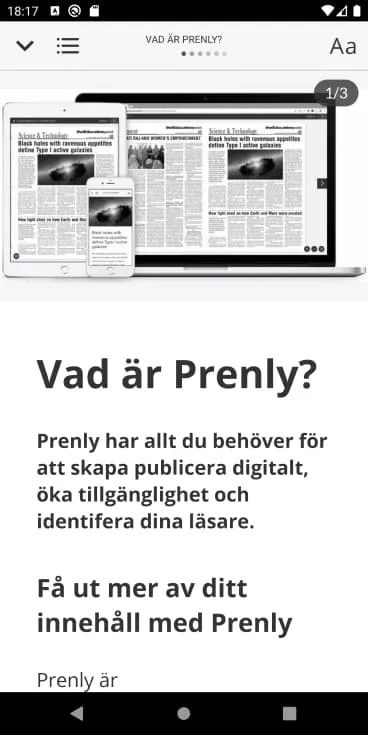 Article reading mode with deactivated speech synthesis functionality.
3. Deactivate the speech synthesis functionality by selecting "Aa" in the top-right corner. Select the panel "Theme & Speech" and then toggle the switch for *Speech synthesis*. The toggle will become colourless to indicate that the speech synthesis functionality shall deactivate.
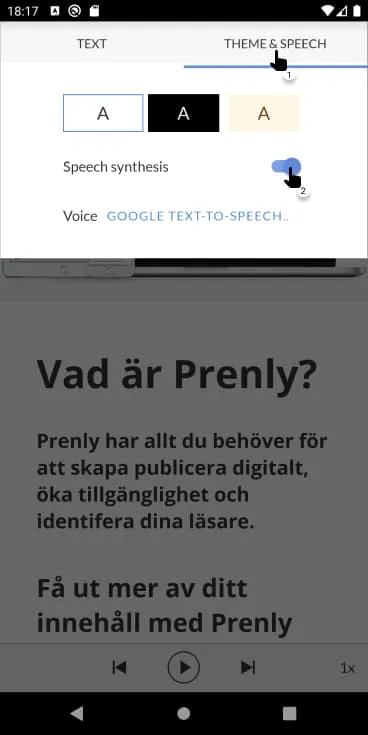 Deactivate the speech synthesis functionality within the Aa-menu and the panel "Theme & Speech".
You will find three icons at the bottom of the article when the speech synthesis functionality is activated.
Select the play icon, located in the middle of the three, to have the article read out loud via the speech synthesis. While the reading is active the same icon will transform into a pause icon, enabling you to pause the reading.
Switch article by either swiping or selecting the previous- and next icons. If the speech synthesis is currently reading it will instead read the new selected article.
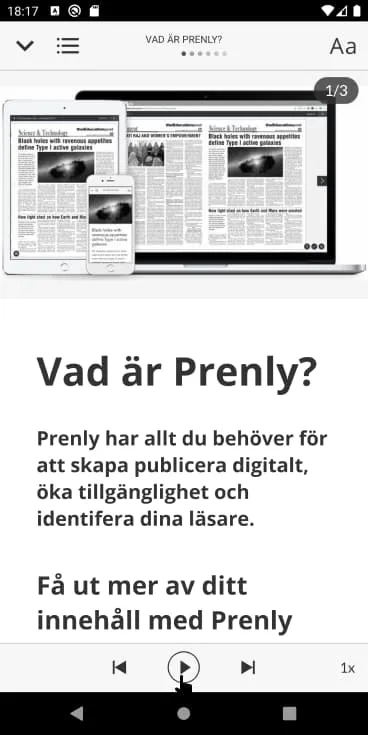 Article reading mode with activated speech synthesis functionality.
Select the video below to see how to activate or deactivate the speech synthesis functionality.
---
URL: https://www.prenly.com/support/manage-applications/ios-android/apple-activate-speech-synthesis
# Apple | Activate Speech synthesis
> Learn how to easily activate and deactivate speech synthesis for articles in your iOS app. Follow this simple guide to listen to your content aloud.
2 min read
[By Henrik. 24 Oct 2025](https://www.prenly.com/author/75)
Prenly supports speech synthesis of articles in the simplified article reading mode. This can be used to have the iOS app read the article content out loud.
You can at any time in the article reading mode choose to activate or deactivate the speech synthesis functionality.
1. Select an article in the article reading mode. If your publication opens to a replica, select an article from the replica to open in the simplified article reading mode.
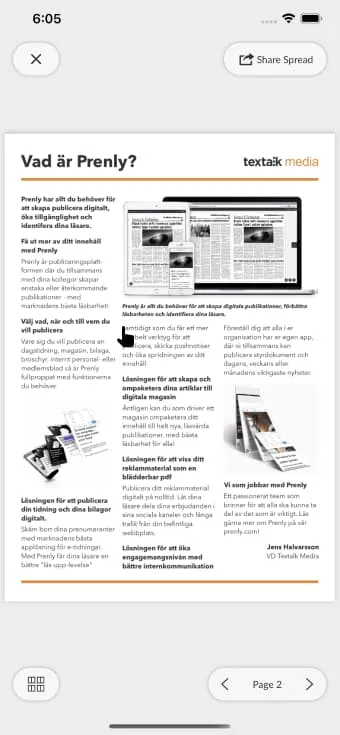 Open the article mode.
2. Activate the speech synthesis functionality by selecting "Aa" in the top-right corner. The article reading mode's settings will appear. Select the panel "Theme & Speech" and then toggle the switch for *Speech synthesis*. The toggle will change to colour to indicate that the speech synthesis function shall activate.
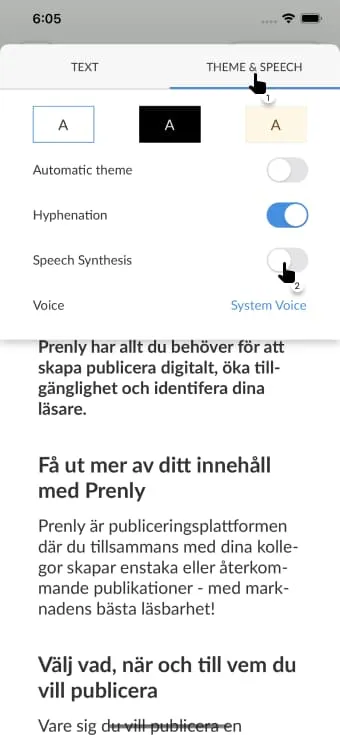 Activate the speech synthesis functionality within the Aa-menu and the panel "Theme & Speech". 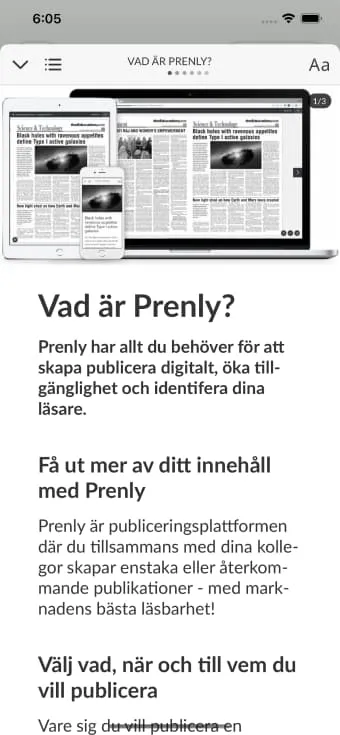 Article reading mode with deactivated speech synthesis functionality.
3. Deactivate the speech synthesis functionality by selecting "Aa" in the top-right corner. Select the panel "Theme & Speech" and then toggle the switch for *Speech synthesis*. The toggle will become colourless to indicate that the speech synthesis functionality shall deactivate.
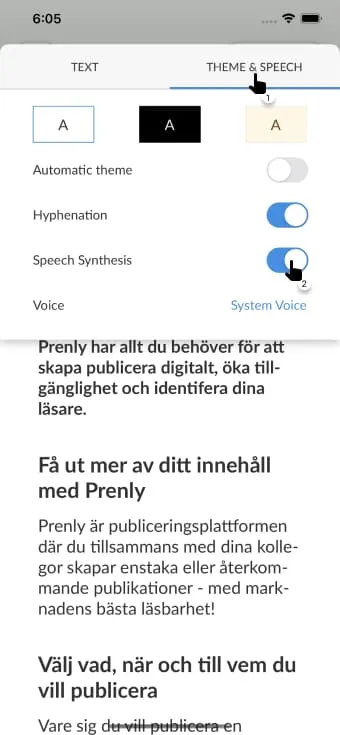 Deactivate the speech synthesis functionality within the Aa-menu and the panel "Theme & Speech".
You will find three icons at the bottom of the article when the speech synthesis functionality is activated.
Select the play icon, located in the middle of the three, to have the article read out loud via the speech synthesis. While the reading is active the same icon will transform into a pause icon, enabling you to pause the reading.
Switch article by either swiping or selecting the previous- and next icons. If the speech synthesis is currently reading it will instead read the new selected article.
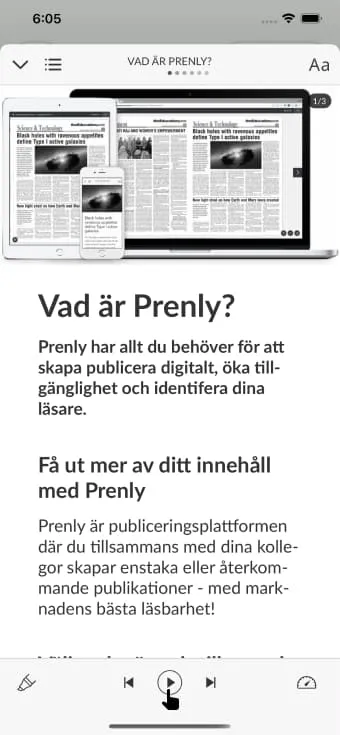 Article reading mode with activated speech synthesis functionality.
Select the video below to see how to activate or deactivate the speech synthesis functionality.
---
URL: https://www.prenly.com/support/manage-applications/ios-android/apple-updated-agreements
# Apple | Updated agreements
> Learn how as an account holder you can quickly and easily review and approve Apple's updated agreements to keep your iOS app active.
2 min read
[By jens. 24 Oct 2025](https://www.prenly.com/author/62)
Apple regularly updates their agreements to use its App Store platform. Apple usually updates the agreements several times a year.
Each time Apple updates the agreements it will be up to the **account holder** to review the updated agreement and eventually approve it, as the agreement updates will block Prenly to administrate your iOS app.
Reviewing and approving the updated agreement(s) is quick and easy.
All you will need is a computer and access to the **account holder**'s AppleID (an e-mail address, password, and two-factor authentication), i.e. the information you use to log in to your Apple Developer account.
**Step 1**. Sign in to your Apple Developer account as the **account holder** by visiting [https://developer.apple.com/account/](https://developer.apple.com/account/).
You may also visit [https://developer.apple.com/](https://developer.apple.com/) and select **Account** in the menu.
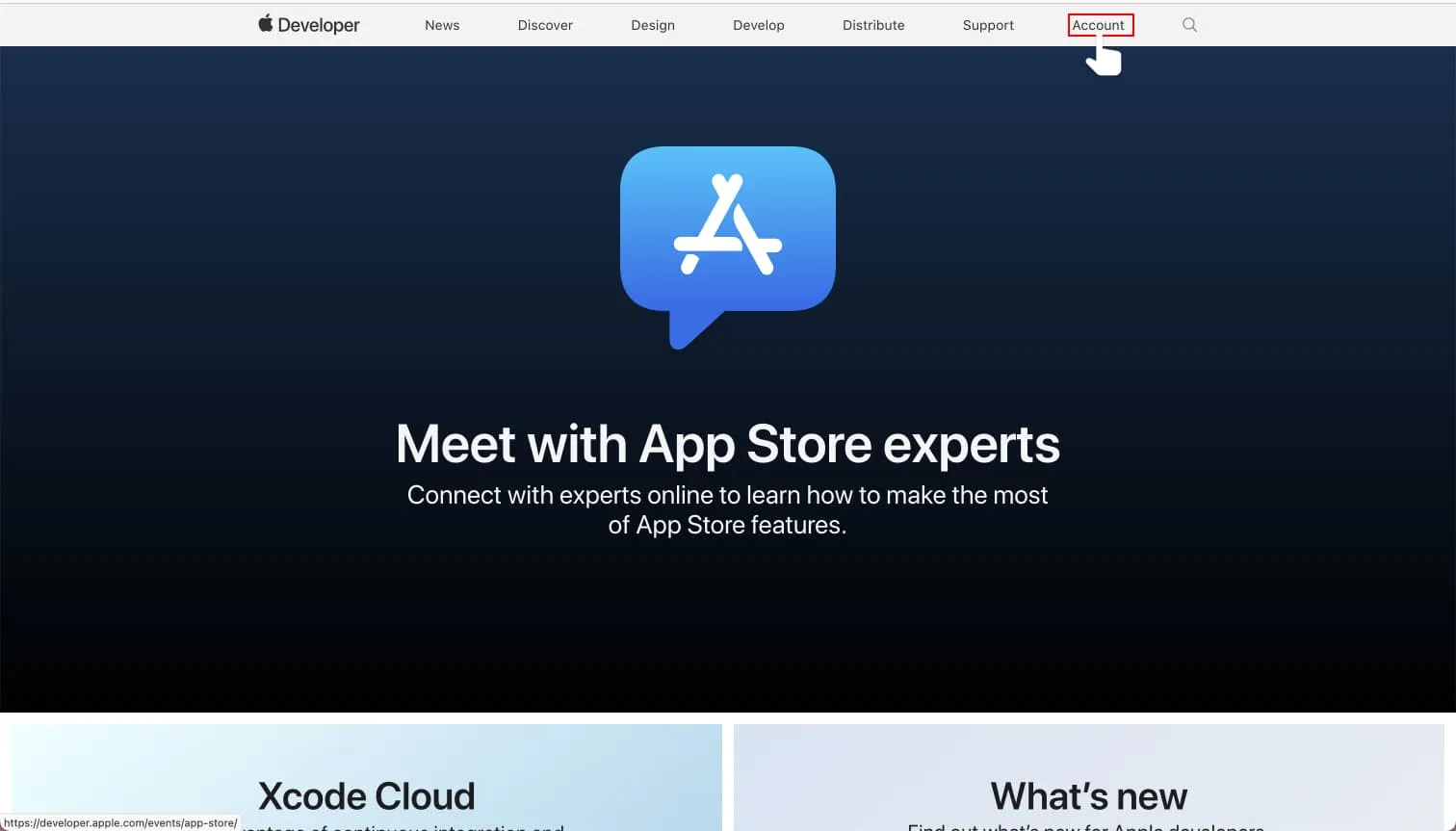 Sign in to Apple Developer.
**Step 2.** At the top of the Apple Developer overview you will see active statuses regarding your membership:
• Updated agreements
• Apple Developer Program membership active expired/renewal
See the section **The program license agreement has been updated**.
In it, you will be able as the **account holder** to find a link to your agreement page. Click the link to be taken to the agreement page at the **Business** section.
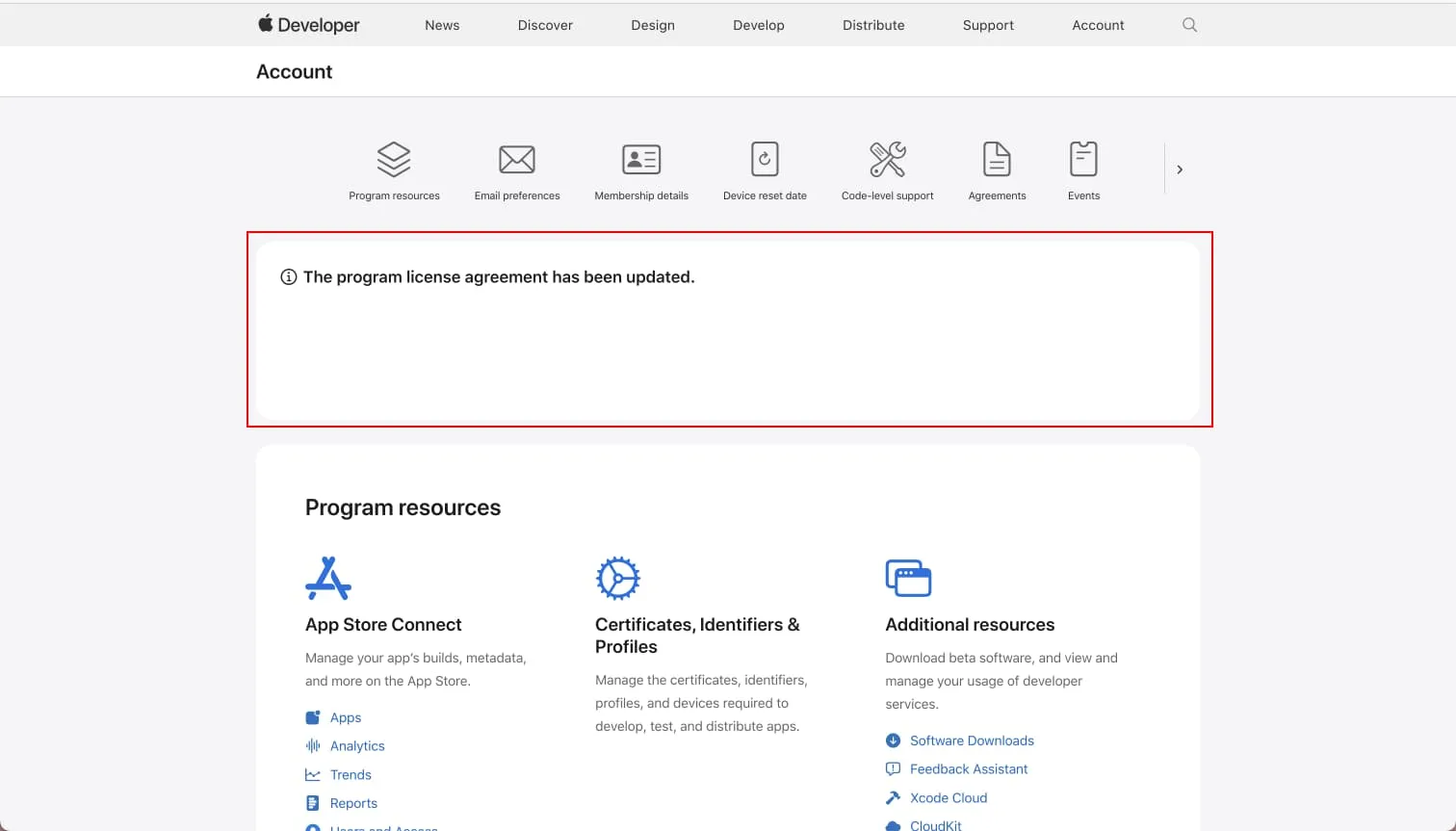 Follow the instructions provided by Apple in this section.
Alternatively, you can swipe down to the section **Program resources** and select the link labeled **Business**.
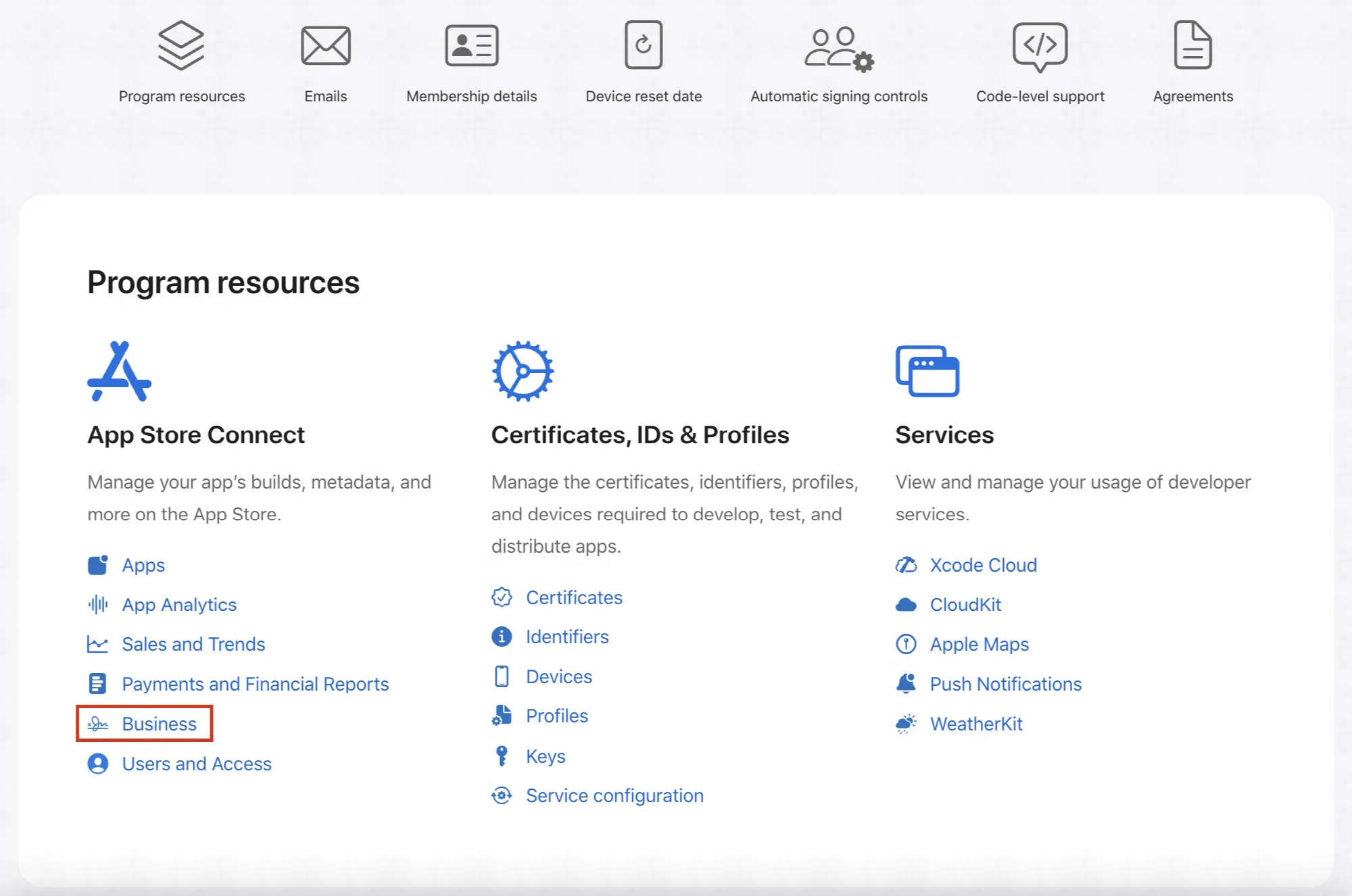
**Step 3.** It is time to review and eventually approve the updated agreement.
Depending on your app's requirements you might see two agreements, one for the mandatory **Free Apps** but also one for **Paid Apps**. Both agreements need to be up-to-date.
See the agreement's status in the tabular column **Status**. If it's ***Active*** without further information on new agreements, you are done – else review the new agreement.
To view the agreement select **View**, review the agreement and approve it.
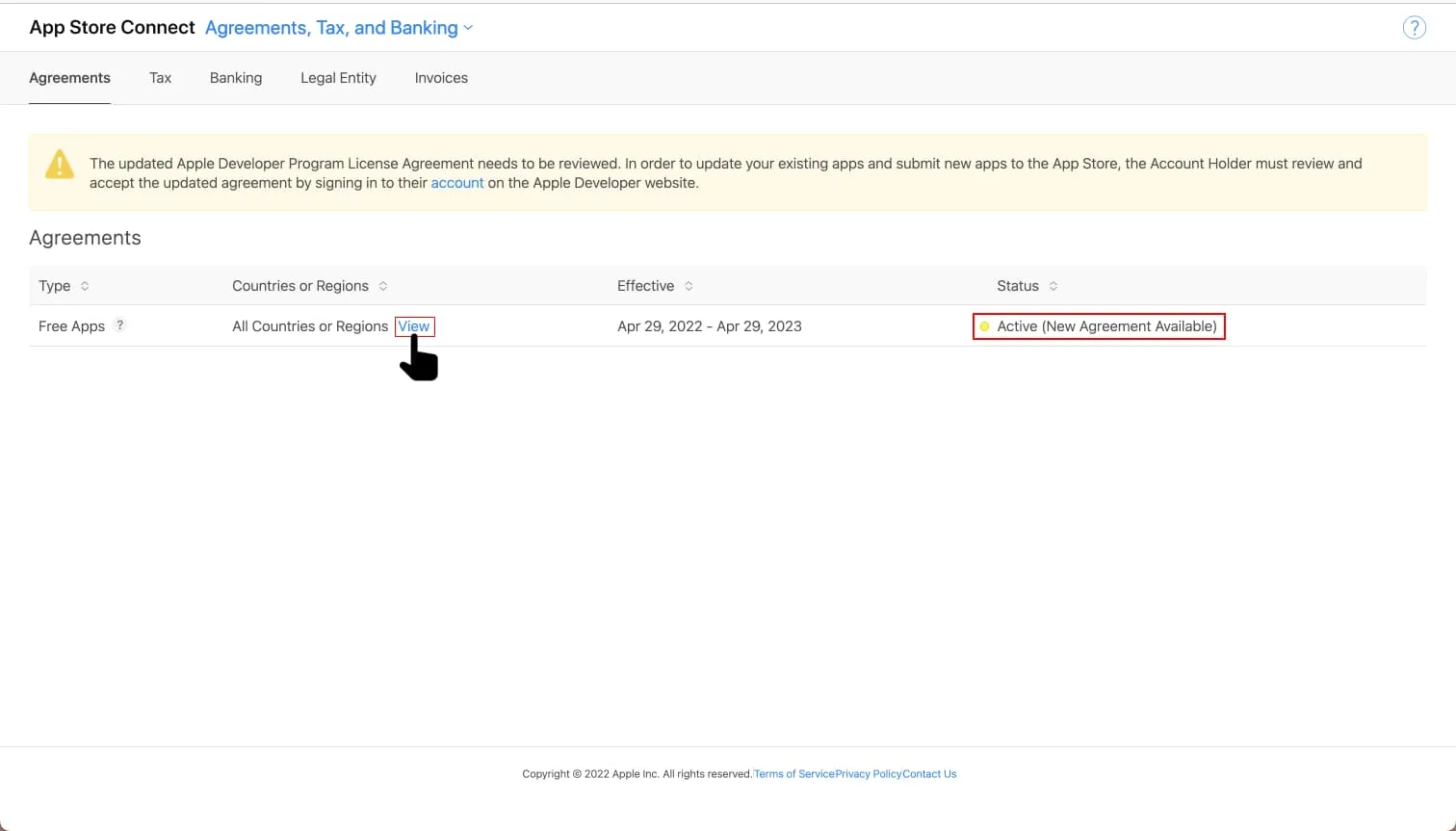 Tabular view of an updated "Free Apps" agreement ready to be reviewed and approved.
---
URL: https://www.prenly.com/support/manage-applications/ios-android/apple-request-access-to-appstore-connect-api
# Apple | Request Access to AppStore Connect API
> Learn how to request access to the App Store Connect API with our simple step-by-step guide. Help us improve your mobile app experience today.
1 min read
[By Henrik. 24 Oct 2025](https://www.prenly.com/author/75)
To provide your customers with the best possible reading experience, we want to continuously improve and update your mobile apps. In order for us to do so, please follow the instructions below.
**Step 1.** Log in to your Apple developer account as an **account holder** by visiting [https://developer.apple.com/account/](https://developer.apple.com/account/)
Select **"Users and Access** " in the **"Program Resources**" section.

1. Sign in to [Play Console](https://accounts.google.com/AccountChooser?service=androiddeveloper&continue=https://play.google.com/apps/publish/).
2. Go to the [Payments settings](https://play.google.com/console/u/0/developers/8612337217832066595/paymentssettings) page (Setup > Payments profile).
3. Click Create payments profile. Make sure to have your business information available.
4. Under "Payments profile," click the down arrow and select Create payments profile.
5. Name and address:
- Enter the legal name of your business as you want it to appear on your payments profile. This information will be shown to your customers and also on your receipts.
- Provide your legal business address as it appears on official documents. It’s important that Google has a valid physical address on file for your business. PO box address is not allowed.
6. Primary contact: Enter the name of an authorized representative for your company who Google can contact if they have questions about your payments profile. Provide an email address and a phone number (optional).
7. Enter the following public business information, or choose to match your public merchant profile and payments profile information:
- Enter your business website.
- Select the category of products that you sell.
- Your customer support email.
- The business/product name that'll appear on your customers' credit card statements.
*Note: To help customers remember what they purchased and keep chargebacks to a minimum for you, use an appropriate credit card statement name.*
8. When you're finished, click Submit.
*Note: You cannot change your business location country but you can [change your public merchant and payments profiles](https://support.google.com/paymentscenter/answer/7162811) later.*
After you create a payments profile it is automatically linked to your Play Console. Note: If you have set up a payments profile or merchant center account previously, it is already linked to your Play Console.
Reference:
[https://support.google.com/googleplay/android-developer/answer/7161426?hl=en](https://support.google.com/googleplay/android-developer/answer/7161426?hl=en)
## Add your bank account
[https://support.google.com/paymentscenter/answer/7161440?hl=en](https://support.google.com/paymentscenter/answer/7161440?hl=en)
---
URL: https://www.prenly.com/support/manage-applications/ios-android/apple-renew-membership
# Apple | Renew membership
> Learn how to renew your Apple Developer Program membership step by step. Prevent your apps from being deactivated in the App Store by renewing on time.
2 min read
[By Henrik. 24 Oct 2025](https://www.prenly.com/author/75)
An active membership grants you access to all resources. An expired Apple Developer Program membership will have the published apps automatically deactivated from App Store by Apple, so your readers can no longer find and download the app.
Apple will remind you 30 days prior to your annual membership to Apple Developer Program expiring on the e-mail address associated with the **account holder**.
To renew the membership you will need access to the **account holder**'s AppleID (an e-mail address, password, and two-factor authentication) and your payment information. The most common payment method is by credit card.
**Step 1**. Sign in to your Apple Developer account as the **account holder** by visiting [https://developer.apple.com/account/](https://developer.apple.com/account/).
You may also visit [https://developer.apple.com/](https://developer.apple.com/) and select **Account** in the menu.
 Sign in to Apple Developer.
**Step 2**. At the top of the Apple Developer overview, you will see a message regarding your membership status if it has expired.
See the section **Your Apple Developer Program membership has expired**. In it, you will be guided by Apple as the **account holder** on how to renew your membership.
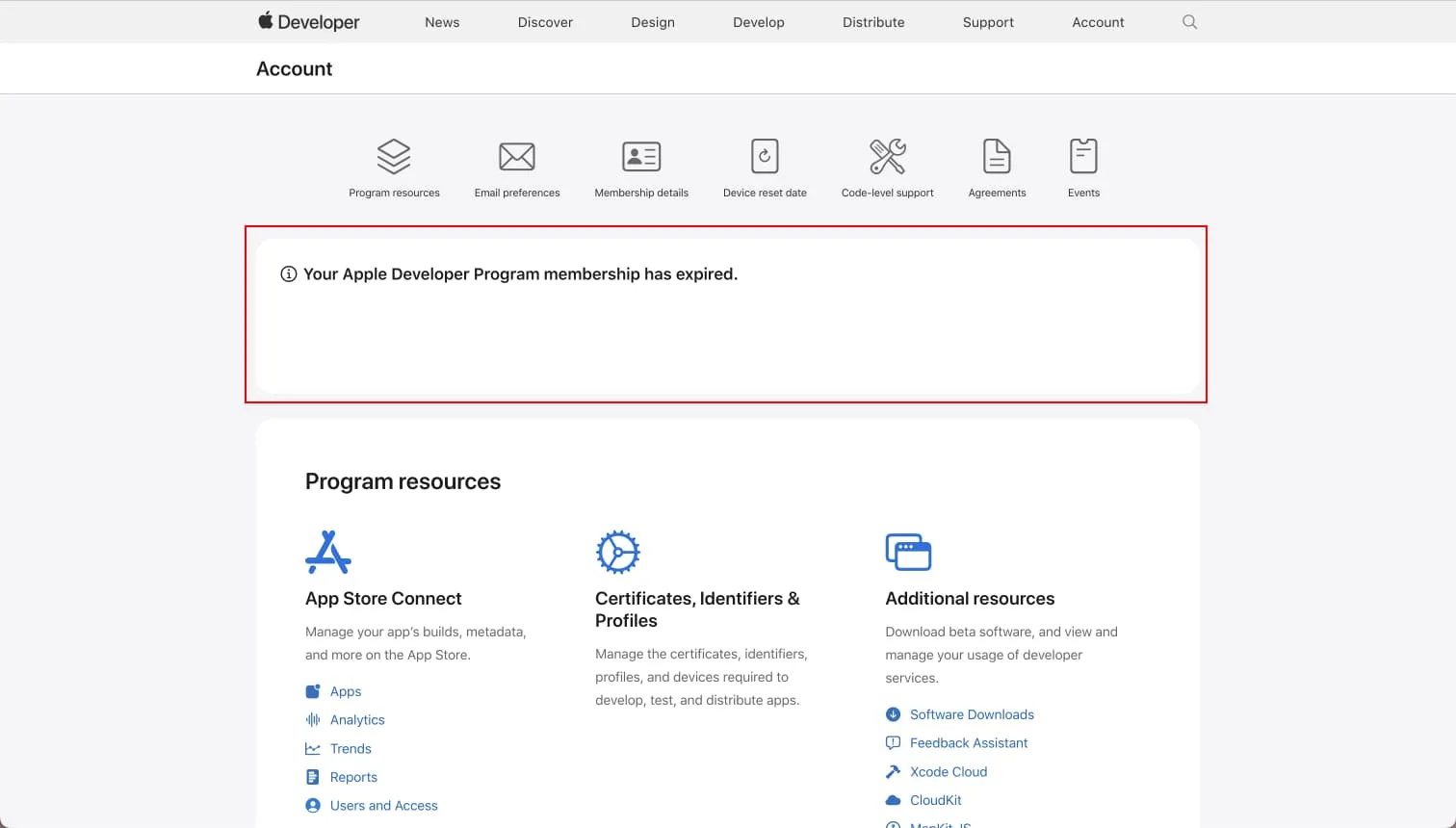 Follow the instructions provided by Apple in this section.
### Find current membership expiration date
You will find your current membership expiration date in the section **Membership details**.
You can "jump" to the section by selecting the section shortcut "Membership details" at the top of the overview page.
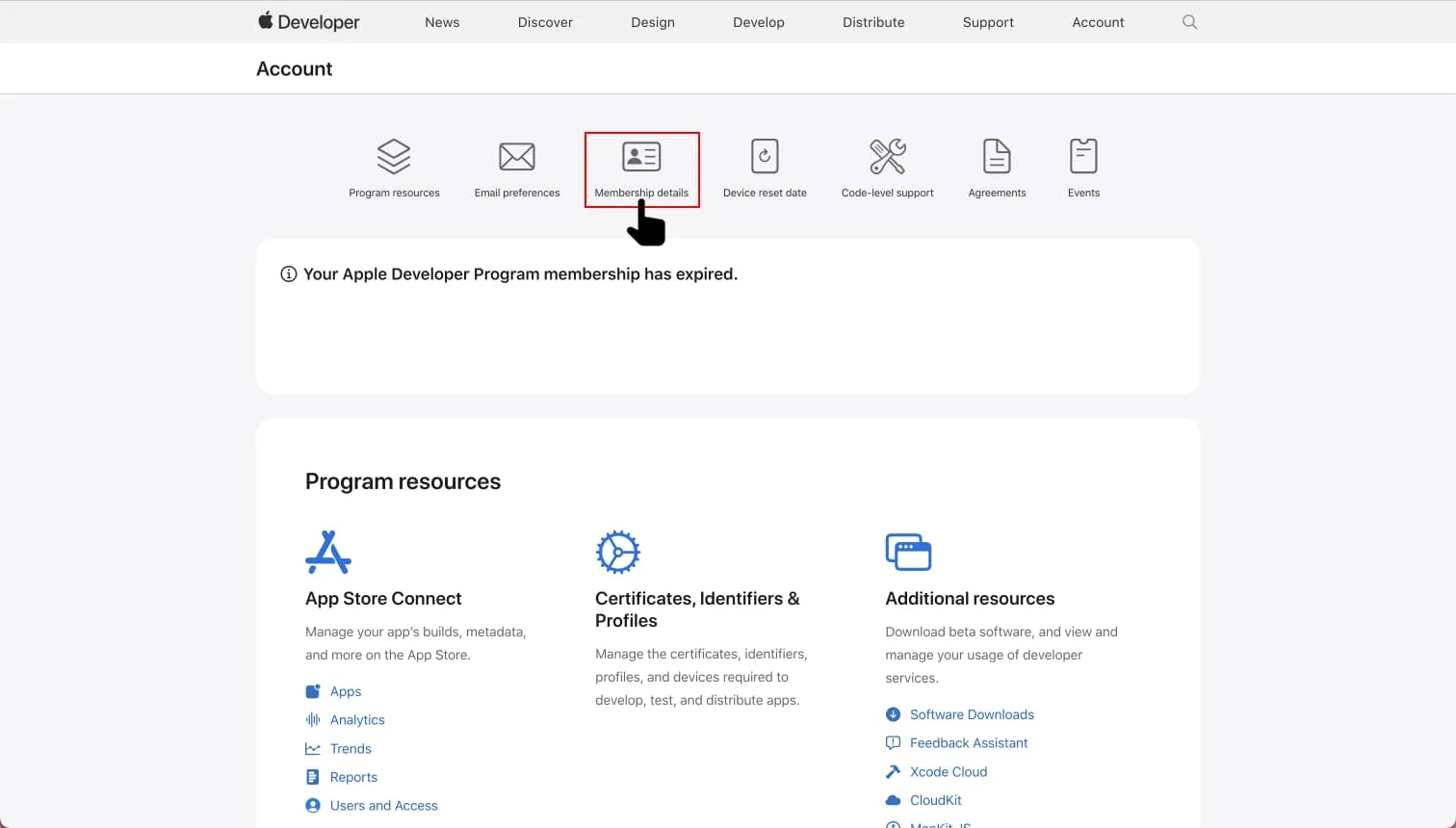 Select "Membership details" to jump to the section "Membership details".
In the section **Membership details,** you will find details about your membership such as the Team ID, type of membership, who the current account holder is, *and* the membership expiration date by the label **Renewal date**. Your membership will expire past this date unless you renew your membership before the date, or opt-in for automatic membership renewal.
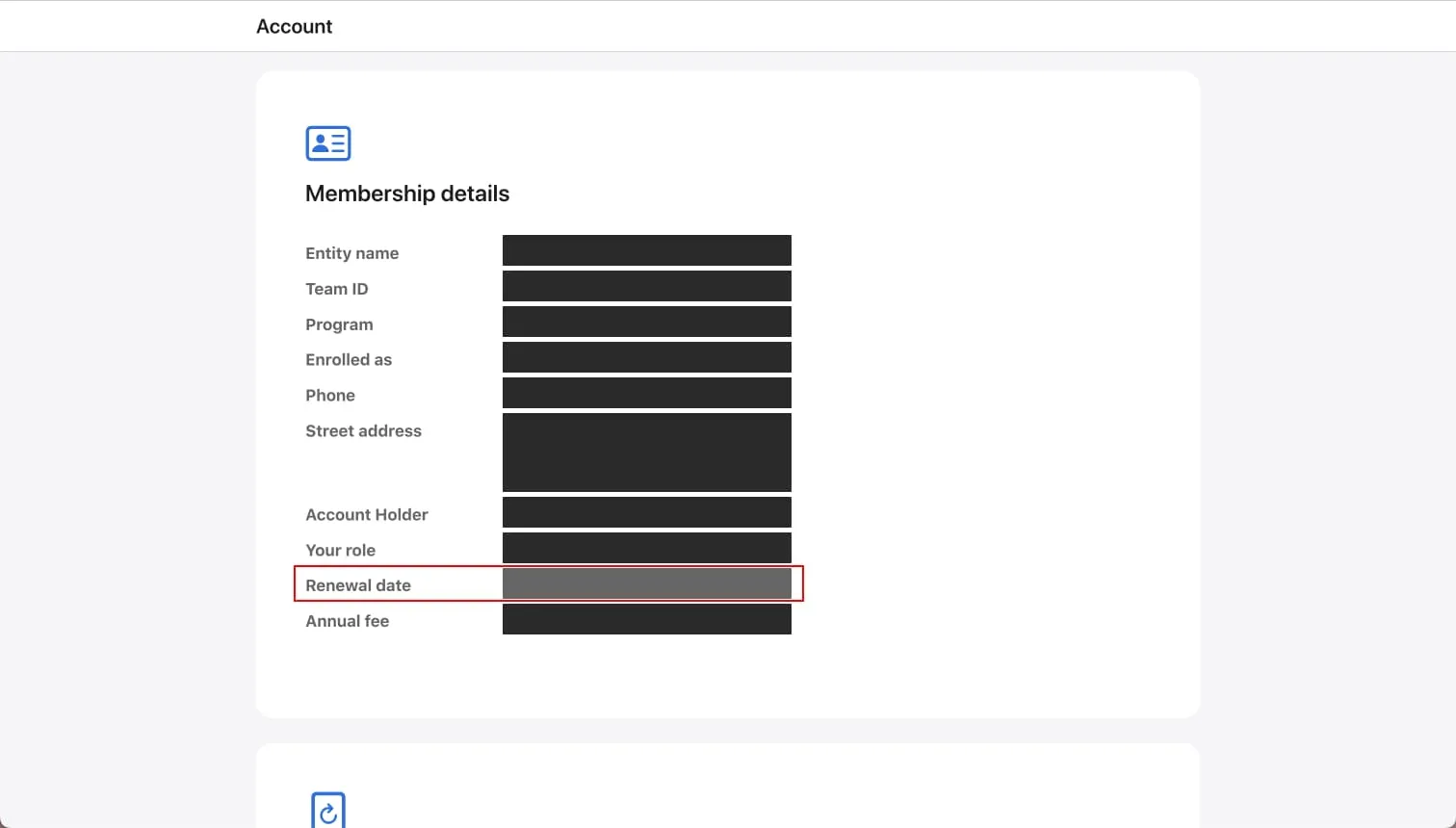 Your membership expiration date is on the row labelled by "Renewal date".
#### Automatic membership renewal
You (the account holder) may opt-in for automatic membership renewal by toggling the **Auto-renew** option in the Membership details section.
If you have opt-int for the automatic membership renewal then Apple will charge your default payment method on your membership expiration date.
---
URL: https://www.prenly.com/support/manage-applications/ios-android/generate-a-privacy-policy
# Generate a Privacy Policy
> Learn how to easily create, generate, and host your company privacy policy directly within Prenly Workspace using our simple built-in tools.
1 min read
[By Sofie. 27 Nov 2025](https://www.prenly.com/author/78)
If you do not have an existing Privacy Policy, you can create and host your Privacy Policy page directly in Prenly.
In Prenly Workspace in the left-hand menu, click *Applications* and select your application where you want to add the Privacy Policy. In the application menu, click *Privacy Policy*.
Here you can get started on creating your privacy policy.
Next you can either paste in existing content, or, if you do not have an existing Privacy Policy, you can use our tool to generate a new Privacy Policy: [https://privacy.prenly.co/](https://privacy.prenly.co/)
In the top-right corner, select the language selector to switch to your preferred language.
**This is important to remember:**
- You are **always** the ***Data Controller*** who has the responsibility to ensure that the policy is correct for your company.
- Please note that the page currently doesn't store things, so reloading the web page will empty the form.
---
URL: https://www.prenly.com/support/manage-applications/ios-android/google-trader-status
# Google | Trader status
Google Play requires developers to declare whether they act as a trader or non-trader by 1 February 2027. Only the developer account owner can complete this declaration in Google Play Console. If you declare as a trader, you must also confirm the status for each app and provide a link to its Terms of Service. This guide explains how to complete these steps and check for any remaining actions.
## What is a trader?
A **trader** is a person or organisation acting as part of a business or professional activity. Use these examples to help assess your status:
- **Paid subscriptions or content:** If readers pay for subscriptions, issues or other content as part of your business, you will generally be a trader.
- **Free publication with a business purpose:** If your publication earns advertising revenue, promotes a business or supports professional activities, you may still be a trader—even if readers pay nothing.
- **Free, non-commercial publication:** If you publish purely as a personal hobby, without a business or professional purpose, you will generally be a non-trader.
The key question is: **“Is this publication part of a business or professional activity?”** Free access alone does not determine your status. You are responsible for choosing the status that accurately reflects your activities and keeping it up to date. For further details, see [Google’s trader status guidance](https://support.google.com/googleplay/android-developer/answer/17594752).
## How to declare the status
1. Sign in as the account owner at Google Play Console and select the organisation account. Only the account owner can declare trader status.
2. Click Get started next to “Declare your trader status”. Alternatively, go to Manage account → Account details → About you.
3. Choose trader or non-trader. A trader is someone acting for purposes related to their business, trade or profession. The customer must select the status that accurately reflects their activities.
4. Complete the account declaration. Follow the on-screen instructions. If declaring as a trader, confirm the commitment to offer only products or services that comply with applicable laws.
5. If declaring as a trader, also confirm the status for the app. Open the app, then go to Monitor and improve → Policy and programs → App content. Confirm the app’s trader status and provide a link to its Terms of Service when requested.
6. Check that both declarations are complete and follow any remaining prompts. The deadline is 1 February 2027.
Reference:[Google](https://support.google.com/googleplay/android-developer/answer/17594752?hl=en-GB&sjid=10270730473760368773-EU)
## I still need help
If you need help completing the declaration or have questions about the process, please contact Prenly Support at [hello@prenly.com](mailto:hello@prenly.com).
---
URL: https://www.prenly.com/support/manage-applications/accessibility
# Accessibility
> Learn how to ensure digital accessibility in Prenly Workspace by following WCAG guidelines for headings, alt texts, color contrasts, and links.
3 min read
[By Lena. 24 Oct 2025](https://www.prenly.com/author/76)
Digital accessibility is important from several perspectives, and many people benefit from applications being as accessible as possible.
This can include situations when you use tools such as screen readers or a keyboard, but also, for example, when you're standing in sunlight with your phone and can't see the screen properly, or when you're carrying something and only have one hand free to operate your device.
There are general guidelines for digital accessibility: the Web Content Accessibility Guidelines ([WCAG](https://www.w3.org/TR/WCAG21/)).
To comply with these, there are certain things you need to ensure in Prenly Workspace.
With the help of Prenly Workspace, you have the opportunity to adjust your settings to meet these guidelines.
### Headline on the start page
Your start page needs a headline that clearly describes the content of the page.
The first heading must be a Heading 1, representing the top heading level. This benefits both sighted users and those who use assistive technologies such as screen readers.
Add a text component at the top of the start page in your application, set a headline, and make sure it is a Heading 1.
You choose the heading level by selecting the heading text and then choosing the desired heading level.
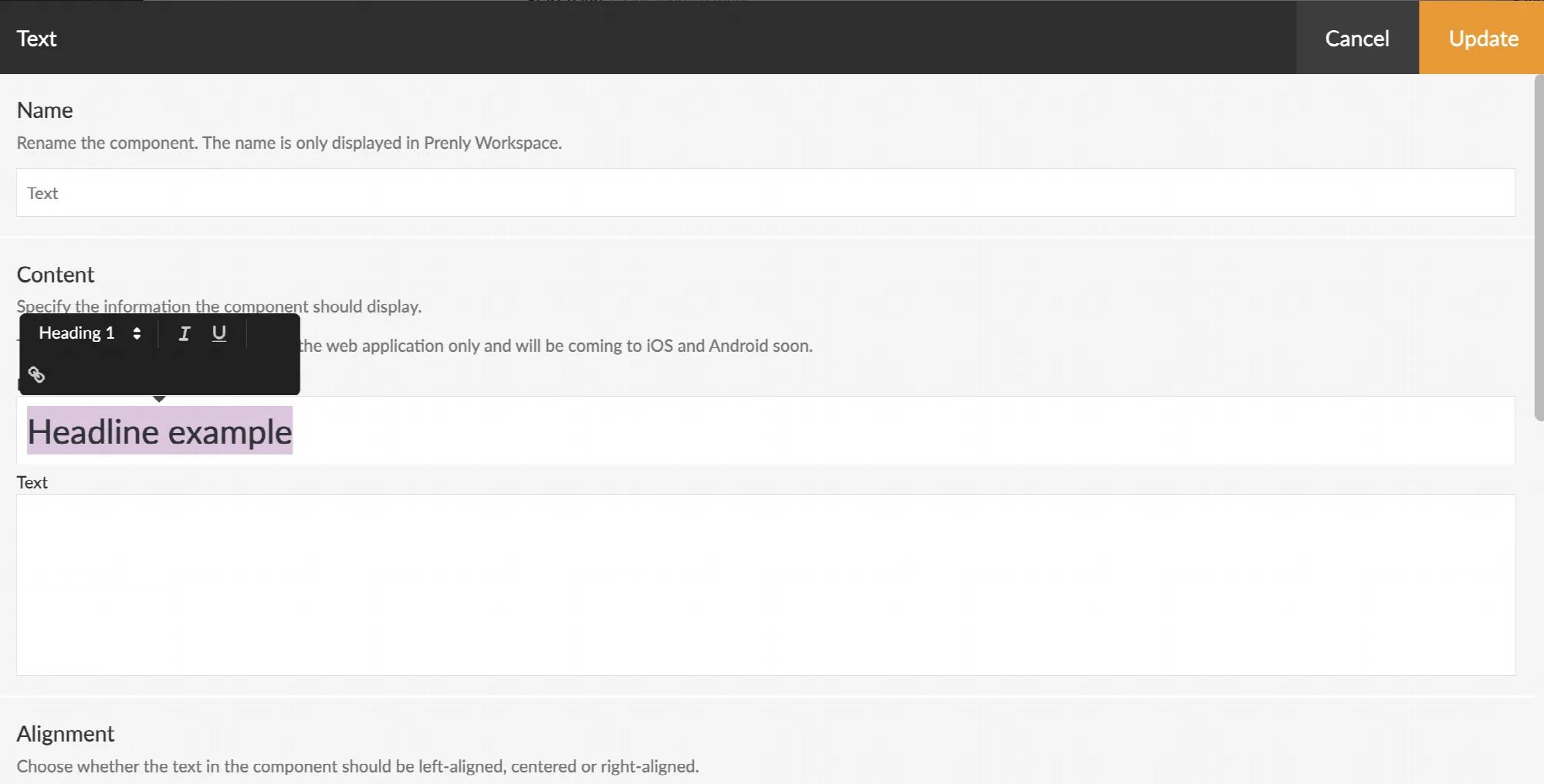 Screenshot from Prenly Workspace showing how to set the heading level.
### Alternative image text for banner components
All banner components on the start page need alternative text (alt text) to enable visual description of the image.
In the banner component, there is a field labeled “Image alternate text” that you should fill in.
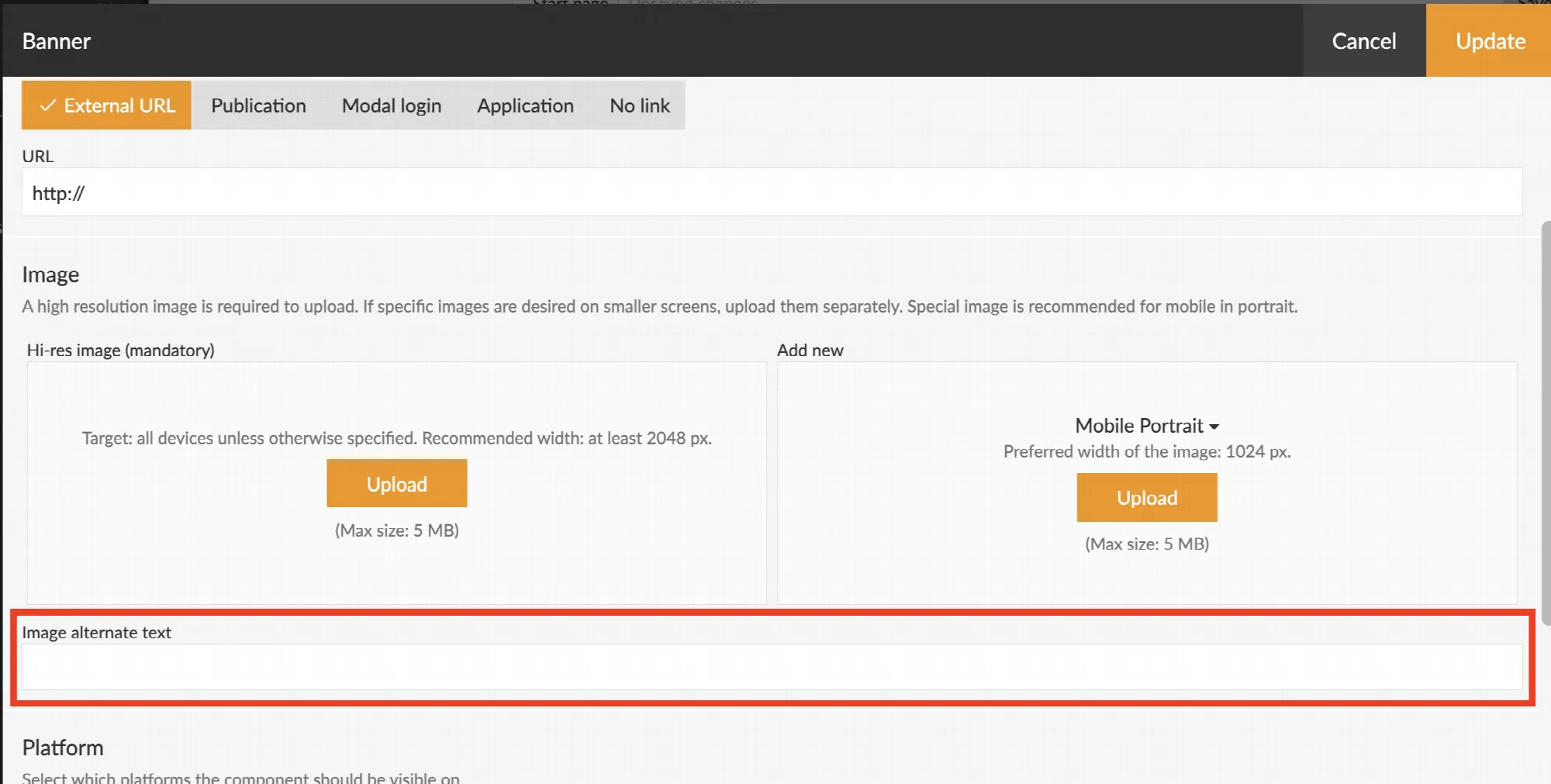 Screenshot from Prenly Workspace showing where the 'Image alternate text' field is located.
### Colors and contrast
There are many colors you can adjust to visualise the applications in line with your brand.
Make sure that the color contrasts are sufficiently high — for example, between background color and button color, or background color and text.
There are different accessibility requirements for elements such as headings and body text, to ensure that as many people as possible can distinguish the information. You can adjust the colors in Prenly Workspace.
• For each start page component
You can find the setting by selecting *Applications* in the left-hand side menu, then selecting your application and the middle menu option *Start page*.
Choose to edit the desired component—either by clicking the component name in bold text or by using the three-dot menu and selecting *Edit*.
Scroll down to the *Appearance* section.
• Under ‘Color Theme’
You can find the setting by selecting *Applications* in the left-hand side menu, choosing your application, and then selecting *Color Theme* in the middle menu.
Then choose *Custom Theme* for each color theme category to set your own color.
For each color selection you make, a so-called HEX code is generated, which you can see when you click on a color box.
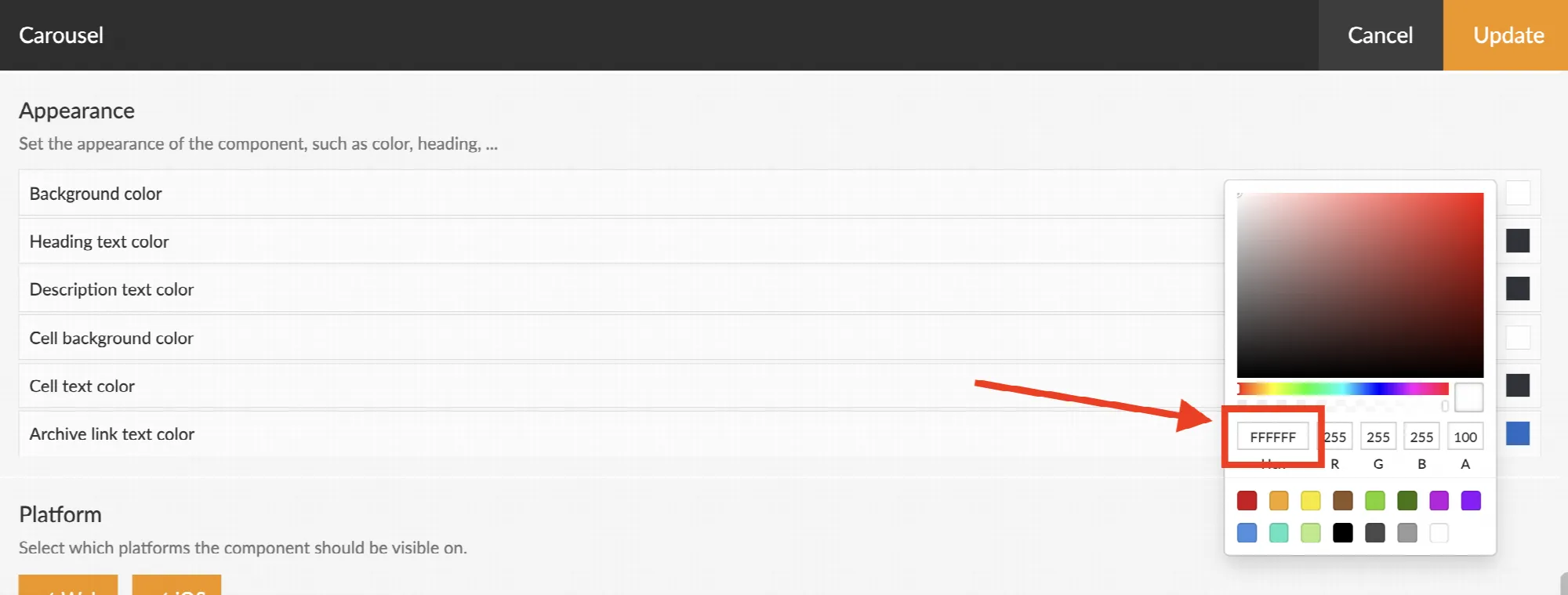 Screenshot from Prenly Workspace showing an example of where the HEX code is displayed.
There are different ways to test contrast. We have a dedicated tool for Prenly: *[Color Contrast – Accessibility Check](https://prenly-contrast-check.lovable.app/)*.
There is also a general tool available from webaim.org: *[WebAIM: Contrast Checker](http://webaim.org/resources/contrastchecker/)*.
### Link copy
It's possible to adjust the link copy on some start page components. The copy should be descriptive, to ensure the user understands what will happen if they click the link. As an example 'Read more' is not recommended, but 'Open archive' is a better option.
This is especially important for users with screen readers.
If you have any questions, feel free to contact us.
---
URL: https://www.prenly.com/support/manage-applications/add-a-banner-component
# Add a banner component
> Learn how to easily add, configure, and publish a banner component on your app startpage with custom links, images, and scheduling options.
1 min read
[By Sofie. 24 Oct 2025](https://www.prenly.com/author/78)
Have you discovered our banner component? It can be used for a number of different purposes:
- Advertising banner
- Promote a special issue
- Link to an information page/FAQ
## Here's how to insert a banner component
1. Open the startpage of your application and click **Add Component**.
2. Select **Banner**.
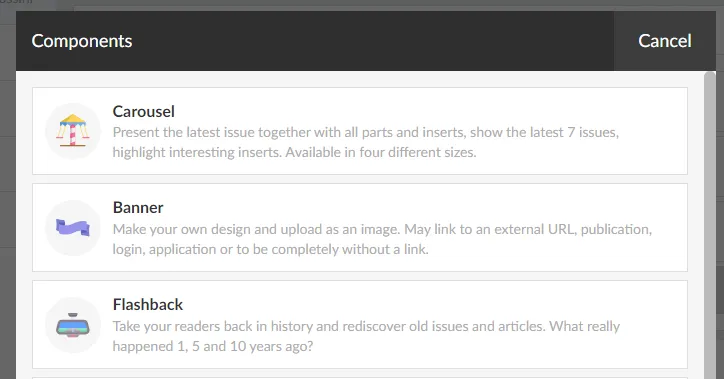
3. Name the component so you know what it contains.
4. Choose the URL for the banner:
**External URL**
For example a link to a news page or FAQ.
**Publication**
An existing published publication.
**Modal login**
The same as the feature **Log in** with the option of using an image and text.
**Application**
Link to an iOS or Android application.
**No link**
If you only want to insert an image.
5. Upload a suitable image for different screen sizes:
- Mobile devices, portrait (rec. width 1024 px).
- Mobile devices, landscape (rec. width 2048 px).
- All devices where nothing else is specified (max 5 MB, rec. width 2048 px).
6. You can choose whether the component should be displayed for a limited time. For example, start showing on Monday and end on Wednesday.
7. Select **Update**.
8. Select **Save and publish**.
---
URL: https://www.prenly.com/support/manage-applications/create-a-startpage-for-your-application
# Create a startpage for your application
> Learn how to easily create and manage a custom start page for your application using components like carousels, banners, articles, and podcasts.
8 min read
[By David. 24 Oct 2025](https://www.prenly.com/author/77)
The start page is where everything in your app comes together. From here, you can guide them to your latest publication, older issues, articles, the latest podcast episode, or the content of your custom tabs in the mobile apps.
All this is done by adding the right components, such as banners, flashbacks, podcasts, text, etc.
To be able to manage the start page, you need to have the **Application Manager** role or higher.
Below we go through how to create a start page and how the different components work.
## How to set up a start page
#### 1. log in
Log in via [https://content.textalk.se](https://content.textalk.se) with the user information you received from Textalk support.
If you have forgotten your password, you can reset it via the **Forgotten Password** service.
If you have forgotten your username, contact support via [hello@prenly.com.](mailto:hello@prenly.com)
#### 2. Select applications
In the menu you should now see the option **Applications** (if you have the right authorization). Select the application you want to build/manage a start page for.
A tip is to first look under **Application settings** so that your title is entered in the application. [Read more here](https://www.prenly.com/support/manage-applications/application-settings).
Under the Home tab, build your page with optional components:
**All optional components**
**Carousel**
Present the latest issue together with all parts and annexes, show the last 7 issues, highlight interesting annexes. Available in four different sizes.
**Editors Choice**
Highlight one or more publications of your choice from the archive in a carousel. Available in four different sizes.
**Banner**
Make your own design and upload as an image. Can link to external URL, publication, login, application or be completely without link.
**Flashback**
Take your readers back in history and rediscover old issues and articles. What really happened 1, 5 and 10 years ago?
**Articles**
Highlight articles directly on the start page to encourage reading. There is also the option to enable article audio playback directly on the start page.
**Podcast**
Highlight the latest podcast episodes.
**News item**
Display the latest issue of a newspaper, supplement or magazine, select a special issue to highlight to your readers.
**Hero**
Highlight an issue of a newspaper or magazine that is particularly important, such as the latest issue or that special publication everyone should see.
**Text**
Welcome your readers, tell them about your app, your vision or just take the opportunity to wish your readers a great day.
**Rights container**
If you have many titles in your application, you can choose to show only what a reader subscribes to. Fill the container with, for example, carousels to present the reader's newspapers.
**Web content**
Make content in your custom tab more visible by showcasing it directly on the start page.
This requires the use of [JS Bridge](https://www.prenly.com/support/manage-applications/custom-tabs-and-js-bridge) and a custom tab set up.
#### 3. add a carousel
We start by adding a **Carousel** to display the latest publication.
- Name the carousel so you can keep track of what it contains later (e.g. *"Latest publication"*.)
- Choose between four different sizes to display. Test what works best for your title. In this case we choose an **Extra large**.
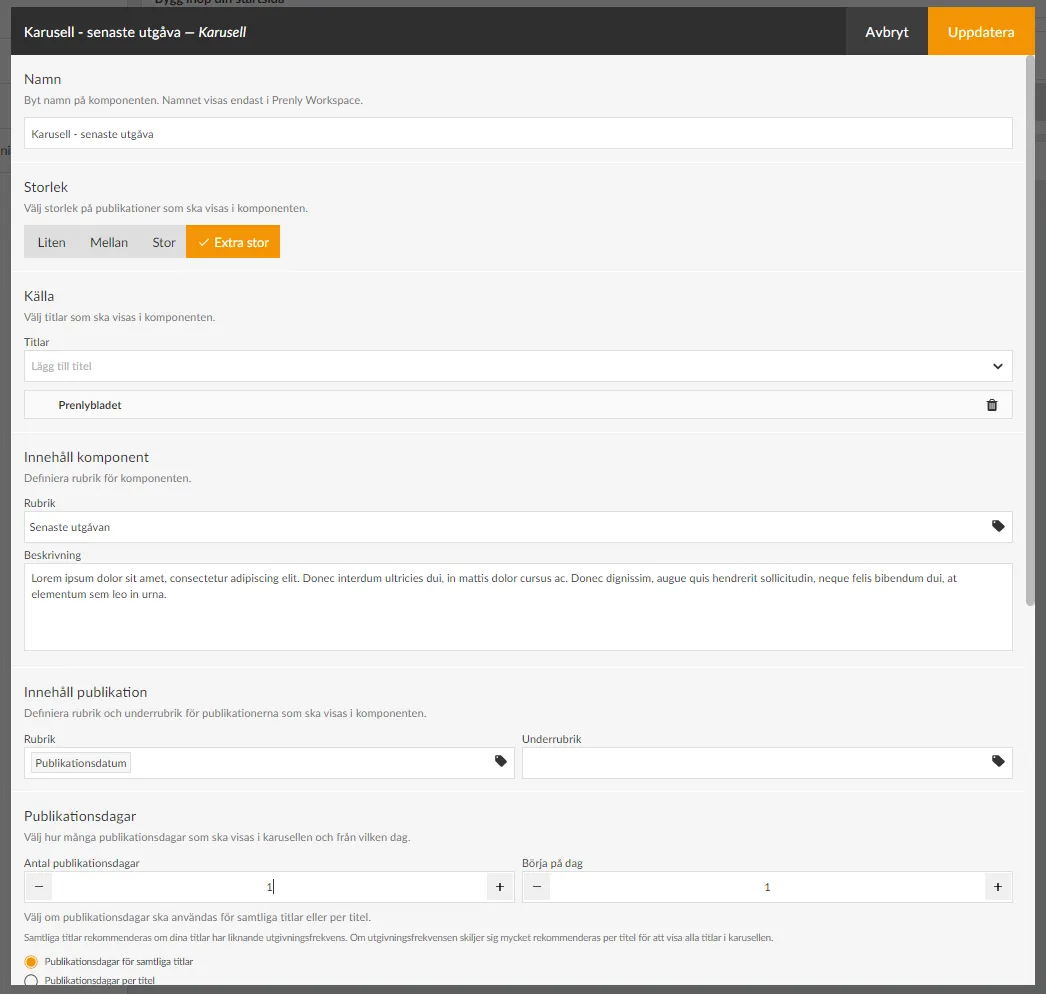
- Under **Source**, select the titles to be included in the component.
- Under **Content component**, put a **Heading** that your readers will see (e.g.*"Latest edition*"). You can also write a descriptive text if you want.
- Under **Publication content**, you define how your title will be presented in the carousel and the publication date.
For the title, click on the tag icon and select, for example, **Publication date**. It is also possible to have a subheading that could, for example, be the name of the title if you have several different titles displayed in the same carousel.
- Under **Publication days** , first select the number of days of the title to be displayed in the carousel. Keep in mind that the number of titles displayed in full depends on the size you selected (see above) and the unit in which the start page is displayed. In our case, we set **1** publication day to show only the latest publication.
- Under **Start on day**, you can choose to skip, for example, the latest publication and start on day **2**, which will be useful in our next carousel. We leave this on **1** in this case.
If you have several titles displayed in the carousel, there is also a setting to show the number of publication days per title.
We recommend that you select the **Publication days** option **for all titles** if your titles have a similar publication frequency. If the publication frequency differs a lot, it is recommended per title to show all titles in the carousel.
- Under **Text on archive link** you can change the text **Archive** which is set as default. For example, if you want to write "See the whole archive" instead.
- Under **Download** you can set whether the publications in the component should be able to be downloaded offline from the start page, then a download icon will appear.
- The **Appearance** section allows you to change background colors, text colors, etc. in the component. We will leave them as default for now.
- The last selection is **Time limit**. Here you can control whether the component is displayed for a specific period of time. You can choose either start time, end time or both.
If a component has no required content, such as **Title**, the checkbox will be grayed out and cannot be activated until it is filled in, to prevent empty components from appearing on your start page.
Use the drag-and-drop menu to put the components in the order you want them to appear on your start page.
#### 4. Save component
When you are done with the configuration, select **Update** in the top right corner. The component is now prepared for publication but is not yet visible to the reader.
The checkboxes allow you to activate or deactivate components. Only active components will be visible.
#### 5. Create another carousel to show more issues
We add a new carousel to show the last 2-15 issues. Follow the steps above for more detailed instructions:
- Select size **Medium**.
- Add the title.
- Set the title to e.g. "Read our older publications".
- Set the number of publication days to **15** and start on day **2** (i.e. skip the latest publication which is already above).
- Update.
#### 6. other settings
Make sure to also add your logo and brand colors so that your app feels familiar and clearly connected to your brand.
Select the Background and top bar section. Here you can set the color of the top bar, the text color, and whether you want a different background color on the start page. More color settings can be found in the menu on the left under "color theme".
You can upload a logo by clicking on Browse and selecting a suitable image.
Here we can also choose to hide the top bar for the mobile version of the app (Android and iOS) but we leave it visible in this case.
#### 7. Publish your start page.
Now we have a basic configuration of the start page ready and we are ready to publish it.
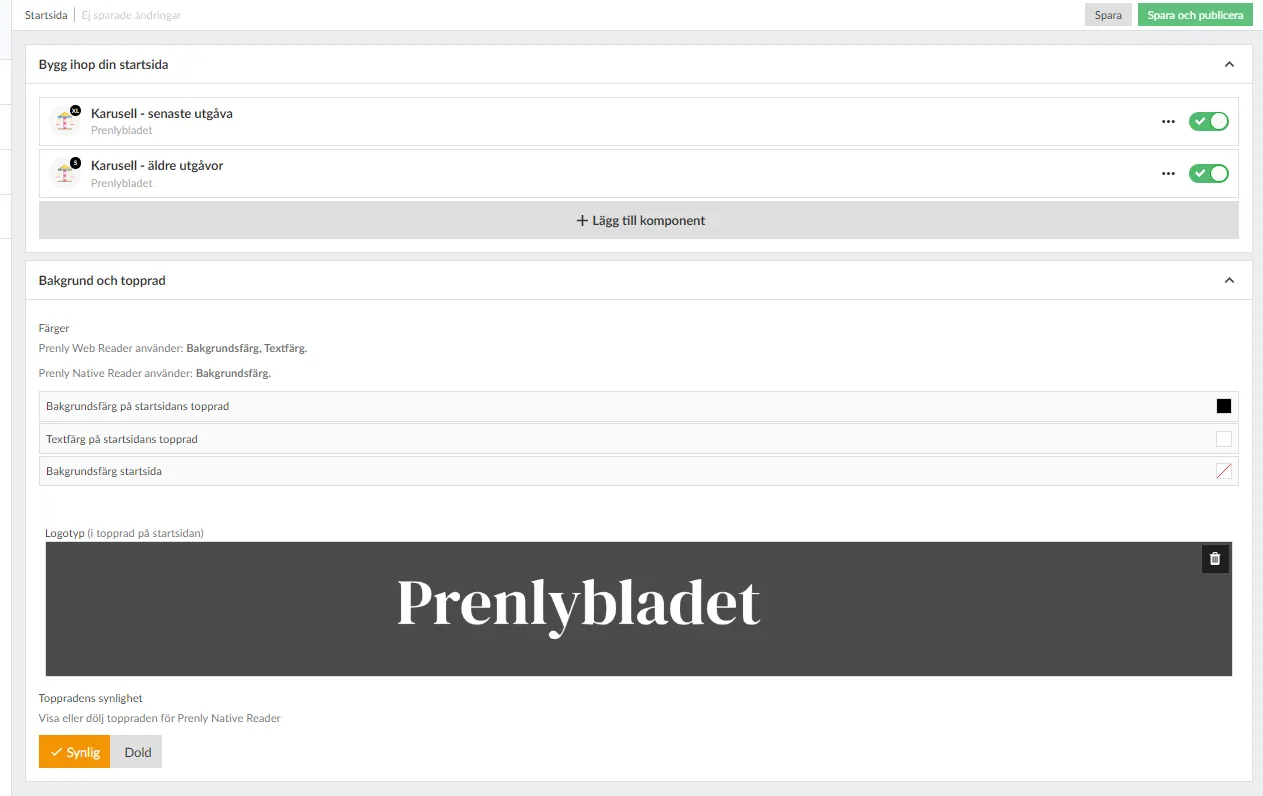
After each component there is a checkbox to activate the component. We drag it to the right so that it turns green and then click the **Save and Publish** button in the top right corner to finalize the setup.
**Congratulations, you have now created your start page!**
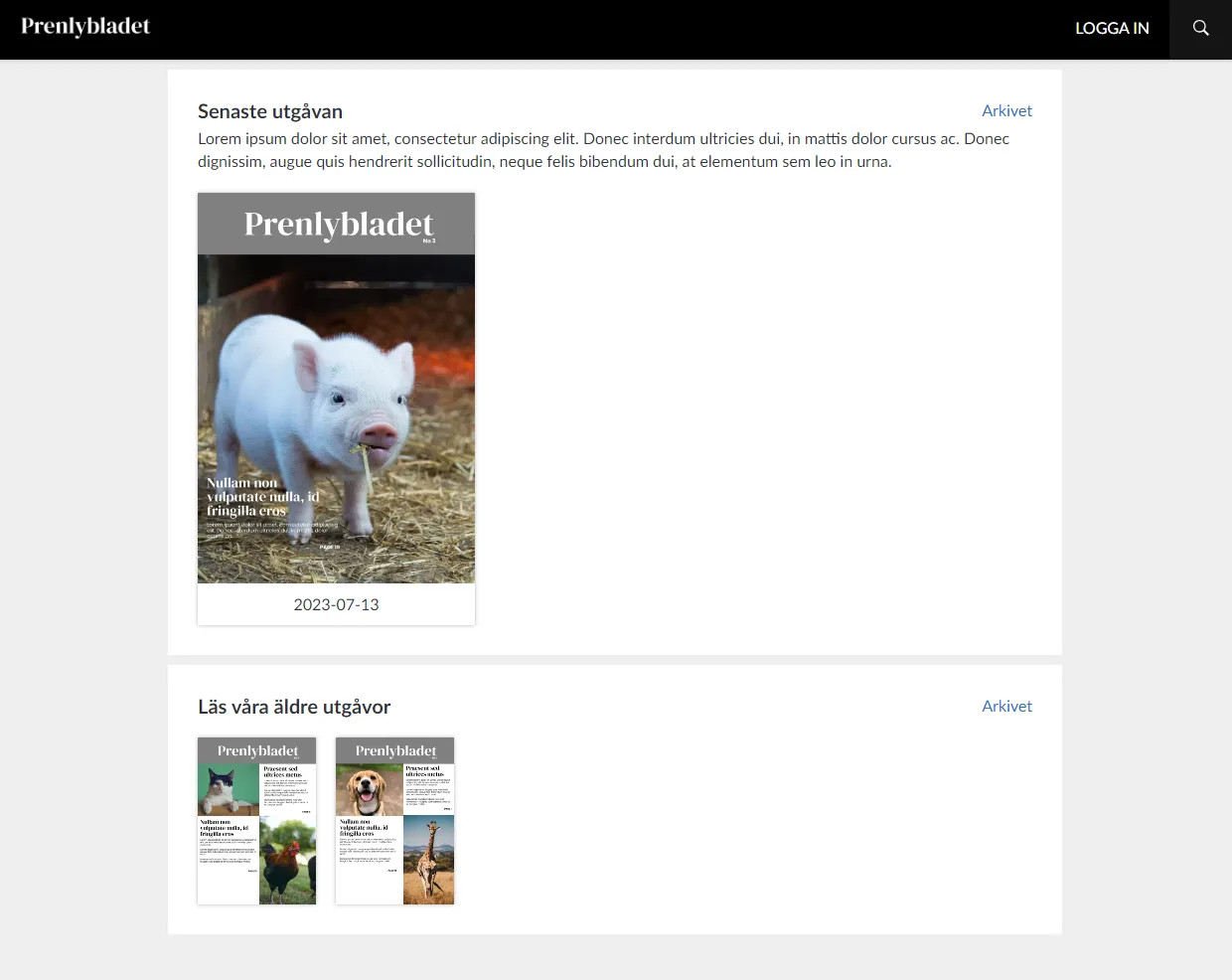
#### 8. Delete or modify a component
If you want to remove a component from the start page, you can either deactivate it (if it will be used again later) by changing the checkbox to gray or click on the three dots next to the component to select **Delete**. If you want to change something, just click on the component to open its settings.
**Remember to save and publish each change!**
Note: If a checkbox is gray, it means that the component lacks the required content and it cannot be activated until it is complete. A black checkbox means that the component is inactive, but can be activated. A green checkbox means that it is activated but not published until you click **Save and publish** - you do this when everything is ready.
#### 9. add more components
Now you can start exploring our other components that, along with the carousels, will enhance the reader experience. For example, you can use a banner for ad slots, podcast feed and highlight articles from the latest issue. Try it out!
---
URL: https://www.prenly.com/support/manage-applications/using-time-zones-in-prenly
# Using time zones in Prenly
> Learn how to set your time zone in Prenly Workspace for easier job scheduling. Discover how settings apply automatically for you and your colleagues.
2 min read
[By Fastén. 24 Oct 2025](https://www.prenly.com/author/68)
You can set your current time zone to make scheduling jobs in Prenly easier. The setting is made per account and applies everywhere where time is specified in Prenly Workspace.
Unless you change the setting in your account, times are always based on Stockholm, Europe (+01:00) UTC.
## How to activate this
1. Log in to https://content.textalk.se/
2. Select "My Profile" in the menu in the upper right corner
3. Under the Time Zone section, set the current time zone you want your account to use.
## Questions and Answers
Q: What happens when Sweden switches between summer and winter time?
A: Your setting is then adjusted automatically.
Q: Where does this setting apply?
A: The time setting applies everywhere in Prenly, such as for push notifications and insert ads.
Q: How are my colleagues affected by the time settings I make?
A: The time settings are automatically converted and displayed according to the time zone that is set on each user's account.
For example, if you select the time zone Helsinki, Europe (+02:00) and schedule a setting for 21:00, a Swedish colleague with the default setting Stockholm, Europe (+01:00) will see the time as 20:00 in their Prenly instance, adjusted to Swedish time.
---
URL: https://www.prenly.com/support/manage-applications/create-deep-links-to-open-the-app
# Create deep links to open the app
> Learn how to create and test deep links to automatically open your iOS and Android apps, drive user traffic, and configure smart banners correctly.
3 min read
[By David. 24 Oct 2025](https://www.prenly.com/author/77)
To drive traffic to your iOS and Android apps, you can send out links that automatically open the app when the user clicks on them on a mobile device.
These types of links are often colloquially referred to as deep links, but technically they are called "Universal links" in iOS and "App Links" in Android.
Most Prenly apps automatically support deep linking, but if your app doesn't support it, it may need to be updated.
You can check if deep linking works by copying some urls from the web reader, pasting into an email, sending the email to yourself, and opening the email on an iOS or Android device.
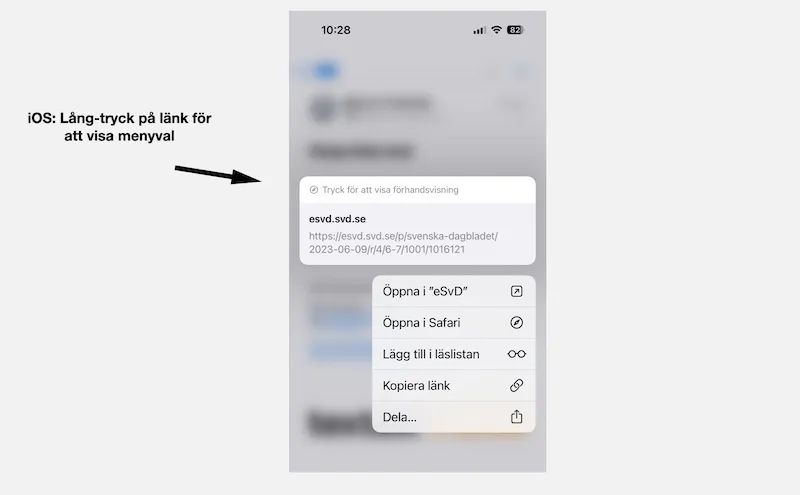 Long press on a link to show that it can be opened in either the app or Safari.
The links that work are of the type:
**- Link to home page:** Example [https://etidning.dn.se/](https://etidning.dn.se/%C2%A0)
**- Link to a page in an issue:** Example [https://esvd.svd.se/p/svenska-dagbladet/2023-06-09/r/4/6-7/1001/1016121](https://esvd.svd.se/p/svenska-dagbladet/2023-06-09/r/4/6-7/1001/1016121)
**- Link to article page:** Example [https://eavis.lokalavisen.dk/p/folkebladet/07-06-2023/a/auning-aktivitetspark-vokser-spaden-gar-snart-i-jorden-til-naeste-etape/2645/1012971/40483101](https://eavis.lokalavisen.dk/p/folkebladet/07-06-2023/a/auning-aktivitetspark-vokser-spaden-gar-snart-i-jorden-til-naeste-etape/2645/1012971/40483101)
**- Link to title page and title summary (only available in some applications):** Example [https://emagasin.arcy.se/titles](https://emagasin.arcy.se/titles)
[https://emagasin.arcy.se/title/amelia/3051](https://emagasin.arcy.se/title/amelia/3051)
**- Link to the archive:** Example [https://eavis.lokalavisen.dk/search](https://eavis.lokalavisen.dk/search)
**- Dynamic link to the latest issue in a title:** Example [https://eavis.lokalavisen.dk/p/adresseavisen/latest/2637](https://eavis.lokalavisen.dk/p/adresseavisen/latest/2637)
Please note that this link must be created using the title-slug and title-id - which you will find in the regular url that the dynamic link opens, when typed, it points to
https://eavis.lokalavisen.dk/p/**adresseavisen**/07-06-2023/r/1/1/**2637**/1012975
where title-slug is "addresseavisen" and title-id is "2637".
If the deep linking works properly, you can also in iOS - if you long press on a link in Mail - open a menu where you can choose whether you want to open the link in the Prenly application or in Safari.
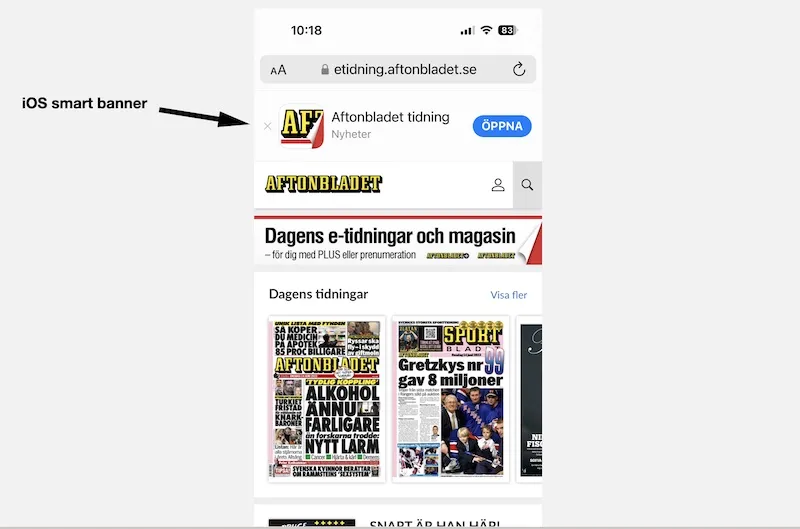 The iOS smart banner appears at the top of the mobile web page in Safari.
Please note that not all Prenly applications are yet configured to support deep links. Please contact our helpdesk (hello@prenly.com) if your app does not work with deep links.
Also note that deep links only open the app when you open a link from another application or webpage outside your own domain. If you manually enter a link in Safari or use a bookmark in Safari, the link will open in Safari.
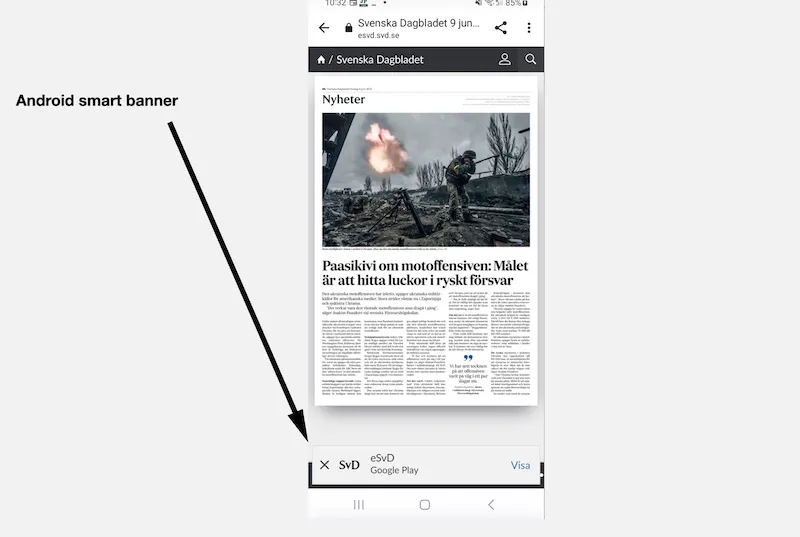 In Chrome for Android, the smart banner appears at the bottom of the webpage.
If the app is not installed on your device, or the app cannot be opened for some reason, a "smart banner" should appear at the top of mobile Safari.
There you can easily open the app or go to the AppStore to download it.
The Android smart banner appears at the bottom of the webpage in mobile Chrome.
If you click to close a smart banner, you can get it back by clearing your browser's cache.
---
URL: https://www.prenly.com/support/manage-applications/rename-components
# Rename components
> Learn how to easily rename your components in Prenly Workspace with this quick guide and video tutorial. Follow simple steps to update names today.
1 min read
[By David. 24 Oct 2025](https://www.prenly.com/author/77)
You can easily give your components individual names in Prenly Workspace.
Under the Applications menu, select which application to edit. Then in the **Home** menu, click on the three-dot menu on the right of the component you want to rename.
Click **Rename** and then enter the new name for the component and click **Update** and finally click the save button at the top right.
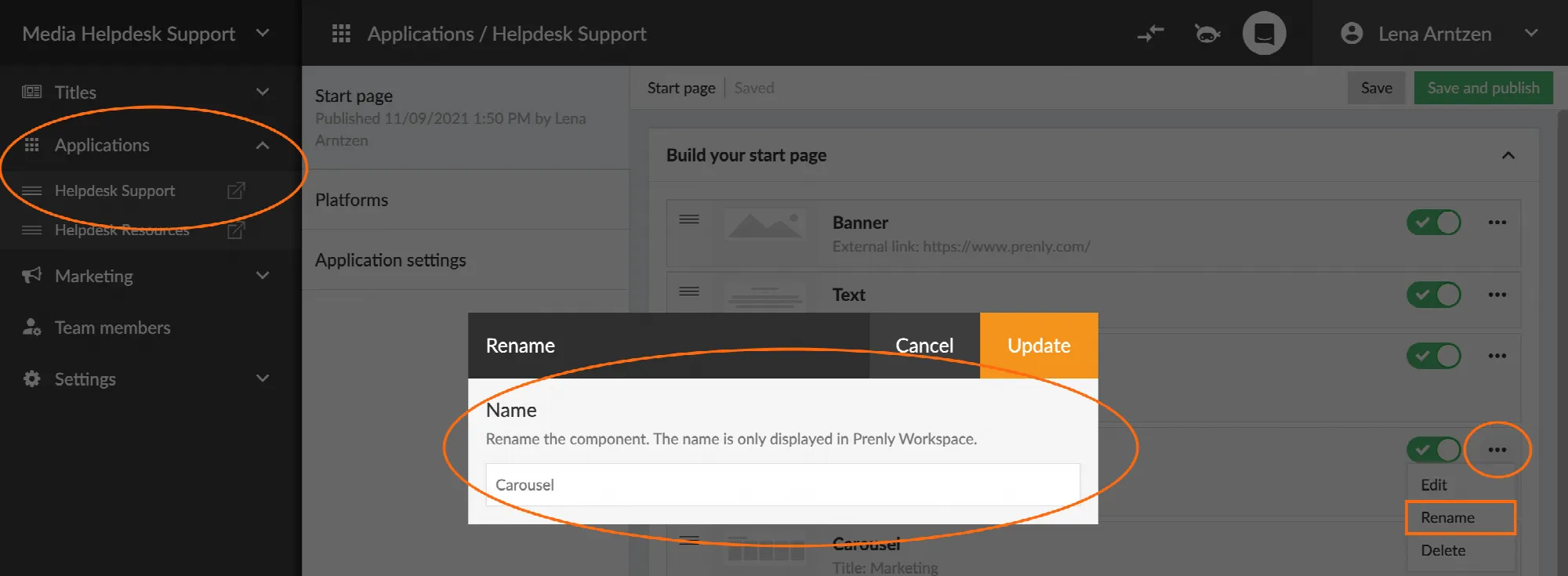
The video below shows how to rename the components.
---
URL: https://www.prenly.com/support/manage-applications/custom-tabs-and-js-bridge
# Custom tabs and JS Bridge
> Learn how to use Prenly JS Bridge SDK to connect embedded web pages in custom tabs with native iOS and Android apps, enabling login, audio, and more.
16 min read
[By Alina. 24 Oct 2025](https://www.prenly.com/author/73)
A common problem when adding a custom tab—an embedded webpage with a single designated URL available in the Android or iOS app—with externally sourced content is that this content is hosted on a separate webpage and cannot communicate directly with the Android or iOS app, as the app would see the custom tab as a “black box” whose boundary cannot be crossed. To address this, you can use the JavaScript SDK called **JS Bridge,** which lets you programmatically communicate on the client-side with the native app and the embedded webpage via JavaScript calls.
**What you get by implementing JS Bridge:**
- **Shared login** — users log in once, whether they log in via the native app or through the embedded webpage;
- **Built-in no-access alerts** — show the app’s own alert when a user lacks access to premium (subscription-locked) content, instead of building your own;
- **Shared consent** — user consent choices are synchronised between the native app and your webpage;
- **In-app audio** — audio on your webpage can play through the native app’s built-in audio player;
- **Start page integration** — your page content can appear as items on the native app’s start page as content for a start page component;
- **Push notification topic management** — users can adjust which of your push notification topics they are subscribed to;
## Where do I start?
If this is your first time setting up *JS Bridge*, here is how you can get started:
1. Notify Prenly Helpdesk so they can activate the integration on the Prenly side.
2. Install the JS Bridge SDK on the embedded webpage that you will or have already added as a custom tab to your e-paper application via *Prenly Workspace*.
3. Initialise the SDK on the webpage and call the API function(s) you need.
4. Check that JS Bridge is active.
5. Test your implementation before going live.
The rest of this guide walks through each of these steps in detail. If you get stuck on a technical term, check the technical reference at the end of the article for additional information.
## How is it implemented?
### 1. Notify Prenly Helpdesk to activate the feature
Once the *JS Bridge* is added to your page, notify Prenly Helpdesk at [hello@prenly.com](mailto:hello@prenly.com). *JS Bridge* is a free-to-use additional feature that may require activation for your application. Until the feature is activated, the API will return `undefined` when called (see How do I know JS Bridge is active?).
### 2. Enable in custom tab in PWS…
*JS Bridge* is on default not active for the embedded webpage. You can enable it within the Menu builder in the application manager in *Prenly Workspace*.
### 3. Install the JS Bridge library
You can install the *JS Bridge* SDK JavaScript library either as an npm package or let the client fetch it directly from GitHub.
#### npm
Visit [npm](https://www.npmjs.com/package/prenly-js-bridge) to find installation instructions, or simply run:
```
npm i prenly-js-bridge
```
#### GitHub
You do not need to use npm. You can import the SDK directly from GitHub if you prefer.
Visit [GitHub](https://github.com/Textalk/prenly-js-bridge/). Import the SDK to your webpage via the example
```
import PrenlyAppSDK from "https://raw.githubusercontent.com/Textalk/prenly-js-bridge/refs/heads/main/dist/prenly-app-sdk.es.js";
```
The manual will assume you install the SDK via npm.
### 4. Initialise the SDK on the webpage
Import the library and create an instance of it. This gives you the `api` object, which is what you will use for every *JS Bridge* functionality described throughout the manual. Keep the reference to `api` and pass it around to call each desired function.
```
import PrenlyAppSDK from "prenly-js-bridge";
const { api } = new PrenlyAppSDK();
```
### 5. Use the JS Bridge functions
Once installed and activated, you can use the JavaScript functions provided by *JS Bridge* to interact with the native app. Each feature is backed by one or more `api` optionally called functions:
| Prenly feature | What it does | Functions you’ll use |
| --- | --- | --- |
| Shared login | Users log in once, either via the native app or your webpage | `api.login()`, `api.logout()`, `api.getUserJwt()` |
| No-access alert | Shows the native app’s built-in alert when a user lacks access to premium content | `api.showNoAccessAlert()` |
| Consent sync | User consent choices are shared between the native app and your webpage | `api.getUserConsent()`, `api.showUserConsentDialog()` |
| In-app audio player | Audio on your page plays through the native app’s native player | `api.playPauseAudio()`, `api.queueDequeueAudio()`, `api.getAudioStatus()` |
| Start page web content component | Your content appears as items on the app’s start page | `api.setComponentData()` |
| Push notification topics | Users adjust which of your push topics they’re subscribed to (*JS Bridge* does not send push notifications itself — see note below) | `api.getPushTopics()`, `api.subscribePushTopics()`, `api.unsubscribePushTopics()` |
*For a full list of available functions, events, and schemas, please refer to the [Prenly App SDK - JS Bridge](https://github.com/Textalk/prenly-js-bridge/) GitHub page.* Treat this manual as a “getting started” version and use the README (in GitHub) as the complete reference.
Please note that *JS Bridge* only lets users manage their subscription to push topics — it cannot send a push notification itself. Sending a push notification, or creating a new push notification topic, is done within *Prenly Workspace*.
Every API function returns a Promise, so use `await` or `.then()` to get the result. Each function can reject the request, so it is strongly recommended to always wrap function calls in `try`/`catch` and check `error.code` (see request error codes):
```
try {
const userJwt = await api.getUserJwt();
} catch (error) {
if (api.isRequestError(error) && error.code === "rejected") {
// The user or the app declined the request.
}
}
```
Alongside these functions, *JS Bridge* also triggers custom events that your code can listen for. You can, for example, listen to `userLogin` to know when a user logs in in the native app:
```
api.on("userLogin", (userData) => {
// Runs automatically whenever the user logs in.
});
```
Each feature also has an **expected order** to call the functions in. The next sections will guide you through the expected function call order.
#### Login and logout flow
Always check whether the user is already logged in before deciding what to show or do. Avoid calling `api.login()` on a user who is already logged in.
1. Call `api.getUserJwt()` and verify and decode the response `jwt` field to read the `is_logged_in` claim.
2. If `is_logged_in` is `false` then the user is currently not authenticated (logged in), show a “Log in” option that calls `api.login()`.
3. If `is_logged_in` is `true` then the user is authenticated, show a “Log out” option that calls `api.logout()` instead to allow the user to log out.
If you do not want to control the log in or log out flow, you can instead of relying on `api.login()` and `api.logout` listen to the events `userLogin` and `userLogout` events so your UI stays correct if the user logs in or out from elsewhere in the app while the custom tab showing your webpage is open.
If the user is logged in, you can check the decoded JWT `prenly_package_slugs` claim for the user’s subscriptions known to Prenly. If the required subscription to read your content is missing, call `api.showNoAccessAlert()` instead of writing your own “no access” message. This would keep the notice alerts consistent with the rest of the app.
#### Consent flow
1. Call `api.getUserConsent()` first to read the user’s existing choice (`null` if no CMP is used). The result has two parts: `prenly_purpose_grants`, a fixed set of purposes (`functional`, `analytical`, `marketing`), and `cmp_purpose_grants`, which uses whatever purpose names your specific CMP defines.
2. Before doing anything that depends on a consent purpose, check the relevant field. For example, only load an analytics script if `prenly_purpose_grants.analytical` is `true`.
3. If a required purpose has not been granted by the user, call `api.showUserConsentDialog()` to let the user grant it, then re-check with `api.getUserConsent()` (or wait for the event below) before proceeding.
```
const consent = await api.getUserConsent();
if (consent?.prenly_purpose_grants?.analytical) {
// Load your analytics script.
} else {
// Don't load it — or call api.showUserConsentDialog() first to ask.
}
```
You can listen to the custom event `userConsentChange` to react to the user’s consent change within the native app.
#### Audio playback flow
1. Call `api.getAudioStatus(AudioId)` first (or track state via the `audioStatusChange` event) so your UI shows the correct “Play” or “Pause” state before the user does anything. Note: you cannot ask the native app for available audio IDs; as such, you can listen to the custom event `audioStatusChange` to get the currently played audio.
2. Call `api.playPauseAudio(AudioData)` to start playback, or pause the playback if it is already playing.
3. Check the current audio status and then add to the queue if the audio is currently not enqueued, or remove the audio from the queue, by calling `api.queueDequeueAudio(AudioData)`.
Listen for `audioStatusChange` to stay in sync, especially as audio playback can change outside your webpage and the app may be playing audio not available from your website.
#### Push notification topics flow
1. Always call `api.getPushTopics()` first to get the list of valid topic IDs and each one’s current subscription status. Do not hardcode or guess an available push notification topic ID
2. Use the IDs from that response when calling `api.subscribePushTopics()` or `api.unsubscribePushTopics()`.
None of the push topic functions has its own dedicated error code; if one fails, you’ll get one of the general request error codes (`rejected`, `not_supported`, or `feature_disabled`) rather than something like `get_push_topics_failed`.
```
const { topics } = await api.getPushTopics();
const newsTopic = topics.find((t) => t.name === "News");
if (newsTopic.subscribed) {
await api.unsubscribePushTopics({ ids: [newsTopic.id] });
} else {
await api.subscribePushTopics({ ids: [newsTopic.id] });
}
```
### 5. If the web content component should be used
If you would like to list an article, or different content, on your webpage to also be listed on the app’s start page as a start page component, then…:
1. Create a new **Web Content** start page component in *Prenly Workspace*. Copy the **Unique identifier** generated by the start page component.
2. Configure the **Source** in the component settings and select the custom tab displaying your webpage.
3. Make any additional configuration for your component, save it, and then publish the component to be available to your app’s start page.
4. In your *JS Bridge* implementation, call `api.setComponentData()` with that identifier and the items you want shown, for example:
```
await api.setComponentData({
id: "",
items: [
{
id: "article-1",
header: "Headline goes here",
subheader: "Short teaser text",
deeplink_url: "https://example.com/article-1",
image_url: "https://example.com/images/article-1.jpg",
},
],
});
```
Each item you pass in becomes a clickable tile on the start page, linking back into your custom tab content.
Please note, do not confuse the *Web Content* start page component with a Web API [Web Component](https://developer.mozilla.org/en-US/docs/Web/API/Web_components).
## How do I know JS Bridge is active?
Check whether `api` is defined after instantiating the SDK:
```
const { api } = new PrenlyAppSDK();
if (api) {
// JS Bridge is active — you can call api functions.
} else {
// Not active yet. Either the library isn't loaded correctly,
// or it has not been activated for the custom tab in Prenly Workspace
}
```
If `api` is `undefined`, double-check that you’ve completed step 1 (notifying Prenly Helpdesk) and that you are viewing the webpage embedded in your app, not in a regular web browser tab.
## How can I test JS Bridge?
There is no dedicated *JS Bridge* test environment. What testing looks like depends on what is available to you:
1. **If you have a sandbox app,** use that to try out your implementation before it goes live. If you are unsure, check your available applications within *Prenly Workspace* or reach out to Prenly Helpdesk to request one.
2. **If you don’t have a sandbox app,** testing happens live: once *JS Bridge* is set up and activated for your custom tab (see the steps above), you test directly in the production app. Note. A production app cannot enter a debug mode enabling you to use Safari to spy on your iOS app’s custom tab or Google Chrome to spy on your Android app’s custom tab.
3. **Confirm activation** using the `api` check described in How do I know JS Bridge is active?. This is the fastest way to catch a setup mistake before testing individual features.
4. **Observe the visible result of each function.** For example, call `api.login()` and confirm the app’s own login state changes.
```
api.on("userLogin", (userData) => {
// This callback firing (and the app's UI updating) confirms the login flow worked.
});
```
If a request keeps failing or nothing changes, the feature may not be activated for your account yet — contact Prenly Helpdesk at [hello@prenly.com](mailto:hello@prenly.com), so they can help you activate *JS Bridge*.
### Debug mode (console access)
Reading console logs or inspecting `error.code` values directly requires **debug mode** to be enabled for your custom tab. This is not something you can turn on yourself — it requires a special app variant that only Prenly Helpdesk can enable for both Android and iOS. If you need this level of access while developing, request it from Prenly Helpdesk at [hello@prenly.com](mailto:hello@prenly.com); don’t assume it’s already available.
## Technical reference
The concepts below come up throughout this guide. They’re here so you don’t need to leave the page to look them up.
### What is an SDK?
SDK, or **S**oftware **D**evelopment **K**it, is a set of software development tools available as a single package that allows integration with the targeted system.
### What is npm?
[npm](https://www.npmjs.com/) is the standard package manager for JavaScript. “Installing a package” means downloading a piece of code (in this case, the *JS Bridge* library) and adding it to your project, usually by running a command like `npm i prenly-js-bridge` in your project’s terminal. The package then becomes available to `import` in your code.
### What is a Promise?
A [`Promise`](https://developer.mozilla.org/en-US/docs/Web/JavaScript/Reference/Global_Objects/Promise) represents a value that isn’t available yet but will be at some point. For example, the result of asking the app to log in the user. You typically handle it with `await` inside an `async` function, or with `.then()`/`.catch()`:
```
// Using await (inside an async function):
const result = await api.getUserJwt();
// Using .then()/.catch():
api
.getUserJwt()
.then((result) => {
/* ... */
})
.catch((error) => {
/* ... */
});
```
If the promise is rejected (something went wrong), the code in your `catch` block runs and receives the `error` you can inspect — see request error codes below.
### What is fetch()?
[`fetch()`](https://developer.mozilla.org/en-US/docs/Web/API/Window/fetch) is the standard way to make an HTTP(s) request from JavaScript — for example, sending data from your page to your own HTTP server. It returns a Promise, so it’s used with `await`/`.then()` the same way as the `api` functions:
```
await fetch("https://your-backend.example.com/session", {
method: "POST",
headers: { "Content-Type": "application/json" },
body: JSON.stringify({ jwt: userJwt.jwt }),
});
```
This is unrelated to *JS Bridge* itself; it is the regular way a webpage communicates with a server, used here because *JS Bridge* is client-side only and does not send anything to your HTTP server on its own.
### What is an event listener?
Functions like `api.getUserJwt()` are things *you* ask for. Events are the opposite: they are custom notifications that *JS Bridge* triggers *automatically* whenever something happens based on the user’s interaction with the app, and your webpage could “react” to it. For example, whenever the user logs in or out.
You subscribe with `api.on(eventType, handler)`, where `handler` is a function that runs every time that event fires:
```
api.on("userLogin", (userData) => {
// Runs automatically whenever the user logs in.
});
```
Stop listening with `api.off(eventType, handler)` (or `api.off(eventType)` to remove every handler for that event). See the [GitHub README](https://github.com/Textalk/prenly-js-bridge/) for the full list of available events.
### What is a JWT?
A JWT (**J**SON **W**eb **T**oken) is a compact, signed string used to represent a user’s identity and claims about them. `api.getUserJwt()` and the login/logout functions return one. You must verify and decode it using Prenly’s certificate before reading anything inside it — do not treat the raw string as readable on its own. Once decoded, in addition to standard claims like `given_name` and `email`, the payload also includes Prenly-specific claims:
```
{
"given_name": "Jane",
"family_name": "Doe",
"email": "jane@example.com",
"customer_number": "12345",
"prenly_package_slugs": ["premium"],
"is_logged_in": true
}
```
To learn more about JWTs in general (not specific to Prenly), see the [introduction on jwt.io](https://www.jwt.io/introduction). While developing, you can also paste a JWT into the [JWT debugger on jwt.io](https://www.jwt.io/) to inspect its header and payload (avoid pasting a real user’s JWT there, since the payload contains their personal information (name, email, etc.); use it with test data instead).
Note. The available claims depend on the login system the app is running. The only guaranteed claim is `is_logged_in`.
If your HTTP server also needs to know about the logged-in user (for example, to create a session), send it the relevant information yourself, e.g. with a `fetch()` request to your own endpoint:
```
await fetch("https://your-backend.example.com/session", {
method: "POST",
headers: { "Content-Type": "application/json" },
body: JSON.stringify({ jwt: userJwt.jwt }),
});
```
How your HTTP server handles that request—verifying it again, creating a session, or anything else—is your own implementation and falls outside the scope of this manual.
This certificate is generated and provided by Prenly — you cannot create or supply your own. Prenly will deliver it to you if your setup needs one, or you can request it from Prenly Helpdesk at [hello@prenly.com](mailto:hello@prenly.com). A setup using any other certificate will not work.
### What is a CMP, and what does “consent” mean here?
A [CMP (Consent Management Platform)](https://en.wikipedia.org/wiki/Consent_management_platform) is the system that asks users for their privacy consent (e.g. for analytics or marketing cookies) and stores their choice. `api.getUserConsent()` lets your custom tab read the consent the user already gave inside the Prenly app, so you don’t have to ask them again separately.
### Request error codes
When a Promise from an `api` function is rejected, the `error` object has a `code` you can check. Some codes are general and can come from any function; others are specific to one flow. A function without a dedicated error code (e.g. `getPushTopics()`, `getUserConsent()`) will only ever produce a general one:
| Code | Applies to | Meaning |
| --- | --- | --- |
| `rejected` | Any function | The request was declined by the user or the app. |
| `not_supported` | Any function | The requested feature isn’t supported by the app (e.g. an old app version). |
| `feature_disabled` | Any function | The feature hasn’t been activated for your account — see step 3. |
| `login_failed` | `api.login()` | The login flow failed. |
| `logout_failed` | `api.logout()` | The logout flow failed. |
| `play_pause_audio_failed` | `api.playPauseAudio()` | Playing or pausing audio failed. |
| `queue_dequeue_audio_failed` | `api.queueDequeueAudio()` | Queuing or dequeuing audio failed. |
| `set_component_data_failed` | `api.setComponentData()` | Sending data to the start page component failed. |
For the complete, always-up-to-date list of functions, events, and data models, see the [GitHub README](https://github.com/Textalk/prenly-js-bridge/).
---
URL: https://www.prenly.com/support/manage-applications/display-articles-on-front-page
# Display articles on front page
> Learn how to create and customize the article component on your Prenly start page to showcase more content, audio, and images.
3 min read
[By Henrik. 24 Oct 2025](https://www.prenly.com/author/75)
The article component allows you to show the visitor more content from the newspaper, giving your visitors the opportunity to discover articles in more ways than by browsing the e-paper.
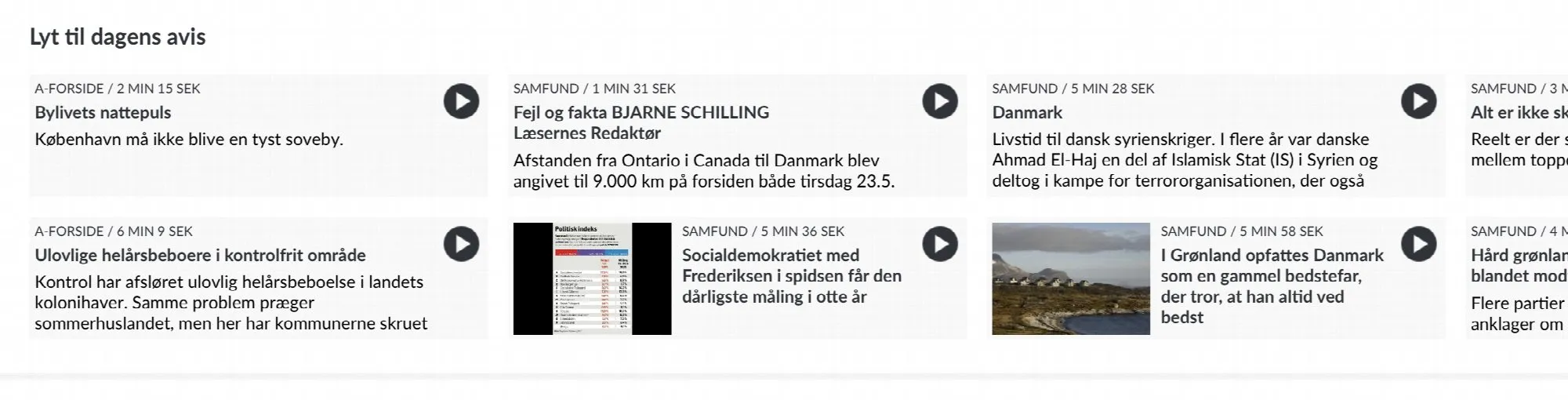
If there are audio files linked to the articles, visitors can have the article read out directly from the home page. The audio can continue to be read while you navigate around the e-magazine.
A live example of what the article component looks like can be found on the Danish newspaper [Politiken.](https://e-avis.politiken.dk)
**How to create an article component**
Go to Prenly Workspace .
Select application.
Select "Start page".
Scroll to the bottom and select "Add component".
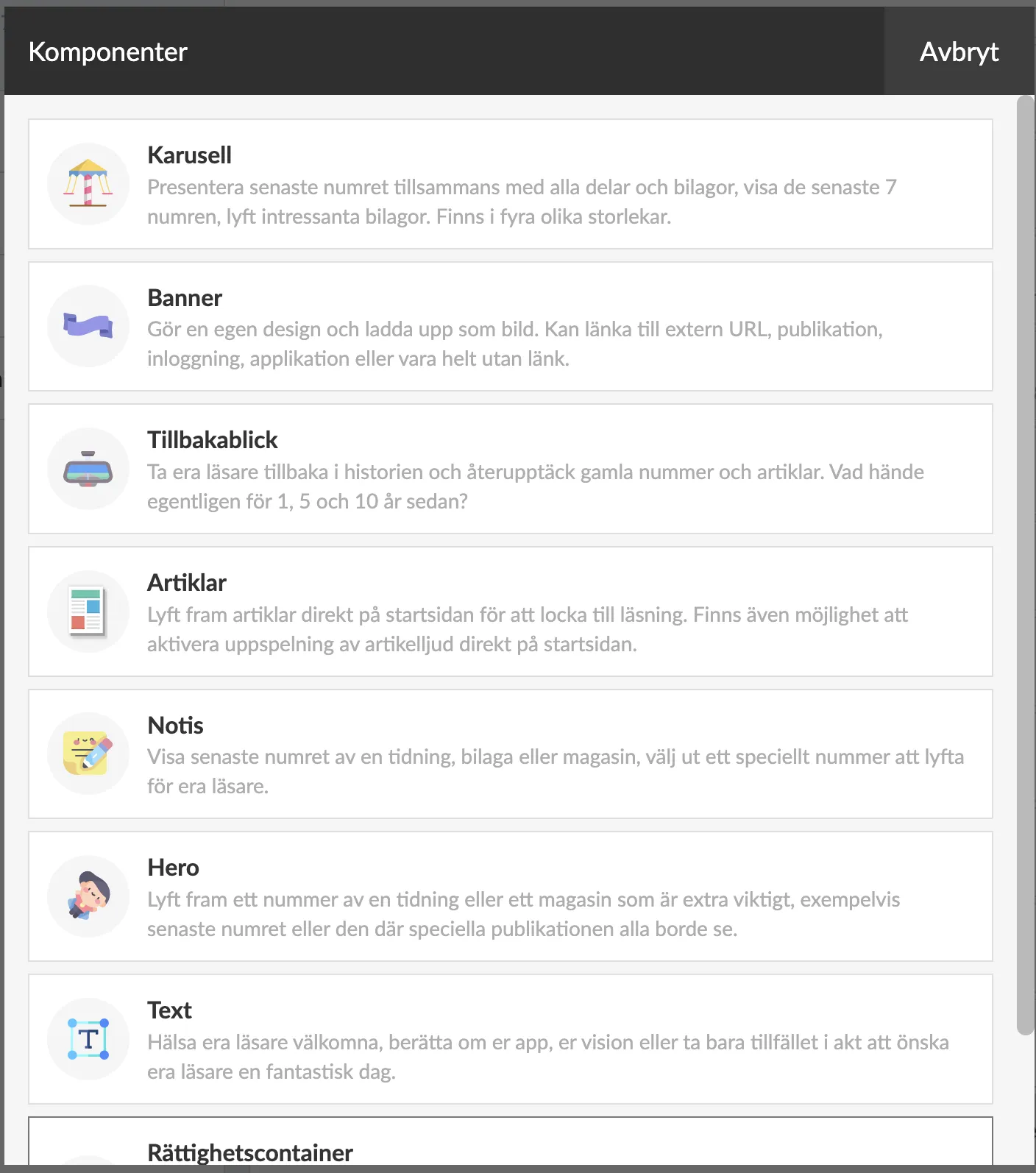
Select "Articles".
Enter a name (only displayed internally in Prenly Workspace).
Select Source. First the title from which you want to display articles.
Then Publication. If you select "Latest publication", the articles from your latest edition will always be displayed. But you can also select a specific issue.
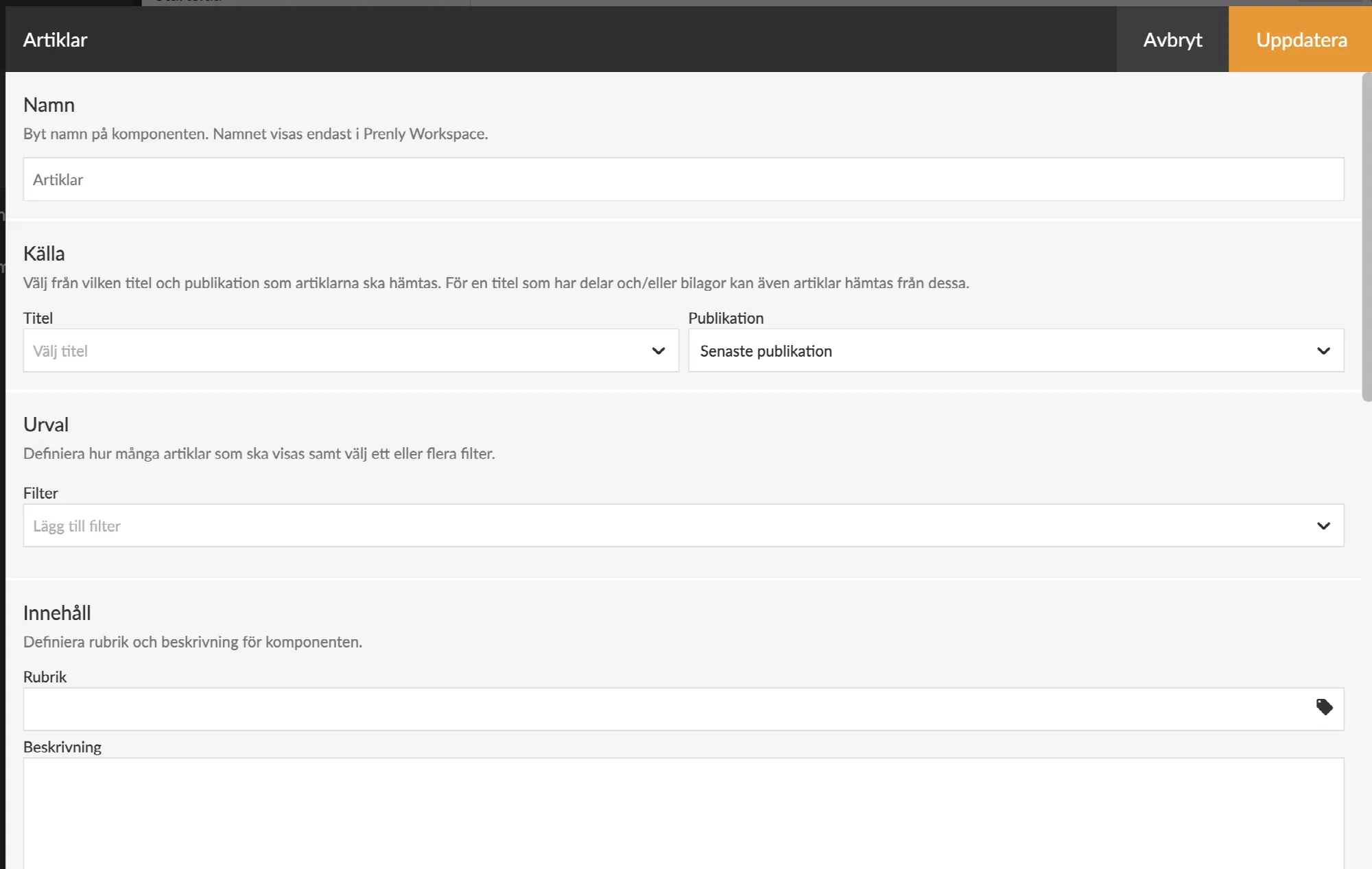
In the filter menu, you can filter which types of articles you want the component to display. You can choose from the following options:
1) **Article audio** – You can choose to display either articles that have an attached audio file or articles that do not have an audio file.
2) **Articles with more words than** – You select how many words an article must contain to appear in the article component. All text in the article, including the vignette, will be counted as words. (*Note that the word count is automatically applied only to publications imported to Prenly after 2025-02-26. If you need help with older publications, the* ***[Prenly support team](mailto:hello@prenly.com)*** *can assist you*).
3) **Article images** – You can choose to display either articles that contain images or only articles without images.
At Content you can give the component a Title and Description.
Further down in the component setting, you can select labels and choose settings for article audio.
Then comes the Appearance settings, where you can adjust the colours of the different parts of the component.
And at the very bottom you can choose if you want to show the component only in certain platforms and only during certain times.
Once you have finalised your settings and saved, you can drag the component to any position on the homepage. Activate the component and publish the page.
The article component will be displayed on the home page.
At the time of writing (May 24, 2023), the component is displayed in the web browser and the iOS app, but not yet in the Android app.
Article audio in the form of mp3 files has higher quality than the built-in speech synthesiser and in May 2023 it is only available in the Politiken e-journal. An integration with a speech server that can receive texts and create mp3 files is required.
We will work to create a solution that is integrated with Prenly but more on that later.
---
URL: https://www.prenly.com/support/manage-applications/change-url-cname
# Change URL - CNAME
> Learn how to connect your Prenly e-magazine to a custom subdomain using a CNAME record. Follow our step-by-step guide for hosting providers and DNS setup.
3 min read
[By David. 24 Oct 2025](https://www.prenly.com/author/77)
In this guide, we'll walk you through how to create a **CNAME record** for your domain, so that your Prenly e-magazine can be accessed through its own URL, such as **epaper.example.com**.
By setting up a CNAME, you point a subdomain (like *epaper*) to your Prenly homepage. This allows your visitors to use a clear and branded URL instead of a standard address.
The guide shows you step-by-step how to ask your web host to do it for you, and how to set it up in your DNS yourself.
## CNAME with help from your hosting provider
1. To make a CNAME pointing of your chosen subdomain to Prenly, you first contact your web host.
2. Then you tell the web host that you want to make a CNAME pointing from your chosen subdomain (e.g. epaper.example.com) to Prenly, e.g. name.prenly.com (you replace name with your subdomain)
3. Once a CNAME pointing has been made by the web host, contact Prenly's customer service: **Email: hello@prenly.com Chat:** in Prenly Admin**Phone:** +46-31-388 47 40with information about which subdomain you have chosen and which your main domain is.
4. Based on the above example, it is enough to tell us that you have made a CNAME on ***"epaper.example.com"*** and want to get this into your web app.
5. Prenly will notify you when your web app has been moved to your new web address.
> Activating a CNAME pointing usually takes up to 24 hours and there are usually no costs involved. Please note that it must be a CNAME pointing. A regular REDIRECT will not work.
### What is a subdomain?
*A subdomain, also called a subdomain, is an extension* *to the main domain. The most frequent subdomain today is "www". In the web address (URL) "www.example.com", the "www" part is the subdomain; "example.com" is the main domain.*
*For many web hosts, it is a main domain that customers need to buy. A subdomain usually doesn't cost anything extra, depending on which web host you have as a customer. **Many of Prenly's customers have chosen to use the subdomain "epaper" for Prenly.***
## Create a CNAME record yourself
If you want to do this yourself through your web host, you usually follow these steps - but it may vary a bit depending on which web host you use.
**Step-by-step: Create CNAME record**
1. Log in to your web host's control panel (often called cPanel, DNS Editor, or similar).
2. Navigate to **DNS settings** or **DNS zone editor** for your domain.
3. Locate a function to **add** a **new record**. Fill in the details like this - **Type**: CNAME - **Name/Host/Subdomain**: ex etidning (if you use etidning.example.com) *(sometimes you write* etidning.example.com*, sometimes just etidning depending on the platform)* - ***Value / Target / Pointing to**: name.prenly.com. (this value is the first URL you get from us, you can always ask for it from support if you don't remember) *Note that the dot at the end is not always necessary, but some DNS systems require it* - ***TTL**: Leave it at default (e.g. 3600)**
4. Click on **Save / Add record / Update**.
5. It can take **up to 24 hours** for the change to take effect globally (due to DNS caching), but it is often much faster.
You can test that it works via e.g.:
- [https://dnschecker.org](https://dnschecker.org)
- Or through the terminal with: nslookup etidning.example.com
---
URL: https://www.prenly.com/support/manage-applications/add-and-play-podcasts-in-your-apps
# Add and play podcasts in your apps
> Learn how to easily add, manage, and display podcasts in your mobile and web apps using RSS feeds to boost user engagement and retention.
2 min read
[By Fastén. 24 Oct 2025](https://www.prenly.com/author/68)
Display and play podcast episodes directly in your apps, so users can browse and listen without leaving the app. This keeps users in one place and gives them another reason to come back, even when there is no new publication yet. It’s a simple way to increase engagement and make your app more valuable.
**Live example**
See how podcasts look on the web application or mobile apps.
[thisis.prenly.com →](https://thisis.prenly.com/)
### How to activate it?
If you are interested in the podcast feature, send us a message at hello@prenly.com.
We’ll share pricing details and enable the feature for you.
### How does it work?
Once the feature is enabled, you can add and manage podcasts in Prenly Workspace.
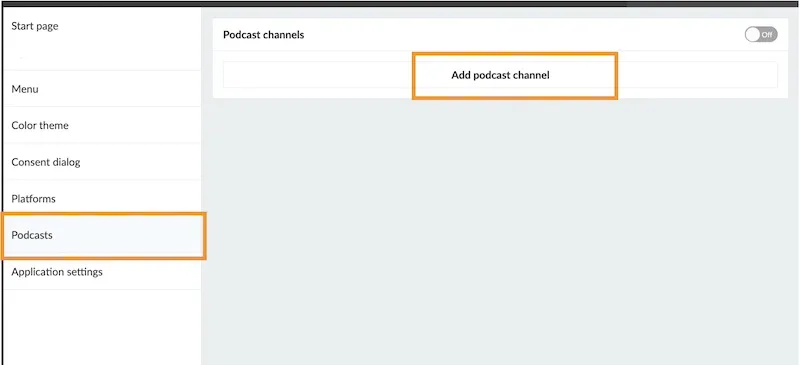
**Add a podcast channel**
- Go to *Applications*
- Select your application
- Choose the menu option *Podcasts*
- Click on *Add podcast channel*
- Add your RSS feed and click *Add*
**Note:** A podcast is always connected to an RSS feed, which contains all episode information and links to the audio files. Since Prenly does not host audio files, your podcast must be hosted externally (for example via Podbean, Libsyn, Buzzsprout, or your own server).
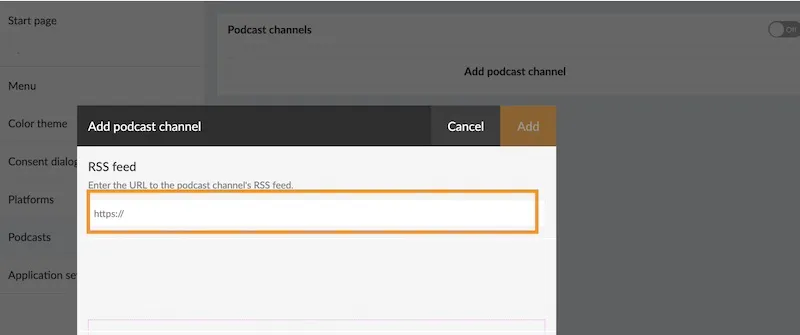
**Configure access (optional)**
You will be able to control access if you want to restrict access to subscribers only.
**Publish the podcast**
Turn the switch at the top to “On”. This activates the feature.
Next, let's make sure the podcast is visible in your apps.
### Display podcasts in your apps
**On the startpage**
- click “Add new component”
- choose “Podcast”
- configure how it should look
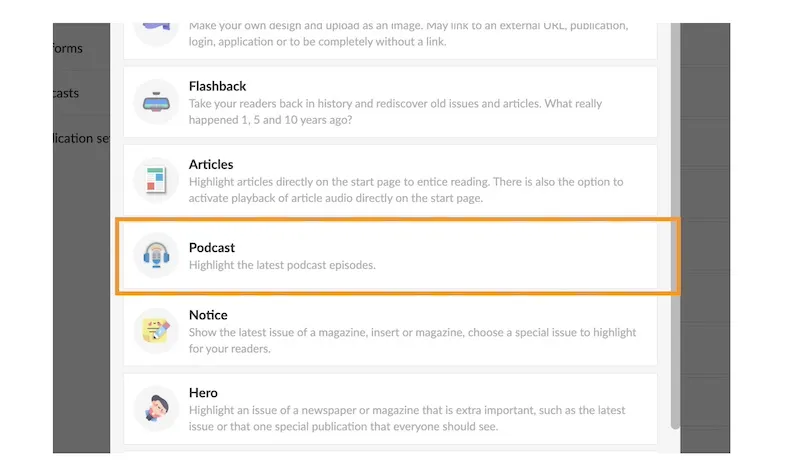
You can decide whether to show episodes from all podcasts or only selected ones.
Adding this component is important — it helps users discover your content faster and increases the chances that they actually press play.
**In your web application**
- Add a podcast item in the [menu of your web application](https://www.prenly.com/support/manage-applications/menu-settings-for-the-web-application/)
- Decide if you would like to place it in the expandable menu or as a visible icon next to it.
**On your native app**
- Add a podcast section as a [tab in your mobile apps](https://www.prenly.com/support/manage-applications/menu-settings-for-the-app-custom-tabs/)
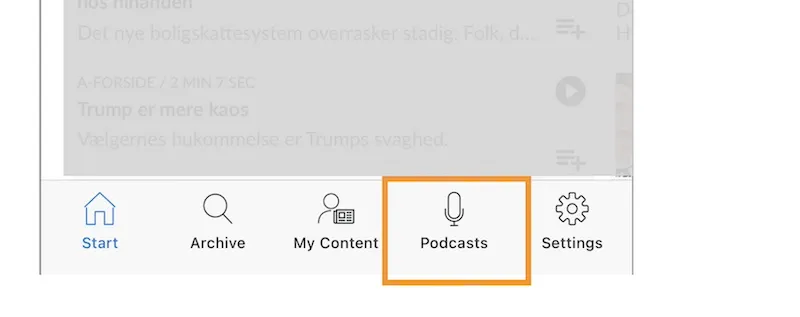
**Updates**
New episodes are automatically synced from your RSS feed.
**Note:** Updates are not instant and may take a few minutes due to caching.
**Tip**
You are not limited to your own content either, as you can also include podcasts from partners to expand your offer and give your readers more to explore.
---
URL: https://www.prenly.com/support/manage-applications/create-a-cmp-module
# Create a CMP module
> Create and configure a CMP module for consent dialogs in Prenly Workspace. Learn how to manage cookies, apps, websites and Google Tag Manager.
5 min read
[By jens. 24 Oct 2025](https://www.prenly.com/author/62)
According to new digital laws all web pages and Android / iOS apps must have a consent dialog for the collection of cookies and other personal data. This is easily done using a CMP (Consent Management Platform) module that you create in Prenly Workspace. Here we show you how!
You can also use external CMP platforms where we currently support Didomi, Cookiebot, Usercentrics and Sourcepoint. [Read more](https://support.prenly.com/p/applications/create-a-cmp-module/a/third-party-cmp/2539/693083/51915475)
To configure external CMP platforms in Prenly Workspace you will need them to be activated for your application. Please contact our Help desk and ask them to activate the CMP platform you want to use.
Please note that you have to be a **workspace owner** with **full rights** in order to create these modules and modify the consent dialogs.
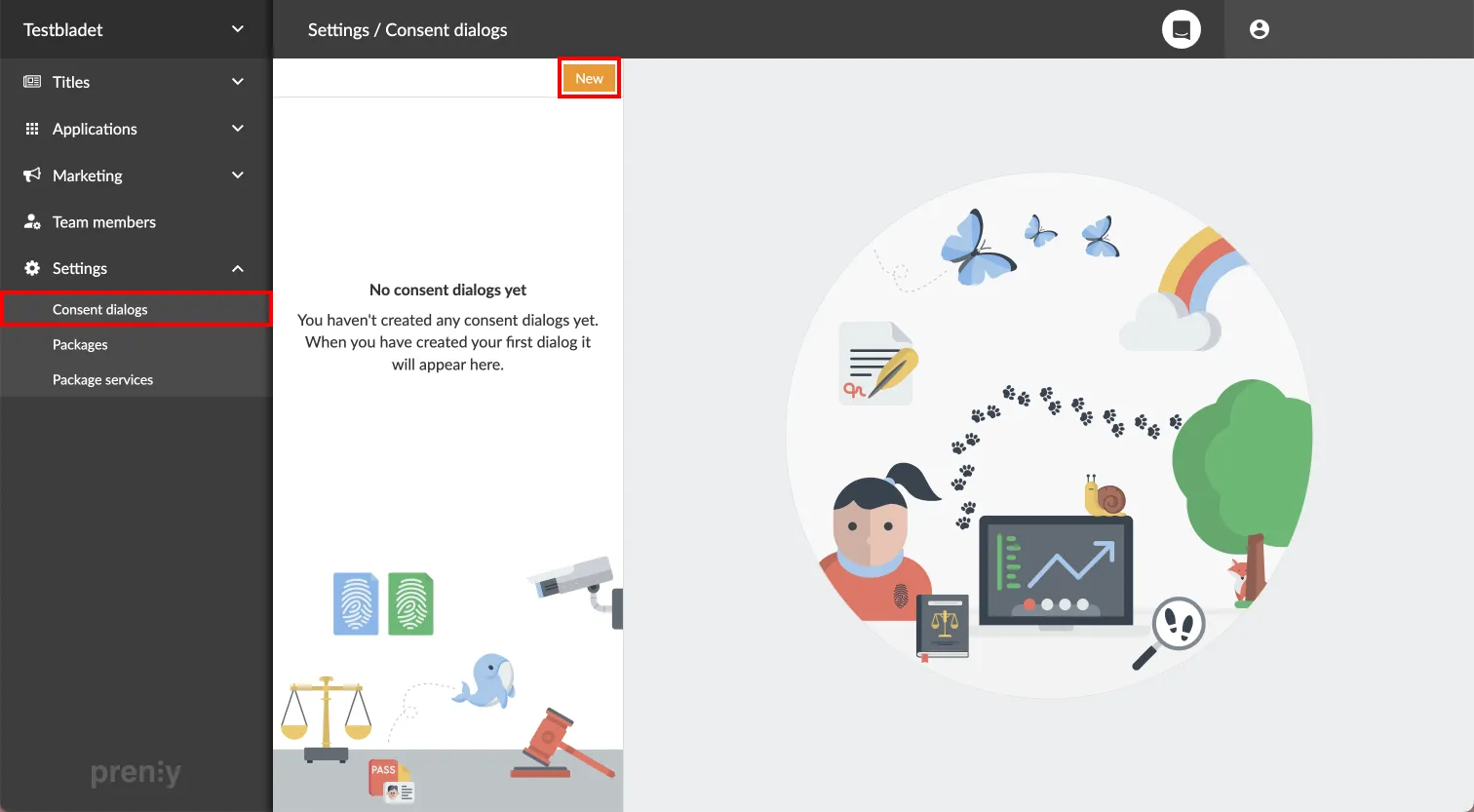 Create a new CMP module in **Settings** -> **Consent dialogs**.
Start by logging into Prenly Workspace and going to **Settings** -> **Consent dialogs** -> click **New**.
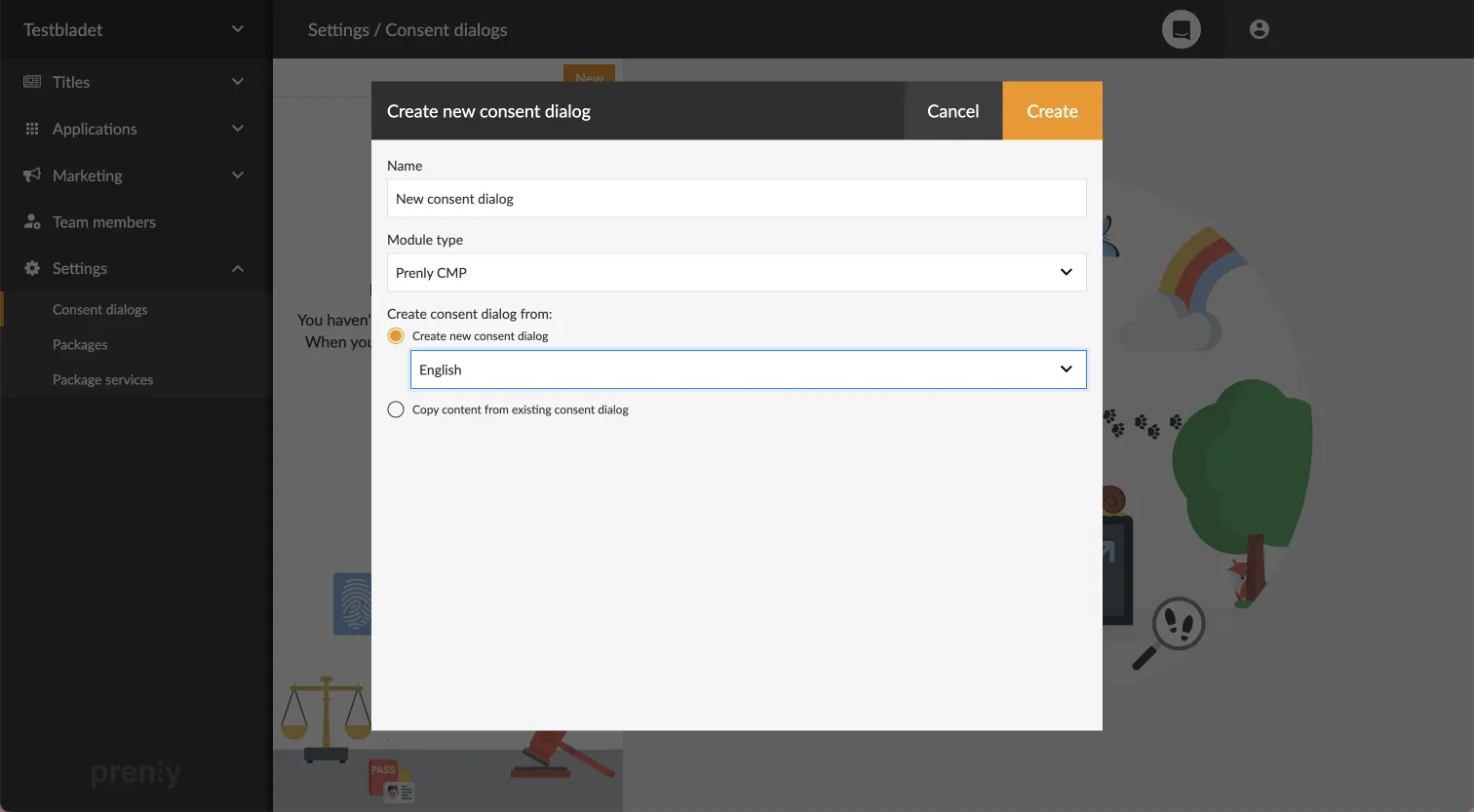 Name and choose the type and language of the new module.
A window appears in which the module is to be created. Start by filling out its desired **name**. Then choose which type of module you want to use. (**Prenly CMP** is the standard preset, but you can also choose **Didomi,** **Cookiebot** or **Usercentrics** if these are used by your company and have been enabled) Finally you have to choose if you want to generate a new standard dialog text (and also in what **language**) or if you want to copy the dialog from an already created module. Then click **Create** to create the module.
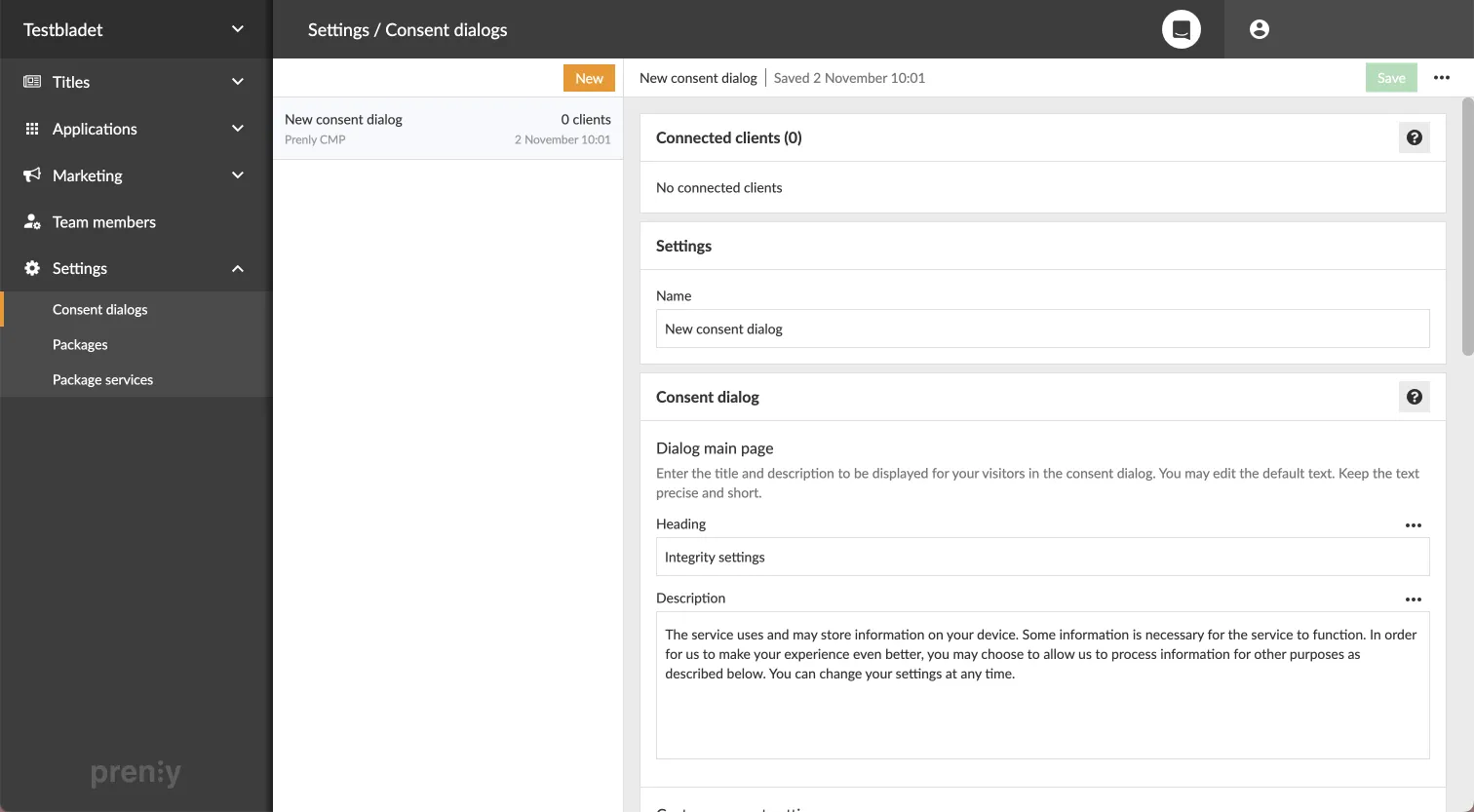 Configuring the module is as easy as counting to three!
When the module is created it ends up in the list of available modules. If we click on a module in this list we can see which clients it's connected to and add new connections.
Here we can also edit the module's **name** and **title** - and to a large extent **configure its contents** by scrolling further down on the page. Next to each segment are helpful explanations that we can read by clicking the question mark buttons or the three dot menus further down. Using the three dot menus we also have the option to reset each segment to its default text.
If we want to save changes made we click the green **Save** button in the upper right corner. If we want to **delete a module** we can find this option when we click the three dot menu next to the Save button.
Should the module already be connected to a client when we want to save our changes, the next step will be affected depending on how extensive our changes are. If we try to save **major changes**, a new consent from the users will be required. If, on the other hand, only a misspelling or similar is corrected, the changes are simply saved in the module without new consent being required.
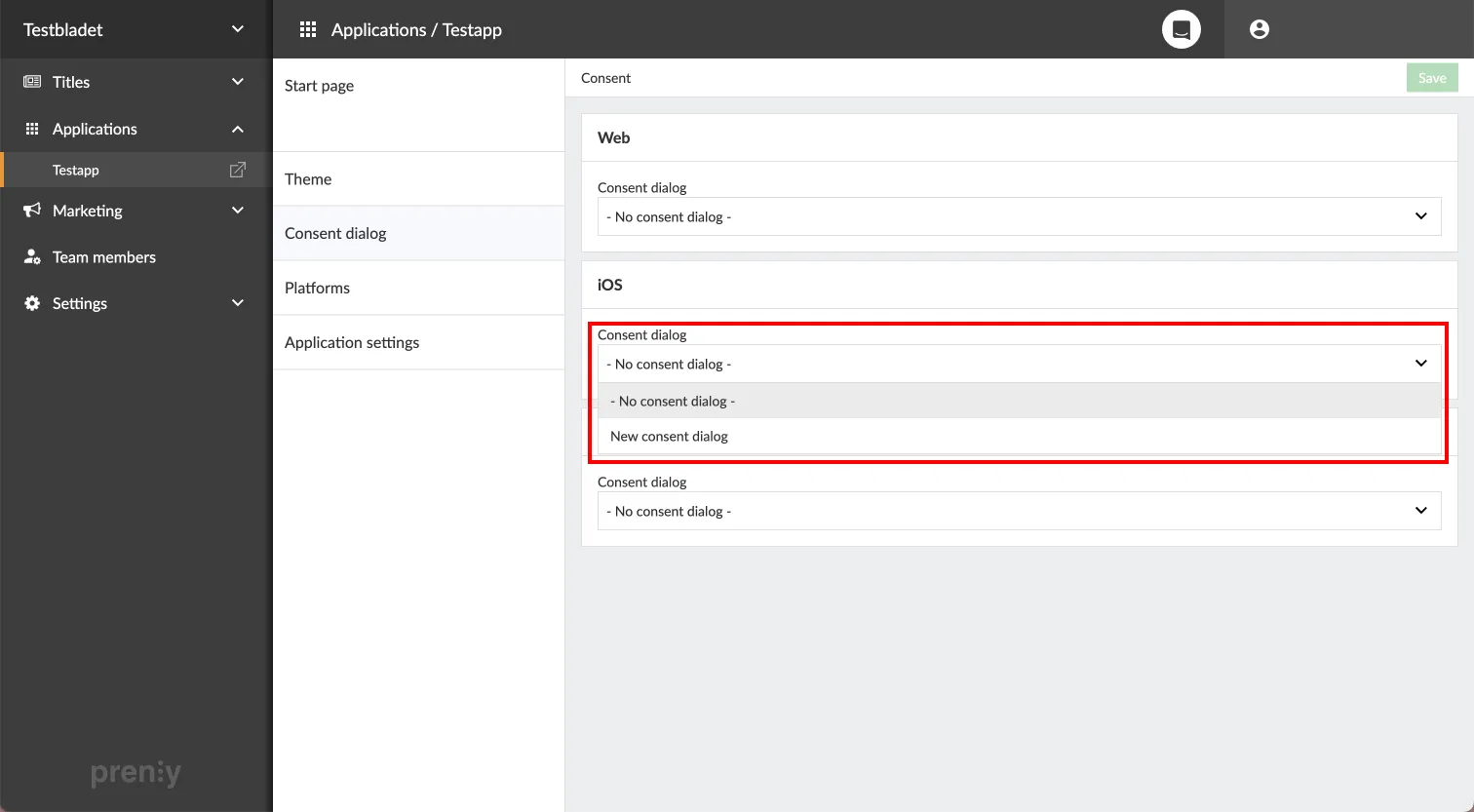 Go to **your** **application** -> **Consent dialog** to connect the app with the new module.
To connect the newly created module with an application, we go to **Applications** -> **select an application** -> **Consent dialog**. There we easily connect any client (**Android** / **iOS** / **Web**) with a consent dialog by selecting the module in the respective client's list. Finally, save the new connection using the green **Save** button in the upper right corner. All done!
Please note that the consent dialog will not appear on the mobile applications until they are updated to version 11.0.4 (Android) and 10.0.0 (iOS). For the web app, however, the dialog is displayed immediately.
## For those who use Google Tag Manager
If your e-magazine uses its own Google Tag Manager container to send statistics for the e-magazine, you need to ensure that the user's consent in Prenly CMP is respected.
This instruction assumes you are familiar with Google Tag Manager.
#### Step 1. Create a new variable
Press “Variables” in the left menu.
Go to “User-defined variables” and press “New”
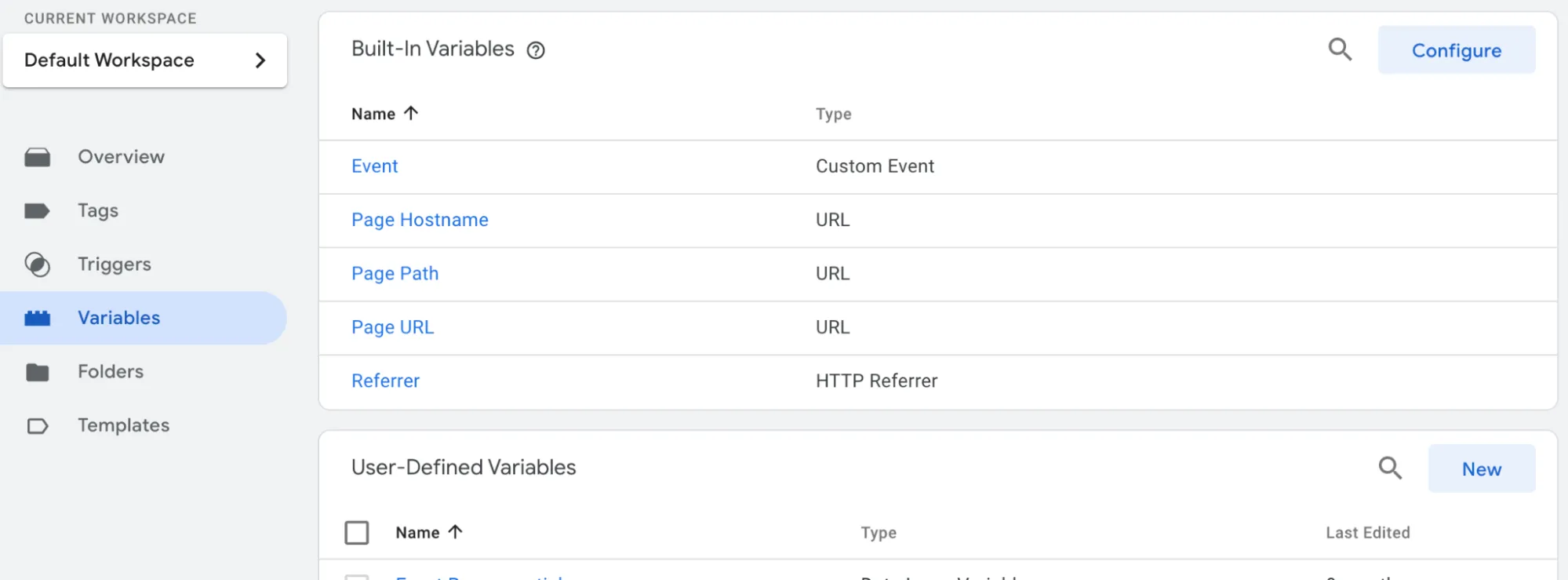 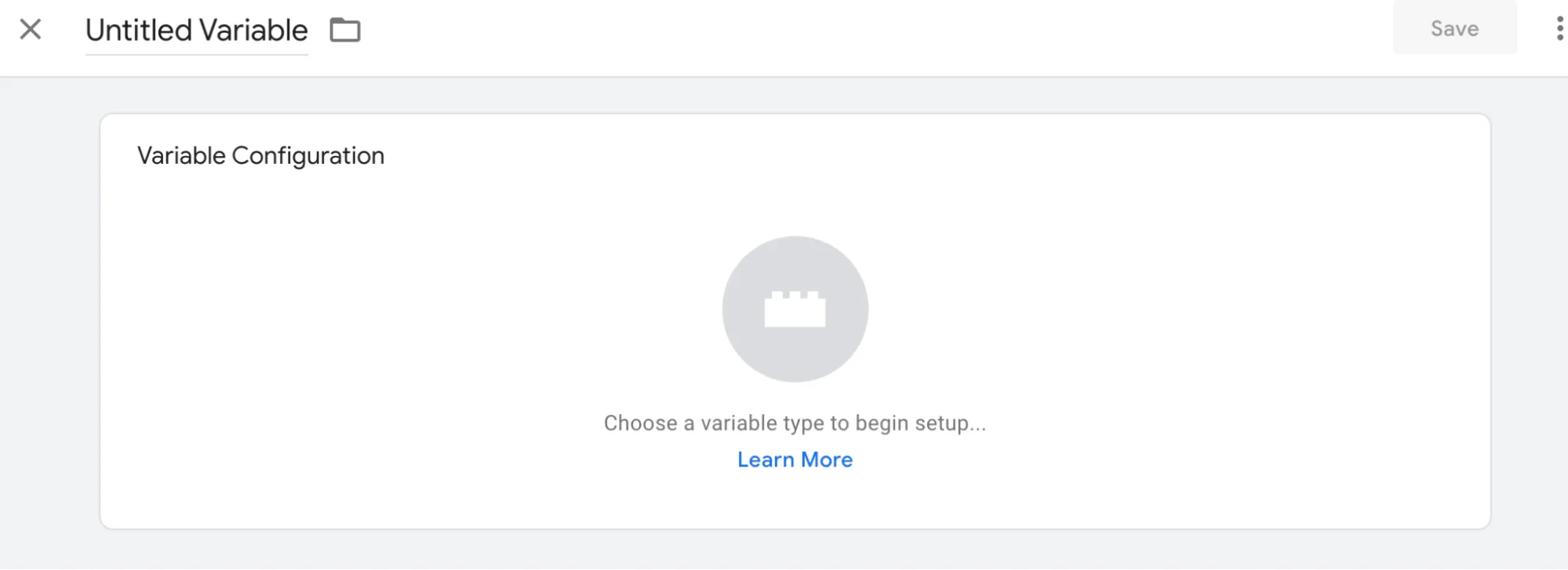
Select variable type "Data Layer Variable"
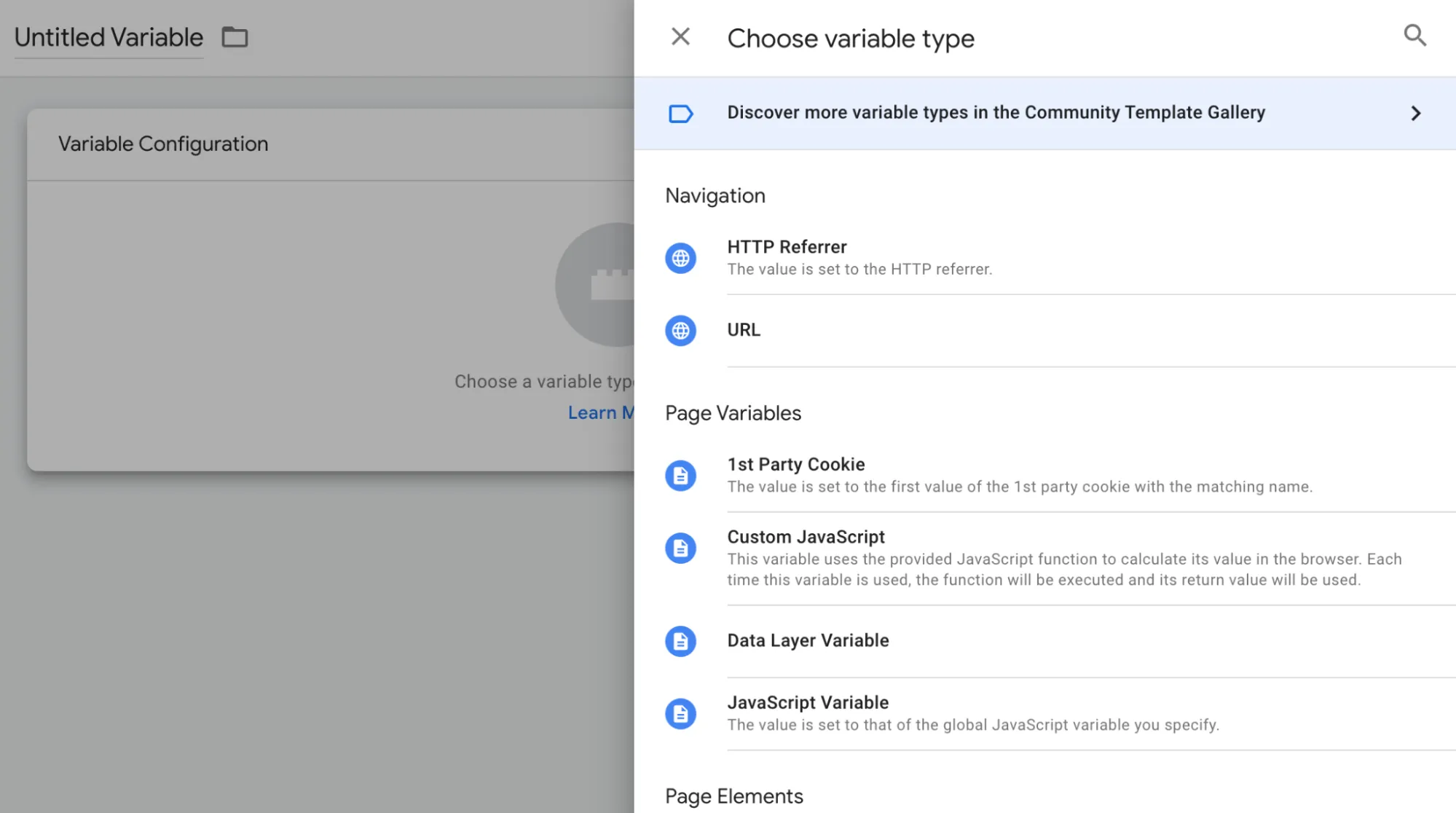
Select variable type "Data Layer Variable"
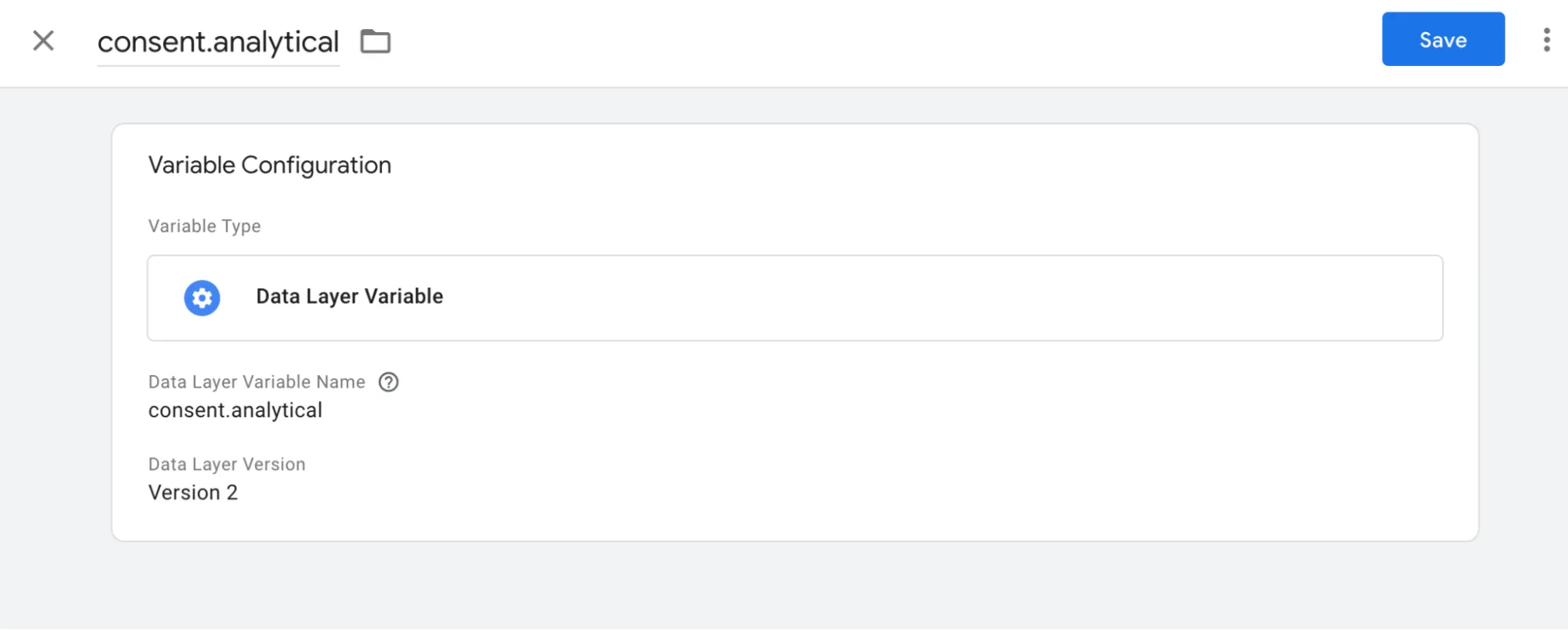
Enter “consent.analytical” in the “Data Layer Variable Name” field
Also enter “consent.analytical” as the name at the top.
Tap the box so it expands and you can select “Format value”
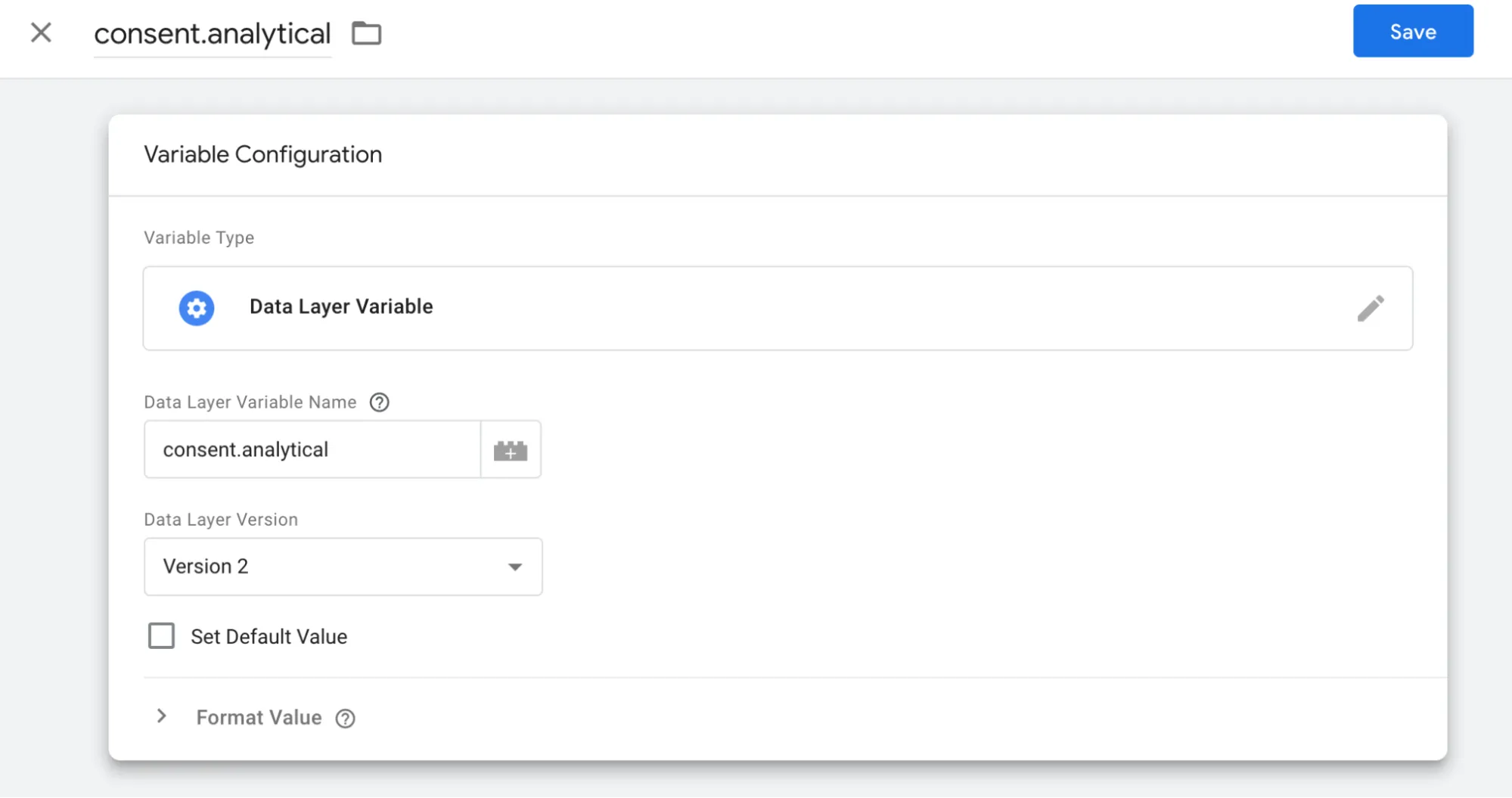
Set "Format Value" so that the value “null” is set to “false” and the value “undefined” is set to “true”.
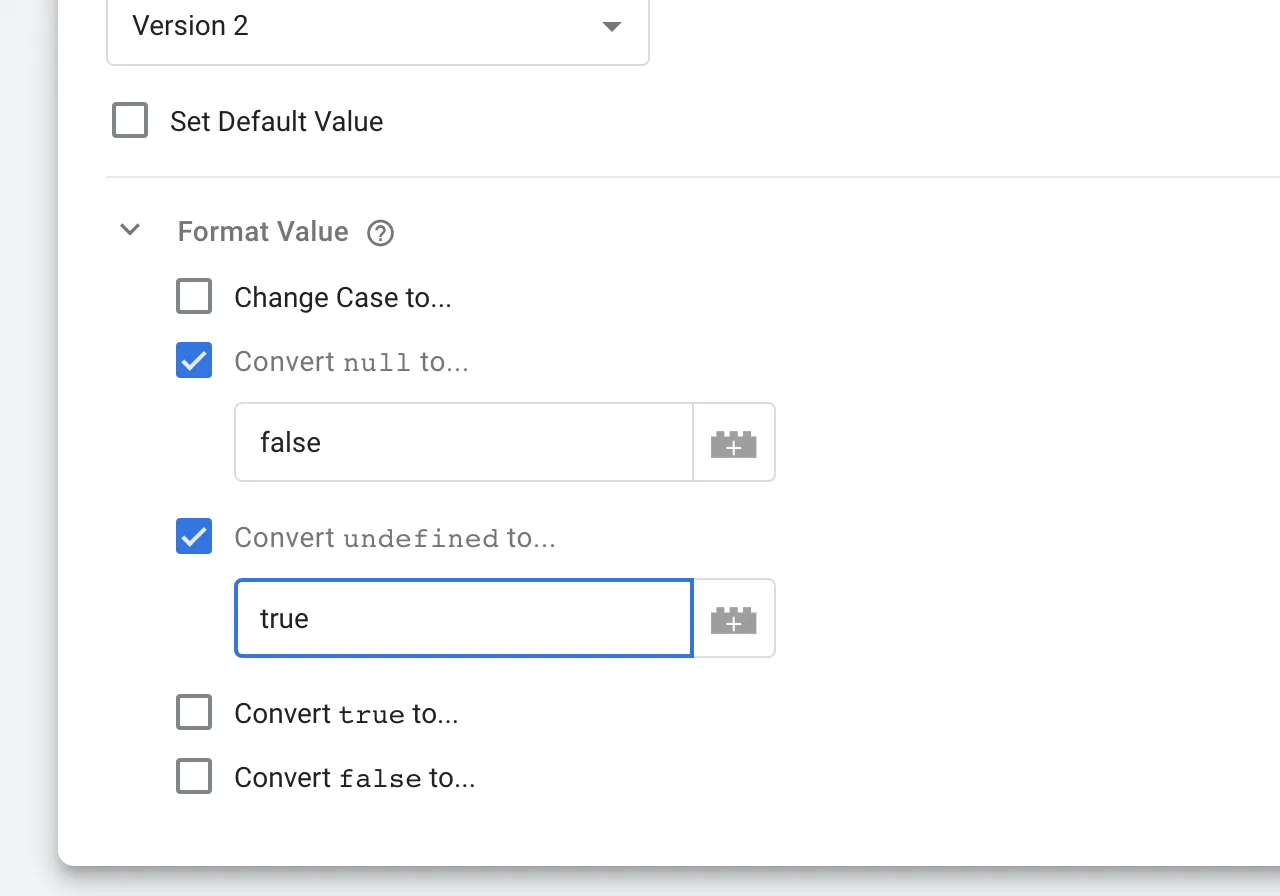
Press "Save".
You have now created your data store variable. It appears in the list of "user-defined variables".
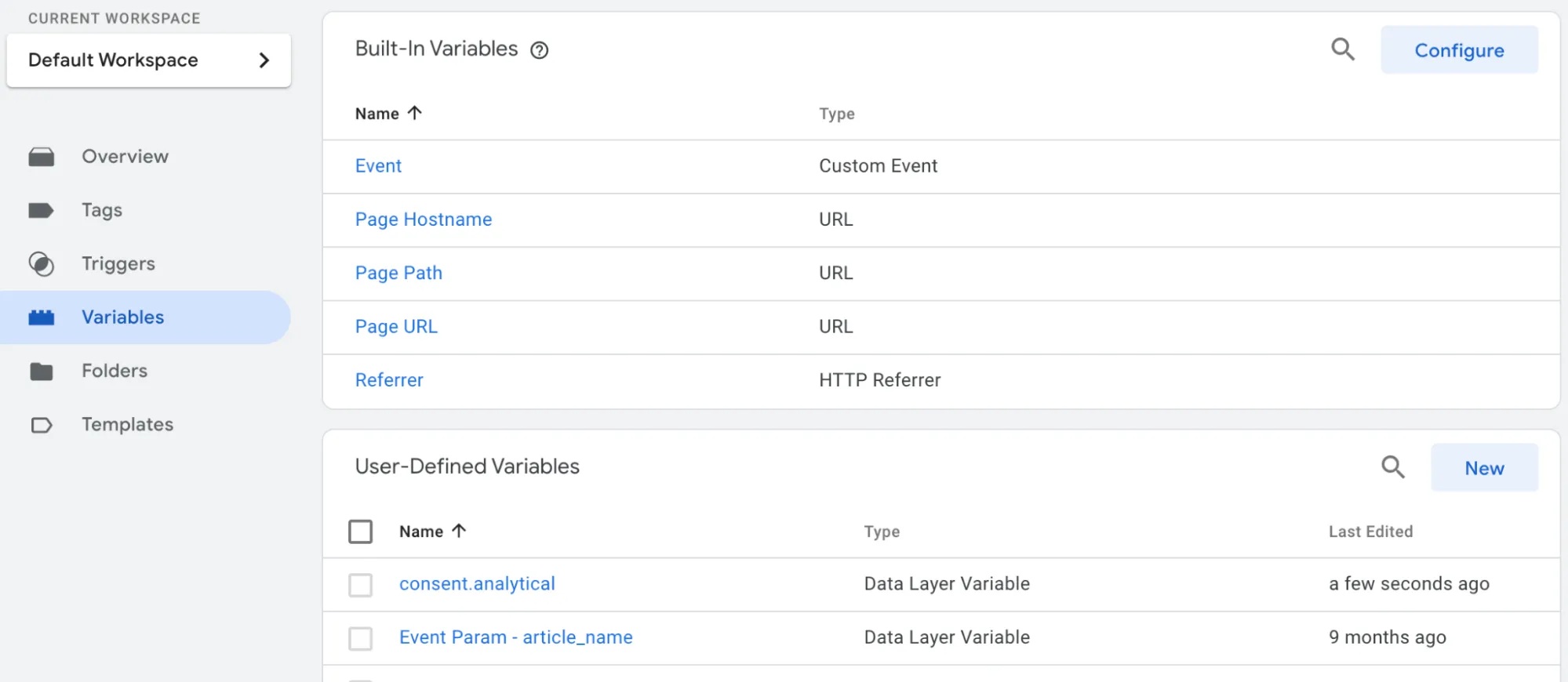
#### Step 2. Set your “triggers”
Now set your triggers to include the variable as a condition.
Tap on “Triggers” in the left menu.
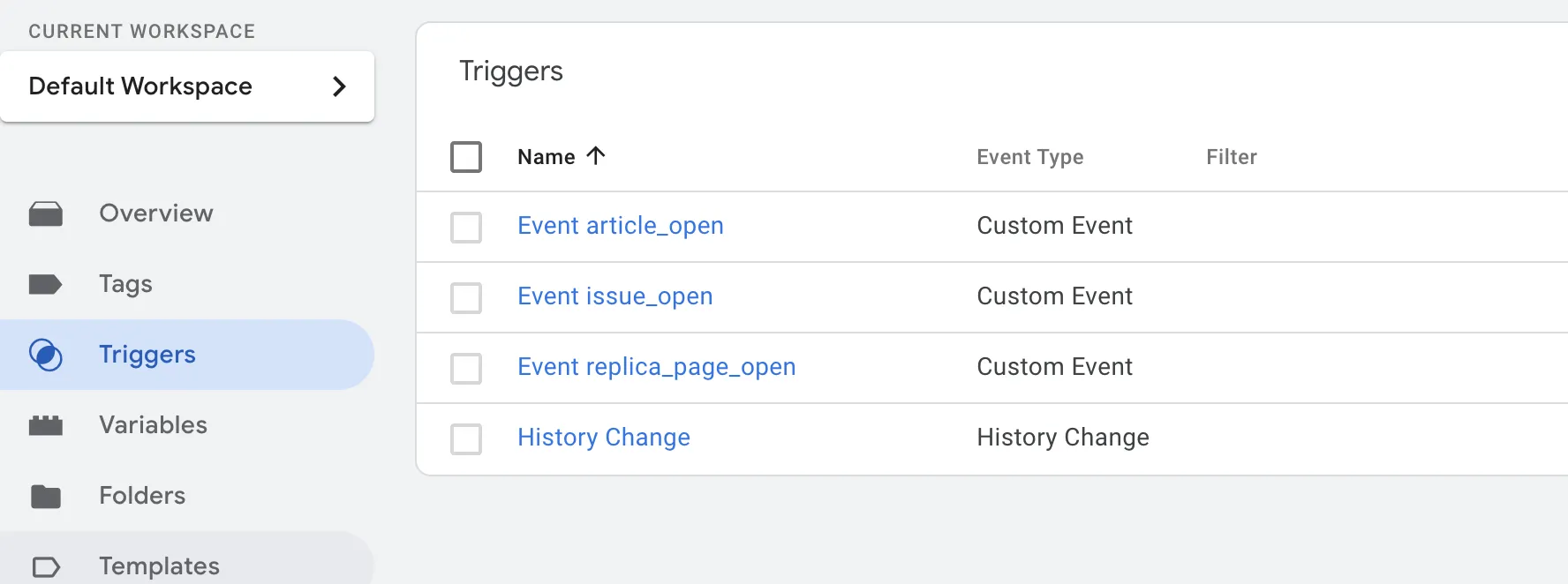
Open each trigger and add a condition that “consent.analytics” should be set to “true”. This means that the visitor's choice to reject statistics is respected.
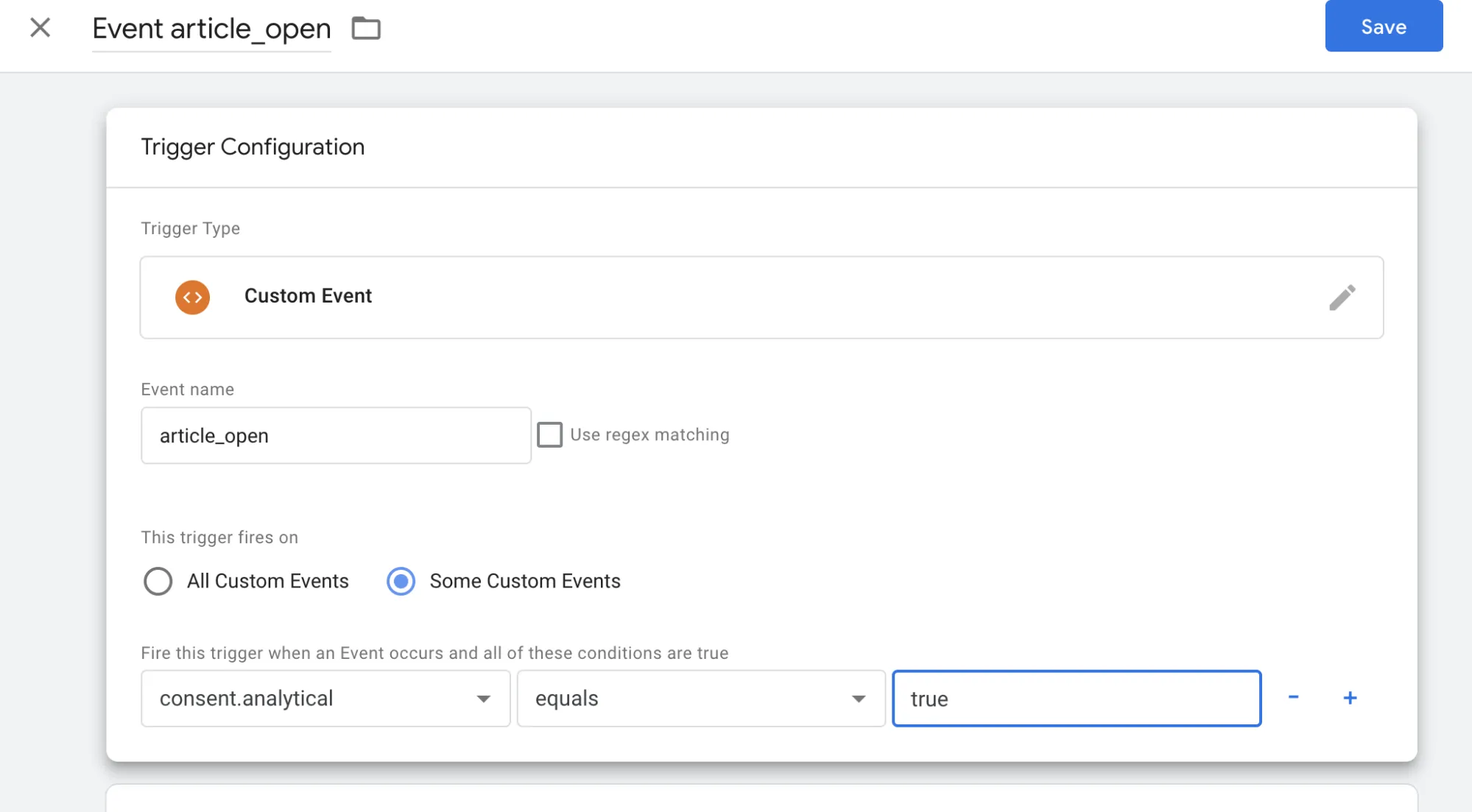
Add this condition to all your triggers. Save them.
Check that all triggers have this condition.
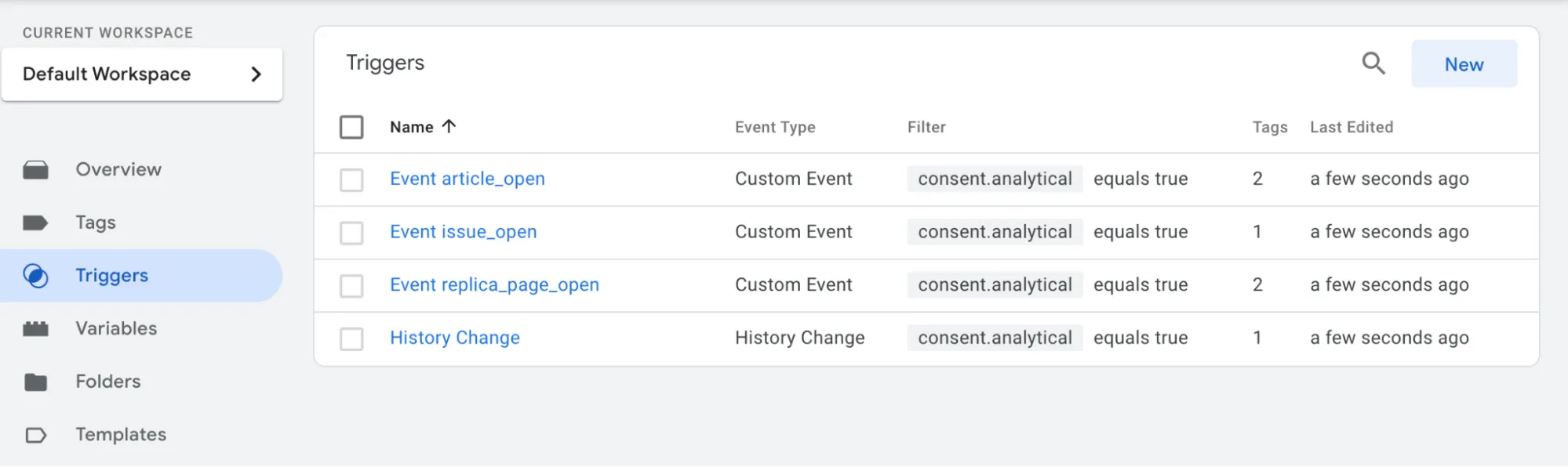
#### Step 3. Preview and publish your container
If you have not yet added the Prenly CMP module to Workspace, the statistics will work as usual.
Once you have added the Prenly CMP module, statistics will not be sent from the users who chose to reject statistics in their privacy settings.
If you use other types of tags, there are also data layer variables for “consent.marketing” and “consent.functional”.
The instruction above only applies if you use your own GTM container that you administer yourself. In that case you must configure GTM before activating the CMP module in Prenly Workspace.
If you are using Prenly's Google Tag Manager container **GTM-5B22TM** then this configuration is done by us at Textalk Media. The same applies if your statistics are sent via **Firebase** for web. In these cases, you only need to activate the CMP module in Workspace.
---
URL: https://www.prenly.com/support/manage-applications/menu-settings-for-the-app-custom-tabs
# Menu settings for the app (custom tabs)
> Learn how to easily create, customize, and manage app menus and custom tabs for iOS and Android within Prenly Workspace.
4 min read
[By Sofie. 24 Oct 2025](https://www.prenly.com/author/78)
You can create your own menu in your app. It is possible, for example, to add external links, cookie and privacy policies. For each menu item, you can choose from a number of different icons.
Required app version:
Android: 11.6.0
iOS: 10.9.0
Note that some of the icons require newer versions.
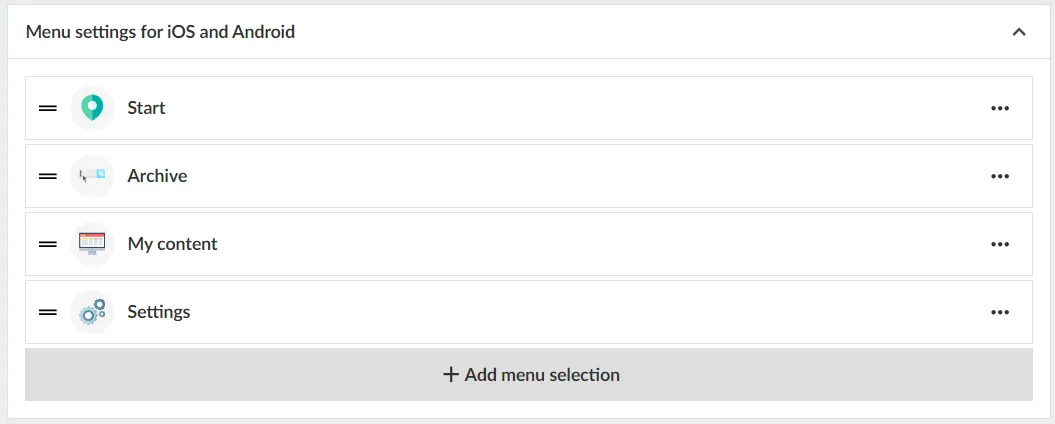
## Menu settings for iOS & Android
You can go in at any time and edit how you want your menu to look.
To manage your menu in Prenly workspace here is a quick guide:
1. Log in to your Prenly Workspace account
2. Go to "Applications"
3. Select the application you want to manage the menu for
4. Click on "Menu" on the right
5. Select "Menu Settings for iOS and Android"
6. Manage your menu by drag and drop, add menu items or edit existing content
**Note:** If the setting "Title page" is activated in Prenly Workspace, it may take one of the available places depending on how the settings look before.
## Add / change menu items
1. Click on "add menu" choice
2. Choose external link (or podcast if you have this feature in your agreement)
3. Enter a name
4. Select icon (note that some icons are only available in specified releases)
5. Click "add"
6. Drag the object to the desired position
**Change the icon or name of a menu item** Click on the bar or select edit. Enter name, select icon and "update".
**Change order of menu items** Click on a beam and hold down the mouse button. Drag the object to the desired position.
**Remove menu items** Click the three dots and delete to remove a menu item you have added. System links cannot be deleted.
**Enable browser navigation**
If the external page does not provide its own back/forward navigation, enable Browser navigation to add a small navigator.
## What can be added in the custom tab
The content of the custom tab can be as simple as an external web page or you can develop an advanced and mobile optimized set up.
[Read more →](https://support.prenly.com/p/applications/menu-settings-for-the-app-custom-tabs/a/possibilities-within-menu-settings-for-the-app-custom-tabs/2539/1493211/66098273)
## Guidelines to avoid problems with future app updates
• Never create links to a page where you can subscribe, or include further links, buttons, or content that could lead to a purchase or subscription page.
• The page cannot mention Google, Android, or related services on an Apple device - and vice versa, pages viewed on Android devices should not reference Apple or iOS.
## JS Bridge
When adding a custom tab with external content, it cannot communicate with Prenly by default. To enable this, you can use our JS Bridge, which lets the custom tab access app information (e.g. user consent).
[Read more →](https://github.com/Textalk/prenly-js-bridge)
## Technical details
**Isolation**
External pages in a custom tab are isolated from the app. Menus, tracking, and cookies are not shared. If needed, you must provide your own menu on the external page
**Link behaviour**
Link behaviour follows standard HTML:
• Default or non-"_blank" → opens in the same view.
• "_blank"→ opens in a new browser tab/WebView.
• SPAs usually keep users in the same view without _blank targets.
**HTTP Headers**
HTTP headers are additional information exchanged between your browser (or app) and a website to guide how requests and responses are handled. They are part of the HTTP protocol and are managed automatically by browsers, servers, or frameworks. Every webpage interaction includes request and response headers.
There are three Prenly custom HTTP headers a customer can use to help identify the device and user status, allowing tailored content for each user, where each custom HTTP header needs to be enabled:
• "X-Prenly-Client-Type" → "android" or "iOS"
• "X-Prenly-Is-Logged-In" → 1 (yes) / 0 (no)
• "X-Prenly-Logged-In-User-Id" → user ID (special approval required, GDPR)
---
URL: https://www.prenly.com/support/manage-applications/change-color-theme-in-the-web-app
# Change color theme in the web app
> Easily customize your color theme and start page components in Prenly Workspace to match your brand for light and dark modes on web and mobile.
2 min read
[By Lena. 24 Oct 2025](https://www.prenly.com/author/76)
Easily adjust the color theme to match your brand on both web and mobile (iOS & Android), for both light and dark mode. You configure your colors in Prenly Workspace in two places: **Color Theme** and Start page. Settings made on **Start page** apply only to the start page, while settings made under **Color Theme** apply to the entire app.
We’ll start with **Color Theme**.
Log in to **Prenly Workspace** and select **Applications**, then choose the application you want to modify. Click **Color Theme** to display the color settings.
Here you will find five categories:
**Top Bar** - Change the color for both web and mobile apps
**Menu** - Web only
**Control Bar** - Web only
**Navigation Bar** - Mobile app only
**Podcast -** Change colour of premium labels for both web and mobile apps
**Buttons and Links** – Both web and mobile apps
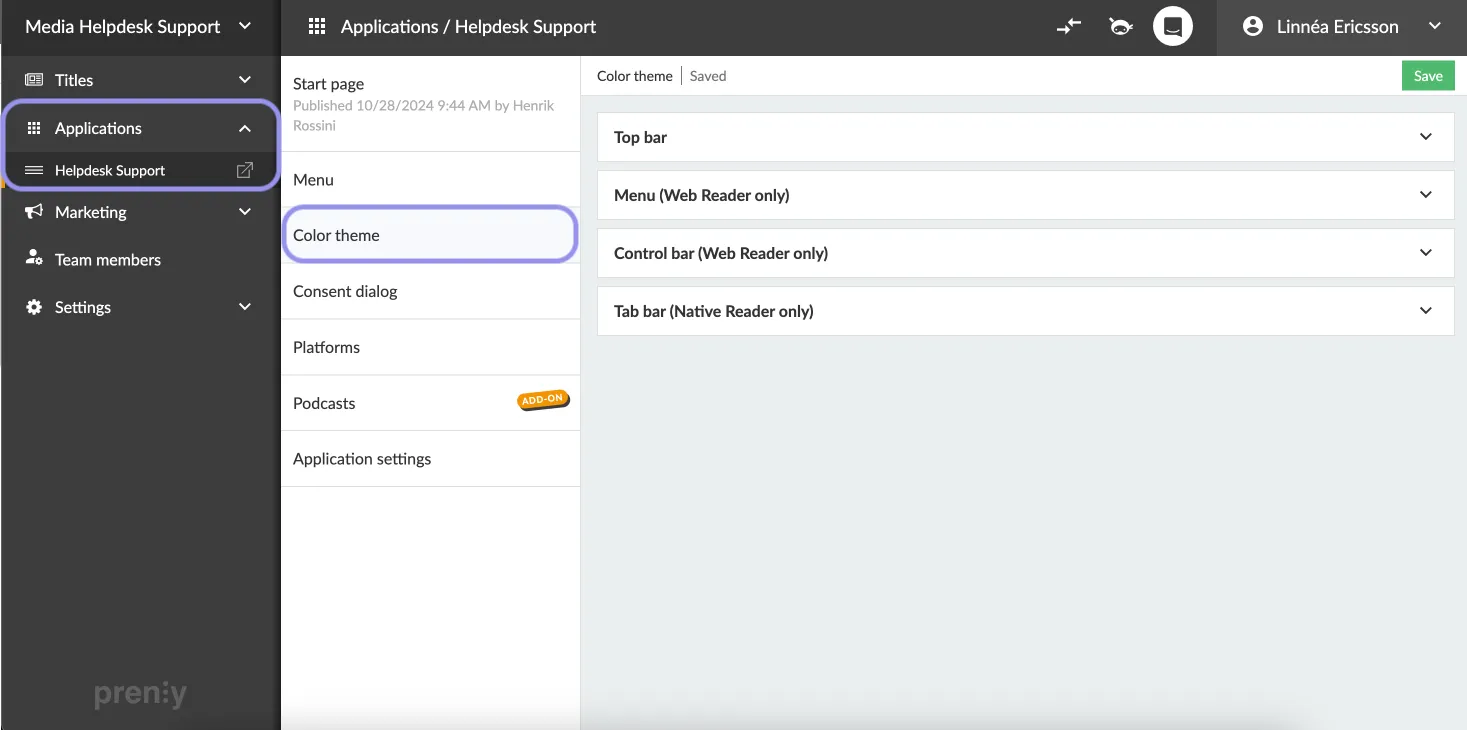In the color settings, you will find a color picker where you can choose which color to use in light mode and dark mode.
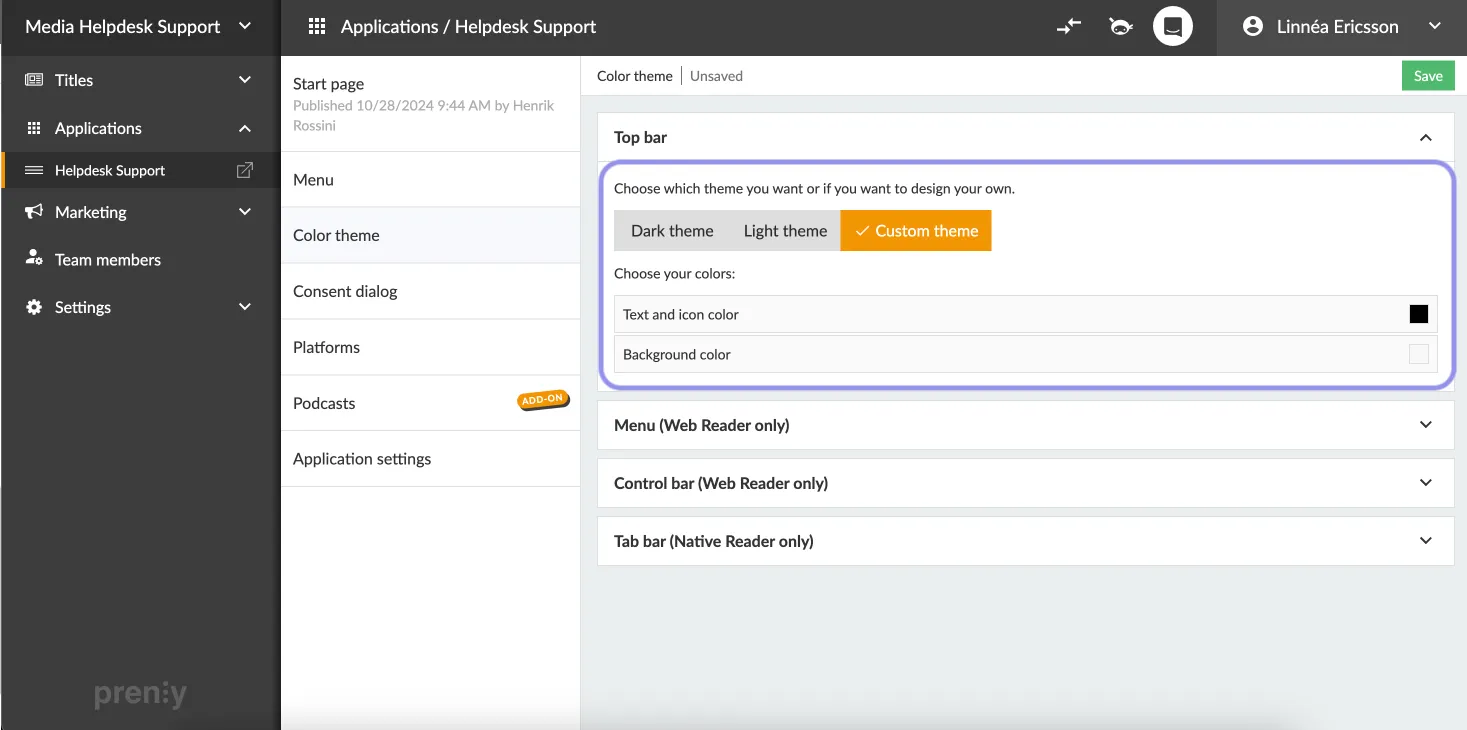 Choose color theme per area. If choosing Custom theme you can experiment with the color selector.
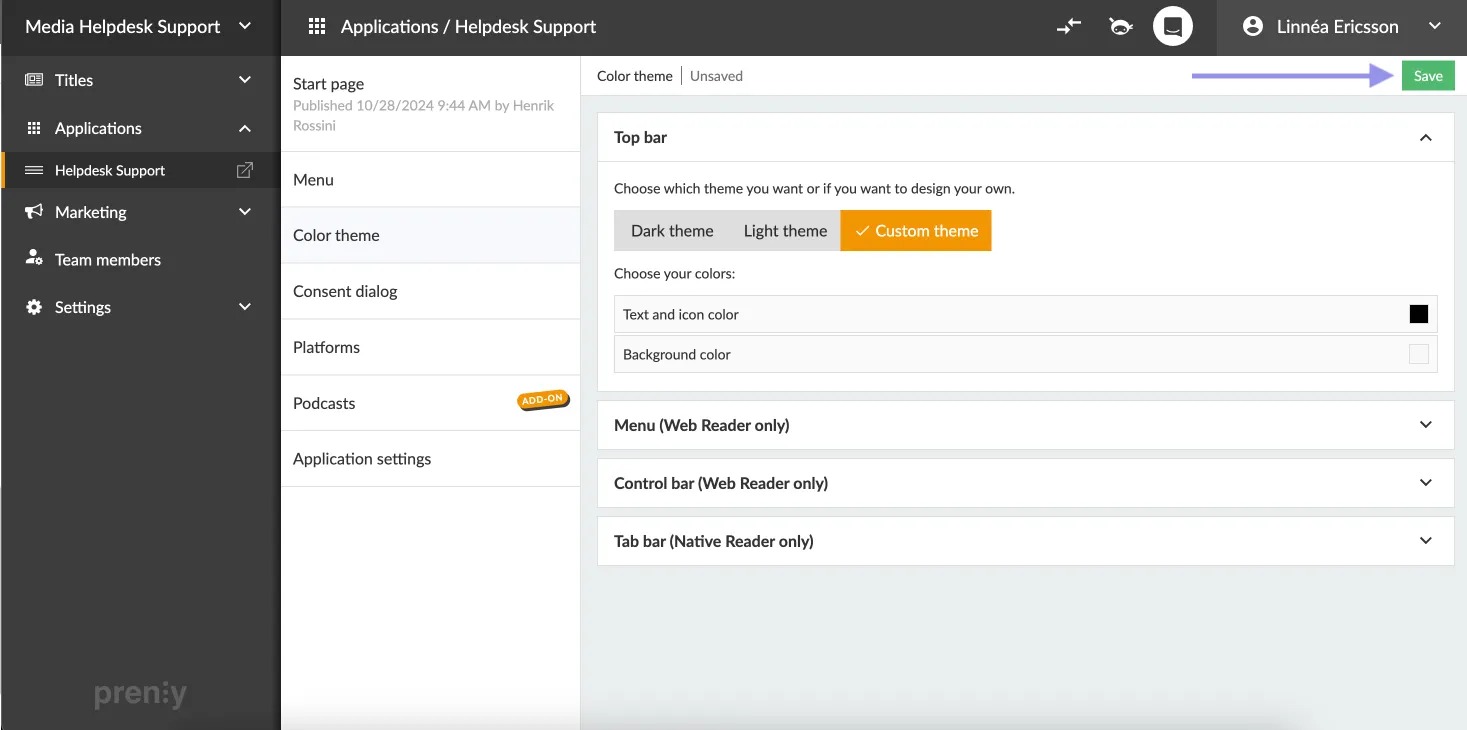Next, go to **Start page**.
Here you will find all your home page components. Each component includes color options such as background, text, and heading colors. Click on any component and scroll down to **Appearance**. There you will find a color picker where you can choose which color to use in light mode and dark mode.
For components where you can upload image files, such as the **Banner** component, you can also choose whether to use the same image in both light mode and dark mode, or upload a separate image specifically for dark mode.
Below the components, you will find **Background and Top Bar**. There you can configure colors using a color picker for both light mode and dark mode.
You can also upload a **Logotype** that will appear in the top bar on the Home page. If you upload a logo, it will be used in both light mode and dark mode, or you can choose to upload a separate one for dark mode.
Remember to click **Save** when you are done.
*Don't miss our [Color Contrast Checker tool](https://prenly-contrast-check.lovable.app/contrast-checker) which helps ensure your color choices provide enough contrast so text and elements remain clear and easy to read.*
---
URL: https://www.prenly.com/support/manage-applications/menu-settings-for-the-web-application
# Menu settings for the web application
> Learn how to customize and manage your web application menu in Prenly Workspace. Add external links, podcasts, titles, and icons with ease.
4 min read
[By Fastén. 24 Oct 2025](https://www.prenly.com/author/68)
It is now possible to create your own menu in the Web app, you can e.g. add external links, cookie and privacy policies and choose from a number of different icons for your menu items.
This will change: “Login” will appear below the main menu and “Search” to the left of the main menu. You can shift “Search” to be under the main menu if you wish, where any remaining menu items will be visible.
You can edit your menu at any time.
**To manage your menu in Prenly workspace here is a quick guide:**
1. Log in to your Prenly Workspace account
2. Go to "Applications"
3. Select the application you want to manage the menu for
4. Click on "Menu" on the right
5. Select "Web Menu Settings"
6. Manage your menu by drag and drop, add menu items or edit existing content.
A maximum of two (2) icons in addition to the menu icon can be displayed in the top row of the home page. Other links end up under the menu icon.
By default, the search icon appears in the top row, but it can be moved into the menu if desired and replaced by up to two other items.
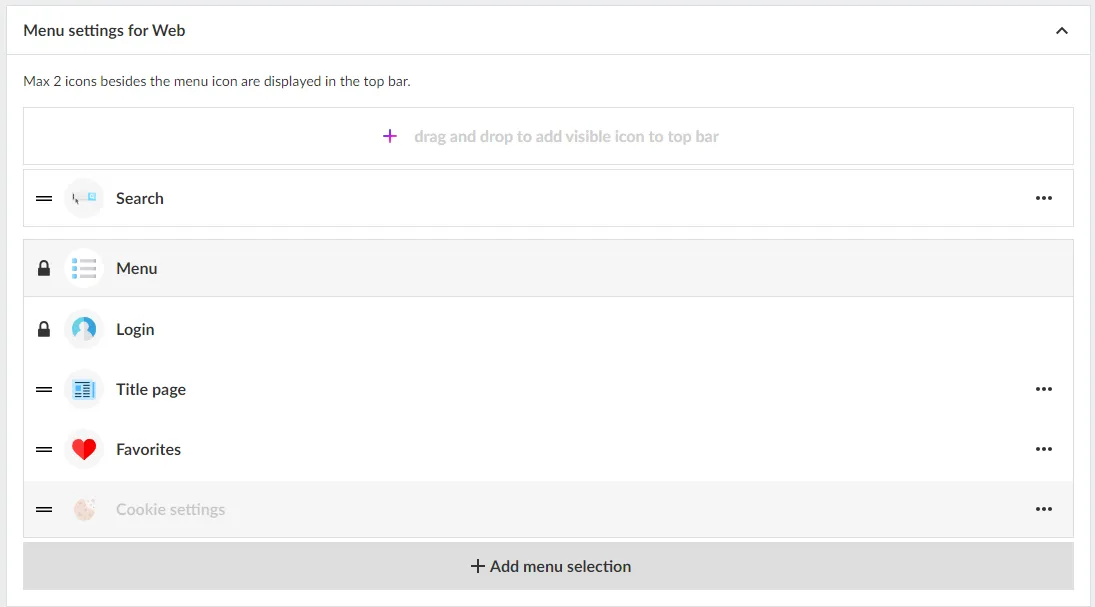
## Add menu choices
Click on "Add menu selection" and choose from
- External link
- Favorites
- Podcast (add-on)
- Title page
- User selected title
Note that grayed out options are not active for your license. Contact customer service or your personal sales representative for more information about these features.
**Favorites**
Favorites is an easy way for users to select and find their most popular titles on the title page.
**Podcast**
Showcase your podcasts directly on the home page and on a special collection page.
If you want to activate the podcast add-on, contact sales@textalkgroup.com and we will connect you with one of our sales representatives.
**Title page**
By activating the Title page, the application is given a new tab where the reader can get an overview of which titles are in the application and the option to open each title to access a descriptive text and all editions.
Descriptions for each title are added under Edit Title.
Here you can also activate favorites so the user can mark their titles as favourites.
**User selected title**
A grouping of titles that the user can choose from. For example, if you have several editions or local variants in the same app and want to be able to offer the reader to choose their title.
## Add an external link
1. Enter a name for the link (this name will appear in the menu).
2. Select icon. If you do not select an icon, a default link icon will appear (highlighted in green).
3. Enter the URL you want to link to. Remember to test it in the browser first so it works.
4. Select visibility.
Whether the link should be visible regardless of whether you are logged in or not. Or if it should only be visible when you are logged in or logged out.
5. Click the "Add" button.
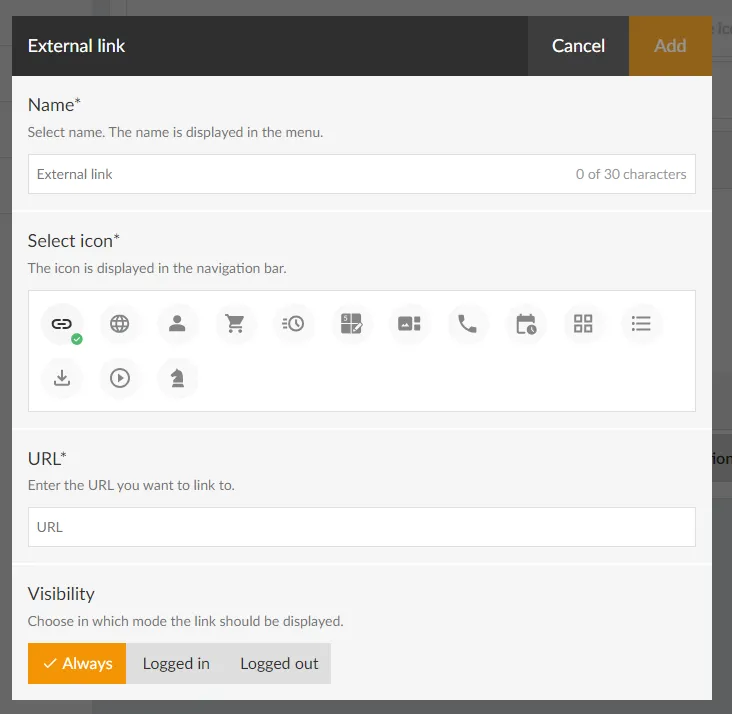
## Sort the menu
To sort the menu drag the bars (click the icon to the left of the icon, hold the mouse button and drag up or down).
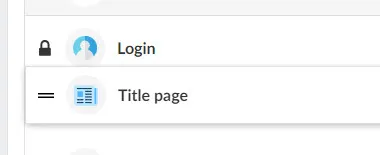
You can switch places on two menu items. For example, drag one menu item over another and they change places. It is of course also possible to drag to an empty place in the menu.
Note that the text for "Log in" cannot be moved. It will always be directly below the main menu.
## Edit items in the menu
If you want to change the name, icon, etc. of the menu items, click on the three horizontal dots and select "Edit".
## Delete items in the menu
To remove items in the menu, click on the three horizontal dots and select "Remove".
Note that some default objects cannot be deleted (marked with a padlock).
When you are done with all the changes, don't forget to save your settings.
We hope you will like this new feature as much as we do, if you have any questions please contact our support and they will help you.
---
URL: https://www.prenly.com/support/manage-applications/platform-specific-components
# Platform-specific components
> Learn how to control where your components appear. Choose whether to display them on web, iOS, or Android to target your audience.
1 min read
[By Henrik. 24 Oct 2025](https://www.prenly.com/author/75)
You can decide on which platforms a component should be displayed. For example, if you want to create a special component that only appears in the web version of the e-magazine, and another that appears only in the iOS app or the Android app. This feature makes it possible to create banners and editions that are specially adapted to a specific target group. Here we show you how to do it.
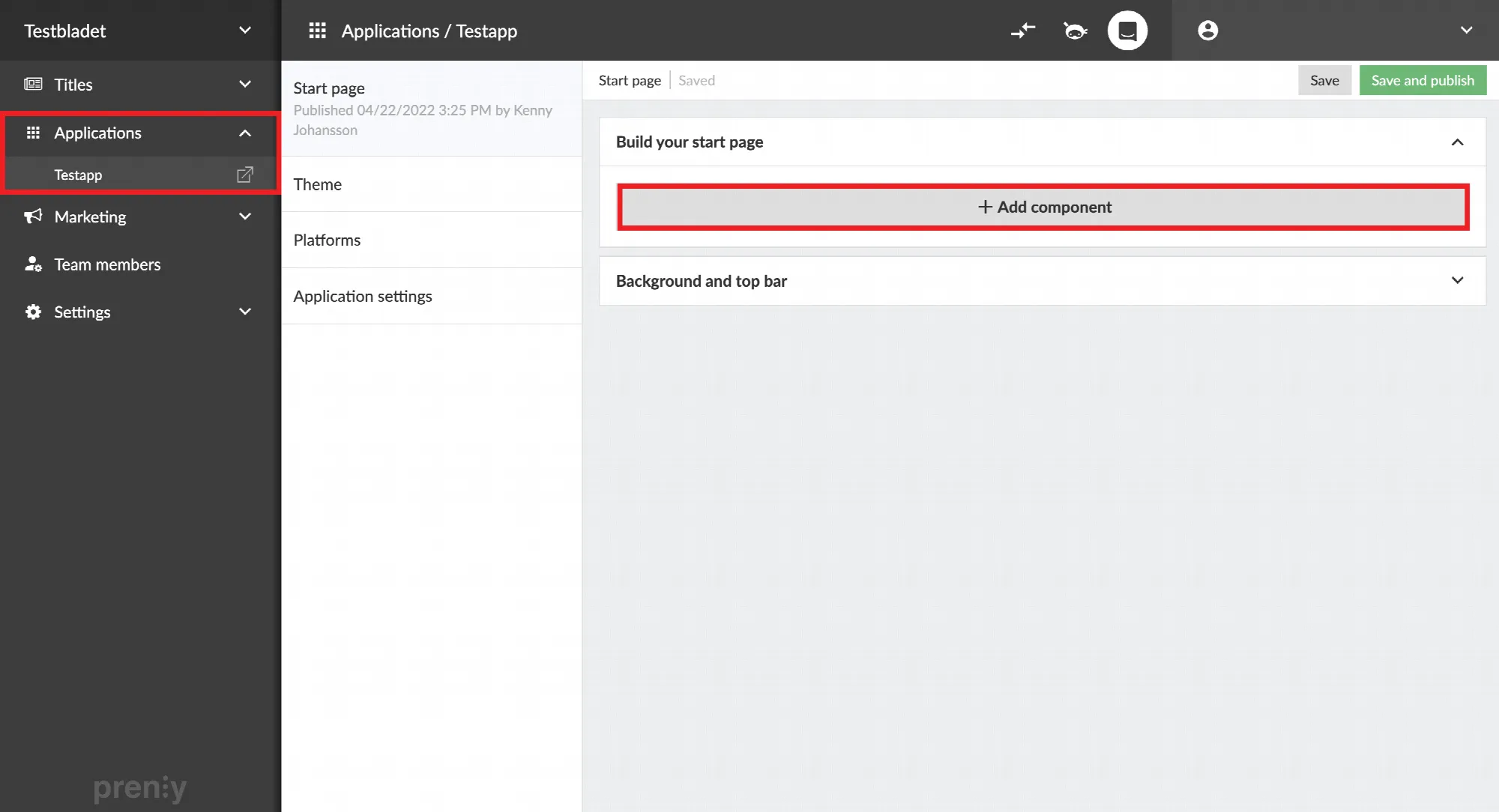 Select "Applications", the desired application and then "Add component". 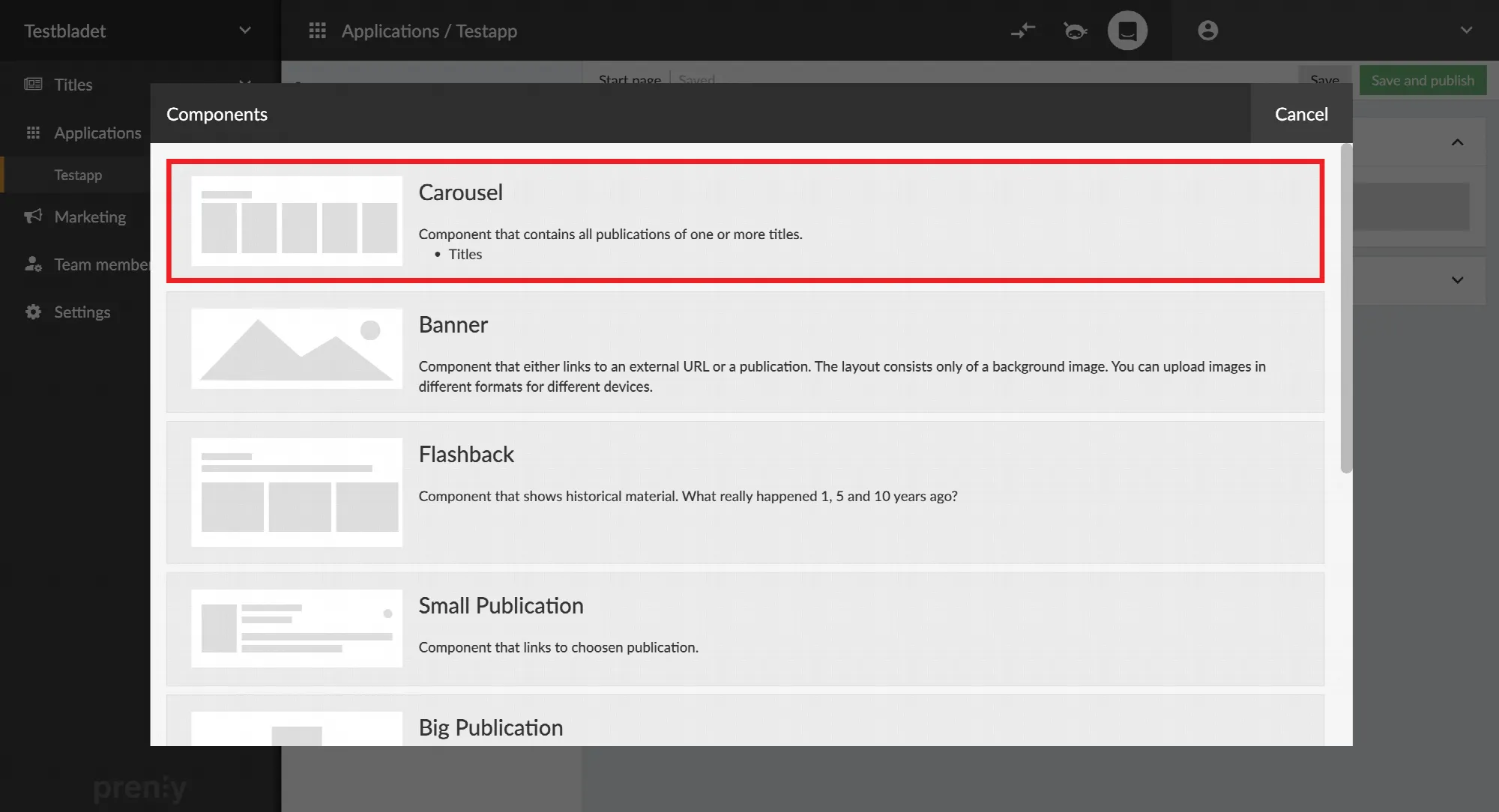 Select a component of your choice. In this example we chose "Carousel."
The platform setting is located at the bottom of each component.
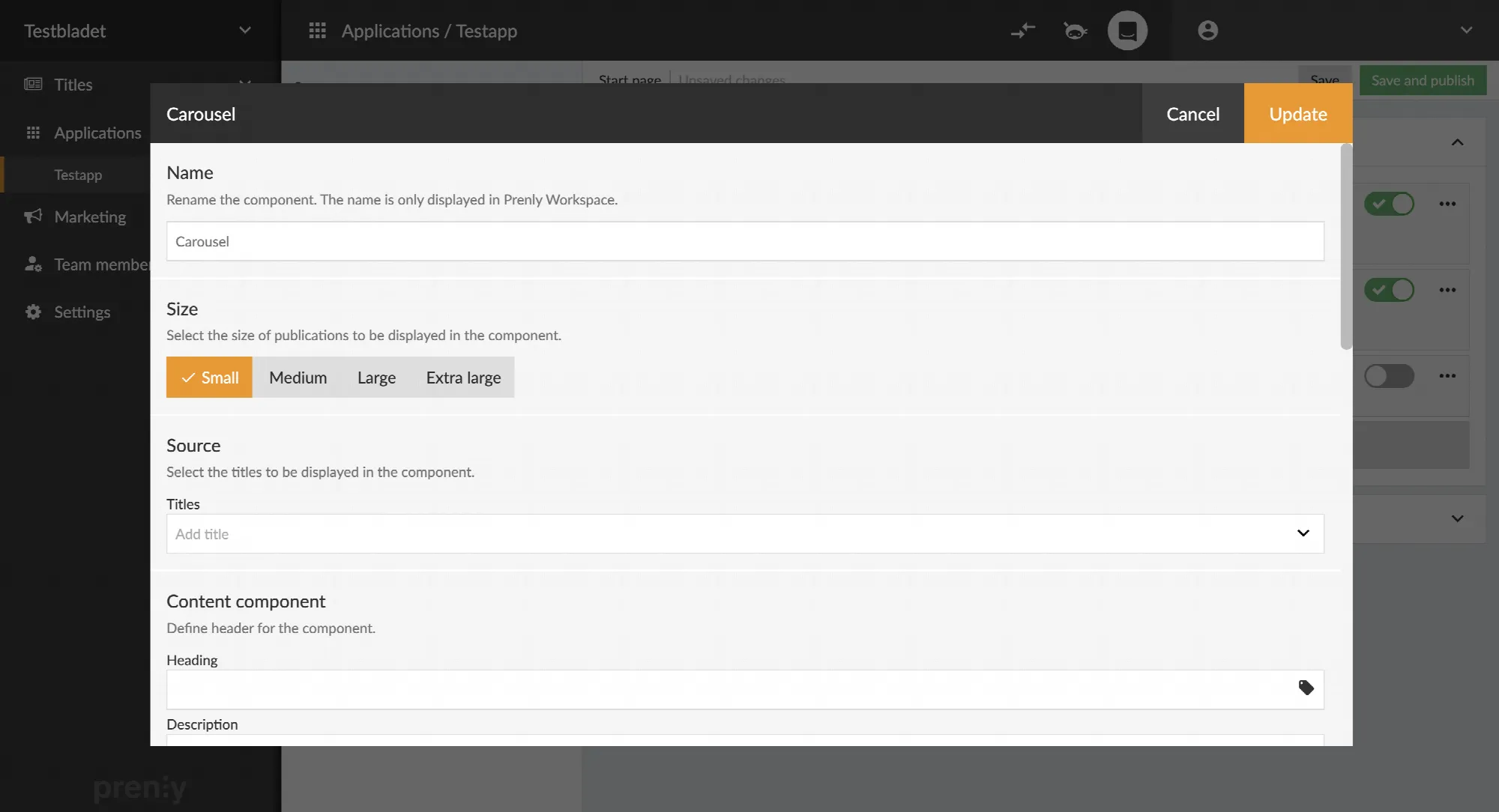 Scroll to the bottom of the settings window. 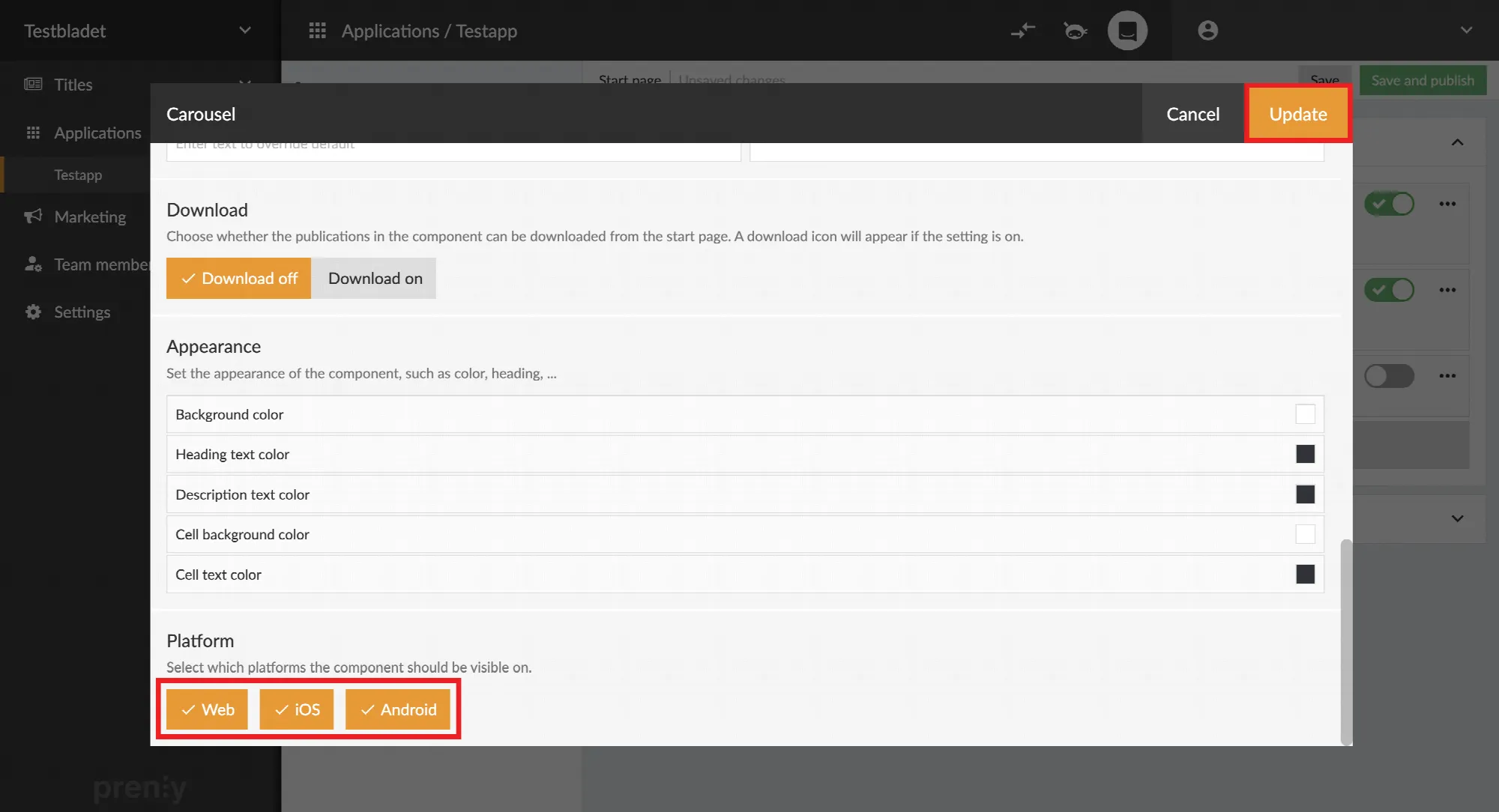 Uncheck the platforms in which you do not want to display the component and select "Update".
---
URL: https://www.prenly.com/support/manage-applications/change-width-of-startpage
# Change width of startpage
> Learn how to easily change the content width of your Prenly Web Reader startpage between 900 and 1400 pixels in just a few simple steps.
1 min read
[By Lena. 24 Oct 2025](https://www.prenly.com/author/76)
Now you can change the width of the homepage content for Prenly Web Reader.
1. Log in at https://content.textalk.se/
2. Select the application for which you want to change the width.
3. Click on the tab **"Start page"**
4. Scroll down to the **"Background and Top bar"** section.
5. Choose width between 900-1400px and save.
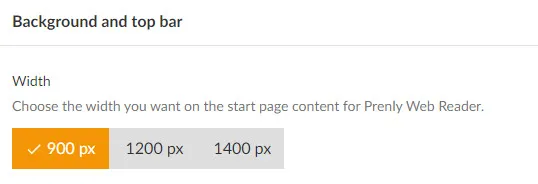
---
URL: https://www.prenly.com/support/manage-applications/application-settings
# Application Settings
> Learn how to manage Prenly application settings for your titles. Control archive visibility, downloads, sharing options, and subscription locks.
2 min read
[By Lena. 24 Oct 2025](https://www.prenly.com/author/76)
This guide walks you through the Application Settings you can set for each of your titles in Prenly. These settings let you control how a title behaves in your app — for example whether readers can download it as a PDF in the web reader, share articles or spreads, see it in the archive, or access it only with a subscription.
*Keep in mind that these options are set per title and per application. That means the same title can have different settings in different apps.*
Go to **Applications** -> **Application settings** -> Select **title** to edit by clicking on the "**pen**" in the right corner.
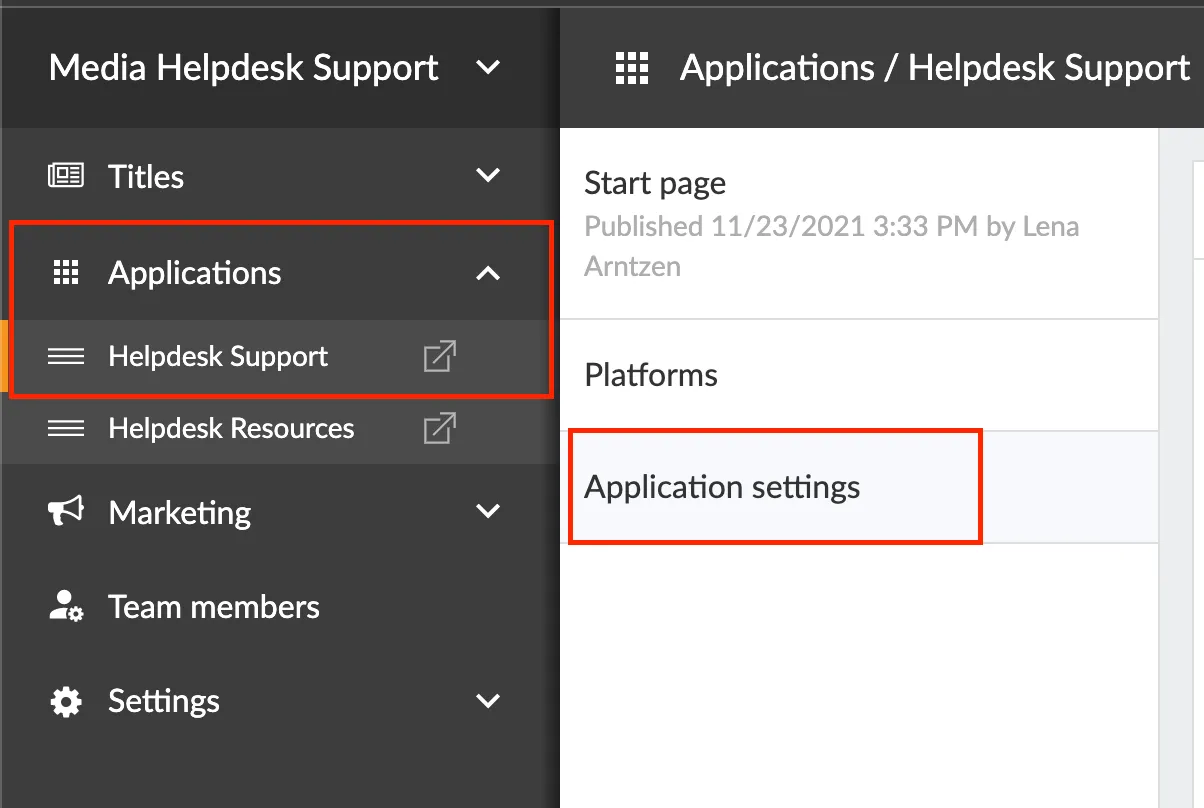 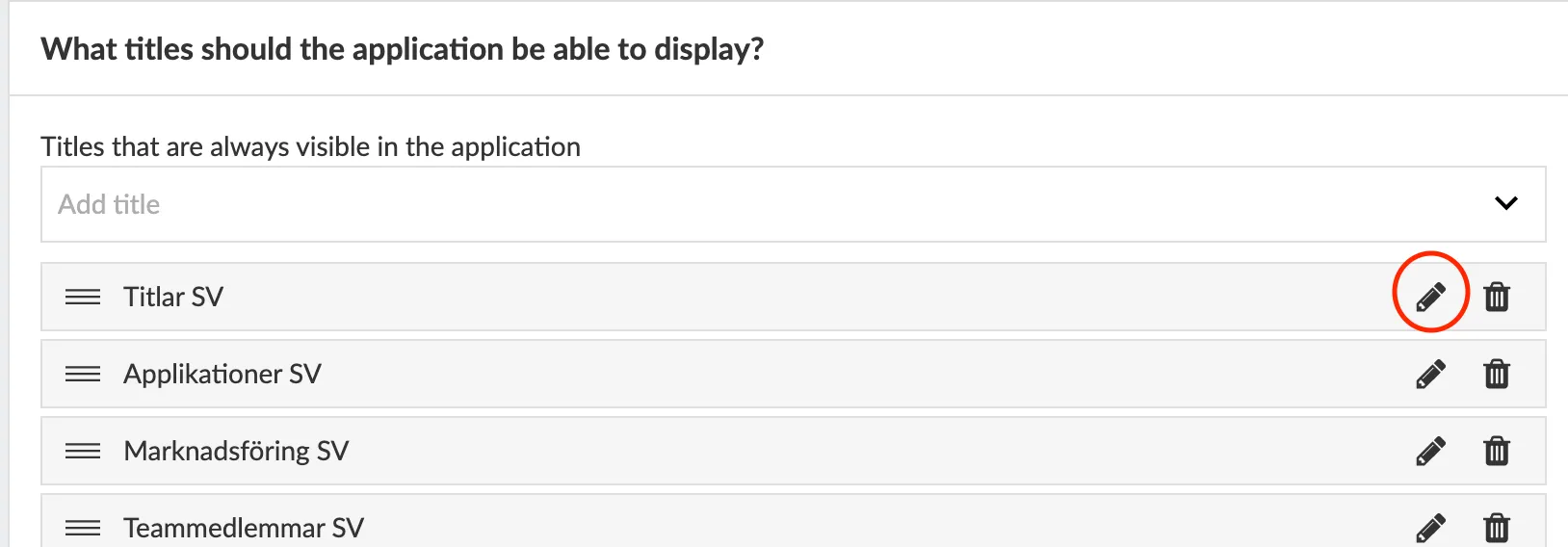
**1. Should the title be in the archive?**
This setting controls whether the title appears in the app’s archive: *Yes, preselected* shows it automatically, *Yes, non-preselected* keeps it available in the filters but not shown until activated, and *No* hides it from the archive.
**2. Allow automatic download for the title**
The Allow automatic download for the title setting decides if readers can automatically download this title for offline use, and whether it’s selected by default. You can set it to Yes, preselected so it’s automatically chosen when users enable Automatic Download, Yes, but not preselected so users must select it themselves, or No to prevent this title from being available for automatic downloading at all.
**3. Allow PDF download?** Allowing PDF downloading means that the user can download the title to their device. Valid only via Prenly Web reader.
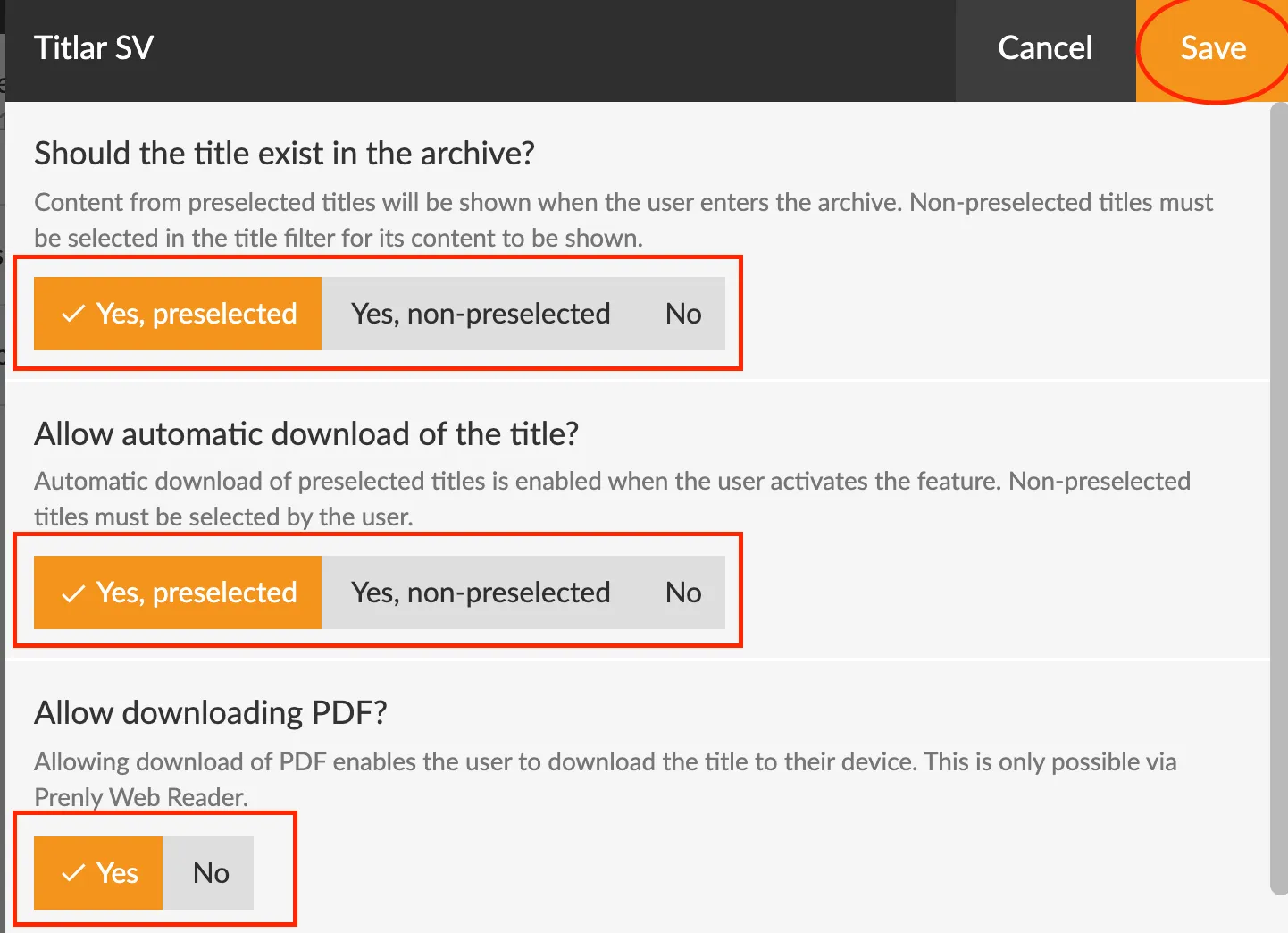
**4. Allow article sharing?**
Choose whether you want to allow your users (readers) to share articles unlimited, limited or not at all.
**5. Allow sharing of spreads?** Choose whether you want to allow your users (readers) to share posts unlimited, limited or not at all.
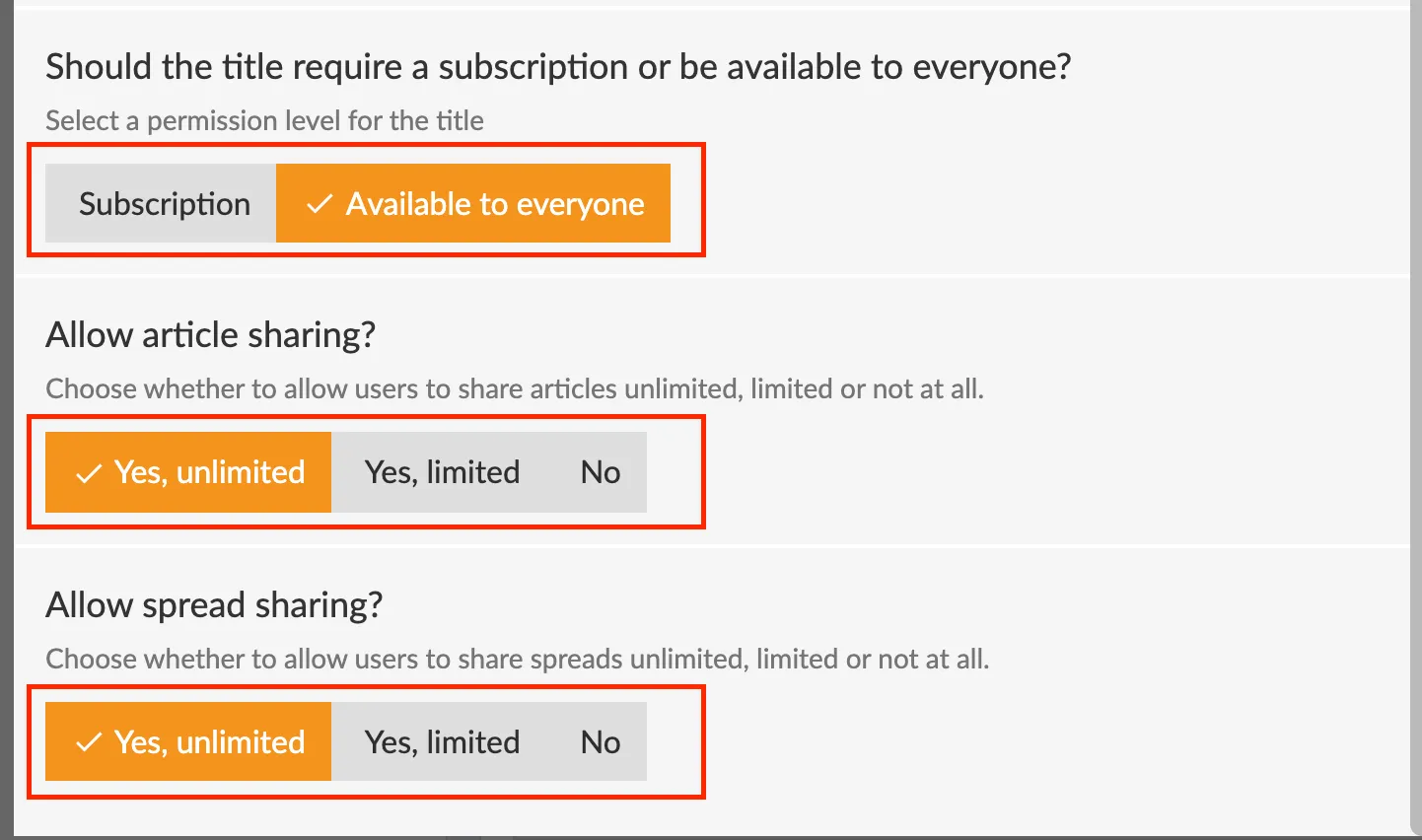
**6. Should the title require a subscription or be available to everyone?**
Here you can set whether the e-magazine is subscription locked or open to everyone.
You can also choose to let older issues become publicly available automatically after a set number of days. Select *Available after XX days* and set the preferred amount of days.
**7. Should the title be searchable in the archive?**
Enable this option if readers should be able to find search results for this title when entering keywords in the archive.
Don't forget to click the save button so that the changes are saved and take effect on the apps!
---
URL: https://www.prenly.com/support/manage-applications/schedule-a-component
# Schedule a component
> Learn how to easily schedule components and banners on your homepage for specific dates and holidays with our quick step-by-step guide.
1 min read
[By Lena. 24 Oct 2025](https://www.prenly.com/author/76)
Did you know you can schedule a component on the home page?
Perfect when you need to prepare a banner, carousel or similar to be displayed on a specific date. Or maybe you just want to publish a greeting to your readers on a specific holiday when fewer people work?
## How to do this
1. Open an existing component or create a new one.
2. Scroll down to the **Time Limitation** section
3. Select **Time limit**
4. Select only start time, only end time or both.
5. Click on **update**
6. Don't forget to **save and publis**h with the green button.
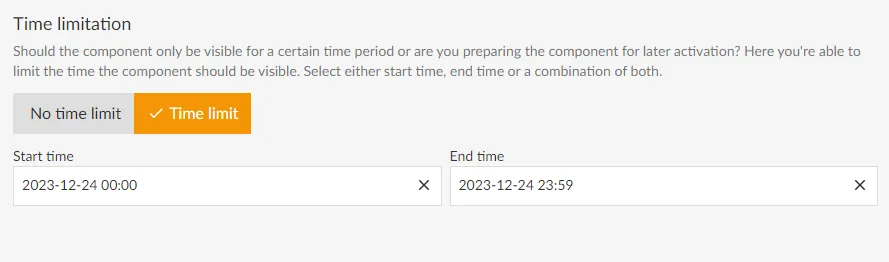
---
URL: https://www.prenly.com/support/manage-applications/possibilities-within-menu-settings-for-the-app-custom-tabs
# Possibilities within menu settings for the app (custom tabs)
> Compare regular websites and Single Page Applications (SPAs) for custom app tabs to choose the best option for your needs.
6 min read
[By Alina. 30 Mar 2026](https://www.prenly.com/author/73)
Read more about some of the possibilities in custom tabs to find out which option is best for you.
**The possibilities are compared below:**
- Regular website/landing page
- Single page application (SPA)
Read more about some of the opportunities within custom tabs to find out which option suits you best.
**Possibilities compared below:**
- Ordinary web site / landing page
- Single Page Application (SPA)
## Summary
**Ordinary web site / landing page:**
**Navigation:** Full-page reload on every click
**Performance:** Slightly slower due to frequent reloading
**Technical expertise:** None needed – easy to implement
**User Experience:** May feel less seamless compared to an app-like interface
**Best for:** Static pages, simple integrations
**Drawbacks:** Less smooth, might need adjustments for a better mobile experience
**Single Page Application (SPA):**
**Navigation:** Smooth transitions, no page reloads
**Performance:** Faster after initial load, optimized experience
**Technical expertise:** Requires developer knowledge of JavaScript
**User Experience:** Smooth, app-like interactions
**Best for:** Dynamic content, news updates, interactive features
**Drawbacks:** Requires JavaScript support, can be complex to develop
...
## Detailed explanation
**Ordinary web site / landing page**
**What is it?**
On traditional websites, navigation triggers a full page reload for each click, refreshing the browser to display new content. This happens because the browser requests a new HTML document (a ‘document request’) to display an updated view.
**What are the benefits?**
This is the easiest way to include the customer’s website in their apps. The URL to the page already exists and the customer can simply add it in a new external link in the app.
**What are the drawbacks?**
- Every click reloads the entire page, which can feel slow and interrupt the flow compared to the smooth experience of a SPA.
- If the landing page isn’t mobile-friendly, it might come across as cluttered, hard to navigate, or out of sync with the app’s look and feel.
- Traditional websites lack the dynamic, app-like interactions/feel that SPAs offer, making them less ideal for news articles or content that updates frequently.
**In which case do we recommend clients use it?**
- Low technical expertise: This option is ideal for customers without technical knowledge or a developer on hand.
- Simple content integration: If the goal is to display static or additional information (e.g., contact details, event pages) rather than interactive features or frequent updates, a traditional website is sufficient.
- Quick implementation: When a fast and straightforward solution is needed, adding an existing webpage to the app can save time and effort.
## Single Page Application (SPA)
**What is it?**
SPA (Single Page Application) allows seamless navigation by dynamically fetching and displaying new content without reloading the page (i.e. by the web browser making a document-type network request). Unlike traditional websites, which use navigation events to load new pages, SPAs use transition events to update content within the same page. A SPA commonly uses a dedicated GUI (Graphical User Interface) with buttons or menus to navigate between “pages”. Each rendered page is rendered by the client (web browser) instead of rendered by the server for a traditional page. Content is fetched from the server, CMS, to be rendered “on the fly” by the web browser ensuring new articles appear without manual updates affording a more app-like user experience. In short, an SPA is dynamically rendered by the web browser.
**What are the benefits?**
- SPAs update content on the same screen without switching to a new page, offering a smooth, intuitive experience similar to mobile apps.
- After the initial load, SPAs can feel faster since they fetch only new data instead of reloading the entire page, making them ideal for frequently updated content like news.
- Developers have full control over rendering, turning raw data into user-friendly visuals efficiently, reducing processing, and ensuring responsive performance.
**What are the drawbacks?**
- SPAs rely on JavaScript, which can cause compatibility issues with outdated browsers when the SPA relies on a specific Web API, for example social sharing, requiring developers to add fallback code and in turn increases complexity.
- Rendering occurs in the user’s web browser on their device, where the web browser commonly processes raw data (e.g., JSON) and downloads large files upfront, making the initial load slower than traditional websites. This process also consumes more battery and processing power, affecting mobile devices or older hardware. However, after setup, SPAs tend to respond faster as no additional page loads are needed.
**In which case do we recommend clients use it?**
- When the goal is to create a seamless, responsive design similar to a mobile app.
- Ideal for content with the latest news or live updates where content refreshes dynamically.
- Suitable for clients with a developer who can handle JavaScript-heavy projects and how to optimize for different devices and browsers.
...
## FAQ
**How long would you estimate it takes to build a SPA?**
The time required depends on the developer’s experience and the complexity of the SPA. In general, building a basic SPA can take around 1–3 development days, with design, development, and testing.
**Can we display ads?**
Yes, you have full control over the content displayed in your custom tab. The only restriction is mentioning Apple or Google, as this could result in the app being rejected during the review process.
**What is the recommended number of menus in a SPA for the best user experience?**
When adding a menu bar within the SPA to allow readers to switch between different pages, consider how many menus are really needed. Since the SPA is embedded in an app that already has multiple tabs, an overly detailed menu can feel cluttered. To keep it user-friendly, we recommend keeping the menu minimal and focused.
**Do external links from our articles automatically open in a web browser, or does it depend on our own hyperlink settings?**
The link behavior is depending on the target attribute. If you do not specify a target attribute, or set it as (_self) the app will treat it as the default target behaviour, which means that the link will be opened within the current view.
**Can we force certain pages to open in a web browser instead of in the app, for example by using target="_blank"?**
Yes, this is possible. By setting the target attribute to _blank, the app will attempt to open the link in a new browser tab or WebView.
However, in SPAs, this is not commonly used, as it breaks the seamless “in-app” experience that SPAs are designed to provide.
**Do I need to implement a refresh function for article pages in the mobile app when users scroll down?**
We recommend adding a refresh or reload function to ensure the page updates properly as users scroll down.
---
URL: https://www.prenly.com/support/manage-applications/integrating-interactive-web-content-on-the-prenly-start-page-using-the-js-bridge
# Integrating Interactive Web Content on the Prenly Start Page using the JS Bridge
> Learn how to embed interactive web content on your Prenly start page and use JS Bridge for communication, authentication and a seamless app experience.
2 min read
[By Alina. 18 Sep 2026](https://www.prenly.com/author/73)
This guide explains how to embed your own interactive web content (like puzzles, forms, or custom dashboards) onto your app's start page and have it communicate with the native Prenly app using our JavaScript (JS) Bridge.
**Note that Helpdesk team needs to activate JS bridge before it’s possible to use.**
### What is JS Bridge?
JS Bridge is a powerful feature that allows your web component (an embedded webpage) to communicate with the native app shell it's running inside. The communication can mean that a user only has to log into the app once, but are then also able to view the locked web content and aren’t required to consent to cookies more than once.
[Read more about JS Bridge here](https://www.prenly.com/support/manage-applications/custom-tabs-and-js-bridge)
**Step 1: Create the Web component in Prenly Workspace**
Before you can use JS Bridge, you must first define your web content within the Prenly Workspace:
1. Navigate to your application, and then Start page.
2. Add a new component of the type "Web Content".
3. After creating it, make a note of the "Unique identifier" provided. This ID is essential for connecting your web code to this specific component instance.
**Step 2: Implement the JS Bridge in your web content**
To make the app aware of your web component and enable communication, install the prenly-js-bridge npm package as part of your build process and call the SDK functions from your application code.
Core Function: setComponentData
This function registers your web component with the native app.
You must call it for the integration to work.
```
import PrenlyAppSDK från "prenly-js-bridge";
const { api } = new PrenlyAppSDK();
api?.setComponentData({
id: "your-unique-identifier-here",
items: [
{
id: "1",
header: "Hello World",
subheader: "Example item",
deeplink_url: "https://example.com/",
image_url: "https://example.com/image.jpg",
image_width: 1200, // optional
image_height: 800, // optional
},
],
});
```
- id (Required): This field must contain the exact "Unique identifier" you copied from the Prenly Workspace in Step 3.
#### Summary & best practices
- Always create the "Web Content" component in Workspace first to get your Unique ID.
- The id field in your setComponentData call is mandatory and must be an exact match.
- Use JS Bridge to create a seamless user experience, especially for authentication (SSO) by passing user data like a JWT from the app to your web content.
- Reference: [https://github.com/Textalk/prenly-js-bridge](https://github.com/Textalk/prenly-js-bridge)
---
URL: https://www.prenly.com/support/manage-applications/how-to-change-the-logo-on-your-prenly-web-application
# How to Change the Logo on Your Prenly Web Application
2 min read
3 Nov 2026
You can easily change the logo displayed in the top-left corner of your Prenly web application directly from Prenly Workspace.
You can easily change the logo displayed in the top-left corner of your Prenly web application directly from Prenly Workspace.
## How to Update Your Logo
1. Log in to **Prenly Workspace**.
2. Navigate to Applications and select your application.
3. Go to the **Start Page** settings for your publication.
4. Scroll down to the **Background and Top Bar** section.
5. Find the logo upload option and click **Browse** to select your new logo file.
6. If you use dark mode, you can also upload a separate logo specifically for dark mode. Otherwise, the same logo will be used in both light and dark modes.
7. Click **Save and publish** to apply your changes.
Your new logo should now appear in the top-left corner of your Prenly web application.
**Tip:** If you don't see the updated logo immediately, try refreshing the page.
## Important: Logos in Native iOS and Android Apps
Changing the logo in Prenly Workspace **only affects the web application**.
If you also have a native iOS or Android app, updating the logo in these apps requires a **new app version**.
To request a logo change in your native apps, please contact **Prenly Support**. Our team can help you order the necessary app update.
## Need Help?
If you have any questions or need assistance updating your logo, please contact **Prenly Support**.
---
URL: https://www.prenly.com/support/marketing
# Marketing
> Boost your app engagement with voucher activation, startpage and interstitial ads, push notifications, social sharing, and automated marketing links.
## Marketing
- [Activate vouchers for easy access to your apps](https://www.prenly.com/support/marketing/activate-vouchers-for-easy-access-to-your-apps): 7 May 2026 The voucher function allows you to give readers temporary access to your content through redeemable voucher codes. These vouchers can be used for promotions, partnerships, giveaways, or...
- [Startpage ads](https://www.prenly.com/support/marketing/startpage-ads): 13 Apr 2026 What is it? Home page ads allow you to display ads directly in your home page layout. These ads can be placed between your existing components as a natural part of the page. The content of...
- [Social sharing](https://www.prenly.com/support/marketing/social-sharing): 24 Oct 2025 Under "application settings" you can enable "social sharing" and decide whether readers should be able to share unhindered or restricted. See the guide for how to set it up here. In this...
- [Create/send push notification](https://www.prenly.com/support/marketing/create-send-push-notification): 24 Oct 2025 From Prenly Editor, you can send an unlimited number of push notifications to your reader's iOS- and Android devices. This article will help you get started. When a user clicks on a push...
- [Interstitial ads](https://www.prenly.com/support/marketing/create-interstitial-ad): 24 Oct 2025 Interstitial ads are full-page ads that appear between the pages of the e-newspaper. You can create a new ad or manage an existing one at any time in Prenly Workspace. They are dynamically...
- [Automatic link and image to latest issue](https://www.prenly.com/support/marketing/automatic-link-and-image-to-latest-issue): 24 Oct 2025 If you want to promote the latest issue of your e-magazine on your own website or in a newsletter, you can use our features to automatically link to the latest issue and display the cover...
- [Marketing link](https://www.prenly.com/support/manage-material/marketing-link): 24 Oct 2025 Create a sharing link for a specific publication. This is perfect for newsletters, social media campaigns, or “try it out” promotions. Please note that the marketing links can only be...
---
URL: https://www.prenly.com/support/marketing/automatic-link-and-image-to-latest-issue
# Automatic link and image to latest issue
> Learn how to automatically display the latest issue cover and link of your e-magazine on your website or newsletter using dynamic HTML code.
2 min read
[By Fastén. 24 Oct 2025](https://www.prenly.com/author/68)
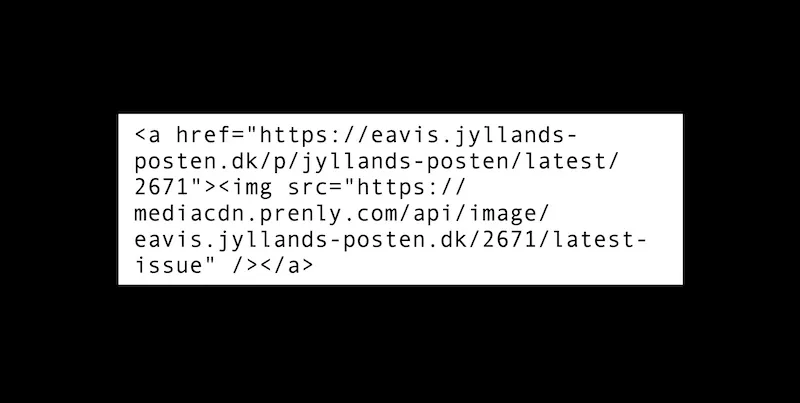
If you want to promote the latest issue of your e-magazine on your own website or in a newsletter, you can use our features to automatically link to the latest issue and display the cover of the latest issue.
You can do this by inserting an HTML code on your website or in an email.
You can easily customise the code by adding your own information.
This is the html code to create an image of the latest issue with a clickable link that takes the visitor directly to it.
*Be aware: Removed the space after "<" for the code to work. *
< a href="https://{domain}/p/{title-slug}/latest/{title-id}">
< mg src="https://mediacdn.prenly.com/api/image/{domain}/{title-id}/latest-issue" />
< /a>
You need to replace the variables in the code - title-id, title-slug and domain - with the ones that apply to your e-magazine.
Example: If you want to use the code to display and link to the latest edition of Jyllands-Posten, use the following variables.
{domain} =. "eavis.jyllands-posten.dk"
{title-slug} = "jyllands-posten"
{title-id} =. "2671"
Which means that the full code is written like this:
< a href="https://**eavis.jyllands-posten.dk**/p/**jyllands-posten**/latest/**2671**">
< img src="https://mediacdn.prenly.com/api/image/**eavis.jyllands-posten.dk**/**2671**/latest-issue" />
The link and image will always point to the last published issue in a title. This means that you never have to change the link, but when a new edition is published, the block will automatically be updated.
The domain, title-id and tile-slug can be found in the usual URL of any replica page in your e-paper.
---
URL: https://www.prenly.com/support/marketing/social-sharing
# Social sharing
> Learn how to enable and use social sharing in your e-magazine. Follow this quick guide to share articles and spreads easily via link or social media.
2 min read
[By Alina. 24 Oct 2025](https://www.prenly.com/author/73)
Under "application settings" you can enable "social sharing" and decide whether readers should be able to share unhindered or restricted. See the guide for how to set it up [here](https://www.prenly.com/support/manage-applications/application-settings).
In this guide, we will show how your readers share articles or article spreads in the e-magazine.
First, log in to the e-magazine either via the web or via the app. Then choose which edition you want to share the article/spread from.
Once inside the edition, there is a menu in the middle -> **click on the "three-dot menu**" -> and then select "**share spread**" from the PDF mode. Here you get all the different ways and platforms you can share spreads or articles too.
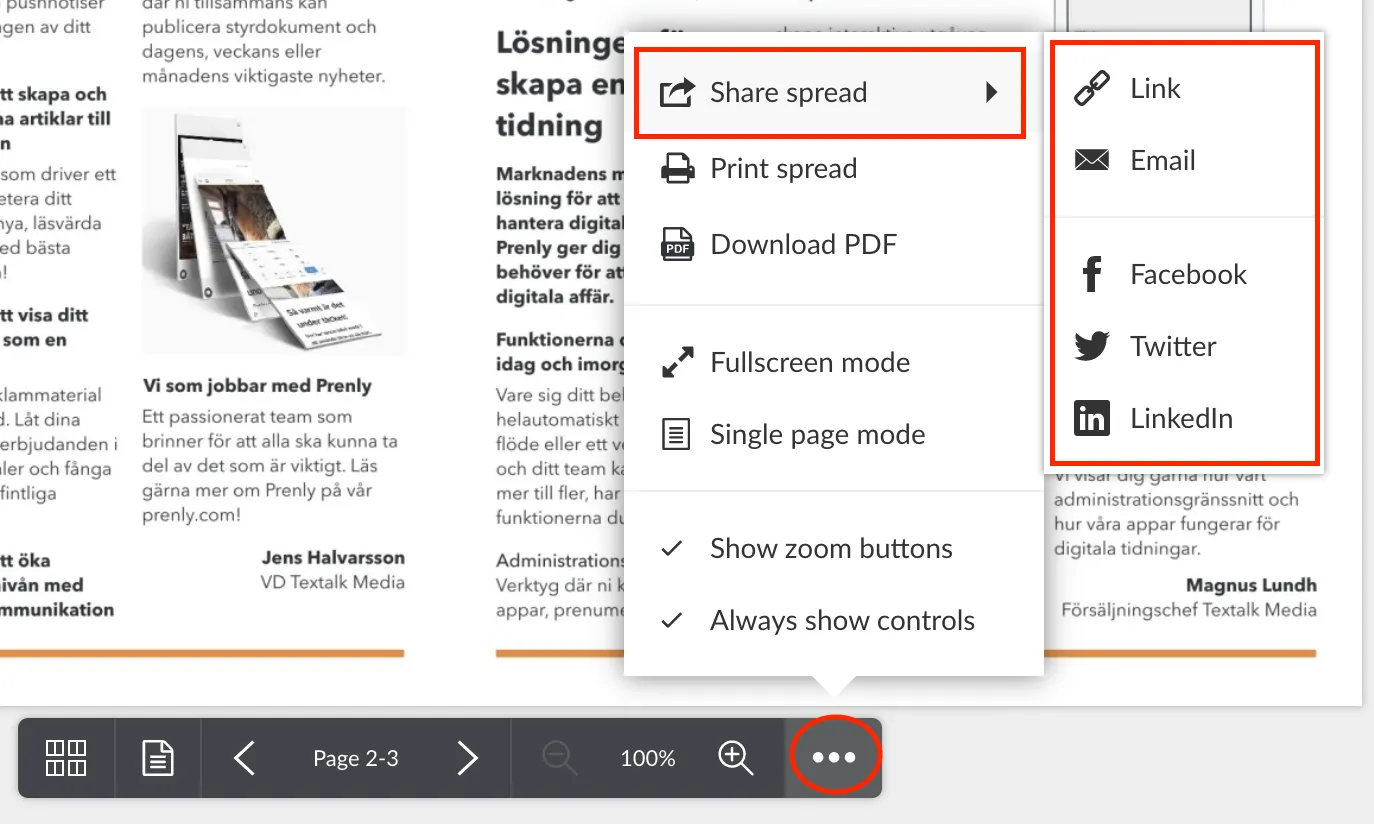
To share a specific article, click on the article you want to share so that you end up in "**article reading mode"**. Then click on the "**three-dot menu**" again --> and then select "**share article**".
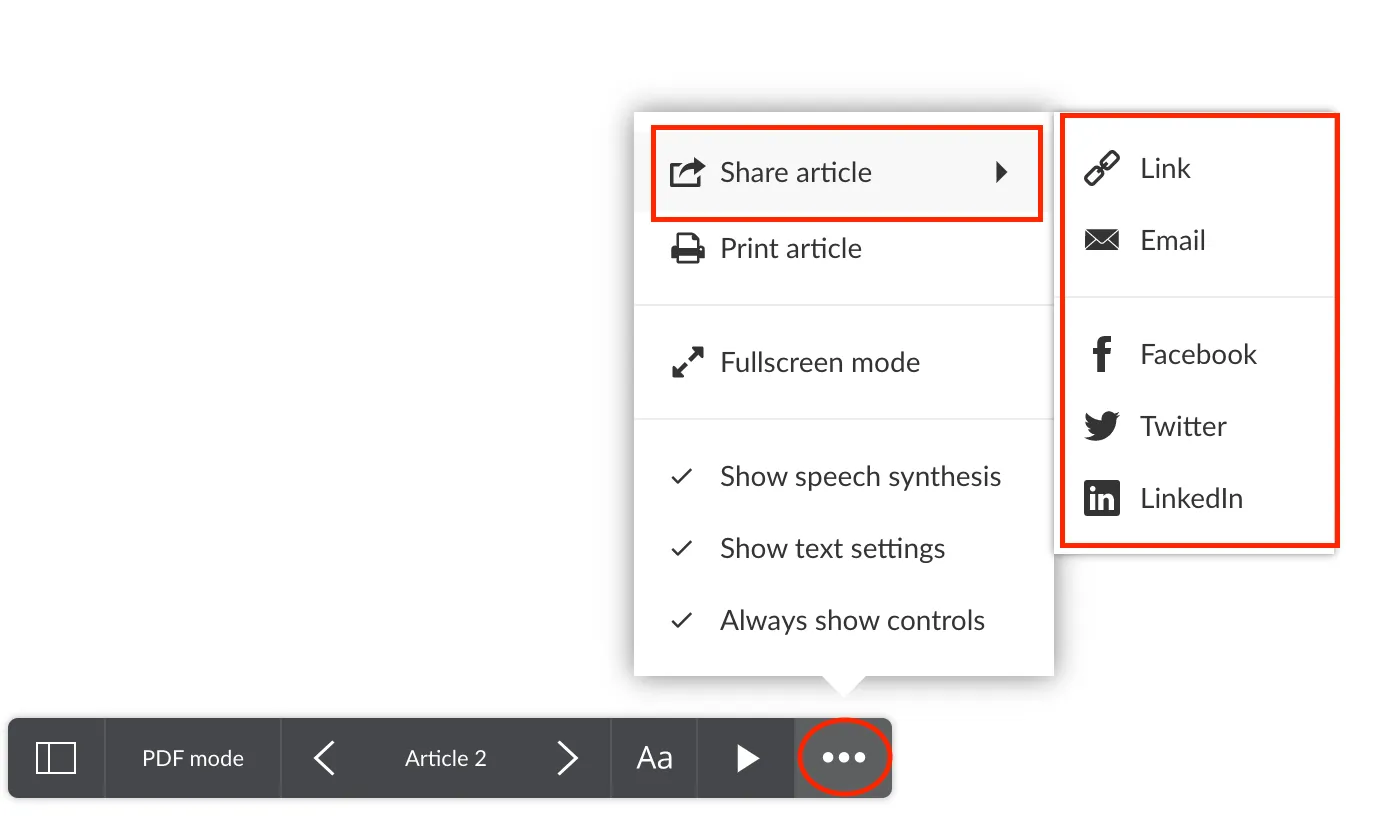
Here are two examples of what it might look like. Select "**share link**" creates a URL that you can easily copy and send.
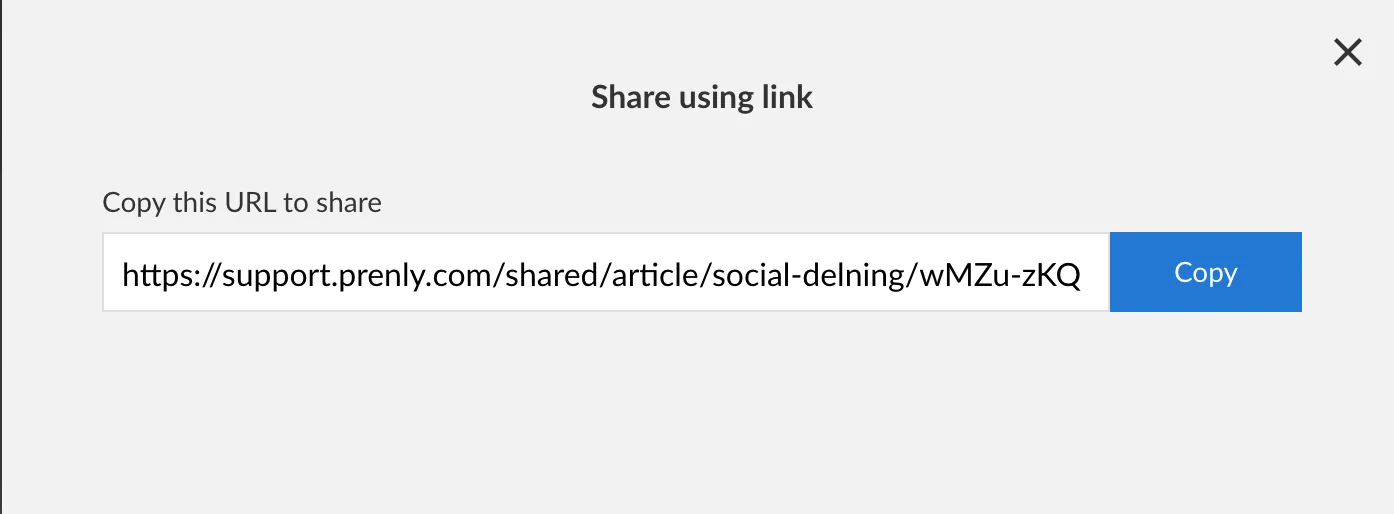
Or, choose to share to "**Facebook**", and a pop-up box will appear where you can adjust the sharing text and to whom you want to share the article spread/article too.
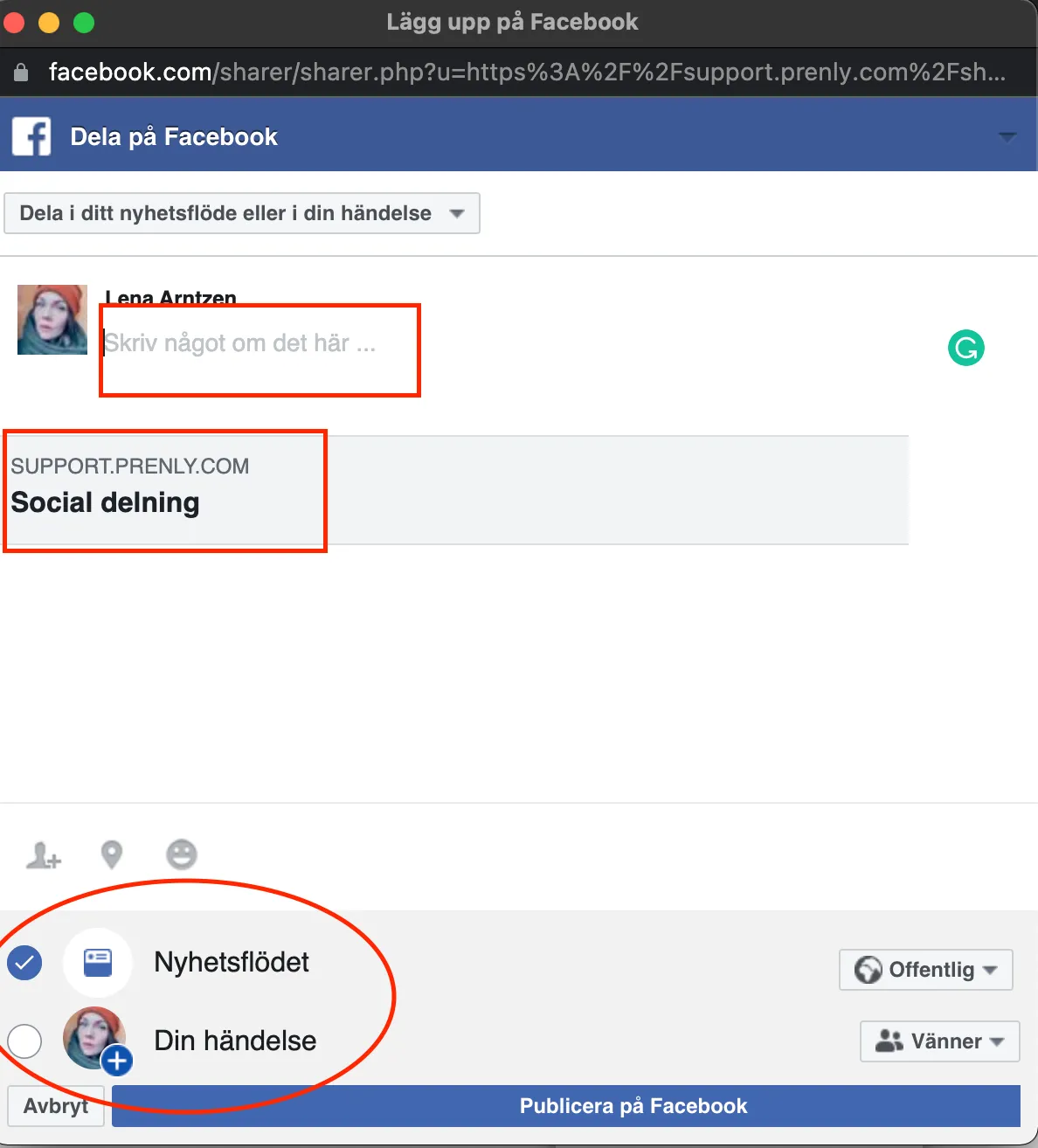
And that's how easy it is to share articles or spreadsheets ?
---
URL: https://www.prenly.com/support/marketing/create-interstitial-ad
# Interstitial ads
> Learn how to create, manage, and integrate interstitial ads in Prenly Workspace. Discover material specifications, HTML requirements, and external ad setups.
10 min read
[By David. 24 Oct 2025](https://www.prenly.com/author/77)
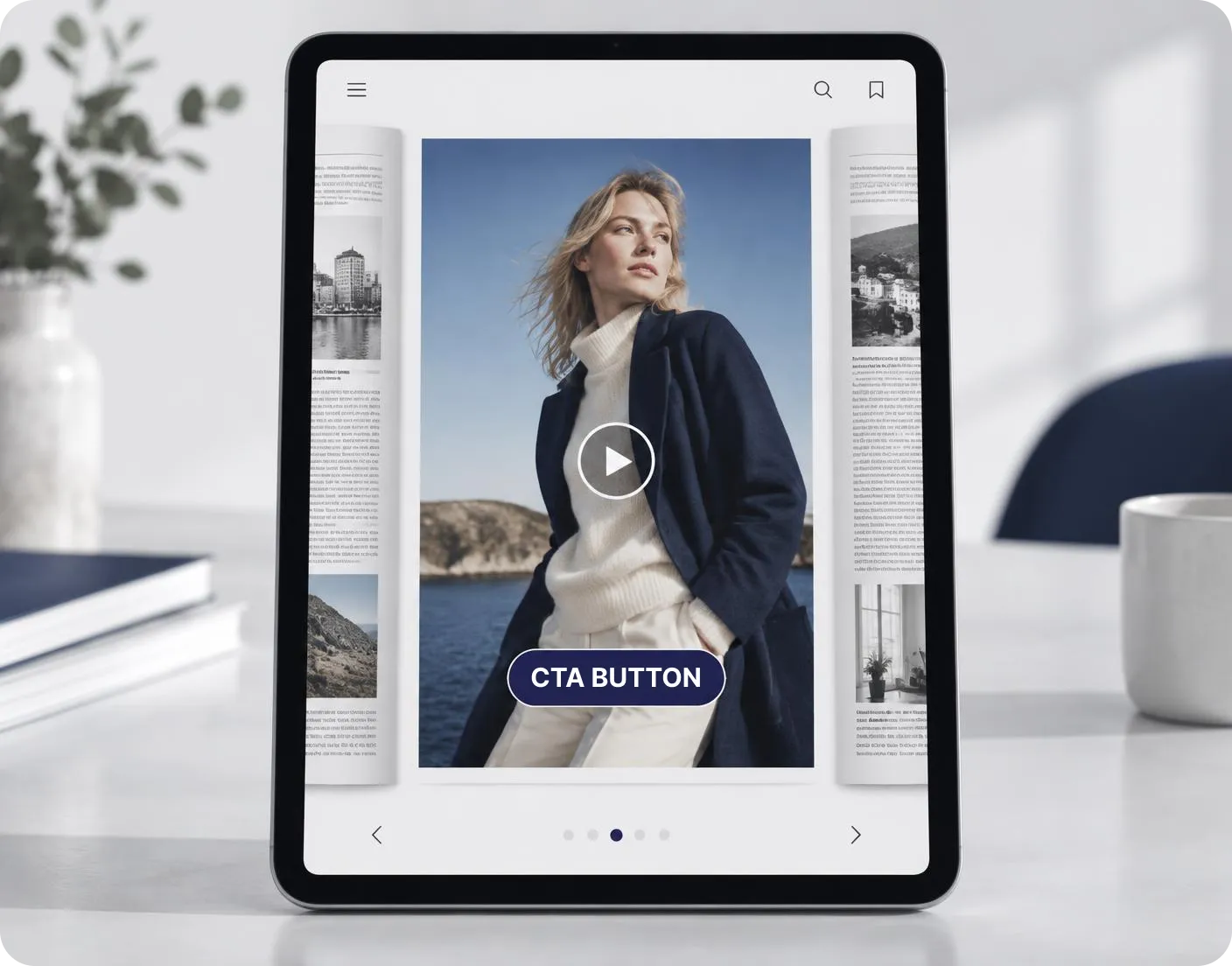
Interstitial ads are full-page ads that appear between the pages of the e-newspaper. You can create a new ad or manage an existing one at any time in Prenly Workspace.
They are dynamically added to the e-newspaper without appearing in the PDF or in the print version of the newspaper.
They are created and managed in Prenly Workspace.
We also offer a premium service to make managing Interstitial ads easier. In this case, they are created and managed within our service and inserted into Prenly Workspace as HTML ads—one version for portrait orientation and one for landscape.
Learn more about this service and sign up at [ctabtn.com](http://ctabtn.com/)
### Requirements
***HTML***. The minimum requirement for Prenly to display your ad is to include an image tag in HTML within the ad content configuration.
***HTTPS***. For security reasons, your ad image source must use HTTPS for the ad to be displayed in your e-newspaper.
***Clickable*****Ad**. If you want your ad image to be clickable for readers, you need to wrap the image tag in a link tag.
You can use scripts from external ad servers such as Google Ad Manager to dynamically display in-article ads, but keep in mind that this type of advanced integration requires thorough testing. For this purpose, we have developed a number of features described further down on this page.
### Here’s how to do it
In the left-hand sidebar of Prenly Workspace, select “Marketing” and then “Ads.”
**1. Create a new in-feed ad by selecting “New.”**
**2. Name your ad.**
Readers won’t see this name; it’s only used so you can find your ad among the others in the ad list in the future.
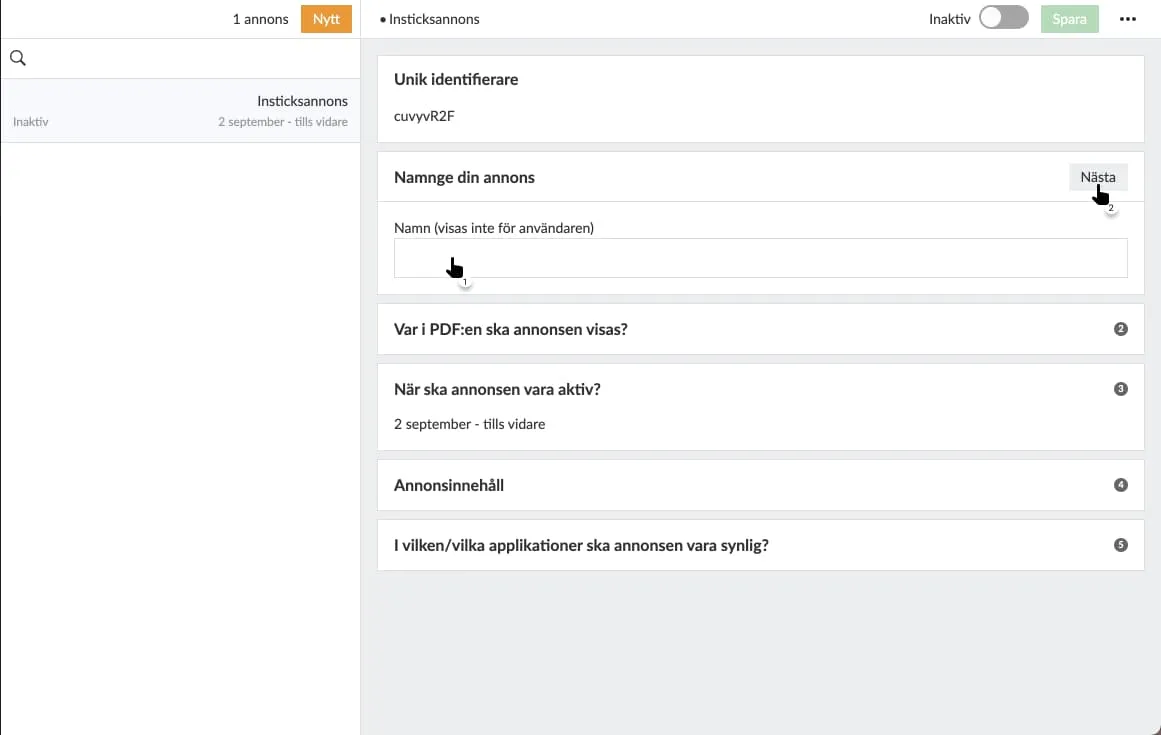
**3. Specify on which page(s) your ad should appear.**
If you want to select multiple pages, separate them with commas. The ad will appear after the specified page and before the next spread is displayed.
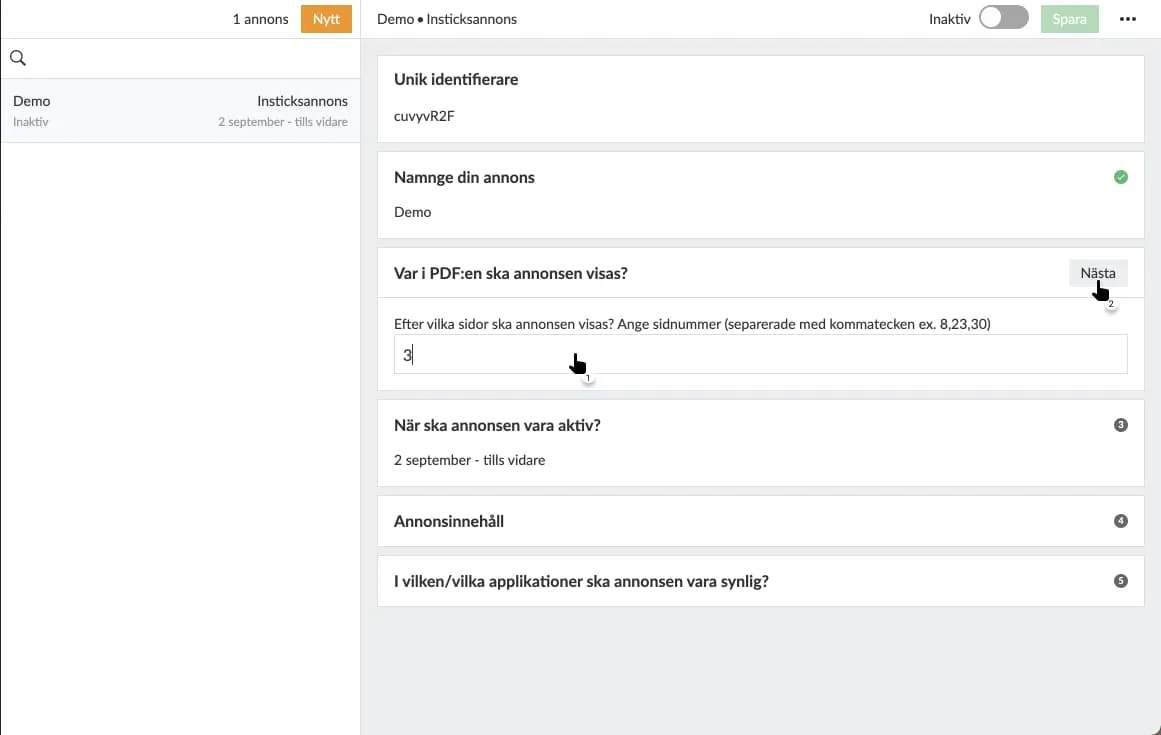
**4. Select the date range during which the ad will be displayed.**
You can choose to specify a start date and keep the ad active *indefinitely*, or select a specific date range by entering a start and end date. If you choose the latter, the ad will become inactive after the specified end date. Otherwise, you’ll need to visit the ad again to deactivate it.
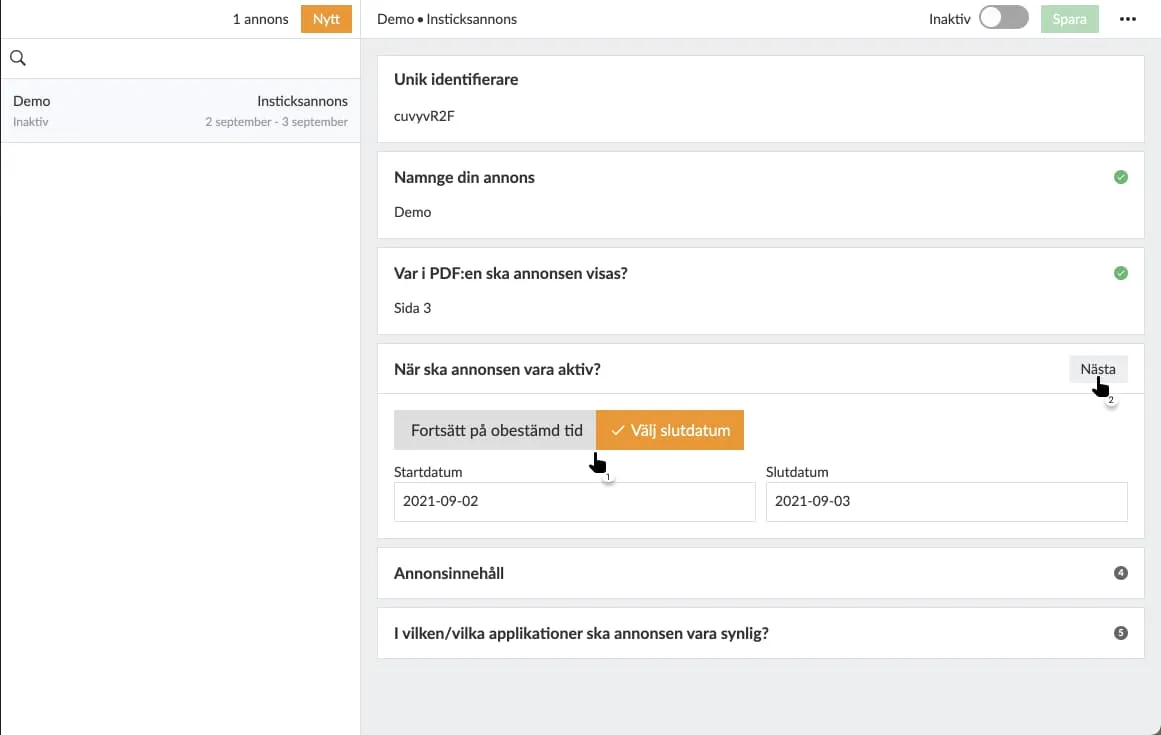
**5. Enter valid HTML in the form of an image tag.**
**Material Specifications**
Portrait format: 1100 × 1700 px
Landscape format: 1700 × 1100 px
Image format: JPG, PNG, or GIF, max 500 kB
Video format: MP4 (H.264)
Delivery: All media must be hosted on HTTPS
Upload the material directly to [ctabtn (](https://ctabtn.com)if you have an account) or provide an external link to the image or video. Both images and videos are supported. If landscape material is not available, the portrait version will be used even in landscape orientation, but we recommend submitting both formats.
Choose whether you want a different image for portrait and landscape orientations. You must specify one of these, but only one is required. For example, if you choose to provide content for portrait mode but omit landscape mode, Prenly will use *the same*content to display your ad regardless of whether the reader is viewing in portrait or landscape mode.
To create a clickable ad image—meaning readers can click on the image and be taken to the desired ad destination—you also need to include a link tag () that wraps around your image tag. The link destination (*the href attribute*)***must***use HTTPS for security reasons.
**What is HTTPS?**
HTTPS is encrypted communication with web addresses, and the protocol is specified as "https://". Compare[http://example.com/](http://example.com/) and[https://example.com/](https://example.com/). Many web browsers display a padlock icon in the address bar to indicate that it is an HTTPS connection.
**Why is HTTPS required?**
For security reasons, Android can only open secure links; therefore, all links that leave the e-newspaper must use HTTPS, even if you only have a web app. This also provides a more secure experience for your readers.
To display a dynamic ad—one that, for example, changes its content—you need to use JavaScript. JavaScript is accepted,***but***the script must return an `img` tag and, if applicable, a surrounding `link` tag when executed.
Prenly will*not*validate your HTML code. We recommend that you test your code on an HTML page.
**Sample code for an image:**
**Portrait:**
< img
src="{INSERT-IMAGE-SRC}"
alt="Advertisement"
width="1100"
height="1700"
style="display: block; width: 100%; max-width: 100vw; max-height: 100vh; object-fit: contain; margin: 0 auto;"
>
**Landscape:**
< img
src="{INSERT-IMAGE-SRC}"
alt="Advertisement"
width="1700"
height="1100"
style="display: block; width: 100%; max-width: 100vw; max-height: 100vh; object-fit: contain; margin: 0 auto;"
>
You can experiment with different ad sizes to find what works best. We recommend that they match your format.
**Sample code for video (mp4):**
H.264-encoded videos are required to work in Safari.
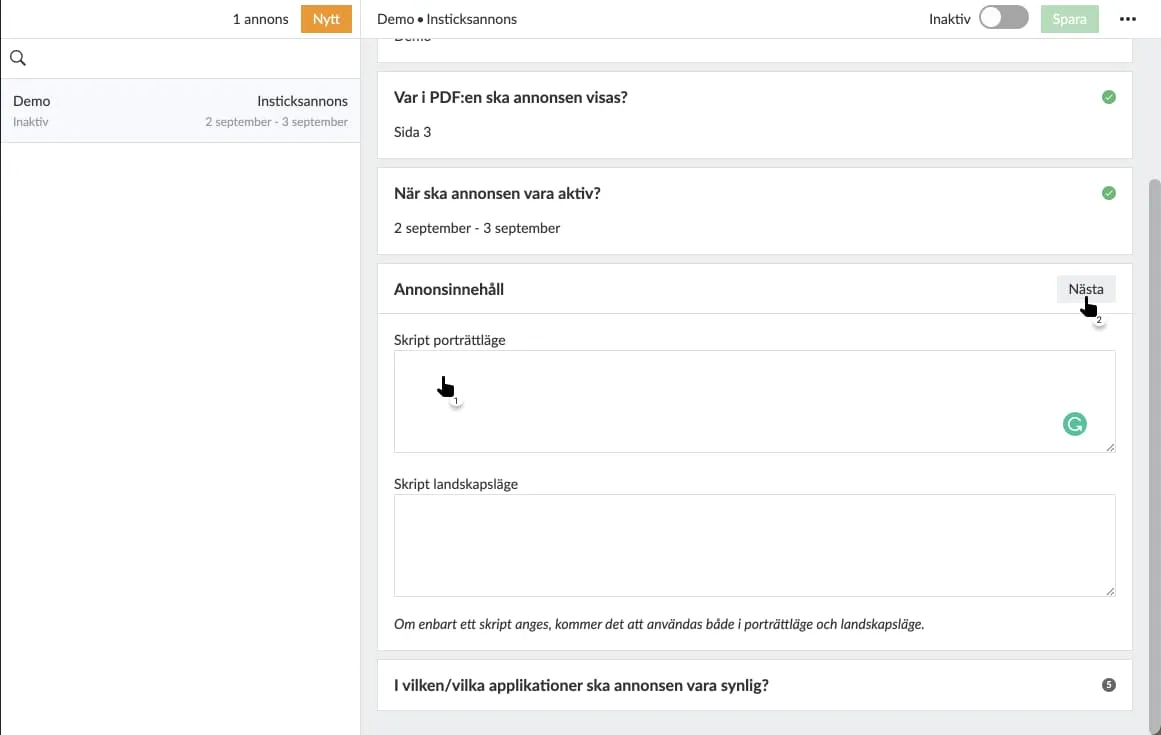
Specify image-related content for the ad.
### Use ctabtn.com to create ads
**One-time campaign**: Create a campaign in [ctabtn](https://ctabtn.com), copy the code, and insert it as an interstitial ad in Prenly Workspace. This is suitable when a campaign is to run for a limited period.
**Recurring campaign space (recommended):** You create a campaign space in ctabtn and insert its code once in Prenly Workspace. After that, you manage everything in ctabtn: which campaigns will appear in the space, when they start and end, and how they should be distributed when multiple campaigns are active at the same time. You do not need to go back into Prenly Workspace.
**Here’s how to do it in Prenly Workspace:**
1. Create the campaign or campaign space in [ctabtn.com](http://ctabtn.com/) and copy the code for portrait and landscape orientations, respectively.
2. Follow steps 1–4 above.
3. Paste the code for portrait orientation into the portrait field and the code for landscape orientation into the landscape field.
4. Activate the ad and save.
Always check the result in the app or browser after publishing.
> If you change the creative, target URL, or display orientation for a single campaign in ctabtn, you must copy the new code and replace it in Prenly Workspace. If you’re using a recurring ad slot, the code never needs to be replaced.
When no campaign is active in the ad space, the ad codeautomaticallycalls`window.PrenlyAd.collapseAd()`. The Prenly app then hides the entire ad space so that the reader never sees an empty space. Therefore, keep the recurring ad active in Prenly at all times.
**Title Control**
A campaign can be limited to one or more titles. If the field is left blank, the campaign will appear in all titles where the ad space is present. Statistics are also reported by title, so you can see where the campaign performs best.
**Consent and Privacy** The ad code reads the reader’s consent via `window.PrenlyUserConsent`(CMP). The ad is displayed regardless of consent—even if the reader has not consented to ad tracking, the ad will still be displayed, but the statistics are collected anonymously and in aggregate. No TC strings, cookies, or identifiers are stored for individual readers.
**Statistics and Reports** For each campaign, the number of impressions, number of clicks, and click-through rate are measured—both in total, by month, and by title. Each campaign is reported separately, even when multiple campaigns share the same ad space.
You can also send reports directly from [ctabtn](https://ctabtn.com) to any email addresses—either on a one-time basis or automatically every week or month. The report shows the campaign name, where it was displayed, the number of impressions, and the number of clicks.
**Common Mistakes That Can Occur on ctabtn.com**
- The material has been updated in ctabtn, but the old code remains in Prenly Workspace.
- Only portrait-oriented content has been added, which results in a poor display in landscape mode.
- The image is larger than 500 kB, which causes the ad to load slowly.
- Content hosted on HTTP instead of HTTPS is not displayed in the app.
### Using JavaScript from an ad server
If you use JavaScript from an ad server, you can take advantage of some additional features that were developed for the web browser in May 2025 and are included in the iOS app starting with version 14.1.1 and in the Android app starting with version 12.10.0. As of May 2025, these new features are being used by a publisher who uses Google Ad Manager, and it is up to you to ensure that your integration works properly.
The new extensions allow the ad script to capture the user’s consent settings in the PrenlyUserConsent object. And with the PrenlyAd object, you can instruct the app to hide an unbooked ad and capture data about the base URL and ad title. See the technical description at the bottom of this page.
**6. Select the application(s) that will display the ad.**
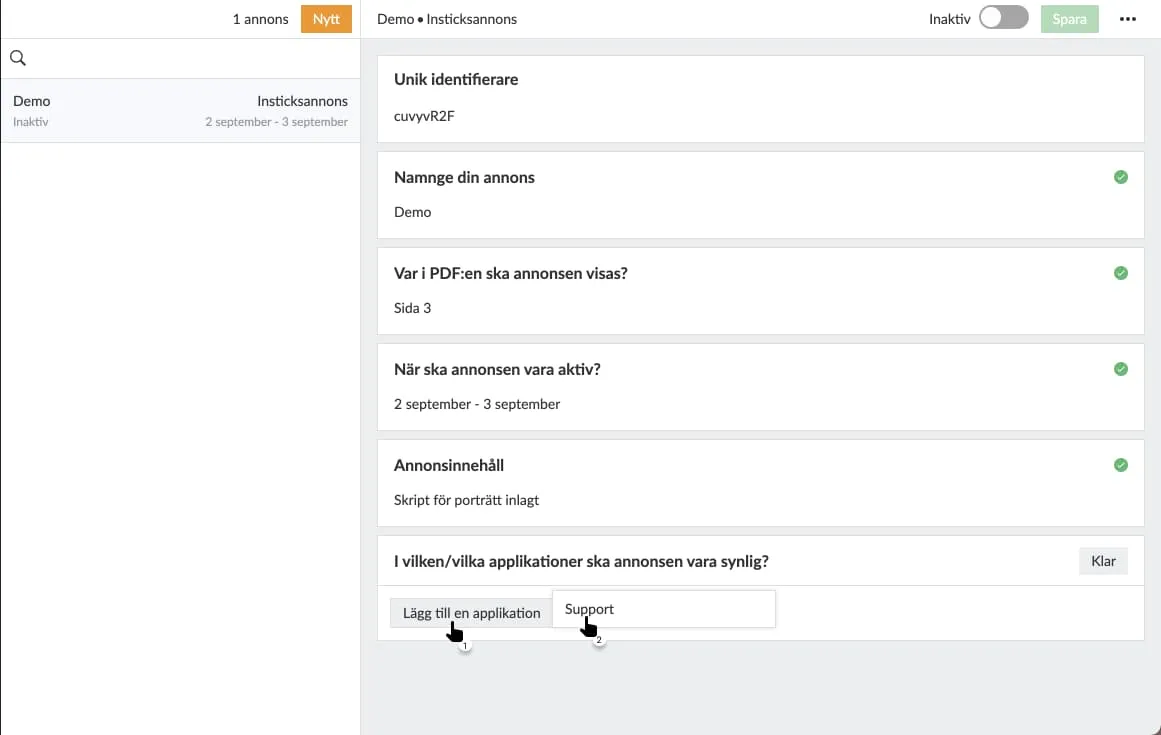
**7. Select which titles within each selected application should display the ad.**
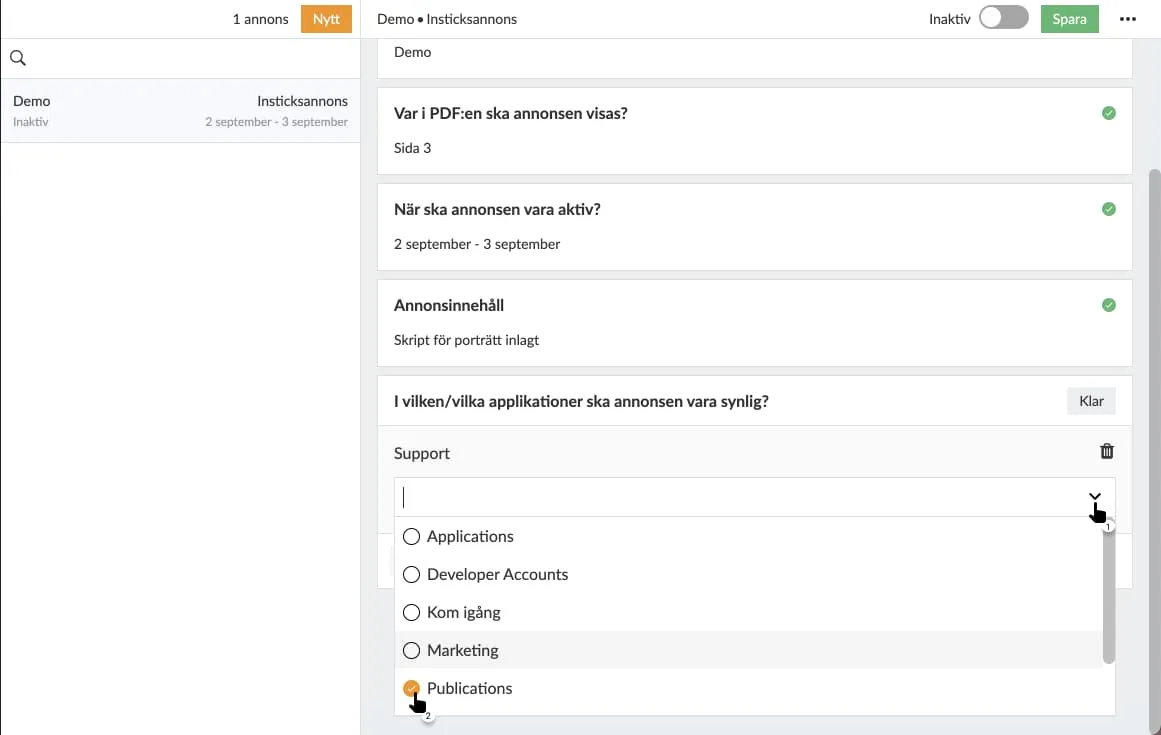
**8. Select "Save" to save your settings.**
If you cannot save after the last setting, you have missed a setting. Look for a red dot on the right-hand side and continue configuring the settings from that section.
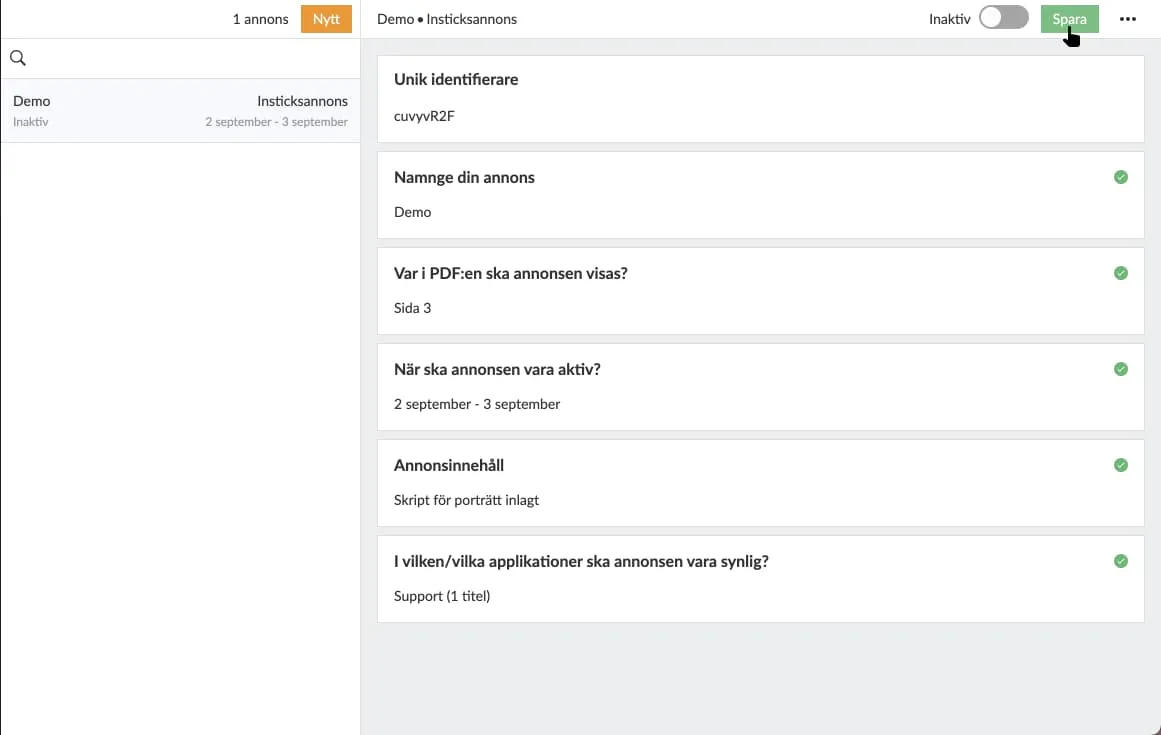
**9. Activate your ad using the toggle at the top.**
If the ad is inactive, you will activate it; if the ad is*active*, you will deactivate it.
An active ad will be sent to your e-newspaper and, based on your settings, will be displayed to your readers in newspaper reading mode.
An inactive ad will not be displayed to readers when they swipe past the selected newspaper page.
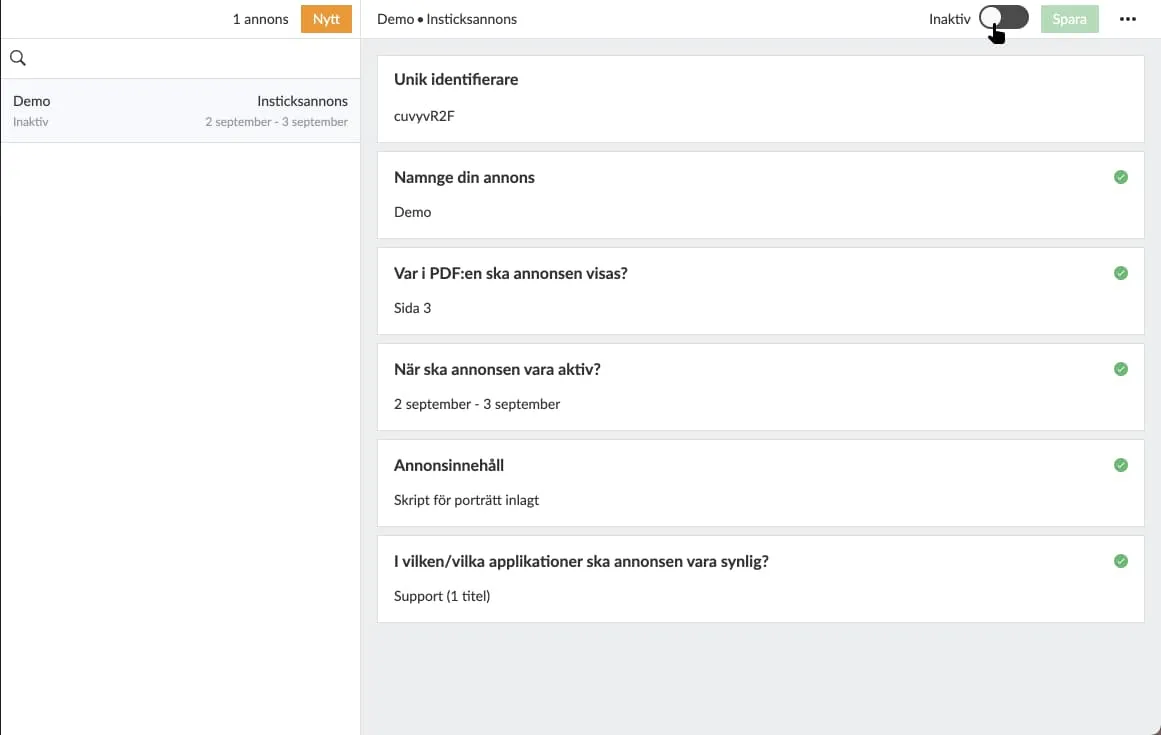
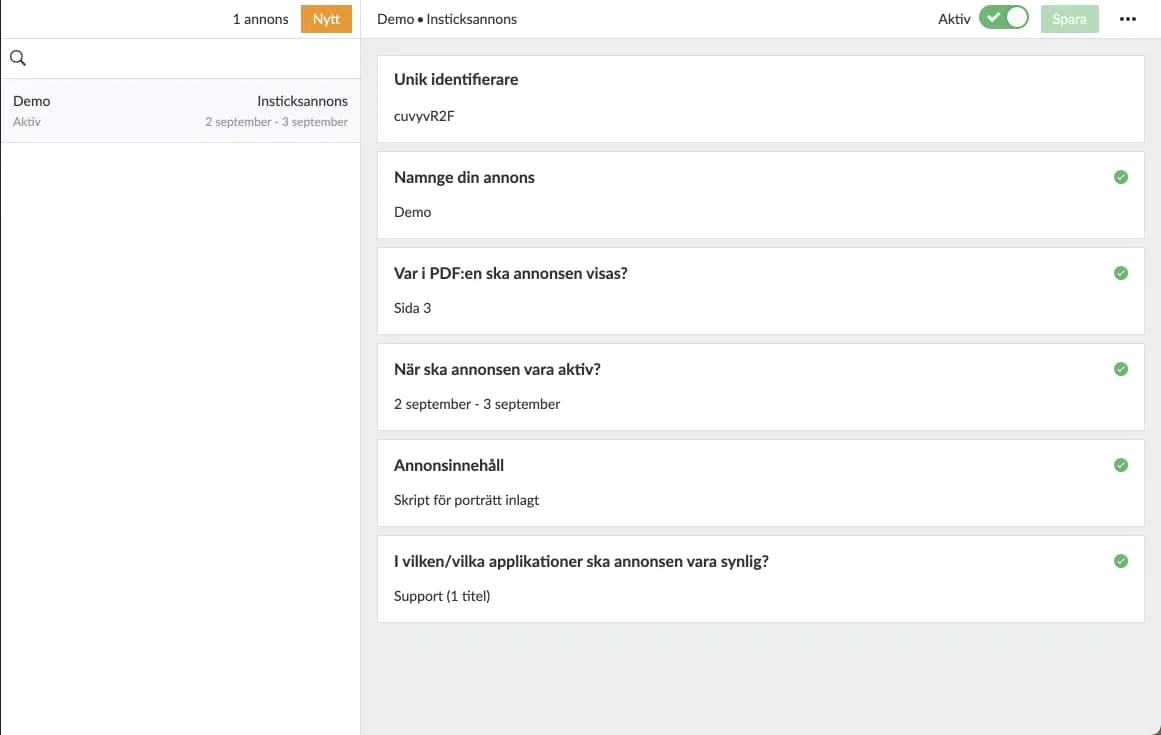 Example of an active ad.
**10. Remove ad.**
To delete a selected ad, tap the three-dot menu in the top-right corner and then select “Delete Ad.” The ad will be deleted from Prenly Workspace and deactivated in your e-newspaper if the ad was*active prior to*deletion.
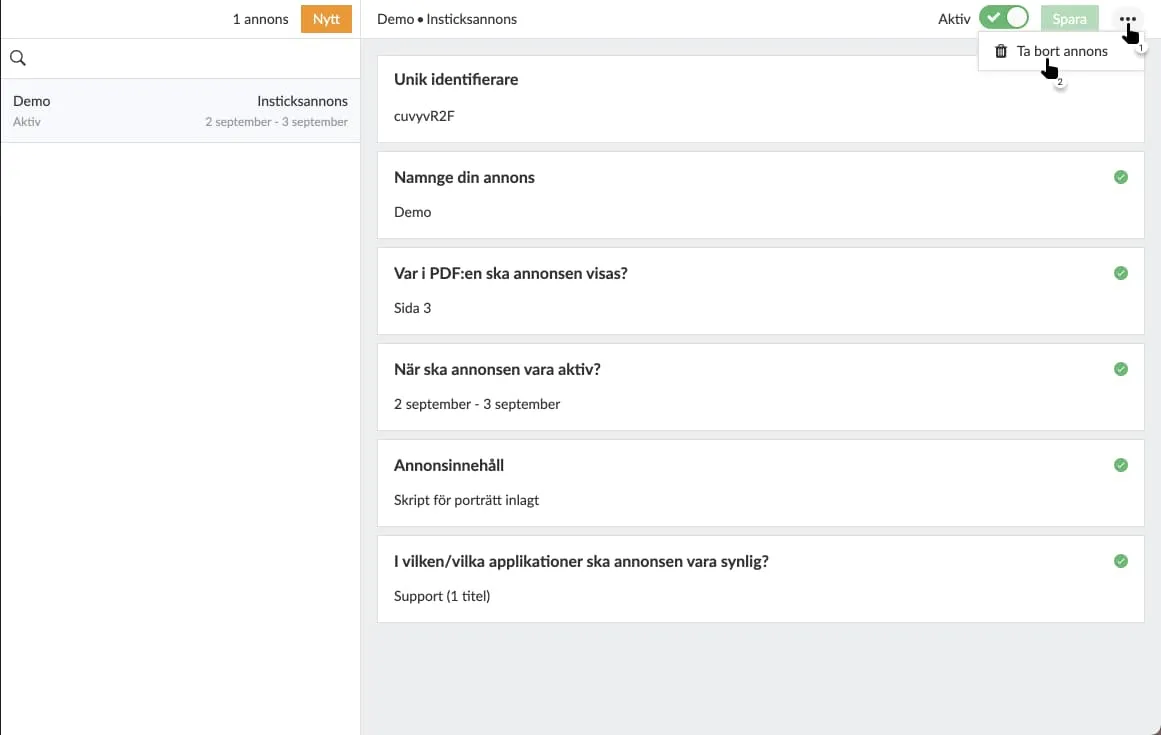
## Integration with external ad systems
It’s possible to dynamically load in-article ads from external ad systems via JavaScript. This requires a good understanding of your ad system and its capabilities, as well as knowledge of JavaScript, and may not work for everyone.
## PrenlyAd
The PrenlyAd object contains the "collapseAd" function, which you can use in your script to instruct the app to hide an ad slot when the ad system cannot deliver an ad. Instead of displaying an empty ad slot, the entire ad area is hidden.
You can retrieve the "baseUrl" and "titleSlug" from the ad’s position in the e-newspaper to create a virtual URL in your script that you can use to target your ad from the ad system so that it appears under a specified title in the app.
Example of how to create a virtual URL that can be used for targeting.
url = window.PrenlyAd.baseUrl + "/p/" + window.PrenlyAd.titleSlug;
**window.PrenlyAd**= {
**collapseAd**: function // function that should be called to notify the native app that the ad is collapsed
**titleSlug**: string // title slug that identifies the title associated with the interstitial ad
**baseUrl**: string // base URL of the app
}
### PrenlyUserConsent
You can use the PrenlyUserContent object to retrieve the user’s consent settings and, based on those, determine whether to load dynamic ads from a third party (if the user has consented to ads) or internal static ads (when consent is not given).
The object contains parameters to pass along the user’s selections from the CMP dialog and the TC string, if available.
In cases where the iOS app has an ATT (App Tracking Transparency) prompt—which is sometimes required by Apple—the "att_granted" parameter is included.
**window.PrenlyUserConsent**= {
**cmp**: string, // CMP module name
**cmp_vendor_grants**: dictionary, // dictionary containing vendor grants info if available
**cmp_purpose_grants**: dictionary, // dictionary containing purpose grants if the CMP provider supports it
**prenly_purpose_grants**: dictionary, // only available if the app uses Prenly CMP as the provider
**tc_string**: string, // TC string if the CMP provider supports it
**att_granted**: boolean // only if the app has ATT configured
}
## Support
Questions about in-app ads and ctabtn:[hello@prenly.com](mailto:hello@prenly.com)
---
URL: https://www.prenly.com/support/marketing/create-send-push-notification
# Create/send push notification
> Learn how to create, schedule, and send targeted push notifications to iOS and Android devices using Prenly Editor with this step-by-step guide.
6 min read
[By Alina. 24 Oct 2025](https://www.prenly.com/author/73)
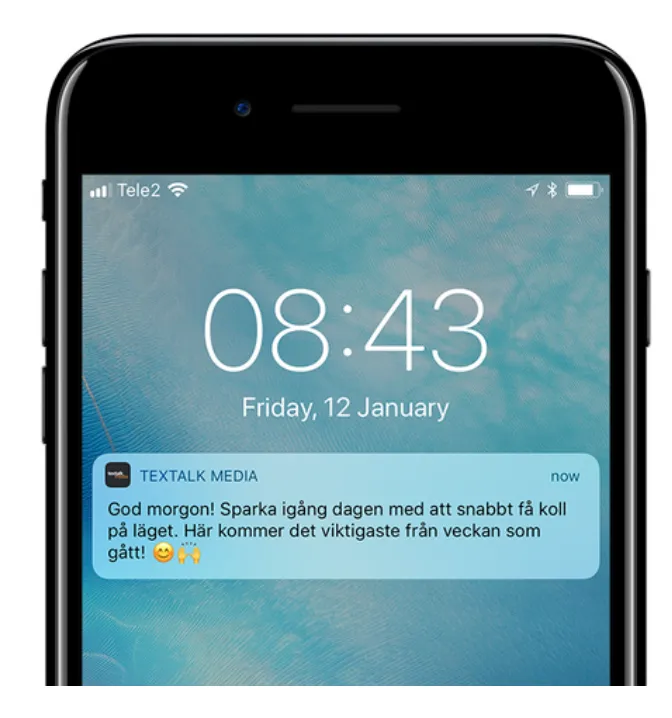
From Prenly Editor, you can send an unlimited number of push notifications to your reader's iOS- and Android devices. This article will help you get started.
When a user clicks on a push notification, the app opens and displays the page you set up when you created the push notification in Prenly Work Space.
## How to send a push notification
#### Click on the drop-down menu "Marketing" and select "Notifications"
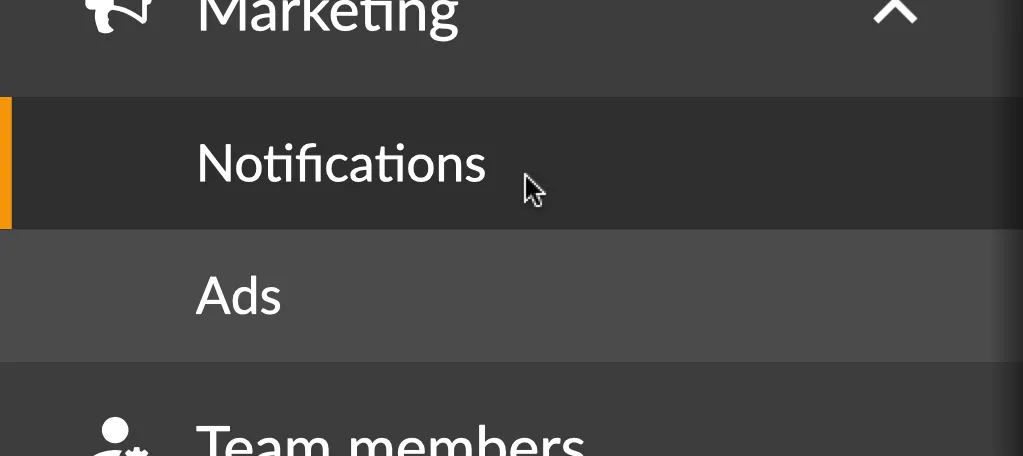
Here, you can choose between a one-time push notification or a recurring push notification. Recurring notifications are useful for content such as “New issue available,” weekly highlights, or ongoing campaigns.
#### Select "New"
#### 1. Name your push notification
Name your push notification to make it easier to search for it later. This name will not be visible to the user.

**Tip!** With the tab key on your keyboard, you can easily jump to the next field, for example from "Name your push notification" to "Which applications should the push notification be sent to".
#### 2. Select which application(s) the push notification should be sent to
Since your notification can be sent to multiple applications, you need to choose which application(s) will deliver your push notification.
If you choose to send the push notification to more than one application, in the next step you will only be able to choose to open the application itself, not for example a specific issue or article.
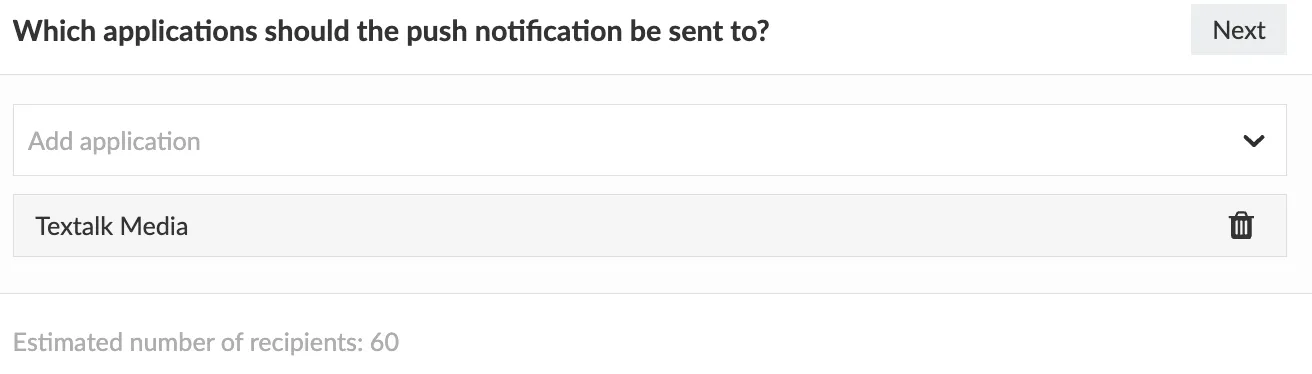
#### 3. Select what the push notification should open
Select what the push notification should open when the user clicks on it. There are five possible choices: App, Tab, Publication, Article, Page.
If the user has not updated their app (iOS app version 12.3.0 or later and Android app version 11.14.0 or later), the user will receive your push notification as if it was sent as open as *App*.
*If you are unsure what app version you have for your app, visit the App Store and Google Play and search for the app, where you will find the latest published app version number.*
##### App
If you choose App, simply the application itself will open.
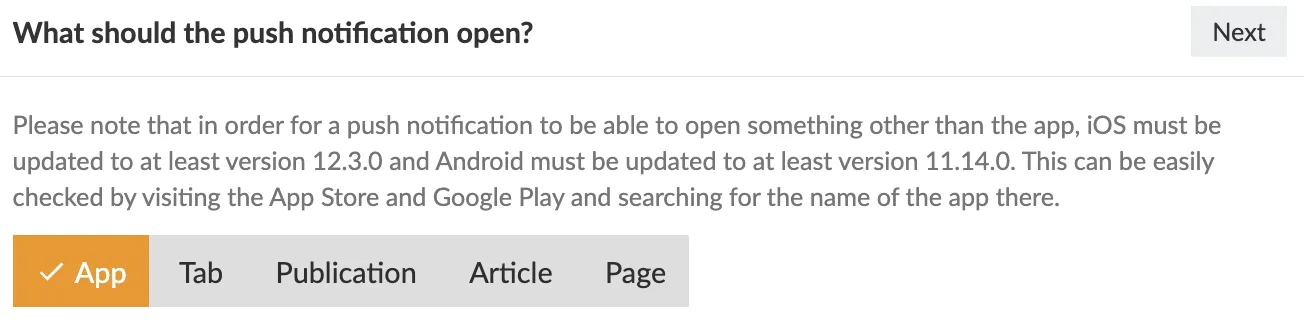
##### Tab
If you choose Tab, a new menu will appear where you can select which tab in the application should be opened.
If you choose a tab that displays content from a web domain, you also have the option to enter a specific address, for example to an article. Note that the article needs to be on the same web domain as the tab is set to display. That is, the article you want to show must be available on the same domain as the one pre-filled in the field. If you just want the tab to open, you can simply leave the specific URL field blank.
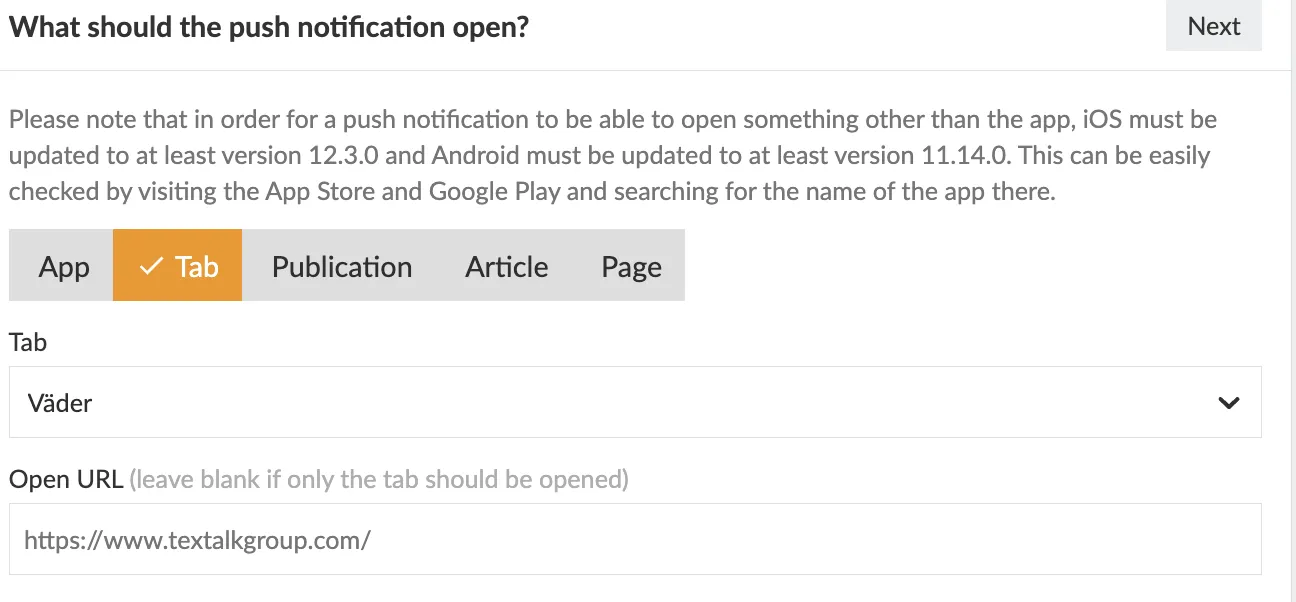
##### Publication
If you choose Publication, you first need to select which Title you want to send the push notification to, and then which publication should be opened.
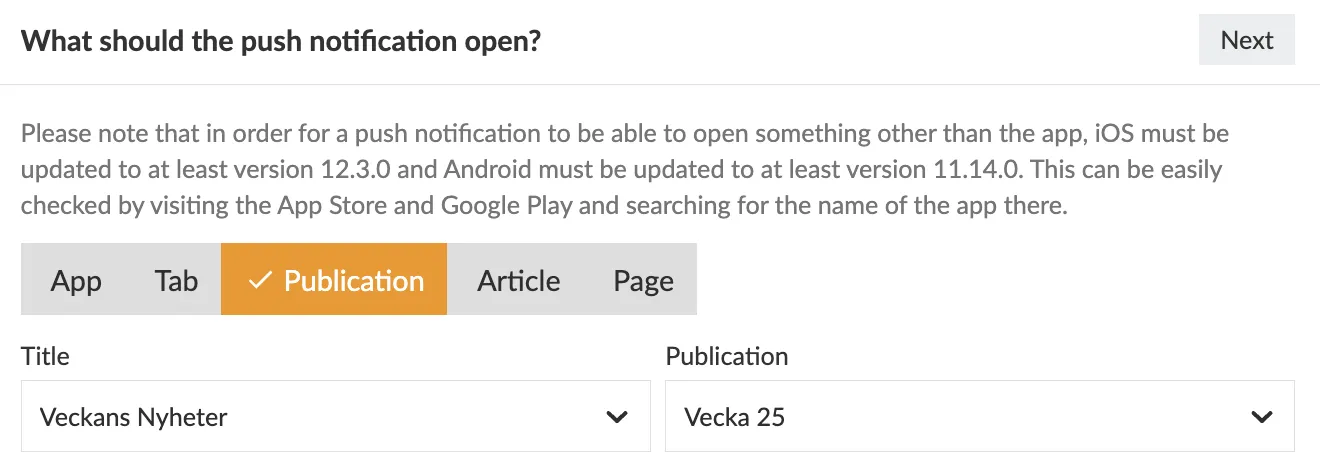
##### Article
If you choose Article, you first need to select Title, then Publication, and then which article should be opened.
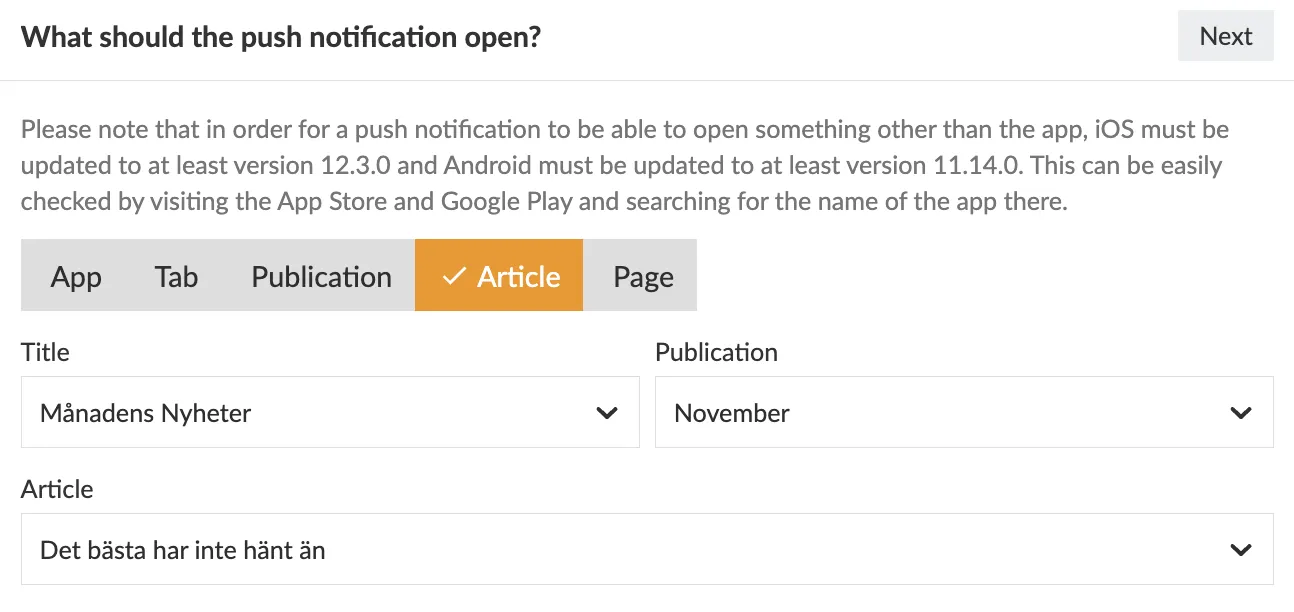
##### Page
If you choose Page, you first select Title and Publication, and then which page should be opened.
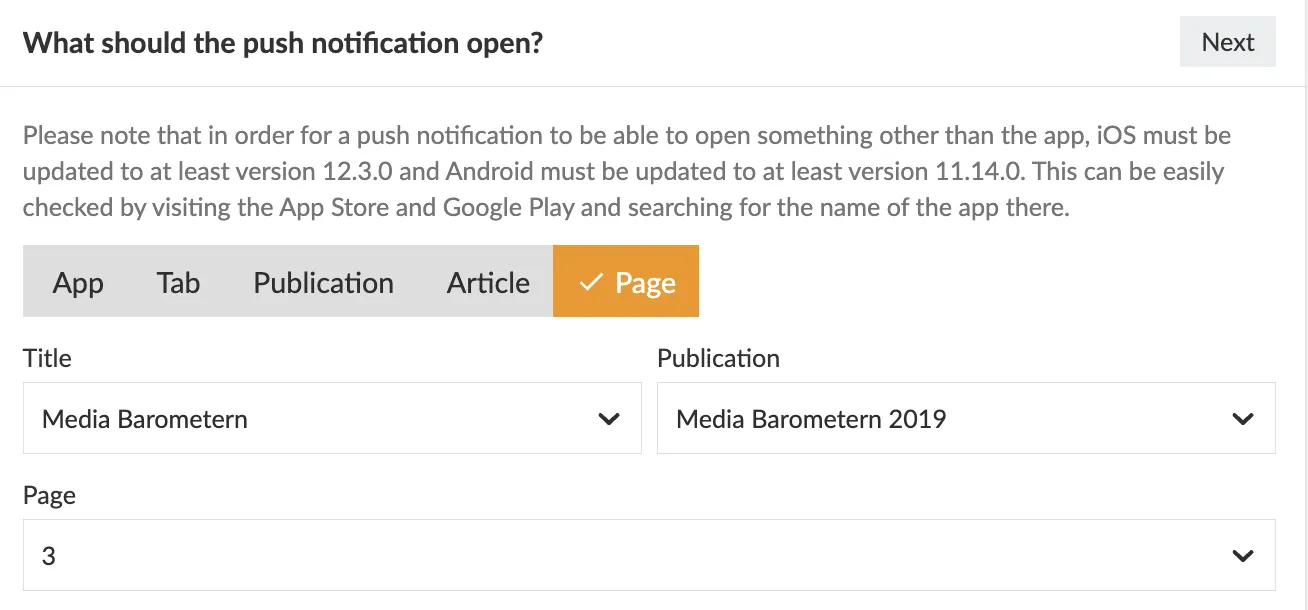
#### 4. Adjust your audience
Topics let you target push notifications to readers with specific interests, such as New issue, Sports or Local news. A topic-based notification is sent to readers who subscribe to that topic and have allowed push notifications for the app.
You create and manage topics in Prenly Workspace under **Applications → select your application → Push Notification Topics**.
**Automatically subscribe to new topics?**
Select **Yes** to automatically subscribe readers who have allowed push notifications to new topics. This also applies to existing users. Readers can later unsubscribe from individual topics under **Settings → Notifications** in the mobile app.
Select **No** if readers should activate the topics they want to follow themselves.
The app remembers each reader’s topic preferences. Automatically subscribing users to new topics does not reactivate topics they have previously chosen to unsubscribe from.
**Show a view with selectable topics for new users?**
Select **Yes** to show new users a topic selection screen when they start using the app and allow push notifications.
Select **No** to skip this screen during initial setup. Readers can still manage their topics under **Settings → Notifications**.
This setting applies to new users. Adding a topic does not automatically display a new selection screen to existing users.
**Do readers have to select topics themselves?**
No, provided that automatic subscription to new topics is enabled. Readers can receive new topics automatically and change their preferences later in the app.
However, users must have allowed push notifications for the app. Automatic topic subscription cannot replace this permission.
**When does a new topic become active?**
It can take up to **24 hours** for all users to receive an automatic subscription to a new topic. A topic may therefore appear in the app’s settings before it appears as enabled.
Allow time for synchronisation to finish before sending a notification restricted to a newly created topic.
#### 5. Write your message
Write your message. Keep the message under 160 characters to ensure readability on older devices. Feel free to use emojis as these can help you achieve a higher open rate. [getemoji.com](http://getemoji.com/)
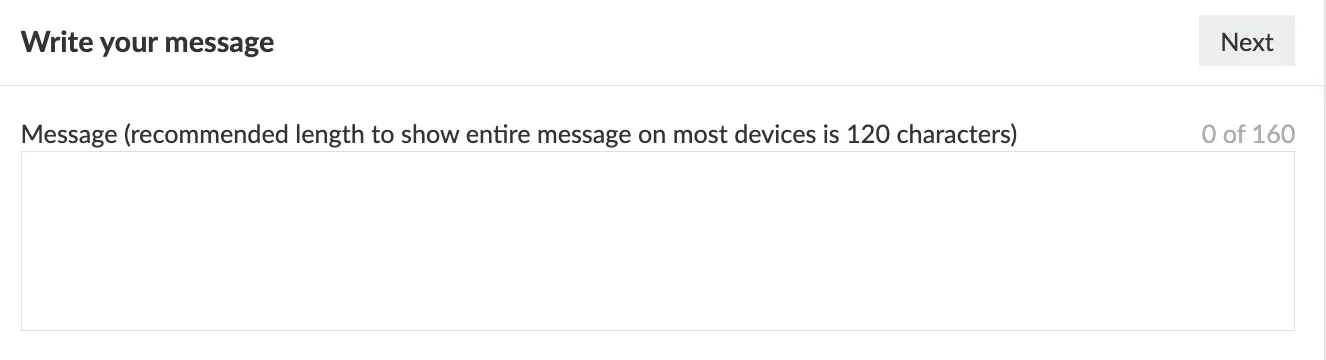
#### 6. Set the time for sending the push notification
The final step is to set the time for when the push notification is to be sent. You can choose a specific date and time, or click on 'Send Now' if you want it to be sent immediately after approval.
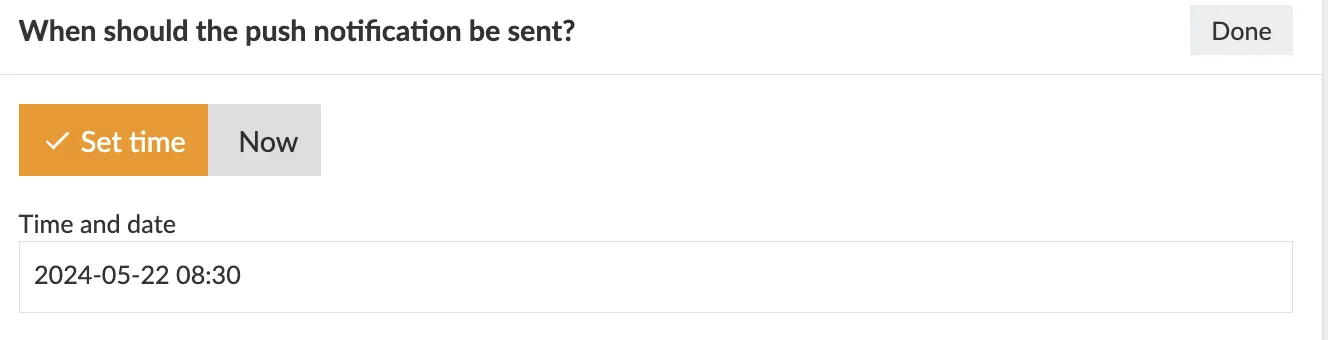
#### 7. Set an end date for your message [only for recurring notification]
For recurring push notifications, you can choose to continue the delivery indefinitely or set a specific end date.
#### Change the "Draft" toggle button to "Approved for delivery"
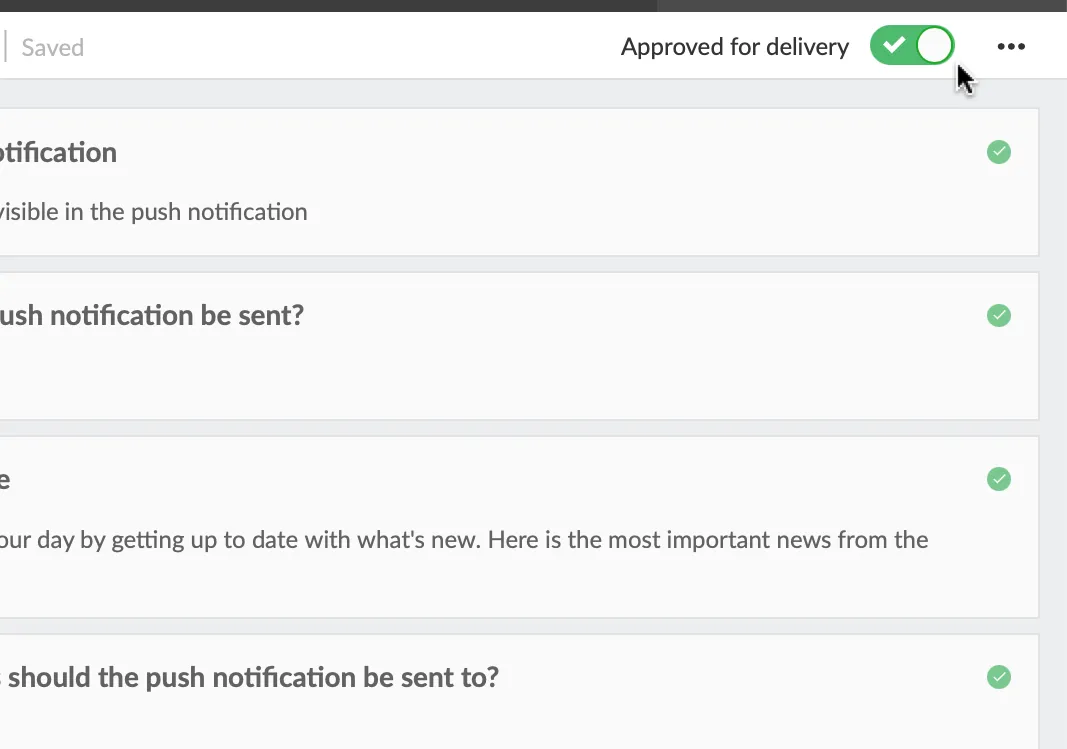
Good work! You have now scheduled your first push notification!
#### See previous push notifications
To find a started or completed push notification, you can use the search mode and enter either the name of your push notification, the date or time you've chosen to have the push notification sent, or the current status - for example "Approved for delivery" or "Sent ".
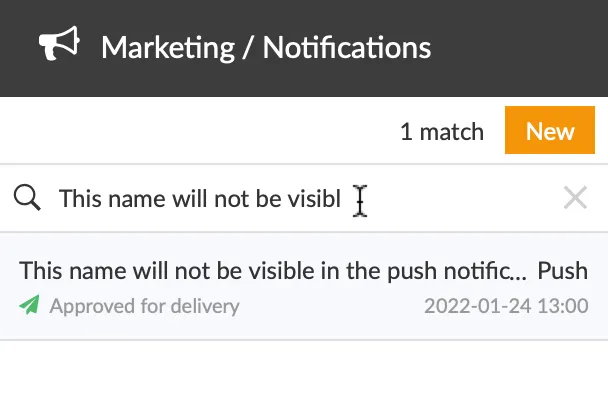
#### Delete a push notification
By clicking on the "three dot menu" in the upper right corner and then on "Delete", you can delete your notification.
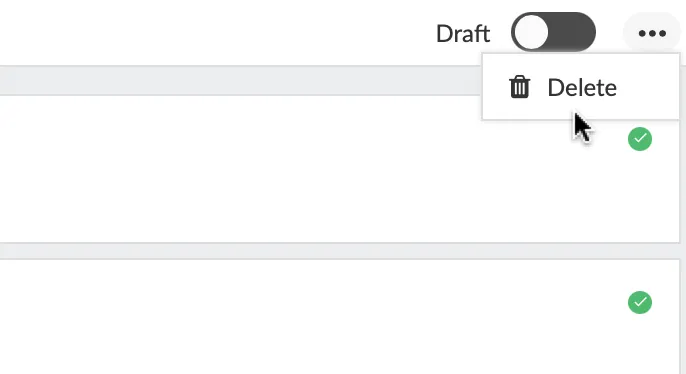
---
URL: https://www.prenly.com/support/marketing/startpage-ads
# Startpage ads
> Learn how to create and manage home page ads to seamlessly display custom promotional content directly within your site layout.
4 min read
[By David. 13 Apr 2026](https://www.prenly.com/author/77)
### What is it?
Home page ads allow you to display ads directly in your home page layout. These ads can be placed between your existing components as a natural part of the page. The content of the ad is defined via a script that controls what is shown to the user.
### How is it implemented?
To create a homepage ad, go to *Marketing* in the left menu of Prenly Workspace and select *Ads*. Click on *New* and select *New landing page ad*.
**Name your ad**
Start by giving the ad a name. This is an internal name used only to help you identify and manage your ads.
**Where on the home page should the ad appear?**
Next, choose where to place the ad on the homepage. You can place it at the top, at the bottom or between existing components. If several ads are assigned to the same position, you can control their order by setting a priority.
**When should the ad be active?**
Specify when the ad should be displayed by selecting a start date and, if necessary, an end date. The ad will be automatically activated and deactivated based on this time range. Make sure to select the correct time zone.
**Ad content**
Next, specify how the ad will be displayed by pasting a script. This script determines the content of the ad. You can find a sample script at the bottom of the page.
**What are the sizes of your ad?**
You also need to specify the ratio between the height and width of the ad by entering one or more sizes. If only one size is specified, that ratio will be used on all devices and in all orientations. If multiple sizes are specified, the width will act as a breakpoint to customize the layout accordingly. (Recommended sizes are listed below.)
**In which applications should the ad be displayed?**
Finally, select the application where the ad will be displayed.
When everything is ready, don't forget to switch the ad from inactive to active to make it visible.
**Example:**
### Example script
< script>
(function () {
var TAG = '[ta-ad]';
console.log(TAG, 'script running');
// Capture insertion anchor immediately - document.currentScript is the
// reliable way to find "where this script tag lives" in most ad contexts.
var anchor = document.currentScript;
if (!anchor) {
var all = document.getElementsByTagName('script');
anchor = all[all.length - 1];
}
console.log(TAG, 'anchor:', anchor, 'parent:', anchor && anchor.parentNode);
// Fonts
var preconnect1 = document.createElement('link');
preconnect1.rel = 'preconnect';
preconnect1.href = 'https://fonts.googleapis.com';
document.head.appendChild(preconnect1);
var preconnect2 = document.createElement('link');
preconnect2.rel = 'preconnect';
preconnect2.href = 'https://fonts.gstatic.com';
preconnect2.crossOrigin = '';
document.head.appendChild(preconnect2);
var fontLink = document.createElement('link');
fontLink.rel = 'stylesheet';
fontLink.href = 'https://fonts.googleapis.com/css2?family=Merriweather:ital,opsz,wght@0,18..144,300..900;1,18..144,300..900&family=Playfair+Display:ital,wght@0,400..900;1,400..900&display=swap';
document.head.appendChild(fontLink);
// Styles (scoped under .ta-ad to avoid clobbering the host page)
var style = document.createElement('style');
style.textContent = [
'.ta-ad{position:relative;width:100%;height:100%;min-height:200px;overflow:hidden;cursor:pointer;background:#333;}',
'.ta-ad .ta-ad-bg{position:absolute;inset:0;width:100%;height:100%;object-fit:cover;opacity:0;transition:opacity 1.5s ease-in-out;z-index:1;}',
'.ta-ad .ta-ad-bg.active{opacity:1;}',
'.ta-ad .ta-ad-text{position:absolute;left:10px;bottom:10px;right:auto;top:auto;z-index:2;display:flex;flex-direction:column;align-items:flex-start;gap:5px;margin:0;padding:0;font-family:"Merriweather",serif;font-optical-sizing:auto;font-style:normal;font-variation-settings:"wdth" 100;color:#fff;}',
'.ta-ad .ta-ad-text h1,.ta-ad .ta-ad-text h2{background:#000000b8;padding:9px 16px;display:inline-flex;margin:0;line-height:1.2;}',
'.ta-ad .ta-ad-text h1{font-size:4vw;}',
'.ta-ad .ta-ad-text h2{font-size:2vw;min-width:8.4vw;}'
].join('');
document.head.appendChild(style);
// Markup
var container = document.createElement('div');
container.className = 'ta-ad';
container.addEventListener('click', function () {
window.open('https://www.textalk.se', '_blank');
});
var img1 = document.createElement('img');
img1.className = 'ta-ad-bg active';
var img2 = document.createElement('img');
img2.className = 'ta-ad-bg';
var textWrap = document.createElement('div');
textWrap.className = 'ta-ad-text';
var h1 = document.createElement('h1');
h1.textContent = 'This is a sample ad!
var h2 = document.createElement('h2');
textWrap.appendChild(h1);
textWrap.appendChild(h2);
container.appendChild(img1);
container.appendChild(img2);
container.appendChild(textWrap);
// Insert where the script tag lives - unless the script is in // (some ad platforms inject creatives into, where nothing renders). // In that case, or if the anchor is missing, fall back to.
function mount() {
var parent = anchor && anchor.parentNode;
var inHead = parent && parent.nodeName === 'HEAD';
if (parent && !inHead) {
parent.insertBefore(container, anchor);
} else if (document.body) {
document.body.appendChild(container);
} else {
//doesn't exist yet - wait for it.
document.addEventListener('DOMContentLoaded', mount);
return;
}
console.log(TAG, 'container inserted into', container.parentNode && container.parentNode.nodeName, 'size:', container.offsetWidth, 'x', container.offsetHeight);
}
mount();
// rotation
var images = [img1, img2];
var current = 0;
function loadInto(idx) {
var url = 'https://picsum.photos/1400/400?random=' + Date.now();
console.log(TAG, 'loading image', idx, url);
images[idx].onerror = function (e) {
console.warn(TAG, 'image failed to load', idx, url, e);
};
images[idx].src = url;
}
function nextImage() {
var next = (current + 1) % images.length;
images[next].onload = function () {
console.log(TAG, 'image loaded', next);
images[next].classList.add('active');
images[current].classList.remove('active');
current = next;
};
loadInto(next);
}
images[0].onload = function () { console.log(TAG, 'image loaded 0'); };
loadInto(0);
setInterval(nextImage, 5000);
// Clock
setInterval(function () {
h2.textContent = new Date().toLocaleTimeString();
}, 500);
})();
< /script>
---
URL: https://www.prenly.com/support/marketing/activate-vouchers-for-easy-access-to-your-apps
# Activate vouchers for easy access to your apps
> Learn how to activate and manage generic or unique vouchers to give readers temporary access to your apps, packages, and web content easily.
3 min read
[By David. 7 May 2026](https://www.prenly.com/author/77)
The voucher function allows you to give readers temporary access to your content through redeemable voucher codes.
These vouchers can be used for promotions, partnerships, giveaways, or temporary free access to your application.
You can either:
- Create one shared code for all users (*Generic Voucher*)
- Generate individual codes for specific users (*Unique Vouchers*)
### **How to Activate the Voucher Function**
- Click Applications in the left-hand menu. Select the application you would like to add vouchers for.
- Go to Application settings. Scroll down until you see the Vouchers section.
- Toggle the function on.
- In the left-hand menu, go to Settings → Vouchers.
- Click New.
You will now see two different voucher types:
**Generic Voucher** Every user redeems access using the same voucher code.
**Unique Voucher** Individual voucher codes are generated for each user.
### **General Setup Steps**
The following settings are available for both voucher types:
**Name and Description** Add an internal name and description for the voucher.
**Package** Choose which package the voucher should give access to.
[Find out here how to create packages →](https://www.prenly.com/support/configuring-extensions/tags-and-permissions)
**Application** Select the application where the voucher will be valid.
**Valid for Days After Redemption** Choose how many days of access the reader should receive after redeeming the voucher.
**Max Number of Redemption** This determines how many times in total the voucher can be redeemed.
**Redemption Period** Choose the period during which the voucher can be redeemed.
If a reader redeems the voucher on the last valid day, they will still receive access for the full number of days configured in Valid for days after redemption.
After activation, the voucher can no longer be edited. However, it can still be terminated whenever needed.
### **Setting Up a Generic Voucher**
**Code** Choose the voucher code readers should use, for example: `SUMMER26`
Once everything is configured: Click Activate.
### **Setting Up Unique Vouchers**
**Prefix** Optionally choose a custom prefix for the generated codes.
If left empty, the prefix will be generated automatically.
**Codes** Choose how many unique voucher codes should be generated.
Once everything is configured: Click Activate and Generate.
A download button will then appear.
Click the button to download a CSV file containing all generated voucher codes.
If you download the CSV file again later, you will also be able to see which codes have already been redeemed and which are still unused.
### **Make Voucher Redemption Visible for Readers**
**Web Application**
- Go to *a**pplications* and select *m**enu*, then choose *web*.
- Click *a**dd menu section* and select *Redeem voucher*.
You can change the menu name if wanted and select an icon.
This adds the voucher redemption option to the menu of your web application.
**Native Apps (iOS & Android)**
In native apps, readers can redeem vouchers under Settings.
---
URL: https://www.prenly.com/support/configuring-extensions
# Configuring extensions
> Discover the latest Prenly features including IP-based access, AI-powered Text-to-Speech with ElevenLabs, multi-channel publishing, and digital archiving.
## Configuring extensions
- [Set up IP Access for Location-Based Reading](https://www.prenly.com/support/configuring-extensions/set-up-ip-access-for-location-based-reading): 27 Jul 2026 An IP-based subscription allows readers to access your content without logging in, as long as they are connected to a predefined IP address or IP range. Instead of verifying a user...
- [Enhanced Text-to-Speech in Prenly | ElevenLabs & AI Voices](https://www.prenly.com/support/configuring-extensions/enhanced-text-to-speech): 27 Jul 2026 Enhanced Text-to-Speech converts your written articles into natural, human-like audio using voices from third-party text-to-speech providers. Once activated, audio is automatically...
- [Multi-Channel Publishing](https://www.prenly.com/support/configuring-extensions/multi-channel-publishing): 23 Jul 2026 With Multi-Channel Publishing (MCP), a single publication can be prepared for delivery to multiple external systems.Once configured, the exports are generated automatically as part of the...
- [Expand Your Digital Archive](https://www.prenly.com/support/configuring-extensions/expand-your-digital-archive): 8 Jun 2026 A certain amount of archive content is usually uploaded during the onboarding process, but more can be added at any time. A larger archive gives readers access to more historical content...
- [Third-party CMP modules](https://www.prenly.com/support/configuring-extensions/third-party-cmp-modules): 30 Mar 2026 Prenly CMP can be used as a consent module in the e-paper at no extra cost. It meets the legal requirements but is limited in functionality and form. If you want to use a more advanced CMP...
- [Free days access](https://www.prenly.com/support/manage-subscribers/free-days-access): 18 Feb 2026 What is it? The Free Days access allows you to give interested readers free access to the content of your app for a limited number of days. This is ideal for potential subscribers who want...
- [IP-based access](https://www.prenly.com/support/configuring-extensions/ip-based-access): 24 Oct 2025 With IP-based access, users can read the e-newspaper without needing to log in — as long as they are connected to a network with an approved IP address. This is a convenient solution for...
- [Tags and Permissions](https://www.prenly.com/support/configuring-extensions/tags-and-permissions): 24 Oct 2025 One option when allowing access to your content, is to grant access to the entire title. Or you can set up for flexible subscription packages with the tag-based permission system. That...
---
URL: https://www.prenly.com/support/configuring-extensions/multi-channel-publishing
# Multi-Channel Publishing
> Streamline your workflow with Multi-Channel Publishing. Automatically generate and deliver publication exports to external systems and archives.
1 min read
[By David. 23 Jul 2026](https://www.prenly.com/author/77)
With Multi-Channel Publishing (MCP), a single publication can be prepared for delivery to multiple external systems.Once configured, the exports are generated automatically as part of the publication workflow, so no manual export process is required for each issue.
### What is it used for?
Multi-Channel Publishing is used when your publication needs to be delivered to one or more external systems in a specific file format. Common examples include deliveries to libraries or archive systems.
Instead of creating these exports manually for every publication, the required files are generated automatically according to the configured setup.
### How is it implemented?
To configure the export, we need the following information:
- Which output format(s) should be generated (for example, EPUB)?
- What is the preferred file naming convention (for example, title_yyyymmdd)?
- Where should the generated files be delivered?
Once this information has been provided, we configure the export workflow for you.
### Read more
More information can be found [on the webpage](https://www.webarch.io/sv/losningar/multi-channel-publishing).
If you are interested in using this feature or have questions regarding it, please contact [hello@prenly.com](mailto:hello@prenly.com).
---
URL: https://www.prenly.com/support/configuring-extensions/set-up-ip-access-for-location-based-reading
# Set up IP Access for Location-Based Reading
> Set up IP-based access in Prenly to let readers at libraries, schools, and offices access your content instantly without logging in.
2 min read
[By Fastén. 27 Jul 2026](https://www.prenly.com/author/68)
An IP-based subscription allows readers to access your content without logging in, as long as they are connected to a predefined IP address or IP range. Instead of verifying a user account, Prenly checks the reader’s network location and automatically grants access.
### What is it used for?
IP-based subscriptions are useful when multiple people should be able to access your content from the same location without creating individual user accounts.
Common use cases include:
- Libraries
- Schools and universities
- Offices and newsrooms
- Hotels and other public spaces
Because access is based on the network rather than individual accounts, there is no limit to the number of readers who can access the content at the same time from an approved IP address.
### How is it implemented?
To activate an IP-based subscription, simply send us the IP address or IP range that should be granted access.
Once we receive the information, we will:
- Configure the IP address in Prenly.
- Connect the appropriate subscription package(s).
- Activate access for the specified network.
After the setup is complete, readers connected to the approved network can access the included content without signing in.
**Be aware:**
- Access is only available while the reader is connected to an approved network. If they leave the network, access is removed until they reconnect.
- There is no limit to the number of simultaneous users connected from an approved IP address or IP range.
If you would like to activate IP-based subscriptions, have questions about the setup, or would like pricing information, please contact **hello@prenly.com**.
---
URL: https://www.prenly.com/support/configuring-extensions/ip-based-access
# IP-based access
> Get seamless access to the e-newspaper without logging in. Perfect for companies, schools, and hotels using approved network IP addresses.
1 min read
[By Lena. 24 Oct 2025](https://www.prenly.com/author/76)
With IP-based access, users can read the e-newspaper without needing to log in — as long as they are connected to a network with an approved IP address.
This is a convenient solution for places like companies, schools, or hotels where multiple users need access from the same location.
## How it works:
- A list of IP addresses is provided to Prenly Support.
- The list is linked to one or more subscription packages in Prenly.
- All users connected to the specified network get automatic access to the e-newspaper — no login required.
IP-based access is an add-on service, and the cost depends on how many IP addresses are included.
? Want to know more or get started with IP-based access? Contact Prenly support, [hello@prenly.com](mailto:hello@prenly.com?subject=I%20want%20to%20know%20more%20about%20%20IP-based%20Access%20for%20the%20e-paper)
---
URL: https://www.prenly.com/support/configuring-extensions/tags-and-permissions
# Tags and Permissions
> Learn how to use tag-based permissions in Prenly to create flexible subscription packages and control reader access to specific publications.
3 min read
[By Maria. 24 Oct 2025](https://www.prenly.com/author/61)
One option when allowing access to your content, is to grant access to the entire title. Or you can set up for flexible subscription packages with the tag-based permission system.
That means that you now can offer various subscription models with flexible access, like:
• Access only to Sunday’s publications
• Access only to Monday-Friday publications
• Access only to the last 7 days, not the full archive
This flexibility gives you opportunities to offer a range of subscription packages with various price tags within the same title.
This filtering is accomplished by adding tags to each publication and creating corresponding subscription services. It can easily be done either manually in Prenly Workspace or by sending data to our Connect api.
Let’s say you add the tag “Sunday” to all of your Sunday publications. That will enable you to create a subscription package which gives your subscribers access to the publications tagged “Sunday” but nothing more.
### How to add tags?
You can add a tag manually to any publication by opening the settings for each publication in Prenly Workspace and add a tag there.
Click the three dots in the bottom right corner of a publication to open a small menu where you select “Edit”.
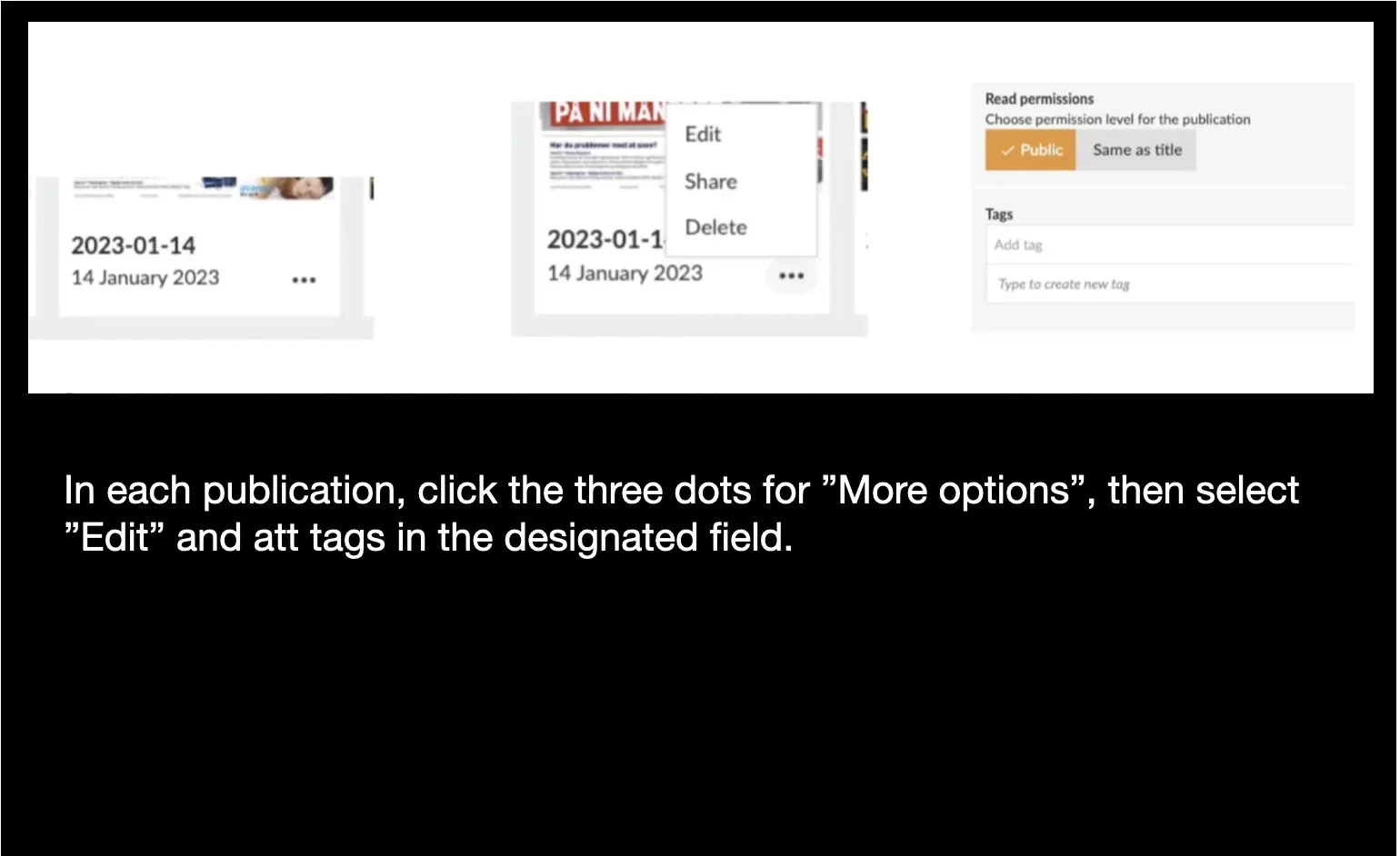
In the publication settings you can add tags. If a tag has already been created you can choose it from a list.
You can also add tags automatically by using our api and send a batch of tag updates. You can do this for previously published publications, and you can set up a daily api call to add tags to any new publications.
See the documentation of the api. [https://apidoc.prenly.com/connect-api/](https://apidoc.prenly.com/connect-api/)
### How to create packages?
Navigate to “Package management” found in Prenly Workspace Settings.
You have to create a Package and a Service to support the publication tags.
In Workspace you go to Settings -> Package Management
Click “Services” -> “New”
Add a name to the service, select title and add the same tag that you have added to the publications.
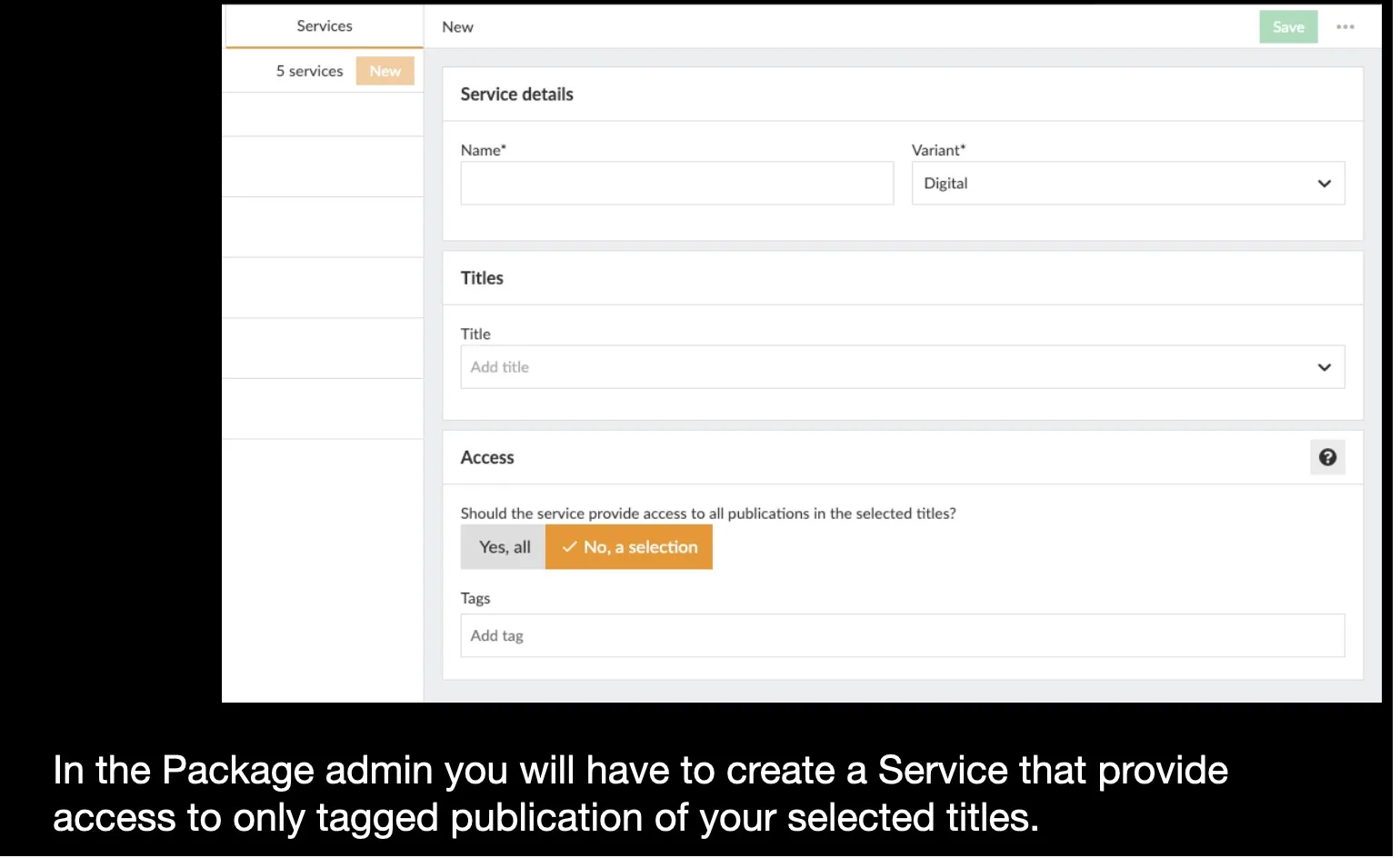
Then create a new Package and connect it to the Service you just created.
The Package has a slug that you can add to subscribers in your subscription system.
**Summary**
If you give a subscriber access to a subscription called “sundays_only” in your subscription system.
You should set up a subscription package in Prenly Workspace with a slug called “sundays_only”
And you should set the access of that subscription package to access a title with publications tagged “Sunday”
And finally add tag “Sunday” to all publications that should be accessed.
**Note**
The tag-based permissions will work out of the box with many integrations set up with the Prenly Remote API.
For some integrations there have to be additional configurations done deeper into the Prenly access system.
Please contact our helpdesk if you need assistance.
---
URL: https://www.prenly.com/support/configuring-extensions/third-party-cmp-modules
# Third-party CMP modules
> Discover how to integrate third-party CMP modules like Didomi, Cookiebot, Usercentrics, and Sourcepoint into your Prenly e-papers and apps.
4 min read
[By Sofie. 30 Mar 2026](https://www.prenly.com/author/78)
[Prenly CMP](https://www.prenly.com/support/manage-applications/create-a-cmp-module) can be used as a consent module in the e-paper at no extra cost. It meets the legal requirements but is limited in functionality and form.
If you want to use a more advanced CMP module, we currently (2024) offer integrations with four third-party tools: Didomi, Cookiebot, Usercentrics and Sourcepoint.
With any of these, you have greater possibilities to customize the shape and color and also integrate with other services so that the consent applies across multiple subdomains.
The visitor is presented with the CMP dialog when they first visit the e-journal. The visitor can then choose to "Accept all" or make their own personal settings regarding consent for different purposes. The visitor's choice is saved, but the visitor can change their choice on a subsequent visit by re-opening the CMP dialog.
If you want to use a third-party CMP, you will need to enter into an agreement with the CMP company yourself and make sure to set up consent dialogs and the features that need to be displayed and managed.
An SDK (software development kit) needs to be built into the native apps and configuration needs to be done in Workspace to link the external CMP dialog with the app's functions so that the user's choices are both saved and respected.
Contact our support to enable external CMP modules for your application in Prenly Workspace.
There will be an additional ongoing cost for the integration we do with the third-party tool.
Do you want to use any other CMP module than the ones we support today?
Contact our sales team to get a cost estimate.
Below is a review of the different tools that Prenly supports:
## Didomi
https://www.didomi.io/
Used on Bonnier News e-newspapers, for example Dagens Nyheter, works both on web, ios and Android.
To use Didomi in the ios and Android apps, Didomi SDK needs to be built into the apps, which requires an app update.
You need to create consent dialogs (consent notices) for web and native apps in Didomi admin and download api key and notice ID.
Next, modules need to be created in Prenly Workspace where a number of values must be entered:
- API key (Didomi's organization id for your account)
- Notice id (if app id or domain is not specified in Didomi's admin)
- Purpose ids for functional, analytical and marketing.
- Vendor ids to control Prenly's functions.
These values you need to get in Didomi's admin.
## Cookiebot
[https://www.cookiebot.com/](https://www.cookiebot.com/) - has been bought by Usercentrics.
Used in the web reader, currently on JP/Politikens e-newspapers, e.g. [Politiken e-avis.](https://e-avis.politiken.dk/)
A module needs to be created in Workspace and connected to the e-newspaper web client, where you enter the "Domain group ID" as defined in Cookiebot.
Cookiebot scans the web reader's cookies and you must map each cookie to the correct purpose in Cookiebot's admin.
## Usercentrics
[https://usercentrics.com/](https://usercentrics.com/)
Currently used in apps for IOS and Android in JP/Politikens e-newspaper apps, for example [Jyllands-Posten e-avis](https://apps.apple.com/dk/app/jyllands-posten-e-avis/id406469994).
To use Usercentrics, an SDK needs to be built into the IOS and Android apps, which requires an app update.
Once the SDK is in place, the configuration can be completed in Prenly Workspace. There, a new consent module needs to be created and values entered for "settings-id" and also the mapping needs to be done between "service-id" in Usercentrics and features in Prenly.
## Sourcepoint
[sourcepoint.com](https://sourcepoint.com/)
Currently used by Schibsted, for example in [Aftonbladet](https://etidning.aftonbladet.se/) and [Svenska Dagbladet's](https://play.google.com/store/apps/details?id=se.svd.reader&hl=sv) e-newspapers, both web, ios and Android.
To use Sourcepoint, you need to contact Prenly support, as a special SDK needs to be built into the app and a number of configurations need to be made in Prenly Workspace.
---
URL: https://www.prenly.com/support/configuring-extensions/expand-your-digital-archive
# Expand Your Digital Archive
> Expand your digital archive to give readers access to more historical content, attract potential subscribers, and preserve your publication history.
2 min read
[By Alina. 8 Jun 2026](https://www.prenly.com/author/73)
A certain amount of archive content is usually uploaded during the onboarding process, but more can be added at any time.
A larger archive gives readers access to more historical content and makes it easier to find articles about specific topics, people, places, or events. Readers can search across both recent and older publications to revisit past articles or explore how a topic has been covered over time.
**Attract new readers with more content**
The archive can also help potential subscribers discover your content. Even non-subscribers can search the archive and see how much content is available on a topic they are interested in. It is also possible to make selected archive publications publicly available, giving readers a taste of your content before subscribing.
## How to highlight historical content
Older issues can be highlighted in different ways. For example, you can automatically display a publication from 5, 10, or 20 years ago with the flashback component, or feature a special anniversary issue using the Editor’s Pick component. A larger archive also helps preserve your publication’s history and makes it easier for readers to explore past coverage of important events and stories.
[Learn more about the different components →](https://www.prenly.com/support/manage-applications/create-a-startpage-for-your-application)
## How to Activate It
If you are interested in adding more archive content, please contact us at [hello@prenly.com](mailto:hello@prenly.com).
We’ll discuss:
- The amount of archive content you would like to add
- Pricing and import options
- The expected timeline
- How the archive material should be delivered
## How to Send Archive Material
Archive material should be uploaded to us using an FTP client. The archive should consist of standard PDF files.
To ensure a successful import, all files must follow a consistent naming structure.
[Read more about the correct naming structure here →](https://www.prenly.com/support/your-prenly-onboarding/uploading-archive)
---
URL: https://www.prenly.com/support/configuring-extensions/enhanced-text-to-speech
# Enhanced Text-to-Speech
> Learn how Enhanced Text-to-Speech works in Prenly, which providers are supported – including ElevenLabs – and how to activate AI-generated audio.
2 min read
[By Lena. 27 Jul 2026](https://www.prenly.com/author/76)
Enhanced Text-to-Speech converts your written articles into natural, human-like audio using voices from third-party text-to-speech providers. Once activated, audio is automatically generated for new publications, allowing readers to listen to articles instead of reading them. This makes your content more accessible and offers an additional way for readers to enjoy it.
### What is it used for?
Enhanced Text-to-Speech uses voices from supported text-to-speech providers instead of the standard voices built into browsers and mobile devices. These voices sound more natural, with improved pronunciation, rhythm, and intonation, creating a better listening experience.
You might choose Enhanced Text-to-Speech if you want to:
- Make your content more accessible.
- Give readers the option to listen to articles instead of reading them.
- Improve audio quality, particularly for languages where standard device voices are limited
### How is it implemented?
To activate Enhanced Text-to-Speech, you first need an account with one of our supported text-to-speech providers. Once you have created your account and obtained the required credentials, send them to **hello@prenly.com** and we will configure the integration for your publication.
You can compare available voices and find setup instructions for the supported providers on their respective websites. Prenly currently supports:
- [Microsoft Azure Voice Gallery](https://speech.microsoft.com/portal/voicegallery)
- [Google Cloud Text-to-Speech](https://cloud.google.com/text-to-speech)
- [Amazon Polly Voices](https://docs.aws.amazon.com/polly/latest/dg/available-voices.html)
- [ElevenLabs](https://elevenlabs.io/text-to-speech)
- [Narakeet](https://www.narakeet.com/languages/)
The exact credentials depend on the provider you choose. In general, you will need to provide:
- Voice (for example, en-US-JennyNeural)
- Speech key, API key, or JSON key file (depending on the provider)
- Region
- Language
- Voice gender
After the integration has been configured, continue uploading your publications to Webarch as usual. Audio is then generated, imported, and made available automatically.
**Be aware:** Only publications uploaded after the integration has been activated will include enhanced audio. Existing publications are not processed automatically.
### Technical details
The quality of generated audio depends on the selected text-to-speech provider and voice.
Some providers calculate character usage based not only on the article text but also on additional markup used for language and voice settings. This may affect the number of billable characters.
If you would like to activate Enhanced Text-to-Speech for your publication, have questions about the setup, or would like pricing information, please contact hello@prenly.com.
## Related articles
- [ Add and play podcasts in your apps](https://www.prenly.com/support/manage-applications/add-and-play-podcasts-in-your-apps)
---
URL: https://www.prenly.com/support/getting-started-with-statistics
# Statistics
> Master web analytics with our complete guide on Google Analytics, Looker Studio dashboards, custom definitions, Matomo, and effective data export.
## Statistics
- [Visualize Google Analytics Data with Looker Studio](https://www.prenly.com/support/getting-started-with-statistics/visualize-google-analytics-data-with-looker-studio): 27 Jul 2026 Looker Studio is Google’s reporting tool for creating interactive dashboards and visual reports. By connecting it to Google Analytics, you can turn raw analytics data into...
- [User vs Session in Google Analytics](https://www.prenly.com/support/getting-started-with-statistics/user-vs-session-in-google-analytics): 31 Mar 2026 A visitor (user) who uses the e-paper 100 times on the same device should be counted as one user, but 100 sessions. A user is thus a unique visitor per device. A user can be a returning...
- [Configure Analytics – Custom Definitions](https://www.prenly.com/support/getting-started-with-statistics/configure-analytics-custom-definitions): 30 Mar 2026 The statistics provided via Prenly are event-based. To see what events are available, see https://wiki.prenly.com/en/user-analytics/events Each event contains additional data in the form...
- [Configure Analytics – Enhanced measurement](https://www.prenly.com/support/getting-started-with-statistics/configure-analytics-enhanced-measurement): 30 Mar 2026 If you are interested in tracking data via Google Analytic's "page_view'" concept then we highly recommend you enable the enhanced measurement on the web app's Analytics property. The web...
- [Export statistical data](https://www.prenly.com/support/getting-started-with-statistics/export-statistical-data): 24 Oct 2025 Do you want to export statistical data for your selected e-paper solution from Prenly? There are few steps but this guide will guide you through the process. Preparation The very first...
- [Google Analytics - Get started with statistics](https://www.prenly.com/support/getting-started-with-statistics/google-analytics-get-started-with-statistics): 24 Oct 2025 Before you start To start collecting statistical data you will need a Google Analytics account. 1. Create a Google Analytics account via google.com/analytics. 2. Select Get started today...
- [Create a GA account](https://www.prenly.com/support/getting-started-with-statistics/create-a-ga-account): 24 Oct 2025 To start collecting basic data from a website: Create or sign in to your Analytics account: google.com/analytics Do one of the following: - To create an account, click Start for free. - To...
- [Handle date ranges](https://www.prenly.com/support/getting-started-with-statistics/handle-date-ranges): 24 Oct 2025 The date range selector is at the top right of every report except the Real-Time reports. Click the arrow next to the existing date range to open the controls. Select one of the following...
- [Matomo for statistics](https://www.prenly.com/support/getting-started-with-statistics/matomo-for-statistics): 24 Oct 2025 To get started with Matomo for the web version of Prenly, simply send us the server address and site ID of your Matomo installation. Server address is the URL address on which you have...
- [How the link structure works in a Prenly](https://www.prenly.com/support/getting-started-with-statistics/how-the-link-structure-works-in-a-prenly): 24 Oct 2025 Understanding how a URL is structured can help editors, developers and analysts alike to quickly identify the type, origin and structure of content. In this article, we break down two...
---
URL: https://www.prenly.com/support/getting-started-with-statistics/how-the-link-structure-works-in-a-prenly
# How the link structure works in a Prenly
> Learn how URL structures work in Prenly. Understand links for publications, pages, and articles to improve analysis and content organization.
2 min read
[By Sofie. 24 Oct 2025](https://www.prenly.com/author/78)
Understanding how a URL is structured can help editors, developers and analysts alike to quickly identify the type, origin and structure of content.
In this article, we break down two typical URLs from Prenly:
- One pointing to **a page in a publication** - One pointing **to **an article**. We anonymize parts of the links to focus on the structure rather than the content.**
## Example 1: Page in a publication
*https://[domännamn]/p/[slug]/2025-01-01/r/3/4-5/1234/123456*
### What each part means:
**https://[domain name**] The server where the content resides
**/p/** Stands for **publication**, and is used as the entry point to the entire system for issues and articles
[**slug]** A specific name for the title, e.g. My magazine becomes my-magazine. This slug is configured in the system administration interface per title.
**2025-01-01** Name of the publication. By default this is a date, but it is also possible to change this in Prenly admin to a text.
**/r/** Stands for replica, i.e. reading in standard/PDF mode
**3/** An **internal sorting parameter** for spreads, where each number represents a pair of pages.
For example:
1 = pages 1
2 = pages 2-3
3 = pages 4-5
**4-5/** The actual page **range** of the spread.
**1234** Title ID in Prenly
**123456** Issue ID, i.e. the specific numbering of that particular publication.
## Example 2: Article
https://[domännamn]/p/[slug]/2025-01-01/a/[artikel-slugg]/1234/123456/555666777
### What each part means:
**https://[domain name]** Same as above: domain of the publishing platform.
**/p/** Publication
[**slug]** Name of the publication (title)
**2025-01-01** Same as above, name of the publication.
**/a/** Stands for article
[**article-slug]** A search engine friendly variant of the article title, e.g. this-is-the-title-name
**1234** Title ID (same as above)
**123456** Issue ID (same as above)
**555666777** Article ID - a unique ID for the specific article.
## Summary
These links are systematically designed to combine readability with functionality. They make it easy to:
- Identify which publication the content belongs to
- See the publication date
- Know whether it is a whole page/page break or a single article
For systems that use this approach - such as editorial platforms like Prenly - it provides an efficient and predictable way to link content, automate processes and create metadata for sharing, analysis and indexing.
---
URL: https://www.prenly.com/support/getting-started-with-statistics/matomo-for-statistics
# Matomo for statistics
> Learn how to integrate Matomo analytics with Prenly. Discover setup steps, custom dimensions, events tracking, and consent management options.
4 min read
[By Fastén. 24 Oct 2025](https://www.prenly.com/author/68)
To get started with Matomo for the web version of Prenly, simply send us the **server address** and **site ID** of your Matomo installation.
**Server address** is the URL address on which you have installed Matomo. Can be something like https://matomo.domain.com, i.e. unique to your setup.
**Site ID**
Matomo lets you measure multiple websites with a single server. Each website you add gets a unique site-id (website-id).
Click on **Measurables(or Websites) > Manage page**. There you will find a list of all websites. The Website ID can be found on the left in the table of all the web pages you have set up.
You will also need to define a number of custom dimensions for your site to capture the extra data we send with each event.
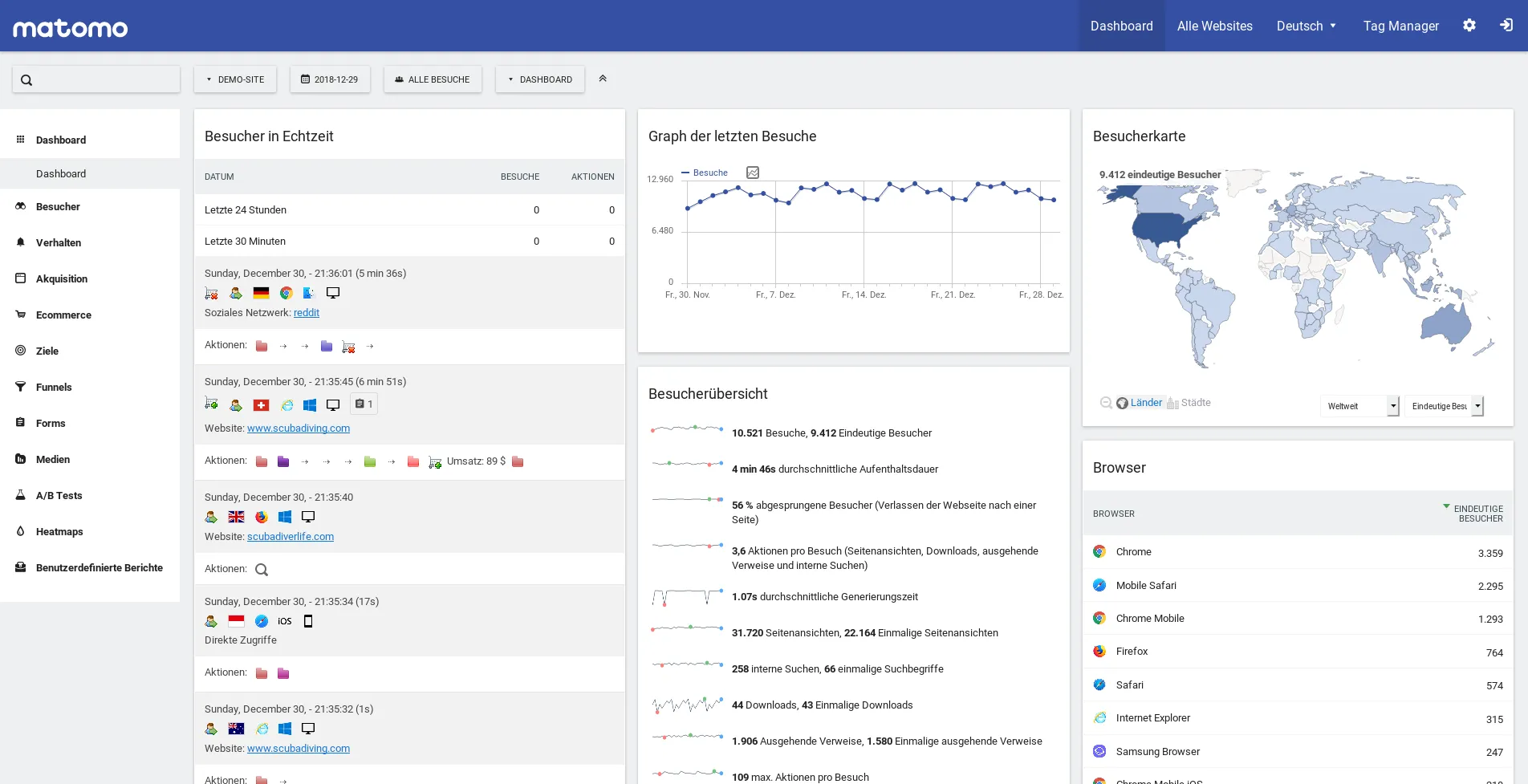
We recommend that you create a separate "site" for Matomo so that you do not mix traffic from the e-magazine with traffic from web sites. But you can use the same site for all three platforms of the e-paper.
If you want to combine traffic from multiple sites, you can use Matomo's "roll-up" tool.
To send traffic to Matomo from the iOS and Android apps, your apps need to be updated with an SDK and resubmitted to Apple and Google.
Contact our customer service for price information if you want to use Matomo with Prenly.
**Matomo in detail**
We currently send our three standard events ("replica_page_open", "article_open" and "external_url_clicked") to Matomo enriched with a number of customised dimensions.
Documentation of our events can be found [on our wiki.](https://wiki.prenly.com/en/user-analytics/events)
**Update:** from Android version 11.13.0 and iOS 11.8.0 additional events are sent to Matomo.
• "prenly_push_notification_open", "prenly_app_open" to track push notifications.
• "title_overview_open" and "title_open" for those using title pages
• "favorite_title_add" and "favorite_title_remove" for those using favorites
Here are the custom dimensions that you need to define.
1: application_slug
2: title_slug
3: title_uid
4: publication_slug
5: publication_uid
6: publication_date
7: page_number
8: part_slug
9: article_slug
10: article_uid
11: article_name
12: article_external_id
13: section_slug
14: external_url
15: push_notifications_enabled
16: push_notification_uid
17: push_notification_sent_at
18: message_title
19: message_body
This list of custom dimensions will be expanded as we add new events. The most up-to-date list of our dimensions and events can be found on our wiki:
[https://wiki.prenly.com/en/user-analytics/exporting-data/matomo-analytics](https://wiki.prenly.com/en/user-analytics/exporting-data/matomo-analytics)
[https://wiki.prenly.com/en/user-analytics/events](https://wiki.prenly.com/en/user-analytics/events)
It is important that you define the custom dimensions with exactly the numbers listed above. All must be defined as "action dimensions", not "visit dimensions".
Matomo only offers five dimensions in the basic version, so you must follow Matomo's instructions to increase the number of dimensions.
## Matomo and consent
If you use Prenly CMP as a consent dialog, you can decide what level of data to send from the web and app users.
The default setting is that no data at all is sent from the web and app when the user has not given their consent.
However, if you want all data to be sent for later filtering in your own system or Matomo, you can set the data to be sent even from those users who have not given consent.
In these cases, you can choose to send data completely anonymously or including user-id. You are then responsible for filtering the data later in accordance with the law.
If you use Matomo cloud, this should be avoided.
This setting is made in Prenly Workspace, in the Prenly CMP module.
If under "Basic tracking with Matomo" you select "Do not require consent", the data will be sent anonymously - without user-id - for those users who have not given consent to be analysed.
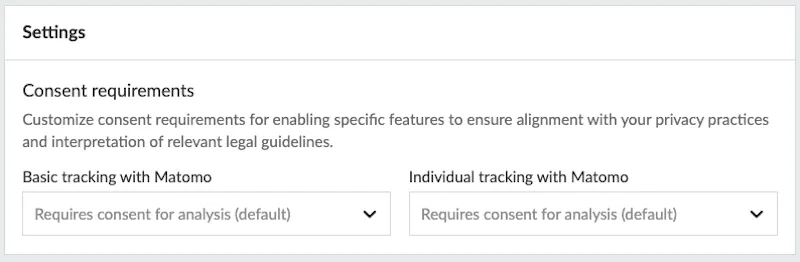
If under "Individual tracking with Matomo" you select "Do not require consent", all data including user-id will be sent also for those users who have not consented to be analysed. This allows you to receive all the data to your own data warehouse for filtering.
Other supported CMP modules (Didomi, Cookiebot, Usercentrics) have similar settings for the consent requirement.
---
URL: https://www.prenly.com/support/getting-started-with-statistics/handle-date-ranges
# Handle date ranges
> Learn how to select, customize, and compare date ranges in your reports to easily analyze specific timeframes and data trends.
2 min read
[By Sofie. 24 Oct 2025](https://www.prenly.com/author/78)
The date range selector is at the top right of every report except the Real-Time reports. Click the arrow next to the existing date range to open the controls.
Select one of the following from the *Date Range* menu:
**Custom**: Data for your custom date range. (See instructions, below.)
**Today**: Data available for the current calendar date up until the time of your selection
**Yesterday**: Data for the previous calendar date
**Last Week**: Data for Sunday through Saturday of the previous calendar week
**Last Month**: Data for the first to last day of the previous calendar month
**Last 7 days**
**Last 30 days**
Click **Apply**.
### Custom date range
To set your own dates, select **Custom** from the *Date Range* menu, then follow the instructions below.
**To select a single date:** Click twice on any date on the calendar OR Enter a single date in both *Date Range* fields.
**To select a specific week:** Click the first and last days of the week on the calendar OR
Enter the beginning and end dates in the *Date Range* fields.
**To select a range of dates:** In the calendar, click the desired start date, then click the end date. The selected days are highlighted. OR Enter start and end dates in the **Date Range** fields.
**To compare two different date ranges:** Select the **Compare to** checkbox, then select **Custom**, **Previous Period**, or **Previous Year**. Use the controls to set the second date range.
Click **Apply**.
---
URL: https://www.prenly.com/support/getting-started-with-statistics/google-analytics-get-started-with-statistics
# Google Analytics - Get started with statistics
> Learn how to connect Google Analytics with your Prenly e-paper via Firebase to start tracking reader statistics and data insights easily.
3 min read
[By Alina. 24 Oct 2025](https://www.prenly.com/author/73)
### Before you start
To start collecting statistical data you will need a Google Analytics account.
1. Create a Google Analytics account via [google.com/analytics](https://marketingplatform.google.com/about/analytics/).
2. Select **Get started today** to create an account or to sign in to your current account.
### Get started
1. Notify hello@prenly.com that activation of GA can begin, include this information:
If you have more than one e-paper, state which ones you wish to collect data from.
Which individual(s) you would like to represent the *owner* of your data in the underlying Firebase project.
*Please note you will need an e-mail address associated with a Google Account that has edit rights to your chosen Google Analytics account.*
2. The customer service team will invite you as an owner of the underlying Firebase project and you will receive an e-mail from Firebase.
After you have received the invitation you are ready to continue with the below.
### Activate statistical data gathering
1. Log in to [Firebase Console](https://console.firebase.google.com/)
2. If you are prompted to select a project, select the e-paper project you would like to enable statistic gathering for.
3. Select **Project settings** in the cogwheel menu.
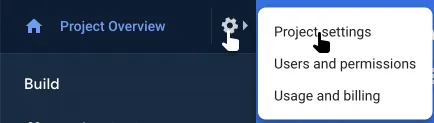 Select "Project settings" on your Firebase project to enable statistics.
4. Select the sub-menu item **Integration**
5. Select **Enable** on the card ***Google Analytics***
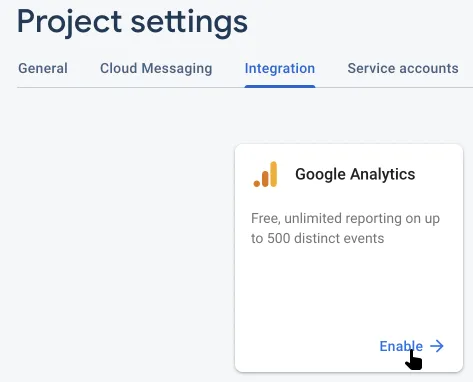 Select "Enable" on Google Analytics integration card to enable statistics.
6. Select a Google Analytics account within the drop-down menu to host your statistical data on the page ***Configure Google Analytics***
*If you are unable to select an Analytics account, then you do not have edit rights to your Analytics account.*
7. Select **Enabling Google Analytics** to create a new Analytics property on your Analytics account, where statistical data will be gathered and aggregated by the created property.
8. Select the link for the newly created Analytics property within Firebase. You will be taken to Analytics. Select **Property Settings**;configure your new property by setting industry (most likely "News"), the correct reporting time zone, and currency for your e-paper.
9. Set a name for the new property in order to easier find the property in the future.
10. Send an e-mail to **hello@prenly.com** stating you have finished the setup for your e-paper by including which e-paper you have activated the statistics for.
11. Once Prenly's customer service has received your e-mail, they will activate your web app and notify you that it has been activated.
12. You are now done and ready to view your new statistical data within your Analytics account by selecting the created Analytics property.
#### How long will it take till I see my data?
Once the statistics have been activated, Google will usually take 12-24 hours to allow Analytics to start aggregating your statistical data.
#### Why don't I see any data even though I have waited over 24 hours?
In order for Prenly to transfer the data to Analytics the readers must have given consent for user analysis.
You can enable your readers to give consent to be tracked by creating a consent dialog in Prenly Workspace and associating it with your e-paper application.
---
URL: https://www.prenly.com/support/getting-started-with-statistics/create-a-ga-account
# Create a GA account
> Learn how to set up your Google Analytics account, install tracking codes, configure properties and views, and start collecting valuable website data today.
3 min read
[By jens. 24 Oct 2025](https://www.prenly.com/author/62)
### To start collecting basic data from a website:
Create or sign in to your Analytics account: [google.com/analytics](https://marketingplatform.google.com/about/analytics/)
**Do one of the following:** - To create an account, click **Start** for free.
- To sign in to your account, Click **Sign in** to Analytics.
[Set up a property in your Analytics account](https://support.google.com/analytics/answer/10269537). A property represents your website or app and is the collection point in Analytics for the data from your site or app.
[Set up a reporting view on your property](https://support.google.com/analytics/answer/1009714). Views let you create filtered perspectives of your data; for example, all data except from your company’s internal IP addresses, or all data associated with a specific sales region.
Follow the instructions to add the tracking code to your [website](https://support.google.com/analytics/answer/1008080) so you can collect data in your Analytics property.
[Google Analytics: First Steps](https://www.youtube.com/watch?v=lZf3YYkIg8w)
### Next steps
Configure your account, properties, and views to determine access to your data and which data is available.
**For example, you can:**
● Grant permissions to make configuration changes and to interact with data. [Learn more about user management](https://support.google.com/analytics/topic/6014099).
● Link your Google Ads and Analytics accounts so you can share data between them and develop a more comprehensive understanding of how your marketing efforts drive user behaviour on your sites or apps. [Learn more about linking your accounts](https://support.google.com/analytics/answer/1033961).
● Set up reporting views so you can align Analytics users and relevant data. [Learn more about views](https://support.google.com/analytics/topic/6014102).
● Set up goals to identify the actions you want users to take on your site or app, and to give a monetary value to those actions. [Learn more about setting up goals](https://support.google.com/analytics/answer/1012040).
● Browse the [Solutions Gallery](https://analytics.google.com/analytics/gallery) for [dashboards](https://support.google.com/analytics/answer/1068216), [custom reports](https://support.google.com/analytics/answer/1033013), and [segments](https://support.google.com/analytics/answer/3123951) that you can use in your Analytics account.
● Modify your tracking code to collect additional data such as:
User interactions with links, buttons, video controls, and other dynamic elements of your site or app. [Learn more about event tracking](https://support.google.com/analytics/answer/1033068).
● Check e-commerce activity like user engagement with product lists and internal promotions, and how successfully users moved through your purchase funnel and checkout process.
● Learn more about [e-commerce](https://support.google.com/analytics/answer/1037249) and [enhanced e-commerce](https://support.google.com/analytics/answer/6014841) data collection and reporting.
### Download the Analytics app
Once you have installed the tracking code on your site or app, and have configured your Analytics account, download the Analytics app from [Google Play](https://play.google.com/store/apps/details?id=com.google.android.apps.giant&hl=en) so you can take Analytics reporting with you anywhere (well, anywhere you have a connection).
Learn more about the Analytics app [here](https://support.google.com/analytics/answer/9924766?visit_id=637928026173491402-2458999219&rd=1).
---
URL: https://www.prenly.com/support/getting-started-with-statistics/export-statistical-data
# Export statistical data
> Learn how to easily export statistical data and download Google Analytics reports for your Prenly e-paper solution with this simple step-by-step guide.
2 min read
[By David. 24 Oct 2025](https://www.prenly.com/author/77)
Do you want to export statistical data for your selected e-paper solution from Prenly? There are few steps but this guide will guide you through the process.
### Preparation
The very first thing you will have to do is to sign in to your [Google Analytics](https://analytics.google.com/) account. If you have more than one Analytic property then you will need to select the correct property you want to extract data from.
If you are not currently in the *Reports* view, please select "Reports" in the left-most side menu. Google Analytics will automatically minimise this sidebar so you might need to expand the sidebar to select "Reports".
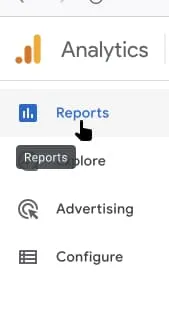 Select *Reports* in the left sidebar menu.
### Export statistical data per selected report
Select which Analytics report you would like to extract the available data. There are several categories and subcategories of reports. Below you can find an illustration of the general report setup.
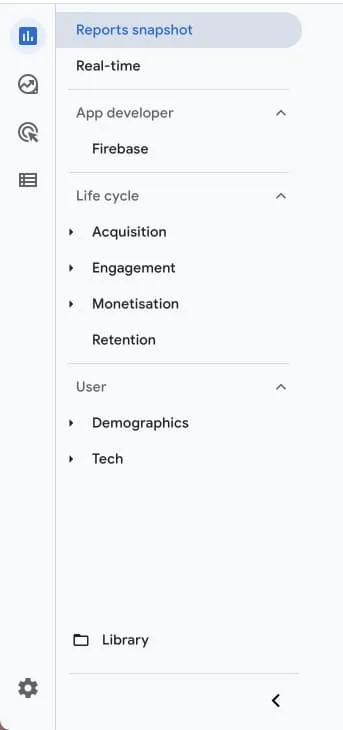 Analytics general report categories overview.
1. Select the "Share this report"-icon located in the top-right corner of the report. Follow-up by selecting "Download file".
2a. Select "Download PDF" to download the currently selected report view as a PDF.
2b. Select "Download CSV" to download the available data for the currently selected report.
 Select the icon "Share this report". 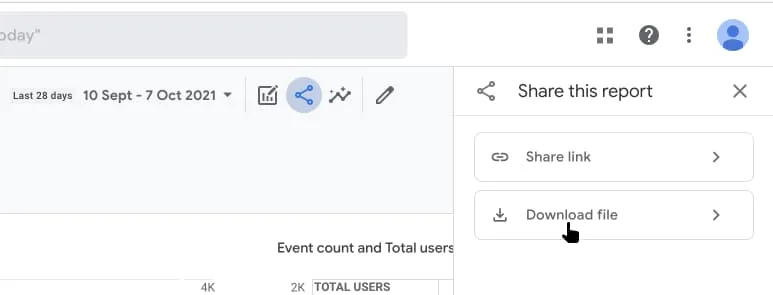 Select "Download file". 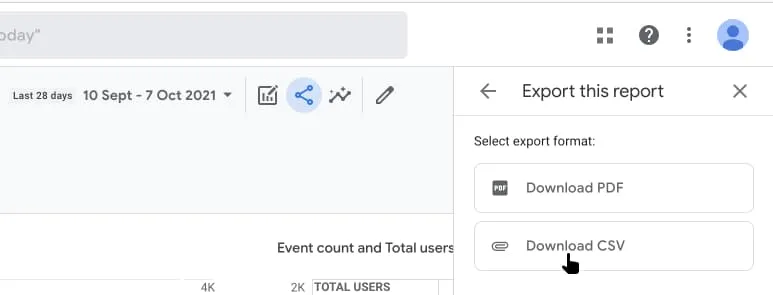 Select "Download CSV" to download the report data. Select "Download PDF" to download a PDF-version of the report.
---
URL: https://www.prenly.com/support/getting-started-with-statistics/configure-analytics-enhanced-measurement
# Configure Analytics – Enhanced measurement
> Learn how to enable enhanced measurement in Google Analytics for your web app to accurately track page views and user engagement.
2 min read
[By Alina. 30 Mar 2026](https://www.prenly.com/author/73)
**If you are interested in tracking data via Google Analytic's "page_view'" concept then we highly recommend you enable the enhanced measurement on the web app's Analytics property.**
**The web app is using the History API web API to present the reader within the replica reading mode and article reading mode, a technology which Analytics does not per default enable to track as a page view. This means that on default the page view tracked data will potentially miss a lot of page view event hits as your users engage with the web app. The Prenly-specific reading events are not affected by this.**
**To enable Analytic's enhanced measurement for web apps is easy! In this guide, we will guide you on how.**
## Activate enhanced measurement
**Step 1.** Complete [*Get started with statistics*](https://www.prenly.com/support/getting-started-with-statistics-1/get-started-with-statistics).
**Step 2.** Log in to Google Analytics and select the correct Analytics account and Analytics property.
**Step 3.** In the left menu, select *Admin*. In the main view under the *Property* menu, select *Data Streams*.
**Step 4.** In the *Data Streams* menu, select the *Web* panel. Select the web app *data stream* to enable *enhanced measurement*.
**Step 5.** Activate*(toggle*) *Enhanced measurement*.
**Step 6.** Once *enhanced measurement* is enabled, you are done.
You can, if you wish, configure *enhanced measurement*; however, the enhanced *page view tracking* is enabled by default and cannot be turned off.
---
URL: https://www.prenly.com/support/getting-started-with-statistics/configure-analytics-custom-definitions
# Configure Analytics – Custom Definitions
> Learn how to configure Google Analytics custom definitions and metrics for Prenly events to track parameters, filter data, and build custom Looker Studio reports.
3 min read
[By Maria. 30 Mar 2026](https://www.prenly.com/author/61)
**The statistics provided via Prenly are event-based. To see what events are available, see [https://wiki.prenly.com/en/user-analytics/events](https://wiki.prenly.com/en/user-analytics/events)**
Each event contains additional data in the form of event parameters. An event can be seen as *something* that *happened*, but if you want more information, you need to look at the event parameters.
For example, if you are interested in the exposure of articles in article reading mode, you can look at the event data. On the other hand, if you are interested in seeing *which* articles have been exposed, you need to look at the event parameters associated with the event to get the answer.
Google Analytics will by default list the available events. If you want to see the event parameter data, you will need to configure your Analytics, where it will take Google Analytics up to 48 hours to make the change take effect. By configuring Analytics to show the event parameters associated with an event, you can filter the data and view aggregated graphs per event parameter.
To configure Google Analytics to expose event parameters, you must configure custom definitions and custom metrics.
## Configuring custom definitions
**Step 1.** Select the Google Analytics property to configure.
**Step 2.** In the menu on the left, select **Admin** (the cog).
**Step 3.** Select **Custom definitions** in the property column.
**Step 4.** Select **Create custom dimensions** to create a new custom dimension.
**Step 5.**
**Dimension name**: Enter the name you want. This will be displayed in the report data
**Scope**: Must be set to "Event"
**Description:** Optional: Optional. You can add a description for the event parameter.
**Event parameter**: The parameter must be identical to the dimension of the event parameter, e.g. "article_slug".
Once the above has been set, save the settings by selecting "Save".
You can find the dimension of the event parameter by selecting an event on [https://wiki.prenly.com/en/user-analytics/events,](https://wiki.prenly.com/en/user-analytics/events) e.g. select the event article_open[(https://wiki.prenly.com/en/user-analytics/events/article_open)](https://wiki.prenly.com/en/user-analytics/events/article_open) and look in the column "dimension". You can also find the description for the event parameter by viewing the "description" column.
Repeat steps four and five for each event parameter you want to configure.
Below you can see an example of a setup for your Analytics.
Once you have configured your Analytics, it will take Google up to 48 hours for the change to take effect.
Please note that some event parameters ("time_spent" and "played_duration") need to be defined as "Custom metric" rather than "Custom dimensions". This is important to ensure that their values are aggregated.
#### Additional bonus
An added bonus after configuring your Analytics to expose the event parameters is that you can create a custom report via [Looker Studio.](https://lookerstudio.google.com/) By creating a custom report through Looker Studio, you have more control over what data you want to expose and can customize where and how you want to display the data.
---
URL: https://www.prenly.com/support/getting-started-with-statistics/user-vs-session-in-google-analytics
# User vs Session in Google Analytics
> Discover the key differences between users and sessions in Google Analytics for e-paper apps, including unique visitors and activity tracking rules.
1 min read
[By Maria. 31 Mar 2026](https://www.prenly.com/author/61)
A visitor (user) who uses the e-paper 100 times on the same device should be counted as one user, but **100** sessions.
A **user** is thus a unique visitor per device. A user can be a returning visitor and thus a recurrent user (as long as the user can be traced back over several dates).
A **session** is a traceable use (i.e. a traceable viewing of a "screen" in the app (in the web app "screen" is called "page")) of the e-paper within a fixed activity, where a new session is started due to inactivity (usually 30 minutes per default), where there is no upper limit on how long an active session can last. It is thus an activity that the user performs during a specific date.
Whatever a user does in the app is always collected as part of a session, regardless of whether the user is reading in article or replica reading mode or just looking at other parts of the app (e.g. the home page or the archive).
---
URL: https://www.prenly.com/support/getting-started-with-statistics/visualize-google-analytics-data-with-looker-studio
# Visualize Google Analytics Data with Looker Studio
> Learn how to visualize your Google Analytics data with Looker Studio dashboards for Prenly. Track reader engagement, app opens, and performance easily.
2 min read
[By Lena. 27 Jul 2026](https://www.prenly.com/author/76)
Looker Studio is Google’s reporting tool for creating interactive dashboards and visual reports. By connecting it to Google Analytics, you can turn raw analytics data into easy-to-understand charts and reports that help you understand how readers interact with your content.
You can create and maintain your own Looker Studio dashboard, or Prenly can set it up for you as a paid service.
### What is it used for?
Google Analytics collects a large amount of data, but finding the right information can be time-consuming. Looker Studio presents your analytics in a visual dashboard, making it easier to monitor trends, share insights, and understand how your publication is performing.
A typical Prenly dashboard includes insights such as:
- App opens and unique readers
- Reading time and reader engagement
- Most viewed pages and articles
- Reader activity throughout the day
- Devices and operating systems
- Geographic distribution of readers
- Push notification performance
- Advertisement impressions and clicks (if applicable)
These insights can help you better understand your audience, improve your content strategy, and provide valuable data to advertisers and stakeholders.
### How is it implemented?
Before a Looker Studio dashboard can be created, Google Analytics must already be configured for your Prenly application.
[Here is how it works →](https://www.prenly.com/support/getting-started-with-statistics-1/get-started-with-statistics)
If you choose Prenly’s setup service, we ask you to:
1. Invite **dev@prenly.com** to your Google Analytics property.
2. Let us know who should receive the dashboard template.
We will then:
- Configure the dashboard template.
- Connect the required metrics and visualizations.
- Share the template with you.
To ensure that you remain the owner of the report, you will then:
1. Create your own copy of the shared template.
2. Connect the correct Google Analytics property (if you have more than one).
3. Grant **dev@prenly.com** administrator access to your copied report so we can complete the configuration.
**Note:** Only the owner of a Looker Studio report can connect a data source. Creating your own copy ensures that you retain full ownership of the dashboard while still allowing us to configure it for you.
### Technical details
Looker Studio requires an existing Google Analytics property as its data source. Without Google Analytics, no data can be displayed in the dashboard.
The standard Prenly dashboard includes statistics from your iOS app, Android app, and web reader.
If you would like us to set up a Looker Studio dashboard for your publication, have questions about the setup process, or would like pricing information, please contact **hello@prenly.com**.
---
URL: https://www.prenly.com/support/using-webarch
# Using Webarch
> Discover Webarch multi-channel publishing tools, PDF specs, FTP settings, link annotation, and how to add engaging CTAs to your digital articles.
## Using Webarch
- [Multi-Channel Publishing](https://www.prenly.com/support/configuring-extensions/multi-channel-publishing): 23 Jul 2026 With Multi-Channel Publishing (MCP), a single publication can be prepared for delivery to multiple external systems.Once configured, the exports are generated automatically as part of the...
- [Webarch – PDF Technical Specification](https://www.prenly.com/support/using-webarch/webarch-pdf-technical-specification): 15 Jul 2026 Guidelines for Uploading PDF Files Created: 2026-07-15 This document describes the recommended specifications for PDF files uploaded to the Webarch system. Following these guidelines...
- [Add CTAs to your articles](https://www.prenly.com/support/using-webarch/add-ctas-to-your-articles): 24 Oct 2025 What is this? CTA (Call-to-Action) links let you add clickable icons or buttons on top of the content in your PDF boxes for your non-editorial content, such as ads, crossword puzzles, etc....
- [FTP Client](https://www.prenly.com/support/using-webarch/ftp-client): 24 Oct 2025 To access the FTP account, a downloaded FTP client is required. One suggestion is to download the free program FileZilla. Once the client/program has been downloaded, open it and fill in...
- [Annotate links in Webarch imported issue](https://www.prenly.com/support/using-webarch/annotate-links-in-webarch-imported-issue): 24 Oct 2025 One way to annotate a link (text or article linked to an external URL link) is to do it directly in Webarch. Here we easily show you how it is done in the system (should you not have the...
- [Upload paper in Webarch](https://www.prenly.com/support/using-webarch/upload-paper-in-webarch): 24 Oct 2025 Webarch is used for the material to be processed so that the article reading mode becomes available. Start by visiting the page: https://prenly.webarch.se Log in with your login details...
- [PDF Settings](https://www.prenly.com/support/using-webarch/pdf-settings): 24 Oct 2025 When a new edition is uploaded to Webarch, there are also various settings that you can make with the PDF when uploading. Here we will show you what those settings mean and do. 1. Publish...
- [Annotate links in Adobe software](https://www.prenly.com/support/using-webarch/annotate-links-in-adobe-software): 24 Oct 2025 By following the easy guides below, you will get information on how annotations and links, as well as attachments, work in PDF. Links and attachments in PDF files In Adobe Acrobat 1....
---
URL: https://www.prenly.com/support/using-webarch/ftp-client
# FTP Client
> Learn how to access and manage your FTP account easily using a free FTP client like FileZilla. Follow our simple guide to connect and upload files.
1 min read
[By Maria. 24 Oct 2025](https://www.prenly.com/author/61)
To access the FTP account, a downloaded FTP client is required. One suggestion is to download the free program [FileZilla](https://filezilla-project.org).
Once the client/program has been downloaded, open it and fill in your details in the boxes as shown. Then click **Quickconnect** to connect to the server.
 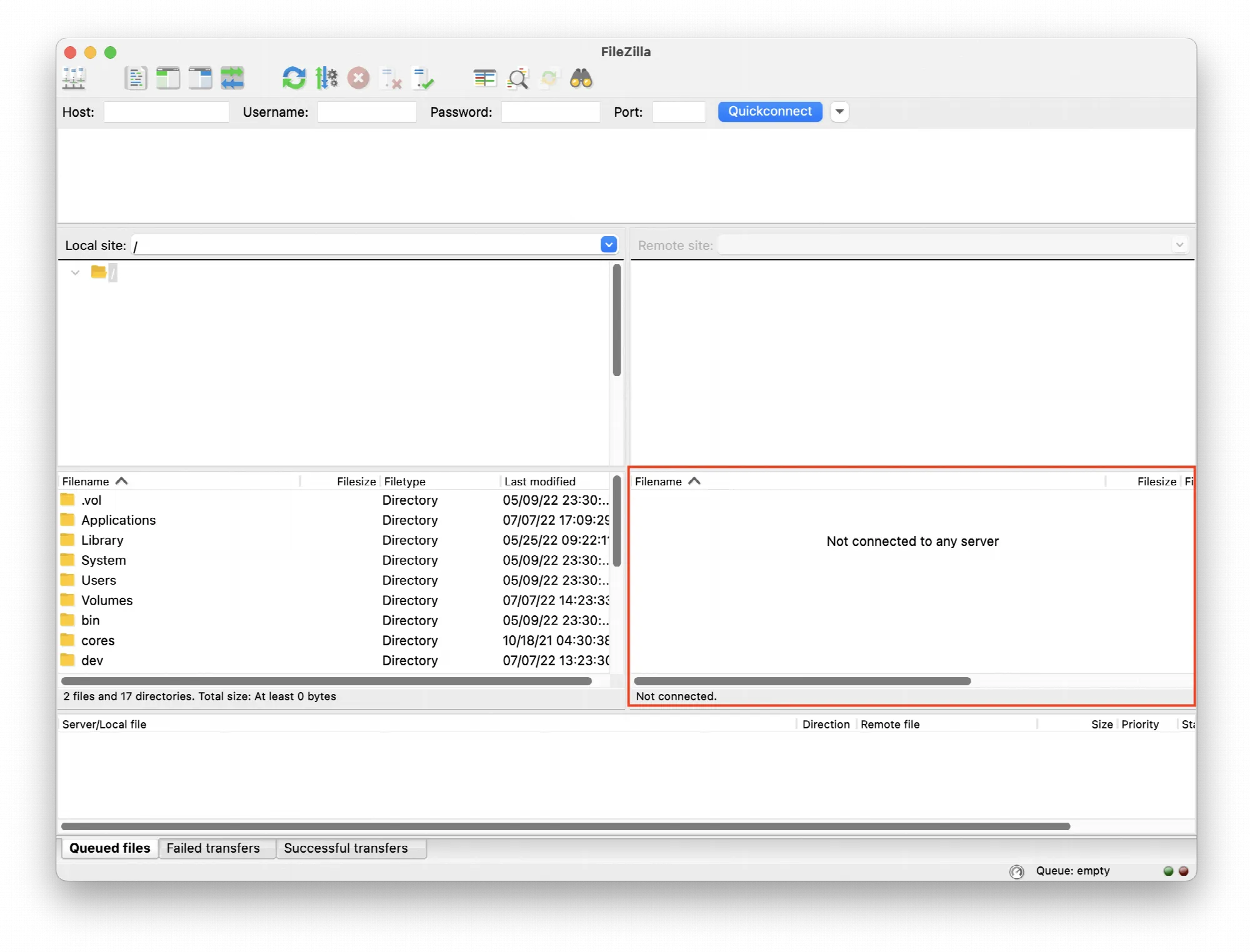 The files to be uploaded to FTP are then dragged into the lower right box.
---
URL: https://www.prenly.com/support/using-webarch/annotate-links-in-adobe-software
# Annotate links in Adobe software
> Learn how to create and manage links, attachments, and hyperlinks in Adobe InDesign and Acrobat to make your PDF documents interactive.
2 min read
[By David. 24 Oct 2025](https://www.prenly.com/author/77)
By following the easy guides below, you will get information on how annotations and links, as well as attachments, work in PDF.
**Links and attachments in PDF files**
### In Adobe Acrobat
**1. Create a link** using the Link tool
Choose **Tools** > **Edit PDF** > **Link** > **Add or Edit**.
**2. The pointer becomes a crosshair (+),** and any existing links in the document, including invisible links, are temporarily visible. Drag a rectangle where you want to create a link. This is the area in which the link is active.
**3. In the Create Link dialogue box**, choose the options you want for the link appearance.
**4. Select one of the following link actions:**
**5. Go To A Page View**
Click Next to set the page number and view magnification you want in the current document or in another document (such as a file attachment), and then click Set Link.
**6. Open A File**
Select the destination file and click Select. If the file is a PDF, specify how the document should open (for example in a new window or within an existing window), and then click OK.
Note:
*If the filename is too long to fit in the text box, the middle of the name is truncated.*
**7. Open A Web Page**
Provide the URL of the destination web page.
**8. Custom Link**
Click Next to open the Link Properties dialog box. In this dialog box, you can set any action, such as reading an article, or executing a menu command, to be associated with the link.
**You can read the entire guide at Adobe:**
[https://helpx.adobe.com/acrobat/using/links-attachments-pdfs.html](https://helpx.adobe.com/acrobat/using/links-attachments-pdfs.html)
## In Adobe Indesign
Overview of the hyperlinks panel
You can create hyperlinks when exporting to Adobe PDF or SWF so that the reader of the document can click a link and go to other pages in the same document, to other documents, or to websites. Hyperlinks that you export to PDF or SWF in InCopy are not active.
A source can be a hyperlinked text, a hyperlinked text frame, or a hyperlinked image frame. A target is the URL, file, email address, text, anchor point, or shared target to which the hyperlink leads. A source can only lead to one goal, but an unlimited number of sources can lead to the same goal.
Please read the entire guide at Adobe:
[https://helpx.adobe.com/se/indesign/using/hyperlinks.html](https://helpx.adobe.com/se/indesign/using/hyperlinks.html)
---
URL: https://www.prenly.com/support/using-webarch/add-ctas-to-your-articles
# Add CTAs to your articles
> Learn how to add engaging CTA buttons and interactive links to your e-newspaper PDFs using URL parameters or our easy link generator tool.
3 min read
[By Henrik. 24 Oct 2025](https://www.prenly.com/author/75)
## What is this?
CTA (Call-to-Action) links let you add clickable icons or buttons on top of the content in your PDF boxes for your non-editorial content, such as ads, crossword puzzles, etc.
CTA links improve the visibility of your interactive content—such as links, videos, and slideshows—in your e-newspaper. All you need to do is add a few extra parameters to the URLs you currently use to create hyperlinks in your PDFs.
To help you add these parameters, we’ve created a link generator as a premium service, where you can easily build the correct link structure.
Regarding the frame of the link boxes, contact support to ask us to set a default option in replica mode. You can choose between visible, hidden, or fading out after a short while. We can also set your desired color as the default.
## Build your links easily with our link generator
With our link generator at [ctabtn.com](https://ctabtn.com), you can:
-**Create visually appealing links with icons**
-**Choose from different sizes:** small, medium, large
- **Place the link anywhere on the page**
-**Customize colors** for the icon, background, and border
-**Add custom or predefined labels**
-**Track clicks and views on** your links
With an account, you also get access to an [Interstitial Ads](https://www.prenly.com/support/marketing/create-interstitial-ad)tool to manage content and create code that’s easy to paste into Prenly Admin.
Sign up for an account and you’ll get:
- An unlimited number of [interstitial ads](https://www.prenly.com/support/marketing/create-interstitial-ad)
- Unlimited number of CTA buttons with tracking
- Image and video hosting included
- Statistics by campaign and month
- Email reports, immediate or scheduled
- 100 GB of data traffic per month included
Price: 500 SEK/month
[Learn more about our service](https://ctabtn.com)
## How to build your URLs manually
To manually create a URL with CTA functionality, start with your base URL and then add the parameters using **?** followed by **parameter=value**. Separate multiple parameters with **&**.
#### Basic format
https://din-url.com?parameter1=värde1¶meter2=värde2
#### Available parameters
**Required parameters**
**prbe-cta-icon: Select**an icon: "none", "link", "video", or "slideshow".
**prbe-cta-size: Select**size: "small", "medium", or "large".
**prbe-cta-pos: Select** position:
"top-left", "top-center", "top-right"
"middle-left", "middle-center", "middle-right"
"bottom-left", "bottom-center", "bottom-right"
**prbe-cta-clr: Icon color**(hexadecimal, e.g., %23FFFFFF for white)
**prbe-cta-bg-clr: Background color**(hexadecimal, e.g., %23000000 for black)
**prbe-bor-vis: Show** border: "0" (no border) or "1" (show border)
You can also use this parameter if you want to hide the dashed border around the clickable area without using the button functionality.
**Optional parameters**
**prbe-cta-label: Text** displayed next to the icon (max 15 characters)
**prbe-bor-clr: Border color** (hexadecimal, used only if prbe-bor-vis=1)
#### Example
Here is a complete example of a URL with all parameters:
https://example.com/?prbe-cta-icon=link&prbe-cta-size=large&prbe-cta-pos=top-center&prbe-cta-clr=%23F0F0F0&prbe-cta-bor-clr=%23AA0000&prbe-cta-bg-clr=%23000000
#### Important to keep in mind
- All hexadecimal color codes and special characters must be URL-encoded (e.g., # becomes %23).
- Spaces in labels must be URL-encoded to %20.
- Special characters must be URL-encoded according to URL standards.
- For logged-in users, the "original-url" parameter is automatically added to enable tracking of views in external systems.
- This feature requires at least version 13.8 for iOS and 12.7 for Android
#### Default Values
If you omit any parameters, these default values are used:
- **Icon**: "none"
- **Size**: "medium"
- **Position**: "middle-center"
- **Icon color**: #FFFFFF (white)
- **Background color**: #000000 (black)
- **Border**: None (0)
- **Border color**: #FFAE00 (if border is enabled)
#### Video
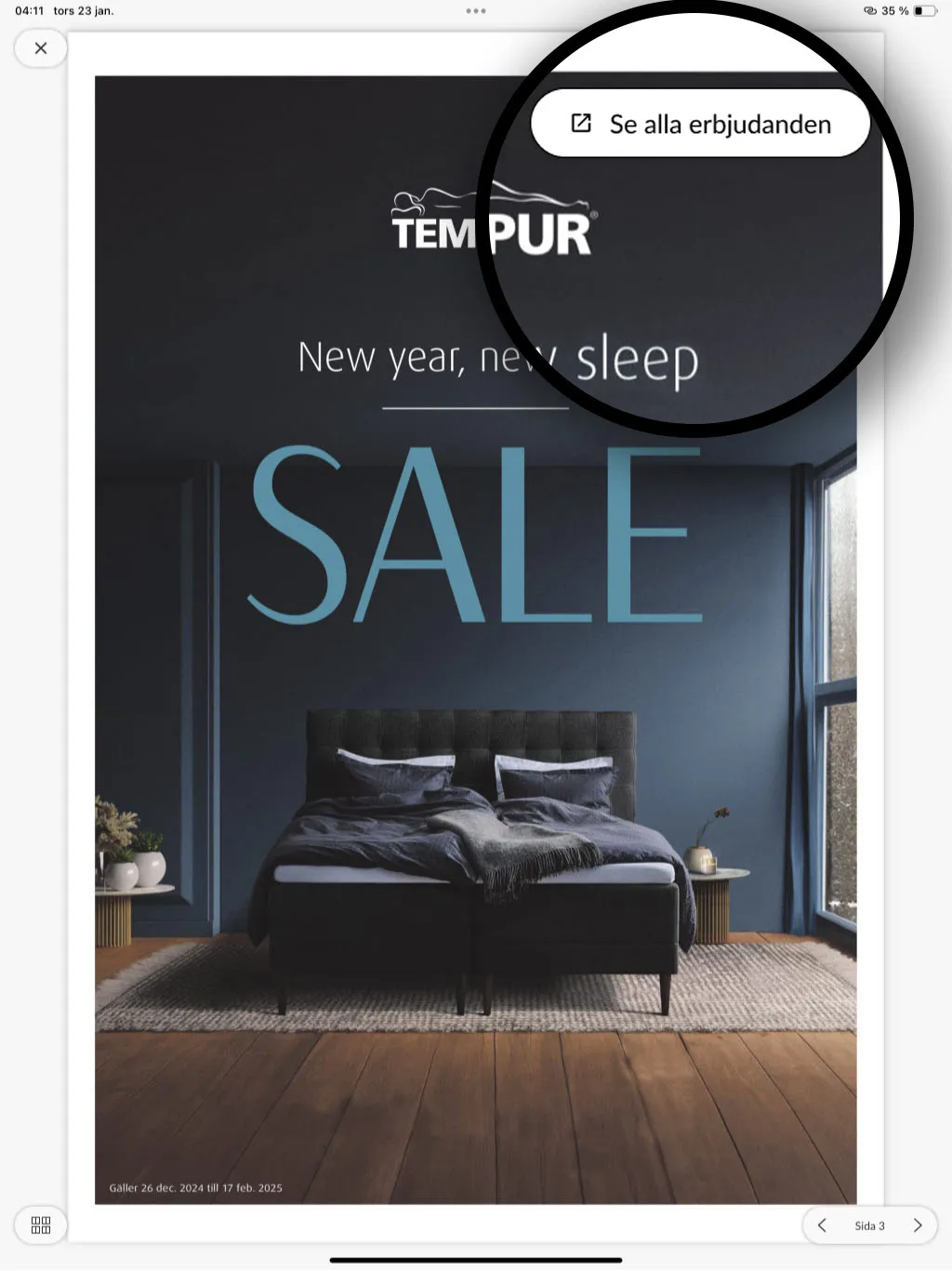 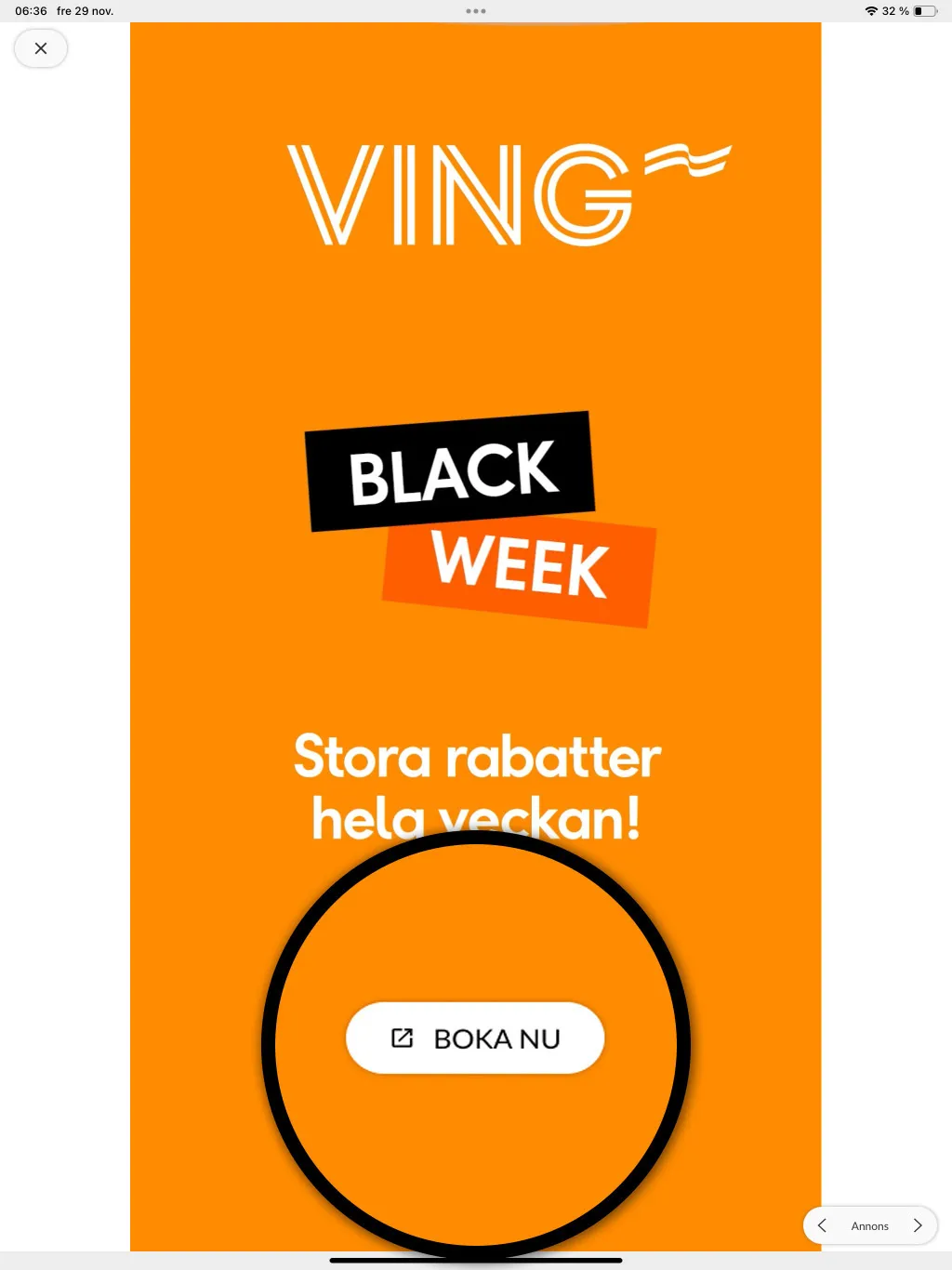 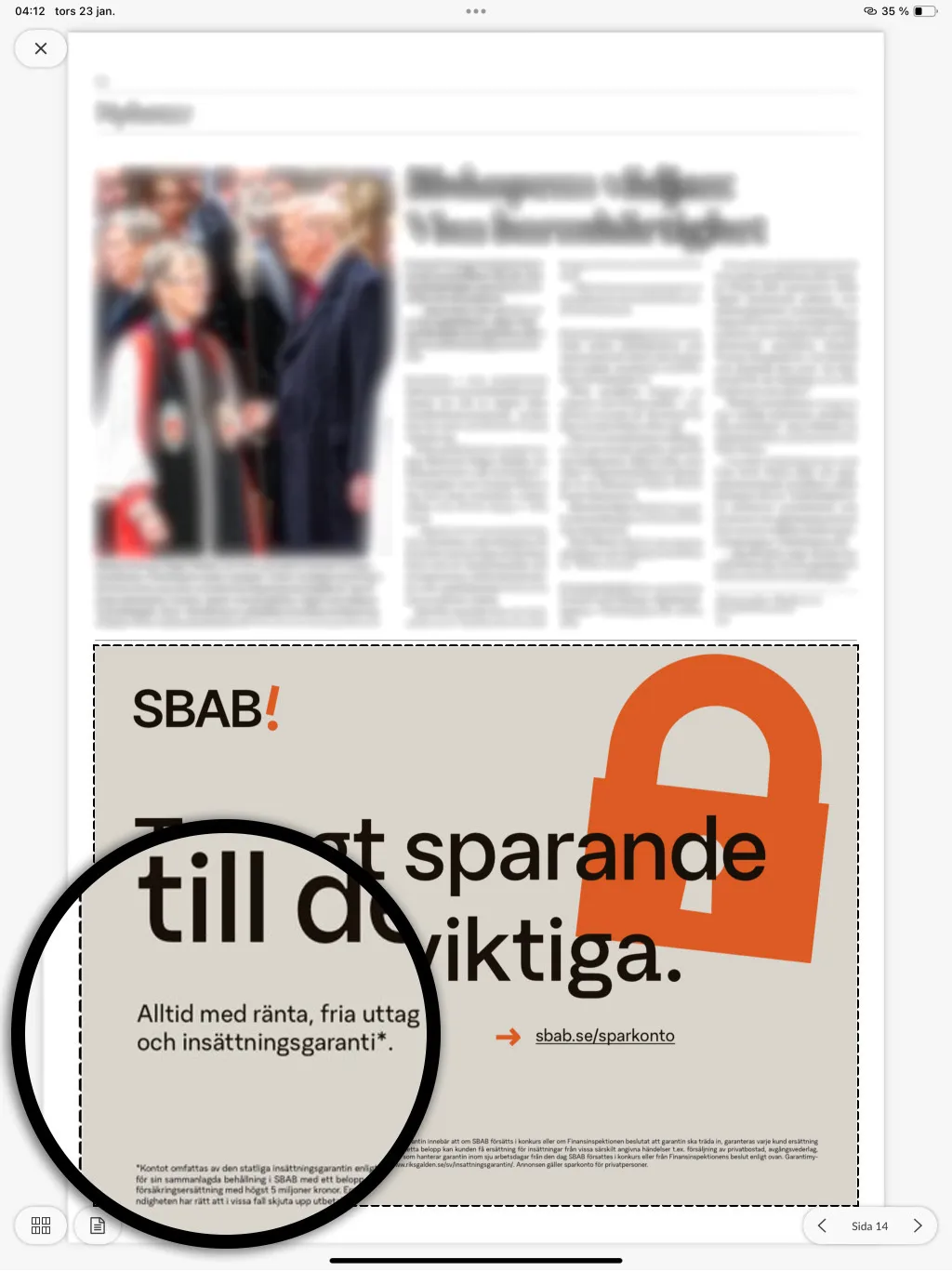 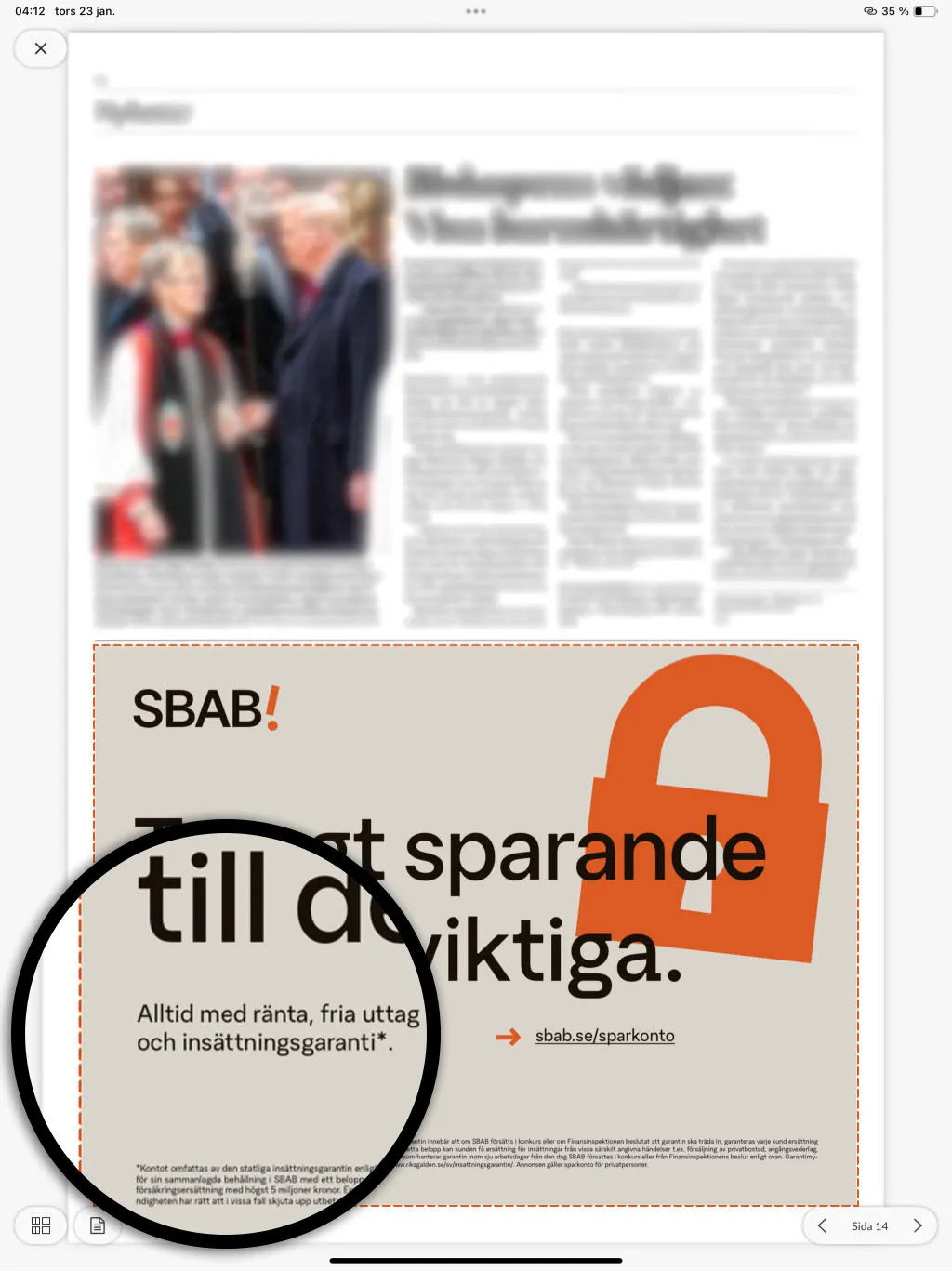 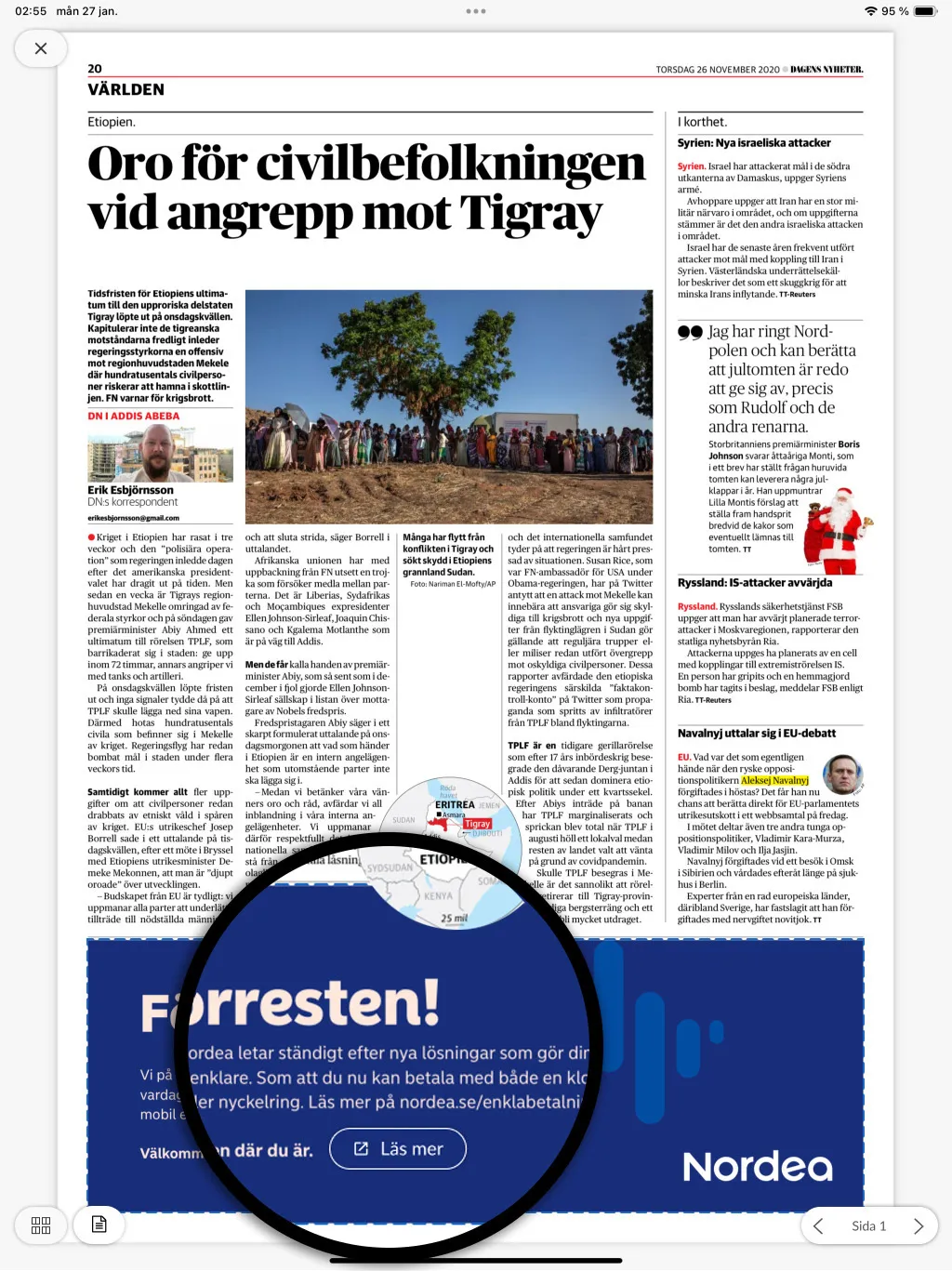
## Add the link to your content
Once you’ve created the link, copy it and paste it into your content the same way you add links today. [See the guide: Annotate a link in a Webarch-imported issue](https://www.prenly.com/sv/support/mojligheter-i-webarch-1/annotera-lank-i-webarch-importerad-utgava)
## Need help?
If you have any questions or need assistance getting started, please don’t hesitate to contact us at hello@prenly.com
---
URL: https://www.prenly.com/support/using-webarch/pdf-settings
# PDF Settings
> Learn how to configure PDF settings when uploading new editions to Webarch. We guide you through publish days, IDs, and action options.
3 min read
[By Maria. 24 Oct 2025](https://www.prenly.com/author/61)
When a new edition is uploaded to Webarch, there are also various settings that you can make with the PDF when uploading.
Here we will show you what those settings mean and do.
**1. Publish day**
This means which day you want the issue to be "published" in your e-magazine. The format must always be YYYY-MM-DD, for example, **2022-01-01.**
**2. External ID** (*Optional*)
External ID is completely optional to fill in. This box is only used internally (*unless otherwise is said from Helpdesk*) and is not something that will be visible to readers of the magazine.
An example of what you can write here is the e-papers publish number, the internal name of the issue, or other information you as a customer want. For example, Maybe the magazine is called "*Test*" and then you choose to enter "*NR 1*" in the box for External ID, so that you yourself know.
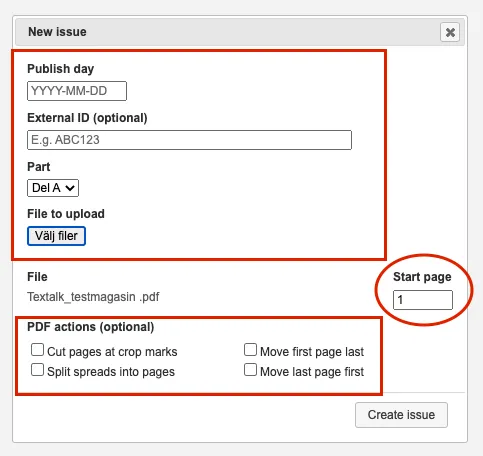
**3. Part**
Most newspapers have only 1 "*Part A*". You can easily see this in your newspaper at the top of the menu. See the picture below. When you upload a PDF, do not change this box, just leave it as is.
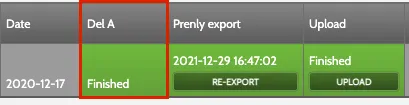
**4. File to upload**
Here you select the file (*issue/magazine*) to be uploaded to the system.
**5. File**
Here you see which file you have chosen to upload, check that it is the correct version, file name and file format.

**6. Start Page**
Indicates which page the PDF starts on. You should not change anything here, just leave it as it is. The PDF should always start on page 1.
**7. PDF actions** (*Optional*)
**7.1 Cut pages at crop marks** Only mark this box if the issue contains cut marks, otherwise, you leave it blank.
**7.2 Split spreads into pages** If the edition is structured as a spread instead of pages, click in this box otherwise leave it blank.
**7.3 Move first page last** Marke the box if you want to move the front page to the end of the issue, otherwise leave this box empty.
**7.4 Move last page first** Marke the box if you want to move the last page to the beginning of the issue, otherwise leave this box empty.
**8. Create issue**
And finally, when you have made the desired settings, click on the "Create issue" button to upload the issue to the system. This is where our operators will take ower, and complete the export.
---
URL: https://www.prenly.com/support/using-webarch/annotate-links-in-webarch-imported-issue
# Annotate links in Webarch imported issue
> Learn how to easily annotate links and add external URLs to articles in Webarch with our simple, step-by-step guide for magazine publishers.
2 min read
[By Lena. 24 Oct 2025](https://www.prenly.com/author/76)
One way to annotate a link (*text or article linked to an external URL link*) is to do it directly in Webarch.
Here we easily show you how it is done in the system (*should you not have the right rights to do so, please contact **hello@prenly.com** so that we can help you)*
**1. Log in to:** https://prenly.webarch.se/
**2. Click on the title** (*if you have several titles, select the one you want to change*)
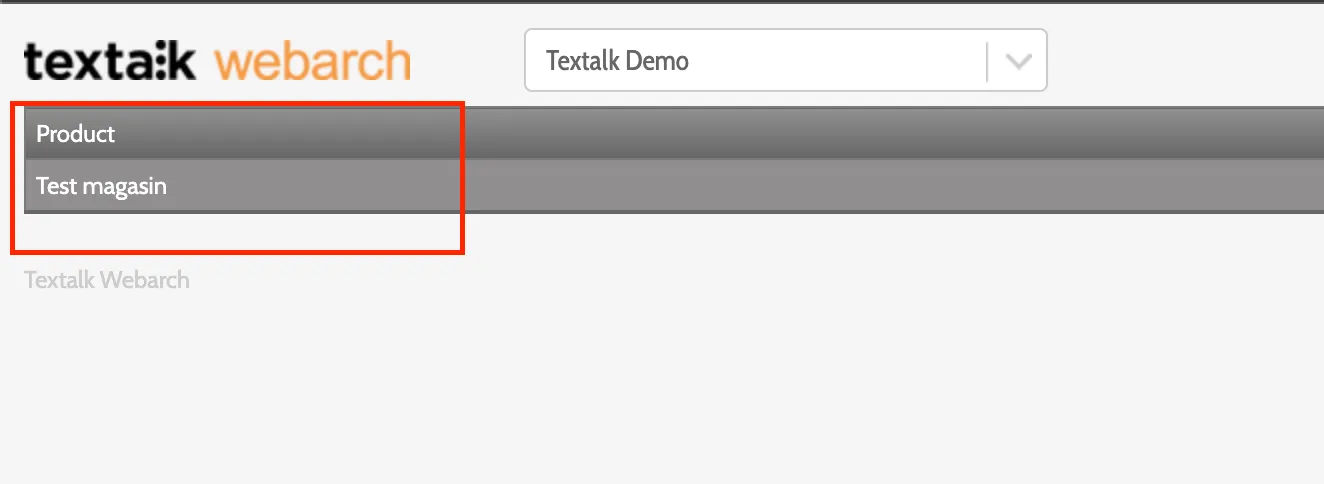
**3. Upload the issue that is to be edited**; or if it is already imported click on the red field "**Not finished**" to enter the issue.
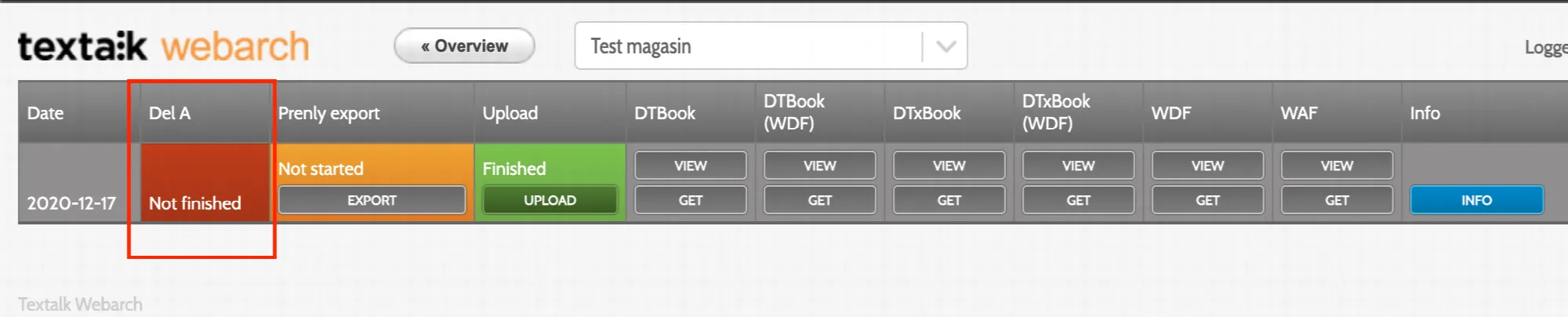
**4. Once inside Webarch**, unless there is already a "**picture box**" on the text you want to annotate, click on "**Box Editor**" and then "**start editing**".
Here you now need to drag an "**image box**" over the text you want to add an URL link to so that a red box is created. When you are done with the box click "**save**".
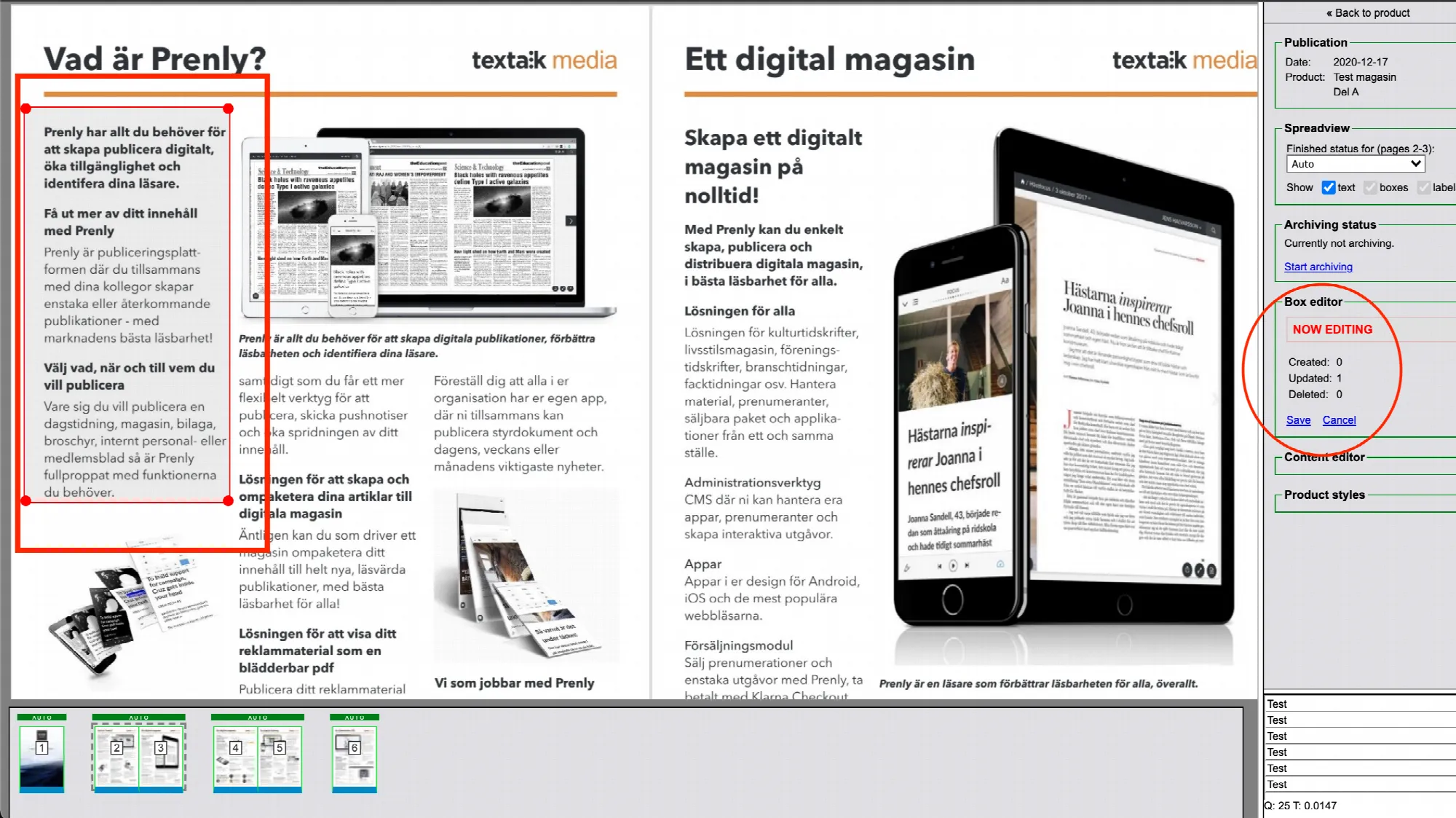
**5. Once you have saved the** "**image box**", it will change colour to yellow and then light blue.
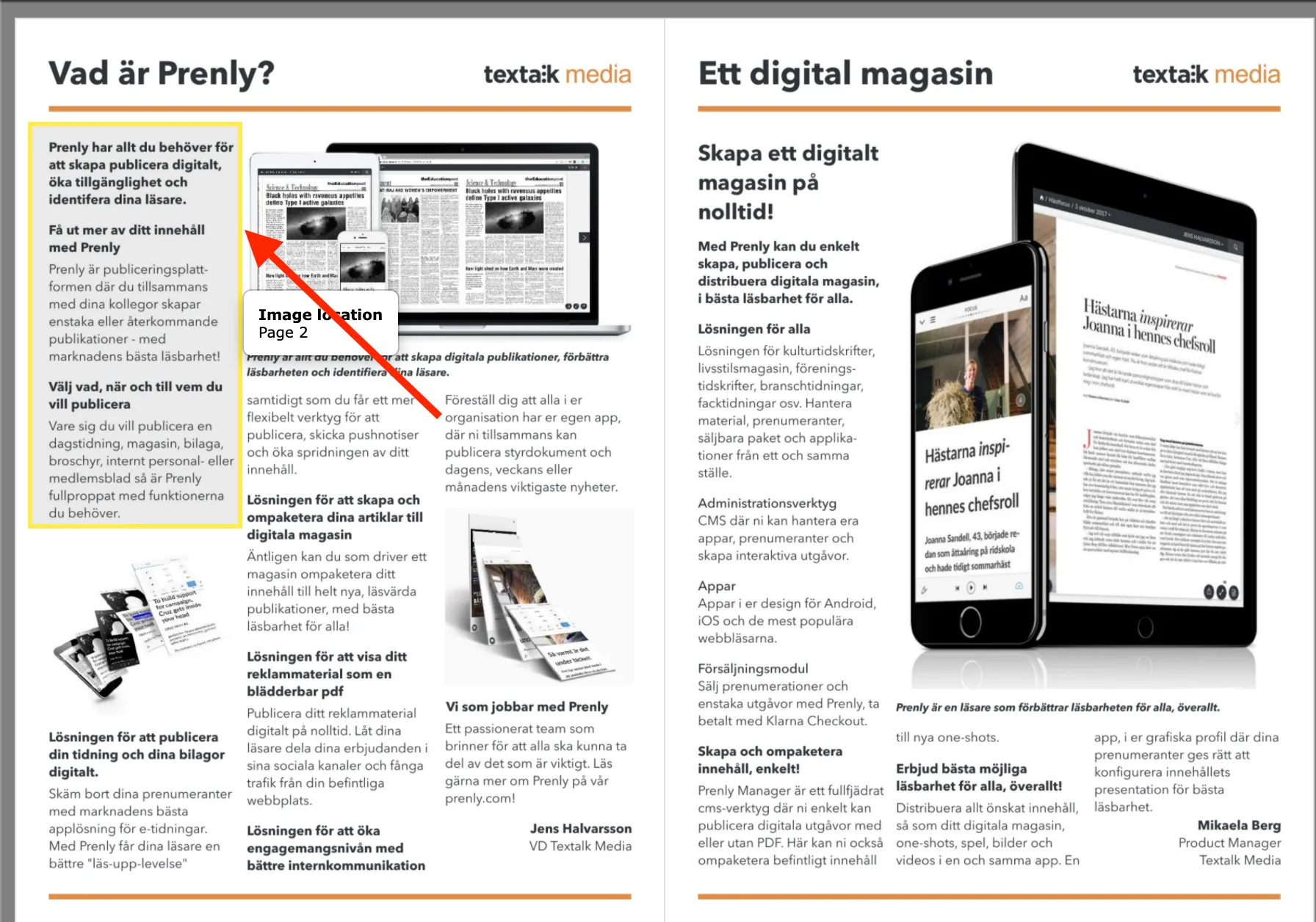
**6. Right-click on the image box** and select "**Edit external link**" in the box that appears.
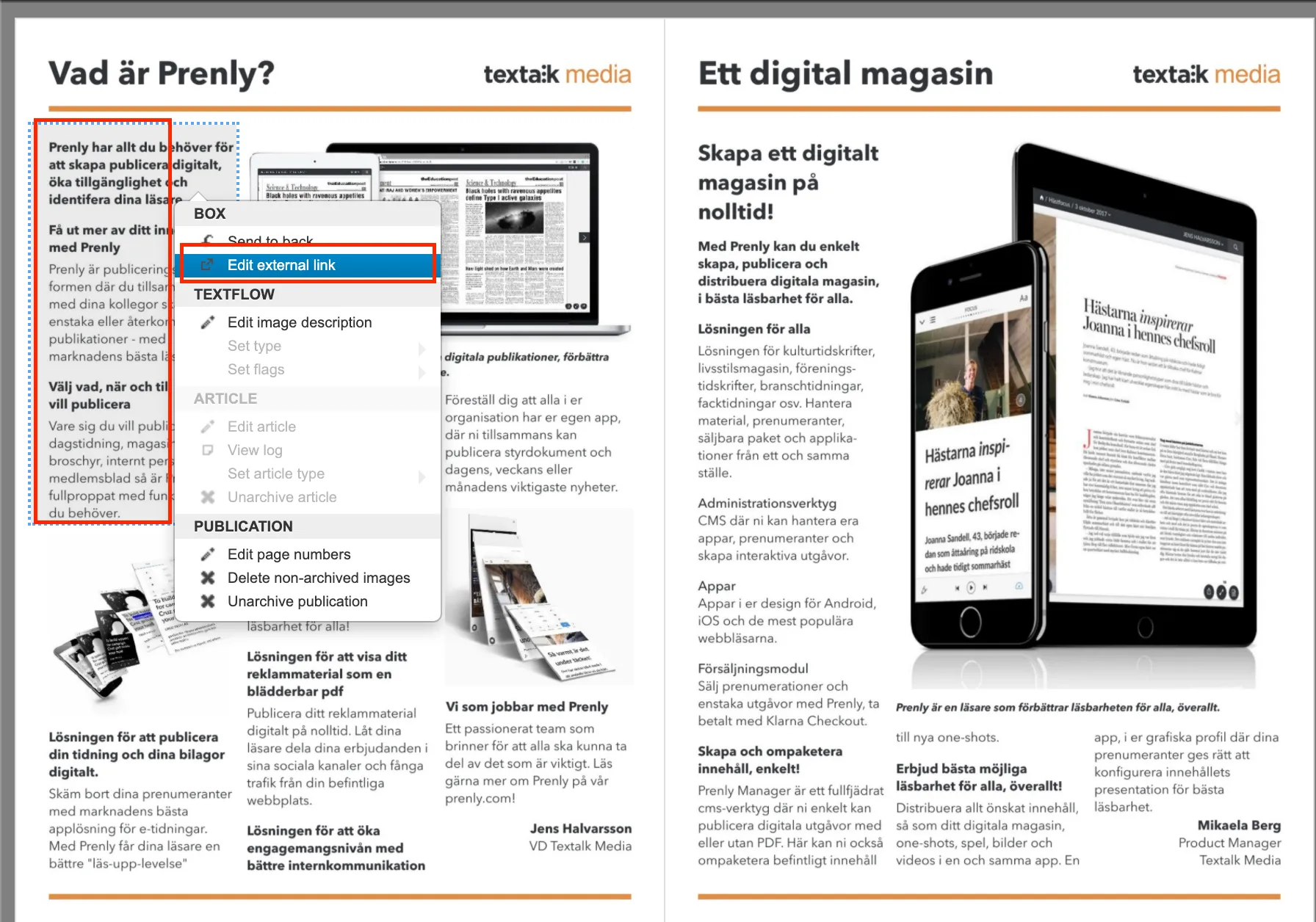
**7. In the pop-up box "External link"** paste the URL link you want to add to the text and then click "**Ok**".
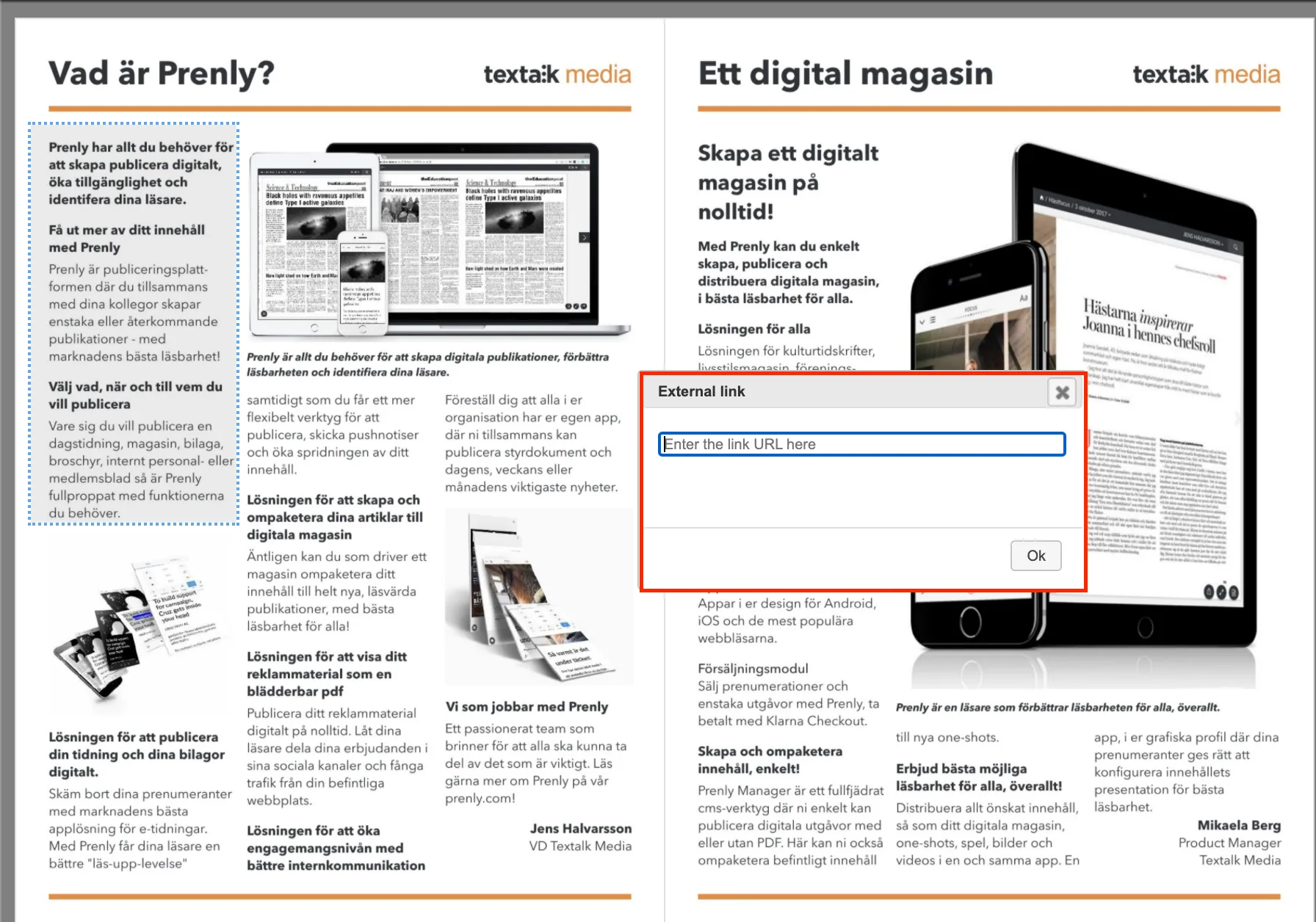
**8. When the link is inserted and saved**, a "**green box with an arrow**" appears, indicating that this article has now been correctly annotated with a URL link.
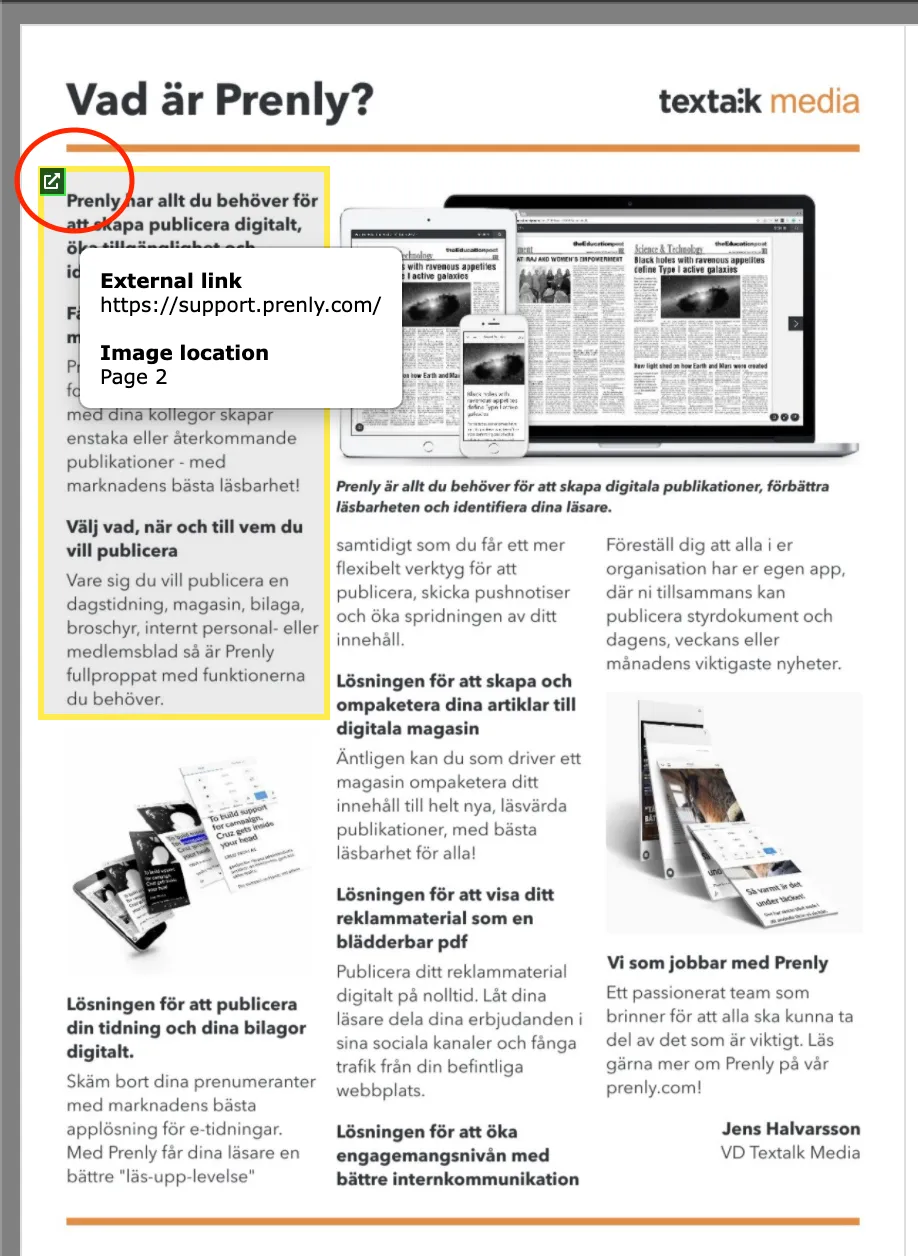 Ps. Annotated links via Webarch appears in the PDF mode of the magazine.
Now you can exit the issue and let our operators handle it and as soon as it is ready it will be exported to Prenly!
---
URL: https://www.prenly.com/support/using-webarch/upload-paper-in-webarch
# Upload paper in Webarch
> Learn how to upload newspapers in Webarch for article reading mode. Follow our simple step-by-step guide to create and manage new issues.
2 min read
[By Sofie. 24 Oct 2025](https://www.prenly.com/author/78)
Webarch is used for the material to be processed so that the article reading mode becomes available.
Start by visiting the page: https://prenly.webarch.se
Log in with your login details, and then start uploading material according to the instructions below.
**1.** The first page after logging in shows your newspaper/newspapers. Select the newspaper you want to work with.
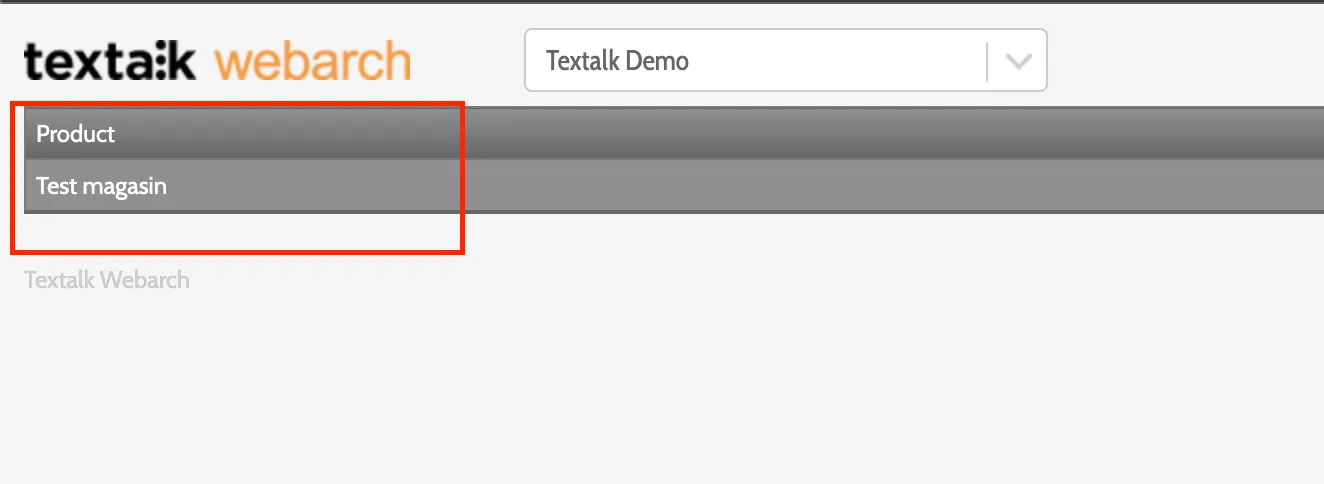
**2.** To create a new edition, click on "*Create new issue*" and fill in the publication date in the box that appears and select the PDF's to be uploaded.
*NOTE: You can only upload one issue per publication date in Webarch. If you upload multiple issues on the same date, only the most recently exported issue will be available in Prenly.*
In the "**External ID**" box, you do not need to write anything if you do not want to. It may be that for internal use you wish to write, for example, No. 10, for the edition.
In the **"PDF actions**" menu, you only need to click on "**Cut pages at crop marks**" IF the edition contains crop marks, otherwise leave it blank.
Likewise, "**Split spreads into pages**", if the edition is structured as **spreads** instead of pages, click in this box, otherwise leave it blank as well.
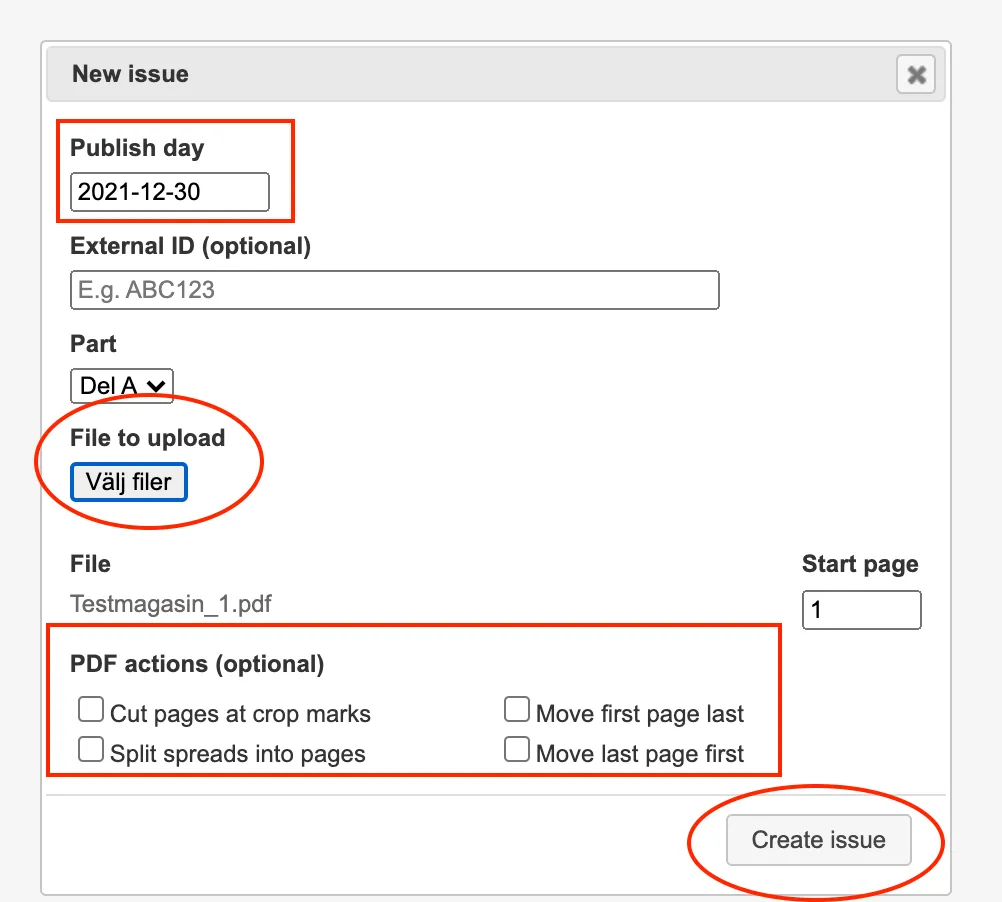
**3.** Once done, click the "**Create issue**" button and the new issue will be uploaded. Everything is uploaded correctly if the issue looks like a stop light; "**red**" "**yellow**" & "**green**". Now everything is ready and our operators will take over and manage the issue.
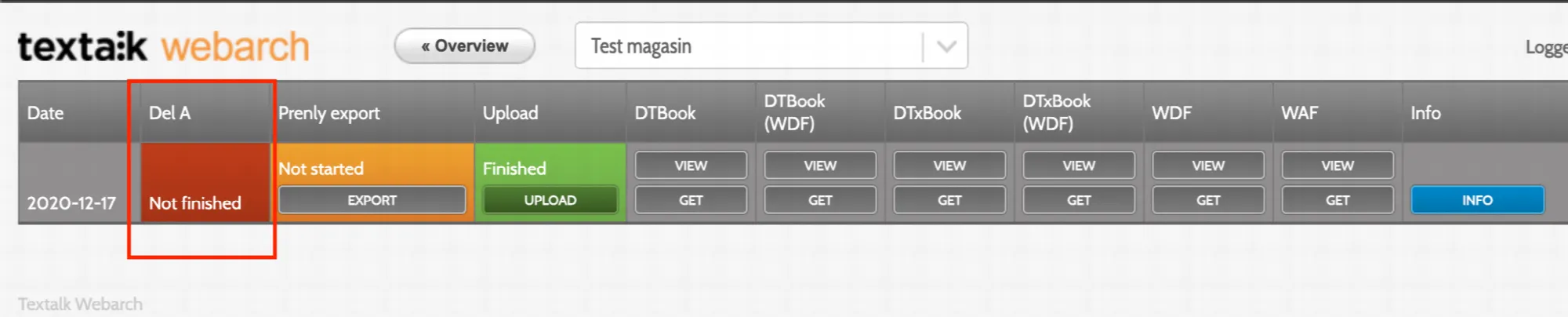
---
URL: https://www.prenly.com/support/using-webarch/webarch-pdf-technical-specification
# Webarch – PDF Technical Specification
> Discover Webarch guidelines for uploading PDF files. Learn recommended formats like PDF/A, font embedding, version 1.7, and best practices for optimal processing.
3 min read
[By Fastén. 15 Jul 2026](https://www.prenly.com/author/68)
## Guidelines for Uploading PDF Files
*Created: 2026-07-15*
This document describes the recommended specifications for PDF files uploaded to the Webarch system. Following these guidelines ensures optimal rendering, text extraction, archiving compatibility, and the best possible reading experience.
1. Recommended PDF Standard
We strongly recommend exporting files using one of the following formats.
## Preferred formats
- PDF/A-2B
- PDF/A-2U
These formats ensure that all required resources are embedded in the document and that the file remains compatible for long-term archiving and processing.
### Alternative supported formats
- PDF/A-1B
- PDF/X-3
**Recommendation:** Whenever possible, use **PDF/A-2B** or **PDF/A-2U**.
2. PDF Version
**Recommended PDF version:**
- **PDF 1.7**
This version provides full compatibility with modern PDF processing engines and ensures correct handling of:
- Transparency
- Fonts
- Metadata
3. Archival Format (PDF/A)
Files should preferably be exported using a **PDF/A archival format**.
### Benefits of PDF/A
- All fonts are embedded
- Color profiles are included
- No external dependencies
- Consistent rendering across systems
- Long-term preservation
Using PDF/A significantly improves the stability of Webarch's text extraction and page rendering.
4. Font Requirements
All fonts **must be embedded** in the PDF.
Additionally:
- Fonts should contain proper Unicode mappings.
- Avoid subset fonts with incorrect character encoding.
- Incorrect font mappings may prevent proper text extraction.
- If fonts are incorrectly mapped, OCR may be required to extract text.
5. Compression and Optimization
Avoid uploading heavily optimized or pre-compressed PDFs.
Over-optimized PDFs can introduce rendering problems and reduce processing quality.
### Common issues caused by excessive compression
- Visible lines between images or page elements
- Rendering artifacts in gradients or transparent objects
- Reduced image quality
- Broken layers or flattened content
For example, browsers such as **Google Chrome** may display visible lines around images when rendering heavily compressed PDFs.
**Recommendation:** Do **not** optimize the PDF for web delivery before uploading it to Webarch.
6. Image Quality
Recommended settings:
- Use print-quality images whenever possible.
- Avoid unnecessary downscaling.
- Avoid aggressive image compression.
- Print-ready PDFs are generally ideal for Webarch.
In most cases, the same PDF used for professional printing is also suitable for Webarch ingestion.
7. Best Practices
For the most reliable processing:
- Export directly from the original layout software (e.g. Adobe InDesign).
- Use a standard PDF/A export profile.
- Avoid manual post-processing or third-party PDF optimization tools.
- Ensure fonts and ICC color profiles are embedded.
- Validate the PDF using a PDF/A validator when available.
8. Recommended Settings Summary
| Setting | Recommendation |
| --- | --- |
| **Format** | PDF/A-2B or PDF/A-2U |
| **PDF Version** | PDF 1.7 |
| **Fonts** | Fully embedded with proper Unicode mapping |
| **Compression** | Avoid heavy optimization or web compression |
| **Transparency** | Preserve transparency; do not flatten unless required |
| **Source File** | Prefer original print-ready production PDFs |
## Recommended Workflow
1. Create the PDF directly from the original layout application.
2. Export using **PDF/A-2B** or **PDF/A-2U**.
3. Verify that fonts are embedded.
4. Avoid additional optimization or compression.
5. Upload the original print-quality PDF to Webarch.
---
URL: https://www.prenly.com/support/using-prenly
# Using Prenly
> Find accessibility information, account settings, support hours, and search archived articles easily. Create an account or log in to manage your team.
## Using Prenly
- [Accessibility statement for Prenly](https://www.prenly.com/support/using-prenly/accessibility-statement-for-prenly): 8 Jan 2026 Accessibility statement for Prenly Introduction At Textalk, we work to ensure that our platform is as accessible as possible for all users. This accessibility statement describes which...
- [Search in Archived Articles](https://www.prenly.com/support/using-prenly/search-in-archived-articles): 24 Oct 2025 When you want to search for articles in the archive on a newspaper's Prenly page, there are two ways to go about it: - Search using single words, e.g., heatwave - Search using an exact...
- [Opening hours Support](https://www.prenly.com/support/using-prenly/opening-hours-support): 24 Oct 2025 Mon–Fri, 08:00–17:00 (CET/CEST) E-mail: hello@prenly.com Phone: +46 (0)31-388 47 40 The support is closed on Swedish national holidays, but feel free to leave us a message on...
- [Manage team members](https://www.prenly.com/support/using-prenly/manage-team-members): 24 Oct 2025 Inviting & managing Prenly Workspace members is easy! Control who will have access to a newspaper and what rights each team member will have. 1. First log in to Prenly workspace...
- [My Profile](https://www.prenly.com/support/using-prenly/my-profile): 24 Oct 2025 In Prenly Workspace you can also manage your profile for the tool. Start by logging in to: content.textalk.se Then click on your name in the upper right corner, and a drop-down menu will...
- [Rights & Roles](https://www.prenly.com/support/using-prenly/rights-roles): 24 Oct 2025 In Prenly Workspace, you as an account owner can also invite your team members with different rights and roles to make it smoother and easier to manage. Here you see the different rights...
- [Create account & log in](https://www.prenly.com/support/using-prenly/create-account-log-in): 24 Oct 2025 To activate your account and access the magazine, follow these steps: Mobile app If you are in the mobile app and past the app's various introductory steps, click on the edition of the...
---
URL: https://www.prenly.com/support/using-prenly/create-account-log-in
# Create account & log in
> Learn how to create an account, log in, link your subscription, and access the digital magazine easily on your phone, tablet, or computer.
2 min read
[By David. 24 Oct 2025](https://www.prenly.com/author/77)
To activate your account and access the magazine, follow these steps:
**Mobile app** If you are in the mobile app and past the app's various introductory steps, click on the edition of the magazine you want to read, or on settings followed by "Log in", both of these paths will take you to the login box.
**Web page** If you are on the website, click on "LOG IN" at the right of the line at the top, or on the edition of the magazine you want to read, both of these paths will take you to the login box.
Click on the link "**Create account**".
Fill in your e-mail address and your desired password and click on the blue button "**Create account**".
The password can then be changed under "**Show profile**" -> "**Change password**" in logged in mode once your account is activated.
A green text indicating that an activation email has been sent appears below the account creation button. Go to your email client and check your inbox.
If you do not find the letter in the inbox, it may have been filtered out and thus ended up in the mailbox for Spam.
Click on the blue button "**Confirm account**" in the email.
The following steps arise if the e-mail address you entered has not been registered in connection with the creation of your subscription.
In the next step, select "**Link account to subscription**".
In the box under "**Add subscription**", fill in your customer number. Press the "**Register**" button.
**Now you are done and can read the magazine** in your smartphone, on your tablet or in your computer. You can read it like a regular newspaper, or you can click on the articles to read them in larger text or on a different background. You also have the opportunity to have your newspaper read out loud. Feel free to click through to the tools and try the possibilities!
**Here is also a video guide.**
---
URL: https://www.prenly.com/support/using-prenly/my-profile
# My Profile
> Learn how to easily manage your profile in Prenly Workspace. Update your personal details, change your password, or switch language quickly.
1 min read
[By Henrik. 24 Oct 2025](https://www.prenly.com/author/75)
In Prenly Workspace you can also manage your profile for the tool.
Start by logging in to: [content.textalk.se](https://content.textalk.se)
Then click on your name in the upper right corner, and a drop-down menu will appear.
Click on **My Profile** to make changes.
Here you can change settings such as, email address, first and last name, add phone number or username.
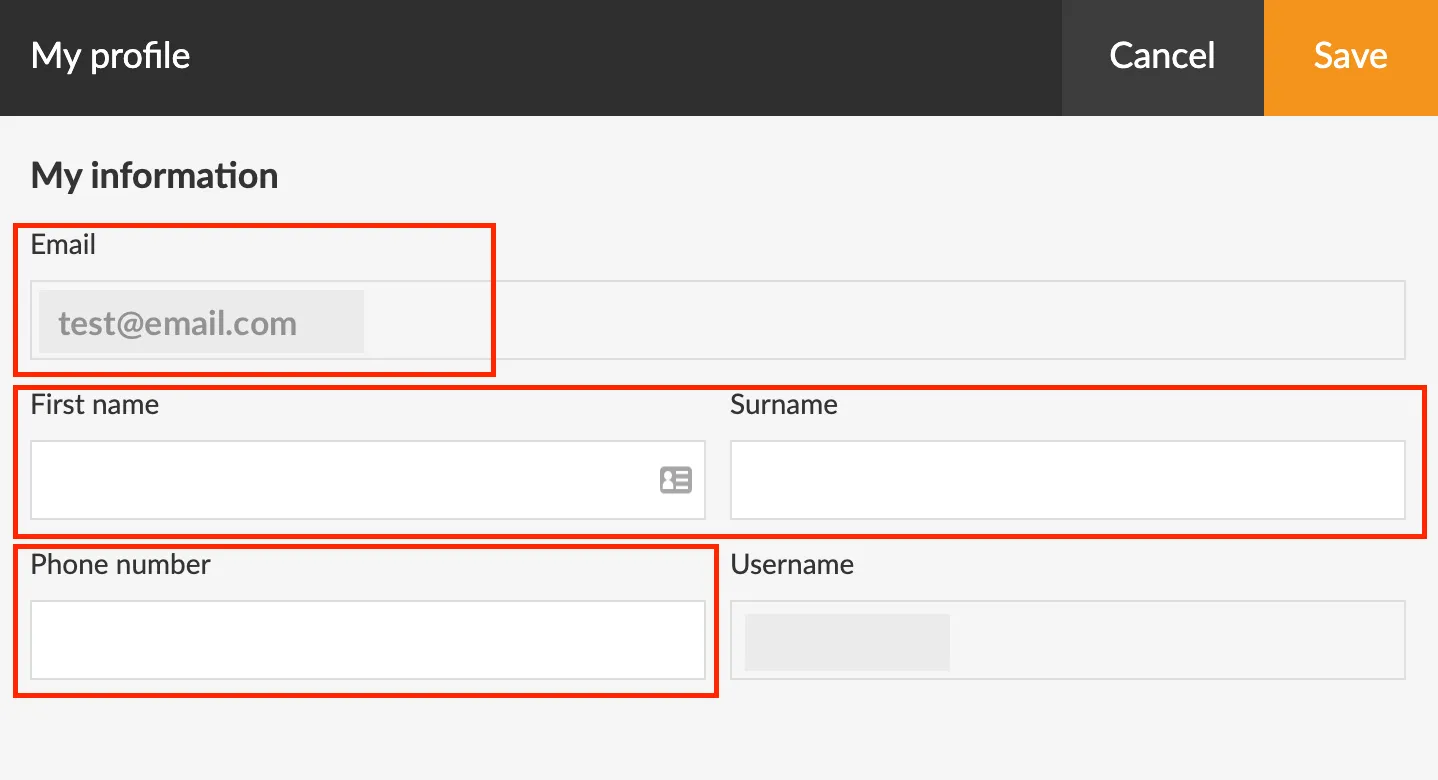
When you are satisfied with the change, just click **Save** at the top right.
Under the **My Profile** menu there is also the **Change password**function and the possibility to change the language for Prenly Workspace. Currently English & Swedish are supported.
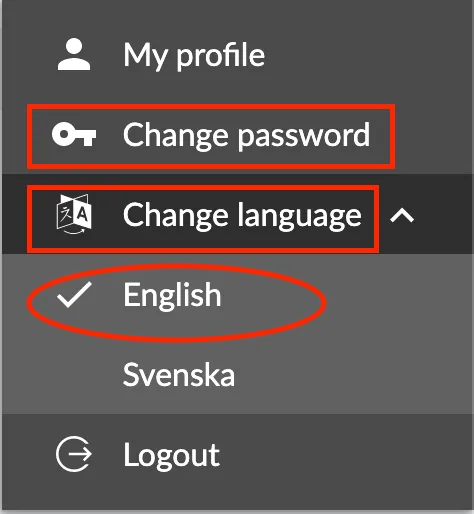
---
URL: https://www.prenly.com/support/using-prenly/rights-roles
# Rights & Roles
> Discover how to manage rights and roles in Prenly Workspace. Assign permissions like Full Permission, Editor, Reader, and more to your team members.
1 min read
[By David. 24 Oct 2025](https://www.prenly.com/author/77)
In Prenly Workspace, you as an account owner can also invite your team members with different rights and roles to make it smoother and easier to manage.
Here you see the different rights and roles a team member can have.
**Full Permission**
We always give the main contact who is the **owner** of your Prenly Workspace **Full Permission**. It gives them access to all functions in the system as well as the right to administrate and invite new team members.
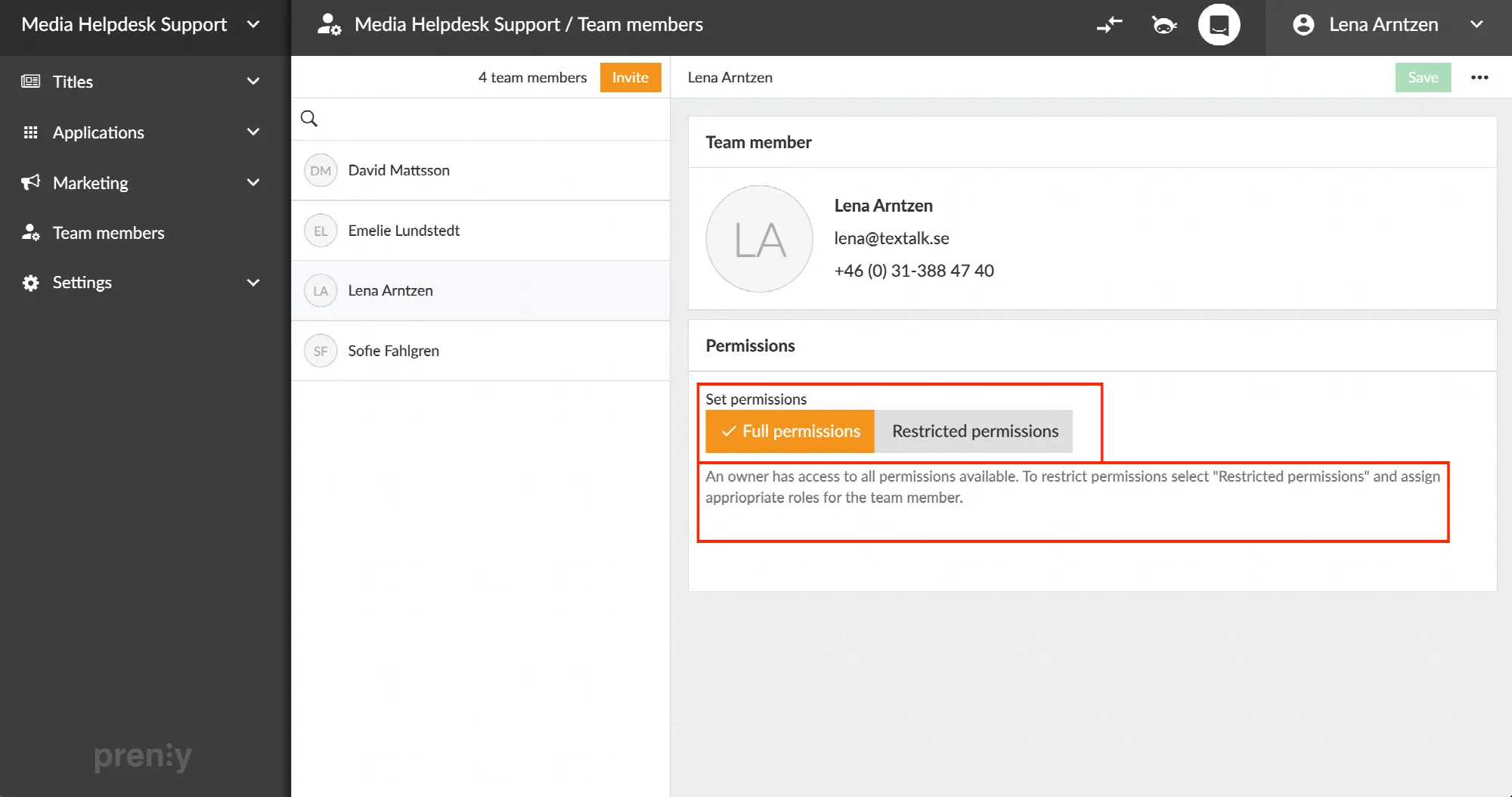
**Editor**
An editor can create, plan, schedule & publish editions, as well as edit and approve everyone's articles.
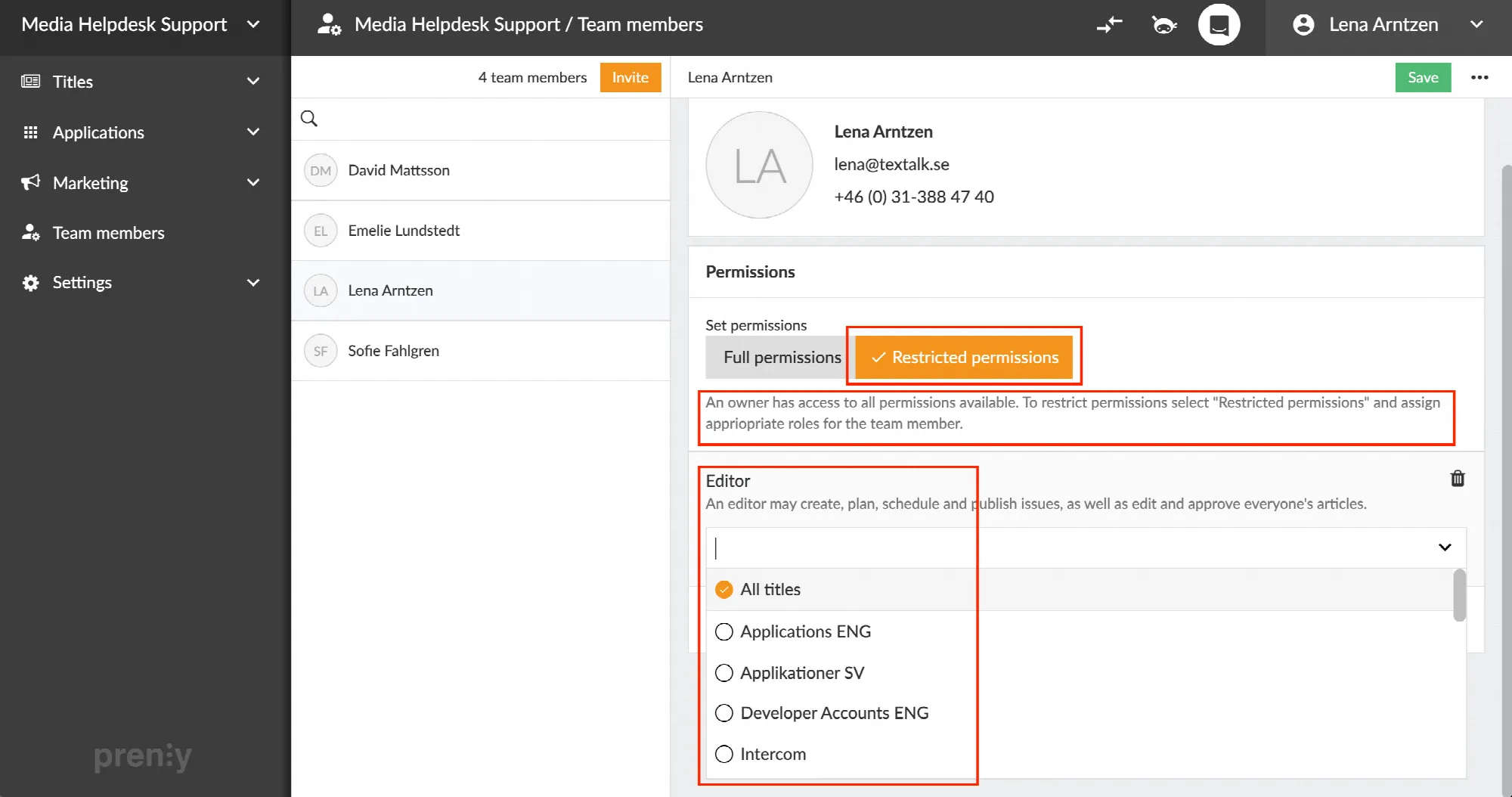
**Reader**
A reader can read all publications in a reader application, as long as the application has been configured to grant permissions for administrator accounts.
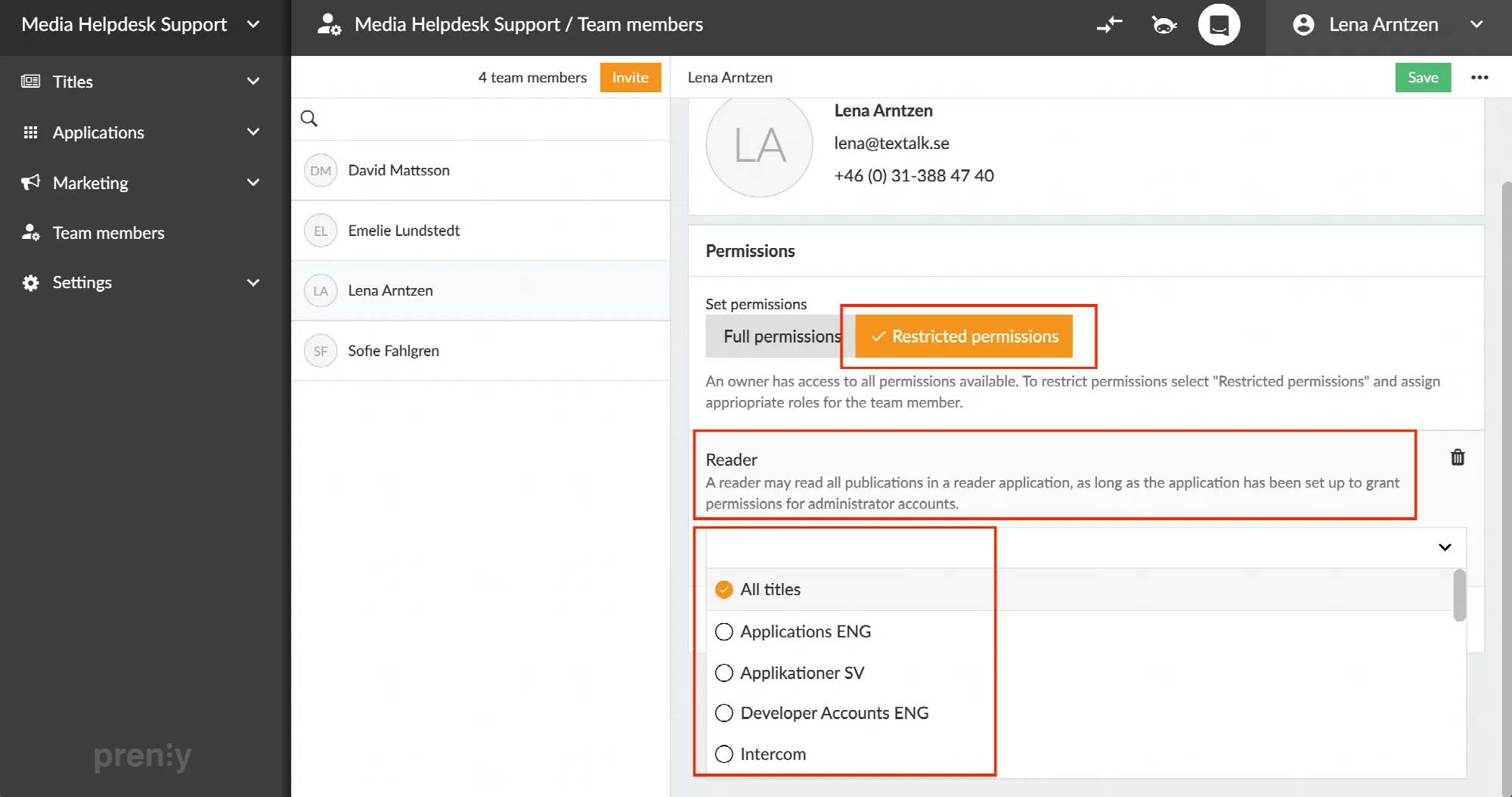
**A****pplication manager**
An application manager can create, view and update applications.
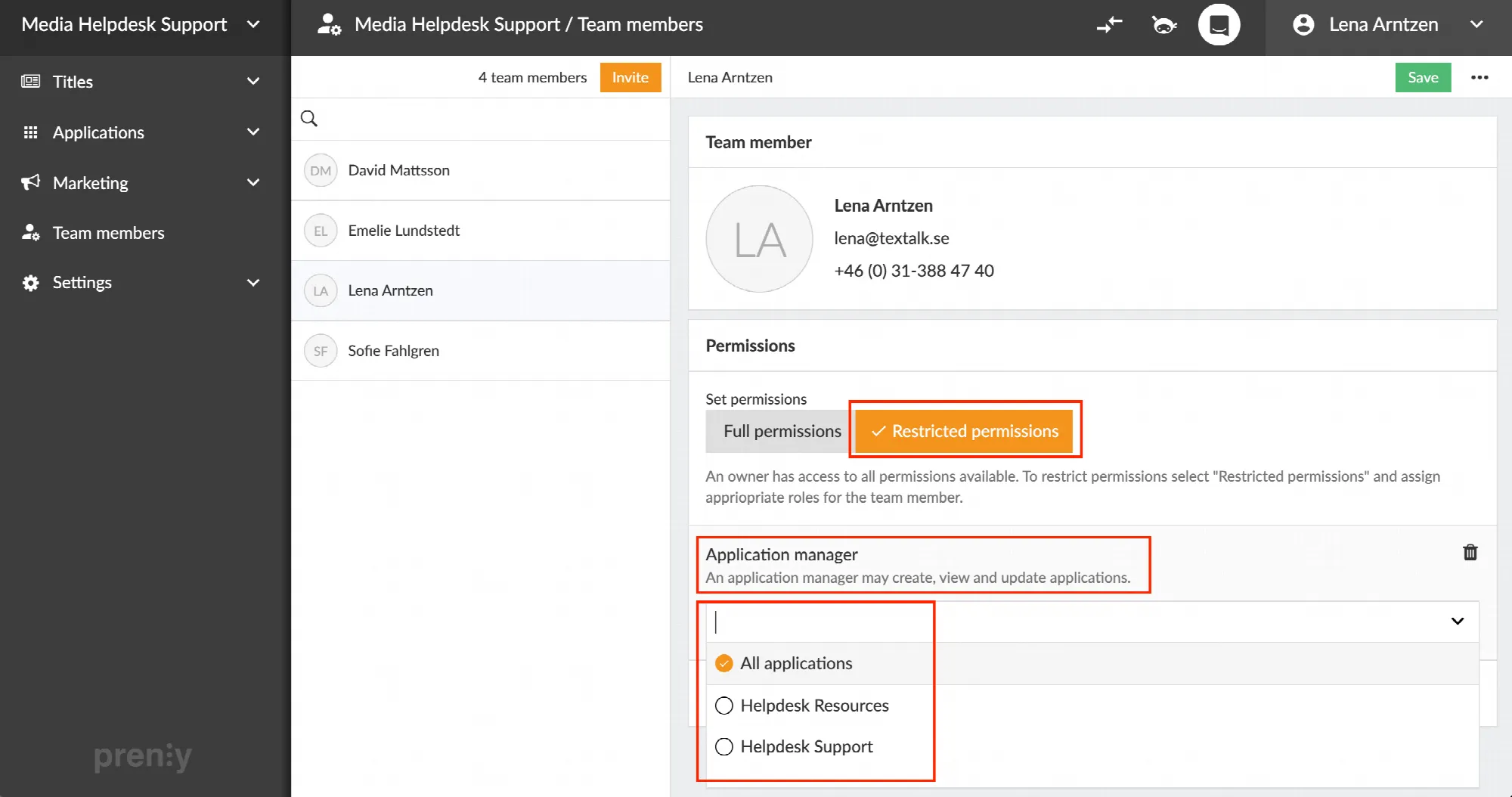
**Marketer**
A marketer can create, view and update ads as well as push notifications.
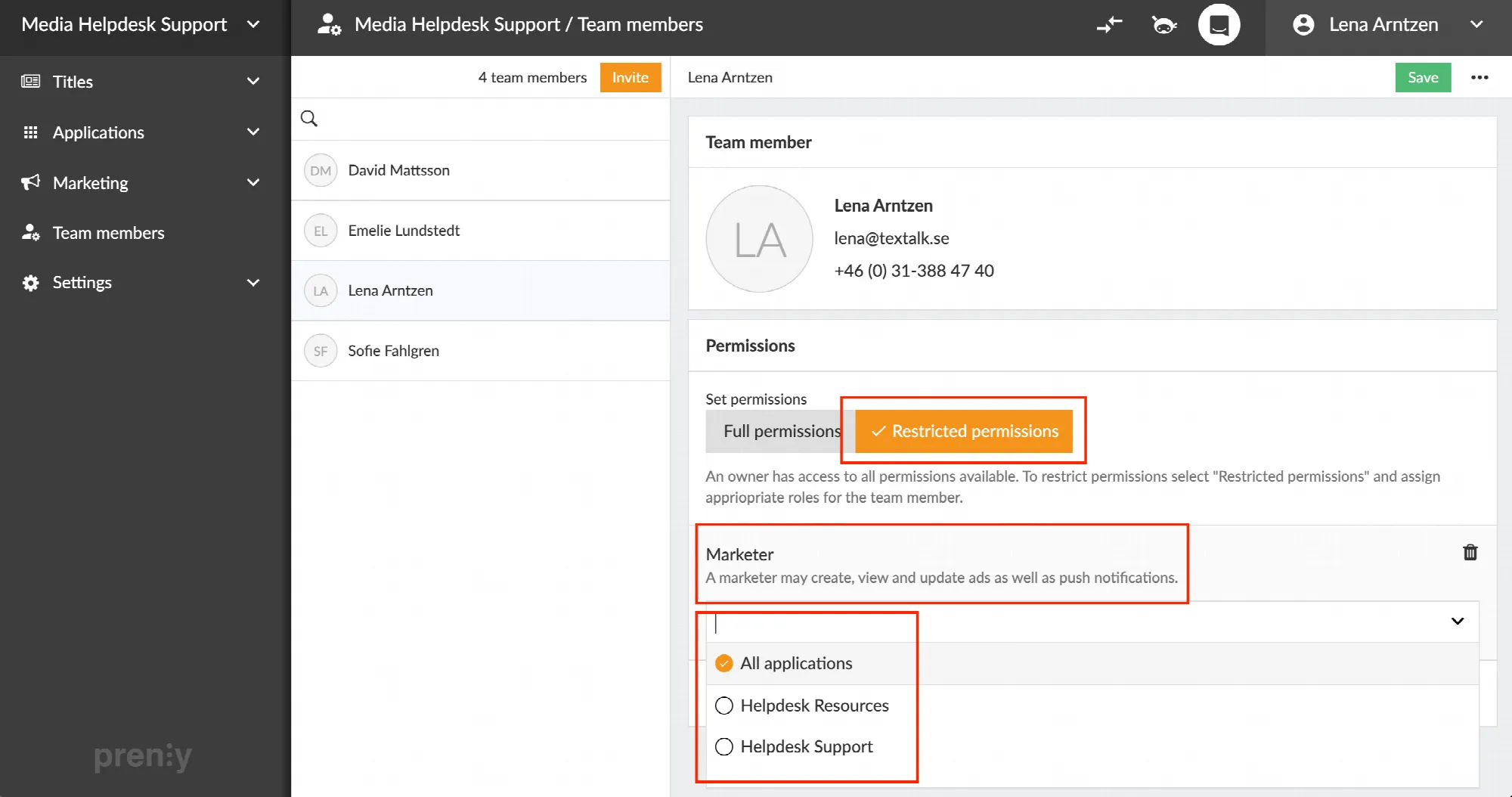
**Delete a right, role or team member**
By clicking the **trash can** to the right of a role, you can easily delete it.
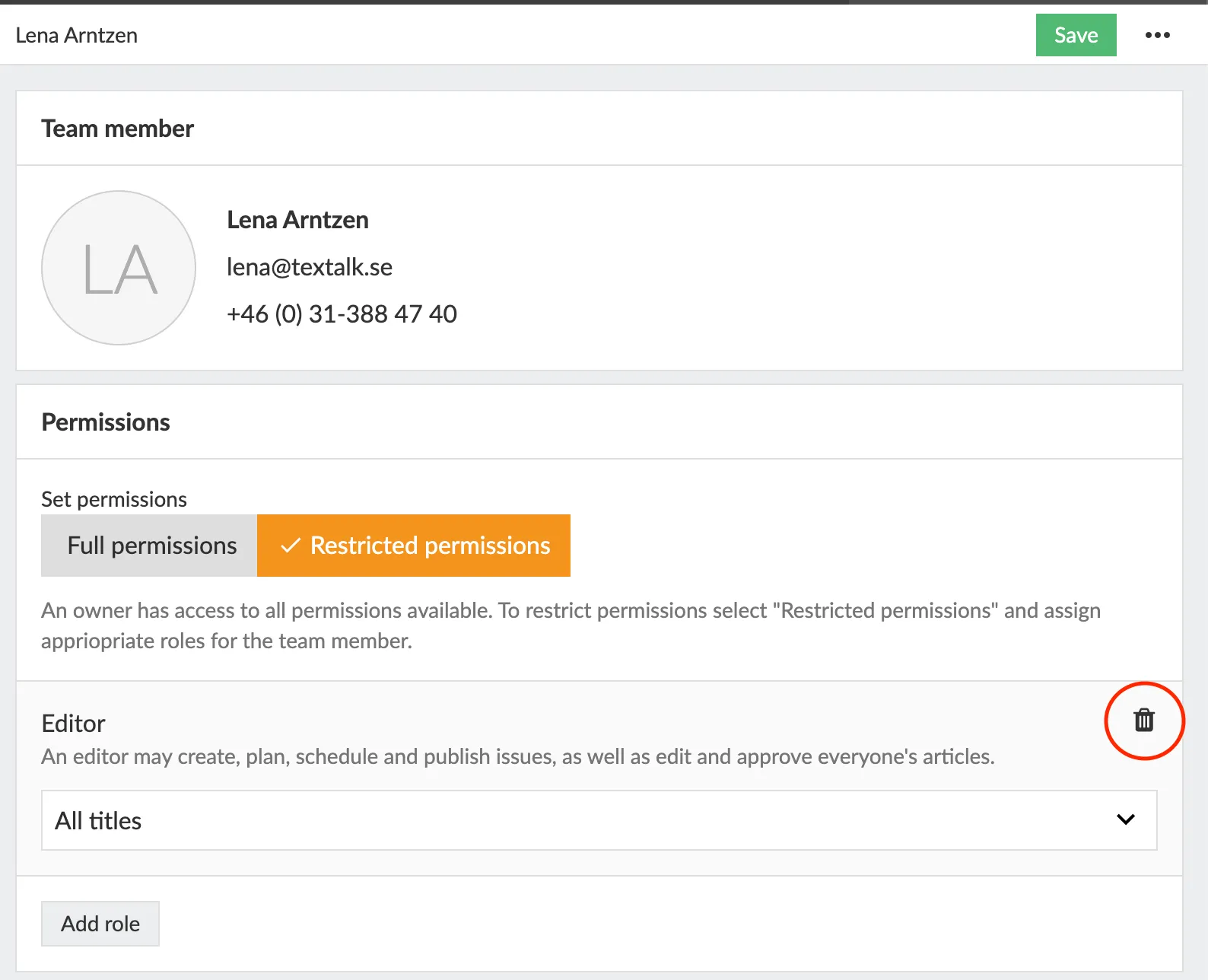
And finally, if you want to delete a team member completely, click on the "**three-dot menu**" at the top right under your name and then on **D****elete team member**.
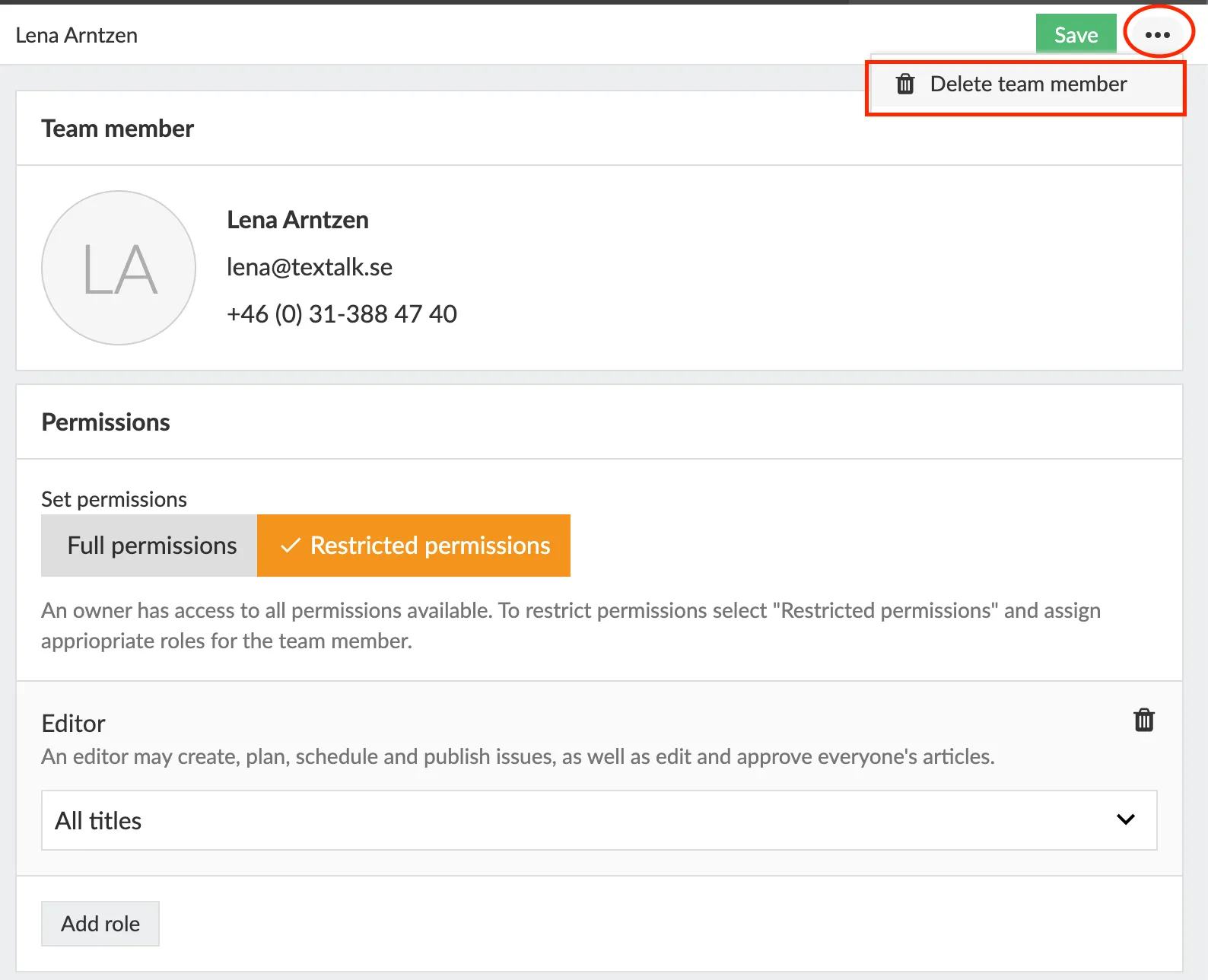
---
URL: https://www.prenly.com/support/using-prenly/manage-team-members
# Manage team members
> Learn how to easily invite team members, manage access, and assign roles like editor or marketer in Prenly Workspace with this quick guide.
2 min read
[By Fastén. 24 Oct 2025](https://www.prenly.com/author/68)
Inviting & managing Prenly Workspace members is easy! Control who will have access to a newspaper and what rights each team member will have.
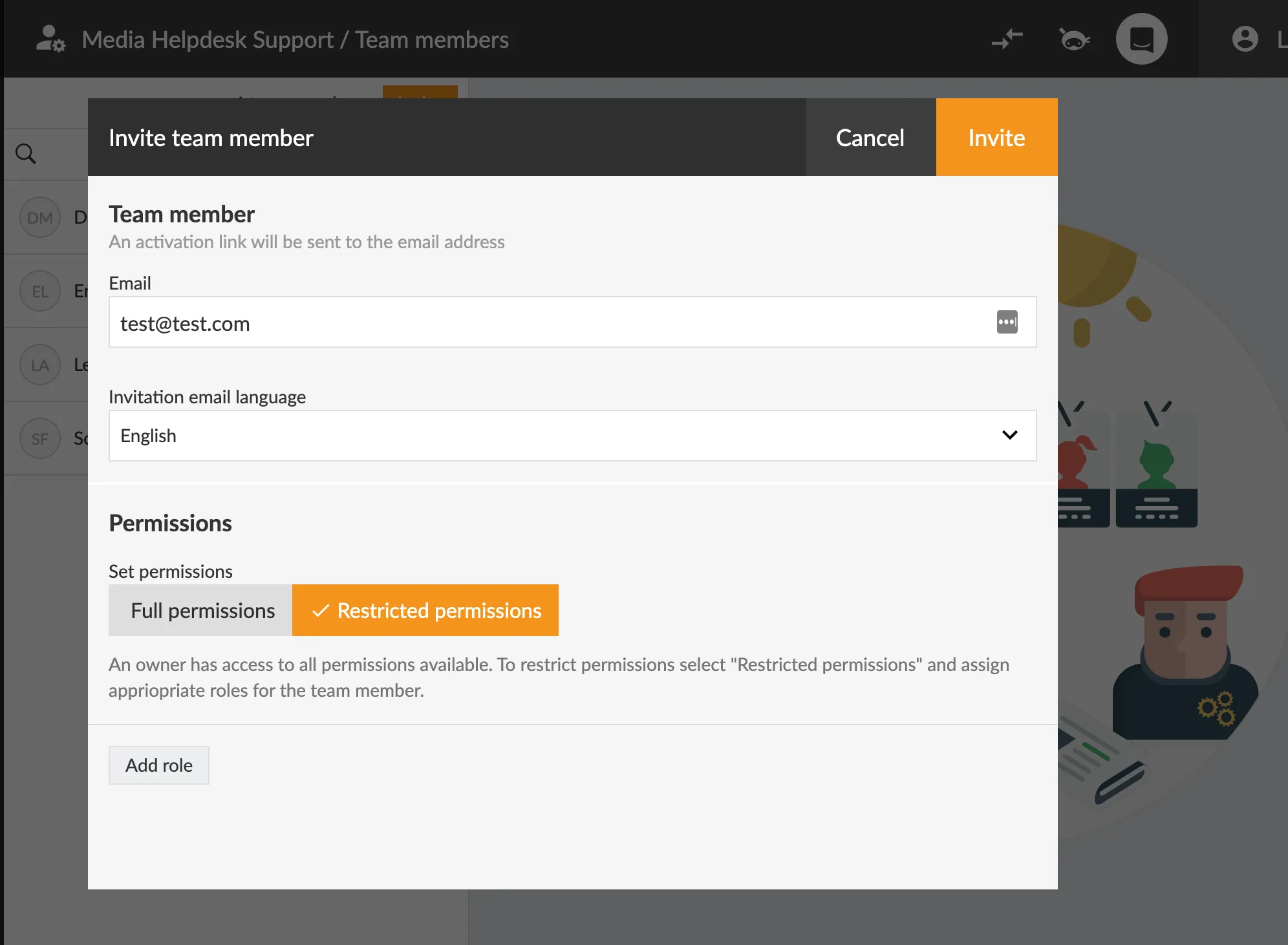
**1.** First log in to Prenly workspace: [content.textalk.se](https://content.textalk.se/admin/login/)
**2.** To the left of the main menu below **Marketing** is the **Team members** button, click it.
**3.** Here is a list of everyone who has access to Prenly Workspace for your titles. If you click on a team member, you also get information on the right about what his or her rights are.
**4.** If you want to invite a new team member, click on the orange button at the top of the **I****nvite** menu.
**5.** Enter the e-mail address of the person you want to invite, choose which right and role they will get and finally click on the **Invite** button at the top.
*An activation link will now be sent to the selected e-mail address, where the person can go in and accept the invitation and choose their own password.*
**Admin Rights & Roles**
Here you see the different rights and roles a team member can have.
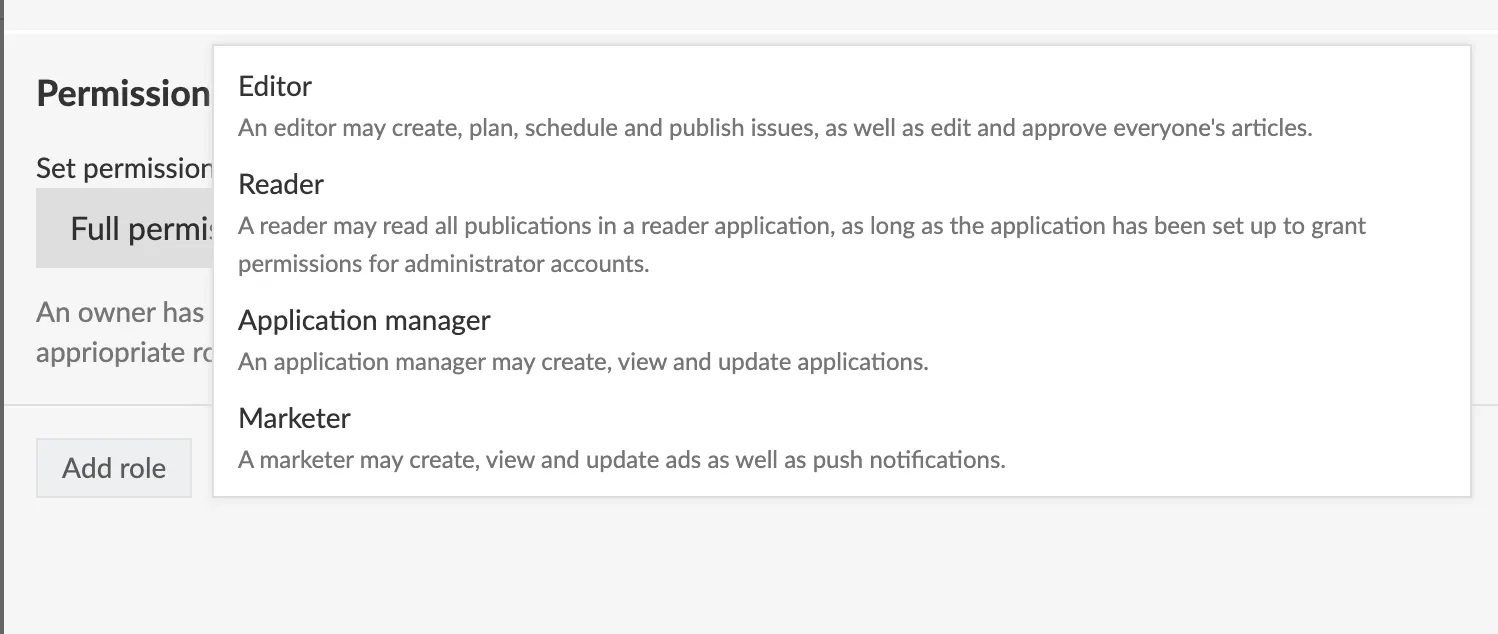
**Editor** An editor can create, plan, schedule & publish editions, as well as edit and approve everyone's articles.
**Reader**
A reader can read all publications in an application, as long as the application has been configured to grant permissions for administrator accounts.
**Application manager** An application manager can create, view and update applications.
**Marketer**
A Marketer may create, view and update ads as well as push notifications.
**PS:** Here's a video of how you do it!
---
URL: https://www.prenly.com/support/using-prenly/search-in-archived-articles
# Search in Archived Articles
> Learn how to effectively search archived newspaper articles on Prenly using single words, exact phrases with quotation marks, and sorting by relevance.
2 min read
[By Fastén. 24 Oct 2025](https://www.prenly.com/author/68)
When you want to search for articles in the archive on a newspaper's Prenly page, there are two ways to go about it:
**- Search using single words**, e.g., heatwave
**- Search using an exact phrase**, e.g., "a warm day"
The search results can be sorted by **relevance**, **newest**, or **oldest**. Your search terms will be highlighted in **bold** to help you see the context more easily.
## Phrase Search – How to Do It
If you type several words like a warm day without quotes, the system will show results that include any of the words – for example, just a, warm, or day. That can generate a lot of hits, but not necessarily what you're looking for.
To make your search more specific and only find articles that include the full phrase, place quotation marks around it:
**"a warm day"**
That way, you’ll only see results where that exact phrase appears – in that order, with no words in between.
If you search for both a phrase and a single keyword, e.g. enter both **"a warm day" Gothenburg**, you will get hits for either "a warm day" or "Göteborg".
## What is relevance?
You can choose to have the search results sorted by relevance. This means that a search result will be more relevant the more recent the date the article was published on. It will also be more relevant if the keyword is in the title and the more times the keyword is in the article.
---
URL: https://www.prenly.com/support/using-prenly/opening-hours-support
# Opening hours Support
> Contact Prenly support Monday to Friday, 08:00 to 17:00 CET. Reach us by email, phone, or chat, and view our schedule for Swedish holidays in 2026.
1 min read
[By Alina. 24 Oct 2025](https://www.prenly.com/author/73)
#### Mon–Fri, 08:00–17:00 (CET/CEST)
**E-mail**: [hello@prenly.com](mailto:hello@prenly.com)
**Phone**: +46 (0)31-388 47 40
The support is **closed on Swedish national holidays**, but feel free to leave us a message on [hello@prenly.com](mailto:hello@prenly.com) or in the chat at anytime!
### Swedish national holidays 2026
**January 1** – New Year's Day
**January 6** – Epiphany
**April** **3** – Good Friday
**April** **6** – Easter Monday
**May 1** – Labour Day
**May 14** – Ascension Day
**June 6** – National Day of Sweden
**June 19** – Midsummer Eve
**December 24** – Christmas Eve
**December 25** – Christmas Day
**December 31** – New Year’s Eve
---
URL: https://www.prenly.com/support/using-prenly/accessibility-statement-for-prenly
# Accessibility statement for Prenly
> Read the official accessibility statement for Prenly covering our web app, iOS, and Android applications, current compliance status, and planned updates.
5 min read
[By Lena. 8 Jan 2026](https://www.prenly.com/author/76)
## Accessibility statement for Prenly
### Introduction
At Textalk, we work to ensure that our platform is as accessible as possible for all users. This accessibility statement describes which parts of the platform do not meet accessibility requirements, as well as how we work to identify and correct accessibility issues.
The statement covers the platform itself, for example:
- The web application [https://thisis.prenly.com/](https://thisis.prenly.com/)
- The iOS application Prenly ([https://apps.apple.com/us/app/prenly/id6736682103](https://apps.apple.com/us/app/prenly/id6736682103))
- The Android application Prenly ([https://play.google.com/store/apps/details?id=com.prenly.thisis](https://play.google.com/store/apps/details?id=com.prenly.thisis))
### Platform and customer adaptations
The platform strives to follow applicable European accessibility standards, but some parts do not yet fully meet the requirements. Customers can for example customise the platform according to their brand colours, which may affect accessibility. Another example is alt text: the platform enables alt text, but customers are responsible for providing it.
We offer [guidelines and support](https://www.prenly.com/support) to help customers maintain or improve accessibility in their customised versions of the platform.
### Digital accessibility status
| | | |
| --- | --- | --- |
| Platform | Compliance level | Comments / Key issues |
| Website (base version) | Partially compliant | A few issues regarding headings, screen reader navigation, and text presented as images. |
| iOS app (base version) | Partially compliant | A few issues, including with external keyboards. |
| Android app (base version) | Partially compliant | A few issues, including with system text size settings. |
| Customer versions (customised) | ⚠️ Varies | Accessibility depends on colour choices, alt text, etc. We provide guidance. |
### Technical details and testing
#### The technical foundation of the platform has been tested against:
- WCAG 2.1 levels A and AA
- EN 301 549 (relevant for the European Accessibility Act, EAA)
#### Test methods
- Automated tests using axe DevTools, Lighthouse, and Wave Evaluation Tool on the web application
- Manual keyboard navigation testing – all platforms
- Manual contrast testing – all platforms
- Manual testing with screen readers – focus on the web application, partial testing with VoiceOver and Voice Control on iOS
#### Limitations
Accessibility issues may occur in:
- Customer colour choices and layout modifications
- Customer-provided content (e.g., images without alt text, non-descriptive link texts, videos without captions, advertising material, text that is not easy to read)
- Features, integrated systems, or third-party components outside our direct control (e.g., consent dialogs, login systems, embedded web views)
- Mobile applications that are not running the latest version.
### Planned improvements
We continuously work to improve the accessibility of the platform’s core functionality. Ongoing or planned measures include:
Improvements for screen readers in the web application
- Support for system settings for dark/light mode (Android and iOS)
- Support for system settings for larger text sizes (Android)
- The next major review is planned for 1 November 2026 or in connection with major updates.
### Content that is not fully accessible
#### Applies to Web, iOS, and Android
##### Views with images of entire newspaper pages
Some views contain images of full newspaper pages. According to guidelines, text should be presented as real text, not images. These images are used only as a visual representation. All text that customers define as editorial content is available in a simplified reading mode when the publication is opened.
##### Heading levels in replica mode
Replica mode lacks a main H1 heading, which affects structure and semantics for screen readers. However, this is not deemed to impact understanding of the content in reading mode.
##### Error message during login
When an incorrect password is entered, the message “Incorrect login details” is shown. It is not fully descriptive according to accessibility requirements, but more detailed information is not provided for security reasons.
##### Archive page and pagination
More publications load automatically as the user scrolls, by design. Pagination would not improve usability due to archive sizes (sometimes 100+ years). Publications are displayed in chronological order, and filtering and date/title search are available.
##### Podcasts
Some customers include podcasts; these are presented without transcripts, meaning the content is only accessible via audio. Article audio may also be used, however this content usually matches the written text.
##### Links on the start page
Some components use links (for example to multiple issues, archives, or podcasts) which rely solely on colour to indicate link functionality.
#### Applies to iOS and Android
##### Archive page – search field
The search field is a native component that lacks a visible “Search” button and therefore has no visible text label indicating a voice command. However, the search functionality works with common generic Voice control prompts such as “enter that”, and there is a Search button in the keyboard navigation.
#### Applies to iOS
##### External keyboards
Some assistive functionality is switched off due to a large number of previously reported crashes on iPads connected to external keyboards. Switching off these functions has improved stability and lowered the amount of crashes significantly.
#### Applies to Android
##### Article reading mode
There is no button to enter article reading mode when viewing a PDF/replica. Keyboard-only navigation cannot access reading mode.
#### Applies to Web
##### Screen readers with Mozilla Firefox
Article boxes cannot be opened to access the reading mode when using Firefox in combination with a screen reader. This works with other browsers.
##### Screen readers in zoomed-in mode
At browser zoom levels above 115%, the screen reader menu option becomes hidden.
##### “Skip to content”
There are currently no “Skip to content” links.
##### Missing screen reader notification in search filtering
When search results are filtered in narrow browser views, the filter panel covers the results. Applying filters updates the search results in the background, but no notification is provided to screen reader users. When the filter panel is closed and the updated results are shown, the change is still not announced.
### Report issues and contact details
If you discover additional accessibility issues or want to provide feedback, please contact us:
- Email: hello@prenly.com
- Phone: +46 31-388 47 40
If you are not satisfied with our response, you may contact the Swedish Post and Telecom Authority (PTS). More information: [https://www.pts.se/digital-inkludering](https://pts.se/digital-inkludering/om-digital-inkludering/digital-tillganglighet/)
### Review and Updates
This statement is updated at least once per year or in connection with major changes.
Last updated: October 2025
---
URL: https://www.prenly.com/support/your-prenly-onboarding
# Your Prenly Onboarding
> Easily create developer accounts for Google and Apple, configure OAuth2 redirect URIs, generate privacy policies, and manage remote API integrations.
## Your Prenly Onboarding
[Login](https://www.prenly.com/support/your-prenly-onboarding/login): 4 articles
- [APPLE & GOOGLE | Handle extra document requests for developer accounts](https://www.prenly.com/support/your-prenly-onboarding/apple-google-handle-extra-document-requests-for-developer-accounts): 21 Oct 2026 If your association, foundation or other organisation is asked for extra documents during account creation, use the matching case below. Only some cases may apply to you.
- [Google | Create a Google Account](https://www.prenly.com/support/your-prenly-onboarding/google-create-a-google-account): 4 Aug 2026 A Google Account is required to access services such as the Google Play Console. Be aware: Create a Google Account, not a Google Workspace account. A Google Workspace account requires a...
- [ID token](https://www.prenly.com/support/your-prenly-onboarding/login/id-token): 30 Mar 2026 An ID token can be used to extract the unique user ID after the user has successfully authorised. You can also opt-in to bypass the use of a resource server by using a custom claim in the...
- [Redirect URIs and Error redirect URIs](https://www.prenly.com/support/your-prenly-onboarding/login/redirect-uris-and-error-redirect-uris): 30 Mar 2026 Prenly does not currently use URIs for redirection. The following redirect URIs can be configured in your authorization server to prevent attack-in-the-middle attacks. Prenly will use...
- [Uploading archive](https://www.prenly.com/support/your-prenly-onboarding/uploading-archive): 12 Feb 2026 Using an FTP client, an archive (of standard PDF files) can be uploaded to us. Here are some simple instructions. Note: If your archive is larger than 100 GB, please contact us before...
- [LOGIN | CSV](https://www.prenly.com/support/your-prenly-onboarding/login/login-csv): 12 Feb 2026 A common way to lock material behind a login procedure is to use a CSV file. When a reader tries to log in, a check is made against the registry (CSV file) which determines whether access...
- [Generate a Privacy Policy](https://www.prenly.com/support/manage-applications/ios-android/generate-a-privacy-policy): 27 Nov 2025 If you do not have an existing Privacy Policy, you can create and host your Privacy Policy page directly in Prenly. In Prenly Workspace in the left-hand menu, click Applications and select...
- [Google | Validate Account](https://www.prenly.com/support/your-prenly-onboarding/google-validate-account): 24 Oct 2025 Before you start: Ask your IT team or website agency whether your website is already verified in Google Search Console. If it is, skip the DNS steps below and go to Verify in Google Play...
- [Google | Create an Android Developer Account](https://www.prenly.com/support/your-prenly-onboarding/google-create-an-android-developer-account): 24 Oct 2025 To publish an Android app on Google Play, you need a Google Play Console developer account. Before creating the account, you will need a Google Account and a D-U-N-S number. Before you...
- [Apple | Create Developer Account](https://www.prenly.com/support/your-prenly-onboarding/apple-create-developer-account): 24 Oct 2025 In order to publish an iOS app on the App Store, you need a company developer account, which requires a DUNS number and an Apple Account. If you do not have this already, it is created via...
- [Privacy Policy](https://www.prenly.com/support/manage-applications/ios-android/privacy-policy): 24 Oct 2025 According to Swedish data protection legislation and the GDPR (General Data Protection Regulation), you, as the data controller, are required to provide a valid privacy policy. If you also...
- [Remote API](https://www.prenly.com/support/manage-subscribers/remote-api): 24 Oct 2025 The purpose of this document is to explain: 1. ...how the Prenly ecosystem allows user authentication and authorization to be handled by a technical infrastructure owned by the publisher...
- [LOGIN | OAuth2](https://www.prenly.com/support/your-prenly-onboarding/login/login-oauth2): 24 Oct 2025 Prenly supports OAuth2 with or without OpenID Connect extension (OIDC) as long as the authorisation server follows the OAuth2 specification RFC 6749. You will likely need an authorisation...
---
URL: https://www.prenly.com/support/your-prenly-onboarding/login
# Login
> Configure your ID tokens, redirect URIs, and error redirect URIs easily. Access secure login options including CSV and OAuth2 authentication today.
## Login
- [ID token](https://www.prenly.com/support/your-prenly-onboarding/login/id-token): 30 Mar 2026 An ID token can be used to extract the unique user ID after the user has successfully authorised. You can also opt-in to bypass the use of a resource server by using a custom claim in the...
- [Redirect URIs and Error redirect URIs](https://www.prenly.com/support/your-prenly-onboarding/login/redirect-uris-and-error-redirect-uris): 30 Mar 2026 Prenly does not currently use URIs for redirection. The following redirect URIs can be configured in your authorization server to prevent attack-in-the-middle attacks. Prenly will use...
- [LOGIN | CSV](https://www.prenly.com/support/your-prenly-onboarding/login/login-csv): 12 Feb 2026 A common way to lock material behind a login procedure is to use a CSV file. When a reader tries to log in, a check is made against the registry (CSV file) which determines whether access...
- [LOGIN | OAuth2](https://www.prenly.com/support/your-prenly-onboarding/login/login-oauth2): 24 Oct 2025 Prenly supports OAuth2 with or without OpenID Connect extension (OIDC) as long as the authorisation server follows the OAuth2 specification RFC 6749. You will likely need an authorisation...
---
URL: https://www.prenly.com/support/your-prenly-onboarding/login/login-csv
# LOGIN | CSV
> Learn how to secure material behind a login using a CSV file registry. Discover what customer data to include and how to upload it via FTP.
1 min read
[By jens. 12 Feb 2026](https://www.prenly.com/author/62)
A common way to lock material behind a login procedure is to use a CSV file. When a reader tries to log in, a check is made against the registry (CSV file) which determines whether access is granted or not.
**What should the registry contain?**
A CSV file looks like an Excel file and the desirable information it should contain is:
- Names
- Email addresses
- Customer number/subscription number/ID number
**Where should the register be saved?**
The file gets uploaded to us by using an FTP-client.
The file gets uploaded to us by using an FTP-client.
If you do not have an FTP client, you will need to download one, such as FileZilla.
- [Download FileZilla for Mac](https://filezilla-project.org/download.php?platform=osx%C2%A0)
- [Download FileZilla for Windows](https://filezilla-project.org/download.php?platform=osx%C2%A0)
Remember to always name the file the same way every time a new file is created, so that we can always find it when we import.
---
URL: https://www.prenly.com/support/your-prenly-onboarding/login/login-oauth2
# LOGIN | OAuth2
> Learn how to configure OAuth2 and OpenID Connect with Prenly for seamless e-paper user authentication, authorization, and subscription integration.
5 min read
[By Maria. 24 Oct 2025](https://www.prenly.com/author/61)
Prenly supports OAuth2 with or without [OpenID Connect extension (OIDC)](https://openid.net/specs/openid-connect-core-1_0.html) as long as the authorisation server follows the OAuth2 specification [RFC 6749](https://datatracker.ietf.org/doc/html/rfc6749/). You will likely need an authorisation server that supports OIDC.
Prenly only supports the authorisation grant **[Authorization Code](https://datatracker.ietf.org/doc/html/rfc6749/#section-1.3.1)**.
The **client** Prenly will use in the OAuth2 flow is the e-paper's application authority (a technical implementation that decides how authentication and authorisation are handled by the e-paper application within Prenly's backend).
Prenly will need to know a few things to be able to act as the client for the authorisation flow:
• *Optional**. The chosen **issuer**.
This is *mandatory* if you want to use the OpenID Connect extension [ID token claim](https://openid.net/specs/openid-connect-core-1_0.html#IssuerIdentifier).
• *Mandatory*. The **client ID** you want the Prenly authority to use.
• *Mandatory*. The **client secret** you want the Prenly authority to use when exchanging the provided authorisation grant for an access token when authenticating the Prenly authority (the client).
• *Optional*. **Scope**. You may choose to make Prenly use a space-separated list of scopes defining the issued token's permission. The scope(s) will be used with the authorisation endpoint.
• *Optional*. **State**. Prenly supports generating of state in the authorisation request. You may choose to either let Prenly generate a state or make the authority skip it.
• *Mandatory*. **[Authorisation endpoint](https://datatracker.ietf.org/doc/html/rfc6749/#section-3.1)**. The Prenly authority will navigate the user agent to this endpoint to initiate the authorisation flow with the authorisation server by logging in the user to obtain the authorisation code grant.
• *Mandatory*. **[Token endpoint](https://datatracker.ietf.org/doc/html/rfc6749/#section-3.2)**. The Prenly authority will try to exchange the user's authorisation code for an access token or, if your authorisation server supports it (which is *strongly recommended*), exchange the user's refresh token for a new access token.
***[Authentication method](https://datatracker.ietf.org/doc/html/rfc6749#section-2.3.1)****.* *On default, Prenly uses the OIDC's client authentication method* ***[client_secret_basic](https://openid.net/specs/openid-connect-core-1_0.html#ClientAuthentication)*** *when authenticating with the authorisation server's token endpoint. Prenly also has support for the client authentication method* ***[client_secret_post](https://openid.net/specs/openid-connect-core-1_0.html#ClientAuthentication)****. Please notify Prenly if you require the latter, otherwise the default authentication method will be used.*
• *Recommended*. An **external URL to log out the user.** The Prenly authority will use the current user's selected user agent to log out the user remotely at the authorisation server.
Prenly is capable of using placeholders in the URL when creating the authorisation request to log out the user by providing the following:
◦ The **Client ID**;
◦ The logout **return URI**;
◦ The logout **error URI**;
*Please note that state cannot be used*.
An example of a return URI query parameter is "post_logout_redirect_uri".
*Currently, only the HTTP method GET is supported for the logout URL.*
## User ID
The Prenly authority will need to know how to extract the unique user ID after the user has been successfully authorised by the authorisation server.
*This unique user ID, if you are using the Prenly Remote authority API, is the `uid` request parameter when requesting the user summary information.*
You may choose one of the following methods:
• From a **property** in the JSON token endpoint response. If you choose this you must inform us of your chosen property name containing the user ID.
• From the **OpenID Connect "sub" claim** in the signed **[ID token](https://openid.net/specs/openid-connect-core-1_0.html#IDToken)** (as returned by the "id_token" token response property.
To be able to extract the user ID you must also provide:
◦ Required. The **external URL to public keys** to validate the ID tokens. This URL must contain a JSON Web Key Set according to JWT standards (see [RFC 7515](https://datatracker.ietf.org/doc/html/rfc7515#section-4.1.2)), which can be referred to as either JKU or JWKS.
◦ Optional. The property name in the user data response that contains a customer number.
◦ Required. Prenly needs to know the **issuer** which must [match the "iss" claim](https://openid.net/specs/openid-connect-core-1_0.html#IssuerIdentifier) in the ID token when verifying the ID token.
For more details see [ID token](https://support.prenly.com/p/sign-in-subscriptions/oauth2/a/id-token/5567/1054613/60511593).
• From the **"sub"** property response from a **UserInfo endpoint**.
To use this method you must also provide:
◦ Required. The **[UserInfo endpoint](https://openid.net/specs/openid-connect-core-1_0.html#UserInfo)** URL. The endpoint is used to fetch basic information about the user by using the user's access token to authorise the request.
◦ Optional. The property name in the user data response that contains a customer number.
## Resource server
You may choose a **[resource server](https://datatracker.ietf.org/doc/html/rfc6749/#section-1.1)** that Prenly supports or you are free to contact us at [hello@prenly.com](mailto:hello@prenly.com) to make a request to Prenly to support your specific resource server as an integration task, which Prenly might support based on a paid development task.
Out of the box, Prenly supports Prenly Remote authority API from version 1.4 or higher as a resource server. See our [general information about Prenly Remote authority API](https://www.prenly.com/support/configuring-extensions/remote-api)for the concept of this API. To implement Prenly Remote authority API as a resource server please see the API specification for the endpoint [/oauth2/getUser](https://apidoc.prenly.com/remote-api/#/1.%20OAuth2%20login%20form/getUserWithBearerToken).
The "resource" Prenly is requesting from the resource server is a list of subscription products associated with the user. The products, in the form of a product code, indicate the user's subscription status where each code is configured to grant read access to publications within your e-paper application.
To grant the correct read access depending on the subscription product you must also inform Prenly which publications the product code authorises read access to. Any unknown product will be ignored.
### You might not need a dedicated resource server...
Prenly can bypass a traditional resource server altogether if your UserInfo endpoint is capable of exposing the subscription status of the resource owner – the user.
If your UserInfo endpoint is capable, all you will have to provide is the claim (property name) in the UserInfo endpoint response JSON data.
The claim value **must** be a JSON list (array) of strings. Each list item represents a subscription product code.
## Provide information
When you have all the required information please contact Prenly's customer service at [hello@prenly.com](mailto:hello@prenly.com) with the information. The team will then set up the chosen e-paper application's Prenly authority to use OAuth2 for you.
---
URL: https://www.prenly.com/support/your-prenly-onboarding/login/redirect-uris-and-error-redirect-uris
# Redirect URIs and Error redirect URIs
> Learn how to configure OAuth2 redirect URIs for login and logout in Prenly across Android, iOS, and web to secure your authorization flow.
1 min read
[By Fastén. 30 Mar 2026](https://www.prenly.com/author/68)
Prenly does not currently use URIs for redirection.
The following redirect URIs can be configured in your authorization server to prevent attack-in-the-middle attacks.
Prenly will use query parameters defined by the authorization flow, but the redirect URI should be configured in the authorization server without them.
If you need more information, you can contact Prenly customer service at [hello@prenly.com.](mailto:hello@prenly.com)
## Logging in
Prenly supports the OAuth2 authorization flow with the grant authorization code.
Prenly will use the following redirect URIs upon successful login.
- **Android**: {package-name}://auth/oauth2-authorization-code/login-with-code
- **iOS**: {package ID}://auth/oauth2-authorization-code/login-with-code
- **Web**:{web app URL}/authorization/auth-code For example https://your.epaper.url/authorization/auth-code
Note. Android will strip "_" from the {package-name}.
## Log out
Prenly will use the following redirect URIs upon successful logout, where logout is an authorization request to end the current user session on the authorization server.
- **Android**: {bundle-name}://auth/oauth2-authorization-code/logout
- **iOS**: {bundle ID}://auth/oauth2-authorization-code/logout
- **Web**: {web app URL}/authorization/auth-code
---
URL: https://www.prenly.com/support/your-prenly-onboarding/login/id-token
# ID token
> Learn how Prenly utilizes ID tokens for user authentication, claim validation, issuer discovery, and custom subscription claims to secure your application.
3 min read
[By Maria. 30 Mar 2026](https://www.prenly.com/author/61)
An ID token can be used to extract the unique user ID after the user has successfully authorised. You can also opt-in to bypass the use of a resource server by using a custom claim in the ID token payload.
## Specifications
To use an ID token, you must verify that:
- The ID token follows the JWT specification (RFC 7519).
- The ID token follows the OpenID Connect Core specification.
- The ID token contains the required claims (see OpenID specification for details).
- The ID token validation complies with the specification.
## Issuer and Discovery
Prenly requires knowledge of the issuer (`"iss"` in the ID token payload), where the issuer must be a valid URI.
You may also require to meet the [Discovery specification](https://openid.net/specs/openid-connect-discovery-1_0.html).
In particular:
**OpenID Providers supporting Discovery MUST make a JSON document available at the path formed by concatenating the string /.well-known/openid-configuration to the Issuer.**
**– section [Obtaining OpenID Provider Configuration Information](https://openid.net/specs/openid-connect-discovery-1_0.html#ProviderConfig)**
This path is formed by concatenating the issuer:
{issuer}/.well-known/openid-configuration
Notes:
- The issuer **must not** include a trailing slash.
- The issuer must be a valid, functional URL.
## Validation
The ID token must be verifiable before its payload can be trusted.
Prenly requires access to the JSON Web Key Set (JWKS), typically referenced as:
- JKU
- JWKS URI
This is commonly available via:
**{issuer}/.well-known/jwks** (or specified in the OpenID configuration)
Additional requirements:
- If multiple signing keys are used, the `"kid"` header claim **must** be included in the ID token.
- If only one key is used, Prenly assumes that key is valid for verification.
You can test and verify ID tokens using tools such as:
- [https://jwt.io](https://jwt.io/)
## Testing via JWT.io
1. Go to [https://jwt.io](https://jwt.io/)
2. Paste your ID token into the **Encoded** field
3. Review decoded sections:
- Header
- Payload
- Signature
If verification fails:
- Paste your JWK (JSON) into the field: **"Public Key in SPKI, PKCS #1, X.509 Certificate, or JWK string format"**
## Payload
In addition to required claims, Prenly primarily uses:
- `"sub"`
Optional supported claims:
- `"email"`
- `"given_name"`
- `"family_name"`
- `"name"`
for a full list of claims see the specification for [required and optional claims](https://openid.net/specs/openid-connect-core-1_0.html#StandardClaims).
If name and email are available:
- They will be displayed in the UI after login
Otherwise:
- A placeholder will be shown
### Custom Claims (Subscriptions)
Prenly supports custom claims in the ID token:
- Must be a **string array**
- Each value represents a subscription product code
- Used to grant access to protected content
## Scopes
Required scope:
- `openid`
Recommended scope:
- `offline_access`(for details see [specification for offline access](https://openid.net/specs/openid-connect-core-1_0.html#OfflineAccess))
Benefits:
- Allows longer-lived authentication sessions
Important behavior:
- Prenly uses the **access token** to determine authentication status
- Session duration depends on:
- Token expiry
- Prenly cache duration (minimum: 20 minutes)
---
URL: https://www.prenly.com/support/your-prenly-onboarding/uploading-archive
# Uploading archive
> Learn how to upload PDF archives via FTP and follow essential file naming conventions to ensure successful import and publication of your newspaper.
2 min read
[By jens. 12 Feb 2026](https://www.prenly.com/author/62)
Using an FTP client, an archive (of standard PDF files) can be uploaded to us. Here are some simple instructions.
**Note:** If your archive is larger than 100 GB, please contact us before uploading.
**Naming the files**
All uploaded PDF files must be named with the title (name or abbreviation of the newspaper) and publication date, if necessary also the part to which the PDF file belongs and the page number.
**If an issue consists of a merged PDF:**
title_20190101.pdf
**If an issue consists of several PDF files, add the page number:**
title_20190101_001.pdf
title_20190101_002.pdf
title_20190101_003.pdf
**If a number consists of different parts:**
title_20190101_partA_001.pdf
title_20190101_partA_002.pdf
title_20190101_partA_003.pdf
title_20190101_partB_001.pdf
title_20190101_partB_002.pdf
title_20190101_partB_003.pdf
**It is important to be consistent**
The name structure provided allows the files to be imported. Characters such as underscores and periods are also important. If any of the characters are replaced, the files will not be found during import and therefore not published. Therefore, make sure that the name structure always looks the same.
**Naming issues using the issue number (optional)**
By default, an issue will be named after the publication date, for example **2019-01-01**.
It is also possible to name the issue using its **issue number**, provided that the number is included in the filename in a structured format.
For this to work, each PDF must follow a consistent naming format, for example:
title_1_20190101.pdf
title_2_20190201.pdf
In this example, we can extract **issue numbers 1 and 2** from the filename, as well as the **year 2019**.
If you would like to use this feature, please inform us:
- that the issue number should be used in the name
- which position in the filename contains the issue number
- how the name should be formatted
Examples of display format:
- No. 1 - 2019
- Issue 1 2019
---
URL: https://www.prenly.com/support/your-prenly-onboarding/apple-create-developer-account
# Apple | Create Developer Account
> Learn step-by-step how to create an Apple company developer account, set up a D-U-N-S number, invite Prenly, and verify your trader details.
5 min read
[By jens. 24 Oct 2025](https://www.prenly.com/author/62)
In order to publish an iOS app on the App Store, you need a **company developer account**, which requires a DUNS number and an Apple Account. If you do not have this already, it is created via Apple.
## Before you start:
- **Who should create the account?** Someone in your organisation who is authorised to accept agreements on its behalf—for example, an owner, director, or an employee given that authority. They do not need technical knowledge. Apple calls this person the Account Holder.[Apple’s requirements](https://developer.apple.com/programs/enroll/)
- **Helping someone set up the account?** Arrange for the future Account Holder to complete the application with you. They need to sign in themselves and be available for any identity checks, so you can proceed without interruptions.
- **Have the Account Holder’s photo ID available:** Apple may request a government-issued photo ID to confirm their identity.
- **Have the Account Holder’s phone or Apple device nearby:** Apple may send a security code by text message or display it on an Apple device they are already signed into. They’ll need to enter this code to continue.
- **Company website:** You need a publicly accessible, functional website that can be clearly linked to your organisation. We recommend a legal notice with the full registered company name, including its legal form and company address. These details should match your D-U-N-S record. If your website uses your publication’s name, clearly identify the company as the website operator.
- **Work email address:** Have an accessible email address on your organisation’s domain ready, for example **hello@prenly.com**. An address such as **prenly@gmail.com** or a Yahoo address is not suitable for the “Work Email” field.
## Start here:
**Step 1 - Apple Account (Previously referred to as Apple ID)**
The Apple Account can be created here: [Apple Account](http://appleid.apple.com/account)
Make sure to:
- Enter the Account Holder’s legal first and last name—not the company name. You will enter the organisation’s name separately during Developer Program enrollment.
- Use a general email address that several people in your company have access to. In case of illness, vacation, change of position.
- Enable two-factor authentication: Apple requires this to enroll your organisation in the Developer Program.
**Step 2 - D-U-N-S number**
*If you have already received the D-U-N-S number, go directly to step 3.*
In order to create a developer account with Apple, you need a D-U-N-S number. The D-U-N-S can be described as an international organization number.
**Don't have a number?** Go to [this link](https://developer.apple.com/enroll/duns-lookup/) to check/create one.
**Don't know your number?** You can also use [this page](https://dunsnumberlookup.dnb.com/sv-se/home), to have your existing D-U-N-S number sent to you.
**Step 3 - Developer account**
Click on [the link](https://developer.apple.com/programs/enroll/) and follow the instructions to create an account.
When you first sign in, Apple may ask a few questions about your developer interests. If you are unsure, you can select **iOS and iPadOS** as platforms and **Magazines or News** as the app type, if these options are offered. For topics, **App Development** is a suitable example. The country question asks where you would like to take part in developer activities, usually your home country.
Then continue with enrollment in the Apple Developer Program and select **“Company/Organization”** as the entity type.
**Check who the requested information refers to:** During enrollment, Apple asks for information about both the Account Holder and the organisation.
For **personal information**, enter the Account Holder’s details: their full legal name and, if explicitly asked for their home address, their personal address.
For **organisation information**, keep the following in mind:
- **Company name, company address and D-U-N-S number:** Use the details from your D-U-N-S record. Enter your organisation’s registered company name, not your publication’s brand name.
- **Company website:** Provide a functional, publicly accessible website that can be clearly linked to your organisation. See the guidance under “Before you start”.
- **Work email address:** Use an accessible address on your organisation’s domain, for example **hello@prenly.com**. A Gmail or Yahoo address is not suitable here.
After submitting your application:
- Check your email, including spam, for Apple’s verification requests. If Apple asks for additional documents, [follow our guide](https://www.prenly.com/support/your-prenly-onboarding/apple-google-handle-extra-document-requests-for-developer-accounts).
- Once Apple approves the application, follow the emailed instructions to accept the membership agreement and complete payment.
- Wait for Apple’s membership confirmation before continuing to Step 4. Submitting the application alone does not complete enrollment.
**FYI: Nonprofit organisations may qualify for a fee waiver**
Recognised nonprofit organisations may qualify to have Apple’s annual US$99 membership fee waived if they do not sell digital goods or services through their apps and have no active Paid Applications Agreement. Request the waiver during enrollment, **before paying**—Apple does not refund fees already paid. [See Apple’s fee-waiver requirements](https://developer.apple.com/help/account/membership/fee-waivers/).
**Stuck or unsure what Apple is asking for?** Contact Prenly support and include a screenshot of the message or step you’re stuck on, so we can help you move forward.
**Step 4 - Invite Prenly to the developer account, after Apple has approved the application made in Step 3.**
**Invite Prenly:**
- [Log in](http://developer.apple.com/account)
- Under "Program resources" and "App Store Connect" select "Users and Access".
- In the menu, click on the plus sign to add a new user.
- Add Prenly's developer account as "**Admin**".
- The name can be set to whatever you want but the email address must be **ios-app-manager@textalkmedia.se**
- Make sure the options under Developer/Additional Resources are checked.
- Save by clicking on Invite.
**Enable us to provide you with updates:**
- Under "Users and Access" click on "Integration" and select "Request Access".
- Read through the request, check the confirmation box and click "Send".
**Step 5 - Verify Trader details**
All accounts must verify their trader information in order to publish apps. [Read more and follow the instructions here.](https://www.prenly.com/support/ios-android/apple-digital-services-act)
---
URL: https://www.prenly.com/support/your-prenly-onboarding/google-create-an-android-developer-account
# Google | Create an Android Developer Account
> Learn how to create a Google Play Console developer account for your organization, set up your DUNS number, invite Prenly, and complete verification.
5 min read
[By Fastén. 24 Oct 2025](https://www.prenly.com/author/68)
To publish an Android app on Google Play, you need a Google Play Console developer account. Before creating the account, you will need a Google Account and a D-U-N-S number.
### Before you start
- **Who should create the account?** Choose someone in your organisation who will be responsible for the Google Play Console account. The Google Account used during registration becomes the account owner.
- **Have photo ID available:** This must belong to someone authorised to represent your organisation—not necessarily the person creating the account. This can be an owner, director or employee given that authority. If someone else will provide the ID, arrange for them to help with verification.
- **Have access to your email and phone:** Google sends verification codes that you will need to enter during setup.
### Step 1 - Google Account
The Google Account used during registration becomes the owner of your Play Console developer account. Before continuing, make sure you are signed into the Google Account your organisation intends to use.
If you do not yet have a Google Account, [follow this guide](https://www.prenly.com/support/your-prenly-onboarding/google-create-a-google-account) before continuing.
### Step 2 - DUNS number
*If you have already received the D-U-N-S number, go directly to step 3.*
In order to create a developer account with Google, you need a D-U-N-S number. The D-U-N-S can be described as an international organization number. If you do not know your organisation's DUNS number, visit[dunsnumberlookup.dnb.com](http://dunsnumberlookup.dnb.com) to have it sent to you.
### Step 3 - Play Console developer account
Make sure you are on the correct account, or select **Switch accounts** to select the correct account owner.
- Start the process of creating your new developer account [here](https://play.google.com/apps/publish/signup/).
- Sign in with the correct Google Account. If necessary, select Switch accounts.
- Accept Google's distribution agreement.
- Google will charge a one-time fee of $25. Google will accept multiple payment options, select the one most suitable for you and pay the registration fee.
**Select Organisation as the account type.** Choosing Personal means additional steps will be needed to convert the account later.
**Which payments profile should you choose?**
A Google payments profile stores the legal name and address Google uses to verify your organisation—even if your app is free.
Create a business payments profile using your organisation’s registered name and address. If Google offers an existing profile, select it only if it belongs to the same organisation and its details are correct. Otherwise, create a new profile.
- Do not use an employee’s personal payments profile.
- Make sure the company name and address match your organisation’s Dun & Bradstreet record.
**Tip:** The developer name is shown publicly on Google Play and can be your organisation’s name or your publication’s brand name. This is separate from the legal company name used for verification.
### Step 4 - Invite Prenly
- Log in to your Play Console account
- Click on "Users and permissions" in the left-hand menu
- Select "Invite new users"
- Enter **dev@prenly.com** as the user email and leave the Expiry date empty.
- In the Permissions section, select **Account permissions**, select ***Admin***
- Select **Invite user** to invite Prenly
**Tip:**If the "Invite user" button is grey, it means you have missed a step.
### Step 5 - Complete the account verification
Complete the verification tasks shown in Play Console, including your organisation’s D-U-N-S number, identity, website and contact details.
**Prepare the right documents**
Google may ask for an official company-registration document as well as the authorised representative’s photo ID. Check [Google’s accepted documents for your country](https://support.google.com/googleplay/android-developer/answer/15633622?hl=en) before uploading.
Make sure the documents match the details provided for verification. For photo ID, use a clear colour photo of a valid document—not a photocopy.
If Google requests additional documents, follow our guide: [Handle extra document requests for developer accounts](https://www.prenly.com/support/your-prenly-onboarding/apple-google-handle-extra-document-requests-for-developer-accounts).
**Verify your website**
Entering your website address does not complete verification. Google uses **Google Search Console**, its website-management service, to confirm your organisation’s access to the website.
Ask your IT team or website agency who manages the website in Search Console. That person may need to approve the verification request you send from Play Console. If the same Google Account owns the website in Search Console, the request is approved automatically.
Follow our guide to [verify your organisation’s website](https://www.prenly.com/support/your-prenly-onboarding/google-validate-account).
**Verify your email address and phone number**
Complete the email and phone verification tasks shown in Play Console. Use contact details you can access to receive verification codes. For organisation accounts, Google requires identity and website verification to be completed before contact-phone verification can proceed.
Your developer account will not be fully activated until all required verification steps have been completed.
**Stuck or unsure what Google is asking for?** Contact Prenly support and include a screenshot of the message or step you’re stuck on, so we can help you move forward.
### Recommendation
Once you have created your Play Console developer account, we recommend saving or printing the payment confirmation email from Google.
The email contains important information that may be required if you ever need to transfer your app to another Play Console account, including:
- The transaction ID
- The payment method used
- The purchase date
- The account owner’s email address
---
URL: https://www.prenly.com/support/your-prenly-onboarding/google-validate-account
# Google | Validate Account
> Learn how to verify your Google Play developer account by adding a DNS TXT record in Google Search Console to prove domain ownership step by step.
3 min read
[By Sofie. 24 Oct 2025](https://www.prenly.com/author/78)
**Before you start:** Ask your IT team or website agency whether your website is already verified in Google Search Console. If it is, skip the DNS steps below and go to **Verify in Google Play Console**. The verified website owner can approve your request. If you use the same Google Account in Play Console and Search Console, approval is automatic.
In Google Play Console you will see this banner:
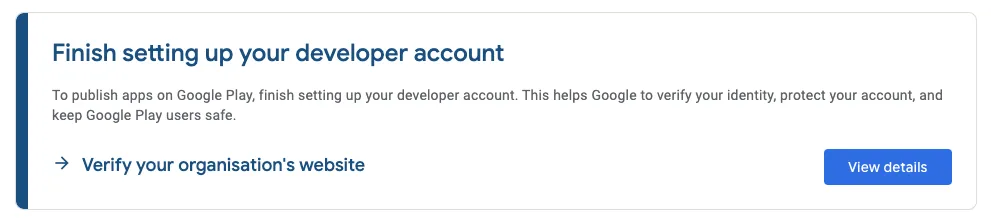 Picture showing banner in Google Developer account.
Click on “View details” and you will see the following view:
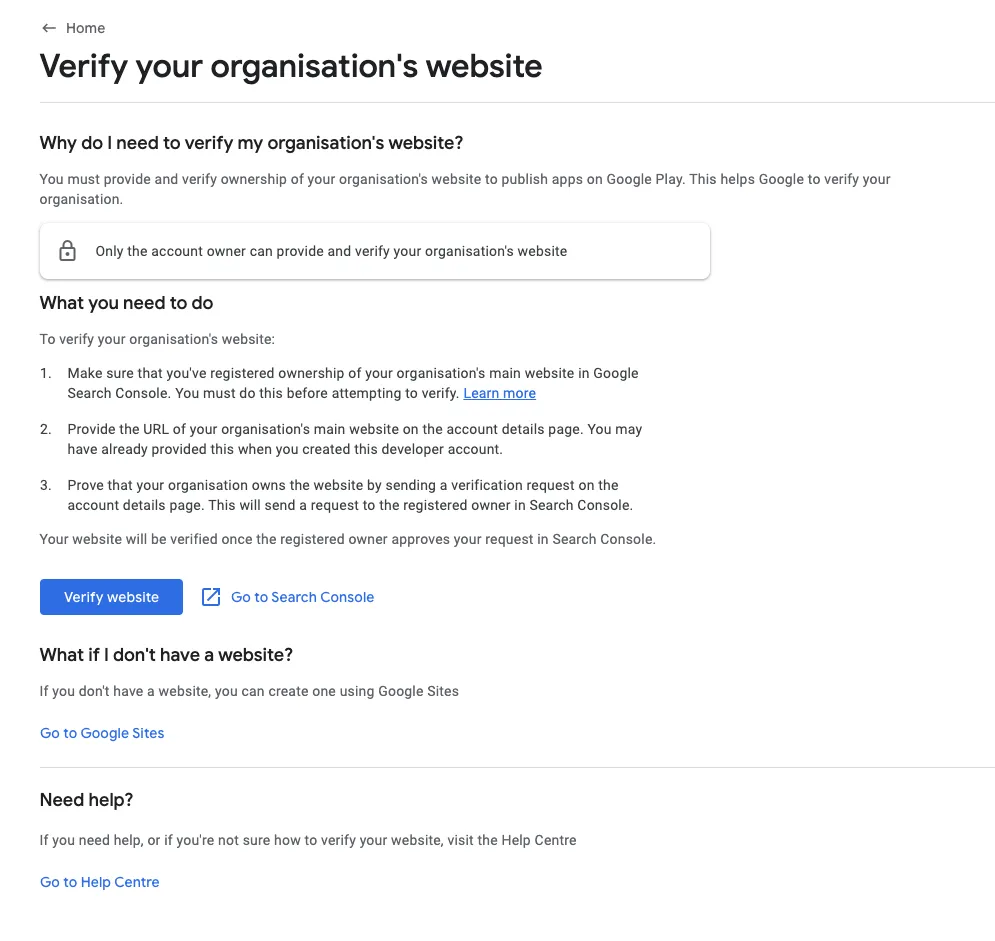 Picture showing instructions to very the organization's website.
Click on “Go to Search Console”.
In Google Search Console under Domain fill in your company domain (e.g. prenly.com).
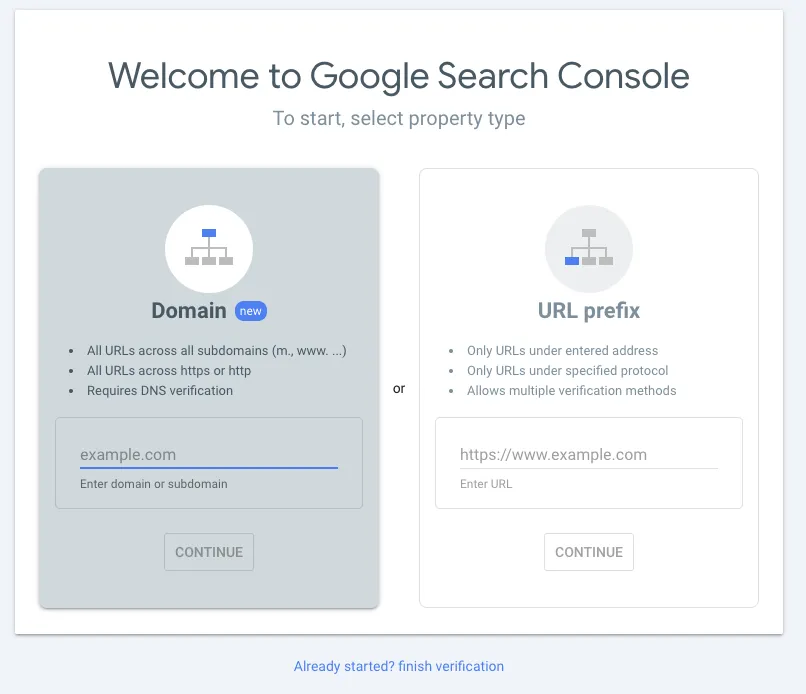 Picture showing the Google Search Console.
You will see something like this:
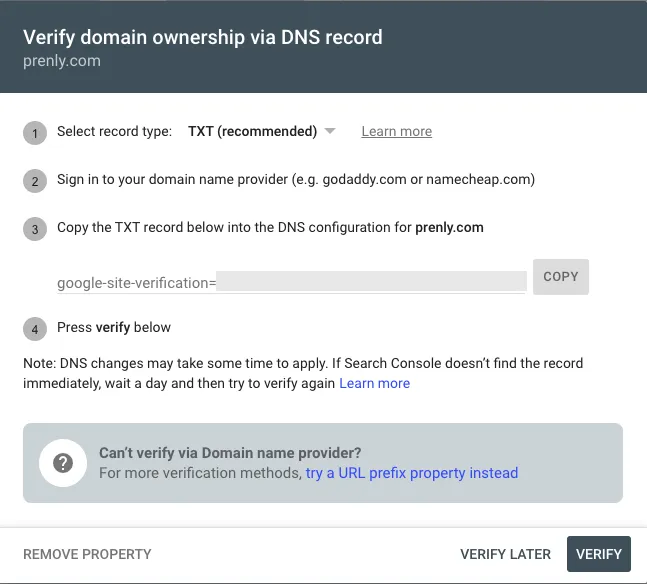 Picture showing instructions for domain ownership via DNS record.
Google wants you to prove that you own the mentioned domain by adding a special code to your domain’s settings (this is called a DNS TXT record).
**Here’s how to do it:**
Log in to Your Domain Registrar
• Go to the website where you purchased or manage your domain (e.g., GoDaddy, Namecheap, Cloudflare, or a similar service).
• Log in using your account credentials.
Go to Your DNS Settings
• Once logged in, find the DNS settings or Zone Editor for your domain.
• It’s often located in a section called Manage Domains or DNS Management.
• Look for something like “Edit DNS Records” or “Zone File Settings”.
Add the TXT Record
• Record Type: Select TXT (as shown in the screenshot, this is the record type Google is asking for).
• Host/Name: Some registrars require you to enter @ (this represents the root domain). Others might ask you to leave it blank or enter your full domain name.
• Value/Text: Copy the complete, unique TXT value shown in your own Google Search Console and paste it into the Value or Text field. Do not copy the example code from this guide or its screenshots.
Save the Record
• Once you’ve entered the details, click Save or Update.
• The TXT record is now added to your domain’s DNS settings.
**Verify in Google Search Console**
• Go back to Google Search Console.
• Click the Verify button at the bottom of the screen.
• Wait for Google Search Console to confirm that ownership has been verified. Graphs and data alone do not confirm successful verification.
**Verify in Google Play Console**
• In Google Play in the banner showing “Finish setting up your developer account” click on “view details”
• Click on “verify website”
• If this leads you to your account details, scroll down to your organisation's website and click “Send verification request”
• If another person is the verified website owner in Search Console, ask them to approve the request. If you use the same Google Account, approval is automatic.
• Check for confirmation in your email or Play Console Inbox that the website association is complete. Other account-setup tasks may still remain.
**Important Notes**
• DNS changes may take some time (up to 48 hours) to update across the internet. If verification doesn’t work immediately, wait a few hours and try again.
• If you don’t know where your domain is registered or managed, contact the person or team responsible for setting up your website.•
---
URL: https://www.prenly.com/support/your-prenly-onboarding/google-create-a-google-account
# Google | Create a Google Account
> Learn how to create a Google Account for the Google Play Console. Follow our step-by-step guide to set up your account securely with email and 2FA.
2 min read
[By Maria. 4 Aug 2026](https://www.prenly.com/author/61)
A Google Account is required to access services such as the Google Play Console.
**Be aware:** Create a Google Account, not a Google Workspace account. A Google Workspace account requires a paid subscription.
**Tip:** We recommend using a shared or general email address (for example apps@company.com) that multiple people in your organization can access. This ensures you retain access in case of vacations, illness, or personnel changes.
**Option 1: Create a Google Account during Play Console registration**
If you are setting up a Google Play Console account, you can create your Google Account as part of the registration process: [click here to get started](https://play.google.com/apps/publish/signup/).
**Option 2: Create a Google Account directly**
You can also create your Google Account first by visiting [this link.](https://accounts.google.com/)
Then follow these steps:
**Step 1:**
Click **Create account**.
**Step 2:**
Select **For my personal use**. Selecting **For work** results in creating a Google Workspace account.
**Step 3:**
Enter the account holder’s first name and, optionally, last name.
**Note:** Google may later require identity verification using a valid government-issued ID. The account should therefore represent a real individual.
Enter your date of birth. Adding your gender is optional.
Choose one of the following:
- Use your existing email address by selecting **Use your existing email**, or
- Create a new Gmail address by following the prompts.
**Step 4:**
Verify your email address (if using an existing email). Google will send a verification code that must be entered to continue.
**Step 5:** Create a secure password.
Enable **two-factor authentication (2FA)** to improve the security of the account. This is strongly recommended and required for many Google services.
### **Next steps**
Once your Google Account has been created, you can use it to sign in to Google services such as the Google Play Console.
For more information, refer to Google’s official documentation:
https://support.google.com/accounts/answer/27441
---
URL: https://www.prenly.com/support/your-prenly-onboarding/apple-google-handle-extra-document-requests-for-developer-accounts
# APPLE & GOOGLE | Handle extra document requests for developer accounts
7 min read
21 Oct 2026
If your association, foundation or other organisation is asked for extra documents during account creation, use the matching case below. Only some cases may apply to you.
## If you receive an extra request
Find the case that matches the request you received from Apple or Google and follow the steps below.
- 1. We do not have the requested document
- 2. I am a volunteer without an employment contract
- 3. The organisation behind our publication is unclear
- 4. A translation is requested
- 5. A certified copy or notarisation is requested
- 6. A document has been rejected
**Need help?**
Please contact Prenly Support if you are unsure — we’re happy to help. Send us a copy of the request so we can help you understand what is needed. When following up with Apple or Google, always use the same case number and reply in the existing email thread. If you need to contact support, use [Apple Developer Support](https://developer.apple.com/contact/) or [Google Play Developer Support](https://support.google.com/googleplay/android-developer/gethelp). For Google, you can also open Help in Play Console. Sign in and choose the relevant issue to see the available contact options.
### 1. “They ask for a company document we do not have”
Apple or Google may ask for a commercial-register extract, trade licence or VAT registration. Your association or foundation may have a different official document instead.
For Google, check the accepted documents before uploading: [Germany](https://support.google.com/googleplay/android-developer/answer/15633622?co=GENIE.CountryCode%3DDE&hl=en), [Sweden](https://support.google.com/googleplay/android-developer/answer/15633622?co=GENIE.CountryCode%3DSE&hl=en), [Finland](https://support.google.com/googleplay/android-developer/answer/15633622?co=GENIE.CountryCode%3DFI&hl=en).
1. Find your organisation’s official registration or recognition document. See the Swedish and German document names below; in Finland, use the relevant PRH register extract.
2. Use the draft below to ask whether your document is accepted. Have your statutes/bylaws ready: Apple may use them to check an association’s purpose and who may represent it. Translate them only if requested.
3. Once confirmed, upload the agreed document through the link Apple or Google provides.
**Message to send**
“Our organisation, [legal name], is a [legal form] in [country]. We do not have [requested document] because [reason]. Instead, we have [document name], issued by [authority], showing [registration details]. Can we submit this to verify our organisation? If it is not sufficient, please specify which document you accept for our legal form and what information it must show.”
### 2. “They ask for employment evidence, but I am a volunteer”
**Apple** may ask you to prove your role and authority. An unpaid board member may not have an employment contract. **Google** also needs an authorised representative, although its standard document list does not require an employment contract.
1. Find your appointment or board-election record. If you are not the organisation’s owner or founder, Apple requires a reference who can confirm your authority to enroll the organisation and bind it to legal agreements.
2. If you need written permission, ask someone legally allowed to represent your organisation to sign it. Include your name, role, permission to enroll and accept developer agreements, the date and the signer’s name and role.
3. Offer these documents using the draft below. Upload them when requested.
**Message to send**
“I am the [role] of [legal name], serving on a voluntary basis, so I do not have an employment contract. I can provide [appointment/board record] and [written authorisation or representation record] to confirm my role and authority to enroll our organisation and accept the developer agreements. Please confirm whether these documents meet your requirement. If not, please specify the additional evidence and who must issue or sign it.”
### 3. “They cannot identify the organisation behind our publication.”
A magazine, local branch or project may use a different name from the organisation legally responsible for it.
1. Enter the legal publisher’s name, not only the magazine or project name. If the association publishes it, use the association’s name; if a separate company publishes it, use that company’s name.
2. If asked to explain the difference, use this draft:
**Message to send**
“The publication [title] is published by [legal name], registration number [number]. [Title] is the publication name; [legal name] is the organisation applying for the account.”
Apple requires a legal entity for organisation enrollment. Branch offices, trading names and publication names cannot enroll as separate organisations. Use the registered legal name.
[Apple enrollment](https://developer.apple.com/programs/enroll/)
### 4. “They ask for translated documents.”
Order a translation only when Apple or Google requests one.
1. Give the translation provider the exact request from Apple or Google, including the language and certification required. If it is clear, proceed; ask only about missing details.
2. Use a professional provider who can meet that requirement. Self-written or machine translations do not replace a requested official or certified translation.
3. Upload the original, translation and certification together. If resubmitting, upload both language versions again, following the specified file format and upload fields.
**Message to send**
“You requested a translation of [document]. Please confirm [required language / who must certify it / which pages are required] so I can order the correct service.”
An English document from an authority such as Skatteverket may contain only basic information. Check that it includes all requested details. Do not use a shorter English certificate instead of a full translation unless Apple or Google confirms it is sufficient. Prenly cannot provide official translations.
### 5. “They ask for a certified copy or notarisation.”
Order certified copies or notarisation only when Apple or Google requests them.
Certified copy: confirms that a copy matches the original. Apple says this may be done by a municipal office, solicitor or notary, depending on the region.
Certified translation: confirms that the translated text is accurate. An officially authorised translator is a possible provider, but check that they can meet Apple’s or Google’s exact requirement. If solicitor certification or notarisation is requested, a translator’s stamp alone may not be enough.
1. Send the exact request to the provider and check that they can supply the required certification. If Apple or Google has not specified who may certify it, ask before paying.
2. Submit both forms of certification if both were requested; one does not replace the other.
[Apple’s guidance on certified documents](https://developer.apple.com/help/account/membership/identity-verification/)
### 6. “My document is rejected without a clear reason”
1. For Google, check that your organisation’s name and address on the documents match your payments profile exactly.
2. Ask what needs to change using the draft below. If the requested document does not exist for your legal form, use case 1.
3. Correct the issue and upload the requested documents. Include the original again if resubmitting a translation.
**Message to send**
“I submitted [document], issued by [authority], on [date]. Please explain whether the issue is the document type, its language, certification, or the information it contains. What exactly should I submit instead for a [legal form] in [country]?”
## FAQ — for any of these cases
**What should I do after uploading?**
Keep the upload confirmation and reply in the same support case:
“I uploaded [documents] on [date]. Please confirm receipt and let me know whether anything else is needed.”
**What if I receive no reply?**
Follow the response date Apple or Google gave you. If none was given, we suggest following up after five working days. After another five working days without progress, request a call or escalation through the support links above. These are suggested follow-up intervals, not promised response times.
## Document names: Sweden and Germany
Use this table to find the documents for cases 1 and 2. These are document names, not guaranteed alternatives accepted by Apple or Google. “Firmatecknare” means an authorised signatory, not a document.
| Requested evidence | Swedish document names | German document names |
| --- | --- | --- |
| Registration / existence | Company: registreringsbevis (Bolagsverket). Ideell förening: organisationsnummerbevis (Skatteverket). | Company: Handelsregisterauszug. e. V.: Vereinsregisterauszug. |
| Company constitution / articles | AB: bolagsordning. Ekonomisk förening: stadgar. | GmbH: Gesellschaftsvertrag. AG: Satzung. |
| Association charter / bylaws | Stadgar (ideell förening). | Satzung (Verein). |
| Who may sign / act for the organisation | Firmateckning in registration evidence; board/meeting minutes (protokoll); fullmakt if authority is delegated. | Representation details in the register; board/appointment record; Vollmacht if authority is delegated. |
---
URL: https://www.prenly.com/support/how-readers-use-the-prenly-apps
# How readers use the Prenly apps
> Download our app today to start reading instantly. Create your account and log in now to access a world of great books and stories right on your device.
## How readers use the Prenly apps
- [Apple/Google | Get started reading in the app!](https://www.prenly.com/support/manage-applications/ios-android/apple-google-get-started-reading-in-the-app): 24 Oct 2025 Getting started reading the e-newspaper is easy! Start by downloading the app from the App Store or Google Play Store. The first thing you'll see are some simple instructions on how to...
- [Create account & log in](https://www.prenly.com/support/using-prenly/create-account-log-in): 24 Oct 2025 To activate your account and access the magazine, follow these steps: Mobile app If you are in the mobile app and past the app's various introductory steps, click on the edition of the...
---
URL: https://www.prenly.com/support/test
# 5 ways to give access to content and attract more subscribers
> Discover 5 effective strategies to provide strategic content access, attract new audiences, boost discoverability, and grow your subscriber base.
4 min read
[By David. 14 Sep 2026](https://www.prenly.com/author/77)
Not every reader is ready to subscribe immediately. Try to strategically offer access to selected content to attract new audiences.
Here are five effective ways to provide access to content while supporting audience growth and subscription conversion - find the ones that fit best for you:
## 1. Make a specific publication public for everyone
Even if your content is normally protected by a paywall, you can choose to make a single edition freely available to all readers.
This can be particularly effective for special editions, seasonal publications, breaking news coverage, or content that showcases the value of your publication to new audiences.
To maximize visibility, feature the public edition prominently on your homepage using the Editor’s Pick component. This ensures visitors immediately see the publication you want to promote.
By making selected content publicly accessible, you also increase the chances of being discovered through search engines and content recommendations.
[Learn how to make a publication public →](https://www.prenly.com/support/manage-material/unlock-edition)
## 2. Share a specific publication via link
Sometimes you might want to promote a particular edition by opening it for a specific audience.
With a shareable publication link, you can grant access to a specific edition and distribute it through:
- Social media campaigns
- Email newsletters
- Partner collaborations
- Events and conferences
- Print advertisements
- QR code campaigns
Anyone with the link can access the publication, even without a subscription.
This approach is especially useful when measuring campaign performance, since you can track engagement from individual marketing activities and better understand which channels drive the most interest.
[Learn how to create a marketing link →](https://www.prenly.com/support/manage-material/marketing-link)
## 3. Make older publications public automatically
Your archive can be one of your most valuable marketing assets.
Instead of keeping every publication behind a paywall indefinitely, you can automatically make older editions publicly available after a defined period, such as 30, 60, or 90 days. This approach allows readers to experience the quality of your publication while keeping your newest content exclusive to subscribers.
Many publishers use archive access as a way to balance subscription revenue with content discoverability.
#### Why archive access improves discoverability
Publicly available content can help your publication:
- Appear in Google search results
- Be discovered through AI-powered search experiences
- Build authority around specific topics
- Generate long-term organic traffic
- Reach readers who are researching a topic months or years later
By combining premium content with accessible archive content, publishers can improve both visibility and subscriber growth.
[Learn how to configure archive access →](https://www.prenly.com/support/manage-applications/application-settings)
## 4. Offer free access to your entire application for a limited time
Sometimes the best way to convert readers is to let them experience everything your app has to offer.
With Free Days Access, readers can download your app and enjoy full access for a predefined number of days. Once the trial period ends, an active subscription is required to continue accessing content.
This is an effective way to increase app downloads and reduce barriers for first-time users.
For publishers focused on audience development, free trial campaigns can be an effective part of a long-term subscriber acquisition strategy.
[Learn how to set up Free Days Access →](https://www.prenly.com/support/manage-members/free-days-authorizer)
## 5. Give temporary access using voucher codes
Voucher codes are a flexible and measurable way to grant access to a specific title for a limited period.
#### Option 1: Generic Voucher codes
Running a marketing campaign?
Create a simple voucher code such as **SUMMER26** and promote it through:
- Social media
- Print campaigns
- Newsletters
- Partner organizations
- Your website
Anyone who enters the code receives access according to the rules you define.
#### Option 2: Unique Voucher Codes
If you need more control, you can generate unique voucher codes and distribute one code per recipient.
This allows you to:
- Track redemptions individually
- Limit access to specific users
- Measure campaign effectiveness
- Control distribution more precisely
Voucher campaigns can be particularly useful for partnerships, membership organizations, event attendees and targeted acquisition campaigns.
[Learn how to create and manage vouchers →](https://www.prenly.com/support/marketing/activate-vouchers-for-easy-access-to-your-apps)
## Measure the results of your campaigns
Whichever access strategy you choose, measuring the results is essential.
Basic metrics such as link clicks, voucher redemptions, or app downloads provide valuable insights. However, a statistics integration can help you understand the complete reader journey.
With analytics in place, you can also see:
- How readers interact with your publications
- Which publications generate the most interest
- How long readers stay engaged
- Which pages receive the most attention
- Whether readers return after their first visit
- Which acquisition channels perform best
- How many readers eventually become subscribers
These insights help you identify which campaigns are driving engagement, improving discoverability and generating subscription growth.
[Find out more about statistics option in Prenly →](https://thisis.prenly.com/p/statistics/statistics/a/statistics/9279/1870351/61516623)
---
URL: https://www.prenly.com/customer-stories
# Prenly helps publishers create better digital reading experiences
> See how newspapers like SvD, Corren and VK use Prenly for their digital transformation. Explore customer stories and success cases in e-papers and digital publishing.
See how publishers use Prenly to engage readers, strengthen their digital offering and grow the value of their publications.
[Contact us](https://www.prenly.com/contact-us)
[Making news accessible for everyone – together with MTM](https://www.prenly.com/customer-stories/making-news-accessible-for-everyone-together-with-mtm): 2 Apr 2026 Accessibility has been part of Textalk’s DNA since the very beginning. In 1979, our founder Henryk Rubinstein developed the world’s first digital newspaper for visually impaired readers...
[Berliner Zeitung: E-Paper Migration | Prenly](https://www.prenly.com/customer-stories/berliner-zeitung-epaper-migration): 4 Feb 2026 When Berliner Verlag decided to strategically further develop its platform, the requirements were clear: the transition needed to be fast and reliable – without disrupting ongoing...
[Three Decades of Digital Leaps: How Helsingborgs Dagblad Extends Its Reach with Prenly](https://www.prenly.com/customer-stories/three-decades-of-digital-leaps-how-helsingborgs-dagblad-extends): 22 Oct 2025 More than thirty years have passed since Helsingborgs Dagblad became pioneers by publishing their entire newspaper online—a journey that started with Textalk’s technology.Back then...
[Over 40 Years of Accessibility: Göteborgs-Posten’s Digital Evolution with Prenly](https://www.prenly.com/customer-stories/over-40-years-of-accessibility-goteborgs-postens-digital-evoluti): 22 Oct 2025 It all began in 1979 when Göteborgs-Posten launched the world’s first digital newspaper for the visually impaired, developed by Textalk’s founder Henrik Rubinstein.Textalk was there from...
[How Corren makes sure readers never miss the latest news](https://www.prenly.com/customer-stories/how-corren-ensures-that-ostergotland-never-misses-its-news): 29 Sep 2025 Through a smart digital shortcut, Corren was able to instantly turn a problem into an improved reading experience. When the newspaper doesn’t land in the mailbox as it should, frustration...
[A decade with Prenly: VK Media’s smarter way to publish e-paper](https://www.prenly.com/customer-stories/vk-evening-sports-edition-before-tomorrows-paper): 29 Sep 2025 Over the past decade, VK Media has stayed ahead by rethinking how news is delivered. In 2014, they launched a digital evening edition to give readers early access to the next day’s...
[How Svenska Dagbladet Goes Digital with Prenly’s E-Paper Platform](https://www.prenly.com/customer-stories/how-svenska-dagbladet-svd-meets-its-readers-in-a-digital-age): 6 Jun 2025 How Prenly helps Svenska Dagbladet (SvD) access content wherever they are - without compromising on journalistic quality, depth or editorial values.Svenska Dagbladet is an institution in...
### Prenly
Prenly is a digital publishing platform for newspapers, magazines and media groups – built for modern publishing and better digital reading experiences.
[Learn more about Prenly](https://www.prenly.com/about-us)
### Prenly Workspace
Manage content and digital publications in one shared workflow – from creation and packaging to publishing.
[Go to Prenly Workspace](https://www.prenly.com/prenly-workspace)
### Prenly Reader
Bring e-papers, articles, audio, podcasts, games and more together in one reading experience across iOS, Android and the web.
[Go to Prenly Reader](https://www.prenly.com/prenly-reader)
## Sign up for our newsletter
The Prenly newsletter keeps you updated on the latest developments in digital publishing and what’s new at Prenly.
---
URL: https://www.prenly.com/customer-stories/how-svenska-dagbladet-svd-meets-its-readers-in-a-digital-age
# How Svenska Dagbladet (SvD) meets its readers in a digital age
> Discover how Svenska Dagbladet uses Prenly to deliver its trusted journalism digitally – combining tradition, innovation, and seamless reader access.
2 min read
[By Sofie. 6 Jun 2025](https://www.prenly.com/author/78)
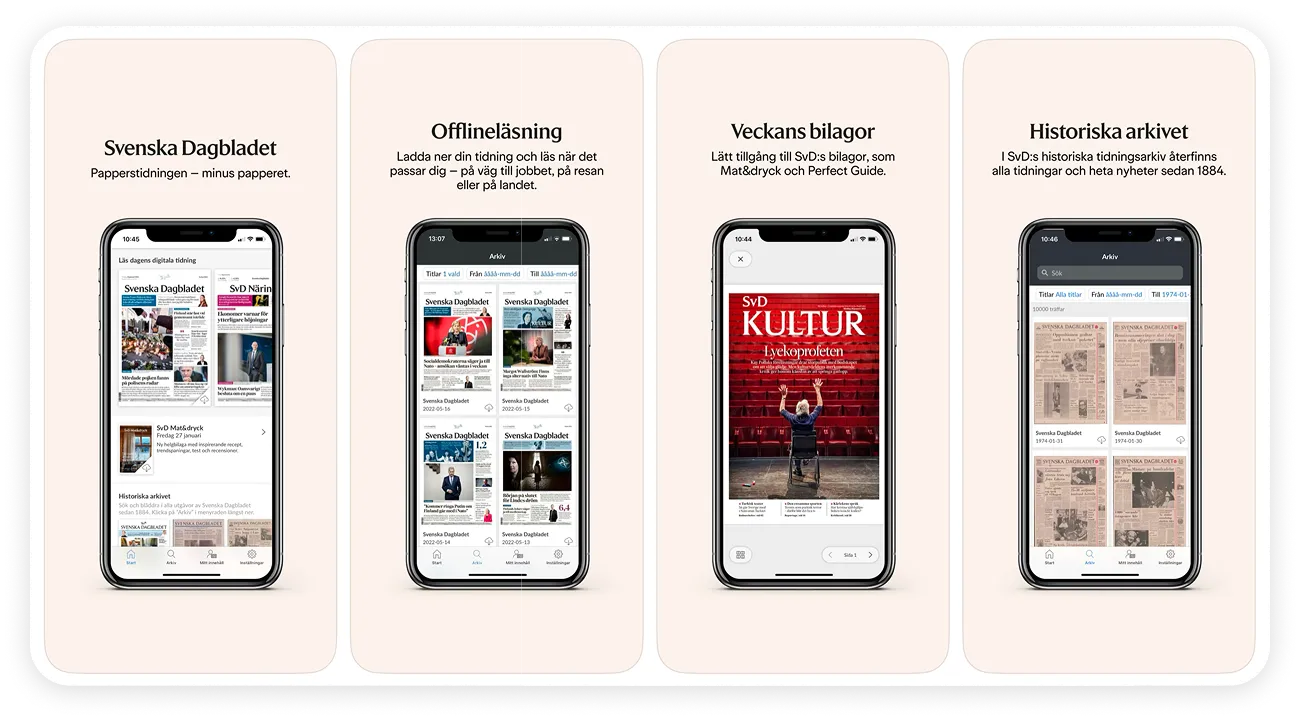
How Prenly helps Svenska Dagbladet (SvD) access content wherever they are - without compromising on journalistic quality, depth or editorial values.Svenska Dagbladet is an institution in the Swedish media landscape - with deep roots in print journalism and a strong trust among its readers. When the newspaper wanted to strengthen its digital presence without compromising on content quality or identity, Prenly became the natural choice. Working closely together, we have found a way forward where tradition and innovation meet.
## Challenge:
Svenska Dagbladet, one of Sweden's most respected daily newspapers, faced a key challenge: How to maintain the strength of its print heritage while meeting readers' growing digital expectations? Readers wanted access to content wherever they were - without compromising the quality, depth or editorial values of journalism.
## The solution
SvD chose Prenly as its platform for the digital edition - a tool that enables content to be published, distributed and consumed with both precision and flair. Prenly's user-friendly interface allowed the editorial team to maintain its unique tone and layout in the digital format. The platform also supports a rich set of features such as video, audio and interactive graphics, opening up new ways to engage readers.
## The results
- Stronger digital footprint - without losing the editorial DNA that readers trust.
- App version appreciated for its accessibility, structure and interactivity.
- Readers can now access content on their own terms - when they want, where they want.
For us at Prenly (Textalk Group), we are now taking a step in our relentless quest to make digital publishing both easier and more meaningful.
*"Textalk's robust and user-friendly Prenly platform allows us to maintain our editorial values while taking advantage of the opportunities of digital publishing,"* said a spokesperson from Svenska Dagbladet.
[Read SVD here](https://www.svd.se/)
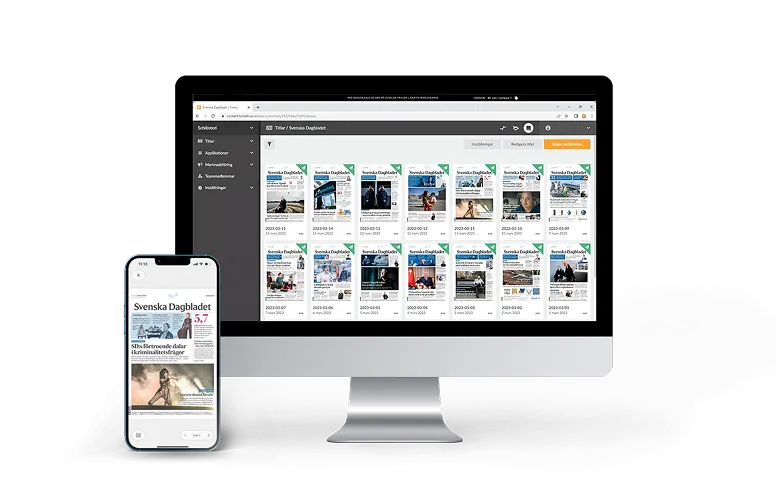*Image: SVD in Prenly Workspace*
## Related articles
- [ Berliner Zeitung: E-Paper Migration | Prenly](https://www.prenly.com/customer-stories/berliner-zeitung-epaper-migration)
- [ How Corren makes sure readers never miss the latest news](https://www.prenly.com/customer-stories/how-corren-ensures-that-ostergotland-never-misses-its-news)
- [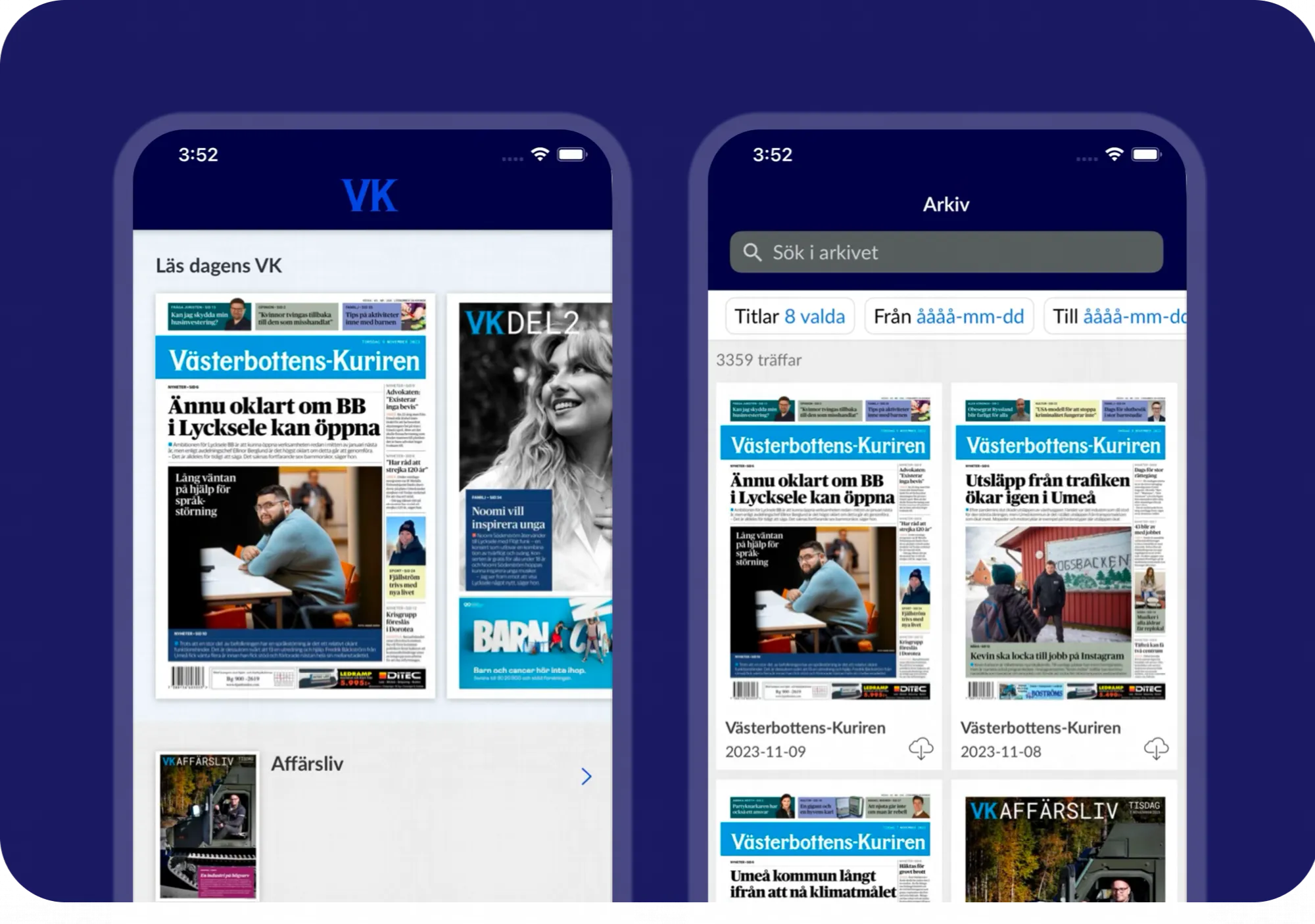 A decade with Prenly: VK Media’s smarter way to publish e-paper](https://www.prenly.com/customer-stories/vk-evening-sports-edition-before-tomorrows-paper)
---
URL: https://www.prenly.com/customer-stories/vk-evening-sports-edition-before-tomorrows-paper
# A decade with Prenly: VK Media’s smarter way to publish e-paper
> Discover how VK Media uses Prenly to publish a smarter e-paper, delivering early evening editions and late sports results without disrupting workflows.
3 min read
[By Fastén. 29 Sep 2025](https://www.prenly.com/author/68)

Over the past decade, VK Media has stayed ahead by rethinking how news is delivered. In 2014, they launched a digital evening edition to give readers early access to the next day’s headlines. Ten years later, they faced a new challenge: delivering late sports results after the print deadline. With Prenly, they solved both — without disrupting editorial workflows.**Customer stories about VK's e-paper in Prenly**
## Challenge
In 2014, Västerbottens-Kuriren (VK Media) wanted to give readers a preview of the next day’s newspaper the evening before print. They needed a solution that would allow digital publication of selected articles without interfering with existing editorial workflows.
Ten years later, in 2024, a new challenge appeared: the print deadline was moved earlier in the afternoon — before most sports events had concluded. VK Media needed a way to deliver those results digitally, without adding extra work or delays.
## Solution
In 2014, VK Media and Textalk co-developed the first version of Prenly — a platform for digital newspapers that went beyond flip-PDFs, offering native article views and support for fully digital editions. This allowed VK Media to launch a digital evening edition with selected content from the upcoming issue.
The digital evening edition was made available to readers as a native article-based format. Later at night, once the full, redacted print layout became available, the article-based version was automatically replaced with the final digital print edition — giving readers access to the complete newspaper in its designed layout by morning.
By 2024, the collaboration had evolved. VK Media now needed a way to publish late sports results — finalized after print — without adding pressure to existing workflows.. Together with Textalk, they developed “Mer Sport” (More Sport) — a digital supplement in Prenly, published alongside the full digital edition.
## How it works today
- VK Media sends the newspaper to print in the afternoon.
- Later in the evening, when sports articles are complete, they are exported to Prenly.
- Prenly creates a separate “Mer Sport” edition, with a cover generated from the first article’s headline and image.
- The sports supplement is bundled with the full digital edition, giving readers a complete and seamless experience.
## Why it matters
For VK Media, this approach provides a clear business advantage: they can offer complete, up-to-date coverage without changing their print schedule or increasing newsroom workload. It saves time, lowers costs, and improves the overall reading experience for subscribers.
[Contact us](https://www.prenly.com/contact-us) to learn how Prenly can modernize your digital publishing workflow.
[Read Västerbottens-Kuriren here](https://evk.vk.se/)
## Related articles
- [ Berliner Zeitung: E-Paper Migration | Prenly](https://www.prenly.com/customer-stories/berliner-zeitung-epaper-migration)
- [ How Corren makes sure readers never miss the latest news](https://www.prenly.com/customer-stories/how-corren-ensures-that-ostergotland-never-misses-its-news)
- [ How Svenska Dagbladet Goes Digital with Prenly’s E-Paper Platform](https://www.prenly.com/customer-stories/how-svenska-dagbladet-svd-meets-its-readers-in-a-digital-age)
---
URL: https://www.prenly.com/customer-stories/how-corren-ensures-that-ostergotland-never-misses-its-news
# How Corren makes sure readers never miss the latest news
> Discover how Corren solved delivery issues and improved the reader experience by automating digital newspaper access for frustrated customers via phone.
2 min read
[By Maria. 29 Sep 2025](https://www.prenly.com/author/61)

Through a smart digital shortcut, Corren was able to instantly turn a problem into an improved reading experience.
When the newspaper doesn’t land in the mailbox as it should, frustration can quickly arise. For Corren, with its strong role as the news source of Östergötland, it was crucial to find a solution that always guarantees reader access – regardless of distribution.
Through a smart digital shortcut, they were able to instantly turn a problem into an improved reading experience.
**Challenge:**
For Corren, the physical distribution of the newspaper was a recurring challenge. When the paper failed to arrive in certain areas, customers would immediately call customer service. The phones were ringing off the hook, and frustration grew – both among readers and staff. Instead of focusing on service and value-creating work, large parts of the support team's time were spent handling the same question: *"Where is my newspaper?"*
**Solution:**
Together with Prenly, a completely new solution was created – simple, smart, and effective.
By integrating Prenly’s API directly into the phone system, Corren was able to automate the process.
When a reader called from an area where delivery had failed, they were met with the message: *"Didn’t receive your newspaper today? Press 1."*
With the press of a button, a unique digital link to that day’s newspaper was automatically generated. The link was sent directly via SMS or email – with no need for the reader to log in or search for their details.
**Result:**
The result was a win–win for everyone:
- Readers got immediate access to their newspaper in digital form and didn’t have to wait.
- Customer service was relieved of countless repetitive calls and could focus on more meaningful matters.
- Corren strengthened its brand by showing that they could adapt quickly and put the reader experience first.
[Read Corren here](https://www.corren.se/)
## Related articles
- [ A decade with Prenly: VK Media’s smarter way to publish e-paper](https://www.prenly.com/customer-stories/vk-evening-sports-edition-before-tomorrows-paper)
- [ How Svenska Dagbladet Goes Digital with Prenly’s E-Paper Platform](https://www.prenly.com/customer-stories/how-svenska-dagbladet-svd-meets-its-readers-in-a-digital-age)
---
URL: https://www.prenly.com/customer-stories/over-40-years-of-accessibility-goteborgs-postens-digital-evoluti
# Over 40 Years of Accessibility: Göteborgs-Posten’s Digital Evolution with Prenly
> Discover how Göteborgs-Posten evolved over 40 years from the world's first digital newspaper for the visually impaired to a modern platform with Prenly.
2 min read
[By David. 22 Oct 2025](https://www.prenly.com/author/77)
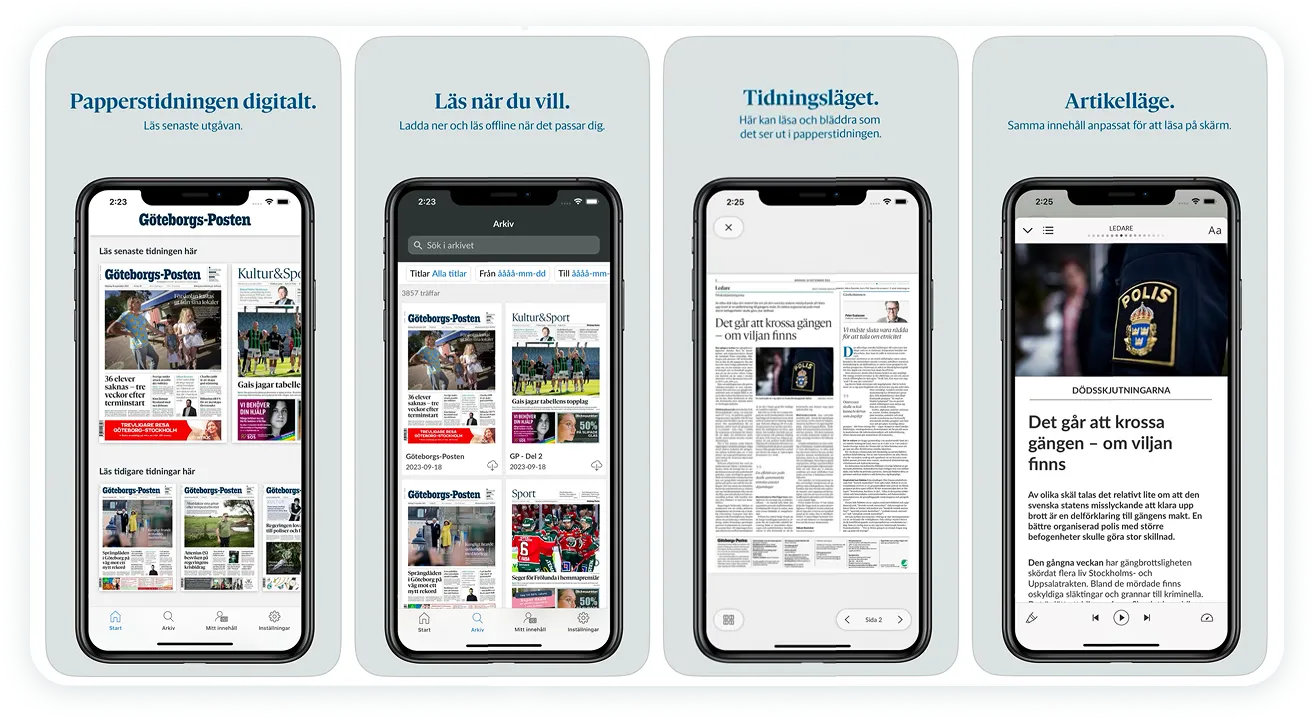
It all began in 1979 when Göteborgs-Posten launched the world’s first digital newspaper for the visually impaired, developed by Textalk’s founder Henrik Rubinstein.Textalk was there from the start and continues to work with Göteborgs-Posten to this day. Over the decades, they’ve grown from that pioneering accessibility project into a fully modern digital platform with Prenly.
## Challenge
In 1979, Göteborgs-Posten needed to make their news accessible for visually impaired readers. As time went on, their needs expanded. By the mid-1990s, they were publishing classified ads online, building a media archive, and eventually needed a comprehensive digital platform for all their content.
## Solution
Textalk built the original technology for the accessible newspaper and has been a part of their digital transformation ever since. Today, with Prenly, Göteborgs-Posten and the entire Stampen group distribute fully digital newspapers, thematic supplements, podcasts, and newsletters—all in one place.
**How it works**
- Göteborgs-Posten produces their content and uploads it to Prenly.
- Prenly optimizes editions for tablets and mobile devices.
- Late updates or digital-only supplements are easily added.
- Everything integrates smoothly with their workflows.
- Readers enjoy a seamless experience, from main newspapers to podcasts and newsletters.
## Why it matters
This has been crucial for Göteborgs-Posten. They’ve maintained accessibility for visually impaired readers while expanding into a fully digital offering. With Prenly, they’ve modernized their workflow, reduced costs, and delivered a better experience for their audience.
[Contact us](https://www.prenly.com/contact-us/) to learn how Prenly can modernize your newspaper’s digital presence!
[Read Göteborgs-Posten e-paper here](https://etidning.gp.se/)
## Related articles
- [ Berliner Zeitung: E-Paper Migration | Prenly](https://www.prenly.com/customer-stories/berliner-zeitung-epaper-migration)
- [ A decade with Prenly: VK Media’s smarter way to publish e-paper](https://www.prenly.com/customer-stories/vk-evening-sports-edition-before-tomorrows-paper)
- [ How Svenska Dagbladet Goes Digital with Prenly’s E-Paper Platform](https://www.prenly.com/customer-stories/how-svenska-dagbladet-svd-meets-its-readers-in-a-digital-age)
---
URL: https://www.prenly.com/customer-stories/three-decades-of-digital-leaps-how-helsingborgs-dagblad-extends
# Three decades of digital leaps: How Helsingborgs Dagblad extends its reach with Prenly
> Discover how Helsingborgs Dagblad uses Prenly to create digital special editions, integrate podcasts, and drive new revenue streams for their e-paper.
2 min read
[By David. 22 Oct 2025](https://www.prenly.com/author/77)
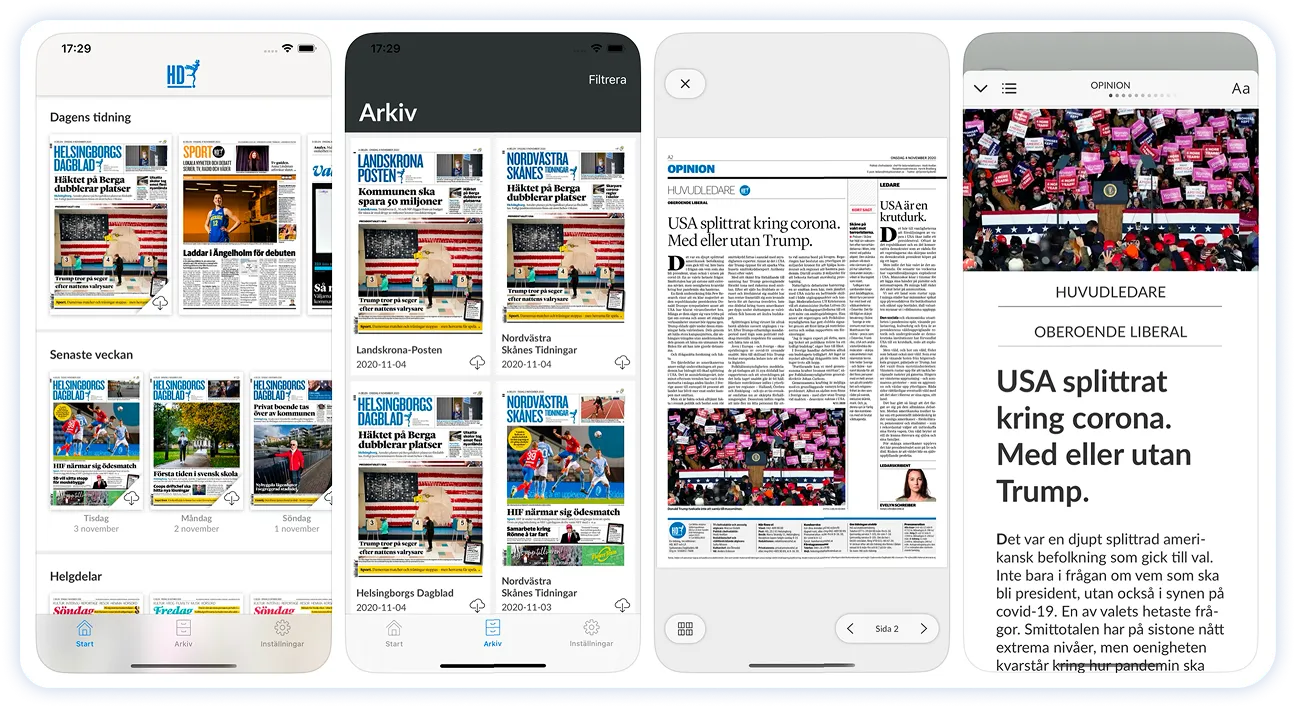
More than thirty years have passed since Helsingborgs Dagblad became pioneers by publishing their entire newspaper online—a journey that started with Textalk’s technology.Back then, Textalk built the tools not only to convert the printed newspaper into digital articles, but also to publish these articles in HTML format. That way, the entire newspaper was truly available online.
Today, HD continues to break new ground with Prenly, making it easy to create fully digital special editions and integrate podcasts directly into the e-paper.
## The Challenge
In 1995, the challenge was to get a daily newspaper online at all. Over time it became about offering readers more than just the printed edition—providing extra digital supplements and audio content in a smooth and efficient way.
## The Solution
Prenly was set up so that HD could easily create digital special editions during major events, bundling them seamlessly with the e-paper without any need for print. In addition, Prenly automatically fetches HD’s podcasts from their specified podcast feeds. HD can decide whether all readers can listen to the podcast or if a specific subscription package is needed for certain channels. This also opens up new revenue opportunities for premium content.
**How It Works**
- HD produces their regular e-paper.
- When needed, they create a digital special edition in Prenly.
- The special edition is automatically bundled with the e-paper.
- Podcasts are automatically pulled from HD’s existing feeds and integrated into the reading experience.
- Readers can listen to the podcasts directly in the e-paper, either openly or as part of a premium subscription.
## Why It Matters
For Helsingborgs Dagblad, this means they can adapt their content quickly, provide more value to their readers, and create new revenue streams through premium offerings.
[Contact us](https://www.prenly.com/contact-us/) to discover how Prenly can elevate your digital publishing to the next level!
[Read Helsingborgs Dagblad here](https://etidning.hd.se/)
---
URL: https://www.prenly.com/customer-stories/berliner-zeitung-epaper-migration
# Rapid Transition: How Berliner Verlag Optimized Its E-Paper Infrastructure with Prenly
> How Berliner Zeitung migrated its e-paper platform without disrupting publishing or subscriber access. Prenly enabled a fast, seamless transition.
3 min read
[By Lena. 4 Feb 2026](https://www.prenly.com/author/76)

When Berliner Verlag decided to strategically further develop its platform, the requirements were clear: the transition needed to be fast and reliable – without disrupting ongoing production or putting subscriber access at risk. Berliner Verlag chose Prenly to partner with an established provider offering a continuously evolving product, without triggering a lengthy large-scale IT project.Carrying out a technical platform migration in the middle of day-to-day operations is a challenge. For Berliner Verlag, the goal was to implement the migration “while operations continued” for its titles Berliner Zeitung, Berliner Kurier, and Weltbühne – without losing momentum. At the same time, the groundwork needed to be laid for the launch of the “Ostdeutsche Allgemeine Zeitung,” the new nationwide project of Ostdeutsche Medienholding.
The editorial teams needed to maintain their existing workflows, subscribers should be able to keep their login credentials, and all issue content had to be transferred seamlessly – including elements that are not always part of standard CMS data streams.
## The solution: Existing workflows in –> a modern app out
Prenly made it possible to work directly with the sources already in place.
- **Content from print production, optimized for the app:** Using the same technology applied in the sister product [Webarch](https://www.webarch.io), Prenly was able to structure PDF print data into a format perfectly suited for the article reading mode in the app.
- **The complete issue included:** This approach ensured that content often missing from traditional editorial workflows – such as fully laid-out elements or externally produced material – was also included in the digital edition.
- **Flexibility for the future:** Berliner Zeitung was able to launch as a productive pilot using its current workflow, while retaining the freedom to later switch to – or complement it with – direct delivery from the CMS via XML/API. The same applies to all other titles within the publishing group.
> “Prenly structured the onboarding process extremely well and understood our technical requirements from the very beginning. Adjustments were implemented quickly and pragmatically, and the collaboration between the teams was consistently professional and partnership-driven – even under tight deadlines and across countries and language barriers.” **– Berliner Zeitung**
## How it works
- **Subscribers and login:** Through the Prenly Remote API, Berliner Zeitung’s developers connected the existing subscription system directly with the app. Accounts and permissions continue to be managed in legacy systems, ensuring a seamless transition for readers without interruption.
- **The publisher controls the content:** Using the [Prenly Workspace](https://www.prenly.com/en/prenly-workspace), the newspaper defines the mix within the app – such as e-paper, web news, podcasts, and text-to-speech (via Microsoft Azure) – as well as their order and prioritization.
- **Web and native in one seamless experience:** When combining web content with native feeds, the Prenly JS Bridge is used. This makes web views feel like a natural part of the app.
## The result
Berliner Zeitung was able to switch platforms in a very short time without having to launch a major internal technology project. It secured its daily publishing operations while simultaneously laying the foundation for a modern app where multiple formats can be brought together and developed further at its own pace.
All additional titles from the publisher are currently being migrated. These migrations are expected to be completed within the first quarter of 2026, highlighting the flexibility of Prenly’s solutions.
## Facing a similar migration?
**[Get in touch with us](https://www.prenly.com/en/contact-us)**, and we’ll show you what a transition could look like for your organization.
**[Visit Berliner Zeitung here](https://epaper.berliner-zeitung.de/)**
## Related articles
- [Digital Publishing & E-paper Platform for Newspapers | Prenly](https://www.prenly.com/digital-publications/newspapers)
- [ Over 40 Years of Accessibility: Göteborgs-Posten’s Digital Evolution with Prenly](https://www.prenly.com/customer-stories/over-40-years-of-accessibility-goteborgs-postens-digital-evoluti)
- [ A decade with Prenly: VK Media’s smarter way to publish e-paper](https://www.prenly.com/customer-stories/vk-evening-sports-edition-before-tomorrows-paper)
- [ How Svenska Dagbladet Goes Digital with Prenly’s E-Paper Platform](https://www.prenly.com/customer-stories/how-svenska-dagbladet-svd-meets-its-readers-in-a-digital-age)
---
URL: https://www.prenly.com/customer-stories/making-news-accessible-for-everyone-together-with-mtm
# Making news accessible for everyone – together with MTM
> Discover how Textalk and MTM make news accessible for everyone. Learn about the Akila talking newspaper app, our current challenges, and future plans for accessible media.
3 min read
[By Sofie. 2 Apr 2026](https://www.prenly.com/author/78)

Accessibility has been part of Textalk’s DNA since the very beginning. In 1979, our founder Henryk Rubinstein developed the world’s first digital newspaper for visually impaired readers, laying the foundation for what would later become Prenly. We have continued running our so-called talking newspaper service ever since.
## What is our talking newspaper service?
Instead of reading a printed page, the newspaper content is transformed into a structured, accessible format. The content is then delivered through dedicated apps, tailored to different user needs, where it can be listened to or used with assistive tools like screen readers or braille displays – making it possible to access the news in a way that truly works for each individual.
The talking newspaper service provides various alternatives for consuming newspapers, one of them being the Akila app powered by Prenly. The Akila app is intended for visually impaired readers as well as readers with dyslexia.
## Today’s challenge
The way newspapers are produced and consumed has changed dramatically. Originally, newspapers were designed for print. Today, publishers create a much richer digital experience:
- Additional articles are published only online
- Digital-only editions and supplements are created
- Visually driven content such as images, layouts, or design-heavy articles are added
While this shift has created more value for most readers, it has also introduced a gap. Visually impaired users cannot always access this expanded content in the same way, which can lead to an uneven experience compared to other readers.
Another challenge is how content is consumed. A full newspaper can take several hours to listen through – often up to six hours. While sighted readers can quickly scan headlines and choose what interests them, this level of flexibility is harder to achieve in audio-based experiences.
## Our plan forward
Our goal is simple: to give people with different abilities the same opportunity to access and explore news as everyone else.
To better understand which changes will truly help users, MTM and Prenly recently completed a pre-study exploring how people interact with accessible content. This gave us valuable insights into what works well today versus where improvements are needed. One encouraging takeaway was that we don’t need to start from scratch. Much of the technology needed to improve the experience exists today.
Based on these findings, the next step is to test improvements with users and gradually make the experience easier to use. A key focus is personalization based on user interests, combined with improving how content is structured and presented. This makes it easier to find relevant content without removing depth or choice. We also want to explore introducing voice navigation in the Akila app, making it even easier for users to move through content in a way that suits their needs.
## What this means for our users
Making the service more personal and easier to use means people can find the news they care about faster and be engaged from the first minute. It becomes simpler to explore and use the service more often, and stay interested over time. This creates a better overall experience that encourages users to keep, extend, or start a subscription.
[Learn more about MTM and their work here →](https://www.mtm.se/produkter-och-tjanster/taltidningar/)
## Related articles
- [ Berliner Zeitung: E-Paper Migration | Prenly](https://www.prenly.com/customer-stories/berliner-zeitung-epaper-migration)
- [ Three Decades of Digital Leaps: How Helsingborgs Dagblad Extends Its Reach with Prenly](https://www.prenly.com/customer-stories/three-decades-of-digital-leaps-how-helsingborgs-dagblad-extends)
- [ A decade with Prenly: VK Media’s smarter way to publish e-paper](https://www.prenly.com/customer-stories/vk-evening-sports-edition-before-tomorrows-paper)
---
URL: https://www.prenly.com/blog
# Latest news
> Discover how Prenly helps media groups and newspapers create digital publications, manage workflows, and deliver engaging reading experiences.
Explore news, analysis and insights from Prenly, and stay up to date with the latest developments in digital publishing.
[Contact us](https://www.prenly.com/contact-us)
[Webinar: Ad Revenue for Digital Publishers | Prenly](https://www.prenly.com/blog/webinar-ad-revenue-digital-editions): 10 Nov 2026 Discover how newspapers and magazines can create new advertising opportunities with Prenly Ads Network. Join our upcoming webinars on 17 and 19 November to see how it works. Read more
[Missed Newspaper Deliveries: Corren's Solution | Prenly](https://www.prenly.com/blog/missed-newspaper-deliveries-corren): 9 Nov 2026 How digital newspaper access can help publishers support subscribers when print distribution is disrupted. Read more
[New Ad Revenue for Newspapers & Magazines | Prenly](https://www.prenly.com/blog/new-ad-revenue-for-newspapers-and-magazines): 5 Nov 2026 What if your digital newspaper or magazine could generate additional advertising revenue without changing its existing layout or taking space away from your regular ads? Read more
[Measure reader engagement: a publisher app pilot | Prenly](https://www.prenly.com/blog/measure-reader-engagement-a-publisher-app-pilot-prenly): 2 Nov 2026 A practical measurement brief for publishers evaluating games, audio, polls or events alongside journalism. Read more
[E-paper archive migration: a publisher’s checklist | Prenly](https://www.prenly.com/blog/e-paper-archive-migration): 26 Oct 2026 A practical acceptance checklist for the issues, access rules and reader journeys that must survive a platform change. Read more
[Native magazine app or PWA? A buyer’s checklist | Prenly](https://www.prenly.com/blog/native-magazine-app-or-pwa-a-buyer-s-checklist-prenly): 23 Oct 2026 Use the same publication, devices and acceptance criteria to evaluate app and web proposals. Read more
[FIPP 2026 and the next chapter for magazine publishers](https://www.prenly.com/blog/fipp-2026-magazine-publishers-digital-growth): 15 Oct 2026 A magazine earns its place through a distinctive editorial voice, a subject readers care about and an experience worth coming back to. Read more
[Magazine app demo: test subscriber access | Prenly](https://www.prenly.com/blog/magazine-app-demo-test-subscriber-access-prenly): 13 Oct 2026 A practical checklist for newspaper and magazine publishers comparing digital reading solutions. Read more
[The future of digital magazines: what publishers need to get right | Prenly](https://www.prenly.com/blog/why-digital-magazines-are-the-future-of-publishing): 8 Oct 2026 The future of magazines is not simply about replacing print with a digital replica. It is about keeping the strengths of the magazine while creating a digital experience that is easier to...
[The Evolution of Digital Publishing: From Print to AI | Prenly](https://www.prenly.com/blog/the-evolution-of-digital-publishing-a-retrospective-and-forward): 7 Oct 2026 Digital publishing has changed dramatically over the past few decades. What began as a way to reproduce newspapers, magazines and books on a screen has evolved into a multi-format...
[How magazine publishers can engage readers between issues | Prenly](https://www.prenly.com/blog/how-magazines-engage-readers-between-issues): 6 Oct 2026 For magazine publishers, reader engagement does not have to begin when a new issue is released and end when the reader reaches the last page. Read more
[FIPP World Media Congress 2026 in Madrid | Prenly](https://www.prenly.com/blog/fipp-world-media-congress-2026): 5 Oct 2026 The FIPP World Media Congress returns to Madrid on 13–15 October 2026, bringing together publishers, media leaders and technology partners from around the world. Prenly will also be there...
[Prenly Events – Events Calendar for Newspapers and Magazines](https://www.prenly.com/blog/prenly-events-for-newspapers-magazines): 1 Oct 2026 We’re launching Prenly Events – a new events calendar for newspapers and magazines that brings local events directly into the Prenly app and on the web. Read more
[Prenly Games webinar in English | September 22 | Prenly](https://www.prenly.com/blog/prenly-games-webinar-in-english): 15 Sep 2026 Following the response to our Swedish Prenly Games launch webinar, we’re hosting a new live session – this time in English. Read more
[Prenly Workspace: Digital Publishing Workflow for Publishers](https://www.prenly.com/blog/prenly-workspace-digital-publishing-workflow): 14 Sep 2026 Publishing a digital newspaper or magazine involves much more than uploading a PDF. Editorial teams need to create and organize content, manage editions, collaborate across teams, control...
[How to Turn a Print Newspaper into a Digital Edition](https://www.prenly.com/blog/how-to-take-a-print-newspaper-digital-without-losing-the-newspaper-experience): 1 Sep 2026 Taking a print newspaper digital involves more than simply putting a PDF online. For many readers, the newspaper experience itself matters: a clearly defined edition, the editorial...
[ElevenLabs with Prenly | AI Text-to-Speech for Newspapers and Magazines](https://www.prenly.com/blog/use-elevenlabs-with-prenly-for-enhanced-text-to-speech): 25 Aug 2026 Can you use ElevenLabs with Prenly? Yes. ElevenLabs is one of the text-to-speech providers supported by Prenly as part of Enhanced Text-to-Speech. Once the feature has been configured...
[Games & Quizzes for Newspaper & Magazine Apps | Prenly](https://www.prenly.com/blog/we-are-launching-prenly-games-games-and-quizzes-for-newspapers-and-magazines): 19 Aug 2026 We’re launching Prenly Games – a new way for newspapers and magazines to give readers more reasons to open the app and keep coming back.We’re launching Prenly Games – games and quizzes for...
[Building Trust in Digital Publishing & Credibility](https://www.prenly.com/blog/building-trust-in-the-age-of-fake-news-ensuring-credibility-in-digital-publishing): 13 Aug 2026 In today's digital age, where information is abundant and easily accessible, distinguishing fact from fiction has become increasingly challenging. The proliferation of "fake news" has...
[Beyond EPUB: Why Publishers Need Modern E-Paper | Prenly](https://www.prenly.com/blog/from-pdf-to-modern-e-paper-why-publishers-need-more-than-epub-conversion): 19 Jun 2026 Many publishers start with a practical search: “convert PDF to EPUB.” It’s a logical starting point. The PDF already exists. The publication is complete. The print workflow is familiar....
[Print vs Digital vs Hybrid Publishing: What Works Best?](https://www.prenly.com/blog/digital-publishing-vs-print-analyzing-the-pros-and-cons-in-the-m): 10 Jun 2026 Publishers are no longer making a simple choice between print and digital. The stronger question is how each format supports the reader relationship, the business model, and the editorial...
[How to Publish a Magazine: A Step-by-Step Guide for Modern Publishers | Prenly](https://www.prenly.com/blog/how-to-publish-a-magazine-a-step-by-step-guide-for-modern-publishers): 8 Jun 2026 Publishing a magazine today is not only about producing a printed issue. Modern publishers need to plan content, design a strong reading experience, distribute across print and digital...
[5 Ways to Give Content Access and Attract Subscribers](https://www.prenly.com/blog/5-ways-to-give-access-to-content-and-attract-more-subscribers): 5 Jun 2026 Not every reader is ready to subscribe immediately. Try to strategically offer access to selected content to attract new audiences. Here are five effective ways to provide access to content...
[WAN-IFRA Congress 2026 for Publishers | AI, Reader Revenue & Digital Publishing](https://www.prenly.com/blog/wan-ifra-congress-2026-for-publishers): 22 May 2026 WAN-IFRA Congress 2026, officially the 77th World News Media Congress, will take place June 1–3, 2026, at Palais du Pharo in Marseille, France.You can explore the official event website...
[Why Seamless Reader Experiences Are Becoming the Real Competitive Advantage in Digital Publishing | Prenly](https://www.prenly.com/blog/why-seamless-reader-experiences-are-becoming-the-real-competitive-advantage-in-digital-publishing): 14 May 2026 For a long time, publishers have focused their digital strategy on content, distribution, and monetization. Those priorities still matter. Strong journalism, trusted brands, and...
[Prenly at B2B Media Days 2026 in Berlin | Digital Publishing Platform](https://www.prenly.com/blog/prenly-at-b2b-media-days-2026-shaping-the-future-of-digital-b2b-publishing): 11 May 2026 When Europe’s leading professionals in B2B media, digital publishing, and professional communication gather in Berlin for B2B Media Days 2026, Prenly will be there as part of the...
[Prenly at Gratistidningarna’s Branschdag 2026 in Knivsta](https://www.prenly.com/blog/prenly-is-attending-gratistidningarna-s-branschdag-2026): 16 Apr 2026 On April 17, Prenly will attend Branschdagen 2026, organized by Gratistidningarna, at Nova Park in Knivsta.The event brings together stakeholders from local and free newspapers for a day...
[Prenly at INMA World Congress 2026 Berlin](https://www.prenly.com/blog/prenly-at-inma-world-congress-2026-in-berlin): 10 Apr 2026 Prenly will be attending the INMA World Congress of News Media 2026 in Berlin (May 4–8) – one of the most important global events for news media leaders, publishers, and digital...
[How Local Newspapers Can Build Sustainable Digital Reader Habits | Prenly](https://www.prenly.com/blog/how-local-newspapers-can-build-sustainable-digital-reader-habits): 27 Mar 2026 Many local newspapers already have an e-paper. That is an important first step, but in practice it often leads to familiar problems: low engagement, weak daily reading habits, and...
[Dark Mode for Publishing Apps | New Feature in Prenly](https://www.prenly.com/blog/we-re-launching-dark-mode-in-prenly): 10 Mar 2026 We are excited to introduce a highly requested new feature in Prenly: Dark Mode.Dark Mode means that the app is displayed with a dark color theme where backgrounds become darker while text...
[Prenly at Future of German Media 2026 in Hanover](https://www.prenly.com/blog/prenly-at-the-future-of-german-media-2026-meet-us-in-hannover): 27 Feb 2026 On March 11–12, we’re heading to Hannover for The Future of German Media (TFGM) 2026 – a key meeting place for German quality journalism and digital media innovation. The summit brings...
[Modernizing Digital Publishing Without Replacing Existing Systems](https://www.prenly.com/blog/modernizing-digital-publishing-without-replacing-existing-systems): 25 Feb 2026 Digital audiences expect more than a static replica edition. They expect a reading experience that works across devices, adapts to different situations, and feels natural on mobile. For...
[MVFP Future Media 2026: AI & Publishing Trends](https://www.prenly.com/blog/mvfp-future-media-now-2026-ai-revenue-models-and-the-future-of-digital-publishing): 25 Feb 2026 On February 19, 2026, media leaders gathered in Berlin for MVFP Future Media Now 2026 – a conference centered around one dominant theme: AI and its impact on the future of...
[Unified App for Publishers: Why Media Houses Are Moving Beyond Separate News & E-Paper Apps](https://www.prenly.com/blog/why-a-unified-app-is-the-smartest-choice-for-publishers): 27 Jan 2026 When digital publishing continues to evolve, many publishers are asking the same question: Do we really need so many separate digital products?For many years, it has been common to split...
[Practical tips for digital publishing in 2026](https://www.prenly.com/blog/practical-tips-for-digital-publishing-in-2026): 9 Jan 2026 Happy New Year! As 2026 begins, many publishing teams are looking for practical ways to work smarter – not by adding more tools or processes, but by making better use of what’s already...
### Prenly
Prenly helps newspapers, magazines and media groups create and distribute digital publications across apps and the web.
[About Prenly](https://www.prenly.com/about-us)
### Prenly Workspace
Plan and manage your digital publishing in one shared workflow, with control over content, editions and publishing.
[Explore Workspace](https://www.prenly.com/prenly-workspace)
### Prenly Reader
Create one connected reading experience for e-papers, articles, podcasts, audio, games and crosswords across iOS, Android and the web.
[Explore Reader](https://www.prenly.com/prenly-reader)
## Sign up for our newsletter
The Prenly newsletter keeps you updated on the latest developments in digital publishing and what’s new at Prenly.
---
URL: https://www.prenly.com/blog/webinar-ad-revenue-digital-editions
# Live webinar: How to generate new advertising revenue from digital editions
> Join our free webinar to discover how newspapers and magazines can generate additional ad revenue through interactive ads in their digital editions.
2 min read
[By Maria. 10 Nov 2026](https://www.prenly.com/author/61)
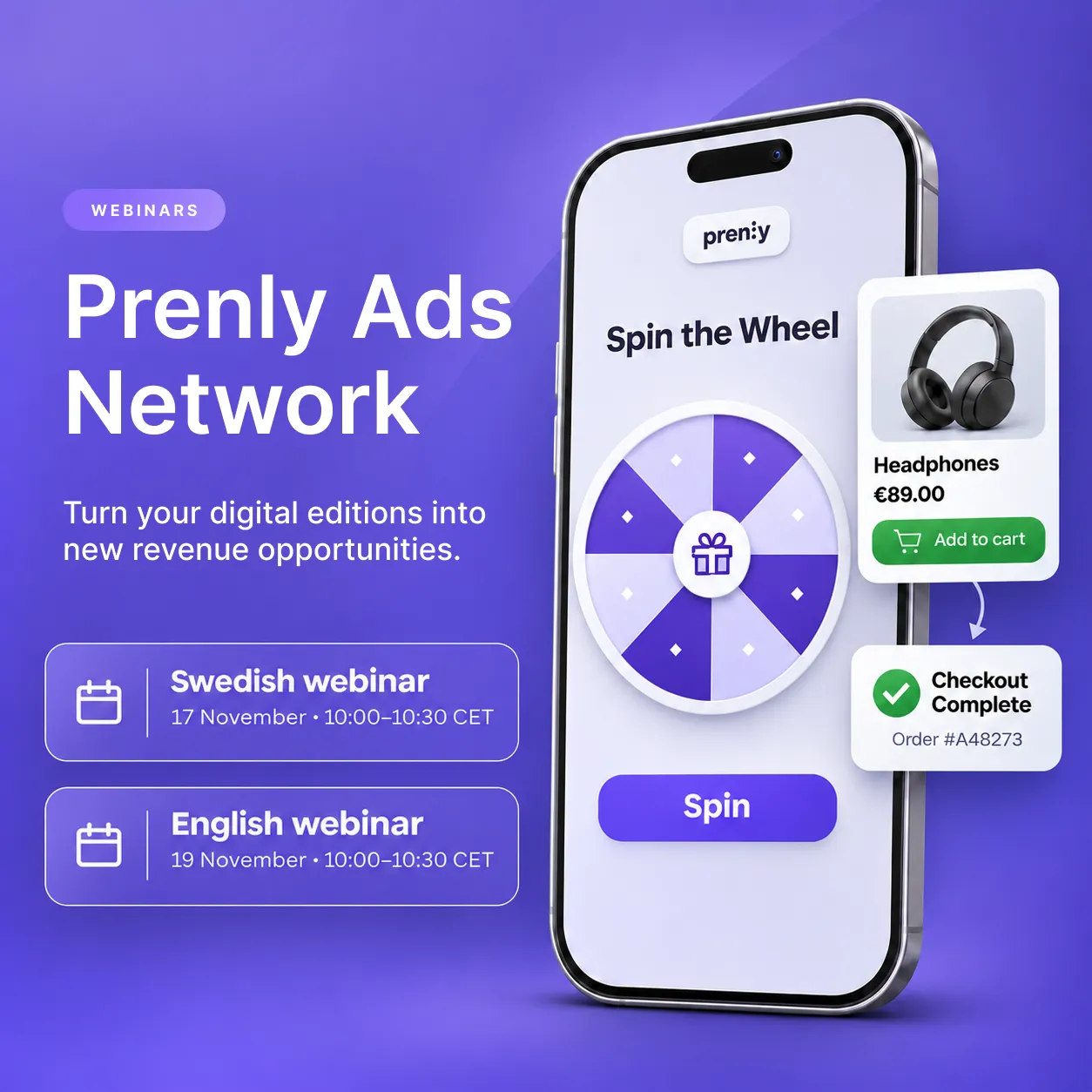
**Discover how newspapers and magazines can create new advertising opportunities with Prenly Ads Network. Join our upcoming webinars on 17 and 19 November to see how it works.**
How can publishers generate additional advertising revenue from their digital editions without changing the existing layout or replacing regular ads?
Following the launch of **Prenly Ads Network**, we're inviting newspaper and magazine publishers to join us for a free, 30-minute webinar.
## See Prenly Ads Network in action
During the webinar, **Elias Swartswe, Business Developer at Prenly**, will demonstrate how interactive game ads and shopping experiences can become part of digital publications.
You'll learn how:
- Interactive ads appear on dedicated pages between the regular pages of a digital edition.
- Publishers can earn a share of advertising revenue based on impressions.
- Prenly handles the creation and sales of advertising campaigns.
- Newspapers and magazines can join the network completely free of charge.
Whether you're looking to explore new revenue opportunities for your [digital newspaper](https://www.prenly.com/digital-publications/newspapers) or [digital magazine](https://www.prenly.com/digital-publications/magazines), this webinar is a great place to start.
## Choose your webinar
🇸🇪 **Swedish webinar – Tuesday, 17 November**
10:00–10:30 CET
[Save your spot →](https://network.prenlyads.com/sv/launch-webinar)
🇬🇧 **English webinar – Thursday, 19 November**
10:00–10:30 CET
[Save your spot →](https://network.prenlyads.com/en/launch-webinar)
## Want to learn more before the webinar?
Read our article about [new advertising revenue opportunities for newspapers and magazines](https://www.prenly.com/blog/new-ad-revenue-for-newspapers-and-magazines) to explore how Prenly Ads Network works.
Looking for more ways to develop your digital publication? Discover [Prenly Engage](https://www.prenly.com/prenly-engage) and explore interactive experiences that help publishers strengthen reader engagement.
**We look forward to seeing you at the webinar!**
## Related articles
- [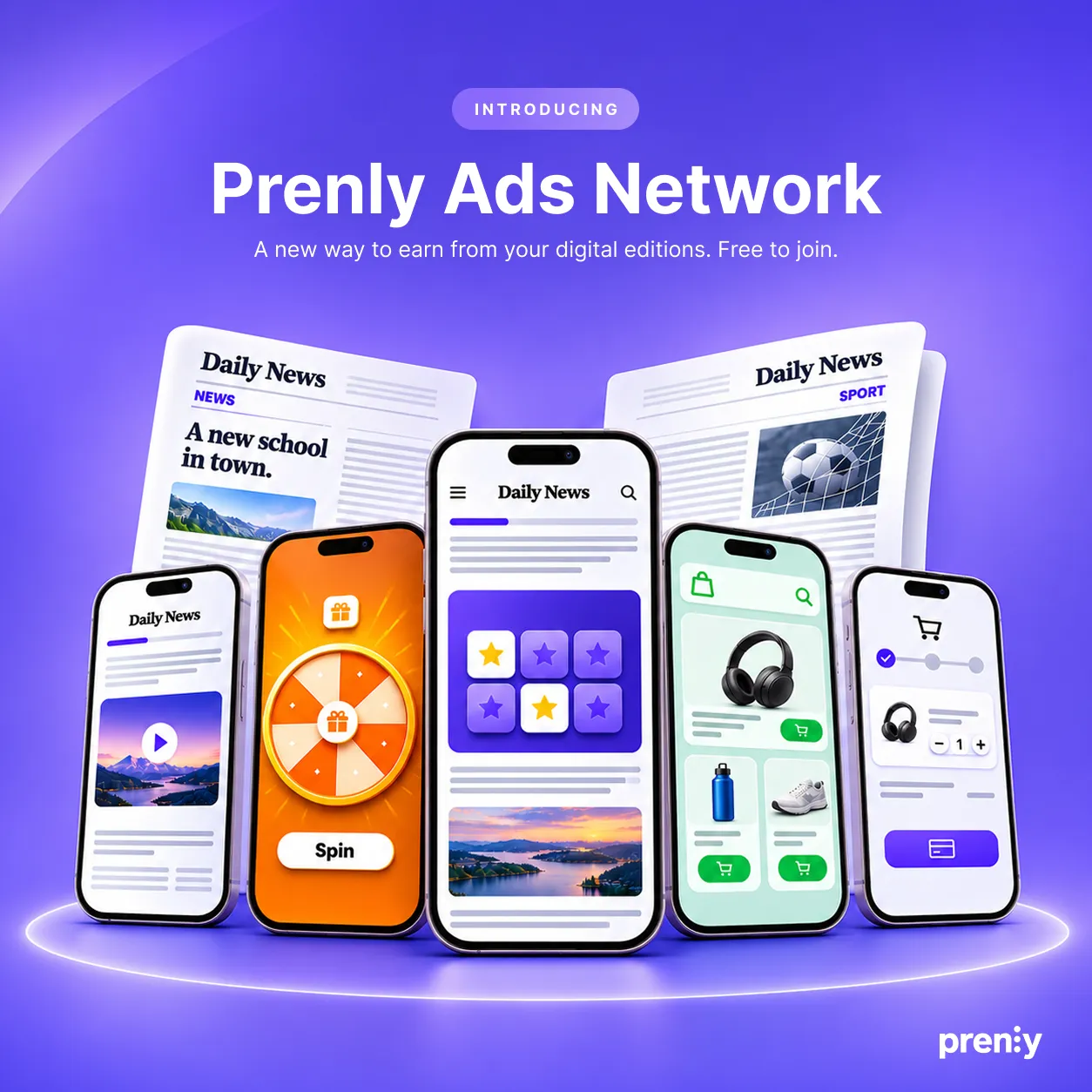 New Ad Revenue for Newspapers & Magazines | Prenly](https://www.prenly.com/blog/new-ad-revenue-for-newspapers-and-magazines)
- [ FIPP 2026 and the next chapter for magazine publishers](https://www.prenly.com/blog/fipp-2026-magazine-publishers-digital-growth)
- [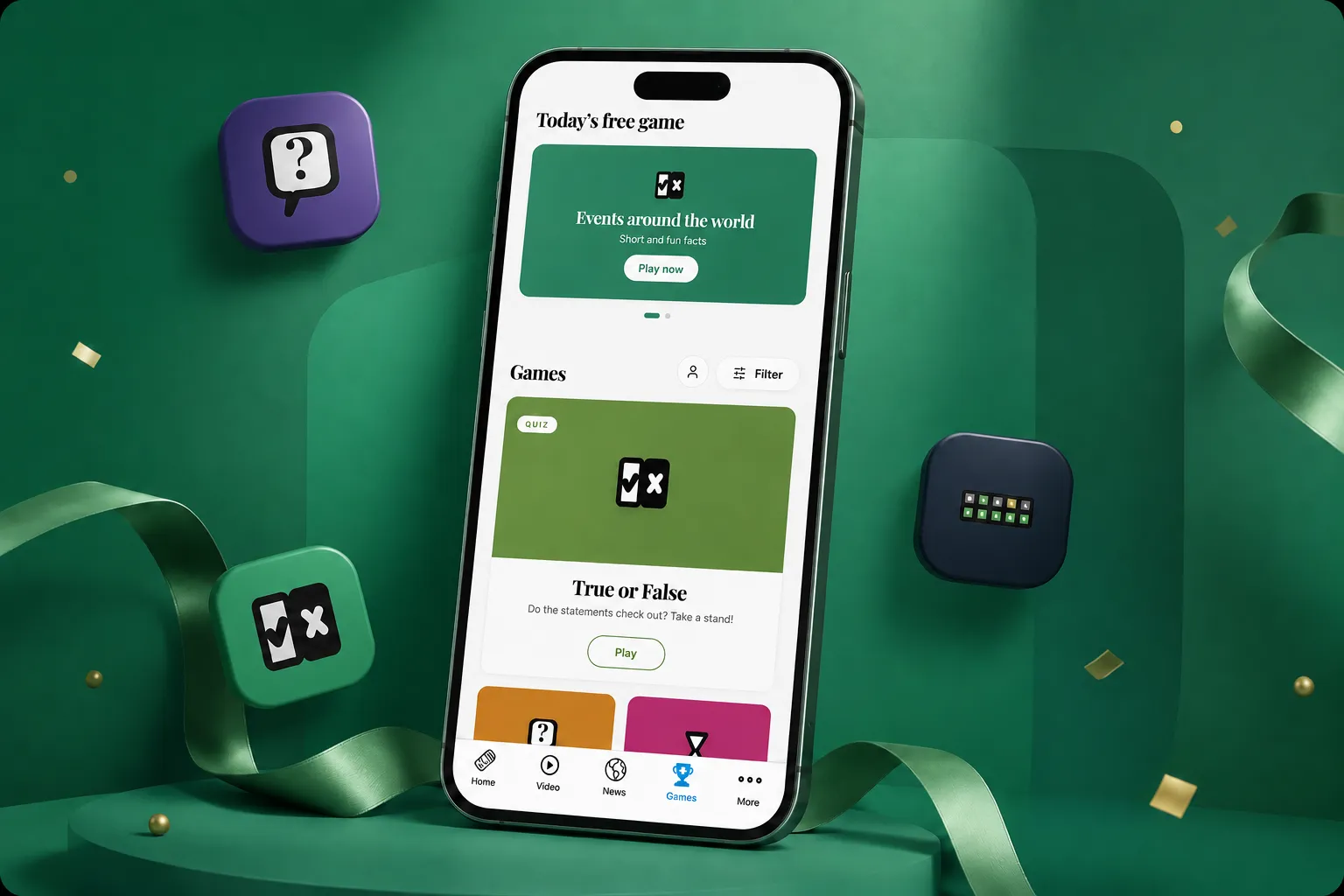 Games & Quizzes for Newspaper & Magazine Apps | Prenly](https://www.prenly.com/blog/we-are-launching-prenly-games-games-and-quizzes-for-newspapers-and-magazines)
---
URL: https://www.prenly.com/blog/missed-newspaper-deliveries-corren
# When print newspaper delivery fails: four lessons from Corren
> Discover how Corren used Prenly's API to give subscribers digital newspaper access when print deliveries failed, plus four practical lessons for publishers.
3 min read
[By Maria. 9 Nov 2026](https://www.prenly.com/author/61)

**How digital newspaper access can help publishers support subscribers when print distribution is disrupted.**
When a print newspaper fails to arrive, subscribers still expect access to the day's edition. For publishers, missed deliveries create another challenge: how do you help affected readers quickly without overwhelming customer service with repeated enquiries?
For Swedish newspaper Corren, digital access became part of the solution. By connecting its telephone system to Prenly's API, the publisher made it easier for subscribers to access the day's digital edition when their printed copy did not arrive.
[**Explore digital access for your subscribers →**](https://www.prenly.com/book-demo)
## How Corren solved the problem
When print deliveries failed in certain areas, subscribers turned to Corren's customer service for help. Missed deliveries created a challenge for customer service, particularly when several subscribers needed assistance at the same time.
Working with Prenly, Corren introduced a more efficient approach by integrating Prenly's API with its telephone system.
Instead of waiting to speak to a customer service representative, callers could select an option in the automated phone menu. They would then receive a unique link to that day's digital newspaper via SMS or email.
In this tailored solution, subscribers could access the edition without having to search for their login credentials.
The solution gave readers a straightforward way to access their newspaper while helping Corren manage missed deliveries more efficiently.
## Four lessons for newspaper publishers
### 1. Put the reader's immediate needs first
When a newspaper delivery is missed, subscribers want a simple way to read the latest edition.
Review the entire reader journey, from discovering that the newspaper has not arrived to accessing the digital edition. Identify unnecessary steps and make the process as straightforward as possible, including for subscribers who rarely use digital services.
### 2. Make digital access easy to find
Corren used its existing telephone system to reach readers through a familiar customer service channel.
For other publishers, a dedicated support page, an SMS notification or an email-based process may be more appropriate.
The important consideration is to make the alternative easy to discover and use when a print delivery fails.
### 3. Ensure the right subscribers receive access
A digital alternative also requires a clear approach to subscriber access.
Who should receive a link? How long should it remain valid? How will access be verified and managed alongside existing subscription systems?
Corren's solution was developed through a specific API integration. It is not a standard, ready-made feature automatically included in every Prenly implementation.
### 4. Measure the reader and customer service experience
A digital alternative should work for both subscribers and the publisher's support team.
Track how many affected readers successfully access the digital edition, how easily they can open it and whether the number of customer service enquiries changes.
Comparing these findings with the publisher's usual process for handling missed deliveries can help identify opportunities to improve the experience.
## Digital newspapers offer value beyond delivery disruptions
A digital edition can be more than a backup when print distribution fails. It can also give subscribers a convenient way to read their newspaper as part of their everyday routine.
With [**Prenly Reader**](https://www.prenly.com/prenly-reader), publishers can offer digital newspapers and magazines across multiple devices, including the web, smartphones and tablets.
For publishers looking to improve how they handle missed newspaper deliveries, Corren's experience demonstrates how digital publishing technology can be combined with existing customer service systems to create a more accessible solution.
The exact approach to providing digital access during delivery disruptions will depend on each publisher's systems, subscription setup and requirements.
[**Read the full Corren customer story →**](https://www.prenly.com/customer-stories/how-corren-ensures-that-ostergotland-never-misses-its-news)
[**Explore Prenly's solutions for newspaper publishers →**](https://www.prenly.com/digital-publications/newspapers)
## Frequently asked questions
### Can subscribers access a digital newspaper when their print delivery is missed?
Yes, provided the publisher offers a digital edition and has a suitable way to grant access. In Corren's case, subscribers could receive a unique link to the day's digital newspaper via SMS or email.
### How did Corren provide digital access to subscribers?
Corren integrated Prenly's API with its telephone system. Readers who called about a missed delivery could select an option in the phone menu and receive a link to the day's digital edition without searching for their login credentials.
### Is Corren's telephone integration a standard Prenly feature?
No. Corren's solution was developed through a specific API integration. Similar workflows need to be assessed according to each publisher's technical setup and requirements.
### What should publishers measure when introducing a digital alternative?
Useful measures include successful access to the digital edition, ease of use for subscribers and changes in customer service enquiries related to missed newspaper deliveries.
## Related articles
- [ Digital Newspaper & E-paper App for Publishers | Prenly Reader](https://www.prenly.com/prenly-reader)
- [Digital Publishing & E-paper Platform for Newspapers | Prenly](https://www.prenly.com/digital-publications/newspapers)
- [ How Corren makes sure readers never miss the latest news](https://www.prenly.com/customer-stories/how-corren-ensures-that-ostergotland-never-misses-its-news)
---
URL: https://www.prenly.com/blog/new-ad-revenue-for-newspapers-and-magazines
# New advertising revenue for newspapers and magazines: Introducing Prenly Ads Network
> Discover new ad revenue opportunities for digital newspapers and magazines with Prenly Ads Network. Free to join, with interactive ads and revenue sharing.
5 min read
5 Nov 2026

**What if your digital newspaper or magazine could generate additional advertising revenue without changing its existing layout or taking space away from your regular ads?**
We're excited to introduce **Prenly Ads Network**, a new advertising network that gives newspaper and magazine publishers an opportunity to earn additional revenue from their digital editions.
And the best part? It's completely free to join.
By bringing interactive game ads and shopping experiences directly into digital publications, Prenly Ads Network introduces new advertising opportunities while keeping the familiar reading experience intact.
**Curious about what Prenly could do for your publication?** [Book a meeting with our team](https://www.prenly.com/book-demo/) to explore Prenly Ads Network and discover new revenue opportunities for your digital editions.
## New advertising opportunities between the pages
Digital editions already bring readers together around trusted editorial content. But for many publishers, finding additional ways to monetise that readership remains an ongoing challenge.
Prenly Ads Network introduces a different approach.
Instead of replacing existing banners or changing the publication's design, the network places **interactive advertisements on standalone pages between the regular pages of a digital edition**.
Readers can engage with branded games, discover products and even make purchases without leaving the publication.
For publishers, this creates additional advertising space without affecting the existing layout, editorial pages or banner placements.
The idea is simple: make better use of the digital reading environment while opening up another source of advertising revenue.
## [Watch video →](https://cmscontent.tx.lk/media/3/public/Video/Scene-1%20%281%29.mp4)
## Two advertising formats designed for digital publications
Prenly Ads Network brings together two types of interactive advertising, each offering advertisers a different way to engage with readers.
### Interactive game ads
Imagine turning the page of a digital newspaper and discovering a branded game.
Readers might spin a wheel, play a memory game or take part in another interactive experience created around an advertiser's brand.
Unlike traditional display ads, these formats invite readers to participate rather than simply view a message.
The games appear on their own pages between the publication's regular pages, providing advertisers with an interactive format while leaving the surrounding editorial content unchanged.
### Shopping directly within the digital edition
The second format brings e-commerce into the reading experience.
Readers can discover products from participating advertisers, explore what is available and complete a purchase directly within the digital edition.
For advertisers, this creates a new opportunity to present products in a publishing environment.
For publishers, it adds another potential revenue stream without requiring them to operate their own online stores or manage individual product sales.
**Together, these formats give digital editions new commercial possibilities beyond traditional banners and display advertising.**
## Free to join – and we take care of the campaigns
One of the biggest advantages of Prenly Ads Network is how straightforward participation is designed to be.
**Publishers can join the network at no cost, with no fixed membership fees.**
Prenly takes care of creating and selling the advertising campaigns, so participating publishers do not need to build their own sales process for the network.
The network is also designed to match campaigns with the publication's category and readership, helping make the advertising experiences relevant to the audience.
For participating publishers, the process is simple:
1. **Join the network for free.** Get in touch and we'll guide you through the connection process.
2. **Make room for new ad experiences.** Dedicated advertising pages are added between the pages of your digital edition.
3. **Receive a share of the advertising revenue.** Your share of each campaign's revenue is based on the ad impressions your publication generates.
This gives publishers the opportunity to benefit from advertising campaigns without taking on the work of producing and selling them.
## More value from your digital readership
For newspaper and magazine publishers, every digital edition represents a valuable relationship with readers.
Prenly Ads Network creates an opportunity to build on that relationship commercially.
The network combines three important benefits:
- **Additional revenue opportunities:** Receive a share of advertising campaign revenue based on impressions generated by your publication.
- **No additional advertising sales workload:** Prenly creates and sells the campaigns.
- **Your existing layout stays intact:** Game ads and shopping experiences appear on separate pages, without replacing your regular banners.
The amount of revenue depends on campaign activity and the impressions each publication contributes, rather than a fixed payment per reader or edition.
For publishers looking to develop their digital advertising strategy, the network offers a way to explore new formats without committing to fixed participation costs.
## See Prenly Ads Network in action
Curious about what an interactive advertisement looks like inside a digital newspaper?
You can explore Prenly Ads Network for yourself.
Our interactive demo lets you try different game formats, explore how branded advertising experiences appear between publication pages and see how shopping can become part of the digital reading journey.
[**Explore Prenly Ads Network and try the demo →**](https://network.prenlyads.com/en/)
## Ready to explore a new revenue opportunity?
Prenly Ads Network is designed to make participation straightforward for publishers.
Joining is free, the advertising campaigns are managed by Prenly, and revenue sharing is based on the impressions your publication contributes.
Whether you publish a local newspaper, a specialist magazine or several digital titles, we'd be happy to show you how the network could work for your publications.
[**Discover Prenly Ads Network →**](https://network.prenlyads.com/en/)
**Have questions or interested in joining?**
Get in touch with **Elias Swartswe, Business Developer at Prenly**, at [elias@textalkgroup.com](mailto:elias@textalkgroup.com).
We look forward to exploring new advertising opportunities together!
## Frequently asked questions about Prenly Ads Network
### How can digital newspapers and magazines generate additional advertising revenue?
Digital publishers can create new revenue opportunities by introducing advertising formats beyond traditional display ads. Prenly Ads Network enables newspapers and magazines to earn a share of revenue from interactive game ads and shopping experiences placed between the pages of their digital editions.
### What is Prenly Ads Network?
Prenly Ads Network is a free advertising network for digital newspapers and magazines. It connects publishers with advertising campaigns featuring branded games and shopping experiences. Prenly creates and sells the campaigns, while participating publishers receive a share of the advertising revenue.
### Is Prenly Ads Network free for publishers?
Yes. Joining Prenly Ads Network is completely free, with no fixed membership fees. Publishers provide advertising space within their digital editions, and Prenly manages the advertising campaigns.
### Will the ads affect our existing newspaper layout or banners?
No. Advertisements appear as standalone pages between the regular pages of your digital publication. Your existing editorial layout and banner placements remain unchanged.
### How does revenue sharing work for publishers?
Participating publishers receive a share of the advertising revenue from each campaign based on the number of ad impressions their publication generates. Revenue therefore depends on campaign activity and the impressions contributed by each publication.
### How can our newspaper or magazine join Prenly Ads Network?
Getting started is straightforward. Contact the Prenly team, and we'll guide you through connecting your publication to the network. There are no membership fees or obligations to join.
## Related articles
- [ The future of digital magazines: what publishers need to get right | Prenly](https://www.prenly.com/blog/why-digital-magazines-are-the-future-of-publishing)
- [ Games & Quizzes for Newspaper & Magazine Apps | Prenly](https://www.prenly.com/blog/we-are-launching-prenly-games-games-and-quizzes-for-newspapers-and-magazines)
- [ Berliner Zeitung: E-Paper Migration | Prenly](https://www.prenly.com/customer-stories/berliner-zeitung-epaper-migration)
---
URL: https://www.prenly.com/blog/measure-reader-engagement-a-publisher-app-pilot-prenly
# Did the new app feature help readers return? Plan a useful pilot
> Do games, audio or events help readers return? Plan a publisher app pilot with clear measures, reliable tracking and an honest comparison.
4 min read
[By Maria. 2 Nov 2026](https://www.prenly.com/author/61)
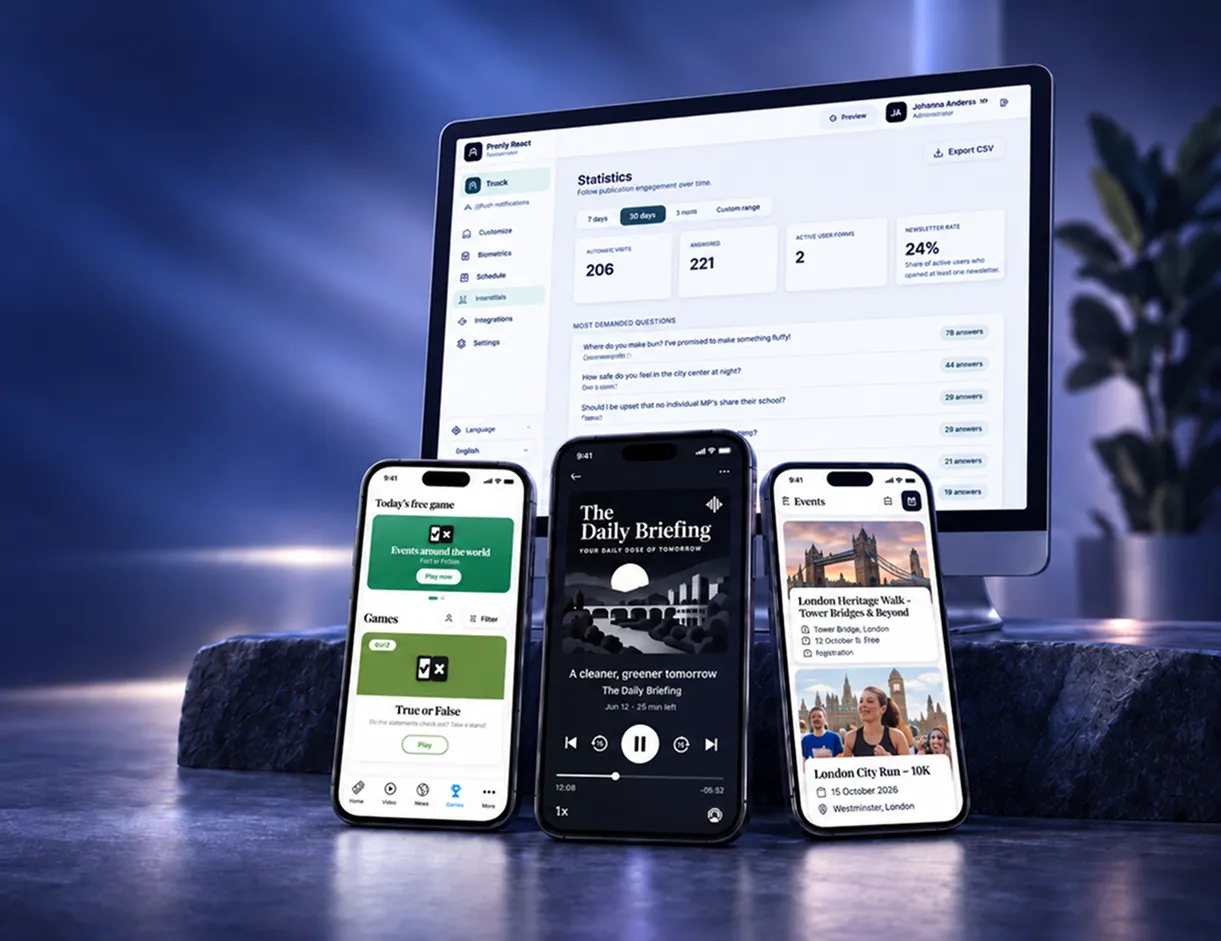
A practical measurement brief for publishers evaluating games, audio, polls or events alongside journalism.
A new app feature can produce an impressive first-day graph. So can a prominent launch banner. The more useful publisher question comes later: did readers find a reason to return, and did the feature support the publication? Before adding games, audio, polls or events, write a small pilot brief. Choose a reader need, a measurable behavior and a review date. You will be evaluating a product decision rather than collecting a celebratory screenshot.
[Want to explore Prenly? Book a meeting with us ->](https://www.prenly.com/book-demo)
## Give one feature one clear job
Start with a specific audience and use case. A local newspaper might test whether an events view helps readers plan their weekend. A specialist magazine might explore whether a short quiz brings interested readers back between issues. These are suggested pilot designs, not reported customer results.
[Prenly Engage](https://www.prenly.com/prenly-engage/) describes games, polls, podcasts and events within the existing publishing app. Select one relevant service and confirm availability and configuration for your publication. Launching several at once makes it harder to understand which change helped.
## Separate availability, participation and return
Write down the questions before choosing charts. Was the feature available to the intended audience? Did readers actually use it? Did those readers return during the agreed follow-up period? Those are different observations. A session count is not a count of distinct readers, and an app open does not establish that someone used the new feature.
Agree the exact events, reporting environment and identifiers needed with the team responsible for analytics. Treat the following as proposed measures, not a claim that they are already implemented:
- Participation: readers who used the feature relative to the measurable audience that encountered it.
- Return: members of a defined pilot cohort who made a further measured visit within the chosen window.
- Editorial continuation: participants who subsequently opened an article or edition during the defined journey.
- Operating effort: the editorial and support work required to keep the service useful.
## Check the measurement before judging the feature
Test the event sequence with approved test accounts or devices. Check that one action is not counted twice, that consent settings are respected and that internal tests can be distinguished from reader activity. If readers cannot be recognized consistently across app and web, do not present the combined total as a deduplicated audience.
Missing tracking means unavailable evidence, not zero interest. Likewise, a commercial website’s analytics do not automatically measure what happens in the publisher’s reading app. Confirm the actual property, stream and event coverage before comparing results.
## Choose a comparison that fits the publication
Use a baseline and follow-up period that reflect the publishing rhythm. A weekly local title and a quarterly trade magazine need different observation windows. Record major news events, issue launches, campaigns and changes in promotion that could affect the result.
A comparison group can improve the design where feasible, but self-selecting participants are not a random sample. Readers who choose a quiz may already be unusually active. A higher return rate among them is an association; it does not, by itself, prove that the quiz caused extra visits or prevented cancellations.
## Decide what you will change after the review
Agree in advance whether the next step could be to continue, adjust placement or content, extend the test, or stop the feature. Avoid inventing an industry benchmark to make the decision look tidy. Consider reader feedback alongside the observed behavior and the work needed to operate the service.
For editorial ideas, read [how magazines engage readers between issues](https://www.prenly.com/blog/how-magazines-engage-readers-between-issues). The measurement brief here has a narrower purpose: assessing one feature’s contribution. It is not another general list of reasons to add more content.
## Bring the measurement brief to your supplier discussion
Explore Prenly’s [newspaper solutions](https://www.prenly.com/digital-publications/newspapers) or [digital magazine offering](https://www.prenly.com/digital-publications/magazines/) with the audience need, intended service and reporting questions in hand. Ask what can actually be observed, what requires configuration and which information remains outside the available data.
[Book a meeting with Prenly](https://www.prenly.com/book-demo) to discuss the reader experience and a proportionate pilot. The aim is a decision your team can explain, including what the numbers cannot tell you yet.
## Questions about measuring a reader engagement pilot
### Which metric should a publisher use first for an app feature pilot?
Choose a behavior connected to the reader need, then define its audience and observation window. Feature participation, measured return and continuation to editorial content can answer different questions. A large app-open total alone is insufficient.
### Can we use website GA4 data to judge engagement inside the reader app?
Only if the relevant app activity is actually measured in the identified reporting setup. Confirm property, stream, events and coverage. Commercial website traffic should not be presented as reader-app usage without that evidence.
### Does a higher return rate among feature users prove the feature worked?
No. Readers may have selected themselves into the feature because they were already more active. Review the baseline, comparison design, promotion and other changes before making a causal claim.
### How long should a reader engagement pilot run?
Choose the period around the publication’s rhythm and the decision being tested. A weekly paper and a quarterly magazine need different observation windows. Document limitations and extend the test when evidence is too thin.
## Related articles
- [ How magazine publishers can engage readers between issues | Prenly](https://www.prenly.com/blog/how-magazines-engage-readers-between-issues)
- [ Prenly Engage | Reader Engagement for Publishers](https://www.prenly.com/prenly-engage)
---
URL: https://www.prenly.com/blog/e-paper-archive-migration
# E-paper archive migration: a checklist for changing providers
> Switching e-paper providers? Define archive scope, issue naming, subscriber access and acceptance checks before migrating older newspaper editions.
4 min read
[By Maria. 26 Oct 2026](https://www.prenly.com/author/61)

A practical acceptance checklist for the issues, access rules and reader journeys that must survive a platform change.
The new edition opens beautifully. Then somebody searches for last year’s local election supplement. Can they find it, and does their subscription still let them read it? An e-paper archive migration needs its own acceptance criteria. Before choosing a new platform, agree which issues will move, how readers will find them and what access should look like afterward. A folder full of successfully transferred PDFs is useful evidence. It is not the whole reader experience.
[Want to explore Prenly? Book a meeting with us ->](https://www.prenly.com/book-demo)
## Define the archive you are actually buying and moving
Start with a simple scope sheet: publication, date range, regional edition, supplements and expected source files. Identify gaps before the transfer begins. Include titles that changed name and editions with several parts. Decide whether the project covers complete issue replicas, separately searchable articles, or both. Those are different deliverables; a PDF transfer alone does not establish what article search will support.
Agree who supplies missing material, which formats are accepted and how exceptions will be recorded. If you are comparing suppliers, use the same scope with each. Use Prenly’s [digital newspaper platform](https://www.prenly.com/digital-publications/newspapers) as one starting point for discussing your requirements. The agreed archive scope should make every supplier’s proposal assessable against the same reader needs.
## Keep file identity separate from reader-facing labels
A predictable file name helps an import process recognize material. A useful archive also needs titles and dates that make sense to the reader. Prenly’s [archive upload guidance](https://www.prenly.com/support/your-prenly-onboarding/uploading-archive) documents structured file naming using a publication name and date, with parts or pages where needed. It also describes optional issue-number naming.
Use that guidance when preparing source files, then agree how the imported issues should appear. Check a date-based daily paper and, where relevant, a numbered special edition. Do not change the naming convention halfway through a batch without agreeing the consequences with the migration team.
## Write down who should be allowed to read what
An archive is not necessarily one permission rule. A current subscription may cover some titles or periods, while other content may be open or excluded. Document the intended rules and test them using approved test accounts. Include an account that should have access and one that should not. A successful sign-in proves identity, not the correct archive entitlement.
The [Berliner Zeitung migration case](https://www.prenly.com/customer-stories/berliner-zeitung-epaper-migration) describes connecting an existing subscription system through Prenly Remote API. That is a concrete example of retaining established access management. It does not demonstrate which archive permissions your own publication will need, or guarantee the same integration for every publisher.
## Separate the server archive from downloaded copies
Ask what happens to issues already stored on a reader’s device. The platform’s archive, an app’s local downloads and a reader’s saved navigation are different things. Establish which of them the proposed migration covers. If an app update or a new download is required, prepare clear instructions rather than promising that everything will carry over unchanged.
## Prepare your archive for future use
An archive migration is also an opportunity to consider how historical content could become more useful over time. Beyond transferring complete issues, publishers may want to preserve individual article text, images, captions, publication dates and links to the original pages.
Structured content can make historical journalism easier to discover, reuse and connect to future editorial services. It may also create opportunities for AI-assisted research, thematic collections and new reader experiences.
**Before migrating, ask your provider:**
- Can historical content be made searchable beyond individual issues?
- Can article text, images, dates and source references be preserved together?
- Who controls access, usage rights and potential reuse of the content?
- Will the archive support future editorial and commercial opportunities?
Prenly supports searchable archives and can help publishers import and index historical issues. Publishers exploring more advanced uses of their archives should discuss the available options and requirements with the [Prenly team](https://www.prenly.com/book-demo).
## Accept a reader journey, not just a transfer count
Reconcile the supplied issue list with the imported list. Then sample different titles, periods, regional versions and multipart issues. Search for an agreed older edition, open it with the appropriate test account and check the expected pages. Record missing issues, wrong labels and access failures separately, with an owner and a resolution date.
Agree whether archive batches can be accepted independently of the next live edition. Keep unresolved items visible after launch. This checklist concerns archive scope and acceptance; your wider launch rehearsal should also cover the current publication cycle.
Bring a small archive sample and your access rules to a [meeting with Prenly](https://www.prenly.com/book-demo). You will have a much more useful conversation about migration scope, dependencies and what a successful handover should mean for your readers.
## Questions about moving an e-paper archive
### Does moving PDF files also move subscriber access?
Not automatically. Content delivery and access management are separate parts of the project. Agree which system supplies entitlements, which archive periods they cover and how those rules will be tested.
### Must every archived issue move before the current edition launches?
That depends on the agreed launch scope. You can discuss separate batches and acceptance dates, but confirm what readers will be able to access at each stage and keep any exceptions visible.
### Will existing downloads remain available on a reader’s device?
Do not assume that they will. Ask the supplier to distinguish the server archive, local downloads and app-update behavior. Test the agreed scenarios and prepare instructions for any necessary reader action.
### How should a publisher check that an archive migration is complete?
Compare supplied and imported issue lists, investigate gaps and test representative reader journeys. Counts alone do not confirm correct labels, page content or access rights. Agree the evidence and ownership needed for acceptance.
## Related articles
- [Digital Publishing & E-paper Platform for Newspapers | Prenly](https://www.prenly.com/digital-publications/newspapers)
- [ Berliner Zeitung: E-Paper Migration | Prenly](https://www.prenly.com/customer-stories/berliner-zeitung-epaper-migration)
---
URL: https://www.prenly.com/blog/native-magazine-app-or-pwa-a-buyer-s-checklist-prenly
# Native app or PWA for your magazine? Compare the reader journey
> Native magazine app or PWA? Compare reading, access, offline use, notifications and ongoing work with a practical publisher evaluation checklist.
4 min read
[By Maria. 23 Oct 2026](https://www.prenly.com/author/61)
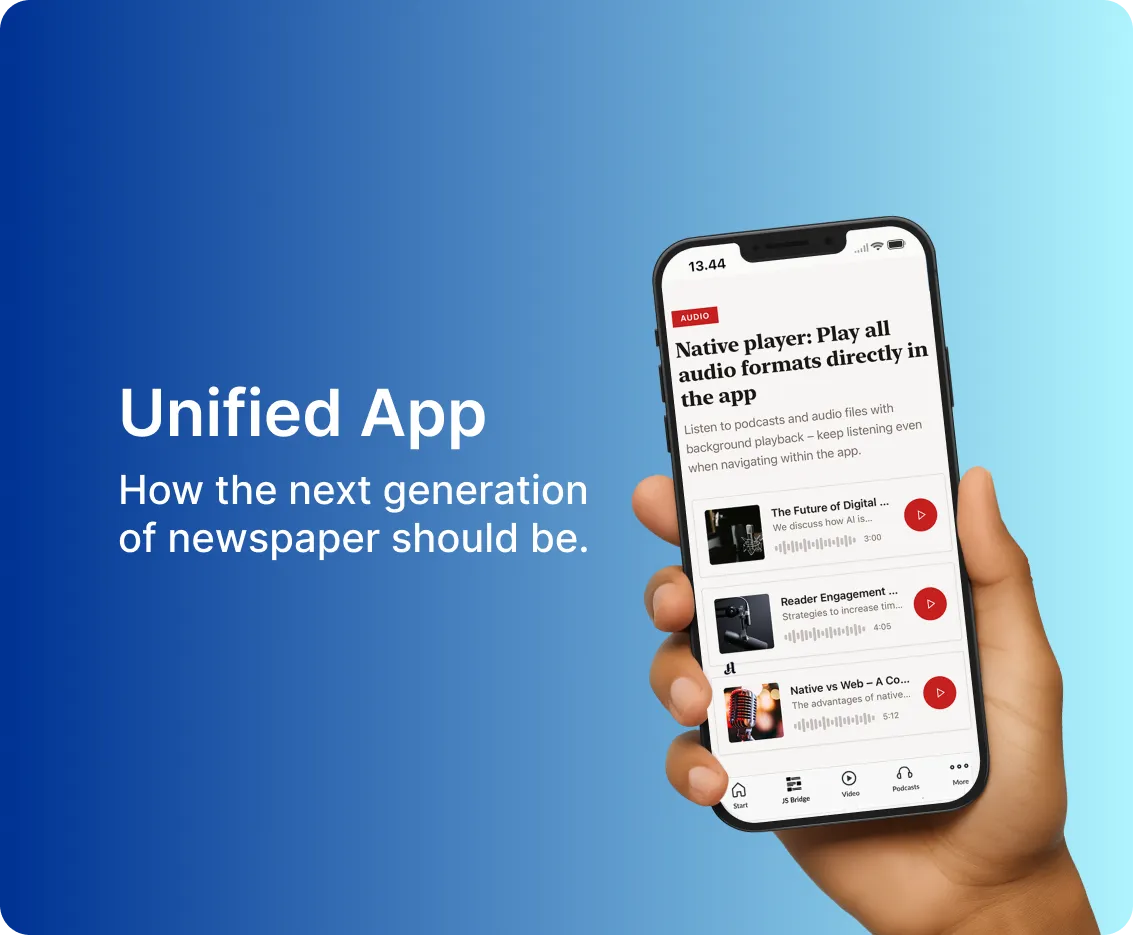
Use the same publication, devices and acceptance criteria to evaluate app and web proposals.
An app proposal can turn into a debate about labels surprisingly quickly. Native. Web. PWA. Hybrid. Your readers are more likely to ask whether their magazine opens, whether the text is comfortable to read and whether they can return to the right issue. Before choosing an approach, define those journeys and ask each supplier to demonstrate them with the same material. The technology matters, but the comparison needs something more useful than competing slides.
[Explore Prenly’s digital magazine solutions ->](https://www.prenly.com/digital-publications/magazines/?utm_source=chatgpt.com)
[Want to explore Prenly? Book a meeting with us ->](https://www.prenly.com/book-demo)
## Know what the labels describe
A native app is built for a particular operating system. A progressive web app, or PWA, uses web technologies and can provide an installable, app-like experience. Neither label alone establishes the complete feature set of the proposed product. Ask the supplier to identify the actual implementation and supported devices.
Keep product organization separate from delivery technology. Bringing editions, articles and audio together in [one unified publishing app](https://www.prenly.com/blog/why-a-unified-app-is-the-smartest-choice-for-publishers) is a product decision. It does not, on its own, tell you whether every component is native or web-based.
## Compare the same reader tasks
Bring an issue that represents your magazine: long articles, image-heavy spreads, captions and the types of links you publish. Use the phones and tablets that matter to your audience. Ask suppliers to show the following, rather than marking a feature as present on a checklist:
- Discover the magazine, open an edition and reach an article without a project-team explanation.
- Read a long feature at a comfortable text size, follow an image caption and return to the issue.
- Open paid content with an approved test account and understand what an account without access should see.
- Leave the experience, return later and find the intended reading position or edition.
Record what was demonstrated, on which device and with which configuration. A promise to add something after signing belongs in a separate column.
## Make offline reading and notifications concrete
If offline reading matters, define exactly what should be available after a download. Test leaving the network, reopening the product and finding the selected material. Include images and any audio you intend to offer. Do not infer an offline experience from an install icon.
For notifications, agree the target devices, permission journey and destination after a tap. Ask what happens if a reader declines permission. Capabilities and constraints need to be confirmed for the proposed implementation; they should not be assumed from a generic native-versus-PWA chart.
## Plan the route between publication dates
A magazine app needs a purpose between issue launches. Consider which articles, podcasts, archive selections or reader activities deserve a place there, and who will maintain them. An empty tab is easy to build and rather less persuasive to open.
Prenly’s [digital publishing solutions for magazines](https://www.prenly.com/digital-publications/magazines/) describe an offer spanning editions and additional content. The guide to [engaging magazine readers between issues](https://www.prenly.com/blog/how-magazines-engage-readers-between-issues) provides editorial possibilities. Use these as conversation starters, then choose the experience that fits your publication instead of filling every available slot.
## Include operating work in the decision
Ask who handles releases, device testing, content updates, accessibility checks and support. Identify dependencies on accounts, app distribution, integrations and external services. Compare a defined operating scope alongside the initial implementation proposal. Do not accept a universal claim that one delivery model always costs less or is automatically easier to maintain.
Agree how you will receive evidence for the requirements that remain untested. Give editorial, product, technical and subscriber-service colleagues a shared record of the decision, including limitations and responsibilities.
## Use the demo to establish fit
Prenly describes a reading experience across iOS, Android and the web. In your evaluation, ask how your proposed configuration delivers the journeys above; do not treat “available on web” as proof of a particular PWA architecture. Bring your own publication and device priorities to a [meeting with Prenly](https://www.prenly.com/book-demo), and compare what readers can actually do.
## Questions about magazine apps and PWAs
### Is a PWA the same thing as a responsive magazine website?
No. A PWA uses web technologies to provide an app-like experience, potentially including installation. A responsive layout alone does not establish those capabilities. Ask what the specific proposal implements and test it on relevant devices.
### Does native automatically mean that every issue works offline?
No. Agree which content should be downloaded and demonstrate its behavior without a connection. Check the edition, images and any audio individually rather than inferring the result from the app’s technology label.
### Can a publisher offer both an app and web access?
Yes, a product strategy can include both. Assess how access, content presentation and support work across them. Prenly describes iOS, Android and web experiences, but the scope and configuration for your publication need confirmation.
### What should we take to a supplier demo?
Bring a representative issue, priority devices, approved test accounts and a short list of reader tasks. Ask for demonstrated results, dependencies, limitations and the work required after launch.
## Related articles
- [ How magazine publishers can engage readers between issues | Prenly](https://www.prenly.com/blog/how-magazines-engage-readers-between-issues)
- [Digital Magazine & E-magazine Platform for Publishers | Prenly](https://www.prenly.com/digital-publications/magazines)
---
URL: https://www.prenly.com/blog/fipp-2026-magazine-publishers-digital-growth
# FIPP 2026 and the next chapter for magazine publishers
> Explore FIPP 2026 themes for magazine publishers, from reader engagement to digital advertising, and discuss your next steps with Prenly.
5 min read
15 Oct 2026
A magazine earns its place through a distinctive editorial voice, a subject readers care about and an experience worth coming back to.
For magazine publishers, the FIPP World Media Congress 2026 programme in Madrid, 13–15 October, brings those fundamentals into focus: how to build stronger reader relationships and a sustainable business around them.
**Want to see what Prenly can do for your magazine?** [Book a meeting with us ->](https://www.prenly.com/book-demo)
*FIPP World Media Congress in Madrid, with Prenly’s Esther Dietzsch (left in the selfie) and Davida Rothman. Photos supplied by Davida Rothman and Esther Dietzsch.*
Davida Rothman and Esther Dietzsch joined the publishing community in Madrid for Prenly. Among the people Davida met was Jon Reidar Hammerfjeld, Founder of Labrador CMS. Alongside these face-to-face connections, the [published congress programme](https://fippcongress.com/agenda/) offers a useful starting point for magazine teams considering their next digital move. The ideas below are Prenly’s perspective on those programme themes.
## Give readers a reason to return between issues
Harvard Business Review’s contribution to the programme centres on audience focus and growth, with Erika Heilman. For magazine publishers, that raises a practical question: how well does the digital experience reflect the specific interests that brought readers to the title?
A gardening magazine might give a reader a reason to revisit seasonal advice. A design title might help them rediscover an interview or collection they saved. A professional magazine might connect a long-form feature with a relevant podcast. These are editorial choices, shaped by the publication’s subject and readers, rather than a requirement to publish constantly.
The issue remains an important moment. The relationship can continue in the weeks around it. A useful archive, a well-timed notification or an inviting place to read can help make that possible. The question is what deserves a reader’s attention between editions, and whether it is easy to find.
For publishers using Prenly, [Prenly Engage](https://www.prenly.com/prenly-engage) offers ways to extend that experience with formats such as games, polls, podcasts and events. A magazine team could begin with one format that fits its identity, then assess whether readers actually use it. There is little value in adding features that an editorial team cannot sustain or that readers do not need.
## Make the magazine worth paying for
Newsweek’s programme session connects premium print with a broader revenue mix. RBA Revistas’ Alex Poderoso brings print and digital growth into the same discussion. Both are useful prompts to think about the complete magazine offer.
Readers may value the design and pace of a print issue, the convenience of a digital edition and the ability to return to years of specialist coverage. The task is to make those benefits clear and accessible. A digital subscription should feel like a considered extension of the magazine, with the same care for navigation and presentation as its pages.
Prenly’s [digital publishing for magazines](https://www.prenly.com/digital-publications/magazines) brings digital editions, archives, web content and podcasts into the reader experience. Accessible reading views and audio options can make content easier to enjoy in different situations. The right combination depends on the title, its audience and the material it already produces.
Die Weltbühne is one magazine example. The German title covers politics, art and economics and is included in Prenly’s [Berliner Verlag customer story](https://www.prenly.com/customer-stories/berliner-zeitung-epaper-migration). Prenly’s [current migration overview](https://www.prenly.com/get-started-with-prenly) reports that Weltbühne, Berliner Zeitung and Berliner Kurier moved to the platform while preserving existing workflows and subscriber access. For a magazine team, that is a useful reminder to assess continuity alongside new features: how will a platform change support the publishing systems and reader relationships already in place?
Before adding more, look at the reader’s journey. Can a new subscriber find the latest edition? Can a regular reader discover a relevant back issue? Does the experience give someone a clear reason to return before the next publication date? Those questions are a practical starting point for improving the value readers receive.
## Keep advertising close to the reader experience
The programme also includes Condé Nast’s Sharon Carter on scaling tailored advertising creative. For magazine teams, the wider opportunity is to connect commercial formats with the character of the title and the interests of its audience.
A specialist magazine can give an advertiser a relevant setting for its message. Digital editions create an opportunity to explore how that message works on screen: whether a reader can act on it, whether its placement feels appropriate and whether the publisher can explain the available reporting clearly.
With [PrenlyAds](https://prenlyads.com/?lang=en), magazine publishers can use scheduled ad insertions, clickable calls to action and impression and click reporting. These capabilities can support additional advertising packages around the digital edition, creating potential new revenue opportunities. Choose formats and placements that fit your publication, then build a clear offer for advertisers.
Start with a concrete advertiser brief. Decide what the campaign needs to communicate, where it belongs and what will be measured. Keep the reading experience central. Commercial opportunities are easier to evaluate when the editorial and advertising teams can see the same reader journey.
*Left: Davida Rothman with Jon Reidar Hammerfjeld, founder of Labrador CMS. Right: conversations between sessions at FIPP in Madrid. Photos supplied by Davida Rothman*
## Choose one useful next step
FIPP’s programme gives magazine publishers plenty to consider. The next step can be small enough to put into practice: make the archive easier to explore, test an engagement format between issues or review how a digital advertising placement supports a campaign.
Choose one reader need, agree who owns the work and decide how you will assess it. Depending on the aim, that could mean repeat visits, archive use, participation in a poll or response to a campaign. Review the result alongside reader feedback before expanding the idea.
The most useful digital direction will grow out of what makes your magazine valuable already. Prenly can help you explore how to carry that identity into the reading experience and the commercial opportunities around it.
**Want to see what Prenly can do for your magazine?**
[Book a meeting with us ->](https://www.prenly.com/book-demo)
## Related articles
- [ How magazine publishers can engage readers between issues | Prenly](https://www.prenly.com/blog/how-magazines-engage-readers-between-issues)
- [Digital Publishing for Newspapers, Magazines and Media Groups | Prenly](https://www.prenly.com/digital-publications)
- [ Berliner Zeitung: E-Paper Migration | Prenly](https://www.prenly.com/customer-stories/berliner-zeitung-epaper-migration)
---
URL: https://www.prenly.com/blog/magazine-app-demo-test-subscriber-access-prenly
# Choosing a magazine app? Test subscriber access in your demo
> Compare magazine apps with real subscriber scenarios. Check login, access rights, archives and support responsibilities before choosing a publishing solution.
4 min read
[By Maria. 13 Oct 2026](https://www.prenly.com/author/61)
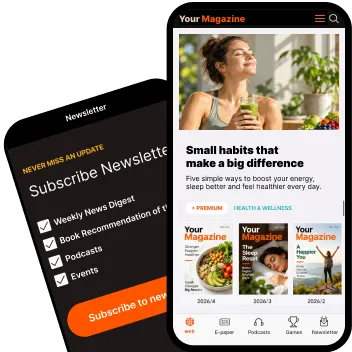
A practical checklist for newspaper and magazine publishers comparing digital reading solutions.
A magazine app demo should help you judge whether the product fits your publication and your subscribers. Attractive screens are useful, but they cannot show whether a reader with a particular subscription will reach the right issue. Bring a small set of access scenarios to the meeting and ask the supplier to work through them. You will leave with clearer requirements, fewer assumptions and a better basis for comparing solutions.
[Want to explore Prenly? Book a meeting with us ->](https://www.prenly.com/book-demo)
## Define what each subscription includes
Before the demo, describe the access a reader should receive: titles, current issues, earlier editions and the channels included in the offer. A single-title magazine and a media group with several publications may need different rules. Identify the system that holds the customer account and the system that determines access rights. Your purchasing team should be able to explain the desired journey without turning the meeting into an integration specification.
## Ask to see five representative reader journeys
Use dedicated demo accounts with agreed permissions. Do not share real subscriber passwords or personal data. Ask the supplier to demonstrate the following situations:
- An active subscriber opens a current issue on a phone, a tablet and the web. The right publication should appear without an unexpected purchase prompt.
- A new subscription becomes available. Establish when access should start, how systems exchange the information and what the reader sees while waiting.
- A reader forgets their password. Follow the recovery route back to the intended issue and identify who owns the account and the help process.
- A subscription includes only selected titles or archive periods. Check both permitted and excluded content; the explanation should make sense to the reader.
- A subscription changes or ends. Discuss the intended access after renewal, cancellation or a package change, including the timing of updates.
## Separate sign-in from access to paid content
Authentication establishes who the reader is; access rights determine what they may read. Treat these as separate questions in the demonstration. A successful login does not prove that an entitlement arrived or that the correct issue opened. Ask what happens when the systems disagree and how support can investigate it. Record any dependence on your existing subscription service instead of assuming the app manages the entire commercial relationship.
## Evaluate the experience after the issue opens
Access is the start of the reading experience. Try navigation between the edition and articles, the handling of images and a return to reading after an interruption. Include the devices and languages your audience actually uses. If audio or accessibility features are part of the proposed offer, ask to evaluate them with representative content. Product availability, configuration and suitability should be confirmed for your project rather than inferred from a general feature list.
## Turn the demo into a shared decision record
For each scenario, record the expected result, what was demonstrated and what still needs confirmation. Distinguish a standard capability from an integration task or a future proposal. Assign owners for content delivery, subscriber access and support handovers, then include those responsibilities in the implementation discussion. Consider ongoing costs and maintenance alongside the initial setup. Compare suppliers against the same scenarios so a polished presentation does not substitute for an agreed requirement.
## Use the next meeting to explore your publication’s fit
Prenly combines a publishing workspace with a reader experience across app and web. Its product pages describe integration with existing publishing environments. Use the links below to explore the relevant product areas and a real publisher migration case. They provide context; your own subscriber journeys still need to be assessed.
Bring a representative issue, a summary of your subscription rules and the unresolved questions from your checklist. A Prenly demo can then focus on your publication’s needs and the next steps to verify them.
[Explore Prenly Reader](https://www.prenly.com/prenly-reader) · [Explore Prenly Workspace](https://www.prenly.com/prenly-workspace/) · [Read the Berliner Zeitung migration case](https://www.prenly.com/customer-stories/berliner-zeitung-epaper-migration)
[Book a meeting with Prenly ->](https://www.prenly.com/book-demo)
## Questions before your magazine app demo
### Should we test with our own publication or a sample magazine?
Use a representative issue from your publication when the supplier can support it safely. Your own layout, images and editorial structure make the evaluation more useful. If the demo uses sample content, record which parts of your real publishing workflow remain untested.
### Do we have to replace our existing CMS or subscription system?
Not necessarily. Ask each supplier which existing systems can remain and what integration work is required. Prenly describes connections to existing publishing and user systems, but compatibility, responsibilities and costs must be verified for your specific setup.
### Can all subscribers automatically receive access to older issues?
Archive access depends on your offer, rights and system configuration. Define which subscription types include which periods. Test those rules explicitly rather than assuming that access to a current issue includes the full archive.
### What should we request after the demonstration?
Ask for a written summary of the demonstrated capabilities, unresolved questions, integration responsibilities and proposed implementation steps. Agree which reader scenarios need further validation before you commit to the project.
## Related articles
- [ The future of digital magazines: what publishers need to get right | Prenly](https://www.prenly.com/blog/why-digital-magazines-are-the-future-of-publishing)
- [ How magazine publishers can engage readers between issues | Prenly](https://www.prenly.com/blog/how-magazines-engage-readers-between-issues)
- [ Berliner Zeitung: E-Paper Migration | Prenly](https://www.prenly.com/customer-stories/berliner-zeitung-epaper-migration)
---
URL: https://www.prenly.com/blog/why-digital-magazines-are-the-future-of-publishing
# The future of digital magazines: what publishers need to get right
> What does the future of digital magazines look like? Explore e-paper, apps, audio, accessibility, engagement and the workflows publishers need to get right.
12 min read
[By Maria. 8 Oct 2026](https://www.prenly.com/author/61)

**The future of magazines is not simply about replacing print with a digital replica. It is about keeping the strengths of the magazine while creating a digital experience that is easier to access, more flexible to use and relevant beyond the publication date.**
For publishers, that means thinking beyond a single format.
A modern magazine may exist as a printed issue, an e-paper, an app, a web edition, individual articles, audio, podcasts and interactive content. The challenge is to make those formats feel like one coherent product rather than a collection of disconnected channels.
The strongest digital magazine strategies keep the curated issue at the centre while giving readers more ways to read, listen, discover and return.
For publishers developing that experience, [digital publishing for magazines](https://www.prenly.com/digital-publications/magazines) is increasingly about connecting the issue with everything that can happen around it.
So what does the future of digital magazines actually look like – and what should publishers prioritise?
## What does the future of digital magazines look like?
The future of digital magazines is likely to be **hybrid, accessible and multi-format**.
The magazine issue will continue to matter. Readers value the editorial selection, visual identity and sense of completeness that comes with a carefully produced edition.
But digital publishing gives publishers the opportunity to build around that issue.
Instead of asking readers to choose between the designed magazine and a mobile-friendly experience, publishers can offer both. Instead of limiting the relationship to the publication date, they can add articles, audio, podcasts, games and other experiences between issues.
The goal is not to make every magazine behave like a daily news site.
It is to make the digital magazine more useful in more situations.
## 1. Keep the edition – but make it easier to read digitally
One of the biggest questions for magazine publishers is how much of the traditional issue should remain in the digital experience.
The answer does not have to be either-or.
An e-paper or digital edition preserves the design, structure, advertising and editorial flow of the original magazine. For many readers, that complete, curated experience is still an important part of what makes a magazine a magazine.
But a page designed for print is not always the easiest way to read on a phone.
The same content can therefore also be made available in an article-based reading mode that adapts better to smaller screens and different reading situations.
A reader might prefer the designed edition on a tablet but switch to article view on a phone. The publication remains the same; the way it is consumed changes.
This combination of complete digital editions and flexible article reading is an important part of [Prenly Reader](https://www.prenly.com/prenly-reader).
Publishers thinking about the transition from print files to a richer reading experience can also read more about [why modern e-paper publishing needs more than simple PDF or EPUB conversion](https://www.prenly.com/blog/pdf-to-modern-e-paper).
## 2. Make the magazine available in apps and on the web
Readers do not all reach a magazine in the same way.
Some open a dedicated app. Others arrive through a browser, newsletter, search result or shared link.
A modern digital magazine therefore needs to work across different devices and entry points without feeling fragmented.
Apps can create a strong direct relationship with readers through a branded environment, saved access and push notifications.
The web provides another important route into the publication, allowing readers to access content without first downloading an app.
The two should complement each other.
A reader should recognise the same publication, content and brand whether they are reading on iOS, Android or the web.
That is one reason a modern [digital publishing platform](https://www.prenly.com/digital-publishing-platform) needs to support more than simply uploading a digital replica. It should connect publishing, distribution and the reader experience across channels.
## 3. Build a reader relationship that continues between issues
Weekly, monthly and quarterly magazines naturally create peaks in attention when a new issue is released.
But what happens afterwards?
For a monthly magazine, several weeks may pass before the next edition. For a quarterly title, the gap is even longer.
The readers' interest in the subject does not disappear during that time.
Digital publishing gives magazines an opportunity to remain relevant between publication dates without turning the editorial team into a daily newsroom.
A publisher might highlight an individual article, resurface valuable archive content, publish a podcast, send a relevant push notification or offer an interactive experience related to the magazine's subject.
That changes the reader journey from:
**new issue → reading → waiting for the next issue**
to something more continuous:
**new issue → reading → discovering → listening → interacting → returning**
The objective is not simply to increase publishing frequency. It is to create relevant reasons to return.
We explore this in more detail in [How magazine publishers can keep readers engaged between issues](https://www.prenly.com/blog/how-magazines-engage-readers-between-issues).
## 4. Give readers the option to listen
Reading is no longer the only way audiences can consume magazine content.
Audio allows editorial content to fit into situations where reading is difficult or inconvenient – while commuting, walking, exercising or doing something else.
For publishers, audio can take several forms.
A long-form article can also be offered as spoken audio. An interview can become a podcast episode. A selection of recent stories can be packaged into an audio briefing. Existing podcasts can also become part of the magazine's own digital environment.
This does not necessarily mean creating an entirely separate audio operation.
Existing editorial content can often be adapted into another format.
Text-to-speech technology also makes it possible to turn written articles into natural-sounding audio at scale. Publishers interested in this area can read more about [enhanced text-to-speech with ElevenLabs and Prenly](https://www.prenly.com/blog/elevenlabs-prenly-text-to-speech).
The important shift is that audio does not have to sit outside the publication.
It can become another way to experience the same editorial brand.
## 5. Give readers something to do – not only something to read
The traditional magazine experience is largely one-directional: the publisher creates the issue and the reader consumes it.
Digital products can add another layer.
Games, quizzes, polls, competitions and other interactive formats can give readers something to do as well as something to read.
For specialist magazines, these experiences can be closely connected to the editorial subject.
A food magazine might create a quiz around ingredients or culinary traditions. A travel magazine could challenge readers to identify destinations. A history magazine might test readers on people or events. A trade magazine could build quizzes around developments within its industry.
The strongest interactive experiences are not random additions to the app.
They reinforce the expertise, subject and identity readers already associate with the magazine.
For example, [Prenly Games](https://www.prenly.com/blog/prenly-games-quiz-for-newspapers-and-magazines) allows publishers to add games, quizzes and competitions to the existing reader experience and create additional reasons for readers to return.
This broader idea is also central to Prenly Engage: extending the publication with experiences that complement the editorial content rather than forcing readers to move between separate platforms.
## 6. Use push notifications carefully
A magazine app creates something publishers historically had limited access to: a direct route back to the reader.
That makes push notifications powerful.
It also makes them easy to overuse.
A notification can be useful when there is a genuine reason to return, such as:
- a new issue
- an important article
- a new podcast episode
- a special edition
- a quiz or game
- an upcoming event
- a timely update
The important word is **relevance**.
If every new piece of content generates a notification, the channel quickly loses value.
Instead, push can become part of the editorial rhythm.
For a food magazine, that might mean highlighting a recipe collection before the weekend. For a business magazine, it could be a timely analysis. For a membership magazine, it might be an important update or upcoming event.
The aim is not simply to bring the reader back more often.
It is to bring them back when there is something genuinely useful, interesting or enjoyable waiting for them.
## 7. Treat accessibility as part of the reading experience
A digital magazine should offer more flexibility than simply reproducing a printed page on a screen.
Readers use different devices, have different needs and consume content in different situations.
Article-based reading, adjustable text, accessible navigation and text-to-speech can make editorial content easier to use for more people.
Accessibility is therefore not separate from the overall reader experience.
A reader may prefer the designed magazine on a tablet, article view on a smartphone and audio while travelling.
Another reader may need larger text or text-to-speech to comfortably access the same content.
The content remains the same, but the preferred way of experiencing it changes.
A flexible digital reading environment such as [Prenly Reader](https://www.prenly.com/prenly-reader) allows the digital edition to remain central while giving readers additional ways to access the content.
## 8. Use digital to extend the life of magazine content
Magazine publishers often have something extremely valuable that can easily be overlooked in the race to create new content:
**the archive.**
Years of interviews, guides, specialist reporting, recipes, analysis, profiles and evergreen journalism may already exist.
Digital publishing creates more opportunities to bring that material back when it becomes relevant again.
Publishers can create:
- thematic collections from previous issues
- seasonal guides
- archive recommendations
- updated versions of evergreen articles
- audio versions of existing stories
- quizzes based on previously published content
- “best of” collections around a topic
A gardening magazine may have years of useful seasonal content.
A business magazine may have interviews and analysis that become relevant again when a company returns to the news.
A food magazine can resurface recipes based on seasons, holidays or ingredients.
The question changes from:
**What can we publish today?**
to:
**What do we already have that is valuable to the reader today?**
That is an important shift because the future of digital magazines is not necessarily about producing more.
It is also about getting more value from the journalism publishers have already invested in.
## 9. Do not rebuild the entire publishing workflow just to go digital
The future of magazine publishing is not only about what the reader sees.
It is also about what happens behind the scenes.
Established magazine publishers may already have editorial systems, print production workflows, subscriber databases, authentication systems, analytics tools and advertising solutions.
Launching or improving a digital product should not automatically mean replacing all of them.
Instead, the digital publishing platform should work with the systems that already make sense for the organisation.
That can include importing content from existing editorial or print workflows, connecting subscriber authentication, forwarding data to analytics tools and integrating other services through APIs or established content feeds.
[Prenly Workspace](https://www.prenly.com/prenly-workspace) is designed to bring publishing, packaging and distribution together, while Prenly can also [integrate with existing editorial, authentication and analytics systems](https://www.prenly.com/solutions).
This matters because digital development becomes much harder when every improvement requires a major technology replacement project.
For many publishers, the better route is evolution rather than starting again from scratch.
## Digital does not mean the end of print
Talking about the future of digital magazines does not mean that every publisher should stop printing.
For many magazines, print still has important qualities.
It can offer physical presence, strong visual impact, collectability and a premium reading experience.
The more useful question is therefore not:
**Print or digital?**
It is:
**What should print do best, and what should digital add?**
For some publishers, the printed magazine will remain the flagship product while the app and web experience extend its value.
Others may move further towards digital-first or fully digital publishing.
There is no single model that fits every magazine.
The right approach depends on the audience, editorial identity, publishing frequency, revenue model and existing workflows.
We look more closely at that decision in [Print vs Digital vs Hybrid Publishing: What Works Best for Modern Publishers?](https://www.prenly.com/blog/print-vs-digital-vs-hybrid-publishing).
## What should magazine publishers prioritise next?
Publishers do not need to introduce every digital feature at once. A better starting point is to look at the current reader journey and identify where it stops.
- If readers only receive a PDF replica, article-based mobile reading may be the next improvement.
- If the magazine already has a strong digital edition but little activity between issues, reader engagement may be the bigger opportunity.
- If long-form journalism is difficult to consume on the go, audio may add more value.
- If readers struggle to access content comfortably, accessibility should move higher up the roadmap.
- If a magazine already has a highly engaged specialist audience, games, quizzes, events or other interactive formats may create new opportunities.
- If the publishing team spends too much time manually moving content between systems, the workflow itself may need attention.
A [digital magazine](https://www.prenly.com/digital-publications/magazines) strategy should solve real reader and publisher problems – not simply add more technology.
## The future of magazines is a stronger combination of edition and experience
The magazine issue is not disappearing. Its strengths – curation, editorial identity, visual storytelling and focus – remain valuable.
What is changing is everything that can exist around it.
A digital magazine can preserve the complete edition while also offering article-based reading.
- It can live in an app and on the web.
- It can be read or listened to.
- It can give readers reasons to return between issues.
- It can make years of existing content useful again.
And it can do all of this without forcing the publisher to abandon the systems and workflows that already work.
That is where the future of digital magazines becomes more interesting. Not as a replacement for the magazine, but as an extension of what the magazine can be.
Prenly is a [digital publishing platform](https://www.prenly.com/digital-publishing-platform) for newspapers, magazines and media companies, bringing publishing workflows, digital editions and reader experiences together.
**[Explore digital publishing for magazines with Prenly →](https://www.prenly.com/digital-publications/magazines)**
## Related articles
- [ How magazine publishers can engage readers between issues | Prenly](https://www.prenly.com/blog/how-magazines-engage-readers-between-issues)
- [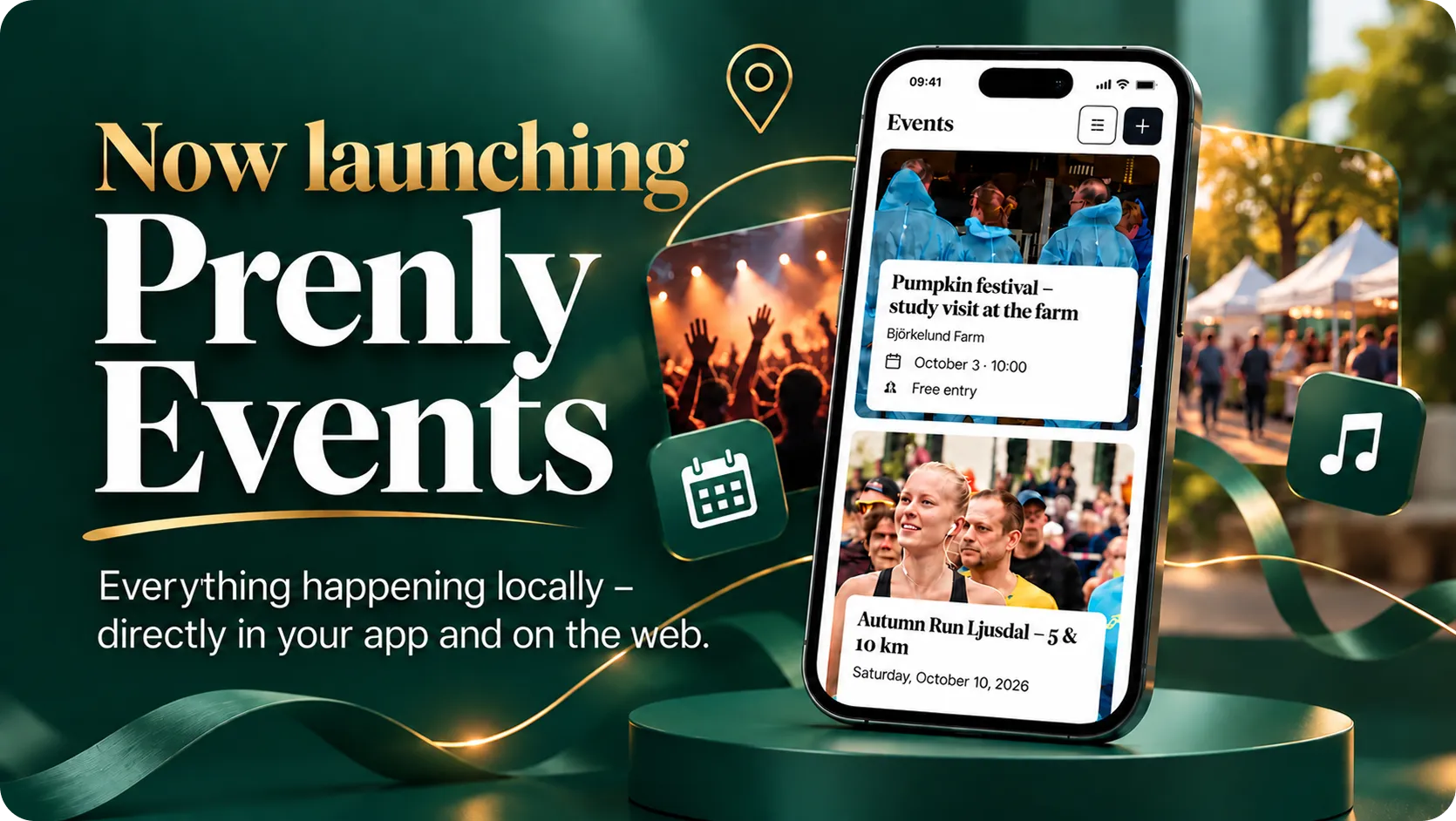 Prenly Events – Events Calendar for Newspapers and Magazines](https://www.prenly.com/blog/prenly-events-for-newspapers-magazines)
- [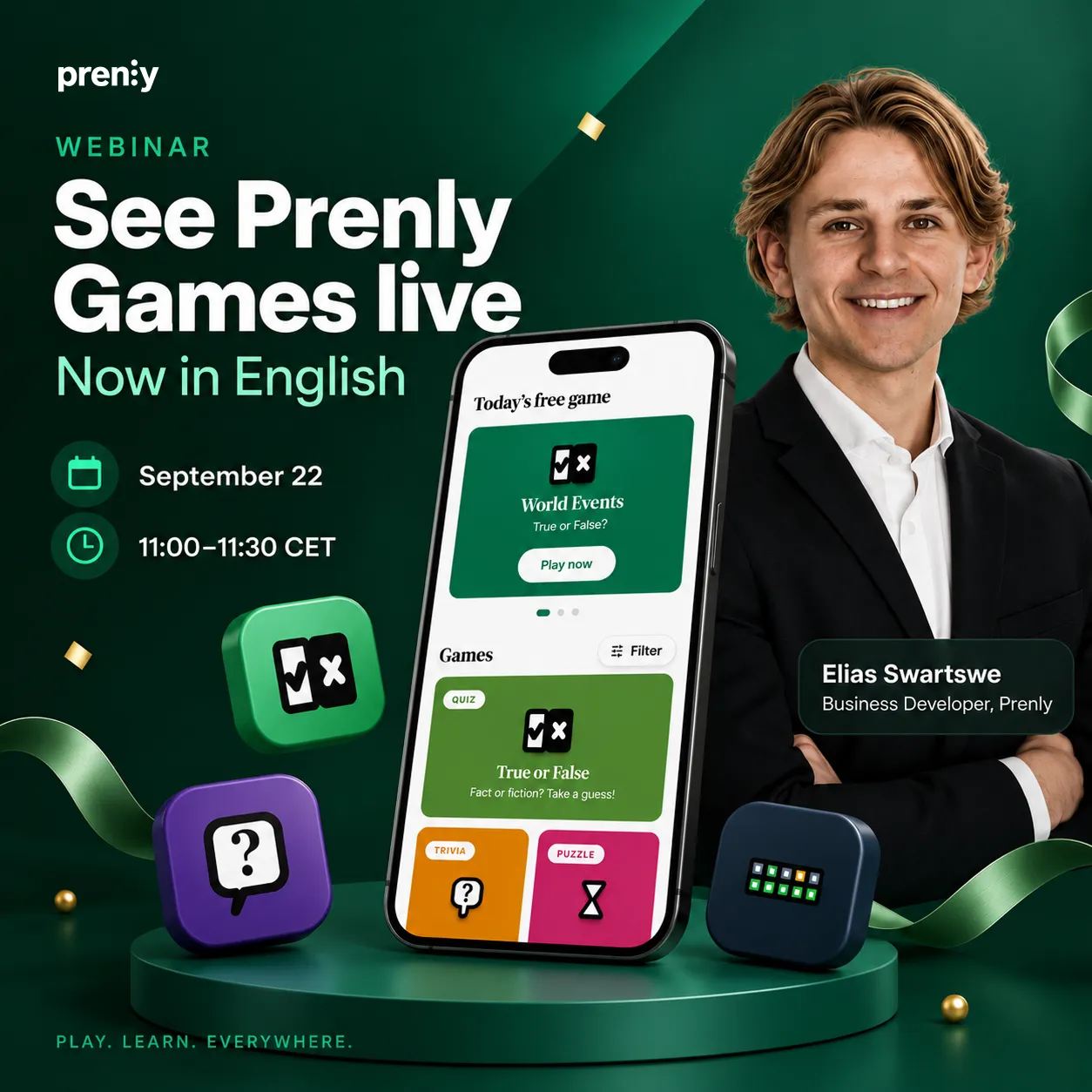 Prenly Games webinar in English | September 22 | Prenly](https://www.prenly.com/blog/prenly-games-webinar-in-english)
- [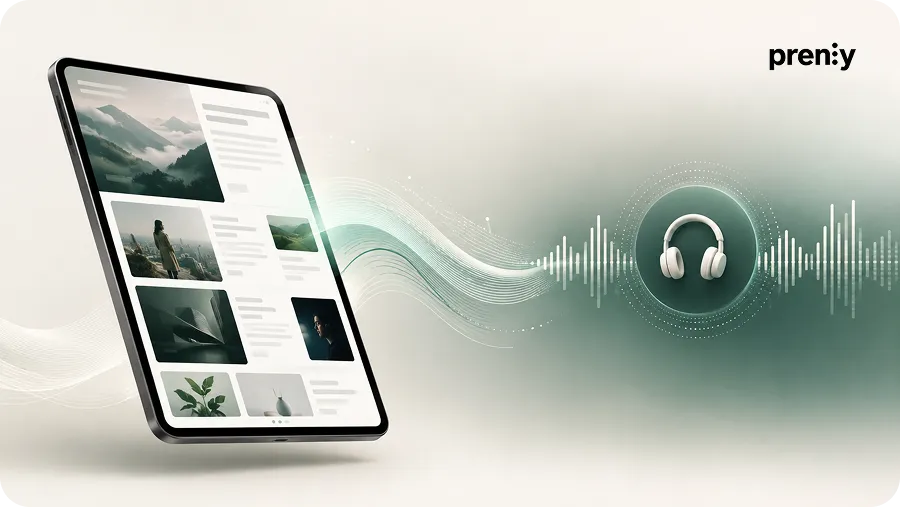 ElevenLabs with Prenly | AI Text-to-Speech for Newspapers and Magazines](https://www.prenly.com/blog/use-elevenlabs-with-prenly-for-enhanced-text-to-speech)
- [ How to Publish a Magazine: A Step-by-Step Guide for Modern Publishers | Prenly](https://www.prenly.com/blog/how-to-publish-a-magazine-a-step-by-step-guide-for-modern-publishers)
---
URL: https://www.prenly.com/blog/the-evolution-of-digital-publishing-a-retrospective-and-forward
# The evolution of digital publishing: From print to AI-powered experiences
> Explore the evolution and history of digital publishing, from print and early websites to mobile, audio, AI, accessibility and modern reader experiences.
11 min read
[By Maria. 7 Oct 2026](https://www.prenly.com/author/61)

Digital publishing has changed dramatically over the past few decades. What began as a way to reproduce newspapers, magazines and books on a screen has evolved into a multi-format publishing ecosystem increasingly shaped by mobile experiences, apps, audio, subscriptions, accessibility, personalisation and AI.
Understanding the **history of digital publishing** helps explain how the industry has moved from print-first workflows to today's mobile, multi-format and AI-supported publishing environment.
In this article, we look back at the key stages in the evolution of digital publishing – and explore the technologies, business models and reader behaviours shaping what comes next.
## A brief history of digital publishing
For generations, print was the dominant way to distribute news, stories and information.
Newspapers arrived on doorsteps, magazines created recurring reading habits and books were the primary format for long-form content. Distribution was physical, publishing cycles were relatively fixed and the relationship between publishers and readers was largely one-directional.
Print remains an important part of publishing today. But the arrival of the internet fundamentally changed how quickly content could be produced, distributed and consumed.
That shift marked the beginning of modern digital publishing.
## The internet changes publishing
The late 1990s and early 2000s marked one of the biggest changes in publishing history.
Newspapers and magazines began launching websites alongside their printed editions. For the first time, publishers could distribute content instantly to readers around the world without relying entirely on physical production and delivery.
**Online publishing introduced entirely new possibilities:**
- Content could be updated throughout the day
- Breaking news could be published immediately
- Readers could access content from almost anywhere
- Publishers could reach audiences beyond their traditional distribution areas
- Articles could include links, images and eventually richer multimedia
The website quickly became much more than a digital copy of the printed publication.
Today, [digital publishing platform](https://www.prenly.com/digital-publishing-platform) can support a much broader part of the publishing process – from editorial workflows and digital editions to reader experiences across different channels.
## E-books and digital editions expand the reading experience
The next major step was the rise of e-books and digital editions.
E-readers made it possible for people to carry entire libraries with them, while newspapers and magazines increasingly began offering digital versions of their printed editions.
For publishers, digital editions created new opportunities to distribute content without the same printing and physical delivery requirements.
But reader expectations also evolved.
Simply presenting a PDF on a screen was no longer enough.
Digital publications began introducing searchable archives, article views, responsive layouts and reading experiences specifically designed for digital devices.
This represented an important shift: digital publishing was no longer about reproducing print. It was becoming a medium in its own right.
## Mobile becomes the primary reading environment
The widespread adoption of smartphones and tablets changed publishing once again.
Readers no longer needed to sit at a desktop computer or wait for a printed edition. News, magazines and other publications became available wherever the reader happened to be.
For publishers, mobile could no longer be treated as a secondary channel.
Responsive websites, dedicated apps, mobile-friendly article formats and push notifications became increasingly important parts of the reader experience.
Today, mobile-first is no longer a trend. It is an expectation.
The challenge has moved beyond simply making content fit on a smaller screen. Publishers need to create experiences that are fast, intuitive and valuable regardless of device.
Dedicated digital reading environments, such as [Prenly Reader](https://www.prenly.com/prenly-reader), are one example of how publishers can combine the familiarity of an edition with digital-first ways of consuming content.
## From static pages to richer content experiences
Digital publishing has also changed what an article or publication can be.
Instead of being limited to text and images, digital content can now combine several formats and interactive elements.
**Readers may experience content through:**
- Video
- Audio
- Podcasts
- Interactive graphics
- Image galleries
- Embedded media
- Links to related coverage
- Push notifications
- Live updates
This gives publishers new ways to tell stories and allows readers to choose how they want to consume them.
One piece of journalism no longer needs to exist in only one format.
An article can also become an audio experience, a push notification, part of a digital edition or the starting point for further reader interaction.
## Publishing workflows become digital too
The evolution of digital publishing is not only visible on the reader side.
The way content is prepared and managed has also changed.
Editorial teams increasingly work across multiple publications, editions, platforms and formats. This makes efficient digital workflows increasingly important.
Tools such as [Prenly Workspace](https://www.prenly.com/prenly-workspace/) are designed to help publishers manage digital publications and prepare content for different reader experiences from one publishing environment.
This is an important part of the industry's evolution.
Digital transformation is no longer only about where content appears. It also affects how publishing teams work behind the scenes.
## Social platforms reshape content distribution
The rise of social platforms created another major shift.
Publishers no longer controlled every route through which readers discovered their content.
Social feeds became important distribution channels and gave publications opportunities to reach audiences far beyond their existing subscriber bases.
At the same time, this created a new dependency.
Algorithms change. Reach fluctuates. Platforms evolve, disappear or change their priorities.
Publishers have therefore placed increasing emphasis on channels where they have a more direct relationship with readers, including their own websites, apps, newsletters and push notifications.
Search remains important too, but even search itself is changing as AI-powered search and answer experiences alter how people discover information online.
The future of distribution is therefore not simply about being present on as many platforms as possible.
It is about creating strong discovery channels while building a direct relationship with the audience.
## Subscriptions and the search for sustainable digital revenue
Digital publishing created enormous opportunities for distribution, but it also challenged traditional publishing business models.
Advertising alone is not always enough to support high-quality journalism and specialist content.
**Publishers have responded by developing a range of digital revenue models, including:**
- Digital subscriptions
- Memberships
- Metered and dynamic paywalls
- Advertising
- Sponsored content
- Premium newsletters
- Events
- Additional digital services and experiences
For many publishers, the challenge is finding the right balance between reach and revenue.
Content needs to be discoverable enough to attract new readers while the overall product must provide enough ongoing value to turn those readers into returning users and subscribers.
That makes reader experience increasingly connected to commercial success.
## AI enters the publishing workflow
Artificial intelligence represents one of the most significant recent developments in digital publishing.
Earlier technology shifts primarily changed how content was distributed and consumed. AI is beginning to influence almost every stage of the publishing process.
Across the publishing industry, AI-assisted tools are increasingly being used in different parts of the publishing process.
**Depending on the tools and workflows a publisher uses, these can include:**
- Transcription
- Summarisation
- Translation
- Metadata creation
- Content tagging
- Search and discovery
- Recommendations
- Text-to-speech
- Content repurposing
- Workflow automation
The availability of these capabilities varies between publishing platforms, specialist tools and individual workflows. Together, they illustrate how AI is beginning to influence a much broader part of the publishing process.
Across modern publishing workflows, a single article can increasingly serve as the starting point for several formats – from summaries and audio to translations and related content experiences.
But the role of the publisher remains essential.
Editorial judgement, credibility, accuracy, transparency and quality control become even more important as automated tools become more capable.
The strongest use of AI in publishing is therefore not simply replacing human work. It is using technology to support editorial teams and create more value from high-quality content.
## Audio creates new ways to consume publishing
Reading is no longer the only way audiences consume editorial content.
Audio is becoming a natural part of the digital publishing experience.
Across digital publishing, audio is being used in several ways – from text-to-speech and podcasts to [audio briefings and other listening experiences](https://www.prenly.com/prenly-engage). This gives readers more flexibility to move between reading and listening depending on where they are and what they are doing.
This creates another opportunity for publishers to make existing journalism work harder.
A story might be read on a website in the morning, listened to during a commute and revisited later inside an app.
Digital publishing is increasingly about making content available in the right format at the right moment.
## Accessibility becomes part of the publishing experience
Accessibility has also moved closer to the centre of digital publishing.
A digital publication should work for as many readers as possible, regardless of ability, device or preferred way of consuming content.
**Accessible digital publishing typically involves considering areas such as:**
- Clear structure and navigation
- Sufficient colour contrast
- Alternative text for images
- Keyboard navigation
- Scalable text
- Screen reader compatibility
- Accessible article formats
- Audio and text-to-speech options
Accessibility should not be treated as something added at the end of the publishing process.
The strongest digital experiences make it part of the foundation.
And many of the improvements associated with accessibility – clearer navigation, readable layouts and flexible ways to consume content – create a better experience for all readers.
## From publishing content to building reader habits
Another important change is that publishers are increasingly thinking beyond the individual article or edition.
The question is no longer only:
**How do we publish this content digitally?** It is also:
**How do we give readers a reason to come back tomorrow?** That has expanded the role of the digital publishing product.
Alongside journalism, publishers can create additional reasons to return through audio, games, local information, events, notifications and other services.
[Prenly Engage](https://www.prenly.com/prenly-engage), for example, brings together additional ways for publishers to build engagement around their core content.
This reflects a broader shift across the industry: digital publishing is increasingly about creating a complete reader relationship rather than simply distributing individual pieces of content.
## Personalisation without losing editorial control
Across the publishing industry, personalisation is becoming another area of development. Some digital products use reader preferences, interests or behavioural data to create more relevant content experiences.
This can range from relatively simple choices made by the reader to more advanced recommendations and personalised content feeds.
But there is an important distinction between useful personalisation and handing the entire reader experience over to an algorithm.
Publishers have something many other digital platforms do not: editorial judgement.
The opportunity is therefore to combine data and personalisation with a strong editorial identity rather than replacing one with the other.
## From platform dependency to owned reader relationships
One of the biggest lessons from the history of digital publishing is the value of owning the relationship with the reader.
Search engines and social platforms remain important discovery channels, but publishers cannot fully control them.
Their own digital products are different.
A publication's website, app, newsletter, digital edition and subscriber environment provide a direct connection between publisher and reader.
That relationship makes it possible to understand audiences better, build recurring habits and develop products that readers actively choose to return to.
For many publishers, strengthening these owned reader relationships will be one of the defining priorities of the next phase of digital publishing.
## What comes next for digital publishing?
The future of digital publishing is unlikely to be defined by one single technology or format.
Instead, publishing is becoming increasingly interconnected and multi-format.
**Across the wider digital publishing landscape, one piece of journalism might increasingly appear as:**
- A website article
- A digital newspaper or magazine edition
- An app article
- An audio version
- A podcast discussion
- A push notification
- A personalised recommendation
- Part of a wider local or reader experience
AI will continue to influence how content is produced, organised, repurposed and discovered.
Audio will become more integrated into everyday reading habits.
Accessibility will increasingly be viewed as a basic requirement rather than an optional feature.
And publishers will continue looking for ways to build stronger relationships with audiences while creating sustainable digital business models.
For publishers working on their digital strategy today, our guide to [practical tips for digital publishing in 2026](https://www.prenly.com/blog/practical-tips-for-digital-publishing-in-2026) explores some of these priorities in more detail.
## The next chapter of digital publishing
The evolution of digital publishing is a story of continuous change.
Publishing moved from print to websites, from desktop to mobile and from static pages to interactive, accessible and multi-format experiences.
Now another transition is underway.
AI, audio, personalisation, accessibility and direct reader relationships are reshaping what a digital publication can be.
But successful digital publishing is not simply about adopting every new technology.
The goal remains remarkably consistent: create valuable content, make it easy for people to discover and consume it, and give readers a reason to return.
The technology will continue to evolve.
That relationship between publisher, content and reader will remain at the heart of what comes next.
---
URL: https://www.prenly.com/blog/how-magazines-engage-readers-between-issues
# How magazine publishers can keep readers engaged between issues
> Learn how magazine publishers can engage readers between issues with digital content, audio, games, push notifications, events and accessible reading.
9 min read
[By Maria. 6 Oct 2026](https://www.prenly.com/author/61)

**For magazine publishers, reader engagement does not have to begin when a new issue is released and end when the reader reaches the last page.**
A weekly, monthly or quarterly publishing cycle creates natural peaks in attention. But the time between issues also creates an opportunity: to give readers useful, relevant reasons to return to your brand before the next edition arrives.
The goal is not necessarily to publish more for the sake of publishing more. It is to extend the value of the magazine through digital content and experiences that fit the audience, the editorial identity and the publishing rhythm.
Here are eight ways magazine publishers can build stronger reader relationships between issues.
## 1. Give readers more than the digital edition
The digital edition can remain at the heart of the magazine experience. It provides the editorial selection, structure and sense of a complete issue that readers already recognise.
But a digital magazine does not have to stop there.
Articles, web content, podcasts, video, games and other formats can give readers reasons to return between publication dates without replacing the curated edition.
This is particularly useful for magazines with longer publishing cycles. A monthly or quarterly publication may have weeks between new issues, while the interests that brought readers to the magazine continue every day.
With [Prenly Reader](https://www.prenly.com/prenly-reader), publishers can bring digital editions, articles, podcasts, games, crosswords and other content together in one digital reading experience across app and web.
If you are developing your magazine's digital offering, you can also explore [digital publishing for magazines with Prenly](https://www.prenly.com/digital-publications/magazines).
## 2. Use push notifications to bring readers back at the right moment
Publishing new content is only useful if readers know it is there.
Push notifications can create a direct route back to the publication when there is something genuinely worth returning for: a new issue, an important article, a podcast episode, a quiz, an event or a timely update.
The key is relevance. Sending a notification for everything risks turning a useful channel into noise. Instead, publishers can use push as part of the editorial rhythm and focus on moments when there is a clear reason for the reader to open the app.
For a food magazine, that might mean a weekend recipe collection. For a business magazine, it could be a new analysis or briefing. For a membership magazine, it might be an upcoming event or important member update.
Prenly Reader supports segmented push notifications, allowing publishers to make notifications more relevant to different reader interests.
## 3. Let readers listen as well as read
Reader engagement is also about making content fit more moments in a person's day.
A reader may not have time to sit down with a magazine article, but they might have time to listen while commuting, walking or doing something else.
Podcasts, article audio and audio briefings can therefore extend both the usefulness and accessibility of editorial content. They also create an opportunity to reuse journalism in a different format rather than always producing something entirely new.
For example, a long-form article could also be available as audio, an interview could become a podcast episode, or a selection of recent stories could be packaged into an audio briefing.
Prenly supports podcasts and article audio as part of the digital reader experience. Publishers can also use enhanced text-to-speech to turn written articles into natural-sounding audio. [Learn more about enhanced text-to-speech in Prenly](https://www.prenly.com/blog/elevenlabs-prenly-text-to-speech).
### Customer case: Helsingborgs Dagblad extends the experience beyond the regular edition
Helsingborgs Dagblad uses Prenly to publish digital-only special editions around major events and to bring podcasts directly into the reading experience.
The podcasts are automatically pulled from HD’s existing feeds, while the publisher can decide whether the content is available to everyone or reserved for specific subscription packages.
This gives HD a way to add more value between regular editions, reuse existing content channels and create new opportunities for premium content – without disrupting the existing publishing workflow.
[**Read the Helsingborgs Dagblad customer story →**](https://www.prenly.com/customer-stories/three-decades-of-digital-leaps-how-helsingborgs-dagblad-extends)
## 4. Create recurring reasons to return with games and quizzes
Not every visit to a magazine app has to begin with a new article.
A quiz, word game, challenge or competition can create a lightweight reason to come back regularly. For a niche magazine, the games can also become part of the editorial identity rather than feeling separate from the publication.
A travel magazine could ask readers to identify destinations. A history magazine could create a timeline challenge. A food magazine could build a quiz around ingredients, cuisines or recipes. A trade magazine could test readers on developments within its industry.
The strongest opportunities often come from connecting games to the magazine's existing expertise and content.
[Prenly Games](https://www.prenly.com/blog/we-are-launching-prenly-games-games-and-quizzes-for-newspapers-and-magazines) lets publishers add games, quizzes and competitions directly to the existing app, giving readers another reason to return without requiring a separate gaming platform.
## 5. Turn events and shared interests into part of the reader experience
Magazines often bring together people around a shared interest: food, travel, business, health, sport, culture, hobbies or a professional field.
That makes events a natural extension of the publication.
An events calendar can help readers discover conferences, exhibitions, talks, workshops, family activities or other events relevant to the magazine's niche. For some publications this may be local; for others, the common denominator is an interest rather than a place.
The value is not limited to listing an event. Publishers can also create content before, during and after it: previews, interviews, guides, recommendations, reports and follow-up stories.
Within [Prenly Engage](https://www.prenly.com/prenly-engage), publishers can add events and other interactive experiences alongside their editorial content, giving readers more reasons to discover, interact and return between issues.
## 6. Give existing content a longer life
Engaging readers between issues does not always require producing more content.
Magazine publishers often have something especially valuable: an archive of well-researched, specialist and evergreen journalism.
Digital publishing makes it easier to bring that content back when it becomes relevant again.
Publishers can create:
- themed collections from previous issues
- seasonal guides
- “best of” selections
- archive recommendations
- updated versions of evergreen articles
- audio versions of existing stories
- quizzes based on previously published content
A gardening magazine, for example, may have years of useful seasonal content. A business magazine may have interviews and analysis that become relevant again when a company or topic returns to the news. A food magazine can resurface recipes around seasons, holidays or ingredients.
The question changes from *“What can we publish today?”* to *“What do we already have that is valuable to the reader today?”*
## 7. Make the experience easier to access in different ways
Reader engagement is difficult to build if the content itself is difficult to consume.
Readers use different devices, have different needs and encounter content in different situations. A digital magazine should therefore offer more flexibility than simply reproducing a printed page on a screen.
Article-based reading, adjustable text, text-to-speech and accessible navigation can make editorial content easier to use for more people.
That flexibility matters beyond accessibility alone. A reader might prefer the designed edition on a tablet, article view on a phone and audio while travelling. The content is the same, but the preferred way of consuming it changes with the situation.
Prenly combines digital editions with accessible reading options across iOS, Android and the web.
## 8. Build a habit – not just a publication cycle
The bigger opportunity is not to turn every magazine into a daily news operation.
It is to identify the moments between issues when the publication can continue to be useful, interesting or entertaining.
For one magazine, that might mean a weekly podcast and occasional push notifications. For another, it could be daily games, an event calendar and regularly updated web content. A professional publication may focus on briefings, industry updates and member content.
The right rhythm depends on the audience.
What matters is that the digital product gives readers a reason to return that makes sense for the publication – rather than relying entirely on the next issue date.
This is the idea behind [Prenly Engage](https://www.prenly.com/prenly-engage): adding games, polls, podcasts, events and other experiences to the publication readers already use, rather than asking them to move between separate platforms.
## What should magazines publish between issues?
There is no single content mix that works for every magazine. The best approach starts with the publication's audience and editorial strengths.
A useful between-issue strategy might combine:
- **timely content** – articles, updates and news relevant to the magazine's niche
- **evergreen content** – archive stories, guides and collections that remain useful over time
- **audio** – podcasts, interviews and listenable versions of articles
- **interactive content** – quizzes, games, polls and competitions
- **events** – relevant things to do, attend or discover
- **notifications** – selective reminders when something is genuinely worth returning for
The aim is not to use every format. It is to build a combination that gives the reader continuing value while remaining realistic for the editorial team to maintain.
## From individual issues to an ongoing reader relationship
A magazine issue is still valuable precisely because it is curated, finite and intentional. Digital publishing does not need to remove those qualities.
Instead, it can build around them.
The issue can remain the centrepiece while articles, audio, games, events and other digital experiences create additional touchpoints before the next edition arrives.
That changes the digital magazine from something readers open only when a new issue is released into a product with more opportunities to become part of their routine.
Prenly is built for [magazine publishers](https://www.prenly.com/digital-publications/magazines) that want to combine digital editions with a broader digital reading experience while keeping their own content and brand at the centre.
[**Explore digital publishing for magazines with Prenly →**](https://www.prenly.com/digital-publications/magazines)
## Related articles
- [ The future of digital magazines: what publishers need to get right | Prenly](https://www.prenly.com/blog/why-digital-magazines-are-the-future-of-publishing)
- [Digital Magazine & E-magazine Platform for Publishers | Prenly](https://www.prenly.com/digital-publications/magazines)
- [ Berliner Zeitung: E-Paper Migration | Prenly](https://www.prenly.com/customer-stories/berliner-zeitung-epaper-migration)
- [ Three Decades of Digital Leaps: How Helsingborgs Dagblad Extends Its Reach with Prenly](https://www.prenly.com/customer-stories/three-decades-of-digital-leaps-how-helsingborgs-dagblad-extends)
---
URL: https://www.prenly.com/blog/fipp-world-media-congress-2026
# FIPP World Media Congress 2026: What to know before Madrid
> FIPP World Media Congress 2026 takes place in Madrid on 13–15 October. Learn what the event is, who attends and how to meet Prenly there.
4 min read
[By Sofie. 5 Oct 2026](https://www.prenly.com/author/78)

The FIPP World Media Congress returns to Madrid on 13–15 October 2026, bringing together publishers, media leaders and technology partners from around the world.
Prenly will also be there, represented by Davida Rothman and Esther Dietzsch.
## FIPP World Media Congress 2026: quick facts
- **What:** 48th FIPP World Media Congress
- **When:** 13–15 October 2026
- **Where:** Hotel RIU Plaza España, Madrid, Spain
- **Theme:** FIPP 101: The Fundamentals of Media’s Future
- **Who attends:** Publishers, media executives, editors, strategists, commercial leaders and technology partners
- **Key topics:** AI, audience relationships, trust, revenue diversification, subscriptions, technology and the future of publishing
- **Prenly representatives:** Davida Rothman and Esther Dietzsch
## What is the FIPP World Media Congress?
The FIPP World Media Congress is an international event for the magazine and media publishing industry. It brings together senior leaders from publishing companies, media brands and technology businesses to share ideas, discuss industry challenges and explore how publishing is changing.
The Congress combines presentations, case studies, workshops and networking, with participants from media organisations around the world.
The 2026 edition takes place at **Hotel RIU Plaza España in Madrid from 13–15 October**, bringing together hundreds of senior media professionals from more than 40 countries.
You can find the latest programme and practical information on the [official FIPP World Media Congress website](https://www.fipp.com/event/fipp-world-media-congress-2026/).
## Who is FIPP World Media Congress for?
FIPP World Media Congress is aimed at professionals working across the international publishing and media industry, including:
- magazine publishers
- consumer and special-interest media brands
- media groups and publishing companies
- editors and editorial leaders
- product and digital publishing teams
- audience development and subscription teams
- commercial and revenue leaders
- technology and platform partners
For magazine publishers in particular, FIPP provides an opportunity to compare strategies and learn how other media companies are adapting their products, business models and reader relationships as publishing becomes increasingly digital.
If you are exploring how to develop your own digital magazine offering, you can also read more about [**digital publishing for magazines with Prenly**](https://www.prenly.com/digital-publications/magazines).
## What are the main themes at FIPP 2026?
The theme for FIPP Congress 2026 is **“FIPP 101: The Fundamentals of Media’s Future.”** The programme focuses on the fundamentals publishers need to build strong and sustainable media businesses.
Key themes include:
- building stronger and more direct audience relationships
- artificial intelligence and changing publishing workflows
- trust and editorial credibility
- subscriptions and new revenue models
- technology and changing distribution
- the role of print alongside digital products
For magazine publishers, many of these discussions come back to the same challenge: how to build stronger reader relationships while adapting products, workflows and business models to a rapidly changing media landscape.
## Why Prenly is attending FIPP World Media Congress 2026
Prenly works with [**newspapers**](https://www.prenly.com/digital-publications/newspapers), [**magazines**](https://www.prenly.com/digital-publications/magazines) and [**media companies**](https://www.prenly.com/digital-publications/media-groups) that want to develop their digital publishing without losing the strengths of the traditional publication.
With Prenly, publishers can bring digital editions, articles, podcasts, audio, games, crosswords and other content together in apps and on the web.
For magazine publishers, this creates opportunities to extend the relationship with readers beyond the individual issue — while keeping the curated publication at the centre of the experience.
**At FIPP, we are particularly looking forward to conversations about:**
- the future of digital magazine publishing
- building stronger and more frequent reader engagement
- combining digital editions with articles, audio and other content
- accessibility and new ways to experience editorial content
- creating more value from existing content
- how apps and digital products can strengthen the publisher-reader relationship
You can also learn more about [**Prenly Reader**](https://www.prenly.com/prenly-reader) and how publishers can bring different types of content together in one digital reading experience.
## Meet Prenly at FIPP in Madrid
**Davida Rothman** and **Esther Dietzsch** from Prenly will be attending FIPP World Media Congress in Madrid on **13–15 October 2026**.
If you are a magazine publisher, media brand or publishing group and would like to talk about digital editions, apps, reader engagement, audio, accessibility or the future of digital publishing, we would be happy to meet you in Madrid.
Feel free to reach out to [**Davida**](https://se.linkedin.com/in/davida-rothman-01a02322b) or [**Esther**](https://se.linkedin.com/in/esther-dietzsch) directly on LinkedIn.
## FIPP World Media Congress 2026 FAQ
### When is FIPP World Media Congress 2026?
FIPP World Media Congress 2026 takes place from 13 to 15 October 2026.
### Where is FIPP World Media Congress 2026 held?
The Congress will be held at Hotel RIU Plaza España in Madrid, Spain.
### What is FIPP World Media Congress?
FIPP World Media Congress is an international event for publishers, media companies and industry partners focused on the future of publishing and media.
### Who should attend FIPP World Media Congress?
The event is relevant for publishers, editors, media executives, commercial leaders, strategists, product teams, audience teams and technology partners working across the publishing and media industry.
### What topics will be discussed at FIPP 2026?
Topics include artificial intelligence, audience relationships, trust, subscriptions, revenue diversification, technology and the future of publishing.
### Will Prenly be at FIPP World Media Congress 2026?
Yes. Davida Rothman and Esther Dietzsch will represent Prenly at FIPP World Media Congress in Madrid.
### Can I meet Prenly at FIPP 2026?
Yes. You can contact Prenly or reach out directly to Davida Rothman or Esther Dietzsch to arrange a meeting during the Congress.
## Related articles
- [ Berliner Zeitung: E-Paper Migration | Prenly](https://www.prenly.com/customer-stories/berliner-zeitung-epaper-migration)
---
URL: https://www.prenly.com/blog/prenly-events-for-newspapers-magazines
# We are launching Prenly Events – local events directly in your app and on the web
> Prenly Events helps newspapers and magazines publish local events directly in their app and on the web, increase reader engagement and create new commercial opportunities.
6 min read
[By jens. 1 Oct 2026](https://www.prenly.com/author/62)

We’re launching **Prenly Events** – a new events calendar for newspapers and magazines that brings local events directly into the Prenly app and on the web.
From concerts and flea markets to sports, lectures and family activities, Prenly Events gives readers one place to discover what is happening around them – right where they already read your content.
Organizers can submit their own events, while the publisher stays in control of what gets published. The result is more useful local content, more reasons for readers to return and new opportunities for partnerships and advertising.
### Make your publication the place to discover what’s happening locally
For local newspapers in particular, being part of the community goes beyond reporting the news. Readers also want to know what is happening around them: What can I do this weekend? What is happening tonight? What events are coming up nearby?
Prenly Events brings those answers into the publication’s existing digital environment.
Readers can discover events directly in the Prenly app and on the web, search in real time and filter by date, category or location. Events can be explored as a list, grid or map, with all the relevant information – including time, place, price, images and description – gathered on one event page.
No separate events service or reader account is needed.
### More reasons for readers to come back
An events calendar has a naturally changing content cycle.
What is happening today is different from what is happening next weekend. New concerts are announced, markets appear, sports events approach and activities are added throughout the week.
That gives readers a reason to return regularly – not only to catch up on the latest news, but also to discover what is happening around them.
For publishers, Prenly Events adds another layer of utility to the existing reader experience and can help make the app and website a more natural part of readers’ everyday lives.
### Organizers contribute the content – you stay in control
Building a useful local events calendar should not mean creating another content workload for the newsroom.
With Prenly Events, local organizers can submit events themselves without creating an account. They provide the event information, and submissions are sent to the editorial portal for review.
The newsroom decides what gets published.
Submitted events can be reviewed, approved or rejected before appearing in the calendar, while editors can also create and edit events themselves.
This makes it possible to build a broad local calendar while maintaining editorial control over what appears in your publication.
### AI helps turn event information into ready-to-review drafts
Submitting an event should be simple – both for organizers and editorial teams.
Prenly Events can use AI to help turn event information into a structured draft. An organizer can provide information or a link, and the event agent can help identify details such as the title, date and time, location, price, category and image.
The result is a draft ready for review rather than an automatically published event.
The event agent can also help the newsroom discover potential events from other sources, which editors can review before deciding whether to publish them.
The aim is simple: reduce manual administration while keeping people in control of what reaches readers.
### Create more from every event
An event does not have to be useful only while it is listed in the calendar.
It can also become a starting point for relevant editorial content **before, during and after it happens**.
A newspaper might highlight what is happening this weekend, build a guide around an upcoming festival, cover the event while it is taking place and follow up afterwards with photos, results or stories from the community.
For magazines and niche publications, the same principle can be applied to industry events, conferences, exhibitions, lectures or other activities relevant to their audience.
This creates a smart way to use and reuse content around something readers already care about – while strengthening the sense of community around the publication.
### From flea markets to industry events
Prenly Events is not limited to one type of publication or event.
Publishers choose the categories that make sense for their audience. A local newspaper might bring together concerts, sports, markets, theatre and family activities, while a specialist magazine could focus on conferences, exhibitions, meetups and events within its particular field.
For example:
- **Music & concerts** – gigs, festivals and local performances
- **Sports** – races, matches and other sporting events
- **Family & markets** – flea markets, fairs and family activities
- **Culture & lectures** – cinema, theatre, exhibitions and talks
The calendar can therefore reflect the community around the publication – whether that community is defined by **a place or a shared interest**.
### New opportunities for partnerships and advertising
Events also create new commercial opportunities.
The calendar and individual event pages add new digital inventory that can be used for advertising and local partnerships.
Publishers can, for example, build commercial packages around event categories, seasonal guides or relevant local activities.
This means Prenly Events can contribute to both sides of the publishing business: **creating more value for readers while opening up new opportunities for advertisers and partners.**
### Bring events back into print
Prenly Events is designed to connect digital and print rather than treating the calendar as a separate digital product.
Event information collected in the platform can also be used to create a weekly events page for the printed newspaper.
That gives publishers another way to make use of the same content across channels – from the app and website to the printed edition.
### Easy for readers. Easy for organizers.
For readers, the experience is designed to be simple.
They can search and filter events, browse by list or map, open an event to see all the details, add it to their phone calendar and share it with someone else.
For organizers, submitting an event does not require an account. An email address is enough to submit an event for review, and published event details can later be updated when needed.
The easier it is for the local community to contribute, the easier it becomes to keep the calendar useful and up to date.
### Want to see Prenly Events in action?
At **[prenlyevents.com](https://prenlyevents.com)** you can explore Prenly Events and see how the calendar works for readers, organizers and editorial teams.
We’re also hosting two launch webinars where we’ll demonstrate Prenly Events live – from submitting an event to reviewing it and publishing it in the app and on the web.
🇸🇪 **Swedish launch webinar**
**Tuesday, 13 October · 10:00–10:30**
[**Register for the Swedish webinar →**](https://prenlyevents.com/launch-webinar/sv)
🇬🇧 **English launch webinar**
**Thursday, 15 October · 10:00–10:30**
[**Register for the English webinar →**](https://prenlyevents.com/launch-webinar/en)
## Related articles
- [ The future of digital magazines: what publishers need to get right | Prenly](https://www.prenly.com/blog/why-digital-magazines-are-the-future-of-publishing)
---
URL: https://www.prenly.com/blog/prenly-games-webinar-in-english
# Prenly Games webinar – now in English 🇬🇧
> Join our Prenly Games webinar in English on September 22. See how publishers can use games, quizzes and AI to drive reader engagement and new revenue opportunities.
3 min read
[By Maria. 15 Sep 2026](https://www.prenly.com/author/61)

Following the response to our Swedish Prenly Games launch webinar, we’re hosting a new live session – this time in English.
Several publishers have asked for the opportunity to see **Prenly Games** presented in English, so on **September 22**, Elias Swartswe, business developer at Prenly, will take you through the platform, show the games live and explain how Prenly Games can become part of your existing Prenly app.
📅 **September 22**
⏰ **11:00–11:30 CET**
🇬🇧 **Webinar in English**
[Save your seat for the webinar →](https://prenlygames.se/launch-webinar)
## See Prenly Games in action
The webinar is designed to give you a practical look at how Prenly Games works – from creating game content to publishing it for your readers.
In just 30 minutes, we’ll show you how you can:
- create local games and quizzes based on your own news
- use AI to create game content faster
- add games to the Prenly app your readers already use
- encourage readers to return to the app more frequently
- create new opportunities for reader engagement and revenue
Elias will demonstrate the platform live and walk through both the reader experience and the tools available to publishers.
## Turn your own content into games
One of the ideas behind Prenly Games is to make games relevant to the publication and its readers.
A local newspaper can, for example, create a quiz based on this week’s news, challenge readers to recognise places in their city or build a competition around a local event. Magazines can create games around their own topics, audiences and editorial content.
Content can be created manually or with the help of AI, making it easier to turn existing journalism into interactive formats without introducing a completely separate production workflow.
## Built into your existing Prenly app
Prenly Games is integrated into the Prenly app, which means readers can access the games in the environment they already use.
There is no separate games platform or additional reader account to manage. Games can work alongside existing features such as login, push notifications and statistics.
If you want a broader introduction to the product, you can also read our Prenly Games launch article, where we take a closer look at the different game formats, local content, competitions and commercial opportunities.
[Read more about Prenly Games →](https://prenlygames.se/)
## Who should join?
The webinar is open to both **existing Prenly customers and publishers who are curious about Prenly Games**.
If you work with product development, editorial, audience engagement or commercial development at a newspaper or magazine, the session will give you a practical overview of what Prenly Games can offer your publication.
Feel free to invite a colleague too – games can create opportunities across several parts of a publishing organisation.
## Join us on September 22
Want to see how it works?
📅 **September 22**
⏰ **11:00–11:30 CET**
🇬🇧 **Live webinar in English**
[Save your seat →](https://prenlygames.se/launch-webinar)
Can’t join us live? **Register anyway and we’ll send you the recording afterwards.**
Want to explore the product before the webinar? Visit [prenlygames.se **→**](https://prenlygames.se/)
## Related articles
- [ The future of digital magazines: what publishers need to get right | Prenly](https://www.prenly.com/blog/why-digital-magazines-are-the-future-of-publishing)
- [ Games & Quizzes for Newspaper & Magazine Apps | Prenly](https://www.prenly.com/blog/we-are-launching-prenly-games-games-and-quizzes-for-newspapers-and-magazines)
---
URL: https://www.prenly.com/blog/prenly-workspace-digital-publishing-workflow
# Prenly Workspace: a smarter digital publishing workflow for publishers
> Discover how Prenly Workspace helps publishers create, organize, schedule and distribute e-papers and digital content across app and web.
8 min read
[By Alina. 14 Sep 2026](https://www.prenly.com/author/73)
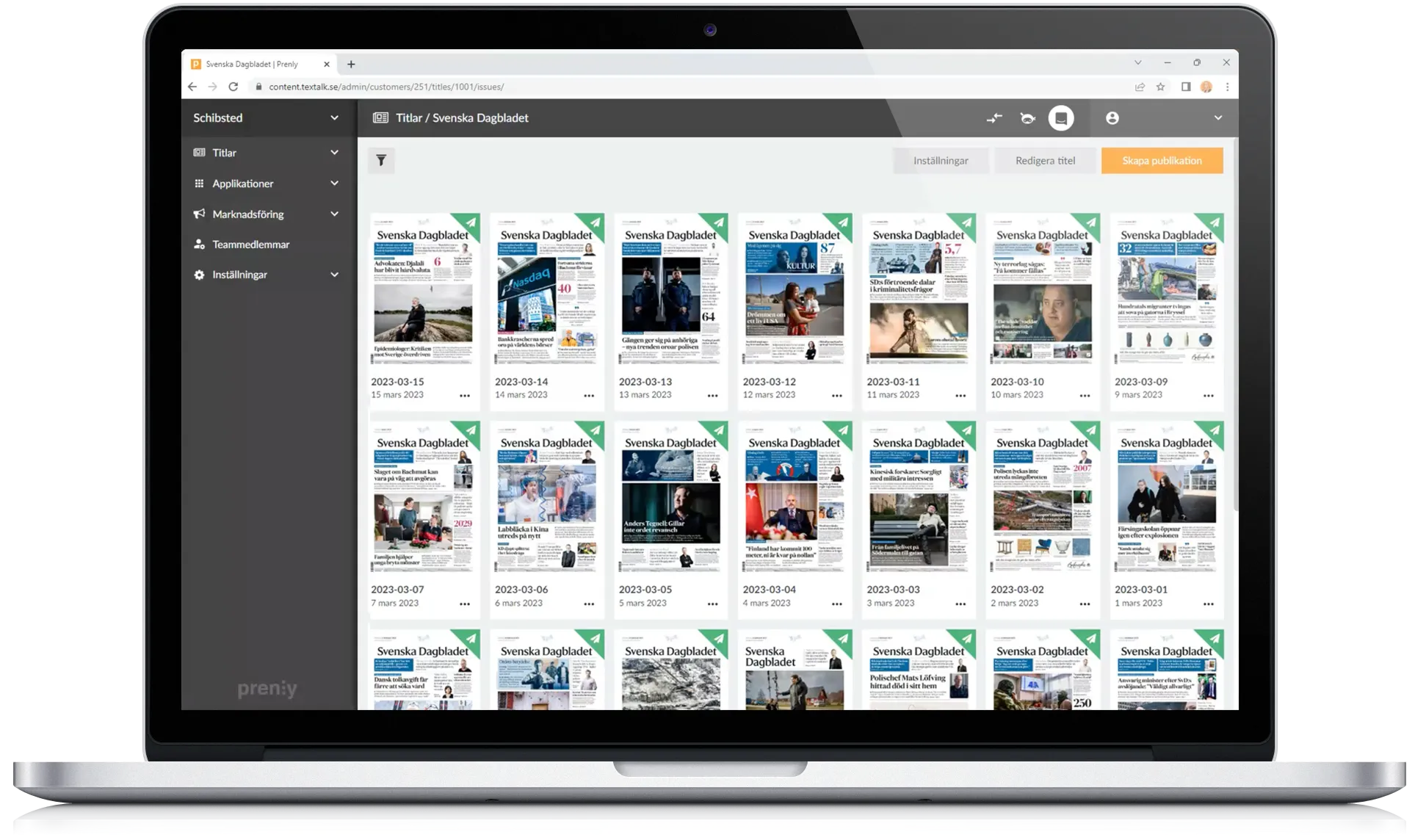
Publishing a digital newspaper or magazine involves much more than uploading a PDF. Editorial teams need to create and organize content, manage editions, collaborate across teams, control access, schedule publication, connect existing systems and make sure readers receive the right content at the right time.
**Prenly Workspace brings these parts of the digital publishing workflow together in one place.**
Designed for newspapers, magazines and media groups, [Prenly Workspace](https://www.prenly.com/prenly-workspace/) gives publishers a central environment for creating, organizing, managing and distributing digital publications across apps and the web.
## What is Prenly Workspace?
Prenly Workspace is the publishing environment within the [Prenly digital publishing platform](https://www.prenly.com/).
It is where editorial and publishing teams manage the content and settings behind their digital publications – from individual articles and complete editions to access rights, publication schedules, push notifications and integrations.
Instead of managing different parts of the publishing process in disconnected systems, publishers can use Workspace as a central hub for their digital publishing workflow.
Content published through Workspace can then be delivered to readers through [Prenly Reader](https://www.prenly.com/prenly-reader/), creating a connected workflow from production to reading experience.
## From editorial content to digital publication
A modern publishing workflow often includes several steps before an article or edition reaches the reader.
Content needs to be created or imported, structured correctly, reviewed, approved, scheduled and distributed. For publishers working with several titles, teams or publication formats, that process can quickly become complex.
Prenly Workspace is designed to make those workflows easier to manage.
Editors can create articles, add images and video, organize content into sections and categories and connect related stories. Publication statuses such as Draft, Approved and On Hold make it easier for teams to see where content is in the editorial process.
Once the content is ready, publishers can control when it becomes available and where it should appear.
[Explore Prenly Workspace →](https://www.prenly.com/prenly-workspace/)
## Create and organize digital content
Publishers are no longer limited to reproducing the printed edition online.
Digital publications can combine editions, individual articles, multimedia, audio and other types of editorial content.
In Prenly Workspace, teams can create and edit articles directly, add media and structure content into sections and categories. Related articles and editions can also be connected to create clearer reading paths and give readers more context.
For a [newspaper publisher](https://www.prenly.com/digital-publications/newspapers), this can mean combining the familiar newspaper edition with continuously updated digital content.
For [magazine publishers](https://www.prenly.com/digital-publications/magazines), it creates opportunities to publish additional content between editions and give existing material a longer digital life.
## Manage the editorial workflow
Digital publishing often involves several people with different responsibilities.
Editors may create and review content, administrators may manage publication settings and marketers may work with campaigns, notifications and reader engagement.
Prenly Workspace supports roles and permissions so access can be adapted to different responsibilities within the organization.
Editorial statuses also provide a clearer overview of what is being prepared, what has been approved and what should remain unpublished.
For larger publishing organizations, this can make it easier to establish consistent workflows without requiring every team or title to work in exactly the same way.
## Schedule publishing and control availability
Not every article or edition should be published immediately.
Prenly Workspace allows publishers to schedule content and manage publication dates, times and visibility. Teams can prepare content in advance, review it and decide exactly when it should become available to readers.
Publishers can also use tags and access rules to control who can access particular content.
That can support different subscription packages, campaign access or publishing models – for example, giving a specific audience access to selected editions for a limited period.
## Share publications with controlled access
Prenly Workspace also makes it possible to create access links for individual publications. Publishers can control how long a link remains active and limit how many times it can be used – useful for campaigns, previews, collaborations or temporary access.
## Manage multiple publications in one environment
For a media group with several newspapers, magazines or niche publications, digital publishing becomes an organizational challenge as much as a technical one.
Each title may have its own brand, readers and editorial team, while the organization still wants common technology and efficient workflows.
Prenly Workspace can manage multiple titles within the same publishing environment.
This makes it particularly relevant for [media groups and publishing companies](https://www.prenly.com/digital-publications/media-groups) that want to centralize parts of their digital infrastructure while maintaining individual publication identities.
Several titles can also be presented together through digital newsstand experiences, giving readers access to multiple publications within the same app.
## Connect Workspace to your existing publishing systems
Moving to a digital publishing platform does not necessarily mean replacing the systems a publisher already relies on.
Prenly can connect with existing editorial platforms, authentication systems, user databases and analytics tools.
Through integrations and APIs, content and data can move between systems while publishers retain established parts of their existing workflow.
PDF and XML files can also be used as part of automated publishing flows, making it possible to transform existing print production into digital editions without rebuilding every publication manually.
For publishers considering a change of platform, [getting started with Prenly](https://www.prenly.com/get-started-with-prenly) can therefore involve integrating with existing infrastructure rather than replacing the entire technology stack at once.
## Turn print publications into accessible digital experiences
A digital edition should offer more than a static reproduction of the printed page.
Prenly supports alternative reading experiences that can make editorial content easier to consume on different devices and for different reader needs.
Depending on the publication and configuration, readers can move between the traditional page-based newspaper experience and more adaptable article-based reading.
Text-to-speech can make articles available as audio, while adjustable reading modes can improve readability.
Prenly also works with publishers on accessibility and workflows aligned with established accessibility standards. You can read more about [accessibility and WCAG in digital publishing](https://www.prenly.com/wcag-guidelines/).
## Use text-to-speech to create another way to consume content
Reading is not always the most convenient way to consume journalism.
People increasingly move between reading, listening and watching content depending on where they are and what they are doing.
Prenly Workspace can support text-to-speech workflows that turn written articles into audio, giving readers another way to access editorial content.
For publishers, that means existing journalism can be made available in another format without producing a separate audio version of every article manually.
Audio can be particularly useful for commuters, multitaskers and readers who benefit from listening instead of reading.
## Reach readers with targeted push notifications
Publishing content is only one part of the challenge. Readers also need to discover it.
Prenly Workspace gives publishers tools for sending push notifications and directing readers to specific articles or editions.
Notifications can be used to highlight breaking news, new editions, important stories or other relevant content.
Combined with segmentation, publishers can create more targeted communication rather than sending every notification to every reader.
The goal is not simply to send more notifications, but to make them more relevant.
## Understand how readers engage with your content
Digital publishing gives editorial teams access to insights that are difficult to obtain from print alone.
Through analytics and reporting, publishers can follow how readers interact with articles, pages and editions and identify which content creates engagement.
These insights can help publishers understand what audiences actually use – and make more informed decisions about content, product development and reader engagement.
For publishers managing several brands or titles, having comparable digital data across publications can also create a better overview of performance across the organization.
## Prenly Workspace and Prenly Reader: what is the difference?
Prenly Workspace and Prenly Reader are two connected parts of the Prenly platform.
**Prenly Workspace is where publishers work.** It is used to create, organize, manage and publish content, control access, work with integrations and manage the digital publishing workflow.
**[Prenly Reader](https://www.prenly.com/prenly-reader/) is where readers experience the content.** It brings digital editions, articles, audio, podcasts, games and other content together across iOS, Android and the web.
Together, they connect the publisher's workflow with the reader experience.
*Image showing Prenly Reader:*
## Who is Prenly Workspace built for?
Prenly Workspace is designed for organizations that publish editorial content digitally.
That includes local and regional newspapers, national newspapers, consumer magazines, trade publications, membership publications and larger media groups managing several titles.
The needs may be different, but the underlying challenge is often the same: creating an efficient way to move content from the editorial organization to the reader.
You can explore how Prenly is used by [newspaper publishers](https://www.prenly.com/digital-publications/newspapers), [magazine publishers](https://www.prenly.com/digital-publications/magazines) and [media groups](https://www.prenly.com/digital-publications/media-groups).
## Why publishers centralize their digital publishing workflow
As digital publishing develops, publishers often add new tools for apps, e-papers, analytics, audio, notifications, subscriber access and other functionality.
Over time, this can create a fragmented publishing environment.
A centralized publishing workflow can reduce the number of manual steps between systems and make it easier for editorial, product and commercial teams to work with the same digital publication.
Prenly Workspace is designed around that principle: bring the tools needed to manage digital publications together while still allowing publishers to connect the systems they already use.
See how other publishing organizations work with Prenly in our [customer stories](https://www.prenly.com/customer-stories/).
## See Prenly Workspace in action
Every publisher has a different combination of content, systems, subscriptions and editorial workflows.
The best way to understand how Prenly Workspace could fit into your organization is to see the platform using a workflow that is relevant to your publications.
[Explore Prenly Workspace →](https://www.prenly.com/prenly-workspace/)
[Book a free demo →](https://www.prenly.com/book-demo/)
## Frequently asked questions about Prenly Workspace
### What is Prenly Workspace?
Prenly Workspace is a digital publishing environment for publishers, editorial teams and media companies. It is used to create, organize, manage and publish articles, e-papers and digital editions across apps and the web.
### Can Prenly Workspace be used for newspapers and magazines?
Yes. Prenly is designed for newspapers, magazines and other editorial publications, including organizations managing multiple titles.
### Can we use our existing editorial system with Prenly?
Yes. Prenly can integrate with existing editorial systems, authentication solutions, user databases and analytics tools. The exact setup depends on the publisher's existing technology and workflow.
### Can Prenly import PDFs and XML?
Yes. PDF and XML can be used in automated publishing workflows to turn existing publication material into digital content for apps and the web.
### Does Prenly Workspace support multiple publications?
Yes. Multiple titles can be managed within Prenly, making the platform suitable for publishing companies and media groups with several newspapers, magazines or other brands.
### What is the difference between Prenly Workspace and Prenly Reader?
Prenly Workspace is the publishing environment used by editorial and publishing teams. Prenly Reader is the reader-facing experience where audiences access the published content across app and web.
### Does Prenly support accessible digital publishing?
Prenly includes functionality such as adjustable reading experiences and text-to-speech and supports publishing workflows designed to make digital content accessible to more readers. Read more about Prenly and WCAG.
## Related articles
- [Digital Publishing & E-paper Platform for Newspapers | Prenly](https://www.prenly.com/digital-publications/newspapers)
- [ Beyond EPUB: Why Publishers Need Modern E-Paper | Prenly](https://www.prenly.com/blog/from-pdf-to-modern-e-paper-why-publishers-need-more-than-epub-conversion)
- [ Unified App for Publishers: Why Media Houses Are Moving Beyond Separate News & E-Paper Apps](https://www.prenly.com/blog/why-a-unified-app-is-the-smartest-choice-for-publishers)
---
URL: https://www.prenly.com/blog/how-to-take-a-print-newspaper-digital-without-losing-the-newspaper-experience
# How to take a print newspaper digital – without losing the newspaper experience
> Learn how newspapers and magazines can turn print editions into accessible digital experiences for apps and the web – without losing the feel and structure of the original publication.
7 min read
[By Lena. 1 Sep 2026](https://www.prenly.com/author/76)
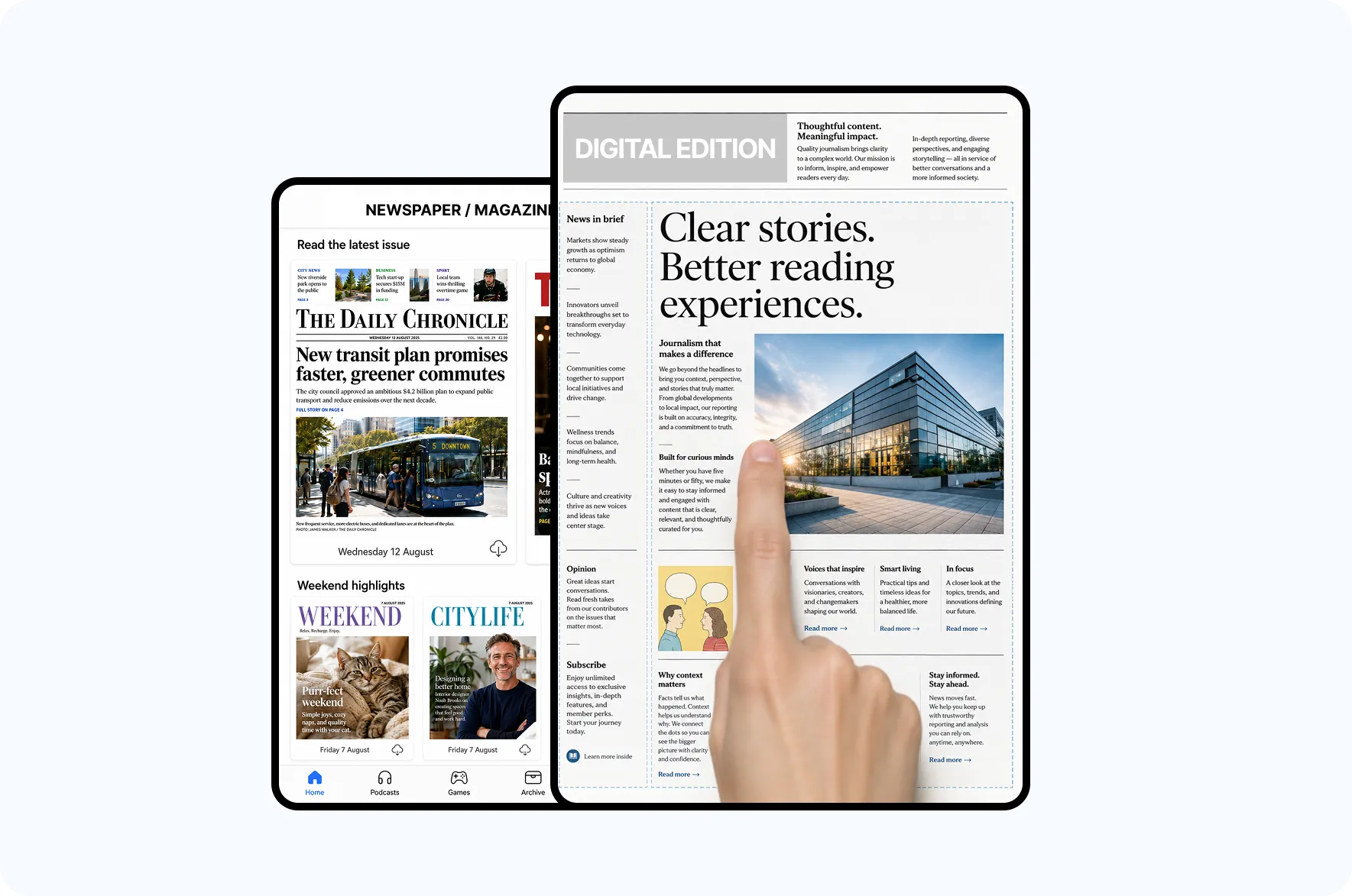
Taking a print newspaper digital involves more than simply putting a PDF online.
For many readers, the newspaper experience itself matters: a clearly defined edition, the editorial selection, the structure of the pages and the feeling of reading from beginning to end. At the same time, the digital version needs to work well on smaller screens, be accessible to more readers and meet today’s expectations for digital content.
A modern e-paper can combine the best of both worlds.
## What is a digital newspaper or e-paper?
An e-paper is a digital version of a newspaper or magazine that readers can access on a smartphone, tablet or the web.
It can preserve the layout and structure of the printed publication while adding features designed specifically for digital reading.
This means publishers can retain the familiar edition-based newspaper experience while making the content easier to read and use digitally.
For [newspapers looking to improve their digital reading experience](https://www.prenly.com/en/digital-publications/newspapers), the existing print edition can therefore be a natural starting point. The same applies to [magazines looking to combine print and digital publishing](https://www.prenly.com/en/digital-publications/magazines).
## A PDF is a good starting point – but not the complete reading experience
Many newspapers and magazines already produce a finished PDF as part of their regular publishing workflow. This makes the PDF a natural starting point for a digital edition.
The problem arises when the PDF also becomes the entire reading experience.
A full newspaper page may work well on a large screen. On a smartphone, however, readers often have to zoom, pan and move around the page just to read the text.
A modern digital newspaper should therefore offer more than a static copy of the printed page.
## Keep the print experience – and give readers a digital reading mode
Publishers do not have to choose between the traditional newspaper experience and an entirely new digital format.
A digital edition can allow readers to view the newspaper exactly as it was published while also giving them the option to open articles in a reading mode designed for smaller screens.
This gives readers the freedom to choose how they consume the same content. Those who enjoy the traditional newspaper experience can browse the edition page by page, while readers on smaller screens can switch to a more mobile-friendly article view.
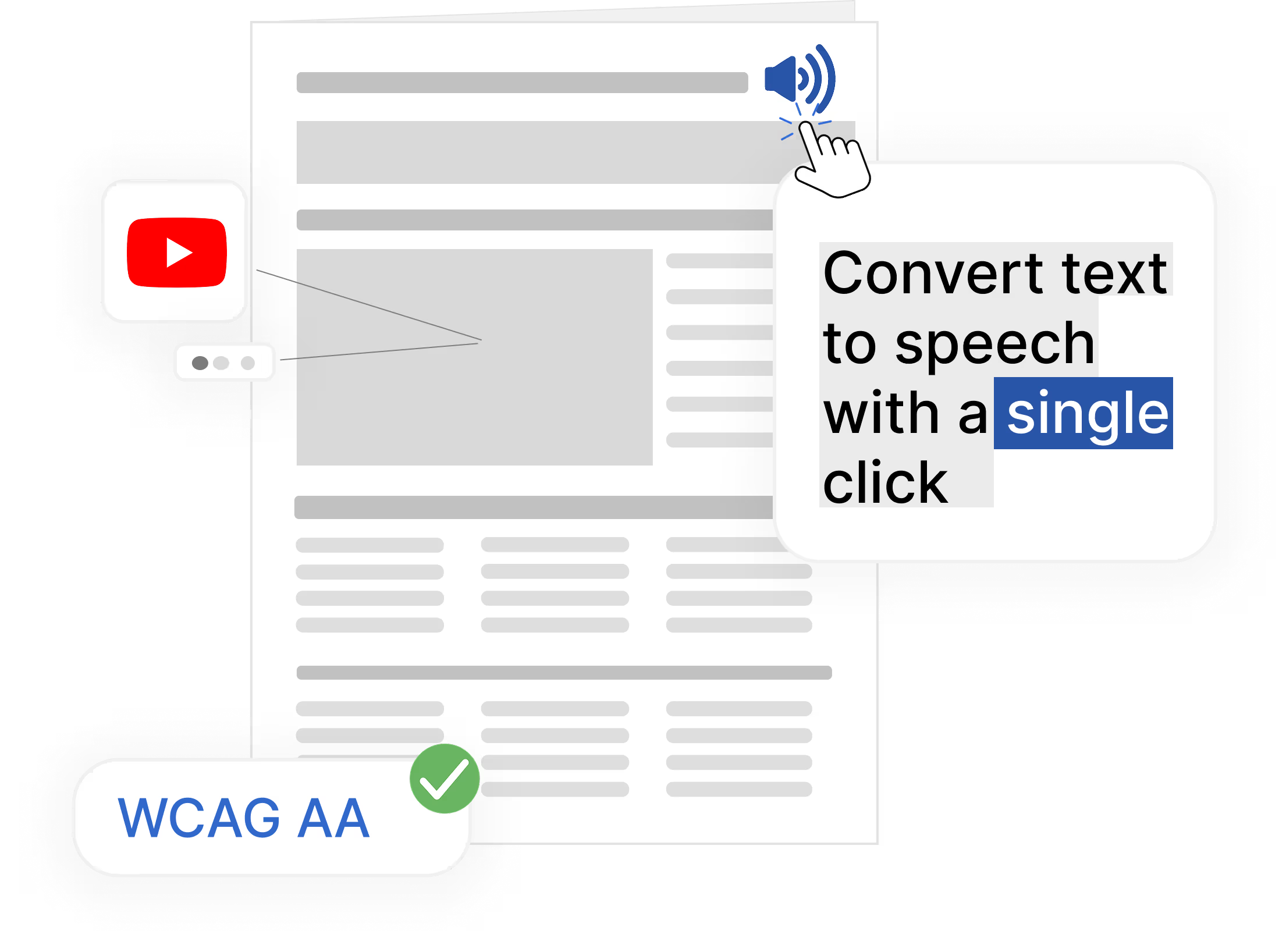
## Make your newspaper accessible to more readers
Digital publishing also creates new opportunities to make content more accessible.
For example, readers can access article content as text rather than only as an image of the printed page, adjust the text size or use text-to-speech to listen to articles.
For publishers, this means the same journalism can work for more people and in more situations.
With [Prenly Reader](https://www.prenly.com/prenly-reader), e-papers and other editorial content can be brought together in a modern and accessible digital reading experience for iOS, Android and the web.
## Publish the same newspaper in apps and on the web
Readers use different devices at different times. A digital newspaper should therefore not be limited to a single screen or channel.
With Prenly, newspapers, magazines and media groups can create, package and distribute [e-papers and digital editions](https://www.prenly.com/solutions) through one streamlined publishing workflow – from editorial content to apps and the web.
Readers can access the publication wherever it suits them best, while publishers reduce the need to build and maintain separate publishing workflows for every channel.
## A digital newspaper can offer more than the print edition
Taking a newspaper digital does not mean the digital product has to be limited to the content that appeared in print.
In Prenly Reader, the e-paper can be combined with other types of editorial and digital content, including:
- articles
- podcasts and audio
- games
- crosswords
- video
- web content
This allows publishers to preserve the strengths of a curated edition while creating a broader digital reading experience and giving readers more reasons to return.
## What should a modern digital newspaper be able to do?
When taking a print newspaper digital, it is worth looking beyond the file conversion itself.
### Preserve the newspaper layout
Readers should be able to recognise and browse the published edition with the same editorial structure and visual identity as the printed newspaper.
### Work well on mobile
Articles and other content need to remain easy to read even when a full newspaper page is too large for the screen. A dedicated reading mode makes it possible to read the same content on smaller devices without constantly zooming and panning.
### Make content accessible to more people
Different readers have different needs. Features such as reading mode, adjustable text size and text-to-speech can make content easier to access and consume.
### Publish across multiple platforms
The digital edition should work on smartphones, tablets and the web without requiring the editorial team to create separate versions for each channel.
### Combine different types of content
A digital reading experience can combine e-papers with articles, audio, podcasts, video, games, crosswords and other editorial content.
### Fit into the existing publishing workflow
Digital publishing should not have to create more manual work. A modern publishing platform should work with the editorial systems and workflows a publisher already uses.
## Print and digital do not have to be two separate products
For many established publishers, the printed newspaper remains an important part of the offering. Digital publishing does not therefore have to mean replacing print.
Instead, the digital edition can build on what already works: the editorial selection, the publication’s identity and the curated edition. Apps and the web can then give readers more ways to access the same journalism, at more times throughout the day.
This makes it possible to create a hybrid model in which print and digital publishing strengthen each other rather than being treated as two separate strategies.
## From print newspaper to a complete digital reading experience
The printed newspaper has many qualities that remain valuable in a digital environment: editorial curation, the structure of an edition and the sense of a clear beginning and end.
The goal does not have to be to replace that experience.
Instead, publishers can take the best parts of the printed newspaper and use digital technology to make them easier to read, more accessible and easier to develop further.
Prenly helps newspapers and magazines create and distribute digital editions and bring them together with other editorial content across apps and the web.
To see how other publishers use Prenly, explore our [customer stories and examples from newspapers and media groups](https://www.prenly.com/customer-stories).
[**Explore Prenly’s digital publishing solutions →**](https://www.prenly.com/solutions)
## Frequently asked questions about taking a print newspaper digital
### How do you turn a print newspaper into a digital newspaper?
A print newspaper can be turned into a digital publication by using the finished edition as the basis for an e-paper and adding digital features such as article view, reading mode, adjustable text size and text-to-speech. The digital edition can then be distributed through apps and the web.
### Can a PDF newspaper be made mobile-friendly?
Yes. The original newspaper layout can be preserved while the article content is also made available in a reading mode designed for smaller screens.
### What is the difference between a PDF and an e-paper?
A PDF primarily reproduces the finished page. A modern e-paper can combine the original edition with features and reading modes designed for digital use, such as article view, text-to-speech and adjustable text size.
### Can a digital newspaper work in both an app and on the web?
Yes. With Prenly, digital newspapers and other editorial content can be made available to readers across iOS, Android and the web.
### Can an e-paper include content that is not in the printed newspaper?
Yes. The digital reading experience can be expanded with articles, podcasts, audio, video, games, crosswords and web content.
### Does the editorial team have to change its existing workflow?
Not necessarily. Prenly is designed to work with existing editorial systems and publishing workflows, allowing digital publishing to become a natural part of day-to-day production.
### Does an e-paper also work for magazines?
Yes. The same principles apply to magazines and other periodical publications. The finished edition can be combined with a digital reading mode and enhanced with articles, archives, audio, podcasts and other content between editions.
Learn more about [digital publishing for magazines](https://www.prenly.com/en/digital-publications/magazines).
## Related articles
- [ ElevenLabs with Prenly | AI Text-to-Speech for Newspapers and Magazines](https://www.prenly.com/blog/use-elevenlabs-with-prenly-for-enhanced-text-to-speech)
- [ 5 Ways to Give Content Access and Attract Subscribers](https://www.prenly.com/blog/5-ways-to-give-access-to-content-and-attract-more-subscribers)
- [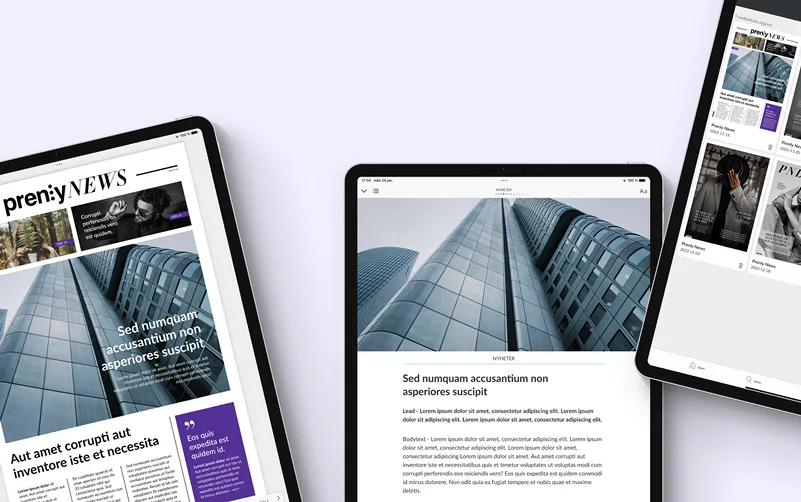 Practical tips for digital publishing in 2026](https://www.prenly.com/blog/practical-tips-for-digital-publishing-in-2026)
---
URL: https://www.prenly.com/blog/use-elevenlabs-with-prenly-for-enhanced-text-to-speech
# Use ElevenLabs with Prenly for Enhanced Text-to-Speech
> Prenly supports ElevenLabs for Enhanced Text-to-Speech. See how publishers can automatically turn articles into natural-sounding audio.
6 min read
[By David. 25 Aug 2026](https://www.prenly.com/author/77)

Can you use ElevenLabs with Prenly? Yes. ElevenLabs is one of the text-to-speech providers supported by Prenly as part of Enhanced Text-to-Speech. Once the feature has been configured, audio can be generated automatically for new publications, imported and made available to readers.
For newspapers, magazines and other publishers, this means readers can choose to listen to articles instead of only reading them. Enhanced Text-to-Speech uses voices from external text-to-speech providers instead of the standard voices built into browsers, mobile phones and other devices.
## What is Enhanced Text-to-Speech in Prenly?
Enhanced Text-to-Speech converts written articles into audio using voices from external text-to-speech providers.
Compared with the standard voices available in browsers and mobile devices, these voices can offer more natural pronunciation, better rhythm and intonation. This creates a better listening experience while also giving readers another way to access the content.
Enhanced Text-to-Speech can be used to:
- make content more accessible,
- give readers the option to listen to articles instead of reading them,
- improve audio quality and create a more natural listening experience,
- improve narration for languages where standard device voices are limited.
## Does Prenly support ElevenLabs?
**Yes. ElevenLabs is one of the text-to-speech providers currently supported by Prenly as part of Enhanced Text-to-Speech.**
To use ElevenLabs with Prenly, you first need an ElevenLabs account and the credentials required for the integration. You then send these details to Prenly, and we configure Enhanced Text-to-Speech for your publication.
Prenly currently supports the following text-to-speech providers:
- [ElevenLabs](https://elevenlabs.io/text-to-speech)
- [Microsoft Azure](https://speech.microsoft.com/portal/voicegallery)
- [Google Cloud Text-to-Speech](https://cloud.google.com/text-to-speech)
- [Amazon Polly](https://docs.aws.amazon.com/polly/latest/dg/available-voices.html)
- [Narakeet](https://www.narakeet.com/languages/)
This allows you to compare different voices and choose the provider that best suits your publication's language and requirements.
## How does the ElevenLabs integration work with Prenly?
Once Enhanced Text-to-Speech has been configured, audio generation becomes part of your existing publishing workflow. You continue uploading new publications to Webarch as usual. The audio is then generated, imported and made available automatically.
## How the process works, step by step
**1. Choose a text-to-speech provider**
Create an account with a provider supported by Prenly, such as ElevenLabs.
↓
**2. Obtain the required details**
Depending on the provider, this may include an API key, selected voice, language or region.
↓
**3. Send the details to Prenly**
Send the required credentials to Prenly so the integration can be configured for your publication.
↓
**4. Publish as usual**
Continue uploading new publications to Webarch as part of your normal publishing workflow.
↓
**5. Audio is generated automatically**
The audio is generated, imported and made available automatically for the new publication.
## What do you need to use ElevenLabs with Prenly?
To activate Enhanced Text-to-Speech with ElevenLabs, you first need an ElevenLabs account.
Once the account has been created and you have received the required credentials, send them to [hello@prenly.com](mailto:hello@prenly.com). Prenly will then configure the integration for your publication.
The exact details required depend on the text-to-speech provider you choose. They may include:
- selected voice,
- Speech Key, API key or JSON key file,
- region,
- language,
- voice gender.
Once the integration has been configured, you can continue uploading publications to Webarch as usual. The audio is then generated, imported and made available automatically.
**Please note:** only publications uploaded after Enhanced Text-to-Speech has been activated will receive enhanced audio. Existing publications are not processed automatically.
## Why use Enhanced Text-to-Speech?
Enhanced Text-to-Speech gives readers another way to access your content. Instead of only reading an article, they can also listen to it.
By using external text-to-speech providers, publishers can also choose voices with more natural pronunciation, rhythm and intonation than many of the standard voices available in browsers and mobile devices.
### Make content more accessible
Offering articles as audio makes the content available in an additional format and gives readers more ways to access it.
### Let readers choose between reading and listening
With Enhanced Text-to-Speech, the same article can be made available both as text and as narrated content.
### Create a more natural listening experience
Enhanced Text-to-Speech uses voices from external providers instead of the standard voices in browsers and mobile devices. Depending on the provider and voice selected, this can provide better pronunciation, rhythm and intonation.
## Which text-to-speech providers does Prenly support?
Prenly currently supports Enhanced Text-to-Speech with the following providers:
- ElevenLabs
- Microsoft Azure
- Google Cloud Text-to-Speech
- Amazon Polly
- Narakeet
The quality of the generated audio depends on the provider and voice selected. It can therefore be useful to compare the available voices from the different providers before deciding which solution best suits your publication.
## ElevenLabs is one of several options
ElevenLabs is not the only text-to-speech provider that can be used with Prenly. You can also choose Microsoft Azure, Google Cloud Text-to-Speech, Amazon Polly or Narakeet.
This allows you to select a provider based on the voices, languages and settings that best suit your publication.
## Frequently asked questions about ElevenLabs and Prenly
### Can you use ElevenLabs with Prenly?
Yes. ElevenLabs is one of the text-to-speech providers currently supported by Prenly as part of Enhanced Text-to-Speech.
### Does Prenly have an ElevenLabs integration?
Prenly supports ElevenLabs as a text-to-speech provider within Enhanced Text-to-Speech. Once the configuration is complete, ElevenLabs can be used to generate audio for new publications.
### Do we need our own ElevenLabs account?
Yes. To use ElevenLabs with Prenly, you first need to create an ElevenLabs account and obtain the credentials required for the integration.
### How do we connect ElevenLabs to Prenly?
Once you have created an account and obtained the required details, send them to [hello@prenly.com](mailto:hello@prenly.com). Prenly will then configure Enhanced Text-to-Speech for your publication.
### Is the audio generated automatically?
Yes. Once the integration has been configured, you continue uploading publications to Webarch as usual. The audio is then generated, imported and made available automatically.
### Which other text-to-speech providers does Prenly support?
Prenly currently supports ElevenLabs, Microsoft Azure, Google Cloud Text-to-Speech, Amazon Polly and Narakeet.
### Will existing publications automatically receive Enhanced Text-to-Speech?
No. Only publications uploaded after the integration has been activated will automatically receive Enhanced Text-to-Speech. Existing publications are not processed automatically.
### Is the audio quality the same with every provider?
No. The quality of the generated audio depends on the text-to-speech provider and voice selected.
## Learn more about Enhanced Text-to-Speech
For technical information about configuration, credentials and the text-to-speech providers supported by Prenly, read our [Enhanced Text-to-Speech guide](https://www.prenly.com/support/configuring-extensions/enhanced-text-to-speech).
## Want to use ElevenLabs with Prenly?
If you would like to activate Enhanced Text-to-Speech for your publication, have questions about the configuration or would like more information about pricing, please contact us at [hello@prenly.com](mailto:hello@prenly.com).
## Related articles
- [ The future of digital magazines: what publishers need to get right | Prenly](https://www.prenly.com/blog/why-digital-magazines-are-the-future-of-publishing)
---
URL: https://www.prenly.com/blog/we-are-launching-prenly-games-games-and-quizzes-for-newspapers-and-magazines
# We are launching Prenly Games – games and quizzes for newspapers and magazines
> Add games, quizzes and competitions to your newspaper or magazine app with Prenly Games. Increase reader engagement, repeat visits and new revenue opportunities.
4 min read
[By Henrik. 19 Aug 2026](https://www.prenly.com/author/75)

We’re launching Prenly Games – a new way for newspapers and magazines to give readers more reasons to open the app and keep coming back.We’re launching **Prenly Games** – games and quizzes for newspapers and magazines that want to encourage more repeat visits, build stronger reader habits and create new commercial opportunities in their Prenly app.
Prenly Games makes it possible to offer games, quizzes and competitions in the same app readers already use. No separate gaming platform or additional account is needed.
## Give readers more reasons to open the app
For many newspapers and magazines, the challenge is not just getting readers to download the app, but creating a habit of opening it regularly. This is where games can play an important role.
A daily quiz, a word game or a local competition gives readers a clear reason to come back. Games complement the journalism and can help drive more repeat app visits, build stronger reader habits and increase the perceived value of the subscription.
[**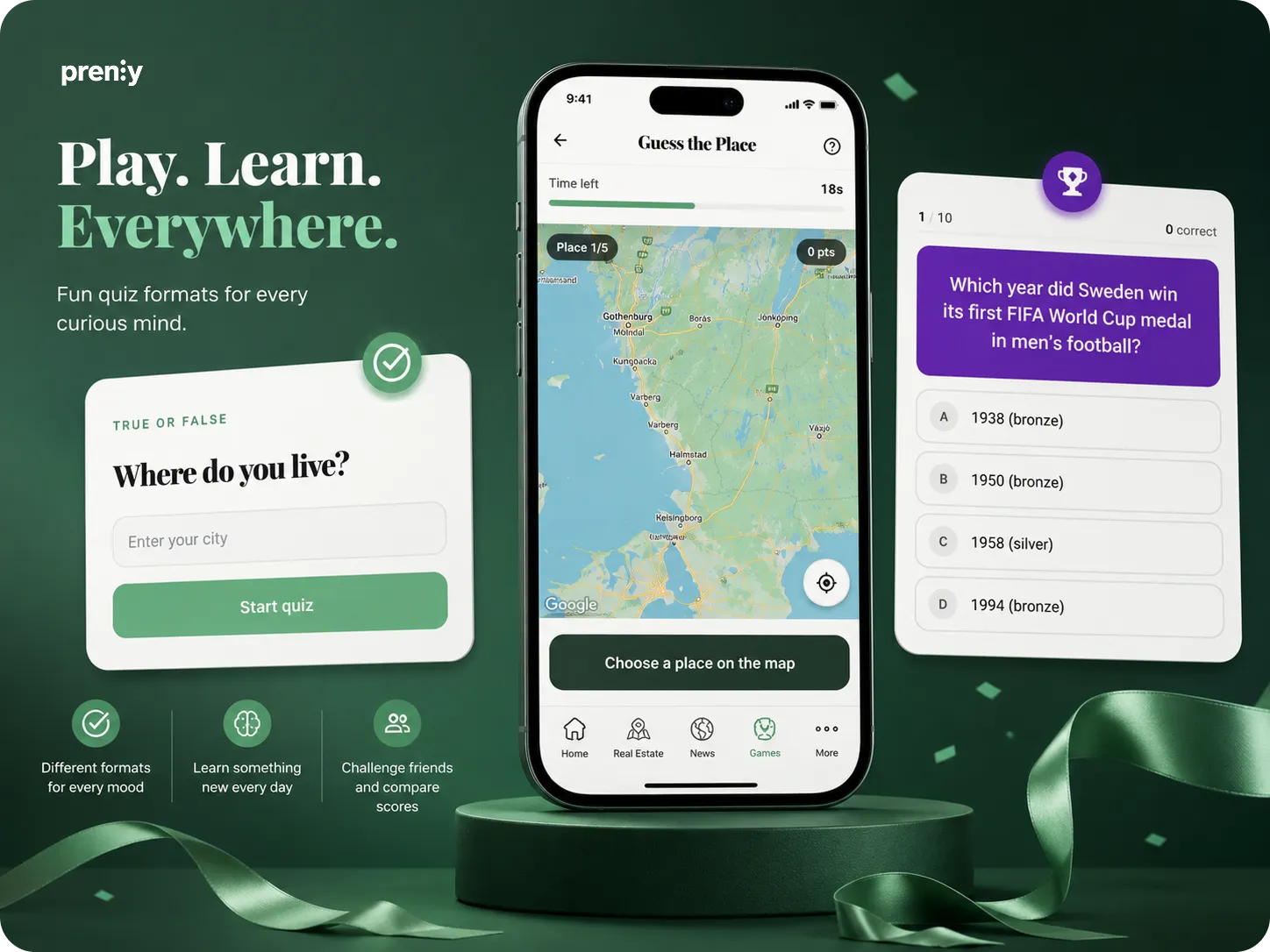**](https://prenlygames.se)
## Eight games – directly in the Prenly app
Prenly Games includes eight different types of games, ranging from classic quizzes and word games to games where readers identify places or find connections.
- Guess the Place
- Number Hunt
- True or False
- Word Hunt
- Quiz
- Word Master
- Timeline
- Connections
The games become part of the existing Prenly app and can be adapted to match the publication’s visual identity, with custom colours, icons and ordering.
Readers use the same login as in the rest of the app, and features for push notifications and analytics are included from the start.
## Create local games based on your own news
A key part of Prenly Games is the ability to create your own editorial game content.
A local newspaper could, for example, create a quiz about the week’s news, ask readers to identify a location in the local area or create questions around a local event. A magazine can build games around its own subject area and audience.
Editorial teams can create the content manually or use AI to generate questions and games based on their own editorial material.
This makes it possible to quickly turn today’s journalism into a new, interactive format.
## From today’s news to today’s game
Prenly Games is designed to be easy to use as part of the everyday editorial workflow.
In the administration tool, editorial teams decide which games should be active, create new rounds and customise the content. A quiz can be created from a news story, a competition can be linked to a current theme and a local game can be published whenever it suits the editorial team.
This means games can become part of the daily publishing process – without requiring a separate production workflow.
## New advertising and sponsorship opportunities
Games also create new opportunities for advertising.
A game or competition can be linked to a local sponsor, a prize or a commercial theme. Prenly Games supports competitions, leaderboards and automatic winner selection, making it possible to package games as a new offering for advertisers and partners.
For publishers, this means the same product can contribute to both **reader engagement and new revenue opportunities**.
## Visibility on the web – games in the app
Prenly Games can also be used to connect the web experience with the app.
The game of the day can be highlighted directly in the website’s news feed or given its own entry point on the news site. The game itself is then played in the Prenly app, where the reader is already logged in as a subscriber.
This allows publishers to use their existing web reach to drive more readers to the app.
## Easy to get started
Prenly Games integrates with the existing Prenly app. Prenly helps set up the games section and connect login, push notifications and analytics.
You can then adapt the look and editorial tone, choose which games you want to activate and start creating content.
The goal is to make the journey from decision to launch as short as possible – without requiring the editorial team to build or maintain its own gaming platform.
## Want to see Prenly Games in action?
At [**prenlygames.se**](https://prenlygames.se) you can explore the different games and learn more about how Prenly Games works for newspapers and magazines.
We’re also hosting a launch webinar where we’ll demonstrate Prenly Games live and show how the product works in practice.
**Tuesday, 8 September**
**10:00–10:30**
[**Register for the launch webinar →**](https://prenlygames.se/launch-webinar)
## Related articles
- [ Prenly Games webinar in English | September 22 | Prenly](https://www.prenly.com/blog/prenly-games-webinar-in-english)
- [ Beyond EPUB: Why Publishers Need Modern E-Paper | Prenly](https://www.prenly.com/blog/from-pdf-to-modern-e-paper-why-publishers-need-more-than-epub-conversion)
- [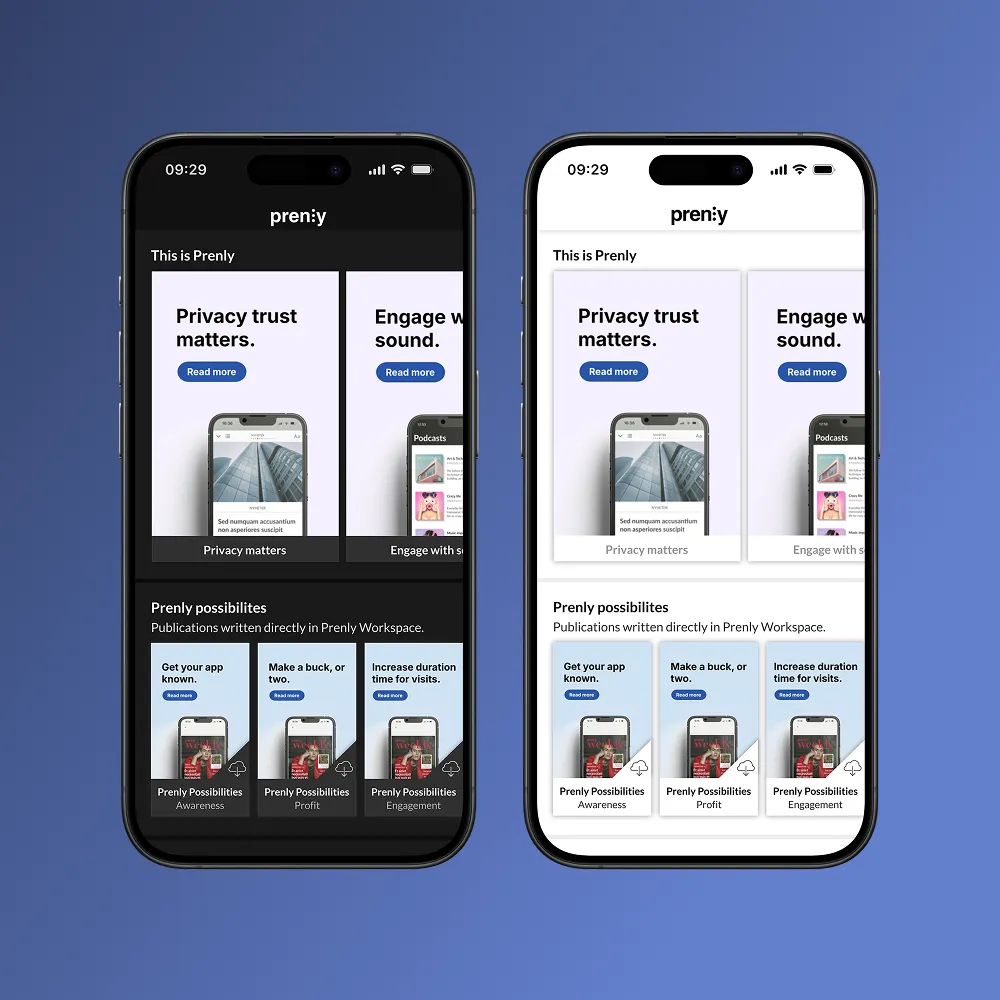 Dark Mode for Publishing Apps | New Feature in Prenly](https://www.prenly.com/blog/we-re-launching-dark-mode-in-prenly)
- [ Berliner Zeitung: E-Paper Migration | Prenly](https://www.prenly.com/customer-stories/berliner-zeitung-epaper-migration)
- [ Unified App for Publishers: Why Media Houses Are Moving Beyond Separate News & E-Paper Apps](https://www.prenly.com/blog/why-a-unified-app-is-the-smartest-choice-for-publishers)
---
URL: https://www.prenly.com/blog/building-trust-in-the-age-of-fake-news-ensuring-credibility-in-digital-publishing
# Building Trust in the Age of Fake News: Ensuring Credibility in Digital Publishing
> Discover strategies to build trust in digital publishing during the fake news era—from fact-checking and transparency to engaging readers.
3 min read
[By David. 13 Aug 2026](https://www.prenly.com/author/77)

In today's digital age, where information is abundant and easily accessible, distinguishing fact from fiction has become increasingly challenging. The proliferation of "fake news" has eroded public trust in media, making it imperative for digital publishers to prioritize credibility and accuracy. This article offers a comprehensive guide for publishers to navigate this complex landscape and establish themselves as trusted sources of information.
## The Impact of Misinformation
Before diving into solutions, it's essential to understand the profound impact misinformation can have.
### Consequences:
- **Eroded Public Trust**: When readers encounter false information, their trust in media as a whole diminishes.
- **Misguided Decisions**: Misinformation can lead to readers making decisions based on false premises.
- **Damage to Reputation**: For publishers, even a single instance of misinformation can tarnish their reputation for years.
## Pillars of Trustworthy Publishing
To combat the tide of misinformation, publishers must adhere to several foundational principles.
### Accuracy:
- **Fact-Checking**: Employ a rigorous fact-checking process for every piece of content.
- **Citing Sources**: Always cite reliable and original sources for any claims or data.
- **Transparency**: If errors are made, correct them promptly and transparently.
### Independence:
- **Avoiding Bias**: Strive for objectivity and avoid any potential conflicts of interest.
- **Editorial Integrity**: Ensure that editorial decisions are not influenced by external pressures, such as advertisers.
### Fairness:
- **Balanced Reporting**: Present multiple sides of a story, giving readers a comprehensive view.
- **Right to Reply**: Allow individuals or entities mentioned in a story a chance to respond or offer a counterpoint.
## Practical Strategies for Building Trust
In the battle against misinformation, actionable strategies are the publisher's best defense.
### Utilize Fact-Checking Organizations:
- **Third-Party Verification**: Collaborate with organizations like FactCheck.org or PolitiFact to verify contentious claims.
- **Fact-Checking Tools**: Use tools like MediaWise or Snopes to cross-check information.
### Foster Reader Engagement:
- **Open Channels of Communication**: Allow readers to report errors or questionable content.
- **Feedback Loop**: Regularly engage with readers, addressing their concerns and feedback.
### Training and Development:
- **Continuous Learning**: Ensure that editorial teams are trained in the latest fact-checking techniques.
- **Workshops**: Conduct workshops on understanding biases, verifying sources, and recognizing misinformation.
## The Role of Technology in Combatting Fake News
In the digital age, technology is both a challenge and an ally.
### AI and Machine Learning:
- **Automated Fact-Checking**: AI can scan vast amounts of content quickly to identify potential falsehoods.
- **Pattern Recognition**: Machine learning can detect patterns typical of fake news stories or unreliable sources.
### Blockchain:
- **Immutable Records**: Blockchain can be used to create tamper-proof records of published content, ensuring authenticity.
- **Source Verification**: Track the origin of a piece of information or image, ensuring it hasn't been altered.
## Case Studies: Publishers Getting It Right
Several publishers have set exemplary standards in ensuring credibility.
- **The New York Times**: Their transparent corrections policy and rigorous fact-checking have set industry standards.
- **BBC**: Their "Reality Check" team specifically addresses false claims circulating in the public domain.
## Conclusion
Building trust in the age of fake news is neither quick nor easy. It requires a combination of adhering to journalistic principles, employing rigorous fact-checking processes, leveraging technology, and maintaining an open dialogue with readers. Publishers that prioritize these elements not only safeguard their reputation but also play a crucial role in upholding the integrity of the media landscape.
## Related articles
- [ Beyond EPUB: Why Publishers Need Modern E-Paper | Prenly](https://www.prenly.com/blog/from-pdf-to-modern-e-paper-why-publishers-need-more-than-epub-conversion)
- [ Making news accessible for everyone – together with MTM](https://www.prenly.com/customer-stories/making-news-accessible-for-everyone-together-with-mtm)
- [ Berliner Zeitung: E-Paper Migration | Prenly](https://www.prenly.com/customer-stories/berliner-zeitung-epaper-migration)
---
URL: https://www.prenly.com/blog/from-pdf-to-modern-e-paper-why-publishers-need-more-than-epub-conversion
# From PDF to Modern E-Paper: Why Publishers Need More Than EPUB Conversion
> Go beyond basic PDF to EPUB conversion. Prenly transforms your PDFs into branded apps, audio, and complete digital reader experiences.
10 min read
[By Henrik. 19 Jun 2026](https://www.prenly.com/author/75)

Many publishers start with a practical search: “convert PDF to EPUB.”
It’s a logical starting point. The PDF already exists. The publication is complete. The print workflow is familiar. EPUB seems like the next step because it promises a more flexible reading format for digital screens.
But for newspapers, magazines, and media companies, the real opportunity is bigger than changing one file into another.
A PDF to EPUB converter changes the file. Prenly transforms the whole reading experience.
Prenly is an all-in-one [digital publishing platform](https://www.prenly.com/) that helps publishers turn PDF-based editions into branded apps, e-papers, article views, audio experiences, web news, and digital editions built around how readers actually read today.
With 45+ years of publishing innovation through Textalk Group, 100% of Swedish daily newspapers choosing Prenly, and more than 2 million readers using Prenly-powered experiences daily, the platform is built for publishers who need more than a format change. They need a better way to publish, distribute, engage, and grow.
## Why Publishers Search For PDF To EPUB Conversion
For print publishers, the PDF is often the most natural place to start.
It contains the finished edition. It preserves the layout, images, pages, ads, and editorial structure. It fits into existing production routines and gives teams a reliable output from the print process.
The problem is that readers do not experience digital content like print.
On a phone, a static PDF can feel heavy. Readers may need to zoom, scroll sideways, and move around the page just to finish an article. That friction matters, especially when subscribers expect a smooth experience in an app or browser.
This is why searches around PDF to EPUB and EPUB readers are common. Publishers want their content to work better on screens. They want a more flexible format. They want to make their editions easier to access outside the printed page.
That is a useful first question.
But it is not the final one.
The stronger question is: how can the edition become a digital product that readers return to, not just a file they can open?
## What A PDF To EPUB Converter Can And Cannot Do
A PDF to EPUB converter can help make content more flexible. In some cases, it can improve readability, allow text to reflow, and make the publication easier to open in an EPUB reader.
That has value, especially when a publisher wants to move away from a fixed-layout reading experience.
But a converter does not solve the wider publishing challenge.
It does not give the publication a branded app. It does not create a strong subscriber experience. It does not manage e-paper distribution, push notifications, podcasts, article view, web news, reader analytics, accessibility features, advertising, or subscription workflows.
It also does not answer the questions that matter after the file has been converted:
How will readers find the edition?
How will subscribers access it?
How will the experience reflect the publisher’s brand?
How will the content support accessibility needs?
How will the team understand what readers actually engage with?
How will the digital edition support revenue?
That is where publishers often outgrow basic conversion tools.
The file format matters, but the reading experience around it matters more.
## Why Digital Editions Need More Than A File Format
A strong digital edition should preserve the value of the publication while making it easier to read, navigate, listen to, share, and return to.
That is the difference between file conversion and digital publishing.
Prenly helps publishers use their existing PDF-based workflows as a starting point, then build a fuller reader experience around them. The edition can still feel familiar to readers who value the print replica, while also offering features that fit modern reading habits.
With Prenly, publishers can offer branded apps, e-paper distribution, article view, text-to-speech, accessibility support, web news, podcasts, interactive crosswords, push notifications, and engagement features from one connected platform.
For the reader, that means less friction.
For the publisher, it means more control over the full digital experience: how content is published, how it is presented, how readers interact with it, and how engagement can be understood over time.
This is especially important for publishers that want digital editions to support loyalty, habit, subscription value, and new revenue opportunities. A converted file can be opened. A well-designed digital edition can become part of a reader’s routine.
## PDF, EPUB, And E-Paper: What Is The Difference?
A PDF is a print replica. It is valuable when the goal is to preserve the finished edition exactly as it was designed. Many readers still appreciate this because it keeps the structure of the newspaper or magazine intact, including pages, sections, ads, images, and layout.
An EPUB is a flexible reading format. It is designed so content can adapt more easily to different screens and reading systems. This can make long-form text easier to read, especially when layout is less important than flow.
An e-paper experience is broader. It can include the print-replica edition, but it can also support article reading, app access, web reading, audio, accessibility, interactive content, notifications, analytics, and revenue workflows.
For publishers, the difference is practical.
A PDF preserves the edition.
An EPUB adapts the content.
Prenly helps publishers create a complete digital reading experience around the edition.
That is why the best answer is not always to choose between PDF and EPUB. Often, the better path is to make the existing edition work harder across app, web, audio, and engagement channels.
## How Prenly Helps Publishers Turn PDFs Into Digital Editions
Prenly is built for publishers that want to modernize without losing the value of their existing workflow.
The PDF can still be the starting point. Editorial and production teams do not need to rebuild their entire process just to give readers a better digital experience. Instead, Prenly helps transform the edition into something more useful, accessible, and engaging.
Through [Prenly Workspace](https://www.prenly.com/prenly-workspace), publishing teams can manage digital editions, scheduling, distribution, and content workflows in one place. Through [Prenly Reader](https://www.prenly.com/prenly-reader), audiences can access a smoother reading experience across app and web.
Readers can browse the e-paper, switch to article view, listen with text-to-speech, discover web news, engage with podcasts or interactive crosswords, and receive notifications that bring them back to relevant content.
This is where Prenly’s message becomes concrete: transform your PDF into a modern e-paper.
Not by treating the PDF as the final product, but by turning it into the foundation for a stronger digital edition.
For publishers reviewing [solutions for publishers](https://www.prenly.com/solutions), this distinction matters. The goal is not only to get content online. The goal is to make the digital edition worth returning to.
## What Publishers Should Look For Beyond EPUB Conversion
When comparing PDF to EPUB tools or EPUB reader options, publishers should look at the whole publishing workflow, not only the output file.
A stronger digital setup should support:
- A branded app and web reading experience
- E-paper distribution across devices
- Article view for easier mobile reading
- Text-to-speech and audio options
- Accessibility-aware reading features
- Push notifications and engagement tools
- Analytics and content insights
- Subscription, advertising, and revenue workflows
- One workspace for managing editions, timing, and distribution
This does not make EPUB unimportant. It simply puts format in the right place.
For a publisher, format is part of the infrastructure. Reader experience is the product.
## Who This Matters For
### Local And County Publishers
For local and county newspapers, the edition is more than content. It is part of the community.
Readers often know the structure of the paper, follow local stories closely, and value the familiar rhythm of each issue. The challenge is to bring that relationship into digital channels without making the experience feel thin or disconnected.
Prenly helps [county and regional newspapers](https://www.prenly.com/county-papers/) keep the value of the edition while improving how it works on phones, tablets, and browsers.
Article view can make local stories easier to read. Text-to-speech can support readers who prefer to listen. Accessibility features can help more people access the content. Push notifications can bring readers back to important updates, new editions, and local news that matters to them.
For local publishers, this is not just a technology upgrade. It is a way to keep local journalism close to readers as habits change.
### Small And Mid-Sized Publishers
Small and mid-sized publishers often need practical digital tools without adding unnecessary complexity.
A simple converter may solve one task, but it can leave the team with more systems to manage. One tool for files. Another for the app. Another for analytics. Another for notifications. Another for engagement.
That is difficult for teams with limited time and resources.
Prenly gives these publishers a more connected way to manage digital editions. Instead of building a custom app or stitching together separate tools, they can publish, distribute, and improve the reader experience from one platform.
This helps smaller teams move faster while still offering a professional digital edition under their own brand.
### Large Media Houses
For large publishers and media groups, the challenge is scale.
They may manage multiple titles, markets, brands, apps, editions, integrations, and audience segments. A basic conversion tool cannot support that level of operational need.
Large media houses need consistency across iOS, Android, and web. They need flexible workflows, analytics, integrations, scheduling, governance, and brand control.
Prenly supports publishers that need to manage digital editions across more complex structures. It helps teams bring content, distribution, reader experience, and insight closer together, while still supporting the needs of different titles and audiences.
For larger organizations, the value is not only in creating a better edition. It is in building a publishing setup that can scale.
## Do Not Stop At The File
PDF to EPUB conversion can be a helpful first step. It can make content more flexible and give publishers a way to move beyond a fixed print replica.
But publishing teams should be careful not to mistake a converted file for a complete digital product.
Readers expect more now. They want easy navigation, readable articles, audio options, accessible formats, relevant notifications, interactive content, and a digital experience that feels connected to the publication they trust.
Prenly helps newspapers, magazines, and media companies build that experience from the PDF outward.
With 45+ years of innovation through Textalk Group, adoption by 100% of Swedish daily newspapers, and more than 2 million daily readers, Prenly gives publishers a proven way to turn print-based workflows into digital editions designed for real audience habits.
Want to transform your PDF into a modern e-paper? [Book a free demo](https://www.prenly.com/book-demo/) with Prenly.
## FAQ
### Is EPUB The Same As An E-Paper?
No. EPUB is a digital file format that helps content adapt to different reading systems. An e-paper is a broader publishing experience that can include a branded app, web reading, article view, audio, accessibility features, analytics, and reader engagement tools.
### Can Publishers Convert A PDF Into A Mobile-Friendly Edition?
Yes. Publishers can make PDF content easier to read on mobile by converting or restructuring it for digital use. But a strong mobile edition also needs good navigation, article view, app or web access, accessibility support, and engagement features.
### Why Is A PDF Alone Not Enough For Digital Readers?
A PDF preserves the print layout, but it can be difficult to read on smaller screens. Readers often need to zoom and move around the page. A better digital edition keeps the value of the publication while making the content easier to read, listen to, and navigate.
### What Should Publishers Look For Beyond PDF To EPUB Conversion?
Publishers should look for branded app support, web reading, article view, accessibility features, text-to-speech, push notifications, analytics, subscription support, advertising options, and a publishing workspace that fits their team’s workflow.
### How Does Prenly Help Publishers Transform PDFs Into Digital Editions?
Prenly helps publishers use PDFs as the starting point for richer digital editions. The platform supports e-paper, branded apps, article view, text-to-speech, web news, podcasts, interactive content, accessibility features, and reader engagement tools.
## Related articles
- [ Print vs Digital vs Hybrid Publishing: What Works Best?](https://www.prenly.com/blog/digital-publishing-vs-print-analyzing-the-pros-and-cons-in-the-m)
- [ How to Publish a Magazine: A Step-by-Step Guide for Modern Publishers | Prenly](https://www.prenly.com/blog/how-to-publish-a-magazine-a-step-by-step-guide-for-modern-publishers)
- [ Making news accessible for everyone – together with MTM](https://www.prenly.com/customer-stories/making-news-accessible-for-everyone-together-with-mtm)
- [ How Local Newspapers Can Build Sustainable Digital Reader Habits | Prenly](https://www.prenly.com/blog/how-local-newspapers-can-build-sustainable-digital-reader-habits)
- [ Modernizing Digital Publishing Without Replacing Existing Systems](https://www.prenly.com/blog/modernizing-digital-publishing-without-replacing-existing-systems)
---
URL: https://www.prenly.com/blog/digital-publishing-vs-print-analyzing-the-pros-and-cons-in-the-m
# Print vs Digital vs Hybrid publishing: What works best for modern publishers?
> Compare print, digital, and hybrid publishing models. Learn the strengths, risks, and decision factors publishers should consider before choosing the right format strategy.
11 min read
[By Fastén. 10 Jun 2026](https://www.prenly.com/author/68)

Publishers are no longer making a simple choice between print and digital. The stronger question is how each format supports the reader relationship, the business model, and the editorial workflow.Print still matters for many audiences. A printed newspaper or magazine can carry trust, routine, local presence, and premium value. At the same time, digital publishing has become essential for reach, accessibility, mobile reading, engagement, and reader data.
Hybrid publishing sits between the two. It gives publishers a way to keep the value of the edition while adding app, web, e-paper, and article-based digital experiences. For many established publishers, this is the most realistic route. For others, print-only or digital-only may still be the better fit.
Prenly is an all-in-one digital publishing platform for newspapers, magazines, and media companies. It supports publishers that want to develop digital editions, app and web experiences, e-paper products, article view, and connected publishing workflows.
## Why does the publishing model matter?
A publishing model affects much more than production. It shapes how readers discover content, how often they return, how the team works, and how revenue can develop over time.
The model you choose influences:
- Reader access
- Distribution speed
- Mobile usability
- Accessibility
- Subscription and advertising options
- Reader behavior data
- Editorial and production workflow
- Long-term audience development
A print-only model may preserve a valuable habit, but it can limit insight into reader behavior. A digital-only model can increase speed and flexibility, but it requires a strong retention strategy. A hybrid model can connect both, but only if the organization has the workflow and the audience needs to support it.
The best model is not the most modern one. It is the one that fits your readers, your resources, and your commercial goals.
## Option 1: Print-Only publishing
Print-only publishing means producing and distributing a physical edition without making digital access a central part of the publishing strategy.
This model can still work when the audience has a strong print habit, when the product has high physical value, or when the publication serves a clearly defined local or niche community.
For many local publishers, print is also tied to community presence. A printed edition can feel visible, familiar, and trusted. This is especially relevant for publishers serving specific regions or communities, where the publishing model may be shaped by the realities of [county and regional papers](https://www.prenly.com/county-papers/).
### Strengths of print-only publishing
Print can offer:
- A familiar reading habit
- A strong edition experience
- High perceived value for some audiences
- Established advertising formats
- Physical visibility in homes, shops, offices, and public spaces
- A clear sense of local or editorial identity
For magazines, print can also support brand value through design, photography, pacing, and paper quality.
### Limitations of print-only publishing
Print-only publishing becomes harder when reader habits move across devices and channels.
Common limitations include:
- Limited reach beyond the physical distribution area
- Slower distribution
- Less flexibility after publication
- Higher dependency on production and logistics
- Limited reader behavior data
- Fewer engagement opportunities between issues
- Lower visibility among mobile-first readers
Print-only publishing can protect an existing relationship, but it gives publishers fewer tools to understand and grow that relationship over time.
## Option 2: Digital-Only publishing
Digital-only publishing means distributing content through digital channels such as websites, apps, e-paper, newsletters, article feeds, or digital editions without relying on a printed product.
This model can work well for publishers that already have a digital-first audience or want to build a publication without physical production and distribution.
For publishers that want mobile and web access, [digital editions](https://www.prenly.com/digital-publishing-platform) can make content easier to distribute, update, and measure.
### Strengths of digital-only publishing
Digital publishing can help publishers:
- Publish faster
- Reach readers across locations
- Reduce dependency on physical logistics
- Offer mobile-friendly article experiences
- Use audio or text-to-speech
- Send push notifications
- Share content through newsletters and social channels
- Track reader behavior
- Test new revenue models
- Promote content after publication
Digital publishing can also make the reading experience more flexible. A reader can open an app, browse an e-paper, search for a topic, save an article, or return through a notification.
A strong digital experience depends on usability. This is where [Prenly Reader](https://www.prenly.com/prenly-reader) becomes relevant for publishers that want to make reading easier across app, web, e-paper, and article formats.
### Risks of digital-only publishing
Digital-only publishing still needs a clear strategy.
Common risks include:
- Losing print-loyal readers too quickly
- Weakening the edition habit
- Depending too much on third-party platforms
- Competing with constant digital distractions
- Creating too many disconnected channels
- Publishing without a clear retention plan
- Underestimating accessibility and mobile readability
Digital-only publishing works best when the publisher knows how readers will discover, consume, return to, and pay for the content. Without that structure, digital content can become easy to publish but difficult to turn into loyalty.
## Option 3: Hybrid publishing
Hybrid publishing combines print and digital channels in one publishing strategy.
It does not mean duplicating every print product online without thought. A strong hybrid model defines what each format should do. Print may carry the edition experience, local identity, or premium value. Digital may support reach, accessibility, updates, audio, sharing, notifications, and data.
For established publishers, hybrid publishing can be useful because it allows modernization without forcing all readers into the same behavior.
### Strengths of hybrid publishing
Hybrid publishing can help publishers:
- Keep the value of the printed edition
- Add app, web, and e-paper access
- Offer both full-issue and article-based reading
- Improve accessibility
- Reach readers outside the print distribution area
- Create engagement between publication dates
- Support subscriptions, single issue sales, and digital advertising
- Use analytics to improve future issues
- Build a more flexible publishing workflow
This is where [Prenly Workspace](https://www.prenly.com/prenly-workspace) fits into the process. It helps publishers manage digital editions, app structure, content workflows, publishing settings, and distribution from one connected workspace.
The main value of hybrid publishing is choice. Some readers want the complete edition. Some want individual articles. Some prefer audio. Some discover content through newsletters or social media. Some need accessible formats. A hybrid strategy gives publishers more ways to serve those habits without abandoning the core publication.
## Print vs Digital vs Hybrid publishing: Quick comparison
## When hybrid publishing is not the right choice
Hybrid publishing can be a strong model, but it is not the right answer for every publisher.
It may not be the best choice if the print product no longer has meaningful audience demand or commercial value. In that case, keeping print alive may add cost and complexity without improving reader loyalty or revenue.
Hybrid may also be too much for very small teams that do not have the capacity to manage print production, digital editions, app updates, newsletters, notifications, advertising, and analytics at the same time. If the workflow becomes too fragmented, the reader experience can suffer.
A digital-only model may be better for new publishers with no print legacy, especially if their audience already discovers and consumes content entirely online.
A print-only model may still be suitable for niche publications where the physical product is the main value, the audience is clearly committed to print, and digital reach is not a priority.
The point is not that every publisher should become hybrid. The point is that publishers should choose the model that matches real reader behavior, internal capacity, and business goals.
## Reader experience: Why one format is rarely enough
Modern readers do not all behave in the same way.
One reader may want to browse the complete issue from front to back. Another may only read articles shared through a newsletter. A commuter may prefer audio. A younger reader may expect mobile-first article view. A reader with a disability may need adjustable text, clear structure, or assistive technology support.
A strong reader experience may include:
- Full digital editions
- E-paper
- Article view
- Mobile apps
- Web editions
- Audio or text-to-speech
- Saved articles
- Push notifications
- Search and sharing
- Accessible structure and navigation
Accessibility is especially important. Publishers should make digital content easier to read, navigate, and understand for as many people as possible. Clear structure, readable design, and accessible technology all support a better experience. Publishers that want to improve this area can start by reviewing [WCAG guidelines](https://www.prenly.com/de/wcag-richtlinien).
Reader experience is now part of publishing quality. If the content is hard to access, hard to read, or hard to return to, readers are less likely to build a habit.
## Revenue opportunities by publishing model
The publishing model also affects revenue.
Print-only publishing often depends on:
- Print subscriptions
- Single copy sales
- Print advertising
- Inserts
- Sponsorships
- Premium editions
Digital-only publishing can support:
- Digital subscriptions
- Memberships
- Single issue sales
- Digital advertising
- Sponsored articles
- Newsletter sponsorships
- Campaign landing pages
- Data-informed audience development
Hybrid publishing can combine several of these models. A special edition, for example, could be sold in print, published as an e-paper, promoted through an app notification, supported with digital ads, and shared with selected subscriber groups.
That flexibility can help commercial teams create more relevant offers. Instead of selling only print space, publishers can build campaigns across print, digital editions, app placements, newsletters, and special formats.
The key is not to add channels for the sake of it. The key is to connect revenue opportunities to reader behavior.
## Audience retention and engagement
Publishing does not end when the issue goes live.
Print creates a strong publication moment, but digital channels can extend the life of each issue. A publisher can promote selected stories, send relevant notifications, highlight related articles, offer audio versions, and use analytics to understand what readers return to.
For example:
- A print reader can activate digital access.
- A mobile reader can open a push notification.
- A subscriber can save articles for later.
- A casual reader can discover a story through a shared link.
- A loyal reader can browse the full e-paper edition.
- A commuter can listen to an article.
- An editorial team can see which topics drive engagement.
These touchpoints can help publishers build habits around the brand, not just around a single publication date.
For local and regional publishers, this matters because audience loyalty is often built through repeated relevance. The more useful and accessible the publication becomes, the easier it is for readers to return.
## How Prenly supports hybrid publishing
Prenly supports publishers that want to combine edition-based publishing with modern digital reader experiences.
For publishers moving toward hybrid publishing, Prenly can support:
- Digital editions and e-paper
- App and web publishing
- Article view
- PDF-based and editorial system workflows
- Text-to-speech and adjustable reading options
- Saved content
- Push notifications
- Web news inside the app
- Digital ads
- Single digital issues
- Customer inserts and special editions
- Reader statistics and Looker Studio dashboards
- Integrations with websites, subscription systems, user databases, authentication, analytics, and ad tools
This matters because hybrid publishing can become difficult when print, digital editions, apps, analytics, ads, and subscriber systems are managed separately. A connected workflow helps publishers keep control while improving the reader experience.
Publishers that want to understand how these capabilities fit together can explore [Prenly solutions](https://www.prenly.com/solutions) or review [customer stories](https://www.prenly.com/customer-stories) from other media organizations.
## Which publishing model should you choose?
The right model depends on your audience, business goals, and operational reality.
Choose print-only if your audience is strongly committed to the physical edition, your revenue is still built around print, and you have limited need for digital reach or reader data.
Choose digital-only if your audience is already mobile-first, your team is ready to build a strong digital engagement model, and you do not depend on print for reader loyalty or revenue.
Choose hybrid if you want to protect existing print value while building stronger digital access, engagement, accessibility, monetization, and analytics.
The strongest choice is not always the most advanced one. It is the one your readers will use, your team can manage, and your business can sustain.
## Conclusion
Print and digital publishing should not be treated as opposites.
Print can still support loyal readers, edition habits, local identity, and premium formats. Digital supports reach, accessibility, mobile behavior, engagement, performance data, and revenue flexibility.
For many established publishers, hybrid publishing offers the most practical path because it connects these strengths. But the right model depends on the audience, the team, and the business case.
A publisher with a valuable print product and growing digital needs may benefit from a hybrid approach. A digital-native publisher may not need print at all. A niche publication with a highly loyal physical readership may decide to keep print at the center.
The important step is to choose deliberately. Look at how readers behave, where revenue comes from, what your team can manage, and which formats create real value.
For publishers that want to combine print value with digital editions, app and web experiences, article view, accessibility, and reader engagement, Prenly offers a practical route into hybrid publishing.
To explore how Prenly can support your publishing workflow, you can [book a demo](https://www.prenly.com/book-demo/) with the team.
## FAQ
### Is print publishing still worth it?
Yes, print publishing can still be worth it when readers value the physical edition, when print supports local identity, or when advertisers still see value in printed formats. The challenge is that print alone often limits reach, data, and digital engagement.
### What is hybrid publishing?
Hybrid publishing is a publishing model that combines print and digital channels. A publisher may produce a printed newspaper or magazine while also offering an e-paper, app, web edition, article view, audio options, newsletters, or other digital experiences.
### Is digital publishing cheaper than print?
Digital publishing can reduce some physical production and distribution costs, but it still requires investment in platforms, design, workflows, engagement, accessibility, analytics, and monetization. The value of digital publishing is not only lower cost. It is also reach, flexibility, data, and reader experience.
### When is hybrid publishing not the right choice?
Hybrid publishing may not be the right choice when the print product has little remaining audience or commercial value, or when the team does not have the capacity to manage both print and digital workflows well. In those cases, print-only or digital-only may be more practical.
### Can local newspapers use hybrid publishing?
Yes. Hybrid publishing can be especially useful for local newspapers because it allows them to keep the value of the printed edition while reaching readers through digital editions, apps, web content, notifications, and article-based reading.
### What is the best publishing model for magazines?
For many magazine publishers, hybrid publishing is a strong model because it preserves the curated issue experience while adding digital access, mobile reading, accessibility features, analytics, and new revenue opportunities. For digital-native magazines, a digital-only model may be more suitable.
### How does a digital publishing platform support hybrid publishing?
A digital publishing platform can help publishers manage digital editions, app and web publishing, article view, push notifications, accessibility features, ads, analytics, and integrations. This makes it easier to connect print and digital publishing into one practical workflow.
## Related articles
- [ 5 Ways to Give Content Access and Attract Subscribers](https://www.prenly.com/blog/5-ways-to-give-access-to-content-and-attract-more-subscribers)
- [ Making news accessible for everyone – together with MTM](https://www.prenly.com/customer-stories/making-news-accessible-for-everyone-together-with-mtm)
- [ How Local Newspapers Can Build Sustainable Digital Reader Habits | Prenly](https://www.prenly.com/blog/how-local-newspapers-can-build-sustainable-digital-reader-habits)
- [ Modernizing Digital Publishing Without Replacing Existing Systems](https://www.prenly.com/blog/modernizing-digital-publishing-without-replacing-existing-systems)
- [ How Svenska Dagbladet Goes Digital with Prenly’s E-Paper Platform](https://www.prenly.com/customer-stories/how-svenska-dagbladet-svd-meets-its-readers-in-a-digital-age)
---
URL: https://www.prenly.com/blog/how-to-publish-a-magazine-a-step-by-step-guide-for-modern-publishers
# How to Publish a Magazine: A Step-by-Step Guide for Modern Publishers
> Learn how to publish a magazine step by step, from editorial planning and design to digital distribution, reader engagement, and monetization.
11 min read
[By Fastén. 8 Jun 2026](https://www.prenly.com/author/68)

Publishing a magazine today is not only about producing a printed issue. Modern publishers need to plan content, design a strong reading experience, distribute across print and digital channels, engage readers after publication, and understand what keeps audiences coming back.Print can still be valuable, especially for loyal readers and premium formats. But digital reading is now central to how audiences consume media. Pew Research Center reports that 86% of U.S. adults get news at least sometimes from digital devices, while only 7% often get news from printed newspapers or magazines.
For magazine publishers, this means the publishing process needs to support both the edition experience and the modern digital journey. A magazine may now exist as print, e-paper, app content, web edition, article view, audio, newsletter links, and social sharing.
Prenly is an all-in-one digital publishing platform for newspapers, magazines, and media companies. It helps publishers create modern digital editions, improve reader experience, and manage digital publishing workflows across app, web, and e-paper formats.
## What Does It Mean to Publish a Magazine Today?
To publish a magazine today means creating a complete editorial product and making it available in the formats your audience actually uses.
That may include:
- A printed magazine
- A digital edition or e-paper
- A web edition
- A mobile app
- Article-based reading
- Audio or text-to-speech
- Special editions
- Newsletter and social distribution
A regional magazine publisher, for example, may release a monthly print issue while also offering a digital edition, mobile article view, audio versions of selected stories, and push notifications for selected features.
The goal is no longer just to publish an issue. The goal is to create a magazine experience that readers can find, read, share, return to, and value over time.
## Step 1: Define Your Magazine Concept and Audience
Every strong magazine starts with a clear editorial idea.
Before planning the first issue, define who the magazine is for, what reader need it serves, what topics it will cover, how often it will publish, and how it will create business value.
A local lifestyle magazine may focus on community, events, food, culture, and interviews. A trade magazine may focus on industry insight, expert commentary, and member value. A publisher with multiple titles may need a repeatable structure that works across several brands and audiences.
Clarity at this stage helps shape the editorial calendar, design direction, pricing model, advertising offer, and [modern publishing workflow](https://www.prenly.com/prenly-workspace).
## Step 2: Build an Editorial Plan
A magazine needs more than a collection of articles. It needs structure.
Your editorial plan should include:
- Issue theme
- Feature articles
- Recurring sections
- Interviews
- Columns
- Visual stories
- Advertiser or partner content
- Digital-only extras
- Production deadlines
- Review and approval steps
This gives the team a reliable process and gives readers a familiar experience from issue to issue.
Many publishers now use hybrid publishing models where one editorial workflow supports print, e-paper, websites, and mobile apps. This makes planning more important because content may need to work in several formats instead of only one printed layout.
For local and regional publishers, this can also help maintain a strong community identity while making content easier to access across digital channels. Publishers serving local communities may benefit from a setup designed for county and regional papers.
## Step 3: Choose the Right Publishing Model
Most magazine publishers choose one of three models: print-only, digital-only, or hybrid.
Print-only publishing can work for highly traditional audiences or premium physical editions, but it limits digital reach and reader data.
Digital-only publishing can reduce physical distribution needs and create more flexibility, but it requires a strong digital engagement strategy.
Hybrid publishing is often the most practical model for established publishers. It preserves the value of the magazine issue while opening new ways to reach readers through [digital editions](https://www.prenly.com/solutions), e-paper, newsletters, app content, and web experiences.
The right model depends on the audience, revenue strategy, production resources, and how readers prefer to consume the magazine.
## Step 4: Prepare Content and Design for Real Reading Behavior
Magazine design should support both editorial identity and readability.
For print, this means strong layout, typography, imagery, pacing, and visual hierarchy. For digital, it also means making the content easy to read on phones, tablets, and desktops.
A good digital magazine experience should include clear headings, readable paragraphs, strong image quality, logical article structure, mobile-friendly navigation, and easy movement between sections.
It should also support accessibility. The World Health Organization estimates that 1.3 billion people experience significant disability worldwide. For publishers, features such as adjustable text size, clear structure, and text-to-speech can make magazine content easier to access for more readers.
Accessibility should not be treated as an afterthought. Publishers that want to make digital content easier to use can benefit from clear guidance around [WCAG guidelines](https://www.prenly.com/wcag-guidelines) and accessible reading experiences.
## Step 5: Select a Digital Magazine Platform
A digital magazine platform helps publishers move from a static issue to a fuller reader experience.
When evaluating a platform, look for support for:
- Digital editions and e-paper
- Branded app experiences
- Web editions
- iOS, Android, and web publishing
- Article view
- PDF or editorial system workflows
- Scheduling and staged publishing
- Push notifications
- Sharing and deep links
- Text-to-speech and audio
- Digital advertising
- Single issue sales
- Reader analytics
- Integrations with existing systems
This is where [Prenly Workspace](https://www.prenly.com/prenly-workspace) fits into the publishing process. It helps publishers manage digital editions, content workflows, app structure, publishing settings, and distribution from one connected workspace.
The goal is not just to upload a PDF. The goal is to create a connected experience where readers can open, read, listen, save, share, and return.
## Step 6: Publish and Distribute Across the Right Channels
Once the magazine is ready, distribution becomes the next priority.
A modern magazine can be distributed through:
- Print delivery
- A branded app
- Web edition
- E-paper
- Email newsletters
- Social media
- Push notifications
- Deep links
- Special access campaigns
Distribution should be planned around reader behavior. Some readers want the full issue experience. Others discover individual articles through newsletters, search, social media, or app notifications.
Reuters Institute’s 2025 Digital News Report notes that smartphone use, social platforms, mobile notifications, and aggregators all play an important role in how people access news. It also highlights the need to use notifications carefully, since overloaded readers may ignore or disable them.
For publishers, the lesson is clear: digital distribution needs to be intentional. More channels only help when they make content easier to find at the right moment.
## Step 7: Keep Readers Engaged After Publication
Publishing does not end when the issue goes live.
A magazine can continue to create value through push notifications, saved articles, audio versions, related articles, podcasts, special editions, social sharing, and regular publishing habits.
For example, a regional publisher may use the print issue as the monthly anchor, then use digital channels to highlight individual stories throughout the month. A feature interview could be promoted through a push notification. A long article could be made available in article view and audio. A special edition could be shared with selected subscribers or campaign partners.
This turns the magazine from a single publication date into an ongoing reader relationship.
A strong digital reading experience depends on how easily readers can move through content, return to saved material, and consume articles in the format that works best for them. This is where [Prenly Reader](https://www.prenly.com/prenly-reader) becomes relevant for publishers focused on usability and engagement.
## Step 8: Create a Realistic Monetization Model
A magazine can support several revenue models.
Common options include:
- Paid subscriptions
- Membership access
- Single issue sales
- Digital advertising
- Sponsored content
- Special editions
- Customer inserts
- Partner campaigns
- Podcast advertising
Reuters Institute found that across 20 countries where publishers are actively pushing digital subscriptions, 18% of people had paid for online news in the previous year through a subscription, membership, donation, or one-off payment.
This shows why publishers often need a mixed revenue strategy. For magazine publishers, that may mean combining subscriptions with advertising, special editions, premium content, events, or partner campaigns.
A strong digital magazine monetization model gives publishers more than one way to create value from each issue.
## Step 9: Measure Performance and Improve Each Issue
Reader data helps publishers understand what works.
Useful metrics include:
- Issue opens
- Article reads
- Reading time
- Popular sections
- Notification performance
- App usage
- Web edition usage
- Returning reader behavior
- Ad performance
- Subscription or purchase signals
Without analytics, publishers have to rely on instinct alone. With clearer data, editorial and commercial teams can see which topics attract attention, which formats support loyalty, and which distribution channels bring readers back.
A magazine should improve with every issue. Data gives publishers the feedback loop to make that possible.
## Step 10: Avoid the Most Common Magazine Publishing Mistakes
Many publishing problems start before the issue is released.
Common mistakes include:
- Starting without a clear audience
- Treating digital publishing as only a PDF upload
- Ignoring mobile readability
- Publishing without a distribution plan
- Making content hard to share
- Forgetting accessibility
- Using too many disconnected tools
- Not measuring reader engagement
- Depending on one revenue stream
The strongest magazine workflows connect editorial planning, format strategy, distribution, engagement, revenue, and analytics.
## Where Prenly Can Support the Process
Prenly is built for publishers that want to create modern digital editions without losing the value of the magazine or newspaper experience.
For magazine publishers, it can support:
- Digital editions and e-paper
- App and web publishing
- Article view
- PDF-based and editorial system workflows
- Text-to-speech and adjustable reading options
- Saved content
- Push notifications
- Web news inside the app
- Digital ads
- Single digital issues
- Customer inserts and special editions
- Reader statistics and Looker Studio dashboards
- Integrations with websites, subscription systems, user databases, authentication, analytics, and ad tools
Publishers that want to see how these capabilities work in practice can explore [Prenly solutions](https://www.prenly.com/solutions) or review [customer stories](https://www.prenly.com/customer-stories) from other media organizations.
## Conclusion
Publishing a magazine today requires more than creating a good issue. Publishers need a clear audience, a strong editorial plan, a practical format strategy, reliable distribution, reader-friendly design, accessible content, revenue options, and performance data.
The challenge is that these pieces often become fragmented. Print production, digital editions, apps, newsletters, advertising, analytics, and subscriber systems can easily turn into separate workflows.
A modern digital publishing platform can help bring more of that process together. For publishers that want to transform magazines into digital editions, distribute through app and web experiences, and build stronger reader engagement, Prenly offers one practical route forward.
The next step is to review your current publishing workflow and identify where readers lose access, attention, or value. From there, you can decide which parts of the magazine experience need to become more digital, more accessible, and easier to measure.
To explore how Prenly can support your publishing workflow, you can [book a demo](https://www.prenly.com/book-demo/) with the team.
## FAQ
### How do I publish a magazine for the first time?
Start by defining your audience, editorial concept, publishing model, and business goal. Then create an editorial plan, produce the content and design, choose your publishing channels, distribute the issue, and measure reader engagement.
### Can I publish a magazine digitally without printing it?
Yes. A magazine can be published digitally through a web edition, e-paper, mobile app, or article-based reading experience. Digital-only publishing can reduce physical distribution needs and create more flexibility for engagement and analytics.
### What is the best format for a digital magazine?
The best format depends on the reader experience you want to create. E-paper is useful when you want to preserve the issue layout. Article view is better for mobile reading. A branded app or web edition can combine several formats in one experience.
### What should I look for in a digital magazine platform?
Look for support for e-paper, app and web publishing, article view, scheduling, push notifications, accessibility features, monetization, analytics, and integrations with your existing systems.
### How can publishers make digital magazines more engaging?
Publishers can improve engagement by making content easy to read, offering article view and audio, sending relevant notifications, enabling sharing, publishing regularly, and using analytics to understand reader behavior.
### Is print still important for magazine publishers?
Print can still be important, especially for loyal audiences, premium formats, local identity, and physical distribution. The key is to decide how print and digital can support each other rather than treating them as separate strategies.
## Related articles
- [ The future of digital magazines: what publishers need to get right | Prenly](https://www.prenly.com/blog/why-digital-magazines-are-the-future-of-publishing)
- [ Making news accessible for everyone – together with MTM](https://www.prenly.com/customer-stories/making-news-accessible-for-everyone-together-with-mtm)
- [ How Local Newspapers Can Build Sustainable Digital Reader Habits | Prenly](https://www.prenly.com/blog/how-local-newspapers-can-build-sustainable-digital-reader-habits)
- [ Modernizing Digital Publishing Without Replacing Existing Systems](https://www.prenly.com/blog/modernizing-digital-publishing-without-replacing-existing-systems)
---
URL: https://www.prenly.com/blog/5-ways-to-give-access-to-content-and-attract-more-subscribers
# 5 ways to give access to content and attract more subscribers
> Discover 5 effective ways to provide access to content, increase visibility, and attract more subscribers to your publication.
4 min read
[By Maria. 5 Jun 2026](https://www.prenly.com/author/61)

Not every reader is ready to subscribe immediately. Try to strategically offer access to selected content to attract new audiences.
Here are five effective ways to provide access to content while supporting audience growth and subscription conversion - find the ones that fit best for you:
## 1. Make a specific publication public for everyone
Even if your content is normally protected by a paywall, you can choose to make a single edition freely available to all readers.
This can be particularly effective for special editions, seasonal publications, breaking news coverage, or content that showcases the value of your publication to new audiences.
To maximize visibility, feature the public edition prominently on your homepage using the Editor’s Pick component. This ensures visitors immediately see the publication you want to promote.
By making selected content publicly accessible, you also increase the chances of being discovered through search engines and content recommendations.
[Learn how to make a publication public →](https://www.prenly.com/support/manage-material/unlock-edition)
## 2. Share a specific publication via link
Sometimes you might want to promote a particular edition by opening it for a specific audience.
With a shareable publication link, you can grant access to a specific edition and distribute it through:
- Social media campaigns
- Email newsletters
- Partner collaborations
- Events and conferences
- Print advertisements
- QR code campaigns
Anyone with the link can access the publication, even without a subscription.
This approach is especially useful when measuring campaign performance, since you can track engagement from individual marketing activities and better understand which channels drive the most interest.
[Learn how to create a marketing link →](https://www.prenly.com/support/manage-material/marketing-link)
## 3. Make older publications public automatically
Your archive can be one of your most valuable marketing assets.
Instead of keeping every publication behind a paywall indefinitely, you can automatically make older editions publicly available after a defined period, such as 30, 60, or 90 days. This approach allows readers to experience the quality of your publication while keeping your newest content exclusive to subscribers.
Many publishers use archive access as a way to balance subscription revenue with content discoverability.
#### Why archive access improves discoverability
Publicly available content can help your publication:
- Appear in Google search results
- Be discovered through AI-powered search experiences
- Build authority around specific topics
- Generate long-term organic traffic
- Reach readers who are researching a topic months or years later
By combining premium content with accessible archive content, publishers can improve both visibility and subscriber growth.
[Learn how to configure archive access →](https://www.prenly.com/support/manage-applications/application-settings)
## 4. Offer free access to your entire application for a limited time
Sometimes the best way to convert readers is to let them experience everything your app has to offer.
With Free Days Access, readers can download your app and enjoy full access for a predefined number of days. Once the trial period ends, an active subscription is required to continue accessing content.
This is an effective way to increase app downloads and reduce barriers for first-time users.
For publishers focused on audience development, free trial campaigns can be an effective part of a long-term subscriber acquisition strategy.
[Learn how to set up Free Days Access →](https://www.prenly.com/support/manage-members/free-days-authorizer)
## 5. Give temporary access using voucher codes
Voucher codes are a flexible and measurable way to grant access to a specific title for a limited period.
#### Option 1: Generic Voucher codes
Running a marketing campaign?
Create a simple voucher code such as **SUMMER26** and promote it through:
- Social media
- Print campaigns
- Newsletters
- Partner organizations
- Your website
Anyone who enters the code receives access according to the rules you define.
#### Option 2: Unique Voucher Codes
If you need more control, you can generate unique voucher codes and distribute one code per recipient.
This allows you to:
- Track redemptions individually
- Limit access to specific users
- Measure campaign effectiveness
- Control distribution more precisely
Voucher campaigns can be particularly useful for partnerships, membership organizations, event attendees and targeted acquisition campaigns.
[Learn how to create and manage vouchers →](https://www.prenly.com/support/marketing/activate-vouchers-for-easy-access-to-your-apps)
## Measure the results of your campaigns
Whichever access strategy you choose, measuring the results is essential.
Basic metrics such as link clicks, voucher redemptions, or app downloads provide valuable insights. However, a statistics integration can help you understand the complete reader journey.
With analytics in place, you can also see:
- How readers interact with your publications
- Which publications generate the most interest
- How long readers stay engaged
- Which pages receive the most attention
- Whether readers return after their first visit
- Which acquisition channels perform best
- How many readers eventually become subscribers
These insights help you identify which campaigns are driving engagement, improving discoverability and generating subscription growth.
[Find out more about statistics option in Prenly →](https://thisis.prenly.com/p/statistics/statistics/a/statistics/9279/1870351/61516623)
---
URL: https://www.prenly.com/blog/wan-ifra-congress-2026-for-publishers
# WAN-IFRA Congress 2026: AI, reader revenue and the future of publishing
> Explore the key themes shaping WAN-IFRA Congress 2026 in Marseille — from AI in media and reader revenue to digital publishing strategies, audience engagement, and the future of journalism.
5 min read
[By Henrik. 22 May 2026](https://www.prenly.com/author/75)

WAN-IFRA Congress 2026, officially the 77th World News Media Congress, will take place June 1–3, 2026, at Palais du Pharo in Marseille, France.You can explore the official event website and programme here:
- [WAN-IFRA Congress 2026](https://wan-ifra-congress.com/2026/)
- [Official Programme](https://wan-ifra-congress.com/2026/programme/)
This year’s event brings together publishers, editors, product leaders, and media executives to discuss some of the biggest topics shaping the future of journalism – including AI in media, reader revenue, audience engagement, digital publishing strategies, and sustainable business models.
For publishers looking to modernize the digital news experience, strengthen audience relationships, and explore new opportunities in AI-driven publishing, WAN-IFRA Congress 2026 is one of the most relevant international events of the year.
Prenly will be attending the congress throughout the week. Davida and Rasmus from Prenly will be available for meetings with publishers, partners, and media organizations interested in the future of digital newspapers, e-paper experiences, accessibility, and reader engagement.
## Why WAN-IFRA Congress 2026 stands out this year
The World News Media Congress is widely recognized as one of the leading global events for the news media industry. Every year, it gathers publishers and media leaders from more than 60 countries to discuss the biggest challenges and opportunities shaping journalism today.
This year’s agenda focuses heavily on:
- AI in media and publishing
- Audience engagement and retention
- Reader revenue strategies
- Digital product innovation
- Accessibility and user experience
- Sustainable business models for publishers
- Trust in journalism and future newsroom strategies
The conference also includes the World Editors Summit, Digital Media Awards Worldwide, and a wide range of workshops, networking sessions, and product discussions.
For publishers navigating rapid technological change, WAN-IFRA offers a valuable opportunity to learn directly from some of the world’s most influential media organizations and explore how the industry is responding to AI, changing reader expectations, and new business models.
## What will be discussed in Marseille
**The 2026 speaker lineup includes leaders from organizations such as:**
- The New York Times
- The Guardian
- Dow Jones / The Wall Street Journal
- Le Monde
- Mistral AI
- The European Commission
Several sessions are especially relevant for publishers focused on digital experiences and AI-driven product development.
**Topics include:**
- How AI is changing audience behavior
- The future of digital publishing products
- AI-powered news experiences
- Reader loyalty and subscription growth
- Data-driven product decisions
- Accessibility and inclusive journalism
- Monetization beyond traditional subscriptions
There will also be dedicated discussions around how publishers can compete and grow in an increasingly AI-driven content landscape.
## Where Prenly fits into the future of digital publishing
The themes of WAN-IFRA Congress 2026 align closely with the challenges publishers are solving every day – and with the solutions Prenly helps deliver. Prenly enables publishers to modernize and strengthen the digital newspaper experience by bringing together:
- E-papers
- Digital editions
- Audio experiences
- Podcasts
- Web content
- Analytics
- Advertising opportunities
- Reader engagement tools
all within one unified platform.
With Prenly Reader and Prenly Workspace, publishers can create accessible, modern, and reader-focused digital experiences across web, iOS, and Android.
Features such as:
- AI-powered text-to-speech
- Accessible reading modes
- Push notifications
- Offline reading
- Multi-title publishing
- Digital archives
- Reader analytics
- Single issue sales
help publishers improve both audience engagement and long-term revenue opportunities. At a conference where AI, accessibility, product innovation, and reader revenue dominate the agenda, Prenly is highly relevant to the conversations happening in Marseille.
## Modernizing the digital newspaper experience
Today’s publishers face increasing pressure to balance:
- Product quality
- Reader expectations
- Accessibility requirements
- Revenue growth
- Operational efficiency
At the same time, many organizations want to modernize without rebuilding their entire publishing infrastructure from scratch.
That is where Prenly stands out.
Prenly integrates into existing publishing workflows and helps publishers launch modern digital newspaper experiences quickly – while maintaining full control over branding, content, subscriptions, and reader relationships.
For publishers attending WAN-IFRA Congress 2026, this creates an opportunity to explore practical, scalable approaches to digital publishing modernization.
## Meet Prenly at WAN-IFRA Congress 2026
Davida and Rasmus from Prenly will be attending WAN-IFRA Congress 2026 in Marseille throughout the event.
If you would like to discuss:
- Digital newspaper strategies
- E-paper modernization
- AI-powered audio experiences
- Reader engagement
- Accessibility
- Audience growth
- Revenue opportunities
you are welcome to connect with them directly on LinkedIn to schedule a meeting during the congress.
### Attending WAN-IFRA Congress 2026?
Reach out to [Davida Rothman](https://www.linkedin.com/in/davida-rothman-01a02322b/) or [Rasmus Rune](https://www.linkedin.com/in/rasmus-rune-95218ab4/) on LinkedIn to book a meeting with Prenly in Marseille.
## FAQ
### What is WAN-IFRA Congress 2026?
WAN-IFRA Congress 2026 is one of the world’s leading conferences for publishers, editors, media executives, and digital news leaders. The event takes place June 1–3, 2026, in Marseille, France.
### Why is WAN-IFRA important for publishers?
The conference focuses on the future of journalism, AI in media, audience growth, reader revenue, digital products, and sustainable publishing business models.
### Will Prenly attend WAN-IFRA Congress 2026?
Yes. Prenly will attend WAN-IFRA Congress 2026 in Marseille to meet publishers and discuss digital newspaper experiences, e-paper strategy, accessibility, audio, and audience engagement.
### Who from Prenly will be there?
Davida and Rasmus from Prenly will be on site throughout the conference. Publishers and partners are welcome to connect with them on LinkedIn to schedule meetings during the event.
### What does Prenly offer publishers?
Prenly helps publishers modernize their digital newspaper experience with apps, e-papers, AI-powered audio, accessibility features, analytics, reader engagement tools, and audience-focused reading experiences.
### Where is WAN-IFRA Congress 2026 held?
WAN-IFRA Congress 2026 takes place at Palais du Pharo in Marseille, France.
### What topics will be discussed at WAN-IFRA Congress 2026?
Main topics include AI in media, digital publishing, audience engagement, subscriptions, accessibility, reader revenue, product innovation, and the future of journalism.
## Related articles
- [ Making news accessible for everyone – together with MTM](https://www.prenly.com/customer-stories/making-news-accessible-for-everyone-together-with-mtm)
- [ Berliner Zeitung: E-Paper Migration | Prenly](https://www.prenly.com/customer-stories/berliner-zeitung-epaper-migration)
- [ Unified App for Publishers: Why Media Houses Are Moving Beyond Separate News & E-Paper Apps](https://www.prenly.com/blog/why-a-unified-app-is-the-smartest-choice-for-publishers)
---
URL: https://www.prenly.com/blog/why-seamless-reader-experiences-are-becoming-the-real-competitive-advantage-in-digital-publishing
# Why Seamless Reader Experiences Are Becoming the Real Competitive Advantage in Digital Publishing
> Discover why reader engagement in digital publishing increasingly depends on seamless, connected experiences, not just content or new features.
9 min read
[By Alina. 14 May 2026](https://www.prenly.com/author/73)

For a long time, publishers have focused their digital strategy on content, distribution, and monetization. Those priorities still matter. Strong journalism, trusted brands, and sustainable subscription models remain the foundation of long-term value.But a shift is becoming harder to ignore.
Readers no longer compare digital news products only to other publishers. They compare them to every digital service they use each day. The expectations shaped by streaming platforms, audio apps, ecommerce, and mobile-first consumer products do not disappear when someone opens a news app or digital edition. They carry over.
That matters because competition in publishing is no longer defined only by what content is offered. Increasingly, it is shaped by how effortless and connected the experience feels around that content.
In mature publishing markets, where digital products are already established and reader expectations are high, this shift is becoming especially visible. But the same dynamic is increasingly relevant across international publishing as well. In a more competitive and fragmented digital environment, experience quality is becoming a real strategic differentiator.
## Content Alone Is No Longer Enough
This does not mean content has become less important. It means content alone is less able to carry the full weight of retention.
A reader may value the journalism, trust the brand, and even pay for access. But if the product experience feels slow, fragmented, confusing, or inconsistent, that relationship weakens over time. Not always dramatically. Often quietly.
Habit is shaped by more than editorial value. It is shaped by ease. By continuity. By whether returning feels natural or effortful.
That is one reason why publishers are seeing a growing gap between content quality and product performance. Good journalism can attract attention. But a strong [digital publishing experience](https://www.prenly.com/) and a more compelling [digital publishing platform experience](https://www.prenly.com/) are often what determine whether readers return frequently enough to build a habit around it.
## Readers Now Expect Continuity Everywhere
Reader behavior has become more fluid.
A subscriber may begin with a headline alert on mobile, open a story during a commute, return later on another device, switch into audio while multitasking, and browse an edition in the evening. None of this feels unusual to readers. It is simply how digital behavior works now.
What feels unusual is when the product does not support that movement.
Readers increasingly expect continuity across formats, devices, and contexts. They want a product that allows them to move naturally between editions, articles, audio, archives, alerts, and related content without friction. They do not think in terms of isolated product layers. They think in terms of one experience.
That is why continuity matters so much. An easier [reading experience across app, web, and edition formats](https://www.prenly.com/solutions) does more than improve usability. It shapes the sense that the product belongs in the reader’s daily routine and supports stronger [digital reader engagement](https://www.prenly.com/) over time.
## Fragmented Digital Products Quietly Weaken Engagement
One of the more underestimated problems in digital publishing is fragmentation.
In many organizations, the digital product has evolved in layers. Replica editions live in one environment. Articles in another. Audio somewhere else. Notifications are handled separately. Different teams manage different surfaces. Over time, the user experience becomes harder to keep consistent, and the operational model becomes harder to simplify.
This fragmentation has a cost.
Readers feel it as inconsistency. They meet different navigation patterns, different reading modes, and different levels of polish depending on where they enter. Teams feel it as duplicated work, slower product decisions, and a growing distance between editorial ambition and technical reality.
That is why the future is unlikely to belong to isolated digital products. It will belong to publishers who can create more [connected digital publishing solutions](https://www.prenly.com/solutions) and a more unified publishing experience that feel coherent to readers and manageable to teams.
## Why Friction Impacts Retention More Than Many Publishers Realize
Friction is often treated as a minor product issue. In reality, it can be a retention issue.
Not because every point of friction causes an immediate cancellation, but because friction changes the emotional texture of the product. It adds effort where readers expect flow. It interrupts moments that should feel simple. It makes returning slightly less automatic.
Most of the time, the impact is invisible.
A slower path to the right article. A reading mode that feels awkward on mobile. A jump between formats that breaks concentration. A feature that exists, but does not feel integrated. Small moments like these rarely become explicit complaints. They simply reduce the likelihood that the product becomes a daily habit.
In subscription-driven publishing models, even small improvements in engagement frequency can have a meaningful long-term effect on retention and perceived value.
That is why [reader engagement tools](https://www.prenly.com/prenly-workspace) matter most when they are part of a smooth overall experience, not when they are added as isolated features. Engagement grows when the product reduces effort, supports continuity, and makes the next action feel obvious. Over time, that can contribute to stronger digital publishing retention, not just better short-term usage metrics.
## Accessibility and Simplicity Are Strategic Advantages
Accessibility is often discussed too narrowly in publishing. It is framed as a requirement, a standard, or a specialist area.
But in practice, accessibility is also a product advantage.
When a digital newspaper becomes easier to read, easier to navigate, easier to listen to, and easier to understand, it serves more people well. That includes readers with formal accessibility needs, but it also includes older audiences, mobile readers, multitasking readers, and anyone who benefits from clearer, simpler interaction.
The same is true of simplicity.
Simple products are often stronger products. Not because they do less, but because they remove unnecessary effort. They help readers focus on content instead of interface logic. They make digital experiences feel calmer, more intuitive, and more trustworthy.
That is one reason why product choices like [Prenly Reader](https://www.prenly.com/prenly-reader) matter beyond feature sets alone. A reading environment designed to feel accessible, engaging, and easy to use speaks directly to the broader shift in reader expectations.
## The Future Belongs to Connected Digital Experiences
The next phase of digital publishing will not be defined only by which formats publishers offer. It will be defined by how naturally those formats work together.
That points toward a more connected model.
Not more products layered on top of one another. Not more disconnected tools. But a digital ecosystem where editions, article views, audio, alerts, archives, and publishing workflows support one another inside a more unified experience.
This is where product maturity becomes increasingly visible. Readers may not describe it in technical terms, but they notice when a service feels complete. They notice when movement between content types feels natural. They notice when the experience feels designed rather than assembled.
For publishers, that makes experience quality a competitive issue. A more connected [digital publishing platform](https://www.prenly.com/) is no longer only about operational capability. It is also about how the brand is felt by readers in everyday use.
## A Smarter Path Forward for Publishers
This does not mean every publisher needs a dramatic transformation program.
In many cases, the smarter path forward is more measured. Publishers do not necessarily need more products. They need better-connected experiences built around how readers actually behave.
That may involve improving continuity between content types. It may involve simplifying the reader journey. It may involve making the digital product easier to manage internally through tools like Prenly Workspace. It may involve rethinking how the edition, article view, audio, and engagement layer work together rather than treating them as separate initiatives.
The key point is strategic: progress does not always come from adding more. Often, it comes from making the whole experience feel more coherent.
For publishers thinking about how to evolve without creating unnecessary disruption, that is also why a transition-oriented perspective matters. A path to [join Prenly](https://www.prenly.com/join-prenly) is relevant not because change itself is the goal, but because modernization works best when it preserves what already delivers value and strengthens the experience around it.
## The Competitive Battle Is Becoming More Experiential
Digital publishing has spent years investing in content strategy, subscription logic, analytics, and product development. All of that remains important.
But the next competitive battle is becoming more experiential.
The publishers that stand out will not only be the ones with strong journalism or broad product portfolios. They will be the ones that make digital reading feel more natural, more connected, and more worth returning to.
That is not a small UX detail. It is a strategic shift.
The next generation of digital publishing will not be defined only by content quality, but by how naturally readers can move through the experience around it.
For publishers evaluating how connected digital experiences can strengthen engagement, retention, and long-term subscriber value, this is becoming one of the most important strategic questions to solve. If you want to explore how that can take shape in practice, you can [book a demo](https://www.prenly.com/book-demo/) or learn more about Prenly’s broader [digital publishing solutions](https://www.prenly.com/solutions).
## FAQ
### Why does reader experience matter so much in digital publishing now?
Because readers increasingly compare news products to the best digital experiences they use elsewhere. Content still matters, but experience quality has a growing impact on frequency, habit, and retention.
### What affects reader engagement in digital publishing most?
Reader engagement is often shaped by continuity, ease of use, accessibility, and how connected the experience feels across formats and devices. Small points of friction can have a bigger long-term effect than many publishers realize.
### Why do fragmented digital products weaken retention?
When editions, articles, audio, and engagement features feel disconnected, readers experience more friction and less continuity. Over time, that can weaken habit formation and reduce return frequency.
### Are accessibility and simplicity really competitive advantages?
Yes. They improve usability for a wider range of readers and make the overall product feel easier, calmer, and more intuitive. In digital publishing, that can support both engagement and loyalty.
### What does a more connected digital publishing model look like?
It usually means editions, article views, audio, alerts, archives, and internal workflows work together as part of one broader experience rather than existing as isolated product layers.
## Related articles
- [ Making news accessible for everyone – together with MTM](https://www.prenly.com/customer-stories/making-news-accessible-for-everyone-together-with-mtm)
- [ How Local Newspapers Can Build Sustainable Digital Reader Habits | Prenly](https://www.prenly.com/blog/how-local-newspapers-can-build-sustainable-digital-reader-habits)
- [ Modernizing Digital Publishing Without Replacing Existing Systems](https://www.prenly.com/blog/modernizing-digital-publishing-without-replacing-existing-systems)
- [ Practical tips for digital publishing in 2026](https://www.prenly.com/blog/practical-tips-for-digital-publishing-in-2026)
---
URL: https://www.prenly.com/blog/prenly-at-b2b-media-days-2026-shaping-the-future-of-digital-b2b-publishing
# Prenly at B2B Media Days 2026 – Shaping the Future of Digital B2B Publishing
> Prenly joins B2B Media Days 2026 in Berlin to discuss digital publishing, AI, subscriptions, audience engagement, and the future of media technology.
4 min read
[By jens. 11 May 2026](https://www.prenly.com/author/62)

When Europe’s leading professionals in B2B media, digital publishing, and professional communication gather in Berlin for **B2B Media Days 2026**, Prenly will be there as part of the conversation shaping the future of the publishing industry.Organized by Deutsche Fachpresse, B2B Media Days is considered one of Europe’s most important events for trade media, publishing innovation, and digital transformation within the B2B sector.
For Prenly, attending the event is a natural step in supporting publishers, membership organizations, and media companies with smarter digital publishing solutions and modern subscription experiences.
## What is B2B Media Days?
B2B Media Days is an annual conference in Berlin that brings together publishers, media executives, SaaS providers, editors, strategists, and technology companies from across Europe. The event focuses on topics such as:
- digital publishing
- AI in media and publishing
- subscription business models
- audience engagement
- content strategy
- marketing automation
- media technology
- data-driven publishing
- future revenue models for publishers
Each year, the conference attracts industry leaders looking to understand how B2B media is evolving in a rapidly changing digital landscape.
The program includes keynote presentations, expert panels, networking sessions, and workshops centered around innovation in publishing and media technology.
## Prenly joins B2B Media Days 2026
Prenly will attend B2B Media Days 2026 to connect with publishers, partners, and organizations looking to strengthen their digital publishing strategies. Prenly helps companies and membership organizations:
- create digital magazines and online publications
- manage subscriptions and premium content
- distribute content across web and mobile platforms
- improve reader experiences
- increase engagement and retention
- combine print and digital publishing workflows
As publishers continue to invest in owned audiences and subscription-based business models, the need for flexible and user-friendly publishing platforms is growing rapidly.
## Why B2B Media Days matters for the publishing industry
The publishing industry is undergoing major transformation driven by artificial intelligence, changing reader behavior, and new monetization strategies.
B2B Media Days has become a key meeting place for companies working within:
- digital media
- publishing platforms
- subscription technology
- media SaaS
- audience analytics
- professional content publishing
- customer retention and engagement
For Prenly, participating in the event is about more than visibility. It is about contributing to discussions around the future of professional publishing and helping organizations create sustainable digital media experiences.
## Berlin as a hub for media innovation
Berlin has established itself as one of Europe’s strongest centers for technology, startups, and media innovation. The city provides an ideal setting for conversations around the future of publishing, AI-driven content strategies, and digital transformation.
The international profile of B2B Media Days makes it especially valuable for companies operating across the European media and publishing market.
## Prenly and the future of digital publishing
At B2B Media Days 2026, Prenly looks forward to discussing topics including:
- AI and the future of publishing
- modern digital magazine experiences
- subscription and membership growth
- reader engagement strategies
- scalable publishing workflows
- improving digital reading experiences
Prenly continues to focus on helping publishers create seamless, scalable, and sustainable digital publishing ecosystems.
## About B2B Media Days 2026
**Event:** B2B Media Days by Deutsche Fachpresse
**Date:** May 21, 2026
**Location:** Kulturbrauerei, Berlin, Germany
**Organizer:** Deutsche Fachpresse
**Focus Areas:** B2B media, publishing innovation, AI, subscriptions, and digital transformation
Learn more about the event at the official website: [https://www.b2b-media-days.de/](https://www.b2b-media-days.de/)
## Meet Prenly in Berlin
Prenly is part of [Textalk Group](https://www.textalk.com) and powers digital publishing for media companies across the Nordics and beyond – **including 100% of Sweden’s daily newspapers**.
We’re excited to connect with publishers of all sizes – from local newsrooms to national media groups – and share how we’re helping shape the next generation of news.
**Are you attending B2B Media Days 2026?** Let’s meet in Berlin.
**Ravi Sen Gupta** Senior Account Executive**ravi@textalkgroup.com** **[LinkedIn ->](https://www.linkedin.com/in/ravi-sen-gupta-61aa91116/)**
**Esther Dietzsch** Account Executive
**esther@textalkgroup.com [LinkedIn ->](https://www.linkedin.com/in/esther-dietzsch/)**
## Related articles
- [ Making news accessible for everyone – together with MTM](https://www.prenly.com/customer-stories/making-news-accessible-for-everyone-together-with-mtm)
- [ Unified App for Publishers: Why Media Houses Are Moving Beyond Separate News & E-Paper Apps](https://www.prenly.com/blog/why-a-unified-app-is-the-smartest-choice-for-publishers)
- [ Practical tips for digital publishing in 2026](https://www.prenly.com/blog/practical-tips-for-digital-publishing-in-2026)
---
URL: https://www.prenly.com/blog/prenly-is-attending-gratistidningarna-s-branschdag-2026
# Prenly is attending Gratistidningarna’s Branschdag 2026
> Prenly will be attending Gratistidningarna’s Branschdag 2026 in Knivsta. Meet us to discuss the future of free newspapers, e-paper, and digital publishing.
2 min read
[By Alina. 16 Apr 2026](https://www.prenly.com/author/73)

On April 17, Prenly will attend Branschdagen 2026, organized by Gratistidningarna, at Nova Park in Knivsta.The event brings together stakeholders from local and free newspapers for a day focused on industry development, business opportunities, and the future. Branschdagen 2026 serves as a meeting place where publishers, media companies, and suppliers from across Sweden come together. It offers an opportunity to exchange experiences, build new connections, and discuss how free newspapers and local media can evolve in a changing media landscape.
This year’s theme, *“the important choice”*, highlights topics such as:
- strategic decisions for local newspapers
- choices of technology and suppliers
- how the industry is affected by the 2026 election year
- future revenue models in local journalism
The program includes presentations from PostNord, IRM’s advertising statistics, as well as interviews and insights from industry players such as Bonnier News Local and AdsPrint.
**[View the program here ->](https://gratistidningarna.se/branschdagen/)**
## Prenly on site – focusing on the future of digital offerings
Prenly looks forward to being part of **Branschdagen in Knivsta** and meeting both existing and new contacts within free newspapers and publishing.
On site from Prenly, you can meet our colleagues Mattias Farkas and Elias Swartswe, who will be happy to tell you more about how:
- apps can become more than just e-papers
- user experience and engagement can be improved
- digital products can strengthen the business of local media
We see great value in discussing how technology can support the development of the industry – from e-paper to more dynamic and revenue-driven solutions.
## See you at Branschdagen 2026 in Knivsta
Are you attending Branschdagen 2026 or part of Gratistidningarna? Take the opportunity to meet us on site and talk about how we can shape the future of local media together.
## Related articles
- [ Making news accessible for everyone – together with MTM](https://www.prenly.com/customer-stories/making-news-accessible-for-everyone-together-with-mtm)
- [ Dark Mode for Publishing Apps | New Feature in Prenly](https://www.prenly.com/blog/we-re-launching-dark-mode-in-prenly)
- [ Berliner Zeitung: E-Paper Migration | Prenly](https://www.prenly.com/customer-stories/berliner-zeitung-epaper-migration)
---
URL: https://www.prenly.com/blog/prenly-at-inma-world-congress-2026-in-berlin
# Prenly at INMA World Congress 2026 in Berlin
> Discover how Prenly helps publishers grow audiences, increase engagement, and unlock digital revenue at INMA World Congress 2026 in Berlin.
2 min read
[By jens. 10 Apr 2026](https://www.prenly.com/author/62)

Prenly will be attending the [INMA World Congress of News Media 2026 in Berlin](https://www.inma.org/modules/event/2026WorldCongress/) (May 4–8) – one of the most important global events for news media leaders, publishers, and digital strategists.As the media industry continues to evolve, INMA World Congress brings together decision-makers from leading media companies across more than 50 countries to discuss the future of journalism, audience growth, and digital revenue.
## Let’s talk about the future of digital publishing
At Prenly, we look forward to meeting publishers, media houses, and industry leaders to discuss how to:
- Build sustainable **digital publishing strategies**
- Grow and engage **digital audiences**
- Create modern, **accessible reading experiences**
- Unlock new **digital revenue streams**
- Streamline workflows across **editorial, product, and commercial teams**
## A shared focus on transformation
This year’s INMA theme – “From walls to bridges: news media reimagined” – reflects the same challenges and opportunities we see across the industry.
From AI-driven newsrooms and subscription growth to cross-functional collaboration and platform strategies, the conversations in Berlin are more relevant than ever.
## Meet Prenly in Berlin
Prenly is part of [Textalk Group](https://www.textalk.com) and powers digital publishing for media companies across the Nordics and beyond – **including 100% of Sweden’s daily newspapers**.
We’re excited to connect with publishers of all sizes – from local newsrooms to national media groups – and share how we’re helping shape the next generation of news.
**Are you attending INMA World Congress 2026?** Let’s meet in Berlin.
**Ravi Sen Gupta** Senior Account Executive**ravi@textalkgroup.com** **[LinkedIn ->](https://www.linkedin.com/in/ravi-sen-gupta-61aa91116/)**
**Esther Dietzsch** Account Executive
**esther@textalkgroup.com [LinkedIn ->](https://www.linkedin.com/in/esther-dietzsch/)**
## Related articles
- [ Making news accessible for everyone – together with MTM](https://www.prenly.com/customer-stories/making-news-accessible-for-everyone-together-with-mtm)
- [ Berliner Zeitung: E-Paper Migration | Prenly](https://www.prenly.com/customer-stories/berliner-zeitung-epaper-migration)
- [ Unified App for Publishers: Why Media Houses Are Moving Beyond Separate News & E-Paper Apps](https://www.prenly.com/blog/why-a-unified-app-is-the-smartest-choice-for-publishers)
---
URL: https://www.prenly.com/blog/how-local-newspapers-can-build-sustainable-digital-reader-habits
# How Local Newspapers Can Build Sustainable Digital Reader Habits
> Learn how local newspapers can move beyond replica editions, strengthen reader habits, and support sustainable digital growth with a better digital publishing experience.
9 min read
[By jens. 27 Mar 2026](https://www.prenly.com/author/62)

Many local newspapers already have an e-paper. That is an important first step, but in practice it often leads to familiar problems: low engagement, weak daily reading habits, and fragmented user experiences.
The challenge is no longer just publishing a digital edition. It is building a complete digital newspaper that readers return to every day.
For local and county newspapers in the US, that challenge is especially important. Resources are limited, teams are smaller, and most publishers already have systems in place that need to keep working. The question is not whether to go digital. The question is how to create a digital experience that strengthens the relationship with readers over time.
Because for many local newspapers, staying digitally relevant is not only about subscriptions or product improvement. It is about remaining a daily part of community life.
## Why Local Newspapers Face a Different Digital Challenge
County papers operate differently from large national publishers. Editorial teams are often leaner, budgets are tighter, and digital decisions need to be practical from day one.
Most local publishers are not looking for a large transformation project. They are looking for a way to improve the reader experience, strengthen loyalty, and make digital publishing more valuable without creating extra complexity behind the scenes.
That is why success is not only about getting content online. It is about making sure local journalism stays close to readers throughout the day, across the moments when people check in on what is happening in their town, their county, and their community.
What local publishers need is a [digital publishing platform for local newspapers](https://www.prenly.com/county-papers/) that supports habit, retention, and long-term growth while still fitting the realities of smaller teams and existing systems.
## Why Local Publishers Need More Than a Replica Edition
A replica edition still has value. It gives loyal readers access to the familiar print layout and offers a straightforward way to publish editions digitally.
But reader behavior has changed.
Today, people move between devices throughout the day. They check headlines on their phones, return to stories from newsletters, open alerts when something important happens, and expect a fast, clear reading experience whenever they engage.
That is why local publishers need more than a static edition. A newspaper that wants to stay relevant in its community needs to create touchpoints between editions, not just at the moment the PDF is published.
For many local newspapers, staying digitally relevant is not only about technology. It is about remaining a trusted daily part of community life, staying close to readers, and continuing to matter in the moments when local news is most needed.
A stronger digital product helps readers discover stories more easily, follow local developments as they unfold, and build a habit around turning to their local paper first. That is what turns occasional access into a deeper reader relationship.
## What Builds Sustainable Digital Reader Habits
Sustainable digital growth starts with habit. And habit is built through experiences that feel useful, familiar, and easy to return to.
### A strong mobile experience
Readers expect local news to work wherever they are. If the experience feels clumsy on mobile, they are less likely to come back. That is why local publishers need a strong experience across web, iOS, and Android, with the same quality and consistency wherever readers choose to engage.
### More than one way to read
Some readers still prefer the replica edition. Others want an [article view that is easier to scan and read on smaller screens](https://www.prenly.com/solutions). A stronger digital newspaper experience supports both. That flexibility makes local journalism easier to use in more situations, whether someone is reading the full edition in the morning or checking one important story during the day.
### Engagement between editions
For local newspapers, habit is often built between publishing cycles. Features like [notifications and reader engagement tools](https://www.prenly.com/solutions) help publishers stay present throughout the week, not only when the next edition is released. That helps local news remain part of daily routines instead of something readers only open occasionally.
### Accessibility and ease of use
Many local newspapers serve broad audiences, including older readers and readers with different accessibility needs. Features like [audio and accessible reading modes](https://www.prenly.com/solutions) can improve the experience for a much wider group of people. In practice, better accessibility also makes local journalism easier to reach for the whole community.
### Consistency that builds trust
Readers come back when the experience feels reliable. They know where to find content, how to navigate it, and what kind of value they will get each time they open the app or website. That consistency helps turn digital reading into a habit instead of a one-time visit.
## What Local Newspapers Should Look For in a Digital Publishing Platform
When local publishers evaluate digital solutions, the goal should not be to find the most advanced platform on paper. It should be to find the right fit for their organization, readers, and long-term goals.
For county newspapers, the most important factors often include:
- fast time to launch
- the ability to keep existing CMS and subscription systems
- a strong mobile experience across web, iOS, and Android
- tools that support engagement and retention
- low total cost of ownership
- workflows that smaller teams can manage without extra strain
This is where the conversation needs to move beyond traditional e-paper language. A platform may be able to publish a digital edition, but that does not automatically mean it can help strengthen reader relationships or support sustainable digital growth.
What local publishers need is a [digital newspaper platform](https://www.prenly.com/) that connects content, reading experience, and engagement in a way that feels realistic to run and valuable to readers.
## From E-Paper to Connected Digital Newspaper
Many county newspapers already have the foundation they need. They have strong local journalism, an established publishing workflow, and readers who still depend on them for trusted information.
The opportunity is to build on that foundation.
Instead of treating the e-paper as a standalone product, publishers can create a more connected digital experience around it. That can include article-based reading, mobile apps, alerts, archives, audio, and easier access to content across the channels readers already use.
This shift does not need to happen all at once. In many cases, the most sustainable path is gradual modernization. That means improving the reading experience, reducing friction, and giving readers more reasons to return, while keeping the systems and workflows that already work well internally.
For local newspapers, that matters for more than digital growth alone. It also helps them stay visible, useful, and familiar in everyday community life.
## How Prenly Supports Local Newspapers
Prenly is built for publishers who want to strengthen digital engagement while keeping the systems and workflows they already rely on.
Instead of forcing newspapers to replace everything, Prenly helps local publishers build on their existing setup. That means they can keep their CMS, login, and subscription systems while extending their digital offering across web, iOS, and Android through the [Prenly digital publishing platform](https://www.prenly.com/).
With Prenly, publishers can combine the familiar value of the edition with a more modern reader experience. That includes article view, audio features, notifications, and archives that help readers return more often and engage in more ways. [Prenly Reader](https://www.prenly.com/prenly-reader) gives your readers the best experience.
Prenly also gives teams a central workspace to manage digital publishing efficiently. For local newspapers with limited resources, that matters just as much as the front-end experience. A better reader product needs a workflow that is practical to operate every day, and [Prenly Workspace](https://www.prenly.com/prenly-workspace) is designed to support that.
The result is a more connected digital newspaper experience that helps local publishers improve retention, strengthen engagement, and grow digital subscription value without large technical investments.
To explore what that can look like in practice, you can [book a demo and see how it works](https://www.prenly.com/en/book-demo/).
## Sustainable Digital Growth Starts With Habit, Not Just Access
Many local newspapers already have digital access in place. But access alone does not create loyalty.
Sustainable digital growth comes from becoming part of the reader’s daily routine. That means making local journalism easier to reach, easier to read, and more useful across the moments when people actually engage with news.
For local newspapers, that is not only a business question. It is also a community question. When a publication stays part of everyday digital life, it stays closer to the people, places, and conversations that define its role in the community.
A replica edition can still be part of that strategy. But on its own, it is rarely enough to support stronger retention and long-term digital value.
For county newspapers that want to modernize their offering without losing what already works, the priority is clear: build a digital product that readers return to regularly, not just a digital version of the printed paper.
You can learn more about [Prenly’s digital publishing platform for county papers](https://www.prenly.com/county-papers/) if you want to connect this strategy to a practical next step.
## FAQ
### What is the difference between an e-paper and a digital newspaper?
An e-paper usually refers to a digital replica of the printed edition. A digital newspaper is broader and can include article-based reading, mobile apps, audio, notifications, archives, and other features that support a more dynamic reader experience.
### Why is reader habit important for local newspapers?
Reader habit is closely tied to retention, loyalty, and digital subscription value. When readers return regularly, the newspaper becomes a more consistent part of their daily routine and a stronger part of community life.
### Can local newspapers improve digital engagement without replacing their existing systems?
Yes. Many local publishers want solutions that work with their existing CMS, login, and subscription systems. That makes it possible to improve the digital experience without taking on a full rebuild.
### What should local newspapers prioritize when going digital?
They should prioritize ease of use, mobile experience, reader engagement, and a platform that supports long-term sustainability without creating unnecessary operational complexity.
## Related articles
- [ Unified App for Publishers: Why Media Houses Are Moving Beyond Separate News & E-Paper Apps](https://www.prenly.com/blog/why-a-unified-app-is-the-smartest-choice-for-publishers)
---
URL: https://www.prenly.com/blog/we-re-launching-dark-mode-in-prenly
# We’re launching Dark Mode in Prenly
> Prenly introduces Dark Mode for digital publications. Improve reader experience in newspaper apps, magazine apps and digital publishing platforms.
3 min read
[By David. 10 Mar 2026](https://www.prenly.com/author/77)

We are excited to introduce a highly requested new feature in Prenly: Dark Mode.Dark Mode means that the app is displayed with a dark color theme where backgrounds become darker while text and interface elements are adjusted to remain clear and readable. For readers using apps for newspapers, magazines and digital publications, Dark Mode makes it easier and more comfortable to read in low-light environments.
For publishers, this creates a modern reading experience that can contribute to:
- longer reading time
- better user experience
- lower battery consumption on the reader’s device
Dark Mode is now a standard feature in many apps, and it is now also available in **Prenly – the platform for digital publications and publishing apps.**
## Prenly automatically follows the user’s Dark Mode settings
Prenly is built for modern publishing apps for newspapers and magazines. When a reader has Dark Mode enabled on their device, Prenly will automatically display the app in dark mode. This applies to:
- iOS apps
- Android apps
- web browsers
This means the reader does not need to change any settings in the app itself – the experience automatically adapts to the device’s system settings.
## Customize Dark Mode in Prenly Workspace
As a publisher, you can easily customize how Dark Mode appears in your app directly in Prenly Workspace. By adjusting colors and logo, you can ensure that: your brand identity is preserved the app remains clear in dark mode readability stays optimal.
**If you do not make any changes, Prenly’s default Dark Mode theme will be used.**
## The launch takes place in two stages
### 1. Dark Mode in Workspace and web
You can now log in to Prenly Workspace and customize colors for Dark Mode.
At the same time, Dark Mode is available in the web app so you can test and preview your changes directly.
**[Customize Dark Mode in Workspace ->](https://www.prenly.com/support/manage-applications/change-color-theme-in-the-web-app)**
### 2. Dark Mode in iOS and Android apps
In the next step, Dark Mode will also be launched in Prenly’s native apps for iOS and Android. When the feature is activated, readers who use Dark Mode on their devices will automatically see your app in dark mode.
## How to customize Dark Mode in your Prenly app
Configuring Dark Mode in Prenly is simple.
- 1. Log in to **Prenly Workspace**
- 2. Go to **Applications** and select the app you want to manage
- 3. Under **Color Theme**, adjust colors for example:
- top bar
- menu
- navigation bar
- buttons
- 4. Under **Homepage**, adjust colors in the Dark column and upload a Dark Mode-optimized logo if you use a logo.
**[Read the detailed guide here ->](https://www.prenly.com/support/manage-applications/change-color-theme-in-the-web-app)**
## A modern reading experience for digital publications
With Dark Mode, Prenly continues to develop the platform for **digital publishing and apps for newspapers and magazines.**
The feature allows publishers to offer a modern and flexible reading experience that adapts to readers’ preferences.
For readers, this means:
- more comfortable reading in dark environments
- reduced visual strain
- a modern app experience
We hope you will enjoy Dark Mode in Prenly. If you have any questions, you are always welcome to contact Prenly support and we will be happy to assist you.
## Related articles
- [ Berliner Zeitung: E-Paper Migration | Prenly](https://www.prenly.com/customer-stories/berliner-zeitung-epaper-migration)
- [ Unified App for Publishers: Why Media Houses Are Moving Beyond Separate News & E-Paper Apps](https://www.prenly.com/blog/why-a-unified-app-is-the-smartest-choice-for-publishers)
- [ Practical tips for digital publishing in 2026](https://www.prenly.com/blog/practical-tips-for-digital-publishing-in-2026)
---
URL: https://www.prenly.com/blog/prenly-at-the-future-of-german-media-2026-meet-us-in-hannover
# Prenly at The Future of German Media 2026 – Meet us in Hannover
> Prenly at TFGM 2026 in Hannover: Solutions for digital publishing, subscription growth, monetization, and efficient media operations.
3 min read
[By Sofie. 27 Feb 2026](https://www.prenly.com/author/78)
On March 11–12, we’re heading to Hannover for [**The Future of German Media (TFGM) 2026**](https://futureofgermanmedia.de/) – a key meeting place for German quality journalism and digital media innovation.
The summit brings together leading voices from editorial teams, publishing houses, product, sales and the wider digital economy to discuss the future of media business models, brand strategies, and the opportunities and challenges of AI.
## About the Future of German Media (TFGM)
TFGM is an initiative by [**MADSACK Mediengruppe**](https://www.madsack.de/) and serves as an open forum for exchange, innovation and collaboration across the media industry. After a strong premiere in 2025, the summit returns to Hannover for its second edition – hosted at the historic **Alte Druckerei**.
## Four focus areas for 2026
This year’s program is built around four themes that are crucial for the future of media and sustainable, digital-first journalism:
- **Content:** Quality through relevance – new journalistic products, creative platform strategies, and storytelling formats designed to create real impact.
- **Business:** Sustainable success in a disruptive environment – from subscriptions and advertising to innovative community and newsletter approaches.
- **Leadership:** Responsibility in times of transformation – building trust, clarity and decision-making strength in changing organizations.
- **New Audiences:** Winning new target groups – reaching younger generations and building long-term trust and relevance.
## Deep dives & networking on March 11
A highlight of TFGM 26 is the new **Deep Dives**: compact masterclasses that share hands-on insights and practical knowledge within the summit’s core topics. The day ends with the **TFGM Party** – designed for relaxed conversations, new connections and meaningful exchange. Hope to see you there as well!
## Why this matters to us
At Prenly, we work with publishers and media houses who want to build sustainable, digital-first businesses by strengthening four key areas:
- **Publishing workflows** – making everyday publishing easier and more efficient across teams
- **Subscription growth** – improving conversion, onboarding, and retention
- **Advertising monetization** – supporting scalable revenue strategies
- **Operational efficiency** – reducing complexity and creating a more unified setup
In short: these are the same practical priorities being explored across the summit – and the reason we’re excited to join the conversation in Hannover.
## Let’s meet in Hannover
If you’re attending TFGM 2026 and looking for a smarter, more unified way to manage digital publishing and subscriptions, we’d love to connect.
**Please reach out to us and book a meeting in Hannover. Looking forward meeting you in Hannover!**
**Ravi Sen Gupta** Senior Account Executive**ravi@textalkgroup.com** **[LinkedIn ->](https://www.linkedin.com/in/ravi-sen-gupta-61aa91116/)**
**Esther Dietzsch** Account Executive
**esther@textalkgroup.com [LinkedIn ->](https://www.linkedin.com/in/esther-dietzsch/)**
## Related articles
- [ Modernizing Digital Publishing Without Replacing Existing Systems](https://www.prenly.com/blog/modernizing-digital-publishing-without-replacing-existing-systems)
- [ MVFP Future Media 2026: AI & Publishing Trends](https://www.prenly.com/blog/mvfp-future-media-now-2026-ai-revenue-models-and-the-future-of-digital-publishing)
- [ Berliner Zeitung: E-Paper Migration | Prenly](https://www.prenly.com/customer-stories/berliner-zeitung-epaper-migration)
- [ Unified App for Publishers: Why Media Houses Are Moving Beyond Separate News & E-Paper Apps](https://www.prenly.com/blog/why-a-unified-app-is-the-smartest-choice-for-publishers)
---
URL: https://www.prenly.com/blog/modernizing-digital-publishing-without-replacing-existing-systems
# Modernizing Digital Publishing Without Replacing Existing Systems
> Learn how publishers can modernize digital publishing step by step, improve the digital reader experience, and build on existing systems without unnecessary disruption.
8 min read
[By Fastén. 25 Feb 2026](https://www.prenly.com/author/68)

Digital audiences expect more than a static replica edition. They expect a reading experience that works across devices, adapts to different situations, and feels natural on mobile.
For many publishers, that creates a difficult tension. The need to modernize is clear, but the risk of disruption is real. Replacing systems, rebuilding workflows, or adding more operational complexity is rarely an attractive option, especially for mid-size publishers and regional media groups managing limited time, resources, and technical capacity.
That is why the most important question today is not whether to modernize digital publishing. It is how to move forward without breaking what already works.
A practical digital publishing transformation does not need to begin with a full rebuild. In many cases, it starts by strengthening the [digital publishing platform](https://www.prenly.com/) you offer readers and creating a more connected digital experience around the workflows, formats, and systems already in place.
## Why Publishers Need a More Connected Digital Experience
Reader expectations have changed. Mobile-first behavior is no longer a niche pattern. It is the standard.
Audiences expect to move easily between formats, read articles clearly on smaller screens, listen to content when reading is less convenient, and return to stories through notifications, newsletters, or direct visits. A static replica edition can still serve loyal readers well, but on its own it often creates limitations.
Those limitations are becoming more visible.
Replica formats are not always easy to navigate on mobile. Individual stories can be harder to discover and share. Audio is often disconnected. Engagement features are limited. Over time, that can create distance between the publication and the ways readers actually consume content.
For publishers focused on retention and long-term digital relevance, that matters. A stronger digital reader experience is no longer only a product improvement. It is part of staying competitive in a market where expectations continue to shift.
## Why Full Rebuilds Are Often the Wrong Starting Point
When publishers think about modernization, the conversation can quickly become too large.
A new app. A new workflow. A new infrastructure. A new stack.
In theory, a complete rebuild may sound like a clean solution. In practice, it often introduces exactly the problems publishers want to avoid: operational disruption, fragmented responsibilities, longer implementation cycles, and additional strain on already busy teams.
This is especially true for publishers managing established print and digital operations at the same time. Replacing familiar production routines can affect editorial continuity, technical stability, and internal alignment long before readers see any real benefit.
That is why a rebuild is often the wrong starting point.
For many organizations, the better approach is to improve what readers experience without forcing unnecessary change across the whole business. Modernization works best when it feels manageable, not chaotic.
## A More Practical Path: Connected Digital Publishing
A more realistic path forward is to build a stronger digital product around the systems and formats that already work.
That is where a [connected digital publishing approach](https://www.prenly.com/) becomes useful in practice.
Some publishers may describe this as hybrid publishing. The core idea is simple: instead of replacing the replica edition, publishers extend it with more flexible digital experiences inside the same overall environment.
That can mean keeping the familiar edition while adding easier article reading, mobile-friendly navigation, audio, interactive elements, or related services around it. The goal is not to abandon the past. The goal is to create a more unified digital experience that better reflects how readers behave today.
Used this way, hybrid publishing is not a buzzword. It is one way to move toward more modern [digital newspaper solutions](https://www.prenly.com/) without forcing a disruptive reset.
## How Publishers Can Modernize Step by Step
One reason this approach is effective is that it makes digital change feel achievable.
Publishers do not need to redesign everything at once. They can evolve gradually, in ways that match their priorities, resources, and internal readiness.
A practical path often starts with small but meaningful improvements.
One step may be making article reading easier on mobile. Another may be improving navigation so readers can move more naturally between sections, editions, and individual stories. Publishers may also choose to introduce audio in selected content areas, or test interactive elements in special editions and premium formats.
Each step improves the digital product without forcing a complete reset.
This kind of gradual modernization helps teams learn what works, reduce implementation risk, and build momentum over time. It also makes it easier to align editorial, product, and operational priorities without creating unnecessary pressure.
## What a Unified Reading Experience Looks Like
For readers, the advantage of modernization is not simply that more features become available. It is that the overall experience feels more connected.
A reader may begin in the replica edition, switch into an article for easier reading, listen to part of the content in audio, and continue exploring related material without leaving the same product environment. That kind of continuity supports a stronger habit because it lets different reading preferences coexist in one place.
This matters because digital engagement grows when content adapts to context.
Some readers prefer the structure of the edition. Others want scrollable article formats. Some may return through alerts or newsletters and expect direct access to a specific story. A connected reading experience makes space for all of these behaviors while keeping the product coherent.
For publishers, that can lead to stronger retention, more time spent, and a more resilient digital offer overall.
## The Operational Advantage of Building on What Already Works
Modernization needs to work internally as well as externally.
For publishing teams, one of the biggest benefits of a connected approach is operational continuity. Instead of introducing parallel systems or duplicating workflows, publishers can build on current structures and strengthen the experience around them.
That may reduce friction in several ways. Teams can preserve established production logic. Product leaders can improve digital capabilities without creating unnecessary system sprawl. Organizations can add flexibility without adding chaos.
This is particularly important for regional publishers and mid-size media groups, where digital ambition often needs to be balanced with realistic staffing, manageable change, and long-term sustainability.
A strong digital setup should not only support better formats for readers. It should also help teams create, organize, and publish efficiently.
## A Trusted Path to Modernization
For publishers exploring this transition, the challenge is often not replacing existing systems. It is creating a more connected digital experience around them.
That is where Prenly’s perspective is different.
Prenly presents its platform as the combination of [Prenly Workspace](https://www.prenly.com/prenly-workspace) for creation and [Prenly Reader](https://www.prenly.com/prenly-reader) for the reading experience. Its broader platform messaging also emphasizes integrations with current tech stacks, digital editions, and a single platform for distributing newspapers, web news, podcasts, and other content.
Rather than approaching modernization as a rebuild, this creates a more practical path forward. Existing systems, established workflows, and familiar reading behaviors do not need to be obstacles. In many cases, they are the right foundation for a smarter transition.
For publishers who want to modernize without replacing everything at once, [Prenly](https://www.prenly.com/join-prenly) speaks directly to that concern. Prenly’s migration helps transfer content, archives, apps, and subscription data so publishers do not have to start from scratch.
That is the kind of message that matters in a real modernization project. Not change for its own sake, but a transition that feels controlled, realistic, and operationally manageable.
## Modernization Works Best When It Feels Manageable
The strongest digital strategies are often the ones organizations can actually sustain.
That is why modernization should not feel like a leap into fragmentation, operational strain, or technical uncertainty. It should feel like a sequence of practical improvements that strengthen the digital product over time.
For publishers managing digital transition in a demanding market, that matters. The goal is not change for its own sake. The goal is to create a better reading experience, a more flexible digital offer, and a stronger foundation for retention and growth.
A connected approach to publishing makes that possible. It allows publishers to modernize their products while preserving continuity, reducing complexity, and building on what already works.
If you want to explore how this can work in practice, you can [book a demo](https://www.prenly.com/book-demo/) or explore Prenly’s broader [digital newspaper solutions.](https://www.prenly.com/solutions)
## FAQ
### What is hybrid publishing in practical terms?
In practical terms, hybrid publishing means combining the familiar structure of replica editions with more flexible digital formats such as article-based reading, audio, and interactive content within the same overall product experience.
### Why are replica editions no longer enough on their own?
Replica editions still have value, especially for loyal readers. But on their own, they can limit mobile readability, article discoverability, interactivity, and engagement. Publishers increasingly need more flexible digital experiences around the edition.
### Can publishers modernize digital products without replacing existing systems?
Yes. In many cases, publishers can modernize by improving the reader experience around their current setup instead of replacing everything. Prenly’s positioning explicitly frames the move as a transfer of content, archives, apps, and subscription data rather than starting over.
### What does a connected digital publishing workflow look like?
A connected workflow allows publishers to keep core production processes in place while gradually adding more flexible digital features. Prenly’s current platform positioning describes this as combining Prenly Workspace for creation with Prenly Reader for the reading experience.
## Related articles
- [ How Local Newspapers Can Build Sustainable Digital Reader Habits | Prenly](https://www.prenly.com/blog/how-local-newspapers-can-build-sustainable-digital-reader-habits)
- [ Dark Mode for Publishing Apps | New Feature in Prenly](https://www.prenly.com/blog/we-re-launching-dark-mode-in-prenly)
- [ Prenly at Future of German Media 2026 in Hanover](https://www.prenly.com/blog/prenly-at-the-future-of-german-media-2026-meet-us-in-hannover)
- [ Practical tips for digital publishing in 2026](https://www.prenly.com/blog/practical-tips-for-digital-publishing-in-2026)
---
URL: https://www.prenly.com/blog/mvfp-future-media-now-2026-ai-revenue-models-and-the-future-of-digital-publishing
# MVFP Future Media Now 2026: AI, Revenue Models and the Future of Digital Publishing
> Explore how AI is reshaping digital publishing and why subscription revenue models are key to sustainable growth. Insights from MVFP Future Media Now 2026.
2 min read
[By Henrik. 25 Feb 2026](https://www.prenly.com/author/75)

On February 19, 2026, media leaders gathered in Berlin for MVFP Future Media Now 2026 – a conference centered around one dominant theme: AI and its impact on the future of publishing.Across keynotes and panel discussions, it became clear that artificial intelligence is no longer a future topic. It is already reshaping how content is produced, distributed, discovered, and monetized.
## Is AI reshaping the publishing landscape?
**Several sessions focused on the very real challenges AI creates for publishers:**
- AI bots crawling content at scale
- AI-generated search overviews reducing click-through rates
- Increased pressure on visibility and traffic
- The risk of revenue erosion
At the same time, speakers emphasized that AI adoption alone does not guarantee improvement. Poorly implemented AI initiatives can create operational complexity without strengthening the underlying business model.
The message from MVFP Future Media Now 2026 was clear: AI must serve a sustainable revenue strategy – not replace one.
## Future of money: Revenue must be resilient
Alongside AI discussions, the “Future of Money” theme addressed how publishers can build resilient revenue streams in an increasingly unpredictable market.
Diversification, new audience segments, and subscription-based models were central to the conversation. As traffic becomes less predictable, direct reader relationships and recurring revenue are becoming even more critical.
**For subscription-driven publishers, this means focusing on:**
- Conversion optimization
- Strong onboarding experiences
- Retention and lifecycle communication
- Operational efficiency across systems
## From AI pressure to subscription strength
If AI reduces traffic and visibility, publishers must rely more on owned relationships and subscription revenue.
This is where infrastructure becomes crucial.
At Prenly, we see how optimized subscription management, system integration, and structured onboarding can help publishers strengthen recurring revenue – regardless of external platform changes.
MVFP Future Media Now 2026 reinforced an important reality: The future of digital publishing will not be defined by AI alone, but by how well publishers connect technology to sustainable monetization.
**[Learn more about MVFP Future Media Now here](https://mvfp-akademie.de/event/5-mvfp-future-media-now-2026/)**[](https://www.prenly.com/contact-us)*[@Ravi Sen Gupta](https://www.prenly.com/contact-us) and [@Esther Dietzsch](https://www.prenly.com/contact-us) from [Prenly](https://prenly.com/en/) at [MVFP Future Media Now 2026](https://mvfp-akademie.de/event/5-mvfp-future-media-now-2026/) in Berlin*
## Related articles
- [ Berliner Zeitung: E-Paper Migration | Prenly](https://www.prenly.com/customer-stories/berliner-zeitung-epaper-migration)
- [ Unified App for Publishers: Why Media Houses Are Moving Beyond Separate News & E-Paper Apps](https://www.prenly.com/blog/why-a-unified-app-is-the-smartest-choice-for-publishers)
- [ Practical tips for digital publishing in 2026](https://www.prenly.com/blog/practical-tips-for-digital-publishing-in-2026)
---
URL: https://www.prenly.com/blog/why-a-unified-app-is-the-smartest-choice-for-publishers
# Why a unified app is the smartest choice for publishers
> Why publishers and media houses are moving to a unified app strategy. Learn how combining e-paper, web news, and audio into one app improves workflows, reader experience, and long-term growth.
5 min read
[By Maria. 27 Jan 2026](https://www.prenly.com/author/61)

When digital publishing continues to evolve, many publishers are asking the same question: Do we really need so many separate digital products?For many years, it has been common to split the digital reading experience across multiple platforms – one app for e-paper editions, another for live web news, and separate tools for podcasts, newsletters, or archives. Each product made sense on its own. Together, they often created fragmentation.
Heading into 2026, more publishers are rethinking this setup. Not because consolidation is suddenly trendy, but because complexity has become expensive – both for organizations and for readers.
Instead, a unified app is emerging as a long-term foundation: a shared [workspace](https://www.prenly.com/en/prenly-workspace) where different content types, workflows, and business models can coexist and evolve over time. This is exactly where Prenly comes in – as a unifying platform for **the entire digital publishing operation**.
## Publishing has outgrown channel-based thinking
Most publishers don’t struggle with content creation. The real challenge lies in distribution, maintenance, and coherence.
When content lives in separate systems:
- editorial workflows become fragmented
- readers must learn multiple experiences
- development and maintenance costs increase
- it becomes harder to build habits and loyalty
The result is often a collection of products rather than a single, recognisable digital experience.
**A unified app** doesn’t mean “one format fits all.” It means one place where different formats work together.
## What publishers really mean by a “unified app”
A unified app is not just a container for content. It is a digital product where:
- e-paper editions and web news coexist
- articles, audio, podcasts, and special content live side by side
- access rules, subscriptions, and permissions are consistent
- readers move seamlessly between formats without friction
For publishers this has meant shifting focus from “where content lives” to “how it is experienced by readers.” The app becomes the primary relationship surface – not just another channel.
## Why readers benefit from a unified solution
From a reader’s perspective, fragmentation creates unnecessary friction.
Multiple apps mean:
- multiple logins
- different navigation patterns
- inconsistent reading experiences
In a unified app, readers can:
- start with breaking news and continue into a full edition
- switch between article view and classic PDF layout
- listen to content via text-to-speech or podcasts
- save content and return later – all in one place
This consistency is a key driver of habit formation, engagement, and long-term retention. Publishers have seen that when friction disappears, engagement increases naturally.
## Why publishers benefit even more
For editorial and product teams, unification is not just a UX improvement – it’s a workflow improvement. A unified app allows publishers to:
- manage content, layout, and promotion from a single tool
- avoid duplicating work across multiple platforms
- introduce new content types without launching new products
- evolve the experience over time without heavy development cycles
Instead of maintaining parallel systems, teams can focus on:
- editorial quality
- audience value
- long-term strategy
This is especially important for media organizations managing multiple titles or initiatives under the same brand.
## One app doesn’t mean one title
A common misconception is that a unified app limits flexibility. In practice, the opposite is true. Many publishers today operate:
- multiple titles
- regional and national editions
- collaborations or partnerships
- niche or temporary publications
In a unified app, these can coexist through:
- a shared newsstand
- flexible access rules
- editorial control over what is highlighted – and when
Media houses use this approach to offer a cohesive experience for readers, while still supporting different editorial identities.
## Where Prenly fits into a unified app strategy
Prenly is built on the idea that publishing is a workflow – not a collection of isolated channels.
With Prenly:
- e-paper editions and web content live in the same app
- publishers control structure, content, and design via the App Manager
- updates are reflected instantly across iOS, Android, and web
- access, subscriptions, and analytics are handled consistently
This allows publishers to continuously evolve their app without rebuilding the product every time their strategy changes.
For publishers and media houses, this means having a unified app that adapts as their publishing model evolves – not one that needs to be replaced.
## A more sustainable way forward
The strongest signal going into 2026 is not about new features or formats. It’s about how publishing teams want to work.
A unified app:
- reduces operational complexity
- strengthens the reader relationship
- supports long-term digital strategy
Instead of asking “*Which app should this live in?*”, publishers can ask the more important question: “*How should this be experienced?*”
That shift is what makes a unified app not just a technical decision – but a strategic one.
## Interested in seeing how this works in practice?
If you want to explore how e-paper, web news, and other content types can live in one unified app, we’d be happy to show you how.
[Contact us](https://prenly.com/en/contact-us) or [book a free demo](https://prenly.com/en/book-demo) to see how publishers use Prenly to create a unified app experience – fully tailored to their workflows and goals.
## Prenly Workspace
Prenly Workspace is the tool for publishers, editorial teams, and media organizations. Here you create articles, add text and media, organize content into sections and categories, and publish everything easily when you’re ready.
[**Explore Prenly Workspace ->**](https://www.prenly.com/prenly-workspace) [](https://www.prenly.com/en/solutions)
## Related articles
- [ Practical tips for digital publishing in 2026](https://www.prenly.com/blog/practical-tips-for-digital-publishing-in-2026)
---
URL: https://www.prenly.com/blog/practical-tips-for-digital-publishing-in-2026
# Practical tips for digital publishing in 2026
> Practical tips for publishers on how to work smarter with digital publishing in 2026 – covering automation, distribution, trust, and workflows.
5 min read
[By jens. 9 Jan 2026](https://www.prenly.com/author/62)

**Happy New Year!** As 2026 begins, many publishing teams are looking for practical ways to work smarter – not by adding more tools or processes, but by making better use of what’s already available.Across publishing workflows, a few clear patterns stand out: publishers want to reduce manual effort, build more consistent routines, and be more intentional about how content is distributed and accessed.
Here are practical tips for digital publishing in 2026, focused on automation, smarter distribution, and building trust into everyday workflows.
## 1. Consistency only works when it’s easy to maintain
## [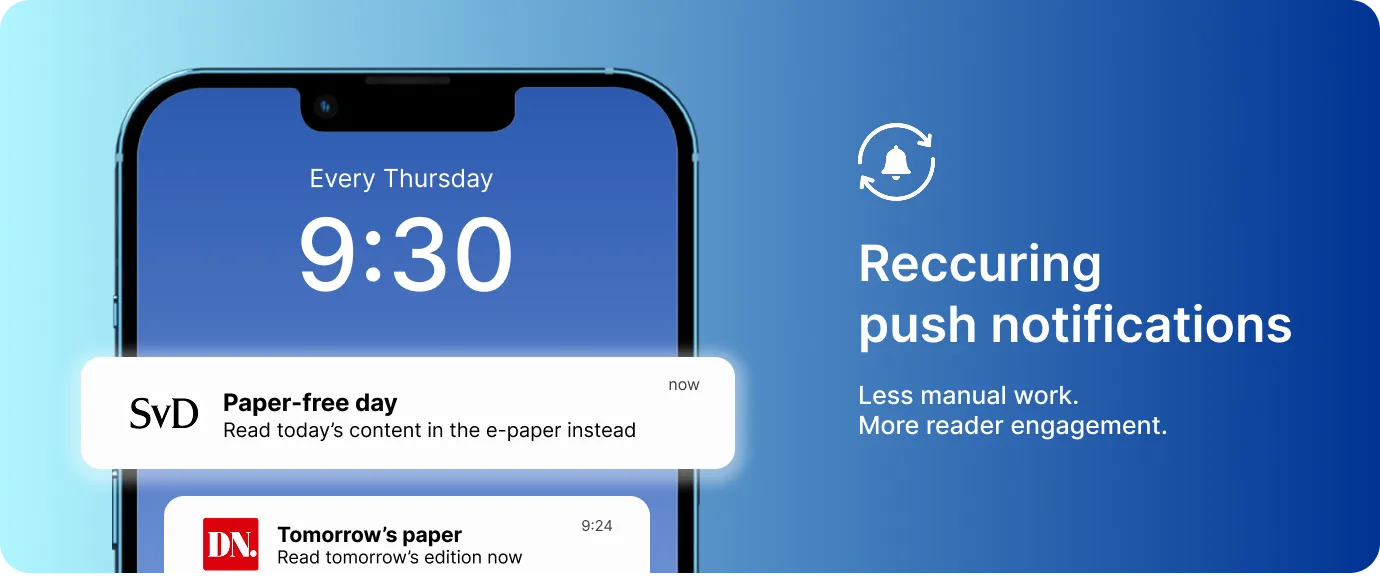](https://www.prenly.com/support/marketing/createsend-push-notification/)
In theory, most publishers agree on the value of regular communication. In practice, consistency often breaks down when it depends on manual effort.
Weekly alerts. New issue notifications. Ongoing campaigns.
When every send requires someone to remember, log in, and repeat the same setup, even the best intentions fade over time.
That’s why recurring workflows matter.
With recurring push notifications already available, consistency no longer has to be recreated every week. Instead, publishers can set up a routine once – and let it run automatically in the background.
**Tips for 2026:**
Start using workflows where rhythm is already built in, so consistency becomes reliable rather than fragile.
**How to get started:**
Begin by identifying one message that goes out regularly – for example a “new issue available” notification or information about a new podcast episode. Set it up once as a recurring notification, and review it periodically instead of rebuilding it every time.
**[View the setup guide for recurring push notifications ->](https://www.prenly.com/de/support/marketing/push-benachrichtigung-erstellensenden/)**
## 2. Publish once, distribute everywhere
[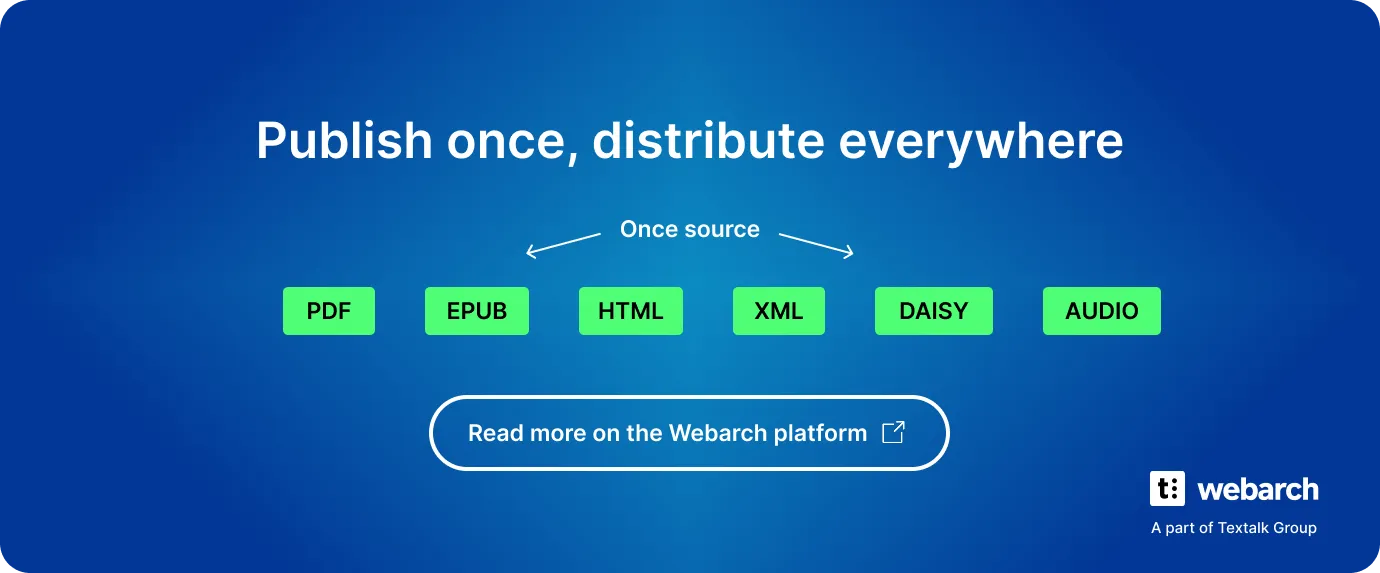](https://webarch.io/multi-channel-publishing/)
Publishing rarely happens in just one place. The same content often needs to reach multiple channels – apps, libraries, aggregators, or partner platforms.
In 2025, many publishers realised that the biggest drain on time wasn’t publishing itself, but re-publishing: exporting, reformatting, uploading, and double-checking the same content over and over again.
Automation here isn’t about doing more, faster. It’s about removing duplicated effort so publishers can focus on editorial quality, audience value, and strategic decisions.
With multi-channel publishing already in place, content can be published once and distributed automatically to the channels that need it.
**Tips for 2026:** Take advantage of workflows that remove repeated handoffs between systems, so focus stays on content rather than logistics.
**How to get started:** Map out where your content is currently published manually. If the same edition is exported or uploaded more than once, that’s a strong candidate for automated distribution.
[**Read more about MCP on Webarch ->**](https://webarch.io/multi-channel-publishing/)
**[Contact us to get started ->](https://www.prenly.com/contact-us)**
## 3. Share access to your content
Another clear signal from 2025 was how publishers thought about access.
Instead of treating content as either fully locked or fully open, more publishers experimented with selective openness:
- sharing a single issue outside the paywall
- opening specific editions for a limited time
- making older publications publicly available
This approach recognises an important reality: not all content has the same role.
Some editions are designed to convert. Others are meant to introduce new readers, build trust, or re-engage existing audiences.
**Tips for 2026:** Use access intentionally. Decide what each piece of content is meant to achieve and unlock it accordingly.
**How to get started:**
Choose one edition with long-term value and test opening it up or sharing it externally. Observe how readers interact with it before deciding what to unlock next.
**[How to share one issue ->](https://textalk-group.intercom-clicks.com/via/e?ob=3MnMCvHD19j4ks%2F59Xnn8dCiuHGXcOpNCD%2FBz6j4Dh3UvGwAZResAcl7y1lajjaSX5sfgR784mOMQWC0nLTaZw%3D%3D&h=14dd300de24750ec767061047fc0972aaf44e19f-fgjz7won_preview77475553)**
**[How to open a selected issue ->](https://textalk-group.intercom-clicks.com/via/e?ob=VGKfaRQaI5QkbuV2NIjuxASFkqRx1%2BPQ0ZiY5DVyhnx0kHCMVPibzFih3075GNLH0gjxm4SvT8l8w9On4cXIrA%3D%3D&h=56e63a3c96aff956d6f04e83ca2fdb0ba8eb5d4f-fgjz7won_preview77475553)**
**[How to make your publications public ->](https://textalk-group.intercom-clicks.com/via/e?ob=6hBFWx22cwUFbxPwx7m2ftzpMoS6pueJDshwIGsiipXt7ZB2vUqWTVd6xy%2FSGiGN09yqClOBdngt81N691I%2Bv3xBAIb5e3AvTqBkdIsOim4%3D&h=186c26be172f8ec732b14041de0063d5d7803318-fgjz7won_preview77475553)**
## **4.** When trust is built into the publishing workflow
Trust, transparency, and compliance have always been fundamental in digital publishing. That hasn’t changed.
What did become clearer in 2025 is how important it is to make these principles practical and visible in everyday workflows.
When privacy policies are easy to create, host, and maintain, compliance stops being something publishers postpone. Instead, it becomes a natural part of publishing operations.
Making it easier to do the right thing increases the likelihood that it actually gets done.
**Tips for 2026:** Treat privacy and transparency as part of product quality, not background documentation.
**How to get started with Privacy policy pages:** Create and host your privacy policy page directly in Prenly. Our privacy policy generator helps you with the content: just fill in the template, add how you handle personal data, and your privacy policy is ready to publish.
*Please note: you’re responsible for making sure the final text matches how your company uses personal data.*
**[Create your privacy policy in minutes ->](https://privacy.prenly.co/)**
## A simple way to start 2026
If you’re looking for a practical takeaway from all of this, start small:
- remove one manual step from your workflow
- automate one recurring task
- and make one intentional decision about access or transparency
Small changes compound quickly when they reduce friction.
## Next-generation digital publishing
The strongest signal going into 2026 is how publishing teams want to work.
In 2026, successful digital publishing will be less about doing more and more about using what’s already available to work consistently, efficiently, and with greater focus on readers.
That’s the direction we’re excited to support and we look forward to continuing the journey together this year.
## Related articles
- [ Unified App for Publishers: Why Media Houses Are Moving Beyond Separate News & E-Paper Apps](https://www.prenly.com/blog/why-a-unified-app-is-the-smartest-choice-for-publishers)
---
URL: https://www.prenly.com/magazines
# Magazines
[Deutscher Kanu-Verband](https://www.prenly.com/magazines/deutscher-kanu-verband): 13 Sep 2026 Magazines
[Deutscher Kanu-Verband](https://www.kanu-verlag.de/Zeitschrift-KANU-SPORT-51743.html)
---
URL: https://www.prenly.com/magazines/deutscher-kanu-verband
# testar
> Discover the official Deutscher Kanu-Verband e-magazine on Prenly. Explore exciting canoeing stories, club news, and updates for paddling enthusiasts.
13 Sep 2026

[Visit Deutscher Kanu-Verband](https://www.kanu-verlag.de/Zeitschrift-KANU-SPORT-51743.html)